What is GDPR and why does it matter for WooCommerce?
The General Data Protection Regulation is the EU's data protection law, in effect since May 25, 2018. It applies to any business that processes personal data of EU residents, regardless of where that business is located. The official GDPR regulation text runs to 99 articles across 11 chapters, but the core idea is straightforward: individuals own their data, and businesses must handle it responsibly.
For WooCommerce store owners, this is not an abstract regulation. Your store collects names, email addresses, shipping addresses, payment details, IP addresses, and browsing behavior with every order. That is personal data under GDPR, and it comes with specific obligations.
The regulation grants individuals eight core rights, including the right to access, rectify, and erase their personal data. As a store owner, you must fulfill these requests within 30 days. If your WooCommerce store serves even a single customer in the EU, GDPR applies to you.
Is WooCommerce GDPR compliant out of the box?
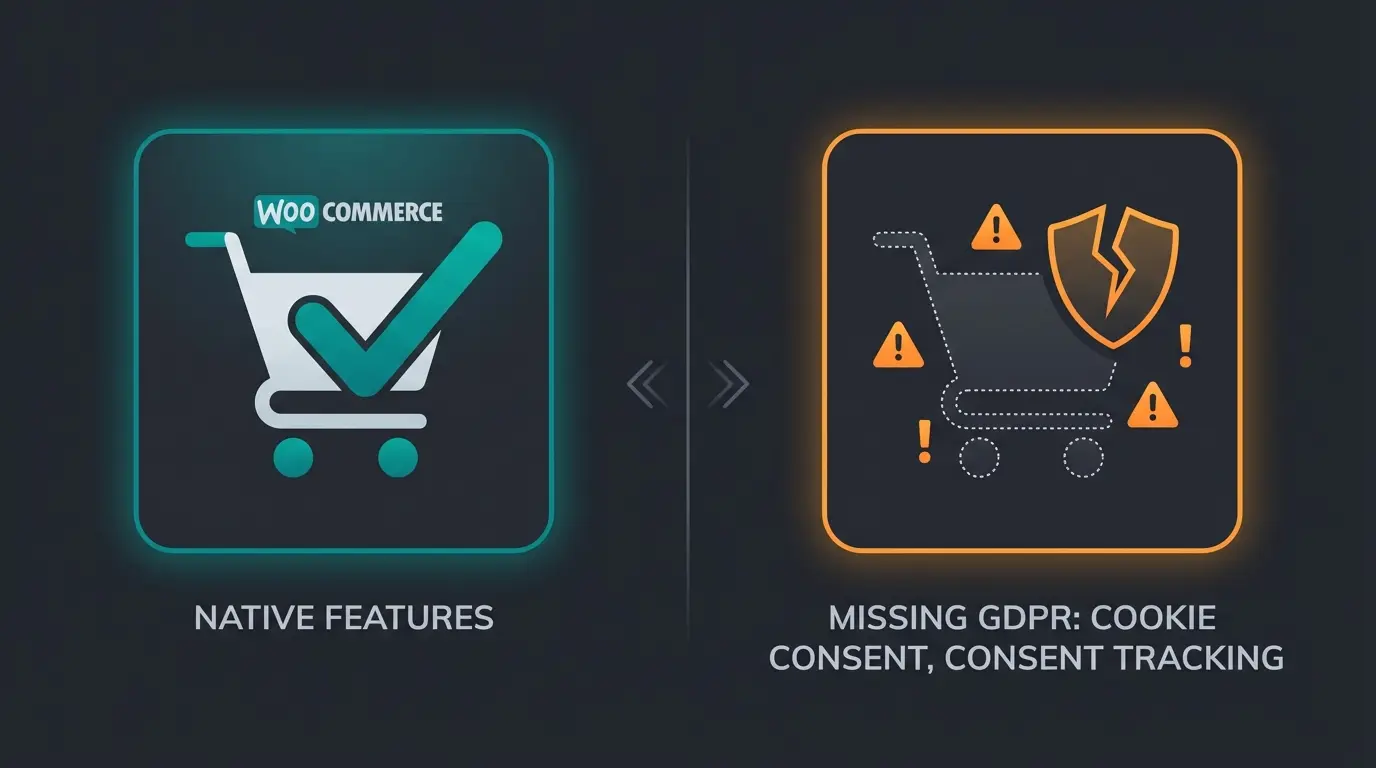
Partially. WooCommerce, together with WordPress (since version 4.9.6), provides a set of basic tools that support compliance. But "supports compliance" and "is compliant" are two very different things. I have seen store owners assume they are covered because WordPress added privacy tools in 2018. They are not.
| Capability | Native support | Status |
|---|---|---|
| Privacy policy page template | WordPress Settings > Privacy | Included |
| Personal data export | Tools > Export Personal Data | Included |
| Personal data erasure | Tools > Erase Personal Data | Included |
| Data retention settings | WooCommerce > Accounts & Privacy | Included |
| Checkout privacy policy link | Built-in | Included |
| Restrict reviews to verified buyers | WooCommerce > Products | Included |
| Cookie consent banner | Not available | Missing |
| Automated cookie scanning | Not available | Missing |
| Granular consent tracking | Not available | Missing |
| Google Consent Mode v2 | Not available | Missing |
| Third-party plugin data audit | Not available | Missing |
| Cross-border transfer documentation | Not available | Missing |
The gap matters. Without a cookie consent banner, your WooCommerce store drops tracking cookies before visitors consent. That is a clear GDPR violation. Without granular consent management, you cannot prove that visitors agreed to specific types of data processing.
When configuring WooCommerce reviews, restricting reviews to verified buyers is a useful GDPR measure. Verified buyers already accepted your privacy policy at checkout, reducing the need for additional consent checkboxes on review forms.
If you are building a new store, the complete WooCommerce setup guide covers the technical foundation. GDPR configuration should happen right after installation, not as an afterthought.
WooCommerce GDPR compliance checklist
Every requirement, mapped out. If you are comparing this to Shopware GDPR compliance, the core requirements are identical. The implementation differs by platform, but the legal obligations do not.
- SSL certificate - HTTPS encrypts data in transit between customers and your server. Non-negotiable baseline.
- Privacy policy page - Describe what data you collect, why, how long you retain it, and who has access. WordPress provides a template under Settings > Privacy.
- Cookie consent banner - Must appear before any non-essential cookies load. Requires accept and reject buttons. Pre-ticked checkboxes violate GDPR.
- Checkout consent checkboxes - Separate consent for terms and conditions, privacy policy, and marketing communications. No bundling.
- Data minimization - Only collect fields you actually need at checkout. Remove optional fields that serve no business purpose.
- Data retention policy - Define how long you keep inactive accounts, pending orders, failed orders, and completed orders. Configure in WooCommerce > Settings > Accounts & Privacy.
- Personal data export - Must respond to data access requests within 30 days. WordPress provides the tool natively under Tools > Export Personal Data.
- Right to erasure - Handle "right to be forgotten" requests. Note: you may retain data required for tax or legal obligations.
- Third-party plugin audit - Every plugin that processes personal data must be GDPR-compliant. Check documentation, contact developers if unclear.
- Cross-border data transfer documentation - If hosting, payment processors, or analytics tools transfer data outside the EU, document the legal basis. The EU-US Data Privacy Framework (adopted July 2023) provides a mechanism, but faces ongoing legal scrutiny in 2026.
WooCommerce GDPR settings and configuration
Here is a step-by-step walkthrough of every GDPR-relevant setting in WooCommerce. The WooCommerce official GDPR documentation covers the developer perspective. This section focuses on what you, as a store owner, need to configure.
WordPress privacy settings
Navigate to Settings > Privacy in your WordPress dashboard. Select an existing page as your privacy policy or create a new one using the built-in template. This page is automatically linked from the WooCommerce checkout. Customize the template to reflect the specific data your store collects, including payment processors, analytics tools, and any third-party integrations.
Accounts and privacy settings
Go to WooCommerce > Settings > Accounts & Privacy. This is where the core GDPR configuration lives.
Data retention: Set reasonable retention periods. Inactive accounts at 24 months, pending orders at 7 days, failed orders at 14 days, cancelled orders at 14 days, and completed orders at 36 months. Check your local tax authority's requirements before setting completed order retention, as some jurisdictions require longer record-keeping.
Personal data removal: Enable "Remove personal data from orders on request" and "Remove access to downloads on request." Also enable "Allow personal data to be removed in bulk from orders." These settings power the data erasure workflow when customers invoke their right to be forgotten.
Checkout consent: Enable the privacy policy checkbox at checkout. Link it to your privacy policy page. If you collect email marketing consent at checkout, this must be a separate, unticked checkbox.
Review settings
Under WooCommerce > Settings > Products, enable "Reviews can only be left by verified owners." Verified buyers already accepted your privacy policy at account creation or checkout. This reduces the need for additional consent mechanisms on review forms.
Best WooCommerce GDPR plugins compared
No single plugin makes you compliant. But the right cookie consent plugin closes the biggest gap in WooCommerce's native GDPR support: managing visitor consent for cookies and third-party scripts. I have tested the major options across client implementations. Here is how they compare.
| Plugin | Pricing | Key strength | Installs / Rating | Best for |
|---|---|---|---|---|
| Complianz | $55/year | 250+ WordPress integrations, local data storage, legal document generator | 800k+ / 4.9 | WordPress-only stores needing deep integration |
| CookieYes | Free / from $10/mo | Cross-platform (WP, Shopify, Wix), geo-targeting, 30+ languages | 1.5M+ / 4.7 | Multi-platform businesses |
| [GDPR Cookie Compliance](https://wordpress.org/plugins/gdpr-cookie-compliance/) (Moove) | Free / $69+ | Google Consent Mode v2, lightweight, WCAG accessible | 300k+ / 4.6 | Budget-conscious stores needing a solid free option |
| Borlabs Cookie | EUR 59/year | Content blocker, script merger, German-language excellence | N/A (premium) | DACH-region stores |
| WPConsent | Free / $99/year | Automatic script blocking, WordPress-native architecture | New / 4.8 | Stores wanting zero-config cookie blocking |
Plugin selection depends on your stack. If your entire web presence runs on WordPress, Complianz offers the deepest integration at the best price point. For multi-platform businesses, CookieYes works across different CMS systems. Borlabs Cookie is the standard for DACH-region stores that need German-language support and precision configuration.
One pattern I see repeatedly across implementations: store owners install a cookie consent plugin and assume they are done. The plugin handles consent banners. It does not handle your privacy policy text, your data retention settings, your checkout checkboxes, or your response process for data access requests. Those remain your responsibility.

GDPR for customer communication channels
GDPR does not end at the checkout. Every customer communication channel that processes personal data requires its own compliance layer. This is where most store owners have a blind spot.
Email marketing: Double opt-in is the standard for GDPR-compliant email lists. A confirmation email after signup, with an explicit link the subscriber must click. Unsubscribe links must be visible in every email. Tools like Mailchimp, Klaviyo, and Brevo offer built-in GDPR features, but you must configure them correctly.
Live chat and messaging: If you use live chat, WhatsApp Business, or any messaging channel, you need a data processing agreement (DPA) with the provider. Visitor consent must be obtained before the chat widget loads or before personal data is shared. For WhatsApp specifically, the WhatsApp Business GDPR compliance guide covers the consent requirements in detail.
AI-powered customer service: If you use AI tools for product advisory or customer support, the same GDPR rules apply. Data processing agreements, consent mechanisms, and data retention policies must cover the AI system. At Qualimero, GDPR compliance is built into every AI employee deployment. Data processing agreements are standard. Customer data is processed within the EU. Consent is handled automatically within the conversation flow.
For Rasendoktor, an online lawn care retailer, this meant their AI employee Hektor could handle 100% of webchat inquiries while maintaining full GDPR compliance, achieving a 16x ROI. The compliance was not an afterthought. It was part of the architecture from day one.
More traffic is only half the equation. An AI employee converts visitors into buyers, fully GDPR-compliant, with results like 7x higher conversion rates for e-commerce stores.
Book a demoFAQ: WooCommerce GDPR
Partially. WooCommerce provides basic tools like personal data export, data erasure, and data retention settings since WordPress 4.9.6. However, critical features like cookie consent management, automated cookie scanning, and granular consent tracking are missing. You need additional plugins and configuration to achieve full compliance.
WordPress core (version 4.9.6 and higher) includes privacy tools: a privacy policy template, personal data export, personal data erasure, and a comments consent checkbox. These are foundations, not a complete solution. Full compliance requires additional plugins for cookie consent, data retention automation, and third-party integration audits.
Yes, if your store serves EU customers. GDPR applies based on where the customer is located, not where the business is based. If your WooCommerce store receives traffic from or sells products to EU residents, you must comply. The EU-US Data Privacy Framework provides a legal mechanism for cross-border data transfers, but does not exempt you from GDPR obligations.
Fines of up to EUR 20 million or 4% of global annual revenue, whichever is higher. In 2025, European data protection authorities issued over 330 fines totaling EUR 1.2 billion. Beyond fines, non-compliance erodes customer trust and can block your access to EU payment processors and advertising platforms.
Navigate to Tools > Erase Personal Data in your WordPress dashboard. Enter the customer's email address and send a confirmation request. Once confirmed, click "Erase Personal Data." Enable the WooCommerce settings for removing personal data from orders and downloads on request under WooCommerce > Settings > Accounts & Privacy.
Yes, if your store uses any non-essential cookies, which nearly all WooCommerce stores do (analytics, marketing pixels, third-party integrations). The banner must appear before non-essential cookies load, offer clear accept and reject options, and never use pre-ticked checkboxes. Plugins like Complianz, CookieYes, or GDPR Cookie Compliance by Moove handle this.
The same rules apply as for any data processor: data processing agreements must be in place, customer consent must be obtained, data retention policies must be defined, and data must be processed within approved jurisdictions. At Qualimero, AI employees process data within the EU with DPAs standard for every deployment.
Qualimero AI employees handle product advisory 24/7, fully GDPR-compliant, with proven results across 25+ e-commerce stores.
Start your free trial
Lasse is CEO and co-founder of Qualimero. After completing his MBA at WHU and scaling a company to seven-figure revenue, he founded Qualimero to build AI-powered digital employees for e-commerce. His focus: helping businesses measurably improve customer interaction through intelligent automation.