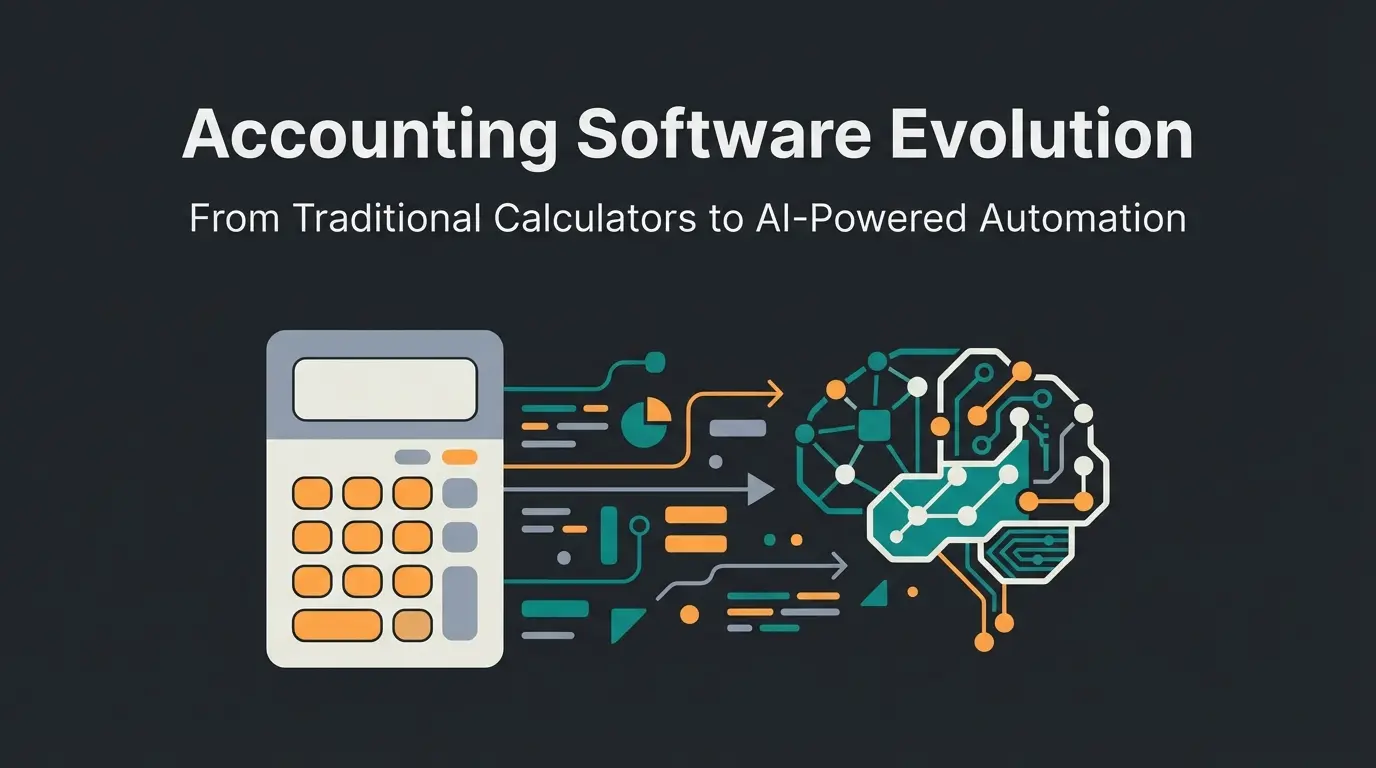
Introduction: Why Excel Is No Longer an Option
Let's be honest: How much time do you spend each month formatting invoices, sorting receipts, or checking payment receipts in your bank account? If you're still using Word or Excel for your invoices, you're not just wasting valuable time—starting in 2025, you'll be walking on extremely thin ice.
The landscape of invoice software has changed radically in recent years. It's no longer just about creating a PDF that says "Invoice" on it. It's about compliance (GoBD), the new e-invoicing mandate, and above all, automation through Artificial Intelligence (AI). According to Kleeberg, these changes represent a fundamental shift in how businesses must handle their invoicing processes.
The problem: Anyone searching for "invoice software" on Google gets overwhelmed by a flood of "Top 10" lists. These lists often compare apples with oranges—pure invoicing tools with complex accounting suites.
This article is different. We don't just list tools. We act as your digital consultant. We analyze the market based on your business model, integrate the latest insights on AI automation, and clarify once and for all what e-invoicing 2025 means for your workflow. Companies like Qualimero, recognized as a Top 10 startup, are leading this transformation with intelligent consultation approaches.
The Big Shift: E-Invoicing 2025 and the Role of AI
Before we look at the tools, we need to talk about the elephant in the room: The legal changes starting in 2025 and the technological revolution through AI.
The E-Invoicing Mandate: What You Need to Know Now
From January 1, 2025, the obligation to receive e-invoices in B2B transactions comes into force in Germany. The Growth Opportunities Act (Wachstumschancengesetz) has created clear facts here, as detailed by Sage and the IHK.
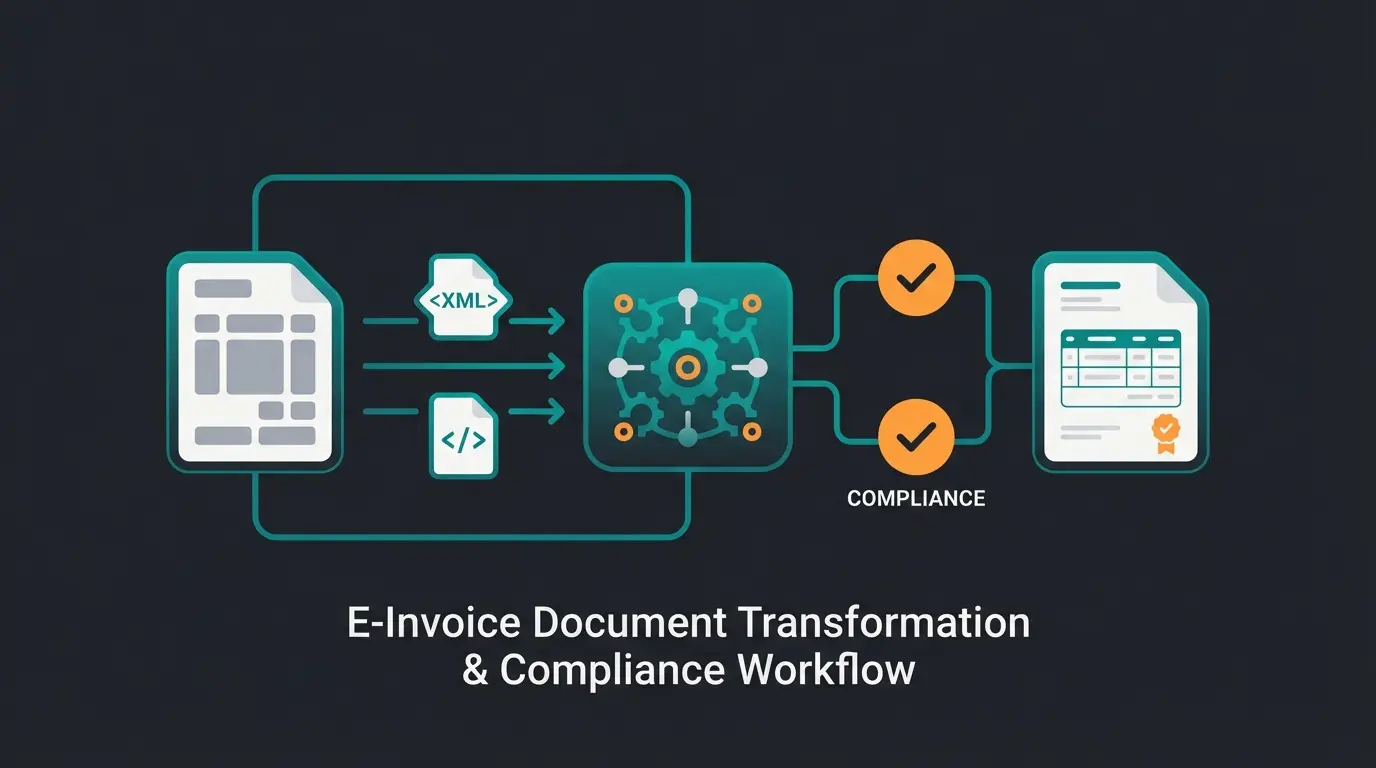
- What is an e-invoice? A simple PDF via email is no longer sufficient. An e-invoice must be in a structured data format (XML) that complies with the European standard EN 16931. Common formats are XRechnung and ZUGFeRD (a hybrid of PDF and XML), as explained by the WKO.
- The reception obligation (from 01.01.2025): Every company, from freelancer to GmbH, must be technically capable of receiving and correctly processing these formats. According to Czarah Steuerberaterin and ETL Steuerrecht, anyone who ignores this risks losing their input tax deduction.
- The issuance obligation (transition periods): While reception is immediately mandatory, there are transition periods for sending. Until the end of 2026, B2B transactions can still be executed as paper or PDF invoices. According to FastBill, from 2027/2028, things get tighter depending on annual revenue.
Why is this important for software selection? An outdated invoice program or an Excel template cannot create valid XRechnungen or read ZUGFeRD files. Modern cloud software handles this automatically in the background.
The AI Revolution: More Than Just Text Recognition
While legislators are forcing digitalization, technology is enabling new freedoms. Invoice software is often the first step into the AI world for small business owners today.
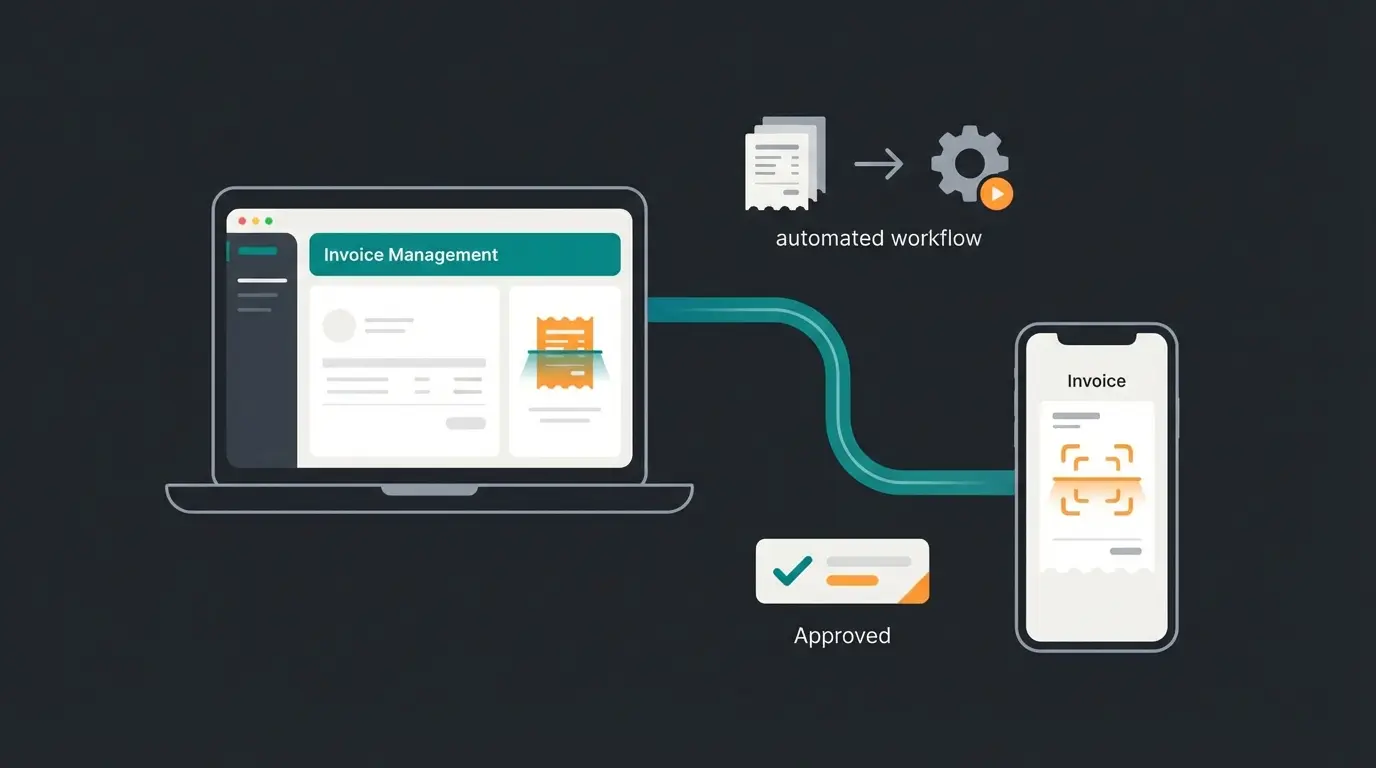
- Intelligent document capture: Tools like Sevdesk or Lexware Office use OCR and AI not just to scan receipts, but to understand the content (vendor, date, amount, tax) and assign it to booking accounts, as detailed by Lexware.
- Cash flow forecasting: Through integration with bank accounts and analysis of open items, tools (often via integrations like Agicap) can predict how much money you'll have available next month, as noted by Sevdesk.
- Automated reconciliation: The software recognizes that the payment from "Müller GmbH" for €119.00 exactly matches invoice No. 2025-001 and automatically marks it as "paid," as explained by Lexware.
Reduction in manual data entry through AI-powered document capture
Modern OCR with AI achieves near-perfect extraction accuracy
Automated bank reconciliation speeds up payment tracking
Comparison Table: Top 5 Invoice Programs at a Glance
Here you can see the market leaders in direct comparison. We evaluate not just the price, but the "smart factor" (automation potential). This comprehensive comparison draws on research from Für-Gründer.de and Shine.
| Software | Price (Start/Month)* | Target Group | E-Invoice (Receive/Send) | AI & Automation | Special Feature |
|---|---|---|---|---|---|
| Sevdesk | from approx. €9.90 | Small business owners, founders | ✅ Yes (ZUGFeRD/XRechnung) | ⭐⭐⭐ (Strong document recognition) | Very intuitive UX, DATEV interface |
| Lexware Office | from approx. €6.90** | Self-employed, small teams | ✅ Yes (GoBD compliant) | ⭐⭐⭐ (Bank reconciliation, payroll) | All-in-one solution incl. payroll accounting |
| FastBill | from approx. €9.00 | Freelancers, tech-savvy users | ✅ Yes | ⭐⭐ (Process focus) | Strong background automation, project focus |
| Easybill | from approx. €10.00 | E-commerce, online retailers | ✅ Yes | ⭐⭐ (Interface focus) | Perfect for Amazon/Shopify sellers |
| Zervant | Free (Basic) | Micro-businesses | ⚠️ Limited (in free plan) | ⭐ (Basic functions) | Easiest entry, but less automation |
Prices may vary depending on promotions and payment method (monthly/annually). Research status: 2025.
Note on Lexware: Price adjustments announced for July 2025, according to the Lex-Blog.
Deep Dive: The Best Tools in Detail (By User Type)
There is no universal "best" program. There's only the best program for your use case. We've divided the tools into three categories to make your decision easier. This approach reflects the intelligent consultation methodology that earned Qualimero recognition as a T-Challenge finalist.
Category 1: For Small Business Owners & Founders
Keywords: invoice software for small business, free invoice software
Anyone who is just starting out or uses the small business regulation (Kleinunternehmerregelung) primarily needs one thing: simplicity and security. You don't want to become an accounting expert—you want to write correct invoices.
Sevdesk
Sevdesk has established itself as the standard for modern founders. The interface is clean and avoids "bureaucratic jargon." According to Trusted.de, it consistently ranks among the top choices for small businesses.
- Why it fits: It fully covers the e-invoicing requirement and offers an excellent app for scanning receipts on the go. For small business owners, there are specific settings to correctly display VAT on invoices (or omit it).
- AI Factor: The automatic assignment of receipts to bank transactions saves enormous amounts of time.
- Costs: Often starts cheaply with discount promotions, but offers scalability as the business grows, as noted by Sevdesk and Expert-Line.
Lexware Office (formerly lexoffice)
The big competitor to Sevdesk. Lexware Office scores particularly well when accounting gets a bit "more serious" or when a tax advisor needs direct access, according to Lexware.
- Why it fits: The integration with online banking is market-leading. If you have many small expenses, the automated booking here is worth its weight in gold. It also offers integrated payroll accounting—a USP if you're hiring your first employee.
- Important: Pay attention to the price adjustments in 2025. Secure annual licenses before deadlines if necessary.
Category 2: For Freelancers & Service Providers
Keywords: write invoice program, invoice software
Freelancers sell time. Every minute in accounting is unpaid work time. Here, time tracking and project allocation are crucial.
FastBill
FastBill is strongly aimed at the digital bohemians and agencies. According to Digital-Affin, it excels in process-oriented workflows.
- Why it fits: It's less "accountant-like" and more "process-oriented." You can create projects, track time, and convert these into invoices with a single click.
- AI & Automation: FastBill offers strong features for background processing of receipts (GetMyInvoices integration often possible) and prepares the data so that the tax advisor barely has any follow-up questions, as detailed by FastBill.
- Special feature: Very good API for those who are technically savvy and want to build their own workflows, as noted on FastBill's developer page.
Category 3: For E-Commerce & Retailers
Anyone who sells physical products has different concerns: delivery notes, returns, and hundreds of invoices per month.
Easybill
Easybill is the undisputed specialist for online retailers.
- Why it fits: The software automatically imports orders from Amazon, eBay, Shopify, or WooCommerce and creates the invoices for them.
- Automation: This isn't about AI chatbots, but hard process automation. When a customer buys on Amazon, they automatically receive the invoice and (if desired) the delivery note without you lifting a finger.
Stop wasting hours comparing features. Our AI consultant analyzes your business needs and recommends the ideal invoice software in seconds—trusted by industry leaders who recognized us with a K5 Commerce Award.
Get Your Free RecommendationDecision Helper: Your Personal Consultation Framework
Instead of blindly following a recommendation, use this decision matrix. Answer the questions to find your software. This consultative approach is what sets intelligent business solutions apart, as demonstrated at the EHI Tech Days.
Do you sell services/time or physical products? Services → Sevdesk/FastBill. Products → Easybill
Does your tax advisor use DATEV? Yes → Lexware Office or Sevdesk for best data service interfaces
Less than 5 invoices/month? Free tools may suffice. More → Invest ~€10-15 for automation ROI
Verify e-invoice reception capability (mandatory from 2025) and GoBD certification
Step 1: The Business Model
- Do you sell services/time? → Yes: Look at FastBill or Sevdesk. Focus on time tracking and mobile app. → No, I sell goods: Easybill is probably your best choice because of the interfaces.
Step 2: Collaboration with Your Tax Advisor
- Does your tax advisor use DATEV? → Yes: Lexware Office and Sevdesk offer the best DATEV data service interfaces. This saves the advisor time and you costs for the annual financial statements, as noted by Für-Gründer. → No / I do a lot myself: A tool with integrated income-surplus calculation (EÜR) like WISO MeinBüro or the major cloud tools is mandatory.
Step 3: Budget & Volume
- Do you write fewer than 5 invoices per month? → Yes: A free tool like Zervant (Free Tier) or Qonto (if you have your account there) can suffice. But be careful with e-invoicing (see below). → No: Invest the approx. €10-15. The time savings through automation will recoup the costs in the first month.
Free vs. Paid: What Do You Really Get?
Target Keyword: free invoice software
"Free" is the most powerful magic word on the internet. But with invoice software, being stingy can be expensive. Let's analyze when free tools make sense and when they become dangerous.
The Dangers of "Free"
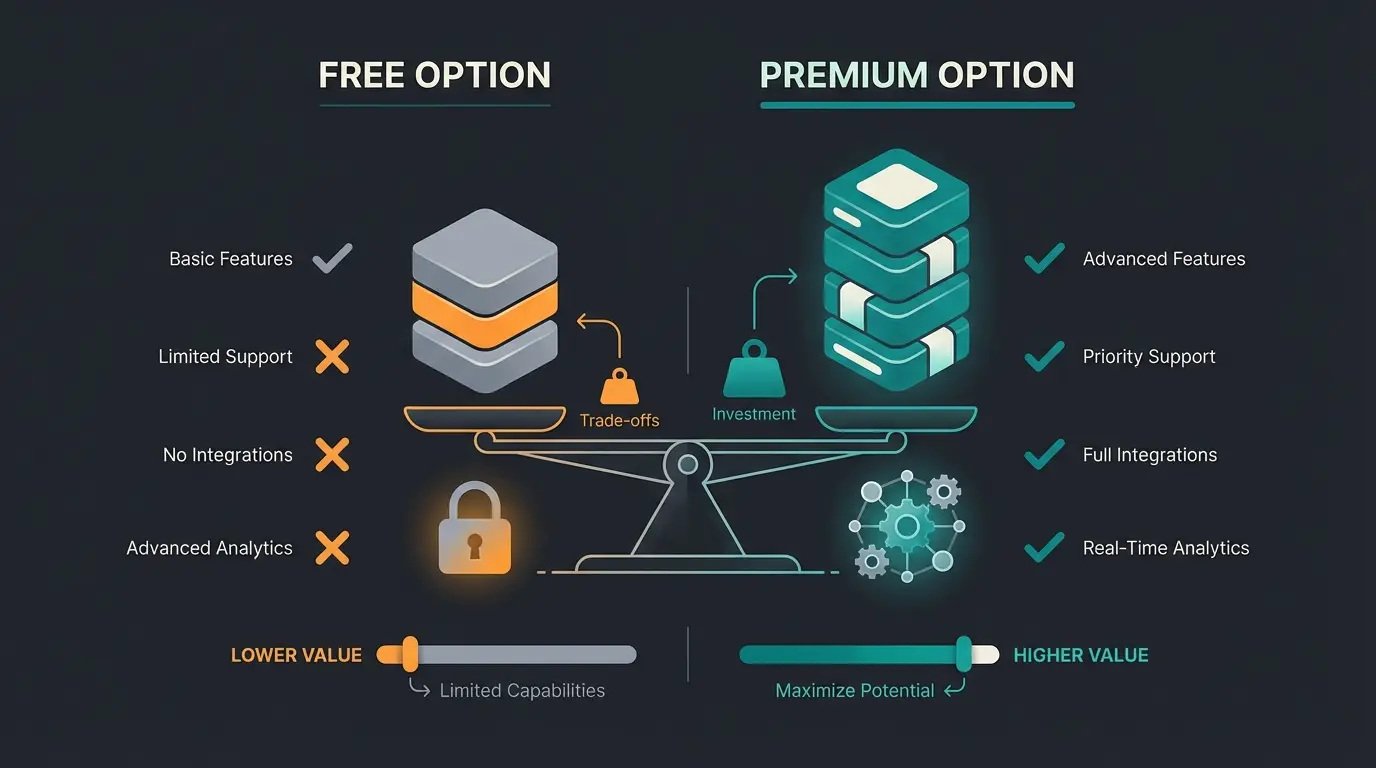
- E-invoice & GoBD: Many free tools (or old Excel templates) are not GoBD-certified. This means they don't log changes to invoices in a revision-proof manner. During a tax audit, the tax office can reject your bookkeeping and estimate revenues—that gets expensive, as warned by Hamburger-Software.
- Limited formats: As our research shows, the free plan from Zervant often only offers PDF invoices, but no valid XRechnungen/ZUGFeRD for B2B transactions, which become mandatory from 2025, according to Zervant.
- Support & updates: Laws change (see Growth Opportunities Act). Paid SaaS providers (Software as a Service) automatically roll out updates. With freeware, you're often on your own.
When is Free Okay?
If you're a small business owner, sell exclusively B2C (to private customers), and have very few receipts, tools like the basic version of Zervant or integrated invoicing tools from neobanks (like Qonto or Finom) can suffice, as detailed by Qonto and Experte.de. But pay close attention to ensure that from 2025 you can at least receive and archive e-invoices.
Practical Tips for Implementation (Onboarding)
You've decided on an invoice program? Here's how to get started smoothly:
- Define number ranges: Don't start at invoice No. 1. That looks small to customers. Use a format like YEAR-MONTH-NO (e.g., 2025-01-001). All good tools let you set this up.
- Use text modules: Store standard texts for email sending, payment reminders, and footers (terms and conditions, small business notice).
- Activate bank connection immediately: The biggest lever for efficiency is linking to your business account. Only then does automatic payment reconciliation work.
- Invite your tax advisor: Give your tax advisor direct access right away. They can often help with initial setup (chart of accounts) and avoid mistakes.
Conclusion: The Best Software Is the One You Don't Notice
The search for the perfect invoice program in 2025 is not a question of price, but of process security. The introduction of the e-invoicing mandate is forcing companies to act, but it also offers the opportunity to finally abolish dusty paper processes.
- For small business owners and founders, Sevdesk or Lexware Office are the safest all-rounders. They take away your fear of the tax office and grow with you.
- For freelancers, FastBill offers the best workflow between time tracking and billing.
- For online retailers, there's hardly any way around Easybill.
FAQ: Frequently Asked Questions About Invoice Software
Theoretically yes, but practically hardly feasible anymore. Excel does not meet GoBD requirements (immutability) by default and cannot create valid e-invoice formats (XML) that become mandatory in B2B transactions. The risk is extremely high.
Zervant offers a solid free entry point. Sevdesk and Lexware also often offer very affordable entry-level plans or long trial phases. Make sure that e-invoice reception is guaranteed. According to Sevdesk's guide, the free tier covers basic needs well.
From 01.01.2025, you must be able to receive e-invoices in B2B transactions. An obligation to write e-invoices does not necessarily exist for small business owners (§ 19 UStG) for now, as there are exceptions, but it's advisable to prepare for it since many business partners will demand it.
AI (Artificial Intelligence) primarily helps with document capture (OCR) by automatically reading invoice data and pre-assigning it to accounts. It also helps with cash flow planning and automatically reconciling open invoices with bank receipts.
Both Sevdesk and Lexware Office offer excellent DATEV data service interfaces. This allows your tax advisor to access your data directly, reducing preparation time for annual financial statements and minimizing errors in data transfer.
Join thousands of businesses that have streamlined their invoicing process with AI-powered recommendations. Get a personalized software suggestion based on your specific business needs in under 60 seconds.
Start Free Consultation