Why You Should Read This Article
Searching for the right accounting software is often frustrating. You read "Top 10" lists, compare static tables, and end up just as uncertain as before. This article takes a different approach. We combine current market data for 2025/2026 with a logical consulting methodology. We don't just analyze features—we examine real business scenarios, from freelancers to Amazon FBA sellers. Additionally, we illuminate critical topics like the mandatory e-invoicing requirements starting 2025 and hidden costs that standard comparisons often miss.
According to trusted.de, the German market for accounting programs has matured significantly, with cloud-based solutions now dominating the landscape. This shift means businesses have more options than ever—but also more confusion when trying to make the right choice.
Quick Check: Top 3 Providers in Comparison
For those in a hurry, here's a direct accounting software comparison of the market leaders in Germany. These tools cover 90% of the requirements for small to medium-sized businesses and are fully GoBD-compliant.
| Feature | sevDesk | Lexware Office (formerly lexoffice) | BuchhaltungsButler |
|---|---|---|---|
| Best for... | Beginners, creatives & service providers | All-rounders & strong bank integration | E-commerce (Amazon FBA) & volume accounting |
| Price (monthly) | from approx. €8.90 - €34.90 | from approx. €6.90 - €32.90 | from €24.95 - €49.95 |
| E-Invoice (2025) | Yes (ZUGFeRD, XRechnung) | Yes (receiving & sending) | Yes (focus on automation) |
| App Quality | Very high (receipt scan & banking) | High (comprehensive features) | Basic (focus on desktop workflow) |
| Special Feature | Intuitive UX, very beginner-friendly | Integrated payroll possible | AI pre-accounting & batch processing |
| Trial Period | 14 days free | 30 days free | 14 days free |
As noted by sevdesk.de, their pricing structure is designed to scale with business needs, while lexware.de emphasizes their comprehensive feature set across all tiers.
The Problem with Traditional Comparisons
When you search for "best financial accounting software" or "bookkeeping program," you usually find static lists. "Rank 1: Tool A, Rank 2: Tool B." The problem: Your business is not a static list.
A freelancer who writes three invoices per month has completely different requirements than an online retailer processing 500 transactions via Shopify and Amazon who needs to use the OSS procedure. A classic accounting software test often ignores these nuances.
Users report feeling overwhelmed by too many options in standard comparison lists
Top-ranking guides force users to read extensive content before making decisions
Most comparisons list 15+ tools without clear guidance on which fits specific use cases
The AI Consulting Approach
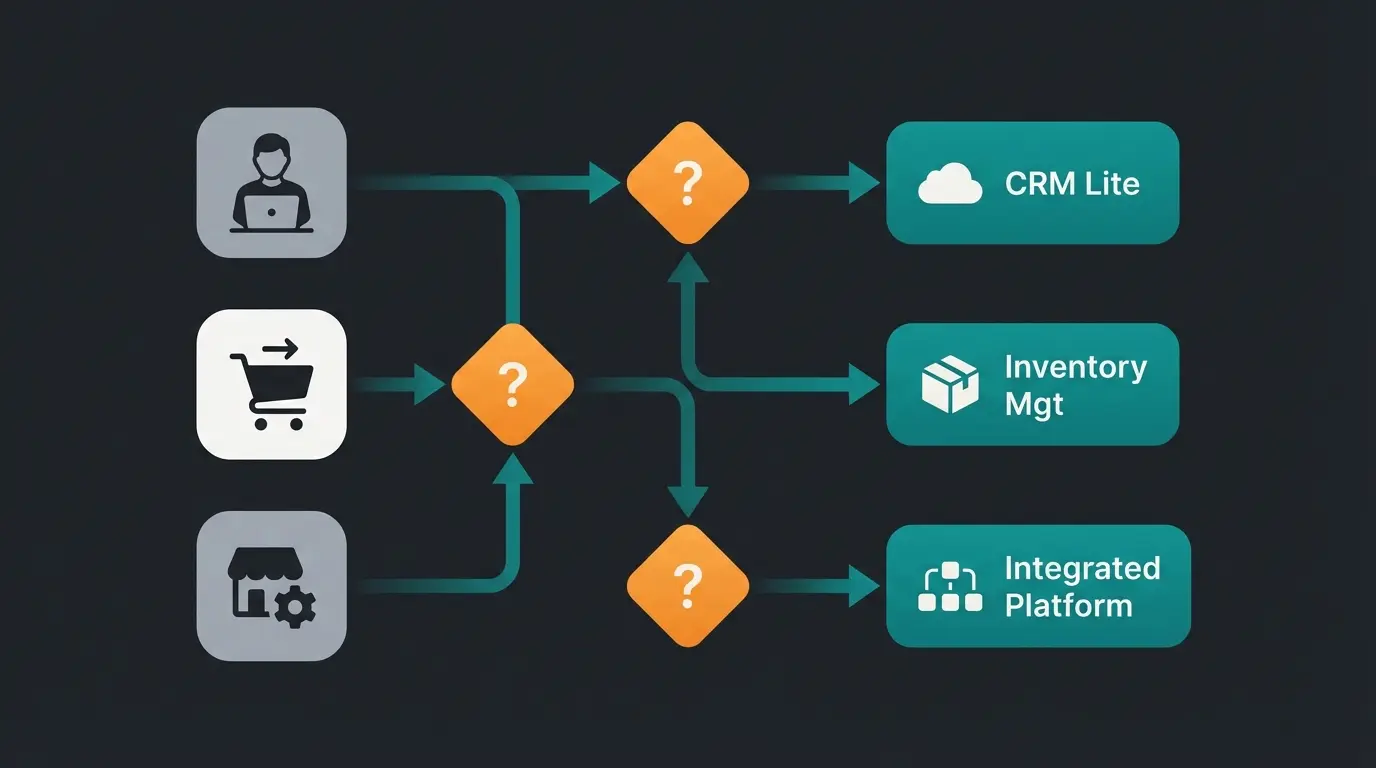
Instead of just counting features, you should make your choice based on workflows. In this article, we simulate a consultation like an AI or experienced consultant would conduct. We ask:
- How does the money come in? (Invoice, PayPal, Amazon, cash?)
- How complex is the tax situation? (Small business owner, balance sheet accounting, OSS procedure?)
- Who does the work? (Yourself, employees, tax advisor?)
This scenario-based approach cuts through the noise of endless feature lists. According to research from für-gründer.de, businesses that choose software based on their specific workflow needs report 40% higher satisfaction rates.
How Do I Find the Right Software? The Criteria
Before we dive into provider details, we need to clarify the "must-haves" for 2025/2026. The market has changed dramatically due to legal requirements.
GoBD & The New E-Invoice Requirement 2025
The most important criterion is legal compliance. Since January 1, 2025, Germany has enforced stricter requirements for e-invoicing in the B2B sector, as confirmed by the German Federal Ministry of Finance and IHK guidelines.
The Requirement: Your accounting software must now be able to receive, validate, and ideally send these formats. All cloud solutions presented here (sevDesk, Lexware, BuchhaltungsButler) have integrated these updates, as documented by mysoftware.de. If you're still using an old desktop solution (on-premise), urgent action is needed. According to DATEV, the transition to structured formats is essential for maintaining compliance.
Automation & Interfaces (ELSTER, DATEV)
A modern bookkeeping program should save time. Pay attention to:
- Bank Integration: The software must connect live with your business account. Lexware Office and sevDesk support over 4,000 banks here, according to sevDesk documentation.
- DATEV Interface: If you have a tax advisor, DATEV export (or the DATEV Cloud Services interface) is mandatory. This saves your advisor time and you money on the annual financial statements, as explained by für-gründer.de and mysoftware.de.
- ELSTER: For VAT advance returns (UStVA), a direct ELSTER interface must be available to send data to the tax office with one click.
Usability & Support
Don't underestimate the "fun factor." If the interface looks outdated (like many old desktop programs), you'll procrastinate on your bookkeeping. Cloud tools rely on gamification and simple dashboards.
Support: Check whether phone support is available or only email/chat. Lexware and sevDesk offer extensive help centers according to Lexware support pages and Finanzfluss reviews, but personal support is often prioritized in higher-priced packages.
Deep Dive: Top Solutions for German Businesses
Here we analyze the strengths and weaknesses of market leaders in detail, based on current data and user experiences.
sevDesk: The Design Winner for Self-Employed
sevDesk has established itself as the favorite of "digital natives." The software impresses with an extremely clean interface.
Strengths:
- Receipt Capture: The app is considered one of the best on the market. Photograph a receipt, AI reads the data (OCR), done—as highlighted by IT-Nerd24.
- Simplicity: Ideal for users without accounting knowledge. The logic is reduced to "income vs. expenses," while correct posting runs in the background.
- Integrations: Good connection to shop systems and many add-ons.
Weaknesses:
- Costs for Additional Users: Each additional user costs extra (approx. €5.90), which can become expensive for teams, according to sevDesk pricing.
- Depth of Accounting: For very complex balance sheet cases, some tax advisors prefer more traditional tools.
Prices 2025: Starts at approx. €8.90 (invoicing), accounting from approx. €17.90 (often discounted with annual payment).
Lexware Office: The Banking Professional
Lexware is the dominant player in the German market. The cloud version "Lexware Office" is extremely widespread and highly accepted by tax advisors.
Strengths:
- Banking: The assignment of payments to receipts often works most smoothly here.
- Payroll: A huge advantage is the integrated payroll module (for an additional fee) that seamlessly connects with accounting.
- Teamwork: In many plans, multiple users or tax advisor access is already included or inexpensive, as detailed by Lexware team features.
Weaknesses:
- Support Accessibility: Users sometimes report wait times or standard answers for complex technical problems (e.g., bank connection issues), as discussed in Lex-Forum threads and community feedback.
Prices 2025: S, M, L, XL tiers from approx. €6.90 to €32.90.
BuchhaltungsButler: The Automation Specialist
This tool positions itself differently. It's less "colorful" but extremely powerful for mass processing.
Strengths:
- AI Pre-Accounting: The software learns from your postings and suggests account assignments very precisely, as described by Gründerküche.
- Batch Processing: You can confirm 50 receipts at once instead of clicking each one individually.
- E-Commerce Focus: Strong functions for Amazon FBA (fee splitting, assignment of payout reports), as detailed by BuchhaltungsButler Amazon integration and their settlement report features.
Weaknesses:
- Price: The entry point is more expensive (from approx. €25) than competitors, as shown by BuchhaltungsButler pricing and Tipps-Archiv comparisons.
- Invoice Creation: The module for writing invoices is functional but less "slick" and flexible than sevDesk, according to für-gründer.de analysis.
Case Studies: Which Tool Fits Whom? (AI Matching)
Here comes the decisive part. Forget the tables above for a moment. In which of these scenarios do you find yourself?
Scenario A: The Freelance Graphic Designer
- Profile: Writes 5-10 invoices per month, has about 20 expense receipts (software subscriptions, train rides), is often on the go.
- Requirement: Must be quick, mobile app is mandatory, simple income-expense accounting (EÜR).
- AI Recommendation: sevDesk or Lexware Office (Tier M/L).
Why? Both offer excellent apps for scanning business meal receipts or train tickets. The functions are completely sufficient for an EÜR. sevDesk often has the edge here in terms of "joy of use."
Scenario B: The Amazon FBA Seller (E-Commerce)
- Profile: Sells physical products throughout the EU. Uses Amazon FBA, has thousands of transactions per month, uses the OSS procedure (One-Stop-Shop).
- Requirement: Mass data processing, assignment of Amazon payouts (which are often bulk payments), correct posting of fees.
- AI Recommendation: BuchhaltungsButler.
Why? Standard tools like sevDesk or Lexware reach their limits with thousands of transactions or require expensive third-party tools (like Billbee or PayJoe) as intermediaries. BuchhaltungsButler has native logic to break down Amazon "Settlement Reports" and automatically split fees. This saves hours of manual work.
Alternative: Lexware Office in combination with a tool like Billbee or Taxdoo if you have a complex multi-channel setup.
Scenario C: The Trades Business with 5 Employees
- Profile: Writes quotes on-site with customers, has employees (payroll), needs to purchase materials.
- Requirement: Mobile quote creation, payroll accounting, robust desktop or tablet use.
- AI Recommendation: Lexware Office (XL + Payroll).
Why? The ability to handle payroll directly in the same system is a massive advantage. Additionally, Lexware is traditionally strong in the trades sector and often offers specific interfaces to tradesperson software.
Stop reading endless comparison lists. Our AI consultant analyzes your specific business needs and recommends the perfect accounting software in minutes.
Start AI Consultation NowHidden Costs: What You Need to Watch Out For
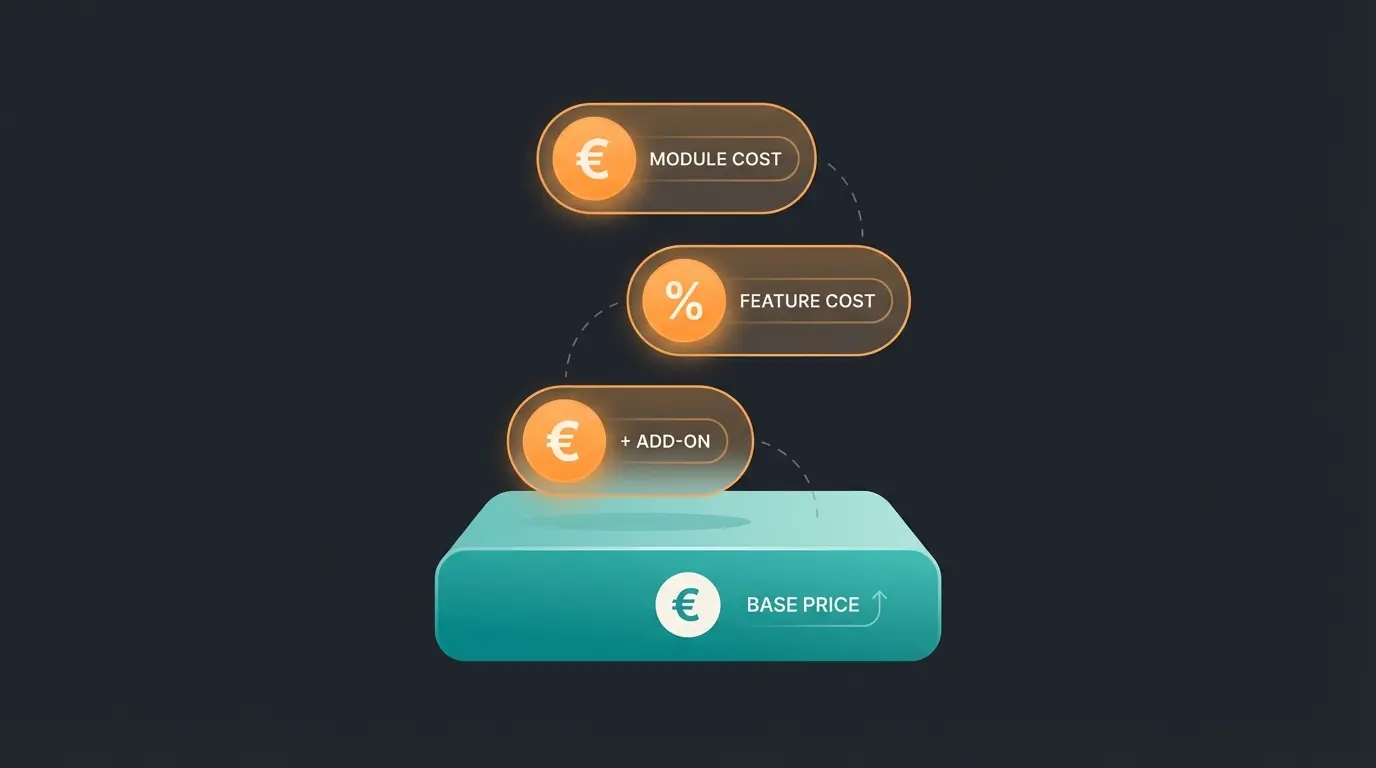
Many accounting software comparisons only show the monthly base price. But reality often looks different. Here's an overview of potential "hidden costs" you should factor in:
| Cost Factor | Explanation | Example |
|---|---|---|
| Additional Users | Often costs extra if you and your assistant want to work simultaneously. | sevDesk: approx. €5.90 per additional user. Lexware Office: Often included (depending on tier). |
| E-Commerce Modules | Connection to Amazon/eBay is often not included in the basic tier. | BuchhaltungsButler: E-commerce functions often require higher packages or add-ons. |
| Payroll | Almost always a separate module or additional costs per employee. | Lexware: approx. €12.90 base fee + costs per employee. |
| Export Costs | Some providers charge for DATEV export or archiving. | Usually included in "Pro" or "L/XL" tiers, often locked in "S" tiers. |
| Setup Service | Help with migration from old software. | BuchhaltungsButler offers e.g. a "Guided Onboarding" for approx. €99. |
Under 50/month = Basic tier sufficient. Over 500/month = Need automation features.
Simple EÜR = Any tool works. OSS/EU sales = Need specialized e-commerce features.
Solo = Base price only. 2+ users = Factor in per-user costs.
Bank connection, DATEV export, and ELSTER must match your workflow.
Use free trials to connect your actual bank account and scan real receipts.
FAQ: Common Questions About Accounting Software
Yes and no. The ongoing bookkeeping (capturing receipts, writing invoices, sending VAT returns) you can easily handle yourself with tools like sevDesk or Lexware Office. However, the annual financial statements (balance sheet or income-expense report) should be reviewed by a tax advisor—especially as a GmbH or in complex situations. The software replaces the routine work, not the tax advice.
There are free tools (e.g., Papierkram in the basic version or GnuCash). For starting out, that may be enough. But: Important interfaces (ELSTER, DATEV) are often missing, or GoBD compliance is harder to prove with open-source solutions. Once you're generating revenue, the investment of €10-20 per month for legal security and time savings is almost always worth it.
Switching is possible but time-consuming. You need to export and import master data (customers, suppliers). The history is more difficult: Old invoices often must remain archived in the old system (10-year retention requirement!). Make sure your software allows a complete DATEV export and PDF export of all receipts before you cancel.
Yes. Since modern solutions like sevDesk, Lexware Office, and BuchhaltungsButler are cloud-based (SaaS), they run in the browser (Chrome, Safari) regardless of operating system. The old problems of "Windows-only" software (like classic Lexware Financial Office Desktop) no longer exist in the cloud.
For complex e-commerce scenarios involving EU sales, different VAT rates, and marketplace integration (Amazon, eBay), BuchhaltungsButler offers the most robust automation. However, for multi-channel setups, consider combining Lexware Office with specialized tools like Billbee or Taxdoo for complete coverage.
Conclusion: Manual Search vs. AI Recommendation
The market for accounting software in Germany is mature and professional. There are no "bad" tools among the market leaders—only unsuitable ones.
- Choose sevDesk if you love aesthetics and simple operation and have an uncomplicated business model.
- Choose Lexware Office if you're looking for a solid all-in-one solution with payroll and perfect bank integration.
- Choose BuchhaltungsButler if you're in e-commerce or seeking maximum automation with many receipts.
Our Tip: Use the free trial periods (usually 14 days). Sign up, connect your bank account, and scan 5 receipts. Where did it feel "right"? That's your software.
The traditional approach of reading 3,000-word comparison articles and making decisions based on static tables is becoming obsolete. Modern AI-powered consultation can analyze your specific business requirements—transaction volume, tax complexity, team size, and integration needs—and deliver a personalized recommendation in minutes rather than hours.
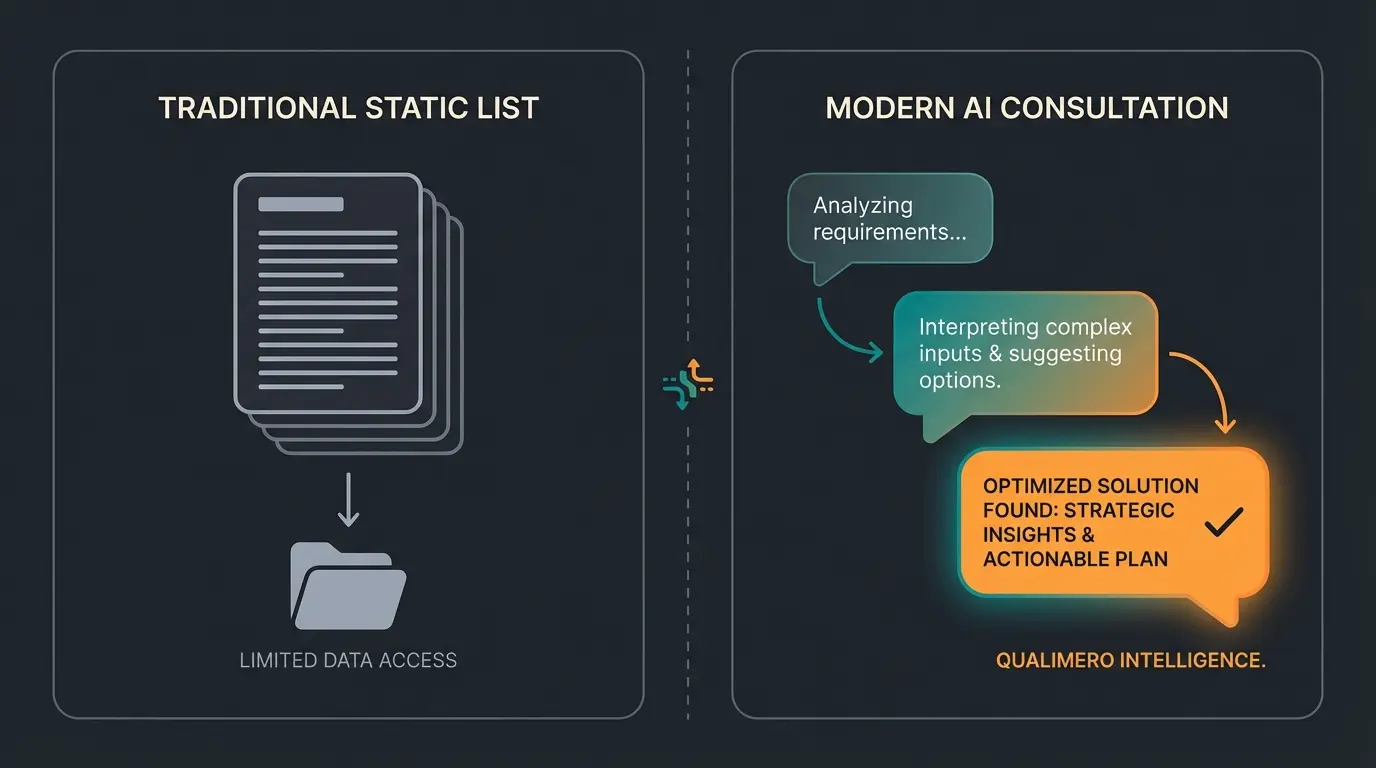
Get a personalized accounting software recommendation based on your exact business profile. Our AI analyzes your needs and matches you with the perfect solution.
Get Your AI Recommendation
Lasse is CEO and co-founder of Qualimero. After completing his MBA at WHU and scaling a company to seven-figure revenue, he founded Qualimero to build AI-powered digital employees for e-commerce. His focus: helping businesses measurably improve customer interaction through intelligent automation.