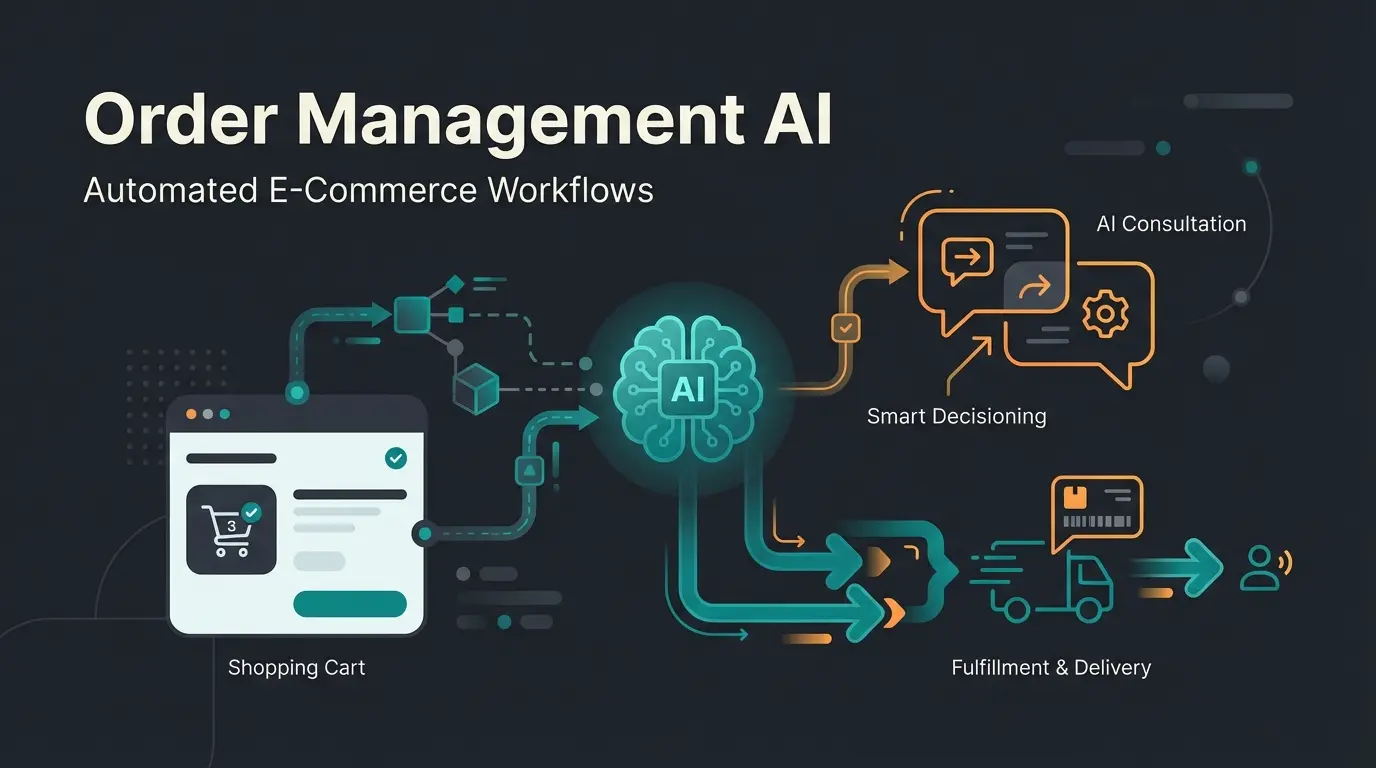
Lost in the Software Jungle? You're Not Alone
Do you feel like you've lost track in the jungle of software offerings? You're not alone.
The market for financial accounting software in Germany has exploded in recent years. Whether it's lexoffice, sevDesk, or complex ERP solutions like Scopevisio – the selection is enormous, and the promises often sound identical: 'Everything automated,' 'legally compliant,' 'AI-powered.' But while most articles merely present you with a static list of the 'Top 10 Tools,' we're taking this comprehensive guide a step further.
We stand at the threshold of a new era. With the introduction of mandatory e-invoicing from January 1, 2025 in the B2B sector according to e-rechnung-bund.de and the rise of genuine artificial intelligence, accounting is transforming from a tedious obligation into a strategic competitive advantage.
This article is not an ordinary comparison. It's your roadmap for 2025/2026. We don't just analyze the market leaders but show you how to find exactly the accounting software that fits your business model using modern AI consultation – instead of relying on generic recommendations.
Quick Accounting Software Comparison: Market Leaders
Before we dive deep, here's an orientation guide. This table summarizes the current top players in the German market based on functionality, target audience, and current prices for 2025. This accounting software comparison gives you the essential overview at a glance.
| Software | Target Audience | Pricing Model (approx.) | USP (Unique Selling Point) | E-Invoice Ready? |
|---|---|---|---|---|
| sevDesk | Freelancers & small businesses | from €8.90/month | Very intuitive UI, strong app, ideal for beginners | ✅ Yes (ZUGFeRD/XRechnung) |
| Lexware Office | Small businesses & small GmbHs | €6.90 - €29.90/month | Excellent bank integration, market leader status | ✅ Yes |
| BuchhaltungsButler | Automation fans & GmbHs | approx. €29.95/month | Focus on AI pre-accounting & high document volumes | ✅ Yes |
| Scopevisio | Mid-sized companies (10-100+ employees) | Individual (user-based) | Cloud ERP, integrated processes beyond accounting | ✅ Yes |
| DATEV Unternehmen online | Clients of tax advisors | approx. €11.00/month + storage | The standard for collaboration with tax advisors | ✅ Yes |
What Is Modern Financial Accounting Software?
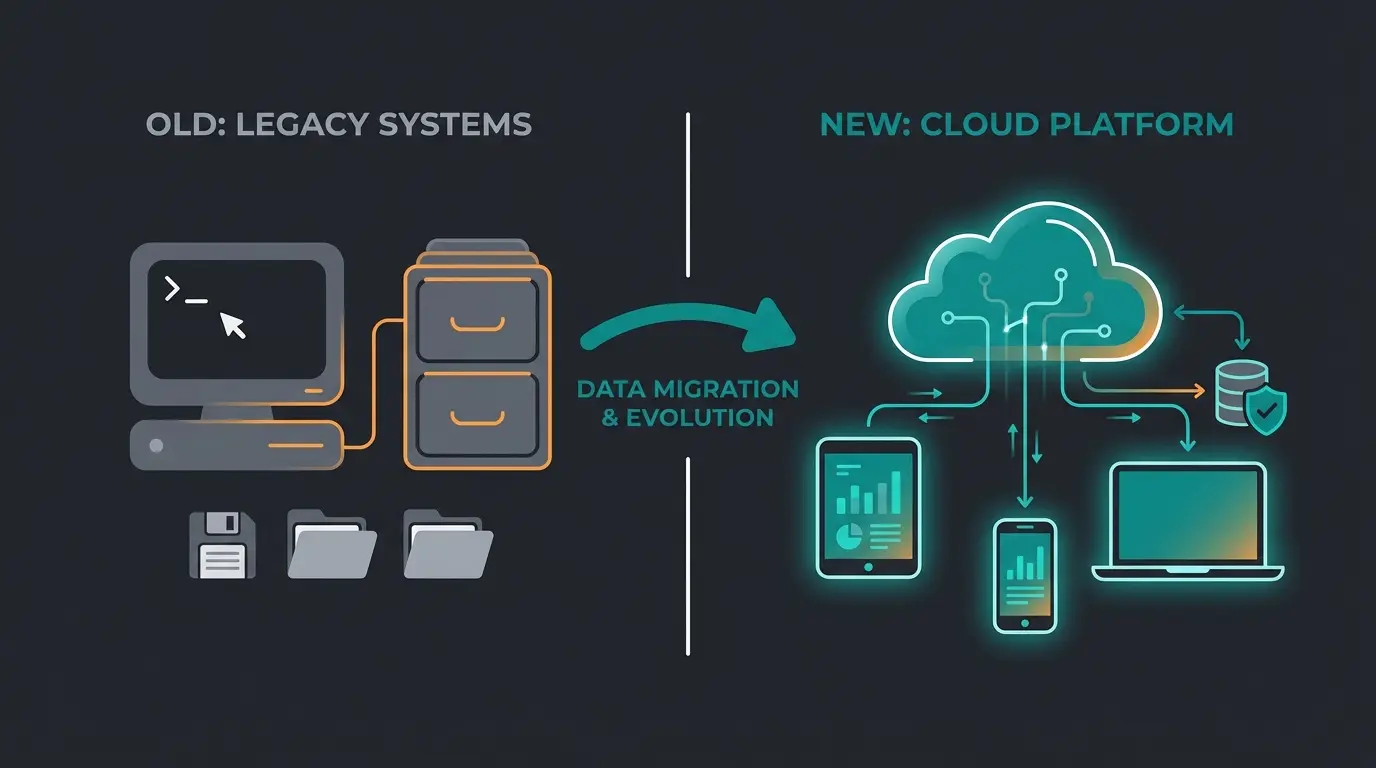
When we speak of financial accounting software (often abbreviated as 'accounting software') today, we no longer mean the gray input masks of the 90s that were firmly installed on a PC.
From On-Premise to Cloud Accounting
The most important transformation is the move to the cloud. While classic desktop programs (on-premise) still exist (e.g., Lexware Financial Office Desktop as noted by steuerzahler-service.de), SaaS (Software as a Service) dominates the market.
The advantages of cloud solutions:
- Location independence: Access from anywhere – essential in the home office era.
- No maintenance: Updates (e.g., new tax rates or e-invoice formats) are automatically installed.
- Interfaces: Cloud software communicates seamlessly with your bank account, your online shop (Shopify, WooCommerce), and the tax authorities.
Double-Entry Bookkeeping Software vs. Simple Accounting
A decisive criterion when selecting is the type of profit determination:
- Income-Expense Accounting (Cash Basis): Often sufficient for freelancers and small traders. Here, income and expenses are simply compared. Almost every financial accounting software masters this.
- Double-Entry Bookkeeping (Accrual Basis): Mandatory for GmbHs, UGs, and merchants (e.K.) above certain revenue thresholds. A double-entry bookkeeping software must master chart of accounts (SKR03/SKR04), separate assets/liabilities, and prepare a balance sheet as well as profit and loss statement (P&L).
The Must-Have Checklist: What You MUST Consider in 2025
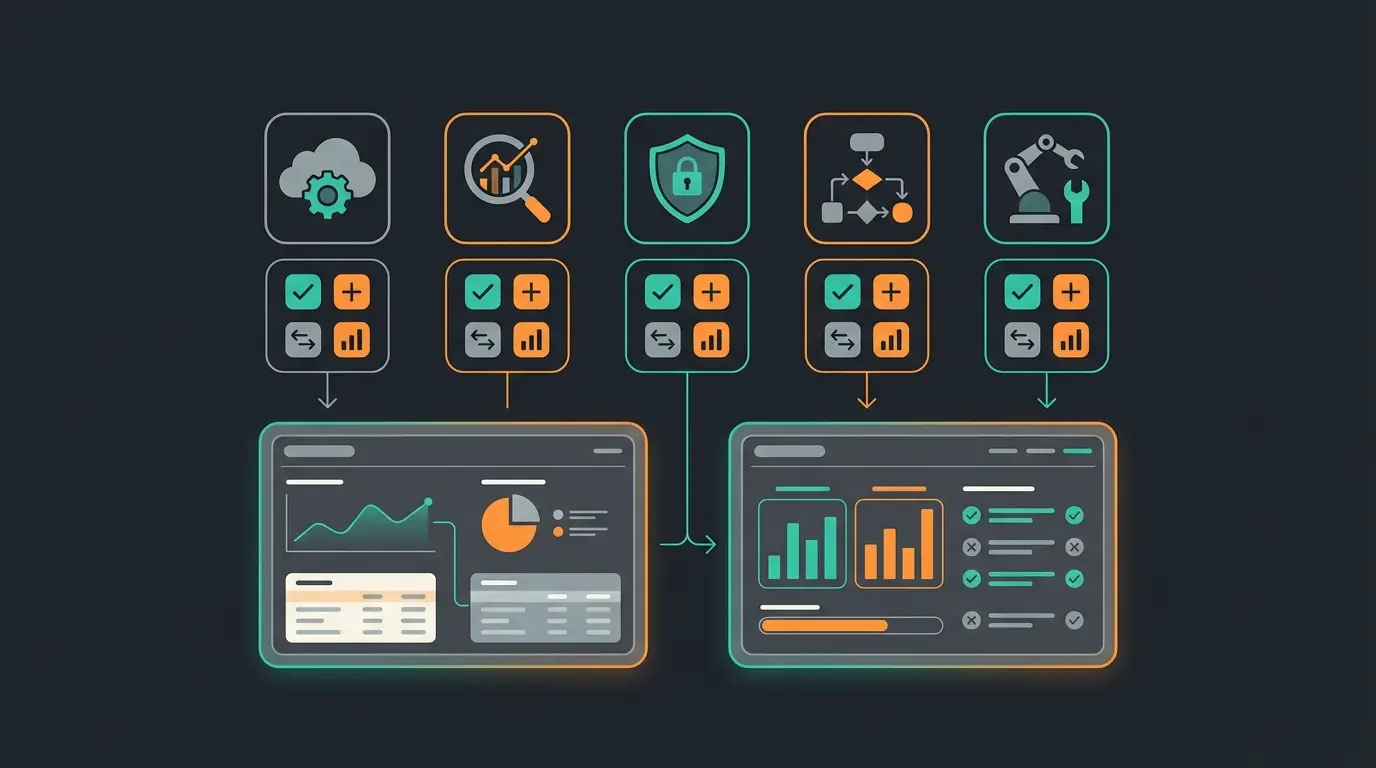
Anyone choosing software today often commits for years. Therefore, the solution must not only cover the current state but be future-proof. Here are the 'must-haves' that allow no compromises.
A. The E-Invoice Mandate (The Gamechanger from 01.01.2025)
This is the most important topic of the year. From January 1, 2025, all domestic companies in the B2B sector must be able to receive electronic invoices as confirmed by both ihk.de and haufe.de.
- What does this mean? A PDF is not an e-invoice in the new sense. An e-invoice is a structured data set (XML), usually in the formats XRechnung or ZUGFeRD.
- The requirement: Your financial accounting software must not only read these formats but automatically extract and process the data (invoice number, amount, VAT ID).
- Transition periods: According to esker.com, there are transition periods until 2027/2028 for sending e-invoices, but receiving is mandatory from day one for everyone. Make sure your provider guarantees this – sevDesk as stated on sevdesk.de and Lexware according to lexware.de have already integrated this.
B. Legal Compliance & Data Security
The 'Principles for proper management and storage of books, records, and documents in electronic form as well as data access' (GoBD) are the rulebook of digital accounting. A GoBD-compliant software ensures that:
- Bookings cannot be undetectably changed after finalization.
- Every document is completely traceable (history).
- Data is archived in an audit-proof manner (usually 10 years).
C. Interfaces (API): No Island Solutions!
An isolated accounting software costs time. Pay attention to these integrations:
- Banking (PSD2): Automatic retrieval of account transactions in real-time.
- Tax Authority Interface: Direct transmission of VAT advance returns from the software.
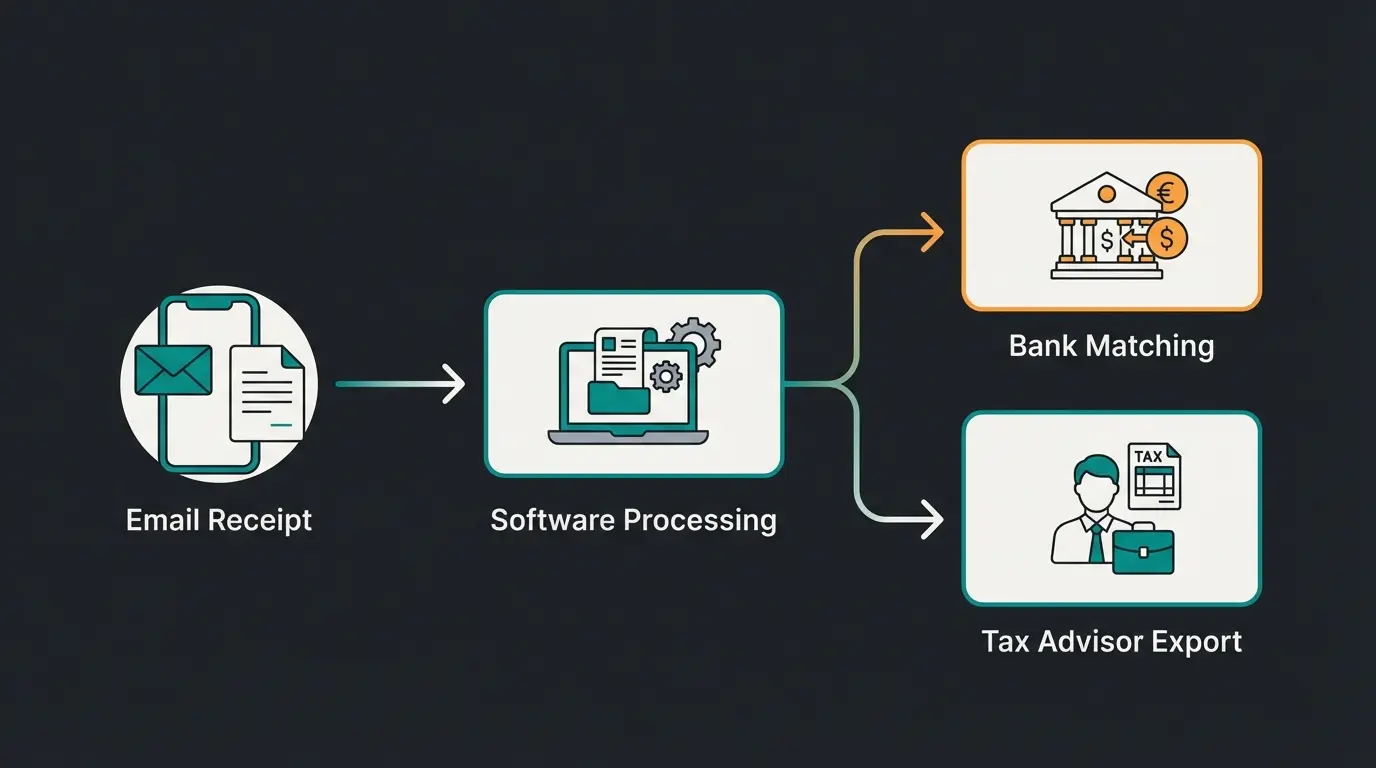
- DATEV Export: Almost every tax advisor in Germany works with DATEV. Your software must enable a clean DATEV export (including document image), otherwise the annual financial statements become expensive.
- E-Commerce/Payment: Connection to PayPal, Stripe, Amazon, or Shopify if you're active in online retail.
All B2B companies must receive XML invoices from Jan 2025
GoBD requires complete document traceability and retention
PSD2-compliant automatic transaction retrieval is essential
Seamless tax advisor collaboration is non-negotiable in Germany
Detailed Analysis of Top Tools (The Deep Dive)
Here we leave the surface. Based on current tests and user data, we analyze the strengths and weaknesses of the most important players in this comprehensive accounting software comparison.
1. sevDesk: The Favorite of Creatives and Small Businesses
sevDesk has established itself as one of the most accessible solutions on the market. According to trusted.de, their pricing starts at competitive rates for small businesses.
- Target group: Freelancers, agencies, craftspeople, small online retailers.
- Strengths: The user interface is extremely clean. Anyone with no idea about 'debit and credit' can still manage here. The AI document recognition (OCR) works reliably and assigns documents to categories.
- E-Invoice: sevDesk advertises aggressively with full compliance from 2025 and supports ZUGFeRD/XRechnung.
- Weaknesses: It reaches its limits with complex inventory bookings or very specific payroll topics.
- Price: Starts cheap, but features like the DATEV interface or cost centers require higher tiers (up to approx. €35).
2. Lexware Office (formerly lexoffice): The Banking King
As part of the Haufe Group, Lexware Office has enormous market power and maturity. Pricing information from it-nerd24.de shows their competitive positioning.
- Target group: Similar to sevDesk, but often also popular with somewhat more traditional small businesses.
- Strengths: The integration into banking is excellent. It recognizes payments and assigns them to documents often fully automatically. There's also a very wide range of partner apps (time tracking, travel expenses).
- Special note: According to lexware.de, there's a clear separation between the cloud version ('Office') and the desktop versions ('Financial Office'). Make sure you don't accidentally buy a desktop license when you want cloud.
- Price: Very competitive, often with discounts for new customers.
3. BuchhaltungsButler: The Automation Specialist
A Berlin company that explicitly targets 'self-bookers' who want efficiency. As detailed on fuer-gruender.de, they focus heavily on automation.
- Target group: Growing startups, GmbHs with high document volumes (e-commerce).
- Strengths: The name says it all. The focus is on automatic pre-accounting. The software learns from corrections and creates booking entries with high precision. Ideal for double-entry bookkeeping software users who need to scale processes.
- Price: Slightly higher entry point (approx. €30), but justified by time savings at high volumes. More details available at buchhaltungsbutler.de.
4. Scopevisio: The Mid-Market Solution (Cloud ERP)
Scopevisio plays in a different league. It's not just accounting software but a complete enterprise solution. According to scopevisio.com, their pricing is user-based and individually calculated.
- Target group: Companies with 10 to 100+ employees, service providers who need to bill projects.
- Award: Was recognized as 'Best Mid-Market Service Provider 2025' in the ERP category according to scopevisio.com.
- Strengths: Here CRM, project management, and financial accounting interlock. When a salesperson writes an offer, it's already in the system. Accounting is done 'on the side.'
- AI approach: Scopevisio integrates AI deeply into process automation, not just document reading, as highlighted on scopevisio.com.
5. DATEV Unternehmen online: The Bridge to Your Tax Advisor
Not a classic 'do-it-yourself' software, but a collaboration tool. As menkdittrich.de explains, the cost structure is relatively straightforward.
- Concept: You upload documents, fill in a cash book – the actual booking is often still done by the tax advisor (or you use it as pre-recording).
- Costs: The software itself is cheap (~€11), but the costs for the tax advisor who works with it must be factored in. Additional insights from qonto.com provide further context.
- Important: It's the gold standard for data security and acceptance by auditors in Germany.
Why Static Comparisons Fail (The AI Consultant Angle)
You've now seen the list of tools. But which one is really right for you? This is exactly where traditional blog articles fail. They give you a list and leave you alone with the decision.
The problem: A 'test winner' seal doesn't help you if the test winner doesn't fit your processes.
- A freelancer doesn't need cost center management (Scopevisio).
- An e-commerce seller with 5,000 transactions per month will go crazy with a manual tool – they need batch processing (BuchhaltungsButler).
The Revolution: AI as Product Consultant Instead of FAQ
Instead of digging through FAQs ('Can tool X also do feature Y?'), modern AI systems take on the role of a consultant.
Imagine you didn't have to compare features, but were asked:
How AI changes the selection:
- Context understanding: AI analyzes your business model. An importer, for example, absolutely needs easy booking of import VAT and reverse-charge procedures.
- Process simulation: Instead of 'We have an API,' the AI says: 'Since you use Shopify, you need tool X because it automatically imports invoice data and saves you 5 hours per week.'
- Implementation support: The support of the future is not a ticket system with 24-hour waiting time. It's an AI agent that knows your software instance and says: 'I see you uploaded an invoice from the USA. Should I activate the account for third-country services?'
Our intelligent consultation analyzes your business model and matches you with the perfect financial accounting software. No more static lists – just personalized guidance.
Try AI Consultation FreeDecision Guide: What Type of Business Are You?
Let's replace the 'static comparison' with a profile-based recommendation. This is where AI consultation truly shines – matching your specific needs to the right financial accounting program.
Type A: The Solo Starter (Freelancer, Artist, Consultant)
- Profile: Few documents (<50/month), cash-basis accounting, no inventory, focus on simplicity.
- Pain point: 'I don't want to do accounting, I want to work.'
- Recommendation: sevDesk or Lexware Office.
- Why: The mobile apps are strong. You photograph the gas receipt, the AI reads it out, done. The costs are minimal (<€15).
- Important feature: Simple invoice creation on the smartphone.
Type B: The E-Commerce Merchant (Shopify, Amazon FBA)
- Profile: High transaction volume, many small invoices, international tax topics (OSS procedure).
- Pain point: Manual assignment of payments to invoices is impossible.
- Recommendation: BuchhaltungsButler or specialized tools like Taxdoo (in combination with DATEV).
- Why: Only automation (batch processing) counts here. The software must import thousands of lines of payment data (PayPal/Stripe) and automatically 'match' them.
Type C: The Growing SME (GmbH, 10-50 Employees)
- Profile: Double-entry bookkeeping mandatory, multiple users (secretary, boss, tax advisor), payroll needed.
- Pain point: 'We're losing track of open items and cost centers.'
- Recommendation: Scopevisio or Lexware Office XL.
- Why: Scopevisio offers real ERP approaches (Enterprise Resource Planning). You can define processes (who can approve what?). Lexware offers enough depth in the XL version for smaller GmbHs at a good price.
Type D: The Tax Advisor Best Buddy
- Profile: You don't want anything to do with accounting internally. You just collect and hand everything over.
- Recommendation: DATEV Unternehmen online.
- Why: It's the most direct path into the advisor's system. No interface losses. You digitize, the professional books.
Freelancer? E-commerce? Growing SME? Tax advisor collaboration model?
Simple income-expense tracking or mandatory double-entry bookkeeping?
Less than 50 documents/month or thousands of automated transactions?
Do you need Shopify, PayPal, DATEV, or bank API connections?
Solo starters → sevDesk/Lexware | E-commerce → BuchhaltungsButler | SME → Scopevisio
Practical Tips for Implementation (Strategy Guide)
Many companies buy software and then use it like a typewriter. Here's how to get the maximum out of your financial accounting program:
Step 1: The Bank Account as the Heart
Connect your business account on day one. An accounting software without bank connection is worthless. Modern tools automatically match open invoices with incoming payments. This saves you manual 'checking off.'
Step 2: Separation of Private and Business
A mistake that software cannot fix: Use strictly separate accounts. If private Amazon purchases appear on the business account, even the best AI gets confused.
Step 3: The 'Digital First' Workflow
Get used to a new process from 2025:
- Invoice comes in (via email/portal).
- Immediately forward to the software's inbox (every tool has its own email address for uploads).
- Paper original? Scan and (according to GoBD procedure documentation) possibly destroy or file. Never scan only at the end of the month!
Step 4: Involve Your Tax Advisor Early
Before you decide on a tool: Ask your tax advisor!
'I want to use sevDesk/Lexware. Can you import the data from there?'
Most say 'Yes' today. But if your advisor says 'No,' you have a problem. Clarify this beforehand.
Costs & Pricing Models: What to Expect
Prices for financial accounting software are often dynamic. Here's a realistic assessment for 2025/2026. As expert-line.de notes, annual payments often provide significant savings.
- Monthly subscriptions (SaaS): The standard. Expect €15 to €40 per month for a full-featured solution (including VAT advance returns and banking). Savings tip: Annual payments often discount the price by 10-20% (e.g., at Lexware or sevDesk).
Additional costs to consider:
- Users: Each additional user (e.g., secretary) often costs extra (approx. €5-10).
- Modules: Payroll accounting is almost always an extra module (approx. €10-15 per employee).
- Storage: With DATEV, you pay for the storage space of documents.
The hidden costs:
- Setup service (onboarding): With complex tools like Scopevisio or BuchhaltungsButler, 'guided onboarding' can be useful (one-time approx. €100-500) to avoid mistakes.
The Era of Intelligent Companions: Final Thoughts
The search for the best financial accounting software has changed. It's no longer about who has the prettiest table, but who guides you best through the regulatory jungle (e-invoicing, legal compliance) and keeps your back free.
Summary:
- E-invoicing is mandatory: From 2025, there's no way around digital software that can process XML data.
- Cloud beats desktop: For most SMEs, the cloud (SaaS) is the only sensible choice due to flexibility and automatic updates.
- Consultation over lists: Use tools that fit your business model. A 'test winner' for a freelancer is the downfall for an online shop.
The final step:
Stop guessing. The days of static comparisons are over. If you're unsure whether sevDesk, Lexware, or an ERP solution like Scopevisio is right for you: Use the trial periods. Almost all providers offer 14 to 30 days of free trials. Upload your real documents, connect the account, and see how much 'AI magic' really happens.
Are you ready for the accounting of the future? Start your digitization now, before the e-invoice mandate forces you to.
Frequently Asked Questions About Accounting Software
For small business owners, sevDesk and Lexware Office are particularly suitable. Both offer special rates for income-expense accounters, are cost-effective (starting under €10/month), and provide excellent mobile apps for document capture on the go. The key is choosing software that matches your transaction volume and accounting complexity.
Generally yes. The tiers that support balance sheets and profit & loss statements (like Lexware Office XL or BuchhaltungsButler) are usually in the range of €20 to €40 per month, while pure income-expense accounting tiers are often available for under €10. However, the automation features in premium tiers often justify the cost through significant time savings.
Theoretically yes, practically no. While Excel isn't forbidden, proving compliance with legal requirements (immutability of data) is extremely difficult with Excel. Additionally, you cannot legally receive and process e-invoices (XML) with Excel, which is mandatory from 2025. We strongly advise against it – the risks far outweigh any perceived cost savings.
AI (Artificial Intelligence) helps primarily in two areas: 1. OCR (Text Recognition): Error-free reading of invoice data without typing. 2. Account suggestions: The AI learns from your past bookings and automatically suggests the correct ledger account (e.g., 'Office Supplies' for purchases at office stores). This saves massive amounts of time and reduces errors.
Verify that your chosen software explicitly supports XRechnung and ZUGFeRD formats – both for receiving and eventually sending e-invoices. Check the provider's website for compliance statements, and test the e-invoice import feature during your trial period. All major providers like sevDesk, Lexware, and BuchhaltungsButler have confirmed their readiness for the January 2025 deadline.
Stop drowning in static comparison lists. Let our AI consultant analyze your specific business needs and recommend the perfect accounting software match – personalized, instant, and free.
Get Your Personalized Recommendation