What matters in Shopware hosting?
Open the support dashboard of a mid-sized outdoor retailer running on shared hosting, and the problem becomes obvious within seconds. Pages take 4-5 seconds to load. The search index crashes during peak hours. Checkout abandons spike every afternoon.
Hosting is not a backend detail. It directly shapes what your customers experience and what your revenue looks like at the end of the month. According to queue-it research, pages loading in 1-2 seconds achieve the highest e-commerce conversion rates, averaging 3.05%. A 1-second delay in mobile load time reduces conversions by approximately 7%.
For Shopware 6, the technical baseline is non-negotiable. These are not aspirational targets. They are hard requirements from the Shopware system requirements documentation. If your hosting cannot deliver them reliably under load, your shop will break at the worst possible moment.
- PHP 8.2+ (8.3 recommended, 8.4 supported from Shopware 6.7)
- MySQL 8.0+ or MariaDB 10.11+
- Elasticsearch or OpenSearch for product search indexing
- Redis for session and cache handling (mandatory in production)
- Node.js 20 LTS for storefront and admin builds
- Minimum 512 MB PHP memory limit
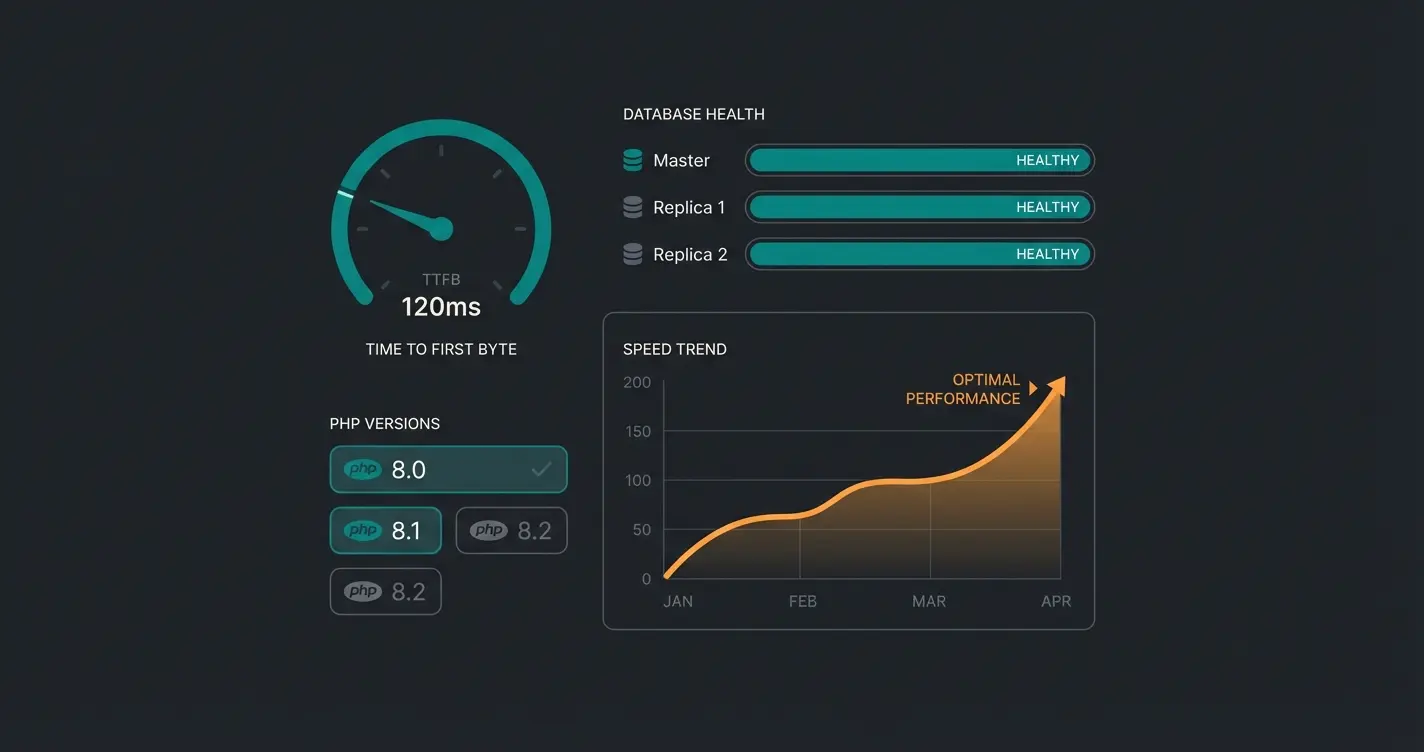
The criteria that actually separate good hosting from bad: TTFB (Time to First Byte) under 200ms, PHP OPcache enabled, HTTP/2 or HTTP/3 support, automated backups, staging environments, and genuine Shopware expertise in the support team. That last point matters more than most merchants realize. Generic hosting support cannot debug a Shopware-specific Elasticsearch indexing failure at 2 AM, and unless you have a Shopware developer on call, neither can you.
Managed vs cloud vs self-hosted: which type fits?
Three hosting models dominate the Shopware ecosystem. Each serves a different profile, and picking the wrong one costs either money or stability. Sometimes both.
| Criteria | Managed hosting | Cloud hosting | Self-hosted |
|---|---|---|---|
| Setup effort | Low (provider handles everything) | Medium (cloud architecture needed) | High (full server management) |
| Monthly cost | $100-500+ | $40-2,000+ (usage-based) | $4-50 (server only) |
| Scalability | Limited to plan tier | Virtually unlimited | Hardware-dependent |
| Shopware expertise | Usually included | Rarely included | None |
| Maintenance | Provider-managed | Shared responsibility | Fully your team |
| Best for | SMEs without DevOps | Enterprise with engineers | DevOps teams on budget |
| Risk profile | Low | Medium | High without expertise |
Managed hosting (maxcluster, Hypernode) handles everything: server setup, security patches, performance tuning, monitoring. You pay more per month, but your team never touches a terminal. For shops with fewer than 5 dedicated developers, this is almost always the right choice.
Cloud hosting (AWS, Azure, Shopware Cloud) gives you flexibility and scale. You can spin up resources during Black Friday and scale down in January. The tradeoff: you need engineers who understand cloud architecture, or you will overpay for underperforming infrastructure.
Self-hosted (Hetzner, own infrastructure) gives you full control at the lowest monthly cost. The hidden expense is your team's time. Every Shopware update, every security patch, every PHP upgrade, every Elasticsearch restart is your responsibility. I have seen exactly two types of merchants succeed with self-hosting: those with a full-time DevOps engineer, and those running a test shop with no real traffic.
Best Shopware hosting providers compared
Every hosting provider claims to be the best. Here is what we found after working with merchants on several of these platforms, reviewing documentation, testing support response times, and comparing real-world performance data. The Shopware Official Hosting Partners directory lists certified providers, but certification alone does not tell you which one fits your operation.
| Provider | Type | Starting price | Shopware expertise | Support | Best for |
|---|---|---|---|---|---|
| maxcluster | Managed | ~EUR 100/mo (custom) | Official Recommended Partner | 24/7, 15-min critical response | SMEs wanting zero-maintenance Shopware hosting |
| Hypernode | Managed | ~EUR 50/mo | Certified, specialized | 24/7 monitoring, auto-healing | Agencies managing multiple Shopware projects |
| JetRails | Managed/Cloud | $300/mo | Certified partner | 24/7 US-based, dedicated account manager | Enterprise shops with North American traffic |
| Cloudways | Cloud (managed) | $11/mo (DigitalOcean) | Generic, not specialized | 24/7 generic support | Developers who self-manage Shopware on budget cloud |
| Hetzner | Self-hosted | EUR 3.49/mo | None | Infrastructure support only | DevOps teams running lean, self-managed setups |
| Webscale | Enterprise Cloud | Custom (enterprise) | Strategic Shopware partner | Enterprise SLA | High-revenue merchants needing AI-driven auto-scaling |
| hosting.com | Platform | Custom | Limited | Standard | Shops needing solid infrastructure without deep Shopware support |
maxcluster: the Shopware specialist
maxcluster became Shopware's official Recommended Hosting Partner in November 2025, which is the highest certification level in Shopware's partner network. They guarantee 99.99% uptime (maximum 52 minutes downtime per year), run NVMe SSD storage with Intel XEON processors, and include Varnish, Redis, and Elasticsearch in all plans. Their support model skips ticket systems entirely. You get direct access to experienced e-commerce engineers, 24/7/365, with 15-minute response times for critical incidents.
For most Shopware shops in the SME range, maxcluster is the default recommendation. The only drawback: pricing is custom and not published, which makes quick comparisons harder.
Hypernode: strong on developer experience
Hypernode runs on Combell OpenStack (Falcon plans) or AWS (Eagle plans) with over 25 built-in performance features. Their monitoring dashboard, Hypernode Insights, combines real-time server health, performance metrics, and historical trends in a single view. They offer a 14-day free trial, auto-healing features, and 24/7 monitoring. A solid choice for agencies managing multiple Shopware projects who need visibility across environments.
JetRails: the US enterprise option
Starting at $300/month, JetRails is not cheap. What you get: AWS Public Cloud, private cloud, and dedicated server options. 99.99% uptime, white-glove migrations, dedicated account managers, intrusion detection, WAF, and PCI compliance support. If your Shopware operation generates significant North American traffic, JetRails removes the latency problem that European providers cannot solve. Their support team is entirely US-based.
Cloudways: budget cloud hosting
Cloudways, now part of Akamai, offers cloud hosting from $11/month on DigitalOcean, with AWS ($38.56/month) and Google Cloud ($37.45/month) as alternatives. Cloudflare Enterprise CDN, automated backups, staging environments, and autoscaling are included. The limitation: Cloudways is not Shopware-specialized. Support is generic. Best suited for developers who know Shopware and just need reliable, affordable infrastructure underneath it.
Hetzner: the budget self-hosted option
Hetzner delivers the best price-performance ratio in the market. Cloud VPS plans start at EUR 3.49/month, with the CPX22 (2 vCPU, 4 GB RAM) at EUR 5.99/month (increasing to EUR 7.99 in April 2026). EU data centers, 20 TB traffic included, NVMe storage. But this is completely unmanaged. No Shopware support, no automated setup, no one to call when Elasticsearch stops indexing. For experienced DevOps teams running lean operations, nothing beats the value. For everyone else, the savings are an illusion.
Webscale: enterprise-grade infrastructure
Webscale powers Shopware's enterprise cloud delivery in North America through a strategic partnership. AI-driven auto-scaling, containerized deployments, managed CI/CD, and headless commerce support. This is infrastructure for merchants processing millions in monthly revenue. If you are comparing Hetzner and Webscale, you are looking at the wrong comparison.
hosting.com: platform hosting
hosting.com positions itself as a platform hosting provider with strong general infrastructure. Their Shopware page exists, and the domain rating (86) is among the highest in this comparison. The reality: their Shopware-specific depth is limited compared to maxcluster or Hypernode. No specialized Shopware engineers in support, no automated Elasticsearch configuration, no Shopware-specific caching optimization out of the box. Solid infrastructure, but you are paying for the platform brand rather than e-commerce hosting expertise.
Shopware hosting costs overview
The monthly fee is rarely the full picture. Here is what Shopware hosting actually costs when you factor in everything.
| Tier | Monthly cost | What you get | Best for |
|---|---|---|---|
| Shared / Budget VPS | $5-30/mo | Basic resources, no Shopware optimization | Testing and development only |
| Managed VPS | $50-150/mo | Shopware-optimized, managed updates, basic support | Small shops (<1,000 products) |
| Managed dedicated | $150-500/mo | Dedicated resources, priority support, staging | Mid-sized shops (1,000-10,000 products) |
| Enterprise / Cloud | $500-2,000+/mo | Auto-scaling, SLA, dedicated engineering | Large shops (10,000+ products, high traffic) |
Hidden costs that inflate your bill: SSL certificates ($0-100/year), automated backup storage ($5-30/month if not included), CDN integration ($20-100/month for Cloudflare Pro or Enterprise), staging environments (some providers charge extra), premium support SLAs with guaranteed response times, and one-time migration services ($200-2,000).
One cost factor that rarely appears in hosting comparisons: the cost of switching providers. Shopware migrations involve database transfers, media file moves, Elasticsearch re-indexing, DNS propagation, SSL re-provisioning, and thorough testing. Budget 4-16 hours of technical work for a straightforward migration, more if custom plugins or complex configurations are involved. This is why getting the hosting decision right the first time saves more than just monthly fees.
Performance comparison: what really counts
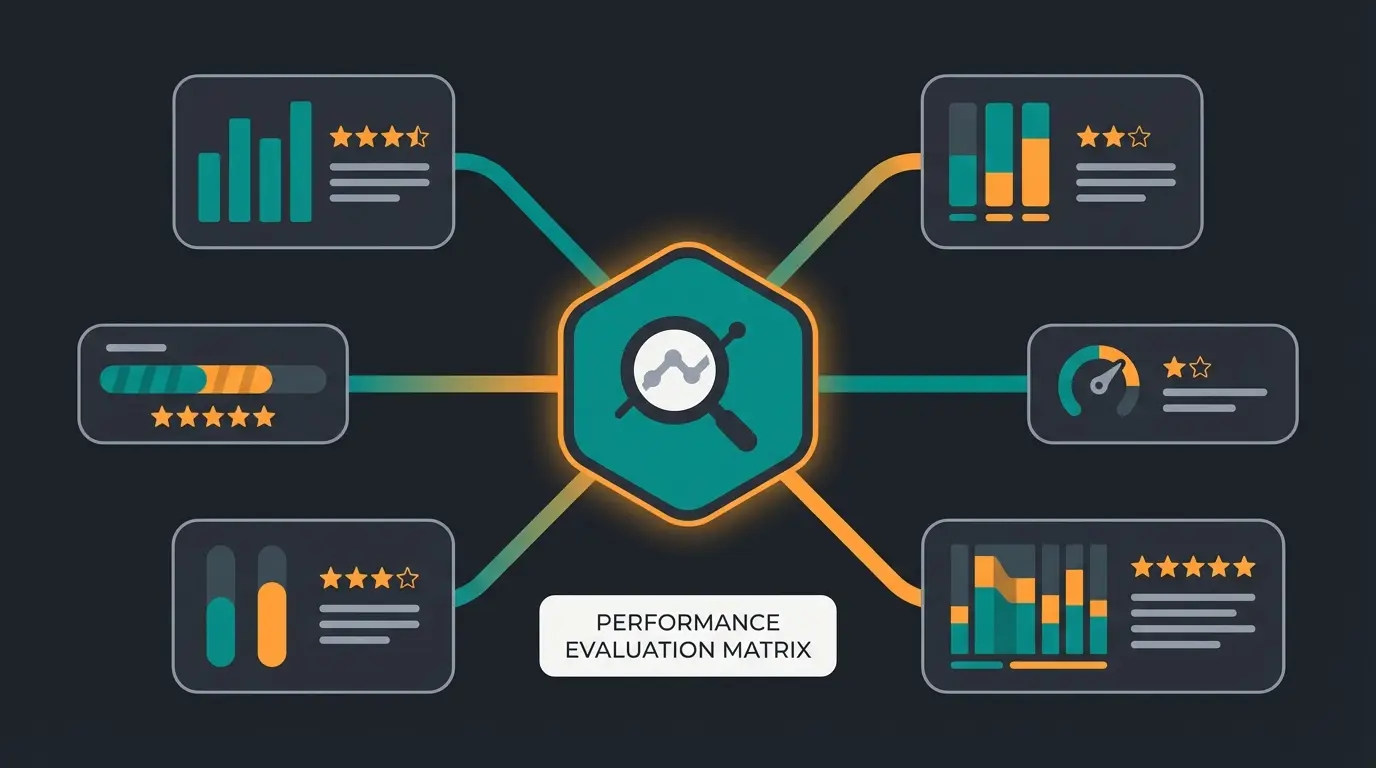
Since Google's March 2026 core update strengthened the weight of Core Web Vitals in its ranking algorithm, hosting performance directly impacts SEO visibility. Sites that pass the thresholds see their positions climb. Those that fail drop, sometimes dramatically. The three metrics: LCP (Largest Contentful Paint) under 2.5 seconds, INP (Interaction to Next Paint) under 200ms, and CLS (Cumulative Layout Shift) under 0.1.
Time to First Byte. The single most hosting-dependent metric.
Each additional second of load time costs approximately 7% of conversions.
E-commerce sites passing all Core Web Vitals thresholds see this improvement range.
How to test your hosting performance: run Google Lighthouse on your storefront (both mobile and desktop). Use WebPageTest for detailed waterfall analysis. Compare TTFB values across different times of day, especially during peak traffic. If your TTFB consistently exceeds 400ms, your hosting is the bottleneck, not your code.
The technical stack that separates fast Shopware hosting from slow: PHP OPcache properly configured, HTTP/2 or HTTP/3 enabled, Redis for session and object caching, Varnish as a full-page cache layer, and a CDN for static assets. For a complete optimization guide beyond hosting, see our Shopware Performance Optimization deep-dive.
A common mistake: merchants test their shop speed from their office network (often fast, low latency to the server) and assume customers experience the same. Your actual customers connect from mobile networks, different regions, and varying devices. Always test from the perspective of your worst-case user, not your best-case scenario.
Choosing hosting by shop size
The right hosting depends on where your shop is today and where it will be in 12 months. Over-investing wastes money. Under-investing costs customers.
| Shop profile | Recommended hosting | Provider examples | Monthly budget |
|---|---|---|---|
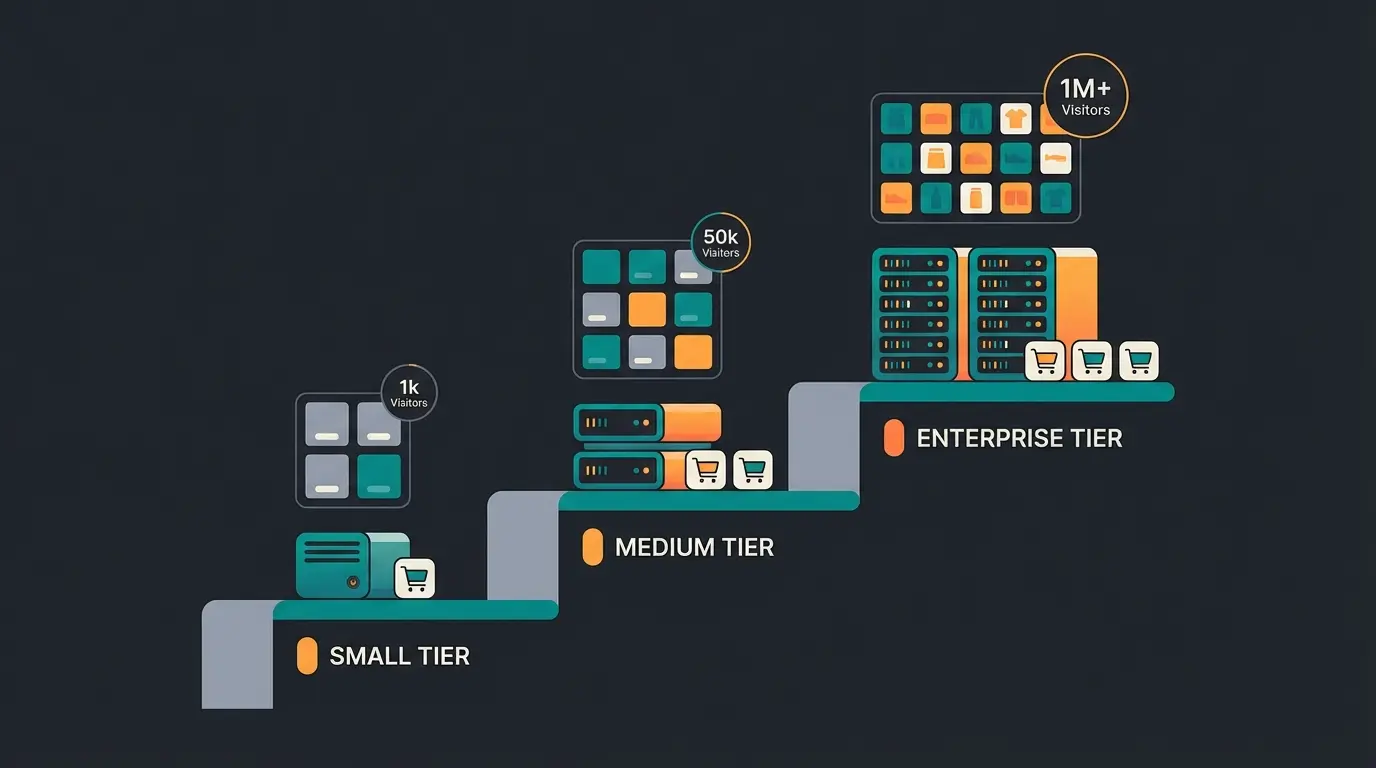
| Starter (<1,000 products, <5,000 visitors/day) | Managed VPS | Hypernode Falcon S, Cloudways | $50-100 |
| Growing (1,000-10,000 products, 5,000-50,000 visitors/day) | Managed dedicated | maxcluster, Hypernode | $150-400 |
| Enterprise (10,000+ products, 50,000+ visitors/day) | Cloud / Cluster hosting | JetRails, Webscale | $500-2,000+ |
| B2B with complex processes | Managed with Shopware expertise | maxcluster | $200-500 |
| AI-ready shop (AI product advisory, personalization) | Managed with sufficient RAM/CPU | maxcluster, JetRails | $200-600 |
| Dev/staging only | Budget VPS | Hetzner, Cloudways | $5-30 |
Conclusion: our recommendation
For most Shopware SMEs, managed hosting from maxcluster or Hypernode is the right balance of convenience, performance, and cost. Cloud hosting pays off only at enterprise scale. Self-hosting only with a dedicated DevOps team. That is the standard.
The hosting decision is foundational, but it is only part of the equation. Faster pages bring more visitors. Converting those visitors into buyers is the next step. For the complete picture on Shopware hosting strategy, our Shopware Hosting Guide covers everything from beginner to advanced.
Better hosting brings faster pages and more visitors. A Qualimero AI employee turns those visitors into buyers, with +35% higher cart values and up to 7x conversion rates. See it in action.
Book a demoFrequently asked questions
For most SMEs, maxcluster is the best choice due to their official Recommended Hosting Partner status, 99.99% uptime guarantee, and Shopware-specialized support team. Hypernode is a strong alternative, especially for agencies managing multiple shops.
Shopware hosting ranges from EUR 3.49/month (self-hosted VPS on Hetzner) to $2,000+/month for enterprise cloud solutions. Most mid-sized shops spend $150-400/month on managed hosting that includes support, security, and performance optimization.
If your team does not include a dedicated DevOps engineer comfortable with PHP, MySQL, Elasticsearch, and Redis administration, yes. Managed hosting prevents the majority of performance and security issues that unmanaged Shopware installations encounter.
Shopware 6 requires PHP 8.2+, MySQL 8.0+ or MariaDB 10.11+, Elasticsearch or OpenSearch, Redis for caching, and Node.js 20 LTS. Production environments need at least 512 MB PHP memory limit and should use Varnish for full-page caching.
Technically possible for development, but not recommended for production shops. Shared hosting lacks the resources, PHP configuration control, and Elasticsearch support that Shopware 6 requires for stable performance under real traffic.
Managed hosting includes full server administration by the provider, with Shopware-specific expertise and support. Cloud hosting gives you raw infrastructure (AWS, Azure, GCP) that you configure yourself or with a managed overlay like Cloudways. Managed is simpler, cloud is more flexible.
It depends on the provider and server location. European providers like maxcluster, Hypernode, and Hetzner host data in EU data centers, which simplifies GDPR compliance. US-based providers like JetRails and Webscale require additional data processing agreements and may need EU server options.
Qualimero's AI employees provide real-time product advisory in your Shopware shop. Trusted by 25+ merchants with a 4.9/5.0 rating on OMR Reviews.
Start your free trial
Lasse is CEO and co-founder of Qualimero. After completing his MBA at WHU and scaling a company to seven-figure revenue, he founded Qualimero to build AI-powered digital employees for e-commerce. His focus: helping businesses measurably improve customer interaction through intelligent automation.