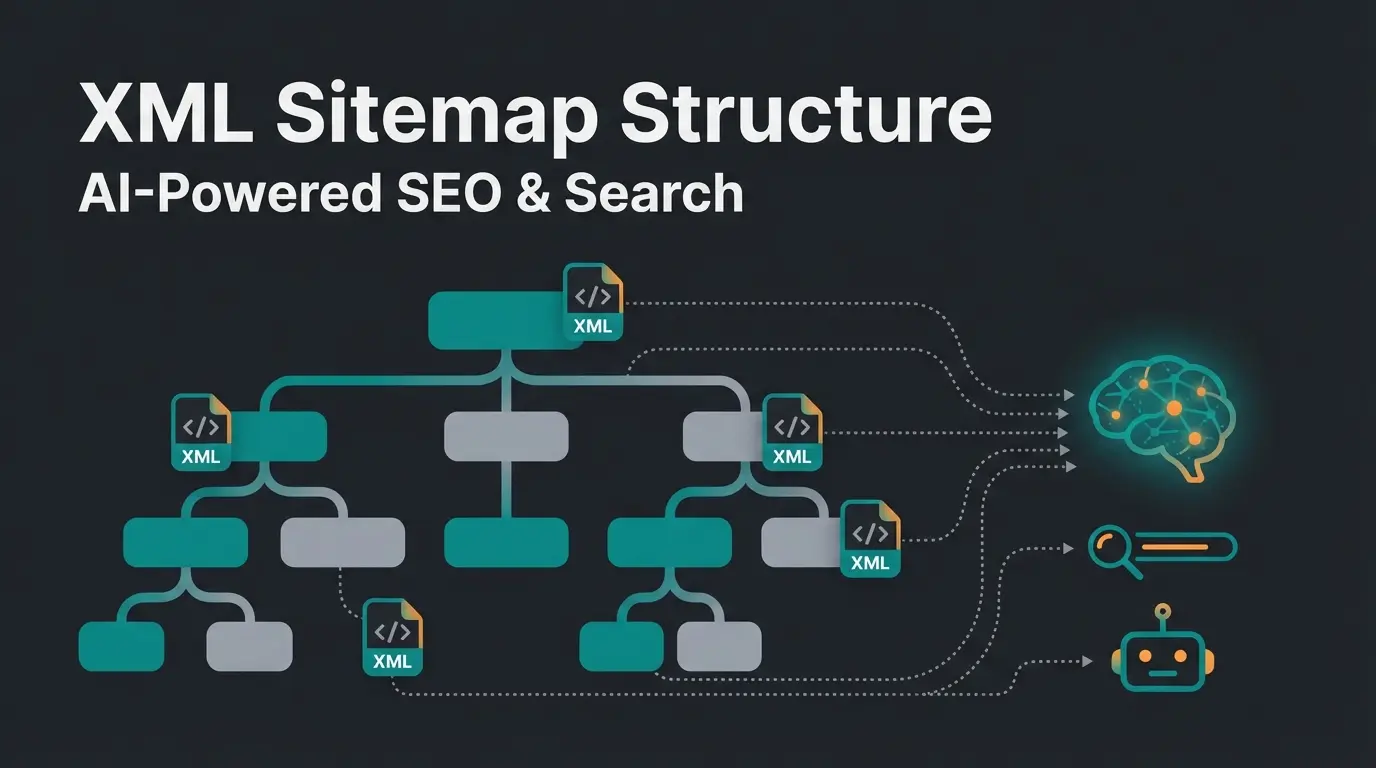
Shopware support channels
Shopware offers support through four main channels: email tickets via the Shopware Account, phone support for Evolve and Beyond plans, the community forum for general questions, and official documentation at docs.shopware.com. Which channel you can actually use depends entirely on your plan tier.
One thing that trips up merchants searching for help: Google conflates "Shopware" (the e-commerce platform) with "Shop-Ware" (auto repair software). If the search results look wrong, you are not losing your mind. Seven of the top ten results for "shopware customer support" belong to an auto repair company.
The actual Shopware official contact page covers sales, marketing, finance, and security reporting. It is not a support portal. For technical issues, the Shopware support documentation at support.shopware.com is where you create tickets. For a full overview of all available options, see our Shopware Support guide.
| Channel | Available on | Best for | Speed |
|---|---|---|---|
| Email tickets | Rise, Evolve, Beyond | Technical issues, bugs, configuration problems | 1-8 business hours |
| Phone callback | Evolve, Beyond | Urgent production issues, complex debugging | Same day |
| Hotline | Evolve, Beyond | Time-critical outages, Mon-Fri 08:00-17:00 | Immediate |
| Community forum | All plans (incl. free) | General questions, plugin advice, peer help | Hours to days |
| Developer support | Beyond only | Custom code, API issues, max 2 tickets/month | Varies |
If you need Shopware phone support specifically, know that it requires at least an Evolve license. Rise plan merchants are limited to written tickets. That is a significant gap when your checkout breaks on a Friday afternoon.
Shopware service tiers
Shopware offers three commercial support tiers: Rise (from EUR 600/month with 8-hour response times), Evolve (from EUR 2,400/month with 4-hour response times and phone support), and Beyond (from EUR 6,500/month with 1-hour response times and a dedicated account manager). The free Community Edition has no official support at all.
According to Shopware's official documentation, the response time differences are substantial. Rise merchants wait up to 8 business hours during a narrow 09:00-17:00 window. Evolve extends availability to 07:00-19:00 and halves the wait. Beyond provides 24/7 coverage with guaranteed 1-hour first response.
| Feature | Rise | Evolve | Beyond |
|---|---|---|---|
| Monthly cost | From EUR 600 | From EUR 2,400 | From EUR 6,500 |
| Response time | 8 hours, Mon-Fri | 4 hours, Mon-Fri | 1 hour, 24/7 |
| Availability | 09:00-17:00 | 07:00-19:00 | 24/7 |
| Written support | Yes | Yes | Yes |
| Phone support | No | Yes (callback) | Yes (hotline) |
| Developer support | No | No | Yes (2 tickets/month) |
| Account manager | No | No | Yes |
| Personal onboarding | No | No | Yes |
The pricing scales with your gross merchandise volume (GMV), so the numbers above are starting points. For a deeper look at all Shopware service options, including agency support and third-party alternatives, we have a dedicated breakdown.
How to submit a support ticket
To submit a Shopware support ticket, log into your Shopware Account at account.shopware.com, navigate to the Merchant Area, and select Support. You can also create tickets directly at support.shopware.com. The entire process takes about five minutes if you come prepared.
That last part matters. I have seen tickets bounce back and forth for weeks because merchants submitted vague descriptions like "checkout is broken." Shopware's support team needs specific reproduction steps, error messages, and access credentials to actually help.
- Describe the problem so someone with no context can understand it
- List exact reproduction steps, one by one
- Include error messages as text, not just screenshots
- Provide SSH/FTP access, database credentials, and a separate admin account
- Note when the problem first appeared and what changed before that
One distinction that catches merchants off guard: Shopware support only covers the core platform and official extensions. Third-party plugins from the Community Store are the responsibility of the plugin manufacturer. If your issue involves a plugin you bought from a third-party developer, Shopware will redirect you.
Self-service help resources
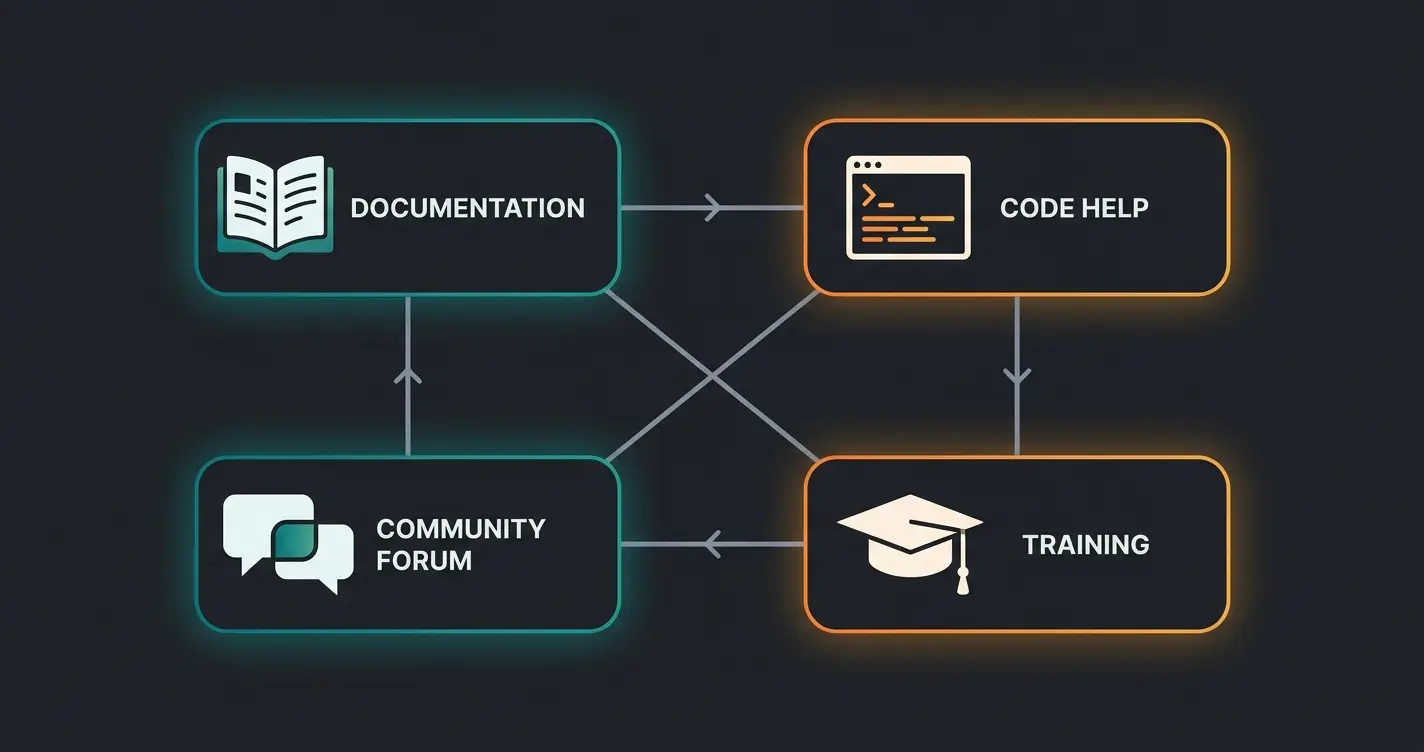
Before contacting support, Shopware merchants can resolve many issues through the official documentation at docs.shopware.com, the community forum, Stack Overflow, and the Shopware Academy training platform. These resources handle 80% of the questions I see merchants raise in support channels.
The Shopware help resources ecosystem breaks down into four layers. The official docs are thorough but dense. The community forum is faster for practical advice, especially around plugin compatibility and migration quirks. Stack Overflow works for specific code-level problems. And the Shopware Academy is underused, particularly by merchants who inherited a shop from a previous agency.
- Official docs (docs.shopware.com): API references, admin guides, plugin development. Start here for anything configuration-related
- Community forum: Real merchant experiences, workarounds, plugin recommendations. Better than docs for "has anyone else seen this?" questions
- Stack Overflow: Code-level debugging. Tag questions with `shopware6` for faster responses
- Shopware Academy: Structured training paths for both developers and merchants. Free tier available
A practical tip from years of working with Shopware merchants: bookmark the release changelog. Half the support tickets I have reviewed stem from merchants not knowing a recent update changed default behavior. Shopware publishes patch notes with every release, and reading them before updating saves hours of debugging.
Shopware 6 specific support
Shopware 6 merchants benefit from a modern support ecosystem including REST API documentation, Symfony-based debugging guides, and dedicated migration support for shops transitioning from Shopware 5. The architecture shift from Shopware 5 to 6 was fundamental, and support reflects that.
If you are migrating from Shopware 5, the support team can assist with data migration and plugin compatibility, but only on commercial plans. The community has also built migration tools and guides, which we cover in detail in our Shopware 6 support article.
Automating customer support with AI
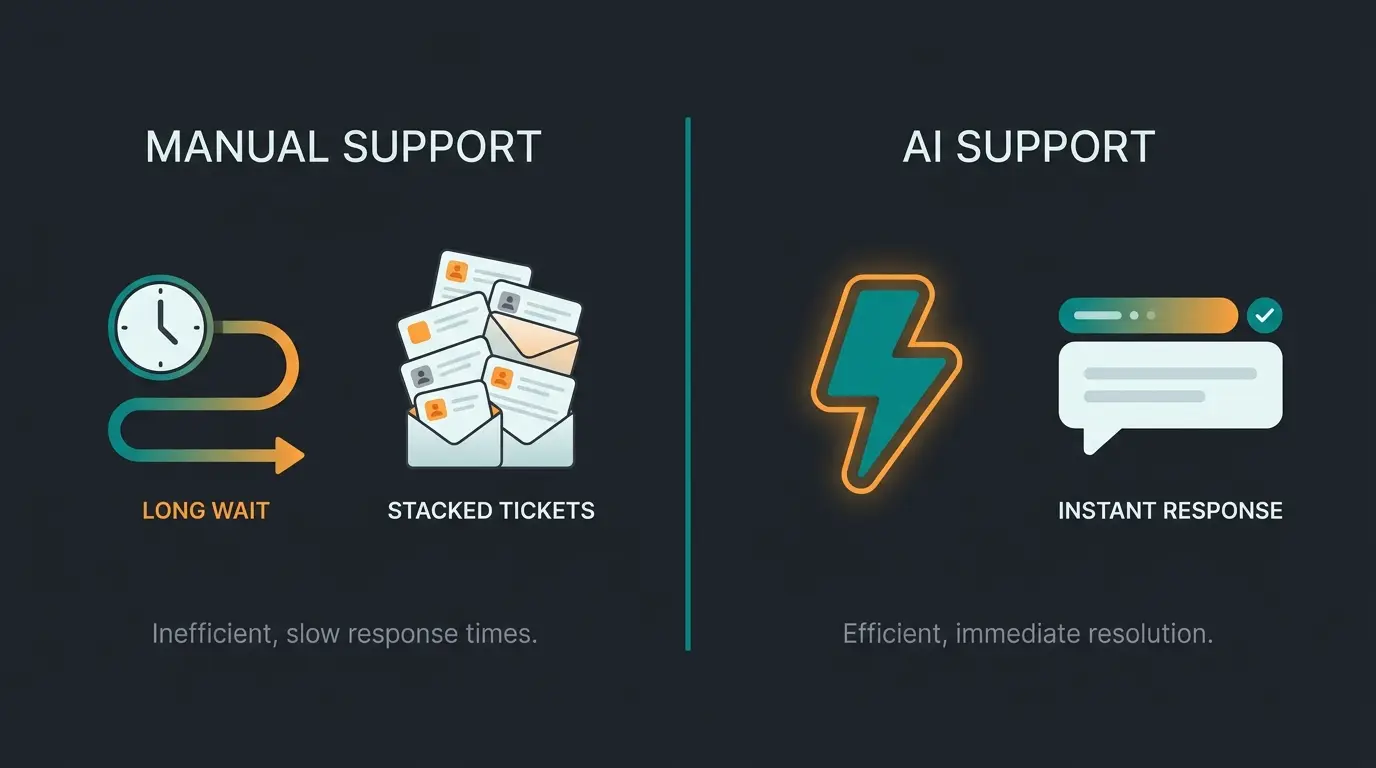
AI-powered customer support tools can automate routine inquiries for Shopware shops, cutting response times from hours to seconds while reducing support costs significantly. This is not about replacing your team. It is about freeing them from answering the same question 200 times a week.
The Freshworks Customer Service Benchmark Report 2025 found that AI-powered support reduced average first response times from over 6 hours to under 4 minutes. Their data, based on 1.2 billion tickets, also shows AI agents now deflect over 45% of incoming queries, with retail companies exceeding 50%.
We have seen this play out with our own clients. Rasendoktor, a specialized lawn care retailer, was fielding 2,000 to 3,000 consultation-intensive inquiries per season. After deploying an AI employee trained on their product catalog, they achieved 100% automation of routine questions and a 16x return on investment. The full story is in our Rasendoktor Case Study.
Neudorff, a garden supplies manufacturer, took a similar approach. Their AI employee Flora now handles product recommendations with 97% accuracy and responds in under 5 seconds. Across all channels, 24/7. That is a different league from waiting 8 hours for a Rise plan support ticket.
Rasendoktor, lawn care e-commerce
Neudorff, product recommendations
HELLA Lightstyle, automotive lighting
Neudorff AI employee Flora
The distinction matters: Shopware's native support helps you fix your shop. AI-powered customer service helps your customers buy from your shop. Both are necessary. But only one directly drives revenue.
Is Shopware support good? A merchant perspective
Shopware support receives mixed reviews from merchants. Evolve and Beyond users report competent, responsive assistance. Rise plan merchants frequently feel underserved, especially when urgent issues hit outside the 09:00-17:00 window. Community Edition users are on their own.
The honest assessment: if you are paying EUR 2,400 or more per month for Evolve, the support is solid. Four-hour response times and phone access cover most situations. Rise at EUR 600 per month gives you written-only support with an 8-hour SLA that can stretch across weekends. For a thorough look at merchant feedback, see our Shopware Reviews analysis.
Where Shopware falls short for every tier: customer-facing support. No Shopware plan helps you answer your buyers' questions faster. That is a different problem, and it requires a different solution.
Log into your Shopware Account at account.shopware.com, go to Merchant Area, and select Support to create a ticket. Evolve and Beyond plan holders can also request phone callbacks through the ticket system. The hotline is available Mon-Fri 08:00-17:00 for Evolve and Beyond.
Response times depend on your plan: Rise gets 8 business hours (Mon-Fri, 09:00-17:00), Evolve gets 4 hours (Mon-Fri, 07:00-19:00), and Beyond gets 1 hour with 24/7 availability. These are first-response guarantees, not resolution times.
No. The free Community Edition has no official Shopware support. You rely on the community forum, Stack Overflow, Slack channels, and documentation. If your shop exceeds EUR 1 million GMV, you must upgrade to a commercial plan.
Phone support is available on Evolve (callback service) and Beyond (direct hotline) plans only. Rise plan holders are limited to written ticket support. The hotline operates Mon-Fri 08:00-17:00 in CEST and UTC-4 time zones.
AI employees can automate routine customer inquiries, handling product questions, order status, and returns 24/7 with response times under 5 seconds. Qualimero clients like Rasendoktor achieved 100% automation of standard inquiries and a 16x ROI on their AI employee investment.
Shopware support fixes your backend. An AI employee fixes your conversion. Our clients see up to 16x ROI by automating customer inquiries in real time.
Book a demo
Lasse is CEO and co-founder of Qualimero. After completing his MBA at WHU and scaling a company to seven-figure revenue, he founded Qualimero to build AI-powered digital employees for e-commerce. His focus: helping businesses measurably improve customer interaction through intelligent automation.