Introduction: Why the Digital Address Book Is Dead
Data is often called the "oil of the 21st century." But crude oil alone doesn't power any engine – it needs to be refined. The same applies to your customer database. Many businesses, especially small and medium-sized enterprises (SMBs), still view their customer database as a glorified digital address book: name, address, phone number, maybe the last purchase date. That's the state of technology from 1990.
In a world where customers expect hyper-personalization and the competition is just one click away, managing "master data" alone is no longer enough. If you don't know why a customer bought, what problem they were actually trying to solve, and which nuances came up during the consultation conversation, you're flying blind.
This article guides you through the entire process: From the basics and quickly creating a customer database in Excel (including template structure), through the limitations of manual maintenance, to the future of customer data management: AI-powered systems that don't just store data – they understand it.
What Is a Modern Customer Database?
At its core, a customer database (often used synonymously with CRM – Customer Relationship Management) is a structured collection of information about existing and potential customers. However, the definition has expanded massively in recent years.
- Traditional approach: A storage location for contact data (Who is the customer?)
- Modern approach (2025): A "Customer Intelligence Engine" that links interactions, preferences, and behavioral patterns (What does the customer want and why?)
While simple systems only serve to write invoices, a modern database serves to map the customer journey. According to Infinitas, the use of CRM software can increase sales team productivity by up to 39%. It's not about administration – it's about value creation.
Master Data vs. Transaction Data: Depth Is Decisive
To create a customer database that truly provides value, you need to understand the difference between two data types. Most companies diligently collect the first category while seriously neglecting the second.
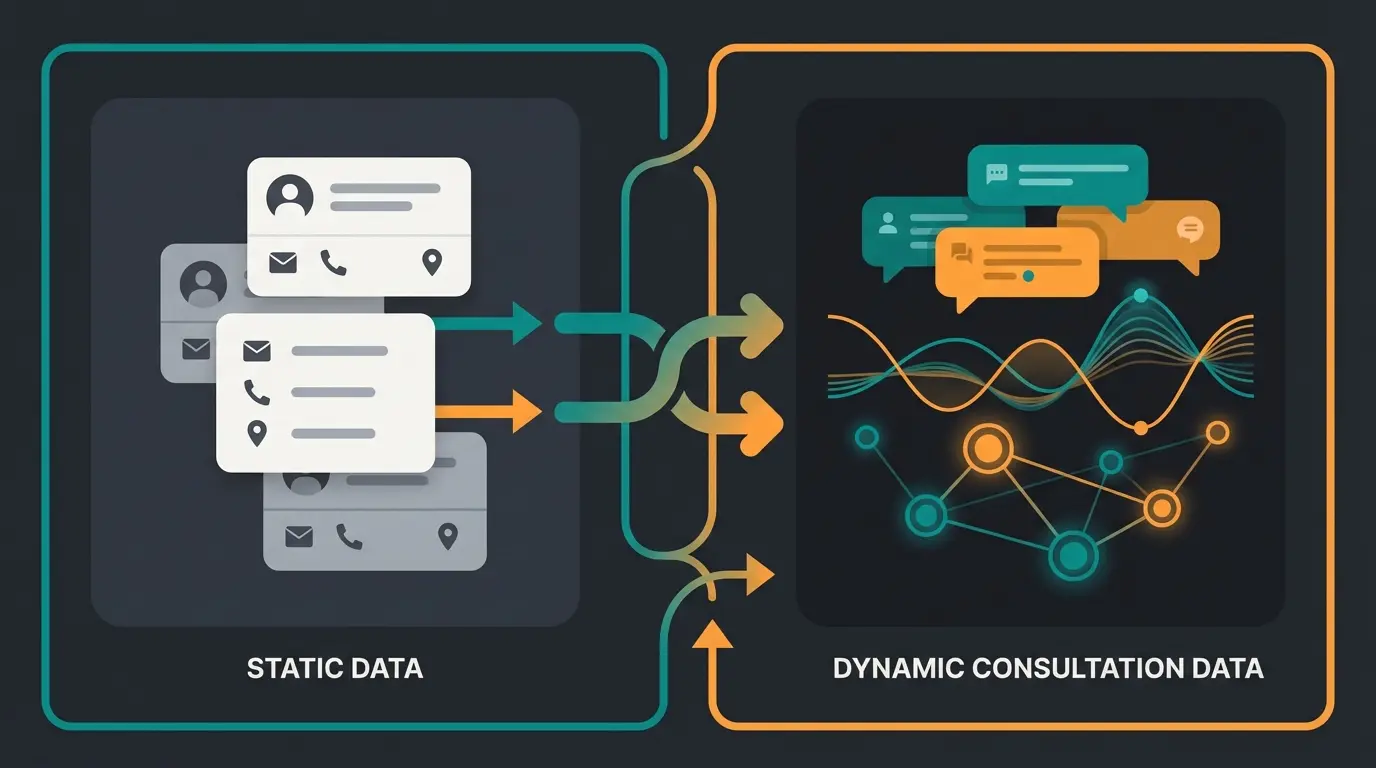
The Foundation: Master Data (Static)
Master data is information that rarely changes. It's the skeleton of your database. According to OwnerP and CRM System, without it, no assignment is possible.
- Company data: Company name, legal form, industry, VAT ID
- Contact details: Address, main phone line, general email (info@)
- Contact persons: First name, last name, position/department, direct line
The Fuel: Transaction Data (Dynamic)
Transaction data (or movement data) arises through interaction. It's dynamic and grows with every customer relationship, as noted by Koenig Solutions.
- Purchase history: What was bought when at what price?
- Service tickets: What complaints or follow-up questions were there?
- Marketing responses: Was the newsletter opened? Which link was clicked?
The Missing Link: Qualitative Consultation Data
Here lies the greatest untapped potential. Current analysis of top search results shows that this aspect is almost completely ignored. It's about the "unwritten" information from consultation conversations:
- "The customer mentioned they want to expand next year."
- "The customer hesitated at the price but was thrilled with the quality."
- "The real problem isn't the product, but lack of time in the team."
How to Create a Customer Database in Excel
Despite all technological advances, according to eMediaOne, many SMBs still use Excel for their customer data management. For the very first start or for very small projects (e.g., < 50 contacts), this is legitimate since it's cost-effective and flexible according to Brevo and Encore Business.
Here's a proven structure to set up a customer database in Excel cleanly.
Step 1: The Right Structure (Define Columns)
Avoid the mistake of writing everything into one cell. Granularity is key for later filtering or importing into a real CRM.
| Category | Column Header (Example) | Why Important? |
|---|---|---|
| ID | Customer-ID | Unique identification (important for namesakes) |
| Status | Lead-Status | New / Contacted / Customer / Inactive (for filters) |
| Company | Company Name, Industry | For B2B segmentation |
| Contact | Salutation, Title, First Name, Last Name | Important for correct mail merges |
| Communication | Email, Phone, LinkedIn | Channels for outreach |
| History | Last Contact, Next Step | So no lead gets forgotten |
| GDPR | Consent Date, Source | Traceability of data collection |
Step 2: Use Data Validation
Excel is error-prone (typos). Use the "Data Validation" function to create dropdown menus.
Example: Create a dropdown for the Lead-Status column with: "Open", "In Progress", "Won", "Lost". This prevents Employee A from writing "Open" while Employee B writes "New".
Step 3: The Format as Table Function
Select your data range and press `Ctrl + T`. According to Microsoft, Excel automatically recognizes the range as a database. Filters are automatically added, and new rows immediately adopt the formatting and formulas.
Step 4: Filters and Slicers
Use the filter arrows in the headers to display only customers from "New York" or all with status "Open". This makes the list operationally usable.
The Excel Trap: When You Must Switch
As tempting as "free" is: Excel is not a database. It's a spreadsheet program. Beyond a certain size, Excel becomes a business risk. According to CRMside, here are the warning signs that you need professional customer database software:
SMBs report version chaos with multiple spreadsheet copies
Businesses lose consultation context in spreadsheet notes
Excel files easily shared via email or USB without audit trails
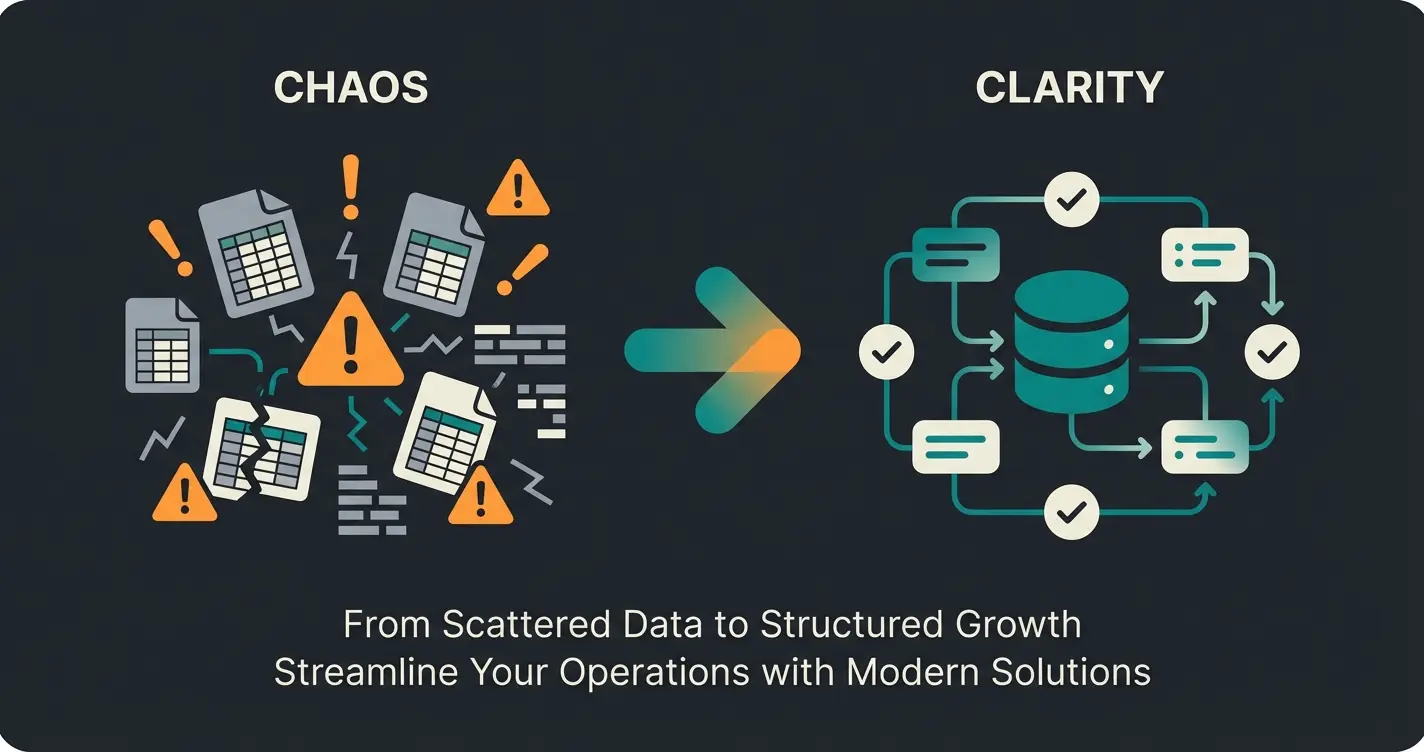
- Data silos & version chaos: Employee A has "CustomerList_V2_Final.xlsx" on their desktop, Employee B uses "CustomerList_New.xlsx". Nobody knows which phone number is current according to eMediaOne.
- Lack of history: Excel shows the current state. It's extremely difficult to capture when you spoke with whom about what without making the table unreadable (those infamous "comment columns" that go on for miles).
- No automation: Excel doesn't remind you to follow up on a quote. It doesn't send automatic birthday emails. You have to do everything manually according to Teamleader.
- Security risk (GDPR): An Excel file can easily be sent via email or copied to a USB stick. A nightmare for data protection. There are no detailed access logs (who changed what when?) according to Kvinne.
- Lack of relationships: In Excel, it's difficult to link that Mr. Smith (Contact) belongs to Smith LLC (Customer), which is in turn a subsidiary of Holding Corp. Relational databases can do this.
Conclusion on Excel usage: Use it for prototyping or one-time events. But don't build your company's sales operations on it.
Software Solutions: CRM vs. AI Consultation Tools
When you take the step away from Excel, you face a huge market. Search results are full of comparison portals. But beware: There's a fundamental difference between "management" and "intelligence".
Category A: The Classic CRM (Management)
Tools like HubSpot, Salesforce, Pipedrive or solutions like CentralStationCRM and Weclapp are the standard according to Finom, OMR, Gründerküche, and Weclapp.
- Focus: Process mapping (sales pipeline), contact management, email marketing
- Strength: Structuring sales processes. Everyone knows what stage a deal is in.
- Weakness: The "empty shell problem." A CRM is only as good as the data that's manually entered. Salespeople hate entering data. That's why many CRMs are expensively paid for but poorly maintained. Qualitative information (Why does the customer buy?) often gets lost or ends up in unstructured note fields.
Category B: The New Era – AI-Powered Consultation Tools
Here lies the differentiation opportunity (Blue Ocean). New tools use Artificial Intelligence not just to write emails, but to feed the database.
- Focus: Analysis and understanding of customer interaction (Conversational Intelligence)
- AI as a Listener: The tool analyzes (with consent) emails, chats, or transcripts of consultation conversations.
- Auto-Population: The AI automatically recognizes: "Customer interested in Product X", "Budget is Y", "Customer has concerns about Z".
- Dynamic Profiling: The customer profile updates itself automatically.
Advantage: The database is always up-to-date without a human needing to type. Additionally, patterns are recognized ("Customers who ask about price often only buy after 3 months").
Stop losing valuable consultation insights. Our AI automatically captures customer preferences, pain points, and buying signals from every conversation.
Start Free TrialComparison: Excel vs. CRM vs. AI Consultation Platform
| Feature | Excel | Standard CRM (e.g., HubSpot) | AI Consultation Platform |
|---|---|---|---|
| Cost | Low (license available) | Medium to High (per user) | Variable (value-based) |
| Data Depth | Flat (addresses) | Structured (pipeline) | Deep (context & needs) |
| Maintenance Effort | Extremely High (manual) | High (manual) | Low (automated) |
| Analytics | Manual (pivot) | Reports & dashboards | Predictive (forecasts) |
| Goal | Manage list | Control process | Understand customers |
| Auto-Updates from Chat | No | No | Yes |
| Understanding Customer Needs | No | Limited | Deep AI Analysis |
Initial inquiry via chat, email, or phone consultation
Provides helpful response while analyzing conversation context
Identifies pain points, budget signals, and product interests
Customer profile enriched with consultation insights automatically
Targeted recommendations based on deep customer understanding
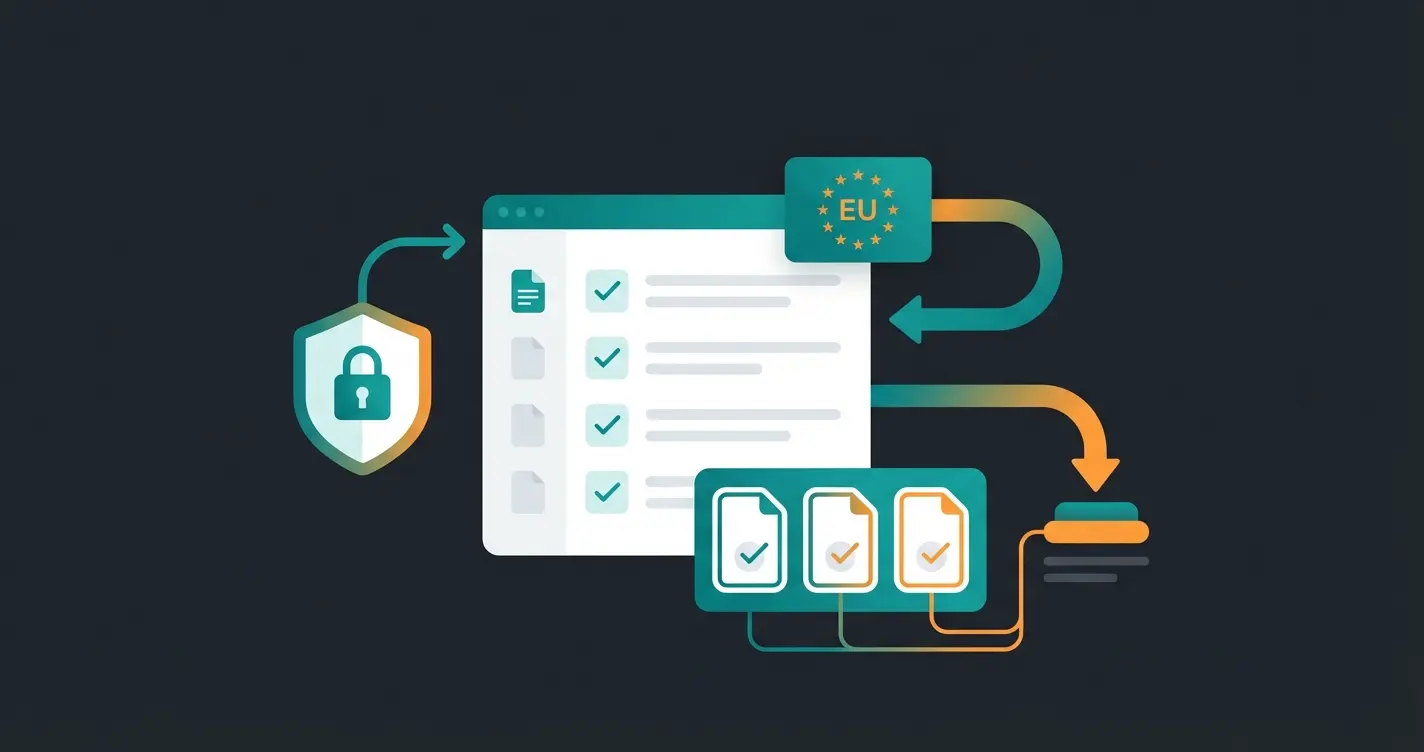
Best Practices: Managing Customer Data and GDPR
Anyone who wants to manage customer data in Germany or the EU cannot avoid the General Data Protection Regulation (GDPR). Violations can cost up to 20 million euros or 4% of annual revenue according to Kvinne and Termly.
Here's your checklist for a legally compliant customer database:
1. Legal Basis for Storage (Art. 6 GDPR)
You cannot simply store data. You need a reason according to RA Plutte:
- Contract fulfillment: You need the address to deliver the goods. (Permitted)
- Legitimate interest: Direct advertising to existing customers (Often permitted, but weighable)
- Consent: For newsletters or tracking. This must be voluntary and provable (Double Opt-In) according to DSGVO-Vorlagen
2. Data Minimization & Storage Limitation
Only collect what you really need.
- Bad: Asking for birth date when it's irrelevant to the product
- Deletion concept: When is data deleted? (e.g., applicant data after 6 months, invoice data after 10 years according to tax regulations). Your software should offer automatic deletion routines.
3. Server Location & Data Processing Agreement
Pay very close attention to where the data is stored when choosing software.
- Gold standard: Hosting in Germany or the EU (e.g., Open Telekom Cloud, Hetzner, or US providers with EU data centers)
- Data Processing Agreement (DPA): If you use a CRM (e.g., Salesforce, Weclapp), you're providing data to a third party. You must conclude a DPA with this provider.
4. Data Subject Rights
Customers have the right to information ("What do you know about me?") and the right to be forgotten.
Step-by-Step: Implementing an Intelligent Database
Buying software doesn't solve problems. Strategy does. Proceed in four phases:
Phase 1: Goal Definition & Clean-Up
Before importing data, you need to clean up.
- Define: What is a "customer"? (Only those who have purchased? Or also prospects?)
- Clean up your old lists (Data Hygiene). Delete duplicates before you migrate. Nothing is worse than a new system with old data garbage.
Phase 2: Connect Data Sources (Integration)
A customer database must not be an island.
- Connect it with your email inbox (Outlook/Gmail)
- Connect it with your webshop or website
- The turbo: Connect it with your consultation channels (phone system, chat tools). This is where AI comes in, capturing and structuring conversations.
Phase 3: Set Up Automation
Let technology do the work.
- Basic: "If new lead on website -> Create contact in CRM"
- Advanced: "If customer asks about 'enterprise solution' in chat -> Set tag 'Enterprise' -> Notify Key Account Manager"
Phase 4: Training and Acceptance
The best software fails if employees don't use it. According to Addbase and Breakcold, studies show that lack of acceptance is one of the main reasons for CRM project failures.
Show the team the personal benefit: "You don't have to type address X anymore, the system does it for you."
Define customer criteria, remove duplicates, establish data quality standards
Integrate email, webshop, phone systems, and consultation channels
Create workflows for lead capture, tagging, and team notifications
Demonstrate personal benefits, provide hands-on training, ensure buy-in
Conclusion: The Future Belongs to Intelligent Databases
The question today is no longer whether you should create a customer database, but how intelligent it is.
- Past: Excel lists. Isolated, error-prone, static. An "address graveyard."
- Present: Standard CRM. Structured, process-oriented, but often maintenance-intensive and empty of content.
- Future (2025): AI-powered Customer Intelligence. The system learns from every interaction. It doesn't just store data – it delivers contexts.
For SMBs, this means: Start clean (yes, even Excel is a beginning if the structure is right), but don't miss the train. Those who only "manage" their customers will be replaced by those who "understand" their customers. Use technologies that make listening scalable.
Frequently Asked Questions
Costs vary widely: Excel is free (if you have a license), basic CRM tools like HubSpot offer free tiers, mid-range solutions cost $15-50 per user/month, and enterprise platforms like Salesforce can exceed $150 per user/month. AI-powered consultation platforms often use value-based pricing models.
Excel itself isn't inherently GDPR non-compliant, but it makes compliance extremely difficult. You lack audit trails (who changed what when), granular access controls, automated deletion routines, and the ability to quickly fulfill data subject requests. For any business handling significant customer data, dedicated database software is strongly recommended.
Start by cleaning your data: remove duplicates, standardize formats, and fill gaps. Export your Excel data as CSV. Most CRM tools offer import wizards that map your columns to their fields. Test with a small batch first, verify the import, then complete the full migration. Plan for 2-4 weeks for a clean transition.
A customer database is the foundation – a structured collection of customer information. CRM (Customer Relationship Management) is broader: it includes the database plus tools for sales pipeline management, marketing automation, service ticketing, and reporting. Think of the database as the engine and CRM as the entire vehicle.
AI transforms databases from passive storage to active intelligence systems. It automatically extracts insights from conversations (emails, chats, calls), identifies customer preferences and pain points, predicts buying behavior, and keeps profiles updated without manual data entry. This shifts your team from data management to relationship building.
Stop managing addresses and start understanding customers. Our AI-powered platform automatically captures consultation insights, enriches customer profiles, and delivers actionable intelligence – no manual data entry required.
Get Started Free
Marco is Managing Director and co-founder of Qualimero. As a former BCG consultant and WHU graduate with experience at OBI next, he combines strategic consulting expertise with hands-on e-commerce know-how — ensuring AI solutions deliver measurable business impact.