How much does Shopify POS cost?
Shopify POS has three cost layers: the Shopify subscription itself, the POS software tier (Lite or Pro), and hardware. Most pricing pages only show you the first two. The third one, plus transaction fees, is where budgets quietly balloon.
Here is the honest version. POS Lite ships free with every Shopify plan. If you are on Shopify Costs starting at $39/month (Basic), you already have a functional point-of-sale system. Tap a card reader to your phone, accept payments, sync inventory with your online store. Done.
The moment you need staff permissions, buy-online-pick-up-in-store (BOPIS), or in-store analytics, you are looking at POS Pro at $89/month per location. For a complete breakdown of the general POS system and its capabilities, see our Shopify POS Guide.
POS subscription costs: Lite vs Pro
POS Lite is Shopify's free point-of-sale option included with every subscription plan. It covers the essentials: accept credit and debit cards, sync your product catalog, manage basic customer profiles, and use Shopify's Smart Grid interface on an iPad or iPhone. For a pop-up shop or a single counter with simple needs, Lite is genuinely sufficient.
POS Pro unlocks the features that matter once retail becomes a real revenue channel. Advanced staff roles with performance tracking, demand forecasting for inventory, BOPIS, ship-from-store, cross-location returns, and daily sales reports. The cost: $89/month per location on monthly billing, or $79/month per location with annual commitment.
That per-location pricing adds up fast. Two stores on POS Pro means $178/month just for the POS software, before your Shopify subscription or any hardware. Five locations: $445/month. This is the cost that catches multi-location retailers off guard.
| Feature | POS Lite (free) | POS Pro ($89/mo) |
|---|---|---|
| Monthly cost per location | $0 | $89 ($79 annual) |
| Card and cash payments | Yes | Yes |
| Product catalog sync | Yes | Yes |
| Customer profiles | Basic | Advanced with segmentation |
| Staff accounts | Limited by plan (2-15) | Unlimited |
| Staff roles and permissions | Basic PINs only | Advanced roles + performance tracking |
| Inventory management | Basic sync | Demand forecasting + low stock alerts |
| Buy online, pick up in store | No | Yes |
| Ship from store | No | Yes |
| In-store exchanges for online orders | No | Yes |
| Daily sales reports | No | Yes |
| Custom printed receipts | No | Yes |
The break-even question: when does POS Pro justify itself? If BOPIS or ship-from-store drives even 5-10 additional orders per month, the $89 pays for itself in margin alone. For single-location stores without omnichannel needs, Lite is the right call. For anything with two or more locations, Pro becomes nearly non-negotiable because cross-location inventory and returns are operational requirements, not luxuries.
Hardware costs
Shopify's hardware is a one-time expense, not a recurring fee. The minimum viable setup is a $49 Tap and Chip Card Reader paired with your existing smartphone or tablet. That is genuinely all you need for a farmers market, pop-up, or trade show.
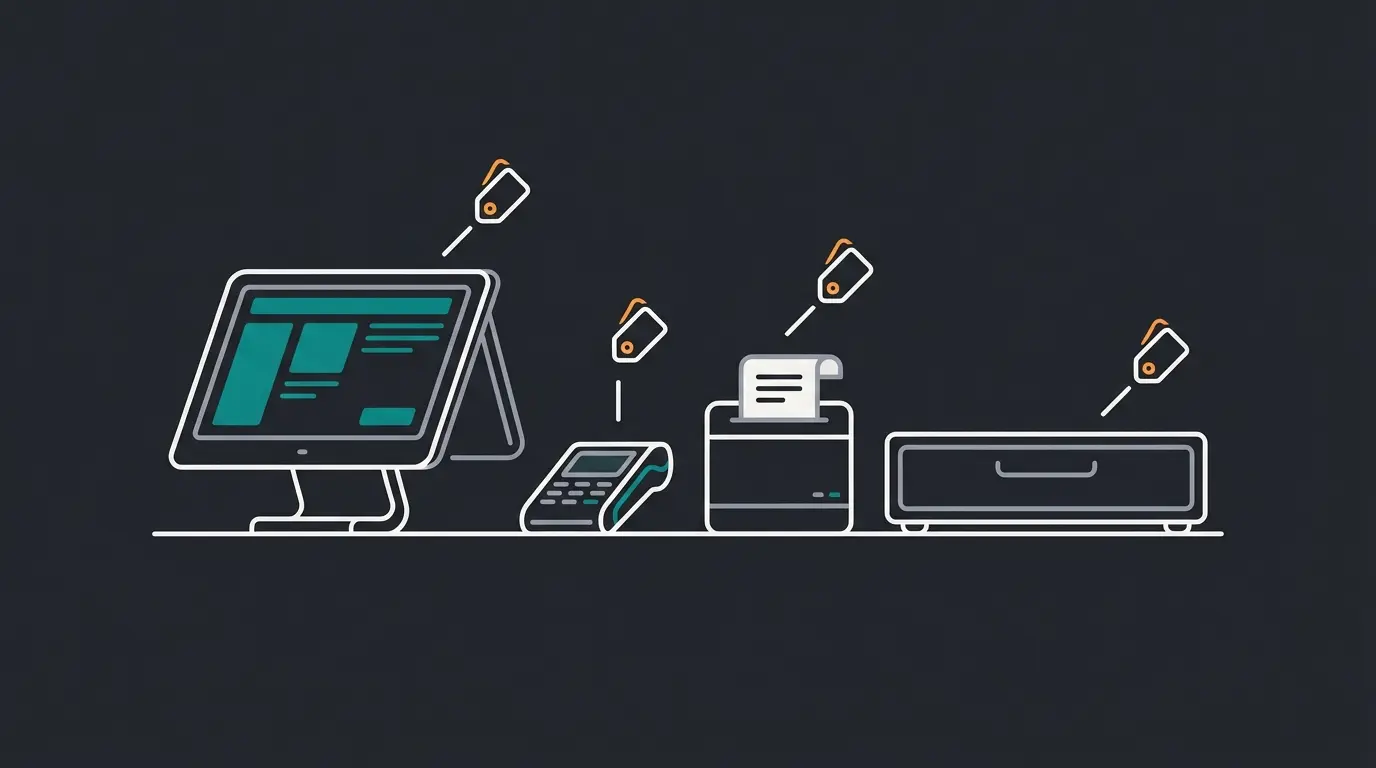
For a permanent retail counter, the POS Terminal at $349 replaces the discontinued POS Go device. It is a standalone payment terminal with a built-in screen that docks into a countertop setup. Add an iPad stand ($149), receipt printer ($249-$369), and cash drawer ($129-$139), and you are looking at $876-$1,006 for a complete single-register setup.
| Device | Price (USD) | Notes |
|---|---|---|
| Tap & Chip Card Reader | $49 | Minimum viable hardware, Bluetooth |
| POS Terminal | $349 | Standalone terminal, replaces POS Go |
| Tablet Stand (iPad/USB-C) | $149 | Countertop mount |
| Cash Drawer | $129-$139 | Required for cash transactions |
| Receipt Printer | $249-$369 | Bluetooth, Wi-Fi, or wired options |
| Barcode Scanner (Zebra DS2208) | $199 | Wired, budget option |
| Barcode Scanner (SocketScan S720) | $269 | Bluetooth, mid-range |
| Tap & Chip Countertop Kit | $219 | Card reader + stand bundle |
| Terminal Countertop Kit | $459 | Terminal + tablet mount + stand + dock |
One detail retailers often overlook: third-party hardware works too. A standard Bluetooth receipt printer or USB barcode scanner from Amazon at half the price will pair with Shopify POS just fine. Shopify's own hardware is well-built and guaranteed compatible, but it is not the only option.
Hardware availability is another factor. Shopify ships its branded hardware directly to merchants in 15+ countries including the US, UK, Canada, Germany, and Australia. If you are outside those markets, third-party hardware is not just an option, it is a requirement.
POS transaction fees
Every card swipe through Shopify POS incurs a transaction fee. The rate depends on your Shopify plan tier and whether you use Shopify Payments or a third-party processor. Using Shopify Payments is strongly recommended: it eliminates the additional surcharge that third-party processors trigger. Shopify Payments is available in 39 countries as of 2026.
In-person rates are lower than online rates across all plans, which makes sense since card-present transactions carry less fraud risk. The spread between Basic (2.6% + $0.10) and Advanced (2.4% + $0.10) seems small per transaction, but at $50,000/month in POS sales, that 0.2% difference saves $100/month, or $1,200/year. For a full breakdown of all Shopify Fees, see our dedicated guide.
Online vs in-person rate comparison
Shopify charges different rates for card-present (POS) and card-not-present (online) transactions. On the Basic plan, online rates are 2.9% + $0.30 compared to 2.6% + $0.10 in person. That gap matters if you sell both online and in-store. A $100 sale costs $3.20 online but only $2.70 in person, a $0.50 difference per transaction.
Shopify Plus merchants get the best deal: in-person rates drop to approximately 2.15% with no per-transaction fixed fee, and rates are negotiable for high-volume businesses. I have seen Plus merchants with 10,000+ monthly POS transactions negotiate rates below 2.0%, though Shopify does not publish these custom rates.
| Shopify Plan | Monthly Cost | In-Person Rate | Third-Party Surcharge |
|---|---|---|---|
| Basic | $39/mo | 2.6% + $0.10 | +2.0% |
| Grow | $105/mo | 2.5% + $0.10 | +1.0% |
| Advanced | $399/mo | 2.4% + $0.10 | +0.6% |
| Plus | $2,300/mo | ~2.15% (negotiable) | Negotiated |
Total cost calculation: 3 scenarios
Pricing pages are misleading when they show monthly subscription costs in isolation. Here is what Shopify POS actually costs in three real-world scenarios, including subscription, POS tier, hardware (amortized over 24 months), and estimated transaction fees on $20,000/month in POS sales.
Basic plan ($39) + POS Lite (free) + card reader amortized ($2) + transaction fees (~$540/mo on $20K). Actual per-month cost before fees: ~$41.
Grow plan ($105) + POS Pro ($89) + hardware amortized (~$40) + transaction fees. Realistic range including all recurring and amortized costs.
Advanced plan ($399) + 3x POS Pro ($237) + hardware amortized (~$120) + lower transaction rates. Scale brings better rates but higher base costs.
| Cost Component | Pop-Up (Basic + Lite) | Single Store (Grow + Pro) | 3 Locations (Advanced + Pro) |
|---|---|---|---|
| Shopify subscription | $39 | $105 | $399 |
| POS software | $0 (Lite) | $89 | $267 (3x $89) |
| Hardware (amortized/24mo) | ~$2 | ~$40 | ~$120 |
| Transaction fees ($20K/mo) | ~$530 | ~$510 | ~$490 |
| Estimated monthly total | ~$571 | ~$744 | ~$1,276 |
| Monthly total before fees | ~$41 | ~$234 | ~$786 |
The transaction fee column is the one that dominates every scenario. On $20,000 in monthly POS sales at the Basic rate (2.6% + $0.10), you are paying roughly $530 in processing fees alone. That is not a Shopify-specific problem. Square charges 2.6% + $0.15 on its free plan, and PayPal Zettle charges 2.29% + $0.09. Processing fees are the unavoidable cost of accepting cards.
The useful comparison is the fixed costs: subscription plus POS software plus hardware. A pop-up seller on Basic with Lite pays $41/month in fixed costs. A single store on Grow with Pro pays $234/month. Three locations on Advanced with Pro: $786/month. Plan for these numbers, then add 2.4-2.6% of your card sales on top.
Hidden costs to watch
Three costs that do not appear on Shopify's pricing page but hit your budget: Shopify Tax (0.35% of each taxable transaction after the first $100K in sales, capped at $0.99 per order), premium theme costs ($100-$360 one-time if your free theme does not suit retail), and app subscriptions for loyalty programs or advanced reporting ($10-$100/month). Our Shopify Costs guide covers the full picture.
One retailer I worked with expected $150/month total on a Grow plan with POS Pro. The actual bill after apps, tax fees, and processing on $25,000 in monthly POS sales: $342/month. The lesson: budget for 10-25% above the sticker price.
Shopify POS vs alternatives
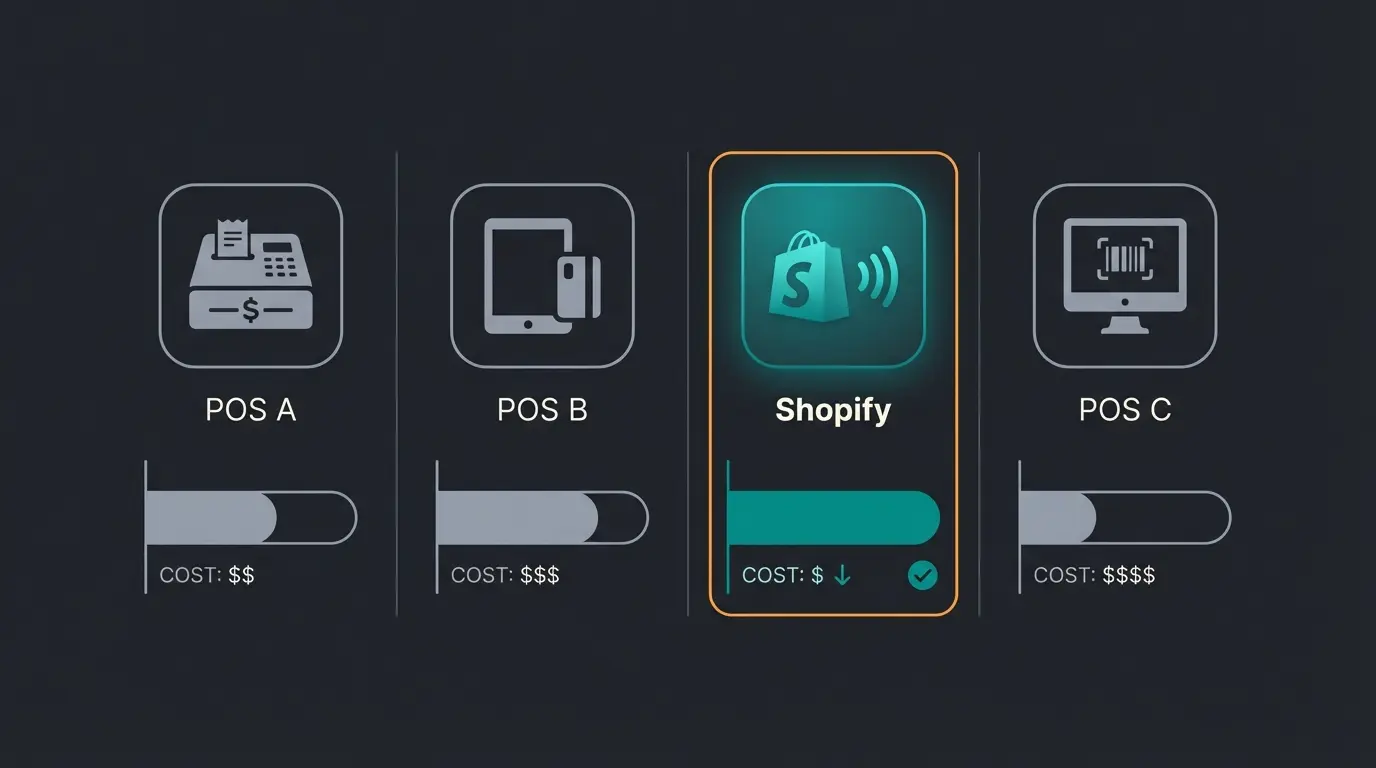
Shopify POS is not the cheapest option if you only sell in person. Its strength is the seamless connection between your online store and physical retail. If you already run a Shopify store and want to add in-person sales, there is no integration overhead. If you are retail-only with no online presence, the alternatives deserve a serious look.
I have helped retailers evaluate all four of these systems. The decision almost always comes down to one question: do you sell online and in-store, or just in-store? If both, Shopify POS wins by default because unified inventory and customer data across channels is worth more than the subscription cost difference.
| Shopify POS | Square | SumUp | PayPal Zettle | |
|---|---|---|---|---|
| Monthly fee | From $39 (requires Shopify plan) | $0 (Free plan available) | $0 | $0 |
| Advanced POS tier | $89/mo per location | $49-$149/mo per location | EUR 19/mo | N/A |
| In-person fee (US) | 2.6% + $0.10 (Basic) | 2.6% + $0.15 (Free) | 2.5% | 2.29% + $0.09 |
| In-person fee (lowest tier) | 2.4% + $0.10 (Advanced) | ~2.5% + $0.10 (Premium) | 0.99% (Plus plan) | 2.29% + $0.09 |
| Cheapest card reader | $49 | Free (first reader) | ~$40 | $29 (promo) |
| Full terminal | $349 | $799 (Register) | ~$130 | $79 |
| E-commerce integration | Native (best-in-class) | Square Online (good) | Basic online store | PayPal ecosystem |
| Omnichannel (BOPIS, ship-from-store) | Yes (POS Pro) | Limited | No | No |
| Best for | Shopify merchants adding retail | Retail-first, needs free start | EU merchants, low fees | PayPal ecosystem users |
Square wins on zero monthly fees and a free card reader. For a brand-new retailer testing the waters, that is hard to beat. SumUp dominates in Europe with transaction fees as low as 0.9% on German debit cards and no monthly subscription. PayPal Zettle offers the lowest US in-person rates at 2.29% + $0.09.
Where Shopify POS pulls ahead: omnichannel. No other platform on this list offers true BOPIS, ship-from-store, and unified inventory across online and physical locations at this level. According to the EY Future Proofing Retail report, Shopify POS merchants see 8.9% average annual sales uplift from omnichannel features, with 20% faster implementation and 16% lower ongoing costs compared to competitor POS systems.
The honest limitation: Shopify POS requires a Shopify subscription. If you are a pure brick-and-mortar business with no plans for an online store, paying $39+/month for a subscription you do not fully use is hard to justify. Square's free plan with a free card reader gets you selling in minutes with zero fixed costs. Start there, and migrate to Shopify when you are ready to sell online.
How to save on Shopify POS
Five ways to reduce your total POS cost without sacrificing functionality:
- Start with POS Lite. Do not upgrade to Pro until you genuinely need BOPIS, advanced staff roles, or multi-location returns. Many single-store retailers run Lite for 6-12 months before upgrading.
- Pay annually. Annual billing saves 11% on POS Pro ($79 vs $89/month) and roughly 25% on your Shopify subscription.
- Use Shopify Payments. Eliminates the 0.6-2.0% third-party processor surcharge. On $20,000/month in sales, that saves $120-$400/month.
- Buy third-party hardware where possible. Shopify's branded hardware is reliable but premium-priced. A $30 Bluetooth barcode scanner works just as well as the $199 Zebra model for most use cases.
- Consider Shopify Plus at 10+ locations. POS Pro is included for up to 20 locations, saving $10,680-$19,000/year depending on location count.
A well-priced POS setup brings customers to the counter. An AI employee converts them. Qualimero's KI-Mitarbeiter advises customers in real-time across all channels, increasing cart value by up to 35% and checkout rates by 60%.
See how it worksFAQ
POS Lite is free with every Shopify plan, but you still need a Shopify subscription starting at $39/month (Basic). So the minimum cost for Shopify POS is $39/month plus a $49 card reader.
POS Pro costs $89/month per location on monthly billing, or $79/month per location with annual billing. This is charged on top of your Shopify subscription. Two locations means $158-$178/month just for POS Pro.
A Tap and Chip Card Reader ($49) and your existing smartphone or tablet. That is the complete minimum setup for accepting in-person card payments through Shopify POS.
If you already sell online through Shopify, yes. The seamless inventory sync and unified customer data make it the simplest way to add in-person sales. If you only sell in person and have no online store, Square's free plan is a better starting point.
Shopify POS can accept cash payments offline and will process card payments stored locally once the connection returns. However, real-time inventory sync and customer lookups require an active internet connection.
Your Shopify POS handles the transaction. A Qualimero AI employee handles the conversation, answering product questions, recommending alternatives, and following up after the sale. Our clients see 7x higher conversion rates.
Book a free demo
Lasse is CEO and co-founder of Qualimero. After completing his MBA at WHU and scaling a company to seven-figure revenue, he founded Qualimero to build AI-powered digital employees for e-commerce. His focus: helping businesses measurably improve customer interaction through intelligent automation.