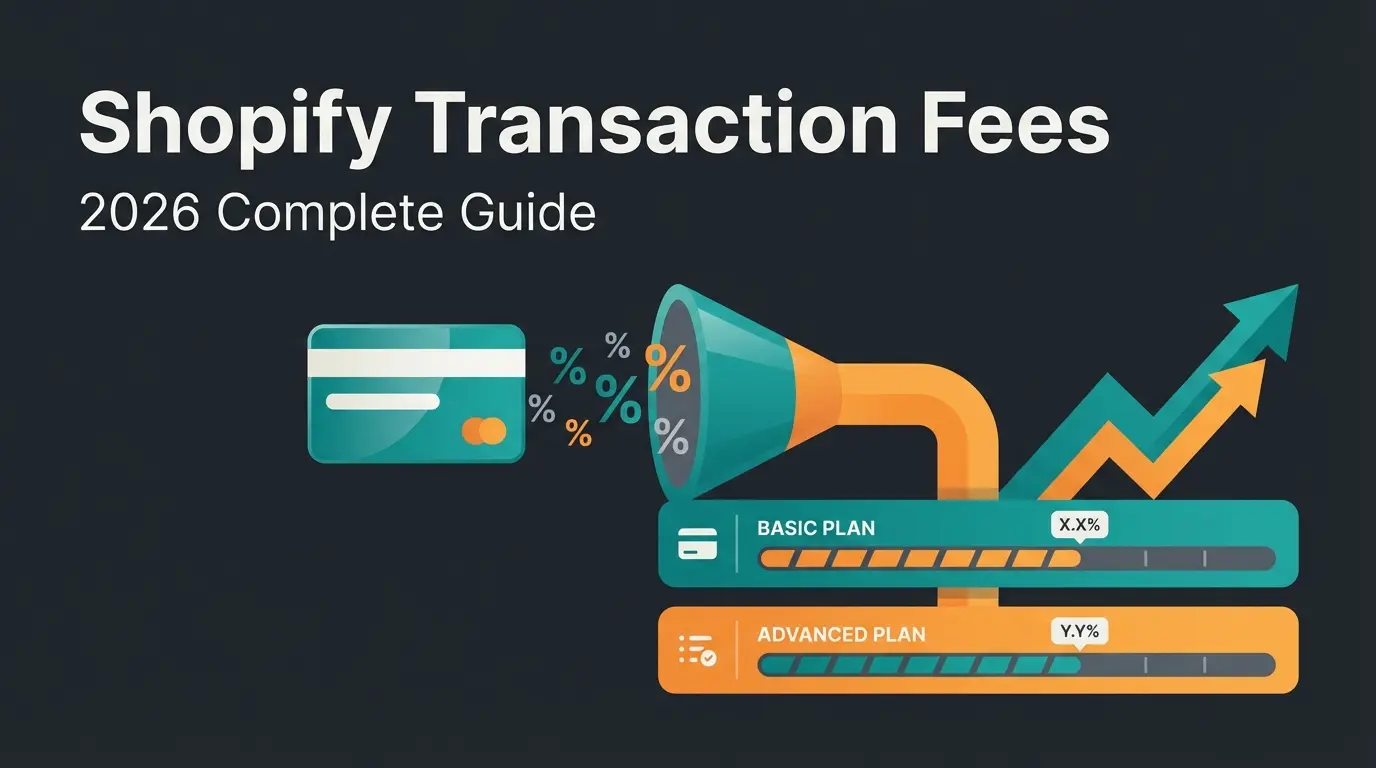
Shopify Fees 2026: Every Cost Per Sale, Transaction, and Plan Explained
Complete Shopify fees breakdown for 2026: subscription costs, transaction fees, payment provider comparison, and hidden costs. With real cost examples and savings tips.

What are Shopify fees?
Open the billing page of any Shopify store and you will see it immediately: the monthly subscription price is just the surface. Underneath sit transaction fees, payment processing fees, app costs, and a series of charges that never appear in any pricing table on the official Shopify pricing page.
Shopify fees fall into three categories. Recurring fixed costs (your subscription plan), variable costs per transaction (payment fees and Shopify surcharges), and one-time or optional costs (themes, apps, domain). Understanding all three layers is the first step to reducing your total Shopify Costs.
Most merchants I talk to know their plan price. Very few know what they actually pay per sale in total fees. That is exactly what we break down here.
Subscription fees by plan
Shopify offers five subscription plans in 2026. Prices shown are in USD, as of March 2026. Annual billing saves you up to 25% compared to monthly payments. Shopify Plans and Pricing covers plan differences in detail.
| Plan | Monthly | Annual (per month) | Staff accounts | Annual savings |
|---|---|---|---|---|
| Starter | $5 | n/a | 1 | n/a |
| Basic | $39 | $29 | 2 | $120 |
| Shopify | $105 | $79 | 5 | $312 |
| Advanced | $399 | $299 | 15 | $1,200 |
| Plus | from $2,300 | negotiable | unlimited | custom |
The Starter plan is designed for social selling, not a full store. Basic is the entry point for most merchants. The Shopify plan makes sense once you hit roughly $5,000 in monthly revenue, because the lower transaction fees offset the higher subscription price. Shopify Plus starts at $2,300 per month and targets high-volume merchants with custom pricing, dedicated support, and zero transaction fees. For a detailed breakdown of what you pay every month across all plans, see Shopify monthly costs.
Transaction fees
On top of the subscription, Shopify charges a transaction fee when you use an external payment provider instead of Shopify Payments. This fee is added on top of whatever the payment provider charges. It is the line item most merchants overlook. Our guide on transaction fees in detail covers every scenario.
| Plan | Transaction fee | Example at $10,000 revenue |
|---|---|---|
| Basic | 2.0% | $200 extra |
| Shopify | 1.0% | $100 extra |
| Advanced | 0.6% | $60 extra |
| Plus | 0% | $0 |
If you use Shopify Payments, this transaction fee is waived entirely. You only pay the credit card processing fees from Shopify Payments itself. On a Basic plan with $10,000 monthly revenue, that saves you $200 per month, or $2,400 per year.
Payment provider fees compared
Which payment provider you use has a massive impact on your total costs. Here is a comparison of the most common options for Shopify stores. All rates are for US online transactions, as of March 2026.
| Provider | Rate per transaction | Fixed fee | Shopify surcharge (Basic) | Monthly fee |
|---|---|---|---|---|
| Shopify Payments (credit card) | 2.9% | $0.30 | none | none |
| PayPal | 2.59% | $0.49 | +2.0% | none |
| Stripe | 2.9% | $0.30 | +2.0% | none |
| Klarna | varies | varies | +2.0% | none |
| Amazon Pay | 2.9% | $0.30 | +2.0% | none |
The numbers tell a clear story: Shopify Payments is almost always the cheapest option because it eliminates the Shopify surcharge. PayPal becomes expensive on the Basic plan: 2.59% + $0.49 provider fee plus 2.0% Shopify surcharge. On 200 orders at $50 each, that is nearly $600 per month in total fees.
Still, PayPal remains essential because customers expect it. The solution: offer PayPal as an option, but set Shopify Payments as the default checkout method.
Cost example: $10,000 monthly revenue
What does a merchant with $10,000 monthly revenue and 200 orders actually pay? Here is the comparison across the three most common setups.
| Cost type | Shopify Payments | PayPal (external) | Stripe (external) |
|---|---|---|---|
| Subscription (monthly) | $39 | $39 | $39 |
| Processing fee | $290 + $60 | $259 + $98 | $290 + $60 |
| Shopify surcharge | $0 | $200 | $200 |
| Total | $389 | $596 | $589 |
The difference between Shopify Payments and PayPal is $207 per month at this revenue level. That is nearly $2,500 per year. Not a rounding error, a budget line item.
Basic plan, $10,000 revenue, 200 orders
Same revenue, but PayPal + Shopify surcharge
By switching from PayPal to Shopify Payments on the Basic plan
Applies to Basic, Shopify, and Advanced plans
Hidden fees and extra costs
Subscription and transaction fees are transparent. What does not appear in any official pricing table: the costs almost every Shopify merchant pays on top. I have reviewed dozens of store bills over the past years, and the hidden extras typically run $50 to $200 per month.
- Apps: The average Shopify store runs 5 to 10 paid apps. Typical cost: $50 to $150 per month. Email marketing, reviews, SEO tools, and upselling apps add up fast.
- Premium themes: One-time cost of $150 to $400. Free themes are functional, but rarely sufficient for professional stores.
- Domain: $10 to $20 per year through Shopify, often cheaper with external registrars.
- Shopify Email: The first 10,000 emails per month are free. Beyond that: $1 per 1,000 emails. Becomes relevant as your list grows.
- Currency conversion: For international sales, Shopify Payments charges a 1.5% markup on the exchange rate.
- Shipping labels: Shopify offers discounted rates, but the markup varies by carrier and destination. Compare with third-party shipping solutions.
Shopify POS fees
If you sell in-person alongside your online store, Shopify POS (Point of Sale) fees apply. Shopify POS Pricing covers the full details. Here is the short version.
POS Lite is included with every Shopify plan. For most merchants, it is enough: card payments in-person, receipt printing, inventory sync. The in-person transaction fee is 2.6% + $0.10 on the Basic plan, lower than online rates.
POS Pro costs extra and adds advanced features for larger retail operations: staff management, advanced inventory tracking, and detailed reporting. Add hardware costs for card readers (from roughly $49) and terminals on top.
How to reduce your Shopify fees
The fee structure is complex, but there are clear levers. These are the strategies that have the biggest impact for the merchants we work with.
- Activate Shopify Payments: The most obvious lever. You eliminate the Shopify surcharge (up to 2%) and only pay processing fees. At $10,000 monthly revenue on the Basic plan, that saves up to $200 per month.
- Pay annually instead of monthly: 25% discount on the subscription price. On the Shopify plan, that is $312 saved per year.
- Audit your apps quarterly: Most stores have 2 to 3 installed apps that nobody uses anymore. That is easily $30 to $50 per month in wasted spend.
- Time your plan upgrade: Around $10,000 monthly revenue, upgrading from Basic to Shopify makes sense because the lower transaction fees offset the higher subscription.
- Use free themes: Shopify free themes (Dawn, Craft, Sense) are significantly better in 2026 than their reputation suggests. For many stores, they are enough.
- Automate customer service: An AI employee handles product questions automatically, reduces support costs, and increases average order value at the same time. Our clients see +35% higher cart value with lower headcount costs.
Spend less on support, earn more per order. A Qualimero AI employee advises your customers automatically and increases cart value by up to 35%. At $10,000 monthly revenue, it pays for itself from month one.
Book a free demoFAQ
The subscription alone ranges from $39 (Basic) to $399 (Advanced). Add payment processing fees (2.4% to 2.9% + $0.30 with Shopify Payments), app costs (typically $50 to $150), and other extras. A realistic total budget for a Basic store with $10,000 revenue is roughly $484 per month.
Per sale, you pay the payment processing fee (e.g. 2.9% + $0.30 with Shopify Payments on Basic). If you use an external provider like PayPal, Shopify adds a surcharge of 0.6% to 2.0% on top. On a $50 order with Shopify Payments on Basic, that is about $1.75.
The Shopify surcharge (up to 2% with external providers) is eliminated entirely by using Shopify Payments. The payment processing fee itself cannot be avoided, but you can lower it by upgrading to a higher plan: from 2.9% (Basic) to 2.4% (Advanced).
Shopify Payments is almost always cheapest because it eliminates the Shopify surcharge. For credit cards, rates start at 2.4% + $0.30 (Advanced) to 2.9% + $0.30 (Basic). PayPal is the most expensive common option at 2.59% + $0.49 plus the Shopify surcharge.
Once you hit roughly $8,000 to $10,000 in monthly revenue, the upgrade pays for itself. The credit card rate drops from 2.9% to 2.6% (saving 0.3 percentage points), and the external provider surcharge drops from 2.0% to 1.0%. At $10,000 revenue, those savings exceed the $66 monthly price increase.
Qualimero advises your customers automatically, detects buying signals, and increases cart value. 14 days free trial.
Start free trial
Lasse is CEO and co-founder of Qualimero. After completing his MBA at WHU and scaling a company to seven-figure revenue, he founded Qualimero to build AI-powered digital employees for e-commerce. His focus: helping businesses measurably improve customer interaction through intelligent automation.