What payment methods does Shopify support?
Shopify supports over 100 payment providers through its gateway ecosystem. That number overwhelms most merchants, especially when they are setting up their store for the first time. But the reality is simpler than it looks: every payment method on Shopify falls into one of four categories.
| Category | Examples | Best for | Setup effort |
|---|---|---|---|
| Shopify Payments (native) | Visa, Mastercard, Amex, Shop Pay, Apple Pay, Google Pay | All stores in supported countries | Minimal (built-in) |
| Third-party gateways | Stripe, PayPal, Authorize.net, Adyen, Worldpay, Mollie | Stores needing specific regional providers or advanced features | Moderate |
| Buy now pay later | Klarna, Afterpay, Affirm, Shop Pay Installments, PayPal Pay in 4 | Higher AOV products, fashion, lifestyle, home and garden | Low to moderate |
| Manual payments | Cash on delivery, bank transfer, money order | B2B, local businesses, specific markets | Minimal |
Shopify Payments covers the majority of use cases out of the box. It accepts all major credit and debit cards, supports accelerated checkout through Shop Pay and Apple Pay, and charges no additional transaction surcharge from Shopify. Third-party gateways become relevant when you need a provider Shopify Payments does not natively support, or when your business operates in a country where Shopify Payments is unavailable.
The most common mistake I see with Shopify merchants is one of two extremes: either they activate only credit cards and ignore digital wallets entirely, or they enable every available option and create a cluttered checkout that confuses customers. Neither approach maximizes conversion. The right answer is a curated selection of 4-6 methods tailored to your market and customer base.
This guide breaks down each category with real fee data, provider comparisons, and conversion impact so you can select the payment mix that drives the most revenue for your specific store.
Most popular payment methods for e-commerce
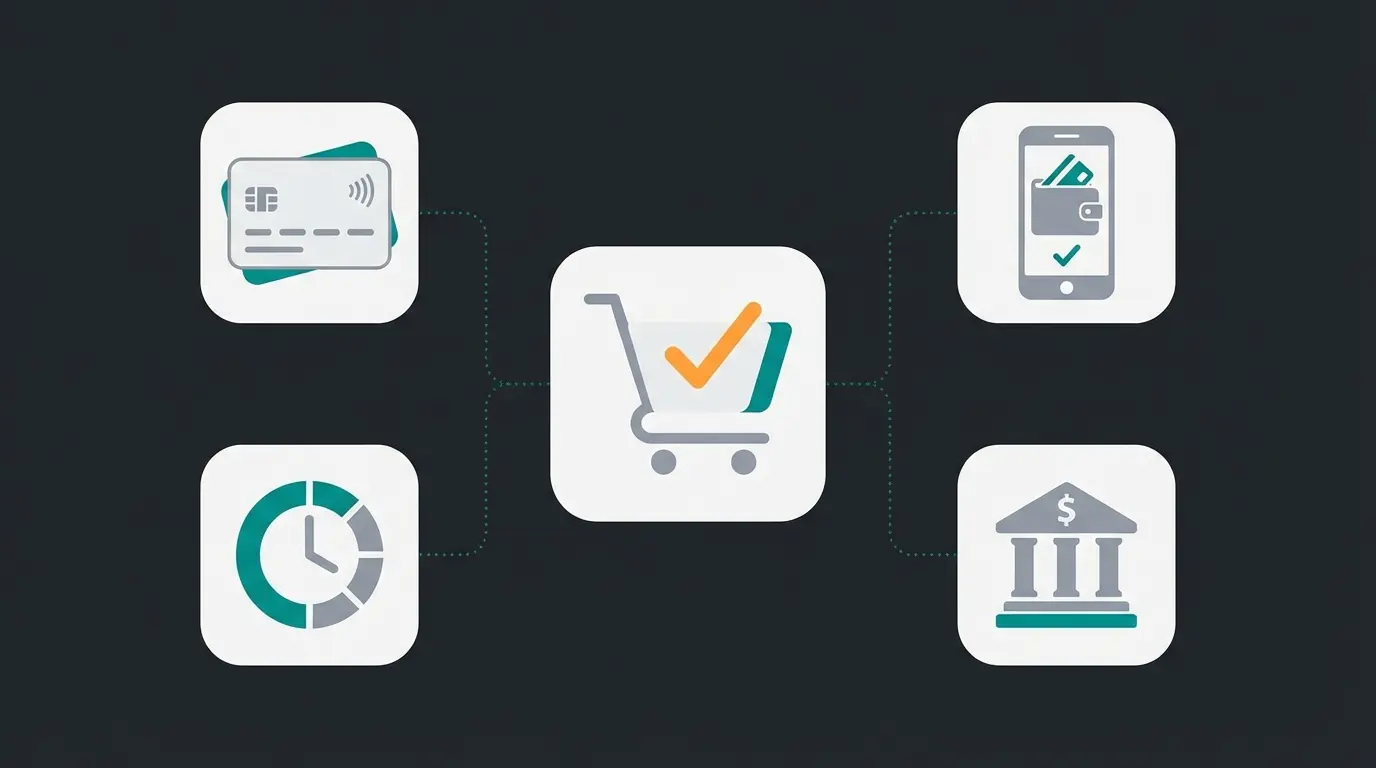
Digital wallets now account for approximately 49% of all global e-commerce transaction value, making them the dominant payment method worldwide, according to Statista Payment Statistics. Credit and debit cards hold roughly 22% market share and are declining year over year. Buy now pay later services represent around 5% but are the fastest-growing segment, with global BNPL revenues projected to reach $28.4 billion by the end of 2026.
Visa, Mastercard, Amex. Declining year over year globally.
Klarna, Afterpay, Affirm. Fastest-growing payment segment.
Dominant in specific European markets like Germany and Netherlands.
These numbers shift dramatically by region. In Asia Pacific, digital wallets account for over 60% of e-commerce transactions. In parts of Northern Europe, bank transfers and invoice payments still dominate B2B purchasing. In Germany, PayPal alone processes roughly 30% of online payments. For Shopify merchants selling internationally, your payment mix should reflect where your customers are, not just what is convenient to set up.
The BNPL segment deserves particular attention. Global BNPL market volume hit $560 billion in 2025, growing 13.7% year over year according to industry reports. Merchants who added BNPL options in the past 18 months consistently report higher average order values and improved checkout completion, particularly for products priced above $75.
The practical takeaway: if your Shopify store only accepts credit cards, you are ignoring the payment preference of nearly half your potential customers. That translates directly into abandoned carts and lost revenue.
Shopify Payments as your core solution
Shopify Payments is Shopify's built-in payment processor, powered by Stripe's infrastructure. It accepts all major credit and debit cards (Visa, Mastercard, American Express, Discover), plus digital wallets including Shop Pay, Apple Pay, and Google Pay. For most merchants in supported countries, it is the default and the most cost-effective choice.
| Plan | Online rate | In-person rate | Third-party surcharge |
|---|---|---|---|
| Basic ($39/mo) | 2.9% + $0.30 | 2.6% + $0.10 | 2.0% |
| Grow ($105/mo) | 2.6% + $0.30 | 2.5% + $0.10 | 1.0% |
| Advanced ($399/mo) | 2.4% + $0.30 | 2.4% + $0.10 | 0.6% |
| Plus (custom) | Negotiable (often <2.0%) | Negotiable | 0% |
The biggest advantage of Shopify Payments is the zero third-party transaction surcharge. When you use any external payment provider on Shopify, the platform charges an additional fee on top of that provider's own processing costs. On a Basic plan, that surcharge is 2.0% per transaction, a cost that adds up fast. With Shopify Payments, you only pay the credit card processing rate shown above.
Additional benefits include a unified payment dashboard, automatic payouts on a regular schedule (daily or weekly depending on your country), built-in fraud analysis, and chargeback management. There is no separate merchant account application, no gateway fees, and no monthly payment processor costs beyond your Shopify subscription.
Shopify Payments is currently available in the US, UK, Canada, Australia, Germany, France, Italy, Spain, Netherlands, and 30+ additional countries, according to Shopify Help Center. The list expanded significantly in 2025, adding Hungary, Lithuania, Poland, Croatia, Estonia, Latvia, and several more European markets. If your country is not yet supported, or if you sell products in restricted categories (certain supplements, CBD, adult content, firearms), a third-party gateway is your only option.
Third-party payment providers
Third-party payment providers become necessary in two scenarios: your business is in a country Shopify Payments does not support, or you need a specific feature that Shopify Payments lacks. PayPal's buyer protection and brand trust, Stripe's advanced API for custom checkout flows, Adyen's enterprise-grade multi-currency routing, and Mollie's deep European coverage with local methods like iDEAL and Bancontact are all valid reasons to look beyond the native option.
The trade-off is always cost. Every transaction processed through a third-party gateway triggers Shopify's additional surcharge: 2% on Basic, 1% on Grow, 0.6% on Advanced. That surcharge stacks on top of the gateway's own processing fees. On a Basic plan, a $100 transaction through Stripe would cost you $2.90 + $0.30 (Stripe's fee) plus $2.00 (Shopify's surcharge), totaling $5.20 in fees. The same transaction through Shopify Payments costs $3.20.
| Provider | Processing fee | Key strength | Best for |
|---|---|---|---|
| Stripe | 2.9% + $0.30 | Developer-friendly API, 135+ currencies | Custom checkout builds, international stores |
| PayPal | 3.49% + $0.49 | Buyer protection, 400M+ global accounts | Trust-sensitive markets, high return rates |
| Authorize.net | 2.9% + $0.30 + $25/mo | Advanced fraud detection, recurring billing | Subscription businesses, high-risk verticals |
| Adyen | Interchange++ pricing | Enterprise routing, 250+ payment methods | High-volume international merchants |
| Mollie | From 1.8% + EUR 0.25 | Strong European coverage: iDEAL, Bancontact, SOFORT | European-focused stores, especially Benelux and DACH |
For merchants who need Stripe's flexibility alongside Shopify, the integration is straightforward but the fee math deserves careful attention. Our detailed Shopify Stripe Integration guide walks through setup, fee optimization, and the scenarios where Stripe genuinely justifies the extra cost over Shopify Payments.
The right payment mix reduces cart abandonment. A Qualimero AI employee takes it further: real-time product advisory that guides customers to the right purchase before they even reach the payment page. Our clients see +35% higher cart values and a 7x conversion lift.
Book a free demoBuy now pay later options
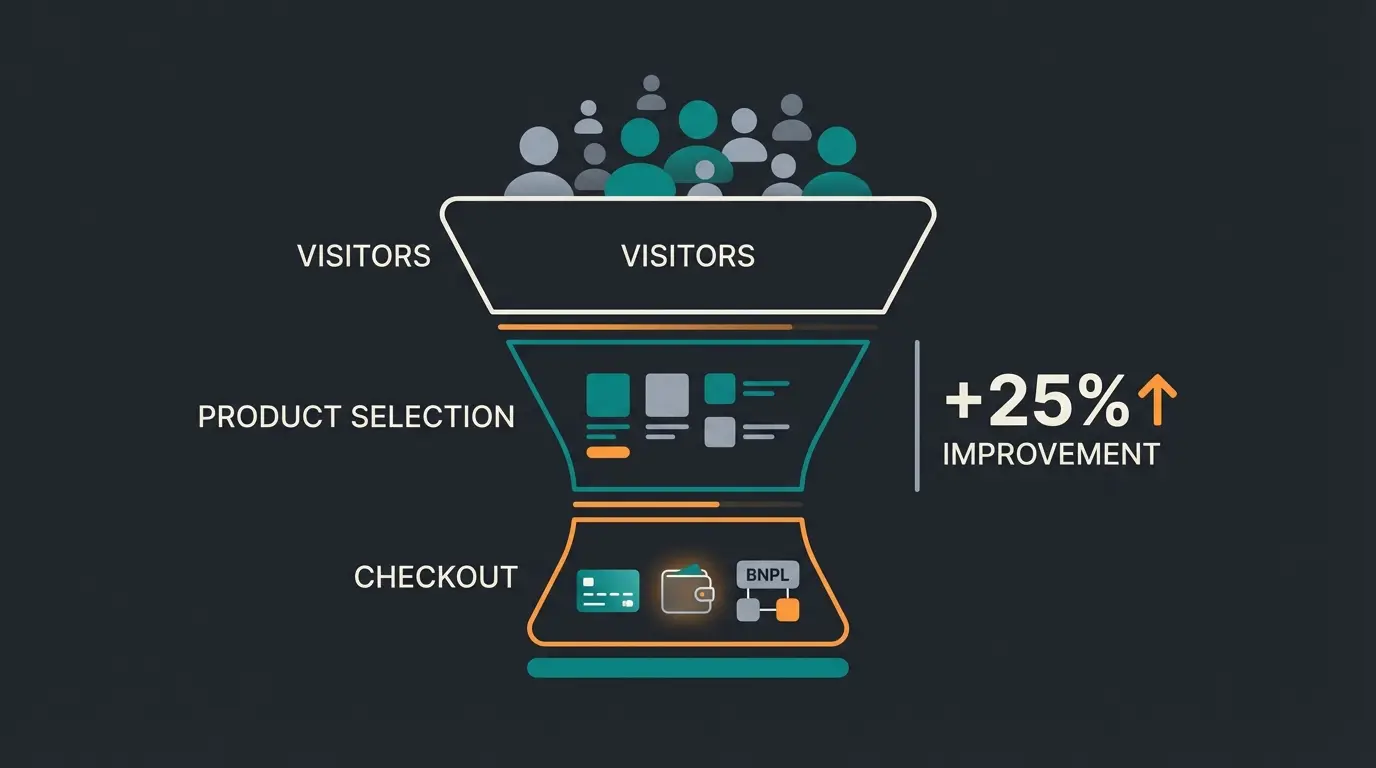
Buy now pay later (BNPL) lets customers split purchases into interest-free installments while you receive the full payment upfront. For Shopify merchants with average order values above $50, BNPL is one of the highest-impact payment methods you can add. The numbers are hard to ignore: stores offering BNPL see checkout conversion increases of 20-30%, according to an RBC Capital report, and average order values rise by up to 85%.
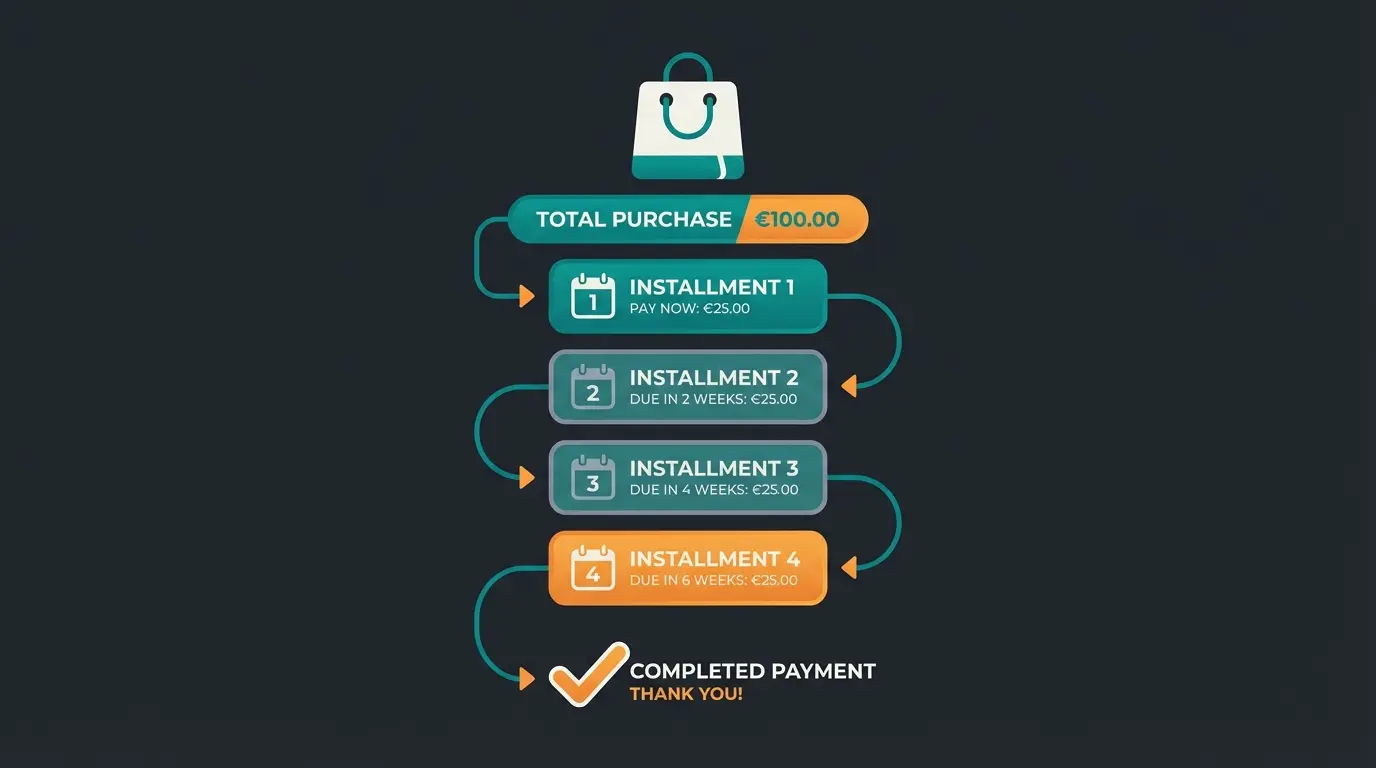
- Shop Pay Installments - Shopify's native BNPL, available through Shopify Payments with no additional setup. Customers split orders into 4 biweekly payments or monthly installments up to 12 months. No additional merchant fees beyond standard Shopify Payments rates.
- Klarna - The largest BNPL provider in Europe with strong brand recognition in DACH and Nordics. Offers Pay in 4, Pay in 30, and longer-term financing. Requires a separate merchant agreement.
- Afterpay (Clearpay in UK) - Popular in the US and Australia. 4 interest-free installments. Merchant fee typically 4-6% + $0.30. Strong adoption in fashion and lifestyle.
- Affirm - US-focused with longer financing terms (3-36 months). Higher AOV potential for big-ticket items. Merchant fees vary by term length and customer risk.
- PayPal Pay in 4 - Available to all PayPal merchants at no additional merchant fees beyond standard PayPal rates. 4 interest-free biweekly payments.
I expected BNPL to matter primarily for fashion and lifestyle stores. The data proved me wrong. Home and garden merchants, DIY suppliers, and even B2B-adjacent stores with high cart values see meaningful conversion lifts. The key metric is not your product category but your average order value. Above $75, BNPL almost always pays for itself through increased conversion and higher cart sizes.
When you evaluate Klarna specifically, negotiate your rate before you sign. Provider fees vary by merchant agreement and transaction volume, so the published rate is rarely the rate you end up paying.
Digital wallets and mobile payments
Digital wallets enable one-tap checkout by storing payment credentials securely on the customer's device. With mobile commerce now accounting for over 60% of e-commerce traffic globally, accelerated checkout through digital wallets is not a nice-to-have anymore. It is a conversion requirement, especially on mobile where form-filling friction kills completion rates. The same mobile-first expectation carries over to support: shoppers who pay in one tap also want answers in the apps they already use, which is why WhatsApp Business has become a standard channel alongside mobile checkout.
- Shop Pay - Shopify's own accelerated checkout with 150M+ registered users globally. 50% conversion lift over guest checkout, 91% lift on mobile. Available automatically with Shopify Payments.
- Apple Pay - Available on Safari, iOS, and macOS. Biometric authentication via Face ID or Touch ID. Enabled through Shopify Payments or supported third-party gateways.
- Google Pay - Works across Chrome, Android, and the web. Tokenized card storage for fast repeat purchases. Available through Shopify Payments.
- Samsung Pay - Covers Samsung device users. Available through third-party gateway integrations on Shopify.
- Meta Pay - Facebook and Instagram checkout integration. Relevant for stores with strong social commerce channels.
- Amazon Pay - Connects to 300M+ Amazon accounts for high-trust one-click checkout. Requires separate merchant setup and Amazon Pay agreement.
Shop Pay deserves special attention. Shopify's data shows it delivers a 50% higher conversion rate compared to guest checkout, with a 91% lift specifically on mobile devices. It is 4x faster than a standard guest checkout because it pre-fills shipping and payment details for returning users, reducing the entire purchase to a single tap. During BFCM 2024, sales processed through Shop Pay jumped 58% year over year, far outpacing overall e-commerce growth.
The combination of Shop Pay, Apple Pay, and Google Pay covers the vast majority of accelerated checkout demand. For most Shopify stores, these three digital wallets are sufficient. Amazon Pay becomes relevant if your customer base already shops heavily on Amazon and values the trust signal. Apple Pay and Google Pay activate directly in your Shopify Payments settings, so switching them on takes minutes rather than a separate integration project.
Invoice-based payments
Invoice payments are standard practice in B2B e-commerce and wholesale, where businesses expect to pay on net terms (net 15, net 30, net 60) rather than at checkout. Shopify has expanded its B2B capabilities significantly since 2024, making invoice-based workflows more accessible without leaving the platform.
B2B e-commerce is growing faster than B2C in many markets. If your Shopify store serves both consumer and business customers, supporting invoice payments is not optional. Business buyers will simply go to a competitor that offers the payment terms they expect. The question is which implementation fits your volume and complexity.
| Option | How it works | Best for |
|---|---|---|
| Shopify B2B features | Native draft orders with custom payment terms. Available on Plus and select plans. | Established B2B merchants on higher Shopify plans |
| PayPal Pay After Delivery | Customer receives goods first, pays within 30 days via PayPal. | Mixed B2C/B2B stores using PayPal as primary gateway |
| Third-party invoice apps | Apps like Sufio and Order Printer Pro generate invoices with net terms and reminders. | Small to mid-sized B2B operations needing invoice automation |
| Manual payment methods | Shopify's built-in bank transfer option. Customer pays manually, merchant confirms receipt. | Low-volume B2B with trusted repeat customers |
For most B2B Shopify stores, the native B2B features combined with a solid invoice app cover the essentials. Our Shopify Invoicing guide dives into the specifics of setting up automated invoice workflows, payment term management, and reconciliation.
Payment methods and conversion optimization
The average online cart abandonment rate sits at 70.22% in 2026, according to Baymard Institute research across 50 studies. Of those abandonments, 13% happen specifically because the store did not offer the customer's preferred payment method. That is a directly addressable revenue leak, and one of the easiest conversion wins available to any Shopify merchant.
- Offer 4-6 payment methods. This covers 95%+ of customer preferences without creating decision fatigue. The sweet spot for most stores: Shopify Payments (cards), Shop Pay, Apple Pay or Google Pay, PayPal, and one BNPL option.
- Lead with the most popular option. Display Shopify Payments and Shop Pay first. Digital wallet buttons should appear prominently above the fold on mobile.
- Show trust badges. Visa, Mastercard, and SSL security badges reduce security-related abandonment, which accounts for 25% of all cart drops according to Baymard.
- Enable one-click checkout. Shop Pay and Apple Pay reduce the checkout process to a single tap. Every additional form field a customer has to fill reduces completion probability.
- Match methods to your market. Selling to Germany? PayPal and bank transfer are expected. Netherlands? Add iDEAL. Scandinavia? Klarna is virtually mandatory. US market? Shop Pay Installments and Affirm cover BNPL demand.
- A/B test payment layouts. Test the display order of payment options, the visibility of BNPL messaging on product pages, and the placement of trust signals near the payment form.
For a deeper dive into checkout layout optimization, payment button placement, and mobile-specific conversion strategies, see our Shopify Checkout Optimization guide.
Fee comparison across all providers
This is the table every Shopify merchant asks for: what does each payment method actually cost per transaction? The numbers below include the payment provider's processing fee plus Shopify's additional surcharge where applicable. All rates shown are for online transactions on a Shopify Grow plan ($105/month) for a $100 sale.
| Payment method | Processing fee | Shopify surcharge | Total cost per $100 |
|---|---|---|---|
| Shopify Payments (card) | 2.6% + $0.30 | None | $2.90 |
| Shop Pay | 2.6% + $0.30 | None | $2.90 |
| Apple Pay / Google Pay (via Shopify Payments) | 2.6% + $0.30 | None | $2.90 |
| Shop Pay Installments | 2.6% + $0.30 | None | $2.90 |
| Stripe (external gateway) | 2.9% + $0.30 | 1.0% | $4.20 |
| PayPal (external gateway) | 3.49% + $0.49 | 1.0% | $4.98 |
| Klarna (via app) | ~3.29% + $0.30* | Varies | ~$3.59-$4.59 |
| Afterpay (via app) | ~4-6% + $0.30* | Varies | ~$4.30-$6.30 |
| Amazon Pay (external) | 2.9% + $0.30 | 1.0% | $4.20 |
| Manual (bank transfer, COD) | None | None | $0.00 |
*BNPL and app-based payment fees vary by merchant agreement, transaction volume, and region. Contact each provider for your specific rates. Stand: March 2026.
The math is straightforward: Shopify Payments saves you $1.30 to $2.08 per $100 transaction compared to external gateways on a Grow plan. At 1,000 transactions per month with an average order value of $80, that difference adds up to $1,040 to $1,664 in monthly savings. The lesson: use Shopify Payments as your primary processor, and add external gateways only when they serve a specific need that Shopify Payments cannot cover.
One thing that surprised me when auditing payment setups across our client base: many merchants were paying the third-party surcharge on Stripe transactions without realizing Shopify Payments uses Stripe's infrastructure underneath. They were paying more for the same technology. If that applies to you, the switch is straightforward and the savings are immediate.
FAQ
Yes. You can activate Shopify Payments as your primary processor and add PayPal as an additional option. When a customer pays via PayPal, you pay PayPal's processing fee plus Shopify's third-party surcharge (1-2% depending on your plan). When they pay by card through Shopify Payments, no surcharge applies.
Shop Pay delivers the highest conversion rate among all Shopify payment methods, with a 50% lift over guest checkout and a 91% improvement on mobile. This is because Shop Pay pre-fills shipping and payment details for returning users, reducing checkout to a single tap.
Apple Pay is automatically available when you activate Shopify Payments. No separate configuration is required. Customers on Safari, iOS, or macOS devices will see the Apple Pay button at checkout. If you use a third-party gateway, check whether your provider supports Apple Pay integration separately.
Shopify Payments is the payment processor that handles credit card transactions. Shop Pay is an accelerated checkout feature built on top of Shopify Payments that saves customer shipping and payment details for one-tap purchases. Think of Shopify Payments as the engine and Shop Pay as the fast lane.
Shopify Payments offers the lowest processing fees because it eliminates the third-party surcharge. On an Advanced plan, online card transactions cost 2.4% + $0.30 per transaction. Manual payment methods like bank transfer and cash on delivery have zero processing fees but require manual order confirmation.
Yes. When you use Stripe as your payment gateway instead of Shopify Payments, Shopify charges an additional transaction surcharge: 2% on Basic, 1% on Grow, and 0.6% on Advanced plans. This is on top of Stripe's own processing fees. Shopify Plus merchants are exempt from this surcharge.
Optimized payment methods reduce friction at checkout. A Qualimero AI employee handles the step before that: real-time product advisory that guides customers to the right purchase. Our clients see +35% higher cart values and a 60% increase in checkout completion.
See it in action
Lasse is CEO and co-founder of Qualimero. After completing his MBA at WHU and scaling a company to seven-figure revenue, he founded Qualimero to build AI-powered digital employees for e-commerce. His focus: helping businesses measurably improve customer interaction through intelligent automation.