Which payment methods does Shopware 6 support?
Shopware 6 ships with four payment methods active out of the box: cash on delivery, invoice, prepayment and SEPA direct debit. Every other method, from cards and PayPal through Klarna, Apple Pay, iDEAL and Wero, reaches your checkout through a payment service provider plugin. The native four cover B2B billing patterns. The PSP layer covers everything a B2C shopper expects.
The Shopware payment method settings documentation states it without hedging: "In the standard Shopware version, the four payment methods cash on delivery, invoice, prepayment and direct debit are activated." Nothing else is preinstalled. Anything beyond that list is a plugin decision you make deliberately.
The split matters because the two groups fail in different places. Native methods cost you no transaction fee and no external contract, but you carry the default risk yourself, whereas PSP-delivered methods hand risk and reconciliation to the provider and charge a percentage for it. That is the entire trade, and it drives every configuration decision further down this page.
One contract collapses most of the work. Mollie advertises 40+ payment methods through a single integration, Wero included, across 250,000 European businesses. That is why very few Shopware merchants integrate schemes one at a time any more.
| Method | Native or PSP | Typical use case | Who carries settlement risk |
|---|---|---|---|
| Prepayment | Native | B2B and high-value orders shipped after funds clear | Nobody, you ship after payment |
| Invoice (manual) | Native | Verified B2B accounts and public sector procurement | You, in full |
| Cash on delivery | Native | Rural DACH deliveries and older demographics | You, on every refused delivery |
| SEPA direct debit | Native | Repeat customers with an order history | You, chargebacks run up to 8 weeks |
| Cards, PayPal, Apple Pay | PSP plugin | Standard B2C checkout | The provider, under its acquiring terms |
| Klarna and secured invoice | PSP plugin | B2C retail and considered purchases | The provider, which is what the risk premium buys |
| Wero, iDEAL, Bancontact | PSP plugin | Eurozone and Benelux markets | The provider |
Which provider you sign with is a different question, and this guide deliberately declines to answer it. If you are still at that stage, compare Shopware payment providers first and come back here for the configuration.
Setting up a payment method in Shopware 6: step by step
Adding a payment method in Shopware 6 takes four steps: install the plugin via Extensions, activate it, configure the provider credentials, and assign the method to every sales channel that should offer it. Step four is the one merchants skip. Skipping it is the reason a correctly configured method never appears in checkout.
- PSP contract signed and the merchant account approved for live traffic
- API credentials for both test and live mode, kept separate
- Valid HTTPS certificate on the storefront domain
- A webhook endpoint the provider can reach from the public internet
- The exact sales channel or channels that should offer the method
- A test order plan covering success, cancellation and a failed authorisation
- Install and activate. Go to `Extensions > My Extensions`, install the provider plugin from the Shopware Store, then flip it to active. The plugin registers its payment methods on activation, so they will not exist in the admin before this point.
- Configure the method. Open `Settings > Shop > Payment methods`. Each registered method gets its own entry with a name, description, logo and position value. Lower position numbers sort higher in checkout.
- Enter provider credentials. Most plugins keep their API keys under `Settings > Extensions > [plugin name]` or in the method's own configuration pane. Enter test keys first, and set the webhook URL the provider expects.
- Assign to the sales channel. Open `Sales Channels > [your channel]`, scroll to the Payment methods field, add the new method and set a default if the channel has none. Until you do this, the method is invisible in the storefront no matter how correctly it is configured.
Extensions > My Extensions, then activate so the plugin registers its methods
Settings > Shop > Payment methods, set name, description, logo and position
Provider API keys in test mode first, plus a reachable webhook endpoint
Sales Channels > [channel] > Payment methods, the step that makes it visible
Verify success, cancellation and a failed authorisation before going live
Swap credentials, clear the cache, then repeat one real transaction
The sequence is identical for every provider. If you want a worked example with the specific fields one plugin asks for, the Shopware PayPal setup walkthrough covers the same four steps against a real configuration pane.
Controlling availability with the Rule Builder
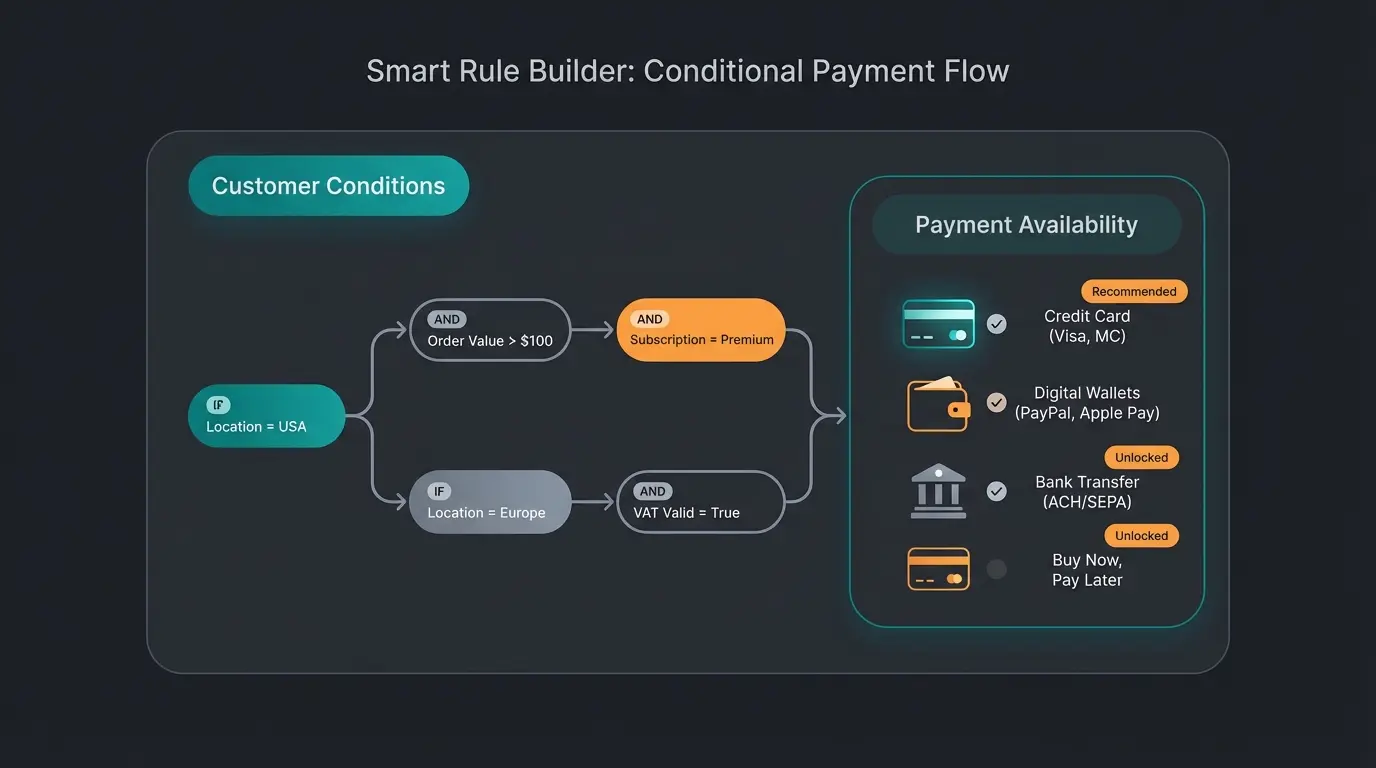
The Rule Builder decides which customer sees which payment method. Attach an availability rule to a method and Shopware evaluates it per cart: invoice only for verified B2B accounts, cash on delivery only under a set order value, Klarna only in supported countries. Without a rule, every active method is offered to everyone.
The mechanism is small. You build a rule under `Settings > Shop > Rule Builder`, then select it in the Availability rule field of a payment method under `Settings > Shop > Payment methods`. Shopware re-evaluates the rule on every cart change. That is the whole feature.
I consider it the most underused thing in the Shopware admin. Merchants spend weeks negotiating PSP rates to shave 0.2% off a transaction fee, then offer native invoice to every first-time visitor. Invoice payment accounts for 26.1% of German online revenue according to the EHI Retail Institute study Online-Payment 2026, ahead of direct debit at 14.4% and just behind PayPal at 28.7%. On the native method, every one of those orders is your default risk, not a provider's.
| Goal | Rule condition | Attach to | Business reason |
|---|---|---|---|
| Limit invoice exposure | Customer > Order count is at least 3 | Invoice (native) | You carry the full default risk on the unsecured native method |
| Protect margin on small carts | Cart > Total price is less than 10 EUR | PayPal, cards | A fixed per-transaction fee eats the margin on low-value orders |
| Scope regional schemes | Billing address > Country is Netherlands | iDEAL | Irrelevant options in a German checkout add friction and nothing else |
| Gate B2B terms | Customer > Customer group is B2B | Invoice with net terms | Purchasers frequently cannot use a card and will not accept prepayment |
| Cap cash on delivery | Cart > Total price is more than 250 EUR | Cash on delivery | Refused high-value deliveries return at your cost |
| Match scheme to currency | Cart > Currency is EUR | Wero, SEPA direct debit | The scheme only settles in euro, so offering it elsewhere produces errors |
Precedence is where this gets expensive. Conditions inside one rule combine with AND by default, and you add OR groups explicitly. Stack two conditions carelessly, say order count of at least three AND customer group is B2B, and you have quietly restricted invoice to returning business customers only. Every new B2B account now sees a checkout without it.
Shopware gives you no warning when this happens. No error, no log entry, no flag in the admin. The method is simply gone from the storefront, and you find out from a customer or from a gap in the order data weeks later. It is the single most time-consuming class of payment bug to diagnose, and it is entirely self-inflicted.
Adding new payment schemes in 2026: Wero, Apple Pay, Amazon Pay and iDEAL
Four schemes matter for Shopware merchants entering 2026: Wero, the European Payments Initiative wallet rolling out across the eurozone; Apple Pay, now standard in Shopware through most PSP plugins; Amazon Pay; and iDEAL for the Dutch market. Each arrives as a PSP plugin rather than a Shopware core feature.
Wero is the one worth understanding properly, because it is the only genuinely new variable here. It is an account-to-account wallet backed by 16 European banks and payment service providers, and the European Payments Initiative put its user base at over 45 million Europeans in its October 2025 announcement. E-commerce acceptance opened with German online retailers first, then France and Belgium, with point-of-sale payments following.
The detail most merchants miss sits in that same announcement: iDEAL is phasing into Wero, and the transition has already started. EPI reports iDEAL carrying more than 1.5 billion transactions annually across 350,000 businesses, roughly 72% of all Dutch e-commerce transactions, so this is not a small scheme quietly disappearing. From early 2026 the familiar iDEAL logo is replaced by a combined iDEAL | Wero mark at checkout, with the technical migration to the Wero platform running behind it in stages.
| Scheme | Status | How you get it in Shopware | Worth enabling if |
|---|---|---|---|
| Wero | Live for e-commerce in DE, FR and BE, rolling out in NL and LU | PSP plugin, Mollie already carries it | You sell into the eurozone and want a card-independent A2A option |
| Apple Pay | Standard, supported by most PSP plugins | Enable inside your existing PSP plugin, no separate contract | Mobile traffic is a meaningful share of your sessions |
| Amazon Pay | Available, requires its own dedicated extension | Separate plugin and a separate Amazon Pay merchant account | Your audience overlaps heavily with Amazon buyers |
| iDEAL | Dominant in NL, phasing into Wero from 2026 | PSP plugin, country-scoped with a Rule Builder condition | You ship to the Netherlands at any volume |
Apple Pay and Amazon Pay differ in effort more than in outcome. Apple Pay is a toggle inside a PSP plugin you already run, whereas Amazon Pay needs its own extension and its own merchant account. If you already use a broad PSP, Stripe for Shopware reaches Apple Pay and iDEAL without adding a second contract.
Building a custom payment method (developer guide)
A custom payment method in Shopware 6 is a plugin that registers a payment handler. From Shopware 6.7 that handler extends one class, AbstractPaymentHandler, which replaced the separate synchronous and asynchronous interfaces. The handler owns two jobs: send the customer to the provider and process the return, then set the order transaction state.
This changed recently enough that most tutorials still online are wrong. The Shopware payment handler developer guide is explicit: "From Shopware 6.7.0.0, payment handling is done with a single AbstractPaymentHandler." If a guide tells you to implement SynchronousPaymentHandlerInterface or AsynchronousPaymentHandlerInterface, it predates 6.7 and will not compile against a current install.
<?php declare(strict_types=1);

namespace Swag\Example\Handler;

use Shopware\Core\Checkout\Payment\Cart\PaymentHandler\AbstractPaymentHandler;

class ExamplePaymentHandler extends AbstractPaymentHandler
{
    // Declare only the capabilities you actually implement,
    // for example refunds or recurring payments.
    public function supports(/* PaymentHandlerType $type, ... */): bool
    {
        return false;
    }

    // Create the payment at the provider.
    // Return a RedirectResponse for redirect flows, or null
    // when the provider captures without leaving the shop.
    public function pay(/* Request $request, ... */): ?RedirectResponse
    {
        return new RedirectResponse($providerRedirectUrl);
    }

    // Verify the provider response, then set the
    // order transaction state.
    public function finalize(/* Request $request, ... */): void
    {
    }
}Registration got simpler at the same time. Your handler now carries a single service tag, `shopware.payment.method`, and the older `shopware.payment.method.sync`, `.async`, `.prepared`, `.recurring` and `.refund` tags were removed. If you are migrating a handler from 6.6, stripping those tags is the first change, and consolidating the old interface methods into `pay()`, `finalize()` and `supports()` is the second.
Build versus buy is not a close call for most shops. Writing your own handler makes sense when your provider has no maintained Shopware plugin, or when settlement runs through an in-house system that no PSP models. Buying makes sense in nearly every other case, because a single Mollie or Stripe contract already covers 40+ methods that someone else keeps compatible across minor releases. A custom handler is not hard to write. It is expensive to maintain through four years of Shopware upgrades, and that is the cost merchants underestimate.
Troubleshooting: payment method not showing in checkout
A payment method that is installed and active but missing from checkout almost always fails on one of four checks: it is not assigned to the current sales channel, an availability rule excludes the cart, the plugin is inactive for that sales channel context, or the method is restricted by currency or country. Work the list in order.
- Sales channel assignment. `Sales Channels > [channel] > Payment methods`. The method must be listed here explicitly. This is the first check because it is the most common cause.
- Availability rule. `Settings > Shop > Payment methods > [method] > Availability rule`. Clear the rule temporarily and reload the storefront. If the method reappears, the rule is your problem, not the plugin.
- Plugin configuration per channel. Several plugins carry their own sales channel selector inside the plugin config, separate from the Shopware assignment. Both have to include the channel.
- Currency and country. Check the restriction on the Shopware side and in the provider dashboard. A scheme that only settles in euro will not return in a GBP cart.
- Credential mode. Test keys on a live channel, or live keys on a staging channel, cause the provider to return nothing without raising an error.
- Cache. `Settings > System > Caches & indexes`, clear after any configuration change. Do this last, not first, so you do not mask the real cause.
Reducing checkout abandonment after setup
Correct payment configuration removes a barrier. It does not create demand. The Baymard Institute puts documented cart abandonment at 70.22% for 2026, averaged across 50 separate studies, and payment friction is only one driver among several. For consulting-intensive products, most abandonment happens well before checkout, while the customer is still unsure the product fits.
Rasendoktor, an online specialist for professional lawn care, ran into exactly that pattern: 2,000 to 3,000 consultation-heavy enquiries per season, a technically demanding catalogue, and a support team that could not answer fast enough during peak weeks. No payment method fixes that. The gap was product knowledge at the moment of the question, not friction at the moment of payment.
They deployed an AI employee trained on their own expertise, which now handles webchat consultation at a 100% automation rate and returns 16x ROI with 40% lower support cost. You can read how Rasendoktor guides customers to checkout in full, or look at how AI product consultation works for catalogues where the technical detail is the buying obstacle.
Configuration and consultation solve different halves of the same number. If you want the broader view of how the pieces fit together, our guide to Shopware payment covers the checkout layer end to end.
FAQ: Shopware payment method questions
Install the provider plugin under `Extensions > My Extensions`, activate it, configure the credentials, then assign the method under `Sales Channels > [channel] > Payment methods`. All four steps are required. The method stays invisible in the storefront until the sales channel assignment is done, which is the step most setups miss.
In most cases the method is not assigned to the sales channel, or an availability rule in the Rule Builder excludes the current cart. Shopware raises no error in either case, so check the sales channel assignment first and then clear the availability rule temporarily to confirm.
Yes. Build a rule under `Settings > Shop > Rule Builder` with the condition Customer group is B2B, then select it as the Availability rule on the payment method. This is the standard pattern for native invoice, which carries 26.1% of German online revenue according to EHI but leaves the full default risk with you.
Wero reaches Shopware through a payment service provider plugin, not through the core. Mollie already lists it among its supported methods, so for many merchants it is a toggle rather than a new contract. EPI put Wero at over 45 million users in October 2025, and iDEAL is phasing into it from early 2026.
Yes. The four native Shopware methods are cash on delivery, invoice, prepayment and SEPA direct debit, and none of them process cards. Card acceptance always requires a provider contract and its plugin, which typically brings wallets and local schemes along with it.
Payment setup removes friction, it does not answer product questions. Rasendoktor's AI employee handles every webchat consultation automatically, at 16x ROI and 40% lower support cost. See what that looks like in your own catalogue.
Start free trial
Kevin is CTO and co-founder of Qualimero. As an AI architect with over 15 years of experience as CTO and CPO in the tech industry, he designs the AI systems that automate tens of thousands of customer interactions daily for Qualimero's clients — reliably, securely, and at scale.