Shopify Invoicing: How to Create, Automate, and Manage Invoices in 2026
Complete guide to Shopify invoicing: native features, best invoice apps compared, step-by-step setup, automation workflows, and tax compliance for US, UK, and EU merchants.

What is Shopify invoicing?
Open the back office of any mid-sized Shopify store processing 200+ orders per day and you will find the same problem: invoices are either missing, inconsistent, or stuck in someone's inbox. Shopify invoicing covers the process of generating, sending, and managing invoices for customer orders placed through your store.
There is an important distinction most guides skip. Shopify uses the word 'invoice' in two completely different contexts. The first is your billing invoice, the document Shopify sends you for your subscription and transaction fees. The second is the customer-facing invoice, the document you send to buyers as a record of their purchase. This guide covers the second type exclusively.
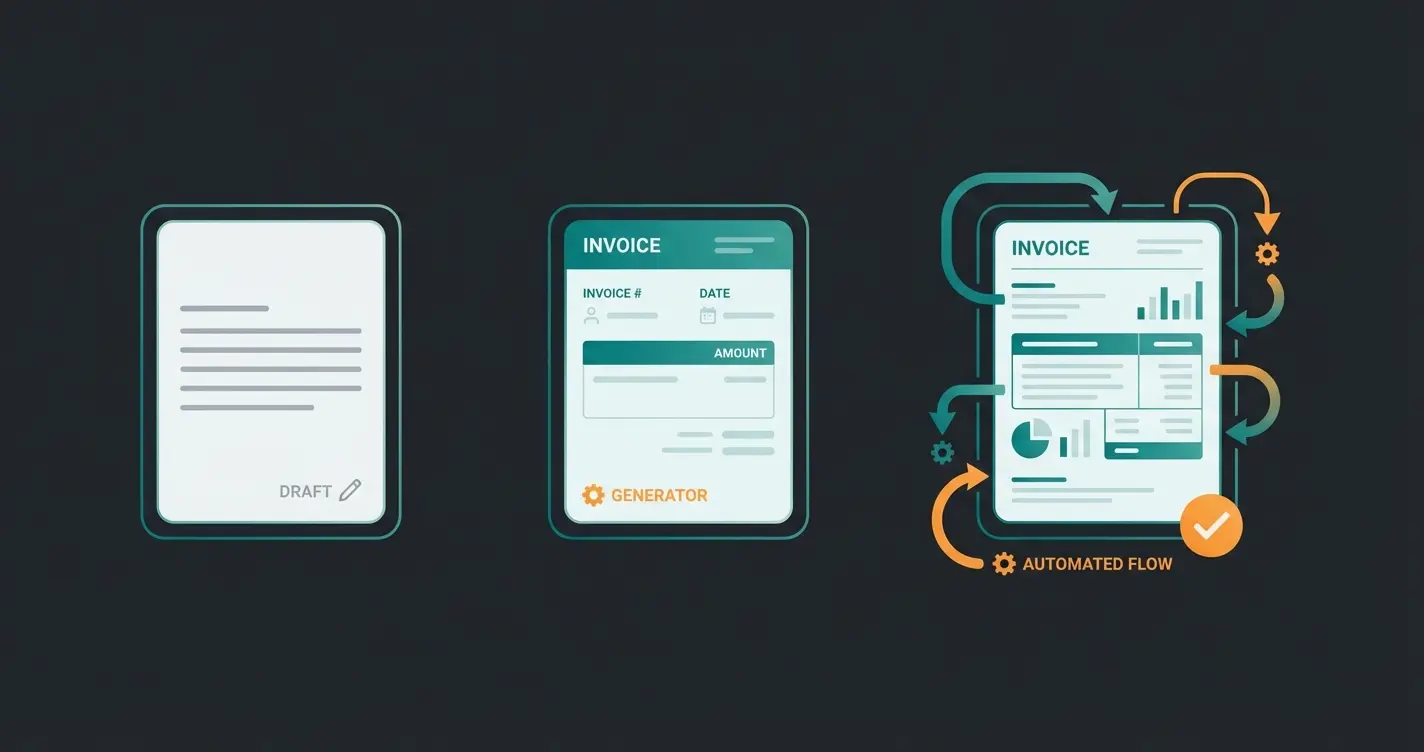
You have three paths to generating customer invoices on Shopify: the built-in draft order system, Shopify's free invoice generator tool, and third-party apps from the Shopify App Store. Each has trade-offs. The right choice depends on your order volume, tax jurisdiction, and whether you need automation. Most merchants processing more than 50 orders per month will end up with a dedicated app.
Shopify native invoicing features
Before installing any app, it is worth understanding what Shopify gives you out of the box. If your store already uses Shopify Payments, you have the basic infrastructure for invoicing. But 'basic' is the operative word here.
Draft orders and invoice sending
The most common built-in method is draft orders. You create a draft order in your Shopify admin, add products and customer details, then send an invoice email with a checkout link. The customer pays through that link, and the draft converts to a regular order.
- Go to Orders > Draft Orders in your Shopify admin
- Click Create order and add products, customer details, and shipping
- Click Send invoice to email the customer a payment link
- The customer clicks the link, completes payment, and the draft becomes a standard order
This works for B2B scenarios, custom orders, and phone sales. It does not work for automating invoices on every regular order. There is no way to automatically generate an invoice PDF when a customer places a standard order through your storefront.
Free invoice generator tool
Shopify also offers a free invoice generator that anyone can use, no Shopify account required. You fill in your business details, customer information, and line items. The tool generates a PDF you can download and send. It has a 4.4 out of 5 rating from over 2,000 users, and it costs nothing.
Best Shopify invoice apps compared
Third-party apps are where most Shopify merchants end up, and for good reason. The six apps below cover the full range from free order printers to compliance-grade invoicing platforms. Pricing, automation capabilities, and template flexibility are current as of early 2026.
| App | Starting price | Auto-send | Template editor | B2B/VAT support | Multi-language | Credit notes | Best for |
|---|---|---|---|---|---|---|---|
| [Order Printer Pro](https://apps.shopify.com/order-printer-pro) | Free (50/mo), $10-$40/mo | Yes | HTML/CSS/Liquid | Basic VAT | 34 languages | Yes | Most merchants |
| [Sufio](https://apps.shopify.com/sufio) | $7/mo (15 inv.), up to $129/mo | Yes | Visual + code | Full (PO, VAT, Peppol) | 40+ languages | Yes, automated | B2B and compliance |
| Vify | Free (50/mo), $10.99-$69.99/mo | Yes | Visual editor | Basic | 160+ (machine-translated) | Basic | Budget stores |
| Easy Invoice (Softify) | Free (50/mo), $12.95-$99.95/mo | Yes (paid plans) | Drag-and-drop | Multi-currency | Yes (paid plans) | Yes | Design-focused stores |
| Invoice Falcon | Free, $15/mo | Yes | Visual editor | No PO numbers | Yes | Basic | Payment reminders |
| Invoice Hero | Free (50/mo), $5.95-$24.95/mo | Yes | Branded templates | Basic | Yes | No proper system | Low-volume stores |
When to use which app
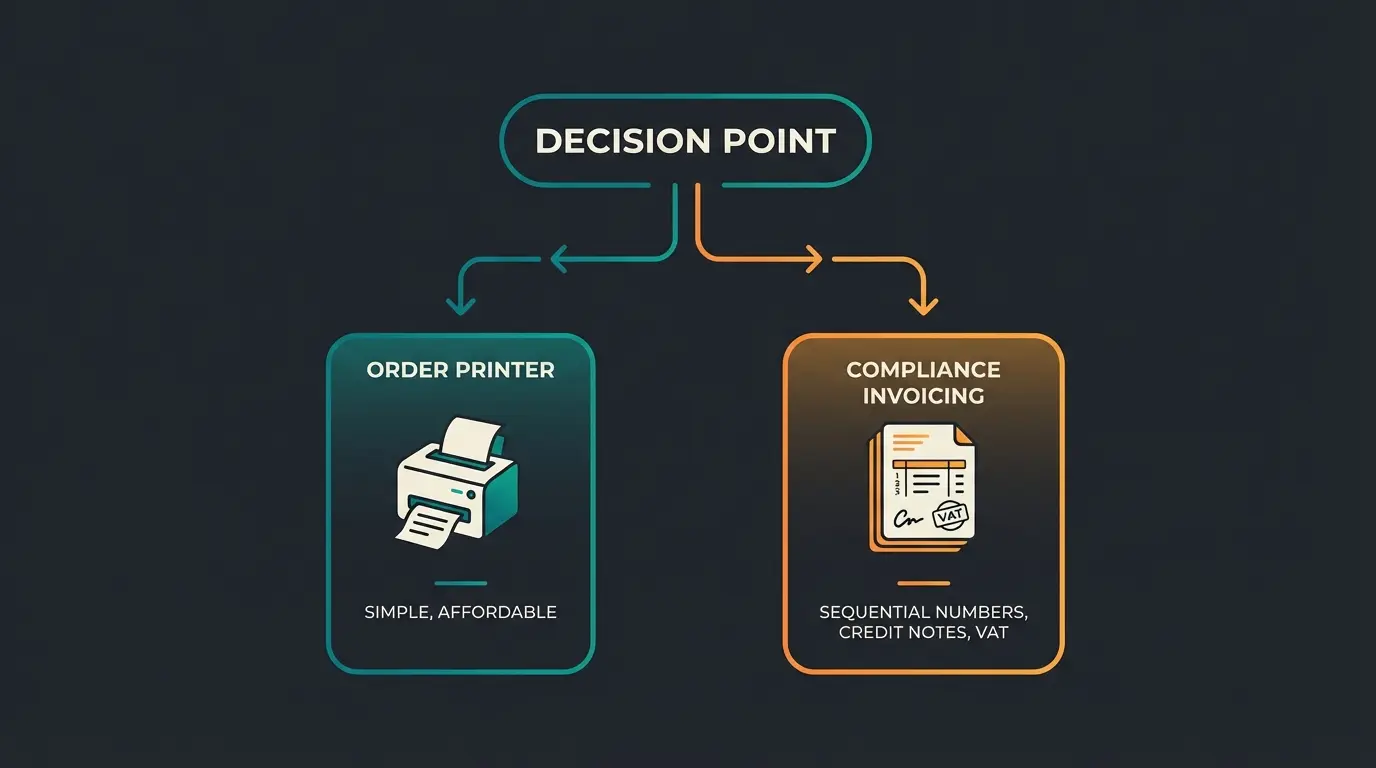
Order Printer Pro is the default choice for most Shopify stores. It is free up to 50 orders, reasonably priced beyond that, and has the largest number of five-star reviews (2,000+) of any invoice app on the platform. If you need B2B compliance with sequential numbering, VAT validation, and Peppol e-invoicing, Sufio is the only serious option. It is also the app officially recommended by Shopify for B2B.
One distinction matters more than most merchants realize. Order printer apps (like Order Printer Pro, Vify, Invoice Hero) regenerate invoices from live order data. If you edit an order after generating an invoice, the invoice changes too. For bookkeeping, that is a problem. True invoicing apps (like Sufio) store invoices independently, so the original document stays intact and credit notes handle changes. If you sell across borders or to businesses, that difference is not optional.
How to create an invoice on Shopify (step by step)
Three methods, three different use cases. Here is exactly how each one works.
Method 1: Via draft orders
- Navigate to Orders > Draft Orders in Shopify admin
- Click Create order, then add products and customer details
- Set payment terms if needed (Net 15, Net 30, Net 60)
- Click Send invoice, which emails the customer a checkout link
- Once paid, the draft converts to a regular order with full tracking
Method 2: Using the free invoice generator
- Visit shopify.com/tools/invoice-generator
- Enter your company name, email, and address
- Add customer details and a unique invoice number
- Add line items with descriptions, quantities, and prices
- Adjust the tax rate, add notes, and click Submit
- Download the PDF from the confirmation email and send to your customer
Method 3: Using an invoice app
- Install Order Printer Pro from the Shopify App Store
- Configure your template: add logo, business details, and customize layout using the HTML/Liquid editor
- Go to any order in Orders, click More actions > Print with Order Printer Pro
- Select the invoice template and download as PDF, or enable auto-send to email the customer automatically on fulfillment
For most stores, Method 3 with auto-send enabled is the practical answer. Set it up once, and every fulfilled order triggers an invoice automatically. No daily manual work, no missed invoices.
Shopify invoice automation
Manual invoicing stops scaling somewhere around 30 to 50 orders per day. Beyond that, you either hire someone to handle documents, or you automate. Most merchants underestimate how quickly that threshold arrives.
App-based automation
Every app in the comparison table above offers some form of automation. The standard workflow: an order is placed or fulfilled, the app generates a PDF invoice from your template, and emails it to the customer. Order Printer Pro, Sufio, and Easy Invoice all support event-triggered sending. Sufio goes further with automated credit notes on refunds and scheduled payment reminders for overdue invoices.
Shopify Flow workflows
Shopify Flow is Shopify's built-in automation engine, available on Basic plans and above. It uses a trigger-condition-action model. For invoicing, you can build workflows like: when an order is paid and the customer is tagged 'B2B', send a draft order invoice. Or: when an order is fulfilled, tag it for accounting export. Flow does not generate invoice PDFs on its own, but it orchestrates the triggers that invoice apps respond to.
Customer completes checkout or a draft order is created manually in Shopify admin.
Shopify Flow or the invoice app detects the event (order paid, order fulfilled, or order created).
The app pulls order data, applies your template, and creates a PDF with sequential numbering.
PDF is sent to the customer automatically. B2B orders can include PO numbers and VAT details.
Invoice data exports to QuickBooks, Xero, or your accounting platform via integration.
Automated invoicing keeps your operations clean. But the real revenue lever is what happens before the invoice: the buying decision. A Qualimero AI employee advises your customers in real time, answers product questions, and increases cart value by up to 35%. Your customers get better advice. You get bigger orders.
See how it worksTax compliance and invoice requirements
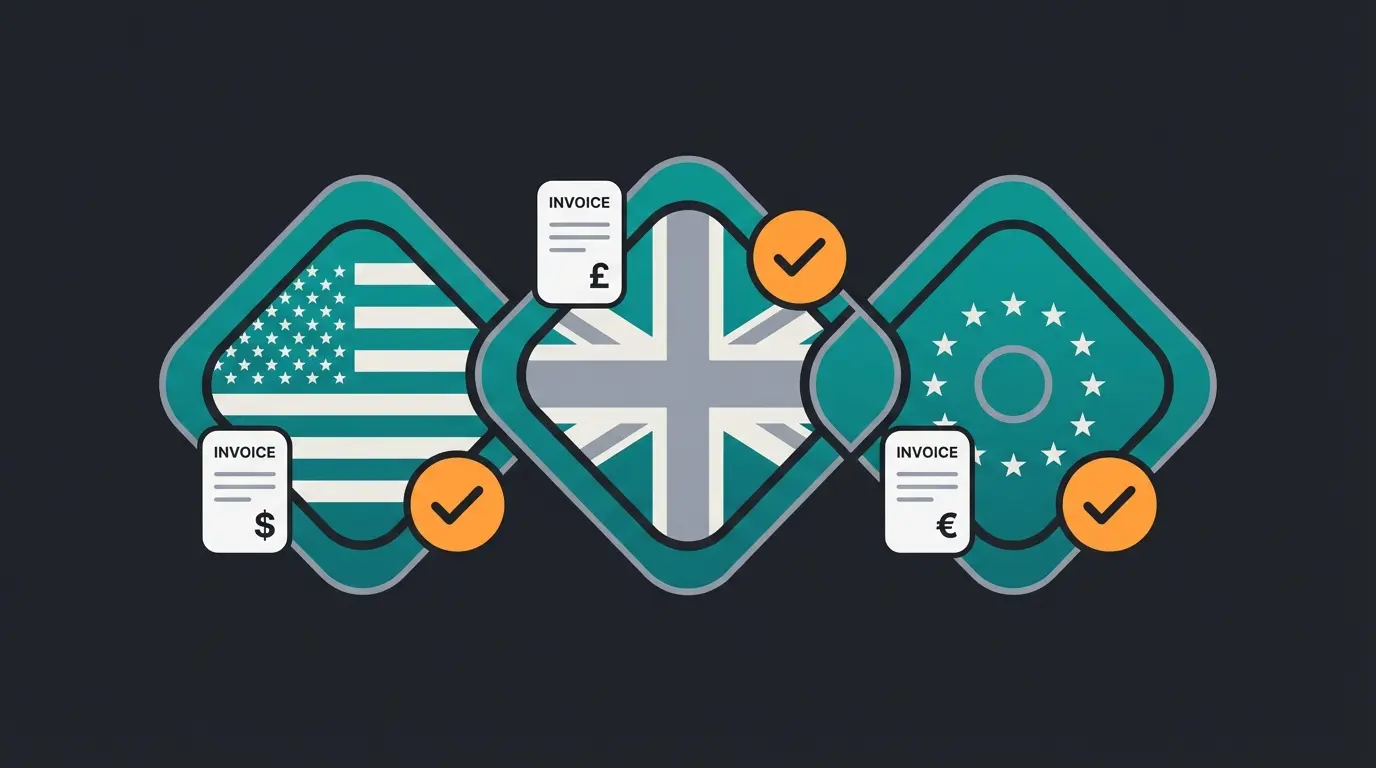
Invoicing is not just an operational convenience. In many markets, it is a legal requirement with specific rules about what must appear on the document. Get this wrong and you risk fines, failed audits, or delayed payments from business customers.
US sales tax invoicing
The US does not require a formal 'tax invoice' for most B2C transactions. However, invoices should include your business name and address, an itemized list of products, applicable sales tax amounts, and the total due. States with sales tax nexus requirements may require additional documentation for audit purposes. Keep all invoices for at least three years.
UK VAT invoices
UK merchants with turnover above GBP 90,000 must register for VAT and issue VAT invoices that include: your VAT registration number, the VAT rate applied, the VAT amount, and a sequential invoice number. Simplified invoices (under GBP 250) can omit some details, but full VAT invoices are required for B2B transactions.
EU VAT compliance
EU requirements have tightened in 2026. Belgium now mandates e-invoicing for all B2B transactions as of January 2026. The EU-wide customs duty exemption for goods under EUR 150 ends in July 2026, meaning more shipments will trigger VAT obligations. If you sell cross-border within the EU and exceed the EUR 10,000 threshold, you must charge the destination country's VAT rate and register via One-Stop Shop (OSS) or directly in each country.
- Your business name, address, and tax registration number
- Customer name and address (VAT number for B2B)
- Sequential, unique invoice number
- Date of supply and invoice date
- Itemized description of goods or services with quantities
- Net amount, VAT rate, and VAT amount shown separately
- Total amount including VAT and payment terms
Payment methods and invoice generation
Different Shopify payment methods create different invoice workflows. Credit card payments through Shopify Payments are straightforward: order placed, payment captured at Shopify checkout, invoice generated. But buy-now-pay-later options like Klarna or Afterpay split the transaction into installments, which complicates the document. The invoice should reflect the full order amount, not the installment schedule, because the merchant receives the full payment from the BNPL provider.
PayPal transactions add another layer. PayPal sends its own transaction receipt to the buyer, which some customers confuse with a proper invoice. If you sell B2B or into VAT-regulated markets, you still need to send a proper invoice regardless of the payment gateway used. One receipt from a payment processor does not replace a legally compliant invoice.
Common Shopify invoicing mistakes to avoid
- No sequential numbering. Shopify's native tools do not assign sequential invoice numbers automatically. Most tax authorities require them. Use an app that handles numbering from day one.
- Missing tax details. An invoice without VAT number, tax rate breakdown, or proper business identification is not legally compliant in the UK or EU. Fix this before your first B2B sale.
- Not automating sends. Manually emailing invoices after every order is a bottleneck that breaks at scale. Set up auto-send during your first week with the store.
- Using the order number as the invoice number. They serve different purposes. Order numbers track fulfillment. Invoice numbers track financial documents. Mixing them creates accounting headaches during tax season.
- Ignoring B2B requirements. If even 10% of your orders are B2B, you need proper credit notes, PO number support, and VAT validation. Retrofitting these later is painful and expensive.
The common thread: most invoicing problems come from starting with the wrong tool and migrating too late. Choosing the right app on day one saves you a month of cleanup later.
FAQ: Shopify invoicing
Not for standard checkout orders. Shopify can send invoice emails for draft orders, but regular orders do not generate invoices automatically. You need a third-party app like Order Printer Pro or Sufio to auto-generate and send invoices on order placement or fulfillment.
Order Printer Pro offers the strongest free plan, supporting up to 50 orders per month with customizable templates, auto-send, and multiple document types including credit notes. Vify and Easy Invoice also offer free tiers with similar order limits.
Shopify's built-in tax invoicing feature generates basic VAT invoices for EU and UK orders, but it lacks sequential numbering, customization, and automated sending. For full tax compliance across multiple jurisdictions, Sufio is the strongest option with Peppol e-invoicing support and 10-year document storage.
The fastest built-in method: create a draft order in Orders > Draft Orders, add products and customer details, then click Send invoice. For automated invoicing on every order, install an invoice app and enable auto-send triggered by payment or fulfillment events.
At minimum: your business name and address, customer details, sequential invoice number, date, itemized products with quantities and prices, applicable tax rates and amounts, total due, and payment terms. B2B invoices should also include VAT registration numbers for both seller and buyer.
Yes. Invoice apps like Order Printer Pro and Sufio support event-based automation: order paid, order fulfilled, or order created triggers instant invoice generation and email delivery. Shopify Flow adds conditional logic for more complex workflows, such as routing B2B orders to different invoice templates.
Order printer apps (like Order Printer Pro and Vify) generate documents from live order data, meaning the invoice changes if the order is edited. True invoicing apps (like Sufio) store invoices independently and issue credit notes for changes. For bookkeeping and multi-market compliance, this distinction directly affects audit readiness.
Clean invoicing builds trust. But the next order comes from great customer experience. Qualimero's AI employees remember your customers, recommend the right products, and handle service questions across channels. The result for our clients: 7x higher conversion rates and 35% larger carts.
Book a free demo
Lasse is CEO and co-founder of Qualimero. After completing his MBA at WHU and scaling a company to seven-figure revenue, he founded Qualimero to build AI-powered digital employees for e-commerce. His focus: helping businesses measurably improve customer interaction through intelligent automation.