What is Shopify? Quick overview
Shopify is a cloud-hosted e-commerce platform that lets you build, run, and scale an online store without managing servers or writing code. Founded in 2006, it now powers over 5.6 million live stores across 175+ countries and holds roughly 10% of the global e-commerce platform market (Store Leads, 2026).
You pay a monthly subscription. Shopify handles hosting, security, SSL certificates, payment processing, and software updates. The platform includes a drag-and-drop store builder, an app ecosystem with 13,000+ integrations, and built-in tools for inventory, shipping, and multichannel selling across Instagram, Amazon, TikTok, and physical retail locations.
For a deeper look at the platform's architecture and how it fits into the broader e-commerce landscape, see our full guide on What is Shopify.
Setup and usability test
I created a test store from scratch. The process took 12 minutes from account creation to a functional storefront with products, a theme, and payment configured.
Shopify walks you through a setup checklist: add your first product, choose a theme, configure a payment provider, set shipping rates, and connect a domain. Each step is clear. The AI assistant Sidekick suggests next actions and can generate product descriptions, though its layout recommendations are hit or miss.
3-day free trial, then $1/month for the first 3 months. No credit card required to start.
Upload photos, set prices, write descriptions. Shopify Magic can generate descriptions via AI.
24 free themes available, 1,000+ premium options from $100-500.
Shopify Payments eliminates transaction fees. 250+ third-party processors also supported.
Flat rate, weight-based, or carrier-calculated shipping. Connect a custom domain from $14/year.
Publish your store. The entire process takes under 15 minutes.
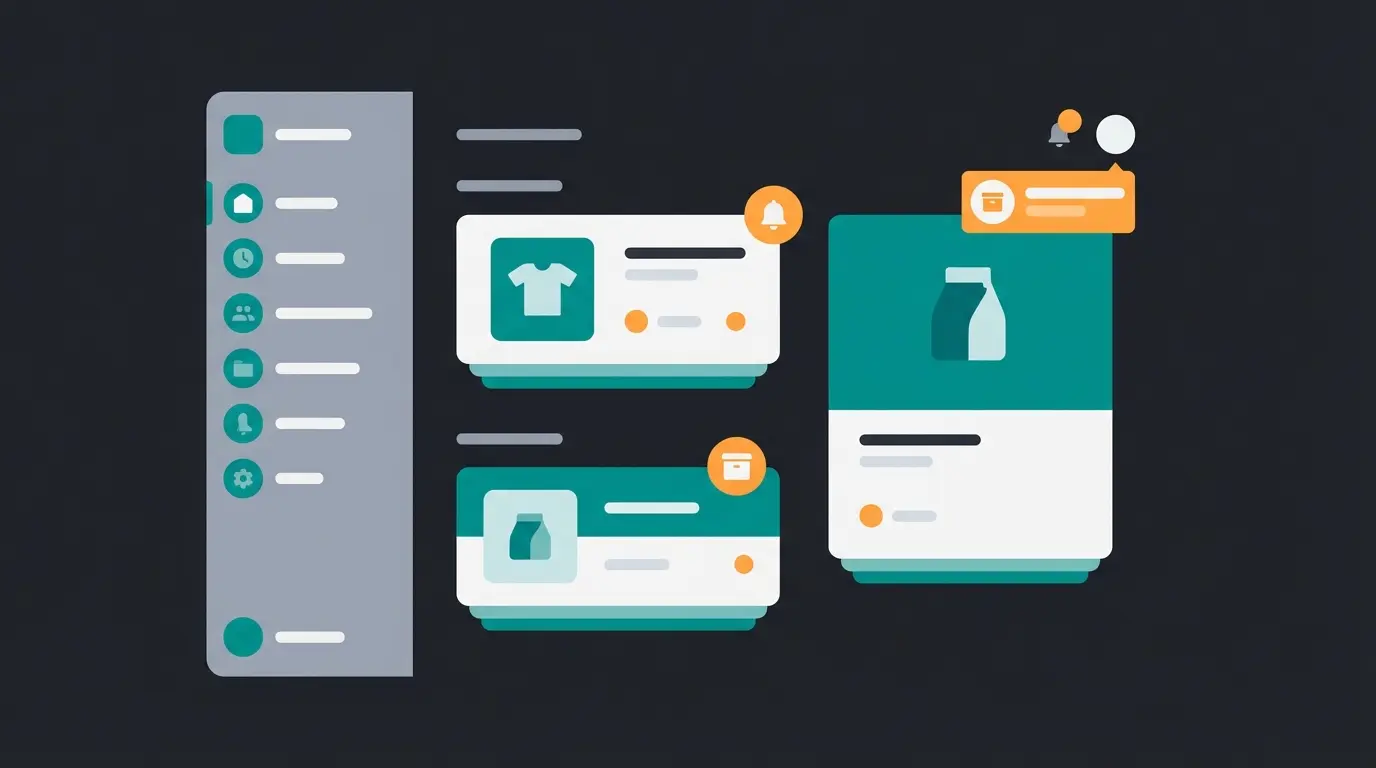
The dashboard is clean. Products, orders, customers, analytics, and marketing sit in a left-side navigation. Nothing is buried. The Online Store 2.0 editor uses a section-based approach: drag, drop, and rearrange content blocks without code. For anything beyond basic layout changes, you need Shopify's Liquid template language, which has a real learning curve.
| Category | Score | Notes |
|---|---|---|
| Account setup | 9/10 | 12 minutes, guided checklist, free trial available |
| Dashboard | 8/10 | Clean layout, all key functions accessible |
| Store editor | 7/10 | Good for basics, Liquid needed for advanced changes |
| Mobile app | 8/10 | Full order management, rated 4.7/5 on iOS |
| AI assistant (Sidekick) | 6/10 | Useful for descriptions, unreliable for layout |
One limitation: image aspect ratios are not automatically standardized. Upload product photos in different dimensions and your store looks unpolished. Most competitors handle this automatically. For a detailed walkthrough of the entire process, see our Shopify store setup guide.
Features and functionality review
Shopify's feature set is broad. The real question is how much you get without paying extra.
| Feature | Included | Requires paid app or upgrade |
|---|---|---|
| Unlimited products | All plans | |
| Abandoned cart recovery | All plans (via Shopify Flow) | |
| POS Lite | All plans | POS Pro: $89/mo per location |
| Shopify Payments | Where available | |
| Basic reporting | All plans | Custom reports: Grow plan+ |
| Product bundling | Paid app required | |
| Subscription management | Paid app required | |
| Custom checkout fields | Coding or paid app | |
| Real-time carrier shipping | Advanced plan or extra fee | |
| More than 5 staff accounts | Grow plan ($105/mo) | |
| Backup and data export | Manual CSV or paid app | |
| GDPR compliance tools | Paid app required |
The app store is Shopify's double-edged strength. 13,000+ apps mean you can add almost any feature. But capabilities that competitors like BigCommerce include out of the box, such as advanced product options, GDPR compliance tools, and backup solutions, require paid apps on Shopify.
Multichannel selling is where Shopify genuinely leads. Facebook, Instagram, TikTok, Amazon, eBay, Google Shopping, and physical POS locations, all managed from one dashboard. For businesses selling across multiple channels, this alone can justify the platform cost.
Shopify pricing breakdown 2026
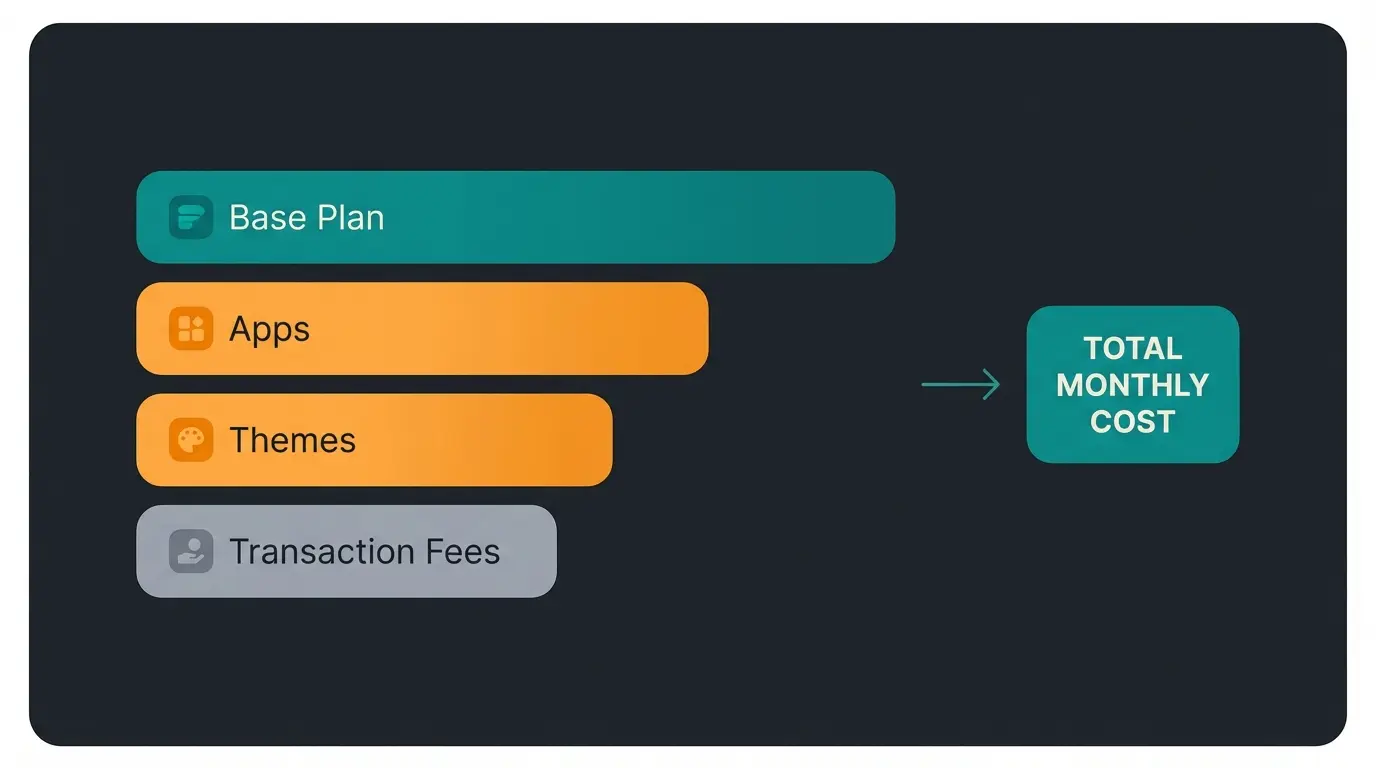
Shopify's pricing is transparent at the plan level. The real cost picture emerges once you add apps, themes, and transaction fees.
| Plan | Monthly | Annual (per month) | Card processing fee | Third-party gateway fee |
|---|---|---|---|---|
| Starter | $5 | n/a | 5% + $0.30 | 5% |
| Basic | $39 | $29 | 2.9% + $0.30 | 2.0% |
| Grow | $105 | $79 | 2.7% + $0.30 | 1.0% |
| Advanced | $399 | $299 | 2.5% + $0.30 | 0.5% |
| Plus | $2,300+ | Custom | Custom | Custom |
What a typical SME actually pays on the Basic plan: Plan: $39/month. Two to three essential apps: $30-60/month. Premium theme (amortized): ~$15/month. Domain: ~$1/month. Total: approximately $85-115/month before transaction fees.
On $10,000 monthly revenue with Shopify Payments, expect roughly $320 in processing fees. Add the platform cost and you are looking at approximately $400-440/month total cost of ownership. That is competitive for what you get, but meaningfully more than WooCommerce (under $40/month with hosting) and roughly comparable to BigCommerce, which includes more native features without app fees.
Design and templates
Shopify offers 24 free themes and over 1,000 premium themes ($100-500 each). The free options are clean, mobile-responsive, and professionally designed. For a basic store, they work.
Premium themes add layout flexibility, advanced filtering, and industry-specific optimizations. Quality is generally high, though some themes load more JavaScript than necessary, which impacts page speed.
- Strengths: All themes mobile-responsive, Online Store 2.0 makes section-based customization accessible, AI theme generation creates designs from text prompts
- Limitations: Far fewer free themes than Wix (2,672) or Squarespace (194), advanced changes require Liquid coding, image aspect ratios not auto-standardized
For businesses where brand presentation is the priority, Squarespace offers more design flexibility. Shopify's strength is that its themes are built for conversion, not just aesthetics.
SEO and marketing tools
Shopify covers the SEO basics well. Meta titles, descriptions, alt tags, heading structure, XML sitemaps, and robots.txt customization are all accessible without apps. The platform includes Core Web Vitals tracking and automatic 301 redirects when URLs change.
- URL structure rigidity: Shopify forces subdirectory patterns like /products/, /collections/, and /blog/ into your URLs. You cannot remove them.
- Blog functionality: No version history, no categories (only tags), no drag-and-drop content editing. If content marketing is central to your strategy, Shopify's native blog is not sufficient.
- Yoast costs $19/month on Shopify. The same plugin is free on WordPress.
Marketing tools are stronger. Shopify Email includes up to 10,000 free emails per month. Abandoned cart recovery is built into all plans. Shopify Flow automates triggers for birthdays, waitlists, and inventory alerts. Native integrations with Facebook, Instagram, TikTok, and Pinterest turn social profiles into shoppable storefronts.
Customer support review
Shopify reduced support channels in recent years. Standard plans (Basic through Advanced) now offer live chat only. No phone. No email. Shopify Plus at $2,300+/month gets the full support suite.
The live chat is responsive. In testing, responses came within two minutes, and the answers were accurate. But for merchants dealing with complex technical issues, chat-only support can be frustrating. Community resources are extensive: a detailed Help Center, forums, and video tutorials.
Review platform ratings tell a mixed story. Shopify G2 reviews sit at 4.4/5 from over 6,300 verified reviews, praising ease of use and ecosystem breadth. Shopify on Trustpilot shows 1.3/5 from 4,100+ reviews, with recurring complaints about support quality and billing issues. The gap between professional and consumer ratings is worth noting.
Shopify pros and cons
After testing every major feature area, here is the honest breakdown.
| Category | Pros | Cons |
|---|---|---|
| Setup | Live in 12 minutes, guided checklist | 3-day free trial is very short |
| Features | 13,000+ apps, multichannel selling, POS | Core features locked behind paid apps |
| Pricing | Competitive base plans, annual discounts | Transaction fees and app costs add up |
| Design | Clean themes, mobile-first, conversion-optimized | Fewer free themes, Liquid learning curve |
| SEO | Core Web Vitals tracking, auto-redirects | Rigid URL structure, weak blog |
| Marketing | 10,000 free emails, Flow automations | Yoast costs $19/mo (free on WordPress) |
| Support | Fast live chat, extensive self-service | No phone/email on standard plans |
| Scalability | Starter to Plus covers all sizes | Staff account limits force upgrades |
The biggest strength is speed to market. No other major platform gets you from zero to selling as quickly. The biggest weakness is app dependency. Features that BigCommerce and WooCommerce include natively, like advanced product options, backup tools, and GDPR compliance, require paid add-ons on Shopify. For a growing business, that creates unpredictable monthly costs.
For a detailed analysis of the platform's limitations, see our deep dive on Shopify disadvantages.
Who should use Shopify?
| Business type | Verdict | Recommended plan |
|---|---|---|
| Beginners, first online store | Strong yes | Basic ($39/mo) |
| Small business (<$10k/mo revenue) | Yes, if budget allows app costs | Basic ($39/mo) |
| Growing e-commerce brand | Yes | Grow ($105/mo) |
| Dropshipping, print-on-demand | Best available option | Basic ($39/mo) |
| Content-heavy businesses | Consider WordPress + WooCommerce | n/a |
| Enterprise, high-volume | Yes, with caveats | Advanced or Plus |
| Multi-location retail | Strong yes, POS is excellent | Grow + POS Pro |
| B2B wholesale | Possible, not ideal | Advanced ($399/mo) |
For the German and DACH market: Shopify supports German storefronts, EUR pricing, and EU VAT automation. The platform calculates per-country VAT rates automatically for EU sellers, which is a genuine advantage. German-market-specific integrations like WeClapp and certain payment providers often require third-party apps. For details, see our article on Shopify in Germany.
A real example of what Shopify becomes with the right tools: Signed, an online retailer for custom and decorative signs, runs on Shopify and added an AI employee for product consultation on Instagram and TikTok. The result: 18x ROI, 70% automated customer inquiries, and 30% higher upselling rates. The platform was the foundation. Intelligent customer interaction turned it into a revenue engine.
An AI employee provides real-time product consultation, answers pre-purchase questions, and drives upselling around the clock. Our clients see up to 18x ROI.
Book a free demoOur verdict: is Shopify worth it?
Is Shopify worth it? For the majority of e-commerce businesses: yes. It is the fastest path from idea to functioning online store, with the broadest multichannel selling capabilities on the market.
It is not the cheapest option. Not the most flexible. And its blogging tools remain frustratingly basic for any business that takes content seriously. But Shopify does what it promises: it lets you sell online, across channels, with minimal technical overhead.
Fastest setup in the market
Broad, but app-dependent for advanced needs
Competitive base, hidden costs add up
Solid basics, weak blog, rigid URLs
Fast chat, no phone on standard plans
The platform Shopify gives you is solid. What you build on top of it determines the outcome. The merchants who get the most from Shopify invest not just in the platform, but in the customer experience it enables.
That means going beyond a functional store. It means AI product consultation that guides buyers to the right product, answers complex questions in real time, and converts browsing into purchasing. For an aggregated view of what real users think, read our roundup of Shopify user reviews.

Our AI employees integrate with Shopify in days, not months. They handle product consultation, customer support, and guided selling automatically. Clients report up to 60% higher checkout rates.
See how it worksFrequently asked questions
Yes. Shopify's Basic plan at $39/month covers everything a small business needs to start selling online: payment processing, a mobile-responsive store, and abandoned cart recovery. Total monthly costs typically land between $80-115 when you add essential apps and a domain.
Shopify is a publicly traded company (NYSE: SHOP) powering over 5.6 million stores globally. All stores include SSL encryption and PCI compliance. The platform scores 4.4/5 on G2 from over 6,300 reviews, though consumer ratings on Trustpilot are lower at 1.3/5, mostly due to support complaints.
The main downsides are transaction fees when not using Shopify Payments (up to 2% extra per sale), dependency on paid apps for features competitors include for free, a rigid URL structure that limits SEO flexibility, and limited blogging tools. Support is chat-only on standard plans.
The base plan starts at $39/month, but a realistic budget for a small business is $80-115/month including essential apps, a domain, and theme costs. On $10,000 in monthly sales with Shopify Payments, add roughly $320 in processing fees for a total cost of ownership around $400-440/month.
Thousands of merchants run profitable Shopify stores. The platform does not determine profitability, your product, marketing, and customer experience do. Cart abandonment averages 70.19% across e-commerce (Baymard Institute, 2026). Reducing that number through better product consultation and checkout optimization is where real revenue gains happen.
It depends on your priorities. WooCommerce offers more customization at lower base cost but requires self-managed hosting. BigCommerce includes more native features without app dependency. Squarespace provides superior design tools and blogging. For pure e-commerce with multichannel selling and minimal technical overhead, Shopify remains the strongest option.

Lasse is CEO and co-founder of Qualimero. After completing his MBA at WHU and scaling a company to seven-figure revenue, he founded Qualimero to build AI-powered digital employees for e-commerce. His focus: helping businesses measurably improve customer interaction through intelligent automation.