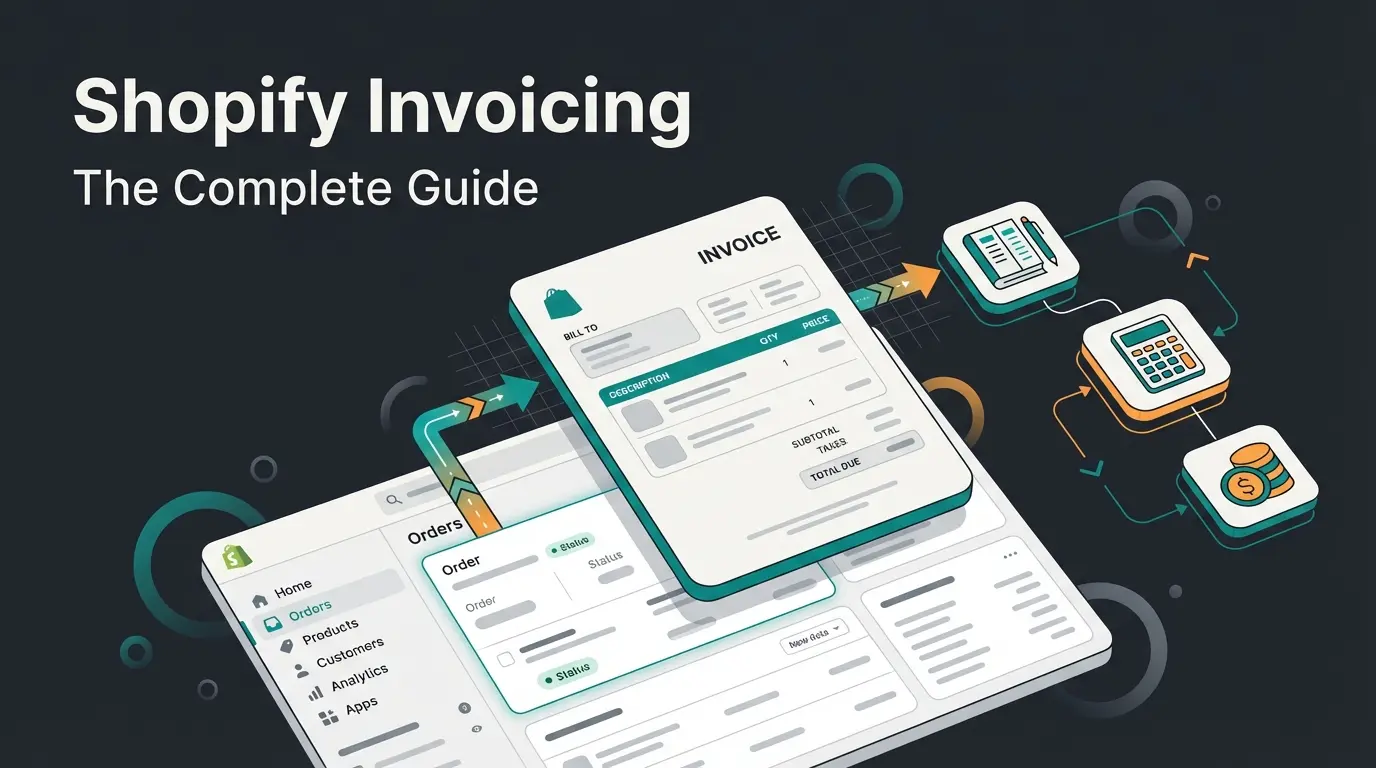
What is a Shopify invoice?
A Shopify invoice is one of two things: the subscription bill Shopify charges you as the store owner, or a document you send to your customer after (or before) a purchase. These are two entirely different workflows, handled in different parts of the admin, with different tools. Most guides treat them as the same thing. They are not.
Billing invoices are what Shopify sends you. They cover your plan fees, app charges, transaction fees, and Shopify tax. You find them under Settings > Billing. They are generated automatically, and there is nothing to configure.
Customer-facing invoices are what you send to your buyers. Shopify does not generate these automatically. You create them through draft orders, the built-in Order Printer app, or a third-party invoicing app, all of which pull from the same order and Shopify inventory management data. This is where most merchants need help, and where this guide spends the majority of its time.
Understanding Shopify billing invoices
Your Shopify subscription billing invoice is the easiest part of invoicing to handle, because Shopify does all the work. Every billing cycle, Shopify generates an invoice that includes your plan fee, any app charges, transaction fees, and applicable tax.
To find and download your billing invoices, follow these steps:
- Log in to your Shopify admin and go to Settings > Billing
- Click View all bills to see your complete billing history
- Select any individual bill to view its line items: plan fees, app charges, transaction fees, and Shopify tax
- Click Download PDF to save a copy for your records or forward it to your accountant
If your store is paused, frozen, or cancelled, you can still access billing history without reactivating. Shopify retains all billing records for the lifetime of your account. For more detail on each line item, the Shopify Help Center: Managing Bills breaks down every charge type.
Creating invoices for customers
This is where it gets practical. Shopify does not auto-generate customer invoices. You have two native options: draft orders (which include a checkout link and payment terms) and the built-in Order Printer app (which generates printable PDFs from completed orders). For most merchants, draft orders are the starting point.
Using draft orders to send invoices
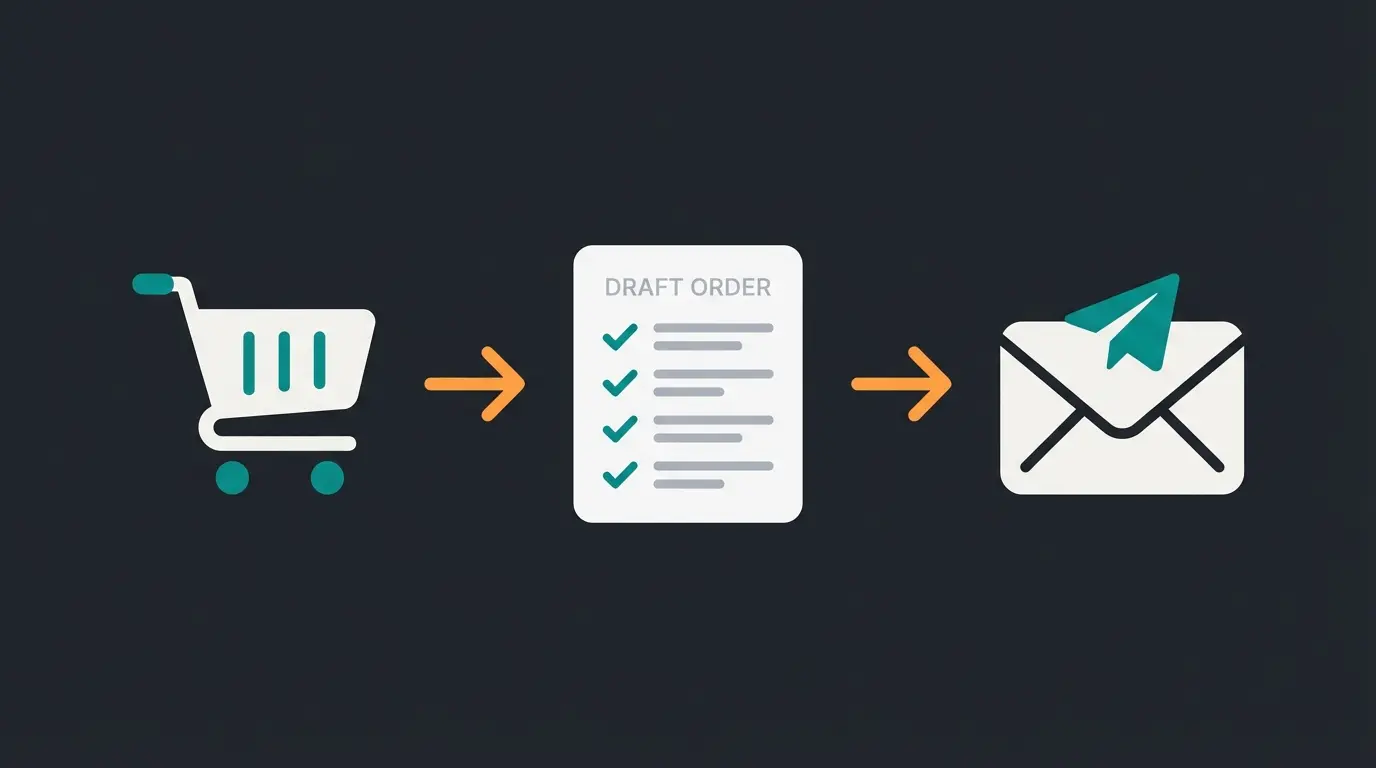
A draft order in Shopify works like a manual invoice with a built-in checkout. You create the order, add products, set payment terms, and send the customer an email with a secure link to complete payment. Here is the workflow:
- In your Shopify admin, go to Orders > Drafts and click Create order
- Add products, apply discounts if needed, and enter the customer's details
- In the Payment section, set payment terms: due on receipt, net 15, net 30, or a custom date
- Click Send invoice, add an optional message, review, and send
- The customer receives an email with a secure checkout link to complete payment
- Once paid, the draft order automatically converts to a regular order
For B2B merchants, draft orders support payment terms with deposit requirements. You can require a percentage-based deposit upfront, with the remaining balance due by the agreed date. The Shopify Help Center: Draft Orders covers the full configuration.
Using Order Printer for invoice PDFs
Shopify's built-in Order Printer app lets you generate PDF invoices from any completed order. It is free, pre-installed on most stores, and works well for basic invoice needs. You can print individual invoices from the order detail page or bulk-print multiple orders at once.
The limitation: Order Printer uses Liquid templates for customization, which means editing requires basic code knowledge. If you need to add your company logo, custom payment terms, or specific legal notices, you will be working with HTML and Liquid. For merchants who want a visual editor, third-party apps are the better option.
Customizing your Shopify invoice template
A generic invoice template works, but it does not build trust the way a branded one does. Customizing your invoice with your logo, contact details, and professional formatting signals to customers that you run a legitimate operation. It also helps with B2B relationships where invoices become part of the buyer's accounting records.
If you use Order Printer, customization happens through Liquid templates:
- In your Shopify admin, go to Apps > Order Printer and select a template
- Click Edit to open the Liquid code editor
- Add your company logo using an image tag with your logo's URL
- Include your business address, VAT/tax number, and payment terms in the footer
- Add any legally required notices for your jurisdiction (invoice number format, tax breakdown, return policy reference)
- Preview the template with a test order, then save
For merchants on Shopify Plus, the draft order invoice email template is also customizable under Settings > Notifications > Draft order invoice. You can modify the HTML body to match your brand. For everyone else, third-party apps like Sufio and Order Printer Pro offer visual drag-and-drop editors that make the process significantly easier.
Best invoice apps for Shopify
Shopify's App Store lists over 289 invoice and receipt apps. That is a lot of options, and most of them overlap in features. After looking at the top-rated apps, here is what actually matters: automatic sending, PDF customization without code, multi-currency support, and tax compliance for your region.
| App | Free Plan | Starting Price | Auto-Send | PDF Customization | Multi-Currency | Best For |
|---|---|---|---|---|---|---|
| Order Printer Pro | 50 orders/mo | $10/mo | Yes | Code editor | Yes | B2C/DTC stores |
| Sufio | No | $7/mo | Yes | HTML/CSS/Liquid | Yes (40 languages) | B2B and wholesale |
| Vify | 50 orders/mo | $10.99/mo | Yes | Visual editor | Yes | Easy customization |
| Fordeer | 50 orders/mo | $8.95/mo | Yes | Visual + code | Yes | Budget-friendly B2C |
| Invoice Hero | 50 orders/mo | $5.95/mo | Yes | Template-based | Yes | Small stores |
Order Printer Pro is the most popular option with over 2,300 five-star reviews and a generous free tier. It handles invoices, packing slips, quotes, and credit notes in one app. The downside: customization requires working with code templates.
Sufio is the strongest option for B2B merchants. Shopify officially recommends it for B2B invoicing because it supports payment terms, PO numbers, automatic tax exemptions, and commercial invoices for exports. It costs more, but it handles complexity that other apps simply do not.
For most small to mid-size B2C stores processing under 50 orders per month, the free tier of Order Printer Pro or Fordeer covers the basics. Scale beyond that, and the paid plans are still reasonable. If you are building out the wider app stack, our Shopify Accounting guide and our roundup of the best Shopify inventory management apps cover the tools that sit either side of invoicing.
Automating your Shopify invoice workflow
Manual invoicing works when you process a handful of orders per week. It stops working the moment volume picks up. The global e-invoicing market hit USD 18.5 billion in 2025 (source: IMARC Group), growing at nearly 16% annually, because businesses at every scale are moving away from manual processes. Merchants who outgrow app-level automation usually push invoicing into an ERP such as Pickware, where the invoice, the stock movement, and the shipping label all come off one record.
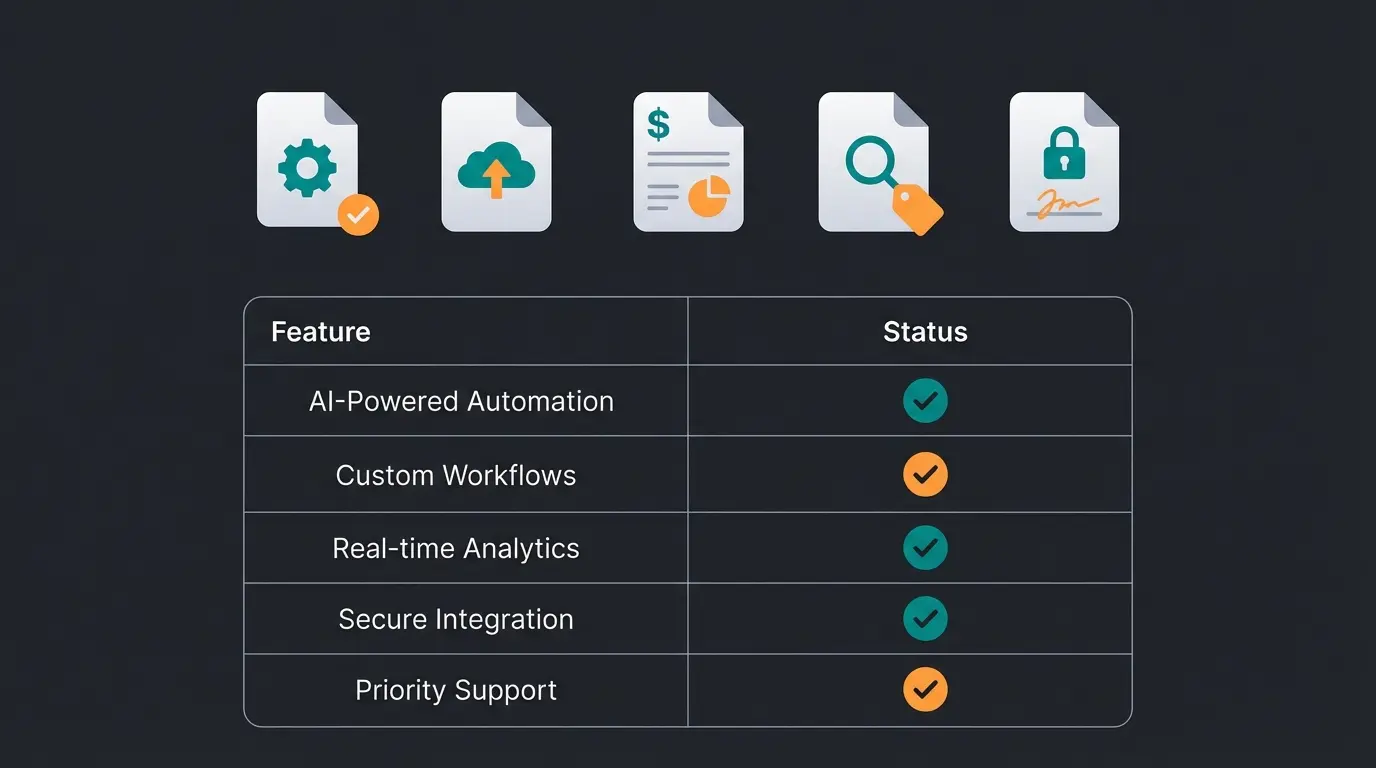
On Shopify, you have three paths to automation:
- Shopify Flow: create workflows that trigger invoice sending on order creation, fulfillment, or payment. Available on Shopify Plus and Advanced plans. The "Send draft order invoice" action automates email delivery without manual intervention.
- App-based automation: apps like Sufio and Order Printer Pro auto-generate and send invoices the moment an order is fulfilled, so your Shopify warehouse management setup decides how reliable that trigger is. Configure once, and every order gets an invoice without you touching the admin.
- Accounting integrations: connect your invoice app to QuickBooks, Xero, or FreshBooks to sync invoice data automatically. This eliminates double entry and keeps your books current.
Automation matters beyond just saving time. When Signed, an online retailer for custom decorative signs, implemented automation across their customer interactions, they achieved an 18x ROI and automated 70% of their customer inquiries. The principle applies to invoicing too: remove the manual bottleneck, and the downstream efficiency gains compound. For a broader look at what AI-powered customer service can do for e-commerce operations, the results are consistently measurable.
A Qualimero AI employee handles product advisory and customer service in real-time, turning browsers into buyers. Our clients see up to 35% higher cart values and 7x conversion improvements.
Book a demoExporting invoices for tax purposes
At the end of every quarter or fiscal year, your accountant needs your invoice data. Getting it out of Shopify cleanly is straightforward, but the method depends on your accounting setup.
- CSV export: go to Orders in your Shopify admin, filter by date range, and click Export. This gives you a spreadsheet with all order and invoice data.
- Direct integrations: apps like QuickBooks Online, Xero, and FreshBooks have native Shopify connectors that sync invoice data automatically.
- DATEV and local standards: if you operate in Germany or Austria, DATEV-compatible export is essential for your Steuerberater. Check that your invoice app or accounting connector supports a DATEV-ready export format before you commit to it, because retrofitting the format later is painful.
- Third-party invoice apps: most apps (Sufio, Order Printer Pro, Fordeer) offer their own export functionality with tax-compliant formatting.
The key principle: set up your export pipeline once, ideally as an automated sync. Manually downloading CSVs every month is the kind of task that feels small until you realize you have been doing it for three years.
Invoices and your accounting workflow
Invoices are not standalone documents. They are one part of a larger accounting workflow that includes order tracking, payment reconciliation, and financial reporting. The goal is to connect your Shopify invoice data to your accounting software so that nothing falls through the cracks.
Start with consistent invoice numbering. Shopify assigns order numbers automatically, but your accounting software may require a separate invoice number sequence. Most third-party apps let you configure custom numbering formats (e.g., INV-2026-0001) that align with your accountant's requirements.
Reconcile monthly: match every invoice to its corresponding payment in your bank account. If you use a direct integration with QuickBooks or Xero, this happens automatically. If not, your CSV exports become the bridge. Your broader Shopify Accounting setup determines how smooth this process is.
FAQ
If you need your Shopify subscription invoice, go to Settings > Billing in your admin dashboard and click View all bills. You can download any past bill as a PDF. If you need a customer-facing invoice for an order, use draft orders or the Order Printer app.
Your Shopify billing invoices are stored under Settings > Billing > View all bills. Customer invoices depend on your setup: draft order invoices are in Orders > Drafts, and invoices generated by third-party apps are typically accessible within the app's dashboard.
Yes. Create a draft order in Orders > Drafts, add the products and customer details, then click Send invoice. The customer receives an email with a secure checkout link to complete payment. This is the standard B2B invoicing workflow on Shopify.
Shopify sends order confirmation emails to customers automatically, but these are not formal invoices. For proper receipts or invoices, use the built-in Order Printer app or install a third-party invoice app like Order Printer Pro or Sufio.
Use the Order Printer app and edit its Liquid template under Apps > Order Printer > Edit template. Add your logo, business details, and legal notices. For a visual editor without code, install Order Printer Pro, Sufio, or Vify from the Shopify App Store.
A receipt confirms that payment has already been made. An invoice is a request for payment, typically sent before the customer pays. Shopify's order confirmation email functions as a receipt. For formal invoices with payment terms and tax details, you need draft orders or a dedicated invoice app.
Shopify handles your invoices. A Qualimero AI employee handles the product questions, recommendations, and buying decisions that drive revenue. 14-day free trial, no setup required.
Start your free trial
Lasse is CEO and co-founder of Qualimero. After completing his MBA at WHU and scaling a company to seven-figure revenue, he founded Qualimero to build AI-powered digital employees for e-commerce. His focus: helping businesses measurably improve customer interaction through intelligent automation.