A mobile app chatbot is a conversational interface embedded inside a native or hybrid app, either as an SDK component, an API-backed chat view, or a WebView widget. It answers product and support questions in-app, without pushing the user out to a browser or a separate messenger. AWS sorts these systems into rule-based, keyword-based, and AI-powered, and the gap between the first and the last is enormous.
The question here is narrow. How do you actually get one into your app, what does it cost in 2026, and what does the law require of it from August onwards. Most pages ranking for this query answer none of the three.
One clarification before the methods, because it changes the arithmetic. Mobile now carries roughly 60% of global ecommerce sales on 2026 projections, and 94% of mobile time is spent inside apps rather than browsers (Sensor Tower data via MobiLoud). Apps are not dying. What is dying is the assumption that a catalogue with filters is enough to sell a consulting-intensive product on a six-inch screen.
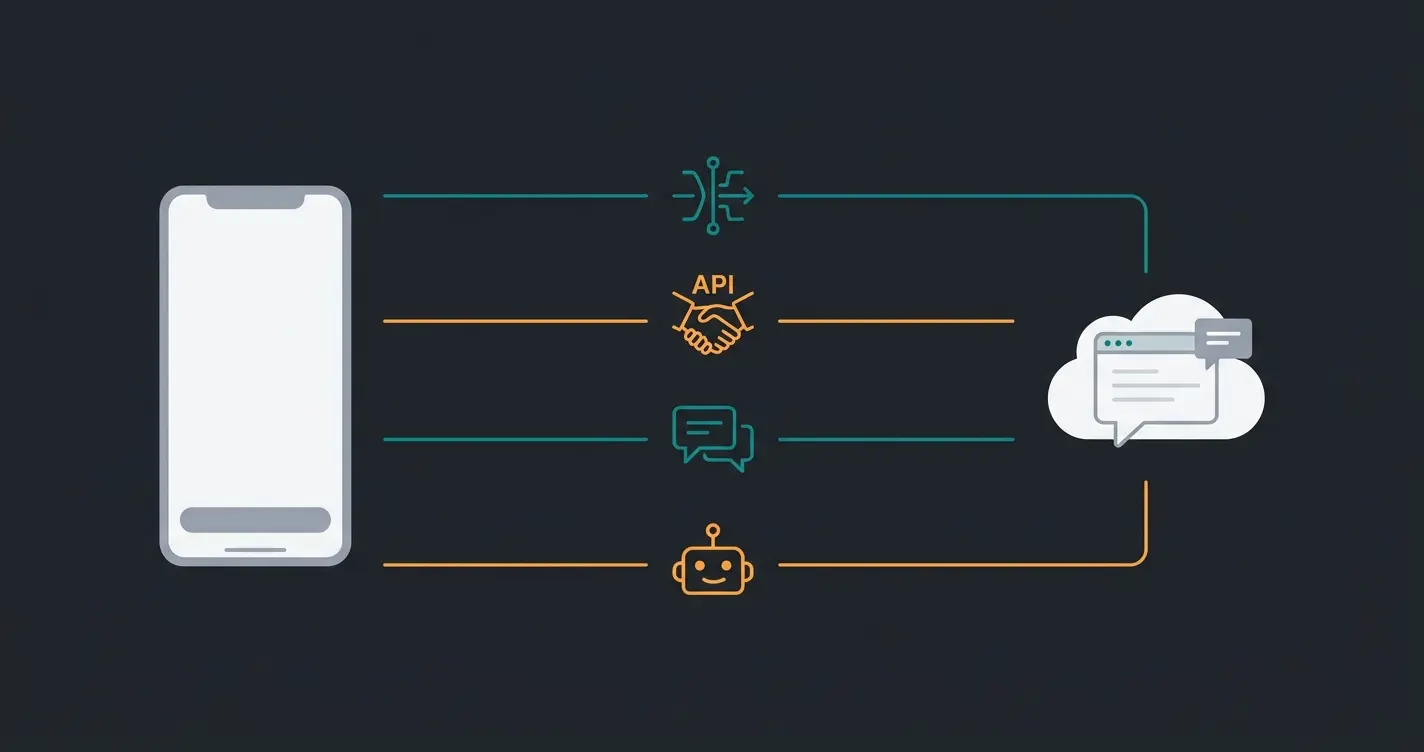
How to add a chatbot to your mobile app: four integration methods
There are four ways to put a chatbot into a mobile app: a native SDK, a REST or WebSocket API behind your own chat UI, an embedded WebView widget, and a no-code plug-in. The SDK delivers the best user experience and the highest build cost. WebView ships fastest and is the hardest to make feel native.
Riseup Labs, which currently supplies Google's answer box for this exact question, frames the choice as "defining the chatbot's purpose, selecting the chatbot type, choosing an integration method such as API-based or embedded widgets, and connecting it to relevant data sources." Correct as far as it goes. It skips the part that decides your budget, which is how deep the integration reaches into your product data.
| Method | Time to ship | Dev effort | UX quality | Offline behaviour | Best for |
|---|---|---|---|---|---|
| Native SDK (iOS / Android) | 3 to 6 weeks | High: platform code on both targets | Native components, native keyboard, push support | Graceful: messages queue locally | Apps where chat is a core, recurring surface |
| REST / WebSocket API + own UI | 4 to 8 weeks | Highest: you build and maintain the chat UI | Fully controlled, matches your design system | Whatever you build | Teams with an existing design system and a backend team |
| Embedded WebView widget | 2 to 5 days | Low: one view controller, one URL | Adequate, noticeably web-like on scroll and keyboard | Fails: requires connectivity | Fast validation, low-traffic apps, first pilots |
| No-code plug-in | Hours | None beyond configuration | Entirely vendor-dependent | Vendor-dependent | Shopify and Shopware apps, hybrid shells |
The honest trade is weeks against feel. A WebView widget is live before your next sprint review, and your users will notice: the keyboard behaves differently, scroll momentum is wrong, and the transition reads as a web page loading. A native SDK removes all three and costs roughly ten times the effort. For consulting-intensive catalogues we push clients toward the SDK, because there the conversation is the sale, not a support afterthought.
| System | What it actually does | Mobile integration path |
|---|---|---|
| Dialogflow CX (Google Cloud) | Intent and flow-based NLU with an LLM fallback layer | REST API, no first-party mobile SDK |
| Amazon Lex | Managed conversational service, tight binding to AWS Connect | AWS Amplify SDK for iOS and Android |
| Microsoft Azure AI Bot Service | Bot Framework with a Direct Line channel | Direct Line API, community-maintained mobile clients |
| Intercom Fin | Support deflection against your help-centre content | Native iOS and Android SDK |
| Zendesk AI agents | Support-request deflection inside an existing service stack | Native SDK plus web widget |
| Qualimero | AI employee for product consultation against live catalogue data | Web widget, WhatsApp, and API for in-app embedding |
Two entries on that list are support tools wearing an AI label, and the distinction decides what you can build. Intercom Fin and Zendesk AI agents are genuinely good at deflecting "where is my order". Neither reads a product catalogue and reasons about compatibility. If you are starting from zero and need the platform decision before the mobile decision, our guide on how to build a chatbot covers that step, and the chatbot integration guide covers the platform-agnostic API work sitting underneath all four methods.
What it costs to integrate a chatbot into an app in 2026
In-app chatbot cost splits into build and run. A no-code widget starts near zero build with a low monthly SaaS fee. A custom SDK integration wired into your product data typically runs into five figures of one-off build plus usage-based inference cost. The 5,000-to-150,000-dollar ranges quoted online conflate the two.
Aalpha, which supplies Google's answer for the cost question, prices AI integration in three tiers: $5,000 to $25,000 at MVP stage, $30,000 to $100,000 for a scaling mid-market app, and $150,000 to $500,000-plus for enterprise-grade work. Perpetio, the only true integration guide on page one, puts a simple chatbot integration against an existing API at "up to $5000". Both figures are build cost only. Neither includes what you pay every month afterwards.
| Method | One-off build | Monthly run cost | What drives the variance |
|---|---|---|---|
| No-code plug-in | EUR 0 to 2,000 | EUR 50 to 500 | Conversation volume, number of channels |
| WebView widget | EUR 2,000 to 8,000 | EUR 100 to 1,500 | Volume, catalogue size, model choice |
| Native SDK | EUR 15,000 to 60,000 | EUR 200 to 2,500 | Two platform targets, design system, QA cycles |
| Custom API + own chat UI | EUR 25,000 to 120,000 | EUR 300 to 4,000 | Backend work, data pipeline, retraining cadence |
Those bands come from two places: the published figures above, and what we see across our own integration projects with roughly 25 active client deployments. Treat them as planning ranges, not quotes. The variance inside each row is larger than the gap between rows, which is the part most cost articles get wrong.
Maintenance is the other quiet line. Netguru's 2026 cost guide puts annual app maintenance at 15 to 20% of build cost, and a chatbot inherits that on top of its own model and content upkeep. If you want the operational sequence rather than the pricing, our walkthrough on how to implement a chatbot covers the rollout.
Chatbot vs. native mobile app: which one do you actually need
Build a native app when you need device hardware, offline use, or a habitual daily loop. Choose a chatbot when the job is advice, support, or guided selling. It ships in weeks instead of months, needs no download, and runs across web, app, and messenger from a single configuration.
The 2025 version of this argument said apps were finished. That was too strong, and the 2026 data does not support it. Mobile apps convert at roughly 3.5% against about 2% for mobile web, and app users view 286% more products per session, 22 against 5.7 (Criteo data via MobiLoud). If you already have an installed base that opens your app weekly, that app is an asset, not a liability.
The retention numbers are where the picture turns. UXCam's 2026 benchmarks put day-30 retention for ecommerce apps at a 2% median, with strong performers reaching 3 to 6%. Silvanus Alt, PhD, co-founder and CEO of UXCam, is blunt about the category: "Day-30 retention under 5% is the norm across most mobile app categories, which is both useful benchmark context and a reminder that mobile retention is genuinely hard."
So both things are true at once. The users who stay in your app are worth far more per session than mobile web users. And 98 out of every 100 are gone by day 30. Building a second app to fix that is the wrong move; putting an advisor inside the app you already have, and on the web where the other 98 went, is the right one.
| Criterion | Native mobile app | Progressive web app | In-app / cross-channel chatbot |
|---|---|---|---|
| Build cost | $30,000 to $250,000 iOS, $35,000 to $280,000 Android (Netguru, 2026) | Roughly 30 to 40% below native | EUR 0 to 120,000 depending on method |
| Time to ship | Months, plus App Store review | Weeks | Days to weeks |
| Reach | Installed base only | Anyone with a browser | App, web and messenger from one configuration |
| Install friction | Download, account, permissions | None | None |
| Maintenance | 15 to 20% of build cost per year | Lower, single codebase | Content and model upkeep, no OS release cycle |
| Consultation depth | Filters and search unless you build more | Same as native | Conversation against live catalogue data |
The PWA middle path is real but narrower than its advocates claim. You get an installable, offline-capable shell without maintaining two native codebases, and roughly a third off the build. What you do not get is the home-screen habit that justifies a native app on iOS, where install prompts remain deliberately awkward. A PWA is a good answer when your app is essentially your shop. It is a poor answer when you need push notifications to carry the relationship.
From FAQ bot to in-app product advisor
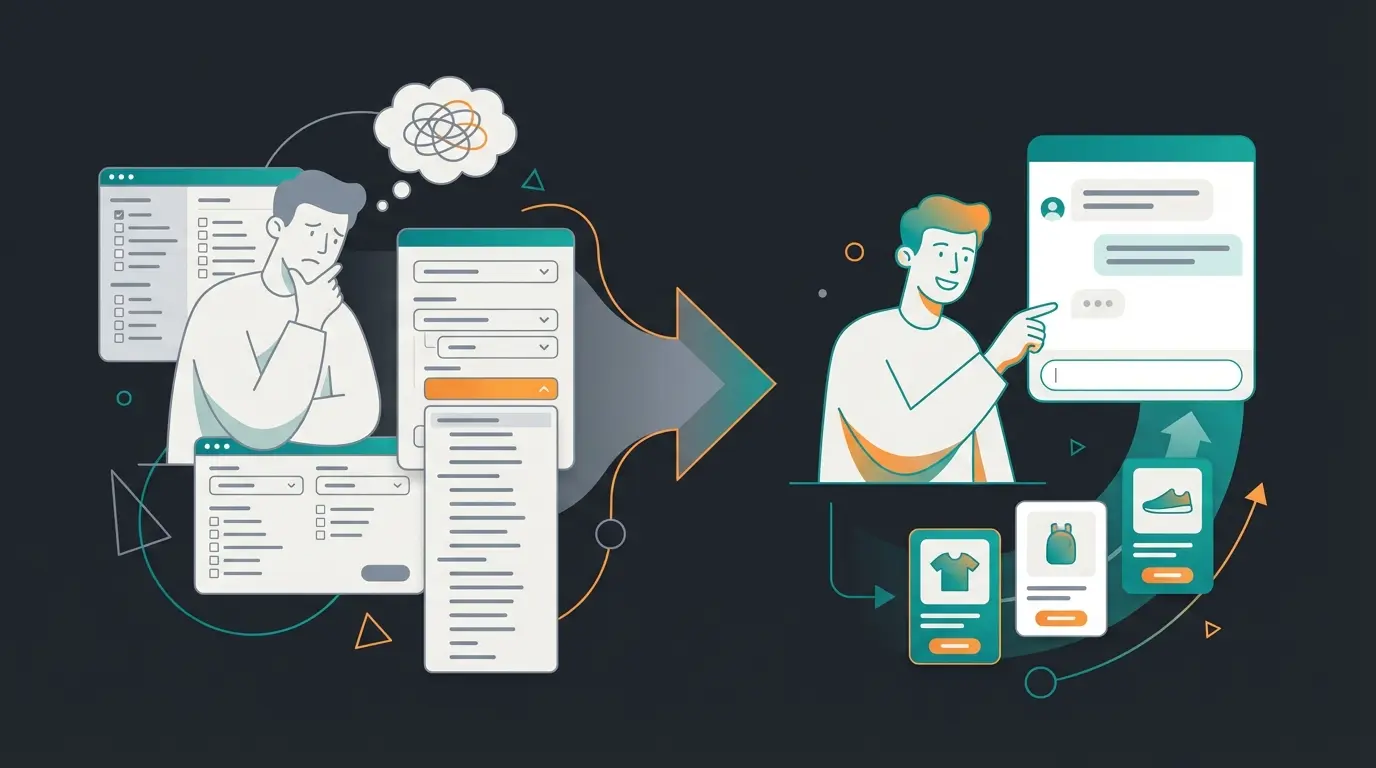
An FAQ bot matches questions against canned answers. An in-app product advisor reads your live catalogue and reasons about fit, compatibility, and dosage. For consulting-intensive products the advisor is the one that moves basket value, because it replaces a filter list with a conversation.
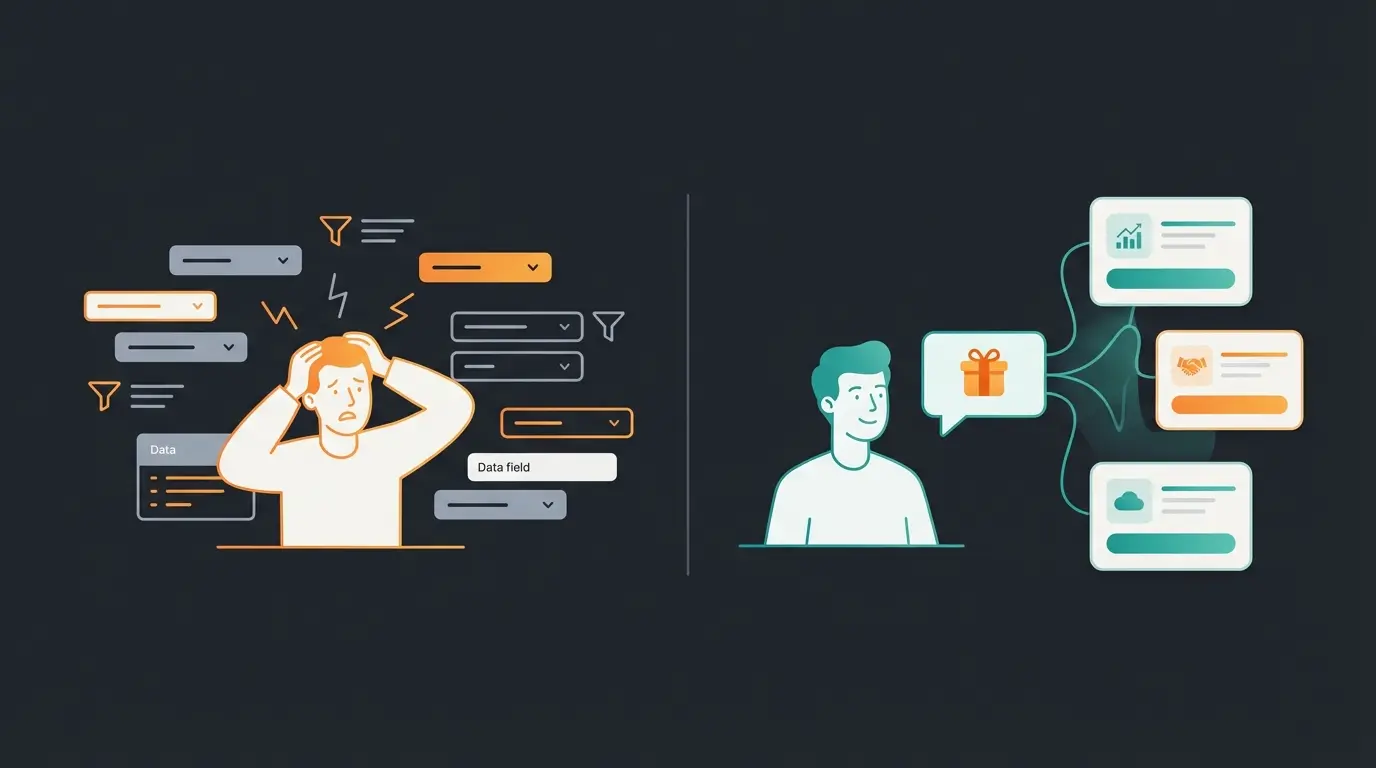
Take a concrete case. A customer opens a garden shop app in April with moss in a lawn that a dog also runs on, and does not know that the right product depends on lawn size, moss coverage, and whether the treatment is licensed for use around animals. The filter route offers "lawn care", "moss removers", "under EUR 30", and returns 40 products. The conversation route asks three questions and returns two, with the reasoning attached.
- Live catalogue access, not a nightly CSV export. Stock and price change during the conversation.
- Complete product attributes. Missing compatibility fields are the most common cause of confidently wrong recommendations.
- Conversation memory across the session, so nobody is asked their lawn size twice.
- A defined human handoff, with the transcript attached rather than the customer repeating themselves.
- Legal and safety constraints encoded, not hoped for. Plant protection and automotive lighting both carry hard rules.
- Measurement wired in from day one. Chat-attributed revenue against a control group, not vanity conversation counts.
Points two and five are where most deployments stall, and both are content problems rather than model problems. Our piece on chatbot training covers how that knowledge base gets built and kept current.
Which of these you can skip depends on your catalogue. A 40-SKU shop with simple products can run on a good FAQ bot and lose nothing. Above roughly 500 SKUs with technical attributes, the FAQ bot starts producing answers that are fluent and wrong, and every one of those is a return.
Compliance: what the EU AI Act requires from in-app chatbots
Article 50 of the EU AI Act requires that users be informed they are interacting with an AI system, unless that is obvious from context. For an in-app chatbot this means a visible disclosure at the start of the conversation, GDPR-compliant handling of the chat log, and a documented legal basis for the processing.
This is the one question on this search result that nobody on page one answers, and it stops being theoretical on 2 August 2026. The European Commission's guidance, last updated on 24 July 2026, is direct: providers of AI systems that directly interact with people "must design and develop those systems in such a way that the individuals concerned are informed that they are interacting with an AI system, unless this is obvious."
The Commission adds a timing requirement that plenty of implementations get wrong. People "must be notified when they are interacting with an AI system from the start of the first interaction in a clear and distinguishable manner and in accordance with accessibility requirements." A disclosure buried in a privacy policy does not satisfy that. A line in the opening message does.
Penalties reach EUR 15 million or 3% of total worldwide turnover for the preceding financial year, with proportionality applied to SMEs. A limited grace period exists, but it covers only the machine-readable marking obligation under Article 50(2), and only until 2 December 2026.
- Disclosure in the first message of every conversation, visible without tapping anything
- The disclosure meets accessibility requirements, so screen readers announce it too
- A documented GDPR legal basis for processing chat content, and a retention period you can state
- Chat logs stored in the EU, or under a transfer mechanism you can produce on request
- A written answer from your vendor on which model processes the conversation, and where
- Human handoff available, because transparency does not replace a route to a person
None of this is expensive. All of it is cheaper to build in now than to retrofit under deadline.
In practice: in-app product consultation
In production, in-app AI advisors handle the majority of product questions without a human. Qualimero customers including Rasendoktor, Neudorff, and HELLA Lightstyle run AI employees that advise on lawn care, plant protection, and vehicle lighting directly in the shop, in the app, and on WhatsApp.
Rasendoktor.de, an online specialist for professional lawn care, was handling 2,000 to 3,000 consulting-intensive enquiries per season, concentrated into a few spring weeks. The Rasendoktor AI product advisor, an AI employee called Hektor, now answers 100% of webchat enquiries automatically, at a 16x return on investment and 40% lower support cost.
Neudorff sells plant protection products, where every recommendation carries a legal constraint. That is precisely the case a keyword matcher fails. Neudorff's AI employee Flora reaches 97% accuracy on product recommendations, answers in under five seconds, and cut cost per chat by 99%.
HELLA Lightstyle sits at the other end of the technical spectrum. Auxiliary vehicle lighting, where the customer question is usually about ECE approval rather than preference. Its advisor Ella cut support enquiries by 60% while keeping every product recommendation legally compliant.
One thing these deployments share does not make it into case studies: none of them worked well in week one. Each needed a correction round on catalogue attributes the team believed were complete and were not. Budget for that. Pooldoktor, live since January 2026, shows what the other side looks like: EUR 112 of revenue per conversation and +18.75% revenue per user against a control group, measured causally rather than claimed.
Rasendoktor, lawn care, with 100% of webchat enquiries automated
Neudorff AI employee Flora, plant protection
HELLA Lightstyle advisor Ella, vehicle lighting
Pooldoktor, measured against a control group since January 2026
FAQ
Yes, through one of four methods: a native SDK, a REST or WebSocket API behind your own chat UI, an embedded WebView widget, or a no-code plug-in. A WebView widget ships in two to five days; a native SDK takes three to six weeks and delivers a fully native keyboard, scroll, and push behaviour.
Build cost ranges from near zero for a no-code plug-in to EUR 25,000 to 120,000 for a custom API integration with your own chat UI. Aalpha puts MVP-stage AI integration at $5,000 to $25,000 and enterprise work at $150,000 to $500,000-plus. Add monthly run cost and annual maintenance at 15 to 20% of build.
Yes, and from 2 August 2026 they are explicitly regulated in the EU. Article 50 of the EU AI Act requires users to be told they are interacting with an AI system at the start of the first interaction. Non-compliance carries fines up to EUR 15 million or 3% of worldwide turnover.
A chatbot app is a standalone consumer download for talking to a general-purpose model. An in-app chatbot is a component inside your own app, connected to your catalogue, stock, and customer data. Only the second can recommend a specific product variant and put it in a basket.
A widget is enough for validation and for apps where chat is occasional. Choose the SDK once chat becomes a recurring surface, because the keyboard, scroll momentum, and push notifications are the three things a WebView cannot get right. The effort difference is roughly ten to one.
The technical integration takes days to weeks depending on method. The realistic blocker is product data: incomplete attributes and missing compatibility fields typically add a correction round before launch. In our deployments the data work, not the code, sets the timeline.
Which method to pick
Two variables decide it: how central the conversation is to your product, and how clean your catalogue data already is.
Pick the WebView widget if you are validating. It ships in days, costs almost nothing, and tells you within a month whether customers use it. The web-like feel is a real cost, and it is the right cost to accept while you are still learning what the thing should say.
Pick the native SDK if chat is going to be a daily surface. Three to six weeks, five figures, and it is the only route that gets keyboard handling, scroll, and push notifications right on both platforms. Pick the API route only if you already have a design system and a backend team who will own it: total control, and total maintenance.
Skip the no-code plug-in for anything consulting-intensive. It is fine for order status. It cannot reason about compatibility, and on a technical catalogue that gap surfaces as returns.
What all four share: the integration is the easy half. The hard half is the product data underneath, and whether the thing at the other end of the chat can genuinely advise. That is the difference between deflecting a support request and closing a sale, and it is what AI product consultation is built to do.
Qualimero's AI employees advise customers in your app, your web shop, and on WhatsApp, working from your live product data. Rasendoktor measures 16x return on investment, Pooldoktor 33x against a control group.
Start a free trial
Kevin is CTO and co-founder of Qualimero. As an AI architect with over 15 years of experience as CTO and CPO in the tech industry, he designs the AI systems that automate tens of thousands of customer interactions daily for Qualimero's clients — reliably, securely, and at scale.