What is Shopware accounting integration?
Shopware accounting integration connects your Shopware e-commerce store to bookkeeping software so orders, invoices, taxes, and payouts sync automatically instead of being typed in by hand. You set it up in one of three ways: a native Shopware Store app, a dedicated accounting connector, or an ERP and middleware layer that feeds the data downstream.
The point is to remove manual re-entry. Most online stores still move invoice data between systems by hand, and that is where errors and lost hours pile up. According to DocuClipper, manual data entry runs at a 1 to 3% error rate, while automated capture pushes accuracy above 99.9%. At a few hundred orders a month, that gap is the difference between clean books and an audit headache.
Shopware itself records the commercial event: customer, order, line items, VAT rate, payment status. It does not post debits and credits. That is the accounting system's job. If you run a larger catalog, the same data usually flows through your Shopware ERP, which often becomes the hub that accounting reads from.
Best accounting software integrations for Shopware
The accounting tools most Shopware merchants connect to are QuickBooks and Xero for international sellers, DATEV, lexoffice, and sevDesk for the DACH region, and middleware like Connex or Pickware that routes data into any of them. You connect through a Shopware Store app, a vendor connector, or an ERP layer, depending on your volume and region.
For US, UK, and international stores, two names dominate. QuickBooks is the most widely used small-business accounting platform in the US, and Xero is its main rival, strong in the UK, Australia, and New Zealand. Both connect to Shopware through third-party apps rather than a native button, because Shopware does not ship a first-party QuickBooks or Xero sync.
The connectors do the actual work. The Shopware Store lists certified accounting and ERP apps, and outside it you will find tools like the Webkul QuickBooks Connector (around $199 one-time, as of Q2 2026) and Connex, which syncs orders, customers, and payouts on a schedule. A2X and Synder, well known on other platforms, focus on reconciliation rather than a direct Shopware app.
This is not a settled, one-click space. A bookkeeper on Reddit's r/Bookkeeping put it plainly in 2026: "I have a bookkeeping client with Shopware and trying to connect it to QBO. Anyone have any insights on how to do that?" The honest answer is that you pick the connector based on your accounting tool, not the other way around.
| Tool | Best for | Connection method | Approx. cost | Region |
|---|---|---|---|---|
| QuickBooks Online | US & international small business | Third-party app / connector | From ~$35/mo + connector | Global |
| Xero | UK, AU, NZ, international | Third-party app / connector | From ~$20/mo + connector | Global |
| lexoffice / sevDesk | DACH small business | Shopware Store plugin | From ~€19/mo + plugin | DACH |
| DATEV (via middleware) | DACH, tax-advisor workflows | Middleware export | Advisor + middleware fee | DACH |
| Connex | Multichannel sync | Dedicated connector | From ~$50/mo | Global |
| Pickware ERP | Shopware-native, omnichannel / POS | Native ERP integration | From ~€99/mo | DACH-focused |
Prices are approximate and current as of Q2 2026. Connector and middleware costs often scale with transaction volume, so check the tier that matches your order count.
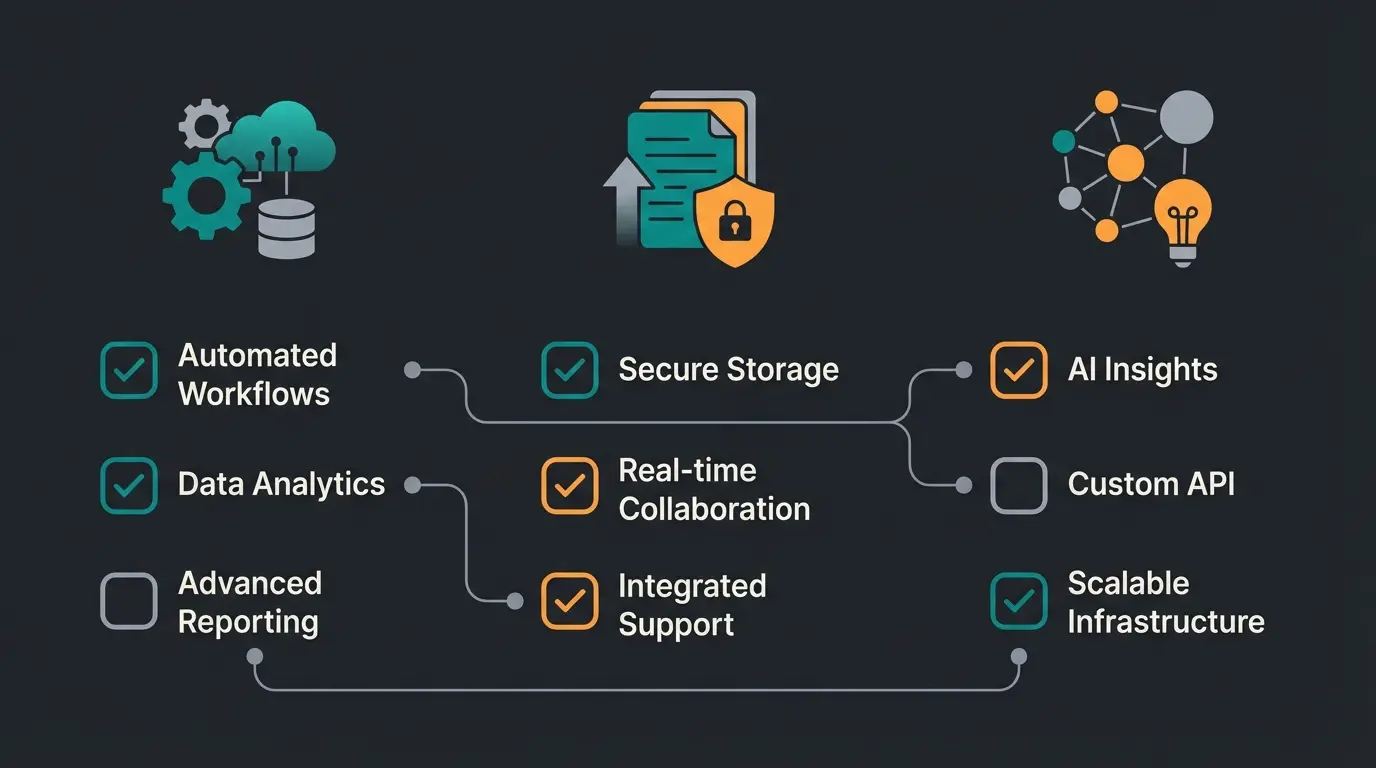
How to connect Shopware to your accounting software
You can connect Shopware to accounting software three ways: a native Shopware Store plugin for your tool, a dedicated connector such as Connex, or an ERP and middleware system like Pickware that pushes accounting data downstream. Plugins are fastest to set up, connectors handle multichannel volume, and ERP middleware gives you one source of truth.
Each method trades setup effort against control. Here is what each one actually involves.
Method 1: the native plugin. You install an app from the Shopware Store, enter your accounting API credentials, and map order statuses to invoice actions. Setup runs two to four hours for a single sales channel. It is the cleanest path for a mono-channel store on a cloud ledger like Xero or lexoffice.
Method 2: the dedicated connector. Tools like Connex sit between Shopware and your books and sync on a schedule. A 2026 Connex walkthrough shows orders, customers, and payouts flowing into the accounting system without manual export. This is the better fit once you sell on Amazon or eBay alongside Shopware, because the connector consolidates channels before they reach your ledger.
Method 3: ERP and middleware. Here accounting data lives in your operations layer. Pickware integrates directly into Shopware and handles inventory, purchasing, and DATEV export from one database, while a pure middleware like Taxdoo specializes in tax logic. If your Shopware ERP integration already runs your stock and orders, routing accounting through it avoids a second sync. The same backbone feeds your Shopware inventory management, so numbers reconcile across the board.
- Pick the connector that matches your accounting tool, not the most popular one.
- Confirm it syncs what you need: orders, customers, tax rates, payments, and refunds.
- Set fixed number ranges in Shopware so invoice numbers stay sequential.
- Map payment methods (PayPal, Stripe, Klarna) to the right ledger accounts.
- Run a test batch of 10 to 20 orders and reconcile them by hand once.
- Lock invoices on transfer so the audit trail stays intact.
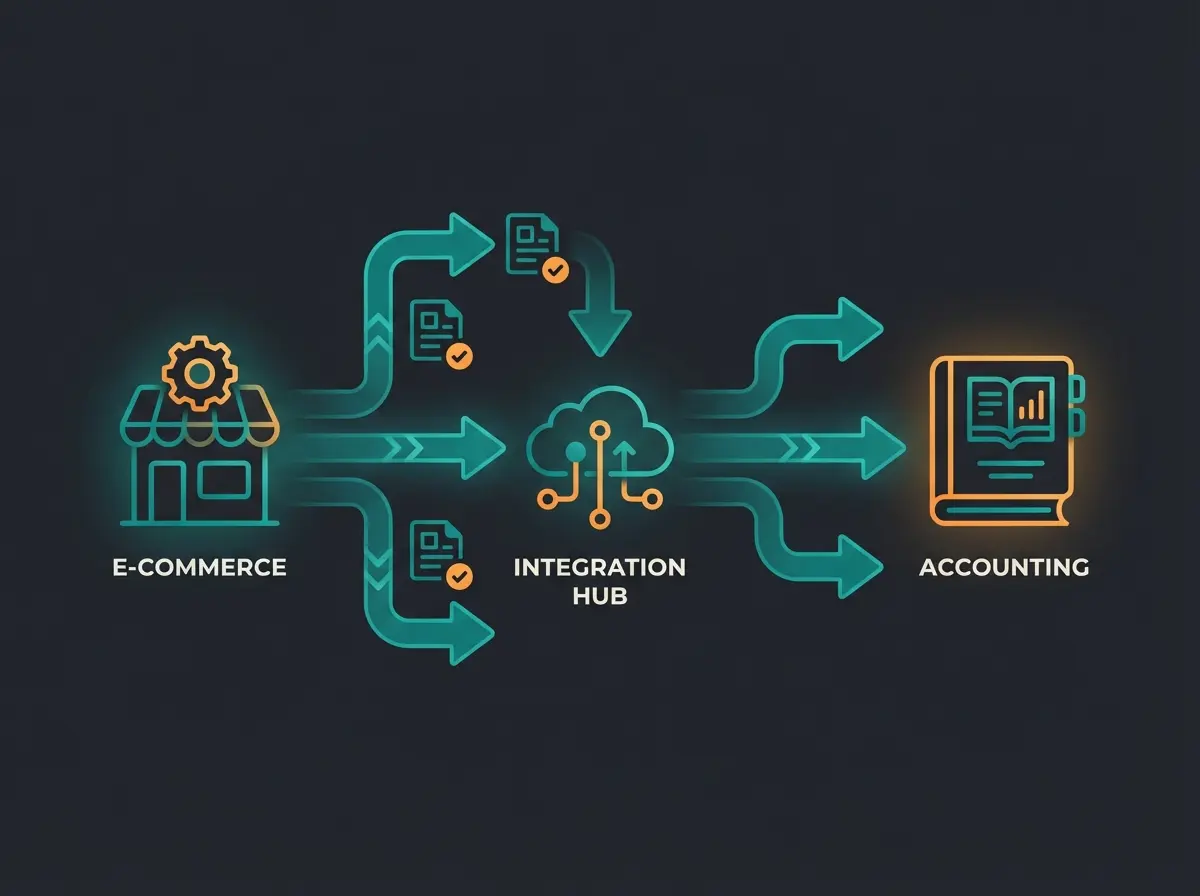
Automating invoices and bookkeeping in Shopware
Shopware can generate and export an invoice on every order, so bookkeeping, VAT and sales-tax records, and payout reconciliation happen without manual exports. The store creates the document; the connector turns it into a posted booking and matches it to the actual payment from PayPal, Stripe, or card.
The detail that breaks most manual setups is matching. An invoice says a customer owes $119. The payout from PayPal arrives as $115.47 after fees. A good connector books the sale, the fee, and the payout as separate lines so nothing shows up as an unexplained difference. The mechanics of document creation, number ranges, and credit notes are covered in our guide to Shopware invoices.
This is where the hours go. Klavena estimates manual ecommerce bookkeeping at 10 to 15 hours per week, and a single data-entry error costs around $53 to find and fix once it is in your books, per DocuClipper. Automate the matching and most of that disappears.
Payment status drives the whole chain. As Shopware's developer documentation describes it: "Shopware creates the order internally together with an open transaction which acts as a placeholder for the payment." Your connector reads that transaction state to know when an order is actually paid, not just placed.
Customer orders in Shopware and pays via PayPal, Stripe, or card.
Shopware generates the invoice and locks it for GoBD compliance.
The connector pulls the order and the matching payment, fees included.
A clean booking lands in QuickBooks, Xero, or DATEV, ready for the close.
Automating the back office frees time you can put into the storefront. The pool retailer Pooldoktor did exactly that, pairing operational automation with an AI product advisor that delivers 33x ROI on consultation chats.
Taxes and compliance: US sales tax and EU (DATEV, GoBD, OSS)
For US sellers, an accounting integration must map sales tax by state, because economic nexus can require you to collect tax in states where you have no physical presence. For EU and DACH sellers, it must support DATEV export, GoBD-compliant immutable records, and the OSS procedure for cross-border VAT.
US sales tax is a per-state problem. Since the 2018 South Dakota v. Wayfair ruling, states set economic-nexus thresholds, commonly $100,000 in sales or 200 transactions per year (the original South Dakota figures, per Avalara). Cross those in a state and you owe tax there. Your Shopware tax rules and accounting tool need to track which states you have tripped, and most US sellers lean on a tax engine like Avalara or TaxJar feeding the ledger rather than maintaining rates by hand.
In the EU the trigger is lower and EU-wide. Sell more than €10,000 net per year to private customers across other EU countries and you must charge the destination country's VAT and report it through the One Stop Shop (European Commission). Shopware 6 can store country-specific tax rates natively, but the assignment and OSS reporting are what middleware like Taxdoo or AccountOne automate.
| US sellers | EU / DACH sellers | |
|---|---|---|
| Tax trigger | State economic nexus (e.g. $100k / 200 sales) | €10,000 EU-wide distance-sales threshold |
| Core requirement | Collect & remit per-state sales tax | Charge destination VAT via OSS |
| Record-keeping | State filings, audit trail | GoBD-compliant, immutable, 10-year retention |
| Typical tooling | Avalara, TaxJar + QuickBooks / Xero | Taxdoo, AccountOne + DATEV |
Shopware accounting vs other platforms
Compared with Shopify, Shopware gives you deeper control over accounting data and self-hosted ERP middleware, but fewer one-click accounting connectors out of the box. Shopify wins on app-store breadth; Shopware wins on data ownership and on fitting complex, regulated DACH tax workflows that app-store tools rarely handle well.
The practical difference is where the logic lives. Shopify pushes you toward app-store tools like A2X that reconcile into QuickBooks or Xero, which is fast but keeps your finance logic inside third-party apps. Shopware lets you put that logic in self-hosted middleware or your own ERP, which is more work to set up and more yours to keep. We cover the equivalent tools for that platform in our Shopify accounting guide.
How to choose the right Shopware accounting setup
Choose by your accounting tool, sales volume, and region. A small store does well with a native plugin into QuickBooks, Xero, or lexoffice. A high-volume or multichannel seller should route accounting through a connector or ERP middleware so channels and tax logic consolidate before they reach the ledger.
Three clear cases. Under a few hundred orders a month on a single channel: a Shopware Store plugin to your cloud ledger is enough, and you can run it yourself in an afternoon. Selling across Amazon, eBay, and Shopware: a connector like Connex earns its fee by consolidating channels. Omnichannel with a physical store or heavy DACH tax needs: Pickware or a DATEV middleware path. Once the back office runs itself, the same logic pays off up front, where an AI customer service employee answers product and order questions in seconds instead of leaving them in an inbox.
Yes, but through a third-party connector, not a native button. Tools like the Webkul QuickBooks Connector (around $199 as of Q2 2026) or Connex sync Shopware orders, customers, and payments into QuickBooks Online. Pick the connector first, then confirm it maps your tax rates and refunds correctly.
Shopware records each order with a payment transaction that acts as a placeholder until the payment clears, per its developer documentation. Your accounting connector reads that transaction state to book a sale only when it is actually paid. This is what lets automated reconciliation match a $119 order to a $115.47 PayPal payout after fees.
QuickBooks and Xero lead for international sellers, lexoffice, sevDesk, and DATEV lead in the DACH region, and Pickware is the strongest Shopware-native option. The right one is whichever your accountant already uses. Volume and region decide whether you connect via a plugin, a connector, or ERP middleware.
No. Shopware creates documents like invoices and credit notes but has no bookkeeping ledger, so it cannot post debits and credits or file taxes. You always need external accounting software or middleware for GoBD-compliant records and DATEV or tax export.
Plan for roughly $50 to $150 per month for a professional setup: cloud accounting (about $20 to $35), a connector or plugin ($10 to $50), and middleware fees if you need them. That typically offsets 10 to 15 hours of weekly manual bookkeeping, which is where the real cost sits.
Clean accounting runs your back office. An AI customer service employee runs the front: it answers product, order, and shipping questions in under 10 seconds and turns browsers into buyers. See what that looks like in your shop.
Book a demo
Kevin is CTO and co-founder of Qualimero. As an AI architect with over 15 years of experience as CTO and CPO in the tech industry, he designs the AI systems that automate tens of thousands of customer interactions daily for Qualimero's clients — reliably, securely, and at scale.