Shopware B2B Components: the complete guide to every module, dependency, and configuration
All Shopware B2B Components explained: features, dependencies, edition requirements, and configuration best practices. The definitive technical reference for 2026.

If you run a Shopware store serving business customers, you have probably noticed that the platform's B2B capabilities have changed fundamentally. The old B2B Suite, a single large plugin that handled everything from roles to budgets to ordering workflows, is being retired. In its place: a set of modular components built directly into the Shopware core. For the full picture of Shopware's B2B ecosystem, see our Shopware B2B Guide.
This guide covers every B2B Component available today, how they interact, which Shopware edition you need, and where the gaps still are. Whether you are migrating from the B2B Suite or building a B2B storefront from scratch, this is the reference page the official docs do not give you.
What are Shopware B2B Components?
Shopware B2B Components are modular building blocks integrated directly into the Shopware 6 core. Unlike the legacy Shopware B2B Suite, which was a standalone plugin bundling all B2B functionality into one package, B2B Components follow a composable architecture. You activate only what your business actually needs.
The shift matters because it changes how B2B features are maintained and extended. Components receive updates through the regular Shopware release cycle, not through a separate plugin update path. They use the same APIs, the same admin interface, and the same data model as the rest of your store. For a broader look at the B2B Suite Overview [URL PENDING], that article covers the suite-level perspective.
The Shopware B2B Components Product Page lists six core components as of early 2026: Employee Management, Quick Orders, Order Approval, Quote Management, Shopping Lists, and Organization Units. Each component can be activated independently, though some have dependencies on others.
All B2B Components at a glance
No single page in the official documentation lists every component with its purpose, edition requirement, and dependencies in one place. The information is scattered across multiple docs pages, release notes, and marketing materials. Here is the consolidated reference.
| Component | Function | Minimum edition | Key dependencies |
|---|---|---|---|
| Employee Management | Create employee accounts under a company, assign roles with granular permissions | Evolve | None (foundational) |
| Quick Orders | Fast ordering via product number input or CSV/XLS upload | Evolve | None |
| Order Approval | Multi-step approval workflows with budget thresholds per role | Evolve | Employee Management |
| Quote Management | Request, negotiate, and track quotes between buyer and merchant | Evolve | Employee Management |
| Shopping Lists | Shared, persistent lists for recurring orders and team collaboration | Evolve | None |
| Organization Units | Define departments with individual shipping addresses, payment methods, and employee assignments | Evolve | Employee Management |
| Digital Sales Rooms | Virtual collaborative selling spaces for complex negotiations | Beyond | Quote Management |
The Official B2B Suite Documentation still covers the legacy suite. For the new components, refer to the Features section of the Shopware 6 docs. The table above reflects the current state, but Shopware continues to add components with each release cycle.
One pattern worth noting: Employee Management is the foundation. Order Approval, Quote Management, and Organization Units all depend on it. If you are planning a phased rollout, start there.
Roles, permissions, and budgets
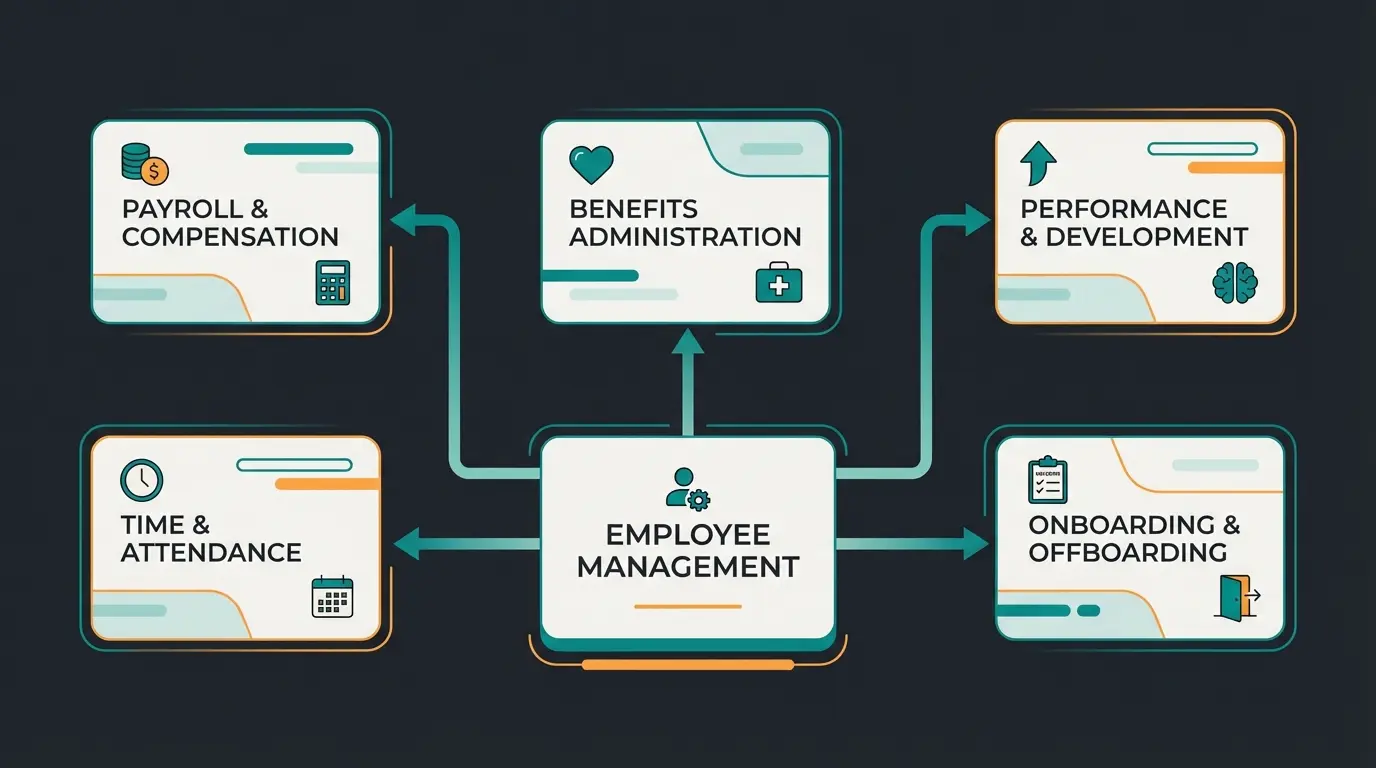
A B2B store without role management is just a B2C store with bigger order volumes. Employee Management is where the B2B architecture actually begins. You create employee accounts under a company umbrella, assign roles, and define what each role can see, order, and approve.
The permission system is granular. You can restrict access to specific product categories, set order value limits, or require approval for orders above a threshold. A procurement manager might have unrestricted ordering up to EUR 5,000, while a department employee needs approval for anything above EUR 500. These rules are defined in the admin and enforced in the storefront automatically.
Budget management ties directly into the approval workflow. Each department or employee can have a monthly or quarterly budget. When an order would exceed the remaining budget, the approval process kicks in. This is the kind of control that procurement teams in mid-sized companies actually ask for.
For companies with complex organizational structures, the B2B Customer Portal extends these capabilities with self-service account management, order history across all employees, and centralized invoice access.
Ordering processes: quick order, lists, and approvals
B2B buyers do not browse. They know exactly what they need, they have a parts list or a reorder from last quarter, and they want it in the cart in under 60 seconds. According to multiple industry surveys (2025), 83% of B2B purchasers prefer self-service ordering through digital platforms. The ordering components are built for exactly this workflow.
Quick Order is the most straightforward component. Buyers enter product numbers and quantities directly, or upload a CSV/XLS file with their entire order. No browsing, no product pages, no clicking through categories. For a warehouse manager reordering 200 SKUs every two weeks, this cuts ordering time from 45 minutes to under 5.
Shopping Lists add persistence. Teams can maintain shared lists for recurring purchases, seasonal orders, or project-specific materials. Unlike a cart, lists survive sessions and can be collaborated on across multiple employees.
For a deeper look at the full B2B Ordering Process, including integration with ERP systems and AI-assisted product consultation, that guide covers the end-to-end workflow.
Pricing logic and quote management
In B2B, there is no such thing as a single price. Every customer has negotiated rates, volume discounts, contract-specific pricing, and sometimes project-based quotes that override everything else. Shopware handles this through its Advanced Pricing rules engine, which the B2B Components extend with quote workflows.
Customer-specific pricing is configured through price rules in the admin. You assign price groups to customer groups or individual companies, set tiered pricing based on quantity breaks, and define validity periods. The system supports net pricing with per-customer tax rules, which is standard in European B2B but surprisingly absent from many competing platforms.
Quote Management adds negotiation to the mix. A buyer requests a quote from the cart, the merchant reviews and adjusts pricing in the admin, sends the quote back, and the buyer accepts or requests revision. The entire exchange is tracked in the system, replacing email chains with an auditable workflow. For details on B2B Pricing and Editions, see the dedicated pricing guide.
Payment terms are another layer. B2B transactions rarely use credit cards. The B2B Invoice Payment component supports purchase on account, net payment terms (net 30, net 60), and integration with ERP invoicing systems.
Sales representative component
Not every B2B order happens through a self-service portal. Trade shows, customer visits, phone calls: sales reps still place orders on behalf of customers. The Field Sales Feature handles this with a dedicated login mode.
A sales representative logs into the storefront, selects a customer account, and effectively impersonates that customer. They see the customer's specific pricing, budget limits, and order history. Orders placed this way are attributed to the customer but flagged as rep-initiated, which matters for commission tracking and audit trails.
The use cases are practical. A field rep at a trade show can build an order on a tablet using the customer's negotiated pricing. A phone support agent can place a reorder while the customer describes what they need. An account manager can create a quote for a customer who prefers not to use the portal directly.
Component architecture: dependencies and interactions
Modular does not mean independent. B2B Components have dependencies, and activating them in the wrong order leads to configuration issues. Here is the dependency map that the official docs do not provide in one place.
Foundation layer. Create company accounts, define roles, set permissions. Required by most other components.
Define departments, assign employees, set department-level shipping and payment defaults. Builds on Employee Management.
Independent ordering components. Can be activated in any order. No dependencies beyond basic Shopware setup.
Requires Employee Management. Define approval rules per role and budget threshold. Activate after roles are configured.
Requires Employee Management. Enable buyer-merchant quote negotiation. Best activated after pricing rules are finalized.
A minimal B2B configuration uses Employee Management plus Quick Orders. This covers the most common use case: a company with multiple buyers who need fast reordering with basic role separation. The full configuration, with all six components active, is appropriate for enterprises with departmental budgets, approval hierarchies, and active sales teams.
Performance impact is minimal. Each component adds its own database tables and storefront logic, but the overhead is negligible for stores under 10,000 products. For larger catalogues with complex pricing rules, the quote management and approval workflow queries can add latency. The Shopware Developer Docs cover caching and indexing strategies for high-volume B2B stores.
B2B Components vs. B2Bsellers Suite vs. custom plugins
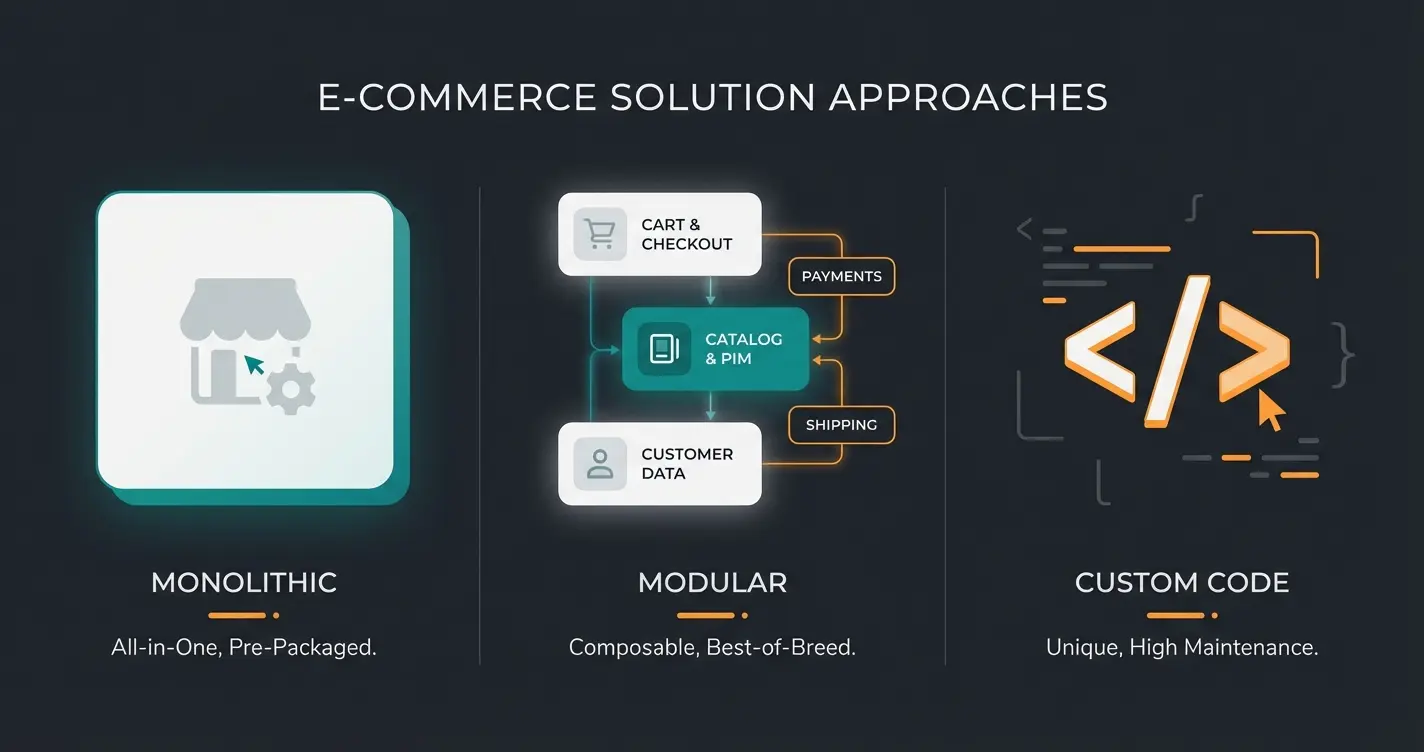
Shopware's native B2B Components are not the only option. The B2Bsellers Suite, a third-party plugin, offers a broader feature set out of the box. And custom development is always possible. The right choice depends on your edition, budget, and how specialized your B2B workflows are.
| Criteria | Shopware B2B Components | B2Bsellers Suite | Custom development |
|---|---|---|---|
| Minimum edition | Evolve (EUR 2,400/month) | Community (free) | Any |
| Feature scope | 6 core components | 80+ B2B features | Unlimited |
| Setup effort | Low to moderate | Low (plug and play) | High |
| Maintenance | Included in Shopware updates | Separate plugin updates | Fully self-managed |
| Customizability | Limited to configuration | Extensive configuration | Full control |
| API and headless | Full API-first support | Partial API support | Depends on implementation |
| Best for | Standard B2B with Evolve/Beyond | Feature-rich B2B on any edition | Unique workflows no solution covers |
| Long-term risk | Low (core-integrated) | Medium (third-party dependency) | High (maintenance burden) |
The honest assessment: if you are already on Shopware Evolve or Beyond, B2B Components are the natural choice. They are maintained by Shopware, receive updates automatically, and are the clear strategic direction. If you are on Community or Rise and need B2B functionality without upgrading, B2Bsellers Suite fills the gap effectively. Custom development only makes sense for workflows so specialized that neither solution covers them.
One friction point worth acknowledging: the B2B Components feature set is still catching up to what the old B2B Suite offered. Features like contingents, advanced cost center management, and some edge cases in approval workflows are either missing or less mature than in the legacy system. Shopware is closing these gaps with each release, but as of early 2026, the transition is not seamless for every use case.
AI integration with B2B Components
B2B product catalogues are often complex. Industrial supplies with thousands of specifications, chemical products with compatibility requirements, technical components where the wrong part means a production line stops. This is where AI employees add a layer that B2B Components alone cannot provide.
An AI employee integrated with Shopware's B2B setup reads the buyer's role, their company's pricing tier, and their order history. When a procurement manager searches for a replacement part, the AI does not just return search results. It recommends the correct specification, flags compatibility issues, and applies the customer's negotiated pricing automatically. Qualimero's clients in the home and garden sector see a 35% increase in average cart value from this kind of guided selling.
The combination works because B2B Components handle the structural logic (who can order what, at what price, with whose approval) while the AI handles the consultation logic (what should they order, and why). Neither replaces the other. Together, they turn a self-service portal into something that feels like having a product expert available around the clock.
Your B2B Components handle structure. An AI employee handles the advice. Qualimero's clients see up to 35% higher cart values and 7x conversion rates through AI-powered product consultation.
Book a demoFrequently asked questions
B2B Components require Shopware Evolve (from EUR 2,400/month) or Shopware Beyond (from EUR 6,500/month). They are not available on the Community Edition or Shopware Rise. Some features like Digital Sales Rooms are exclusive to Beyond.
Yes, B2B Components are modular. You can activate only the components you need. However, some components depend on others: Order Approval, Quote Management, and Organization Units all require Employee Management to be active first.
The legacy B2B Suite is deprecated starting with Shopware 6.8 (early 2026). No new licenses are being issued, and the plugin will no longer receive updates or be compatible with future Shopware versions. Migration to B2B Components or a third-party alternative like B2Bsellers Suite is required.
B2B Components are Shopware's native, core-integrated solution with six modules, available only on Evolve and Beyond. The B2Bsellers Suite is a third-party plugin with 80+ features, available on all editions including Community. B2B Components are the strategic direction for Shopware, while B2Bsellers offers broader functionality today.
Yes. AI employees like those built by Qualimero integrate with Shopware's B2B setup to provide automated product advice, guided selling, and customer-specific recommendations. The B2B Components handle permissions and pricing logic while the AI handles the consultation layer.
Shopware's B2B Components represent a clear architectural improvement over the legacy B2B Suite. The modular approach, core integration, and API-first design make them the right foundation for B2B stores on Evolve and Beyond. The feature set is not yet as comprehensive as the old suite or third-party alternatives, but the gap is closing with every release. For the broader strategic context, return to the Shopware B2B Guide.
Structure plus intelligence. Combine Shopware's B2B Components with an AI employee that understands your products, your customers, and your pricing.
Start your free trial
Lasse is CEO and co-founder of Qualimero. After completing his MBA at WHU and scaling a company to seven-figure revenue, he founded Qualimero to build AI-powered digital employees for e-commerce. His focus: helping businesses measurably improve customer interaction through intelligent automation.