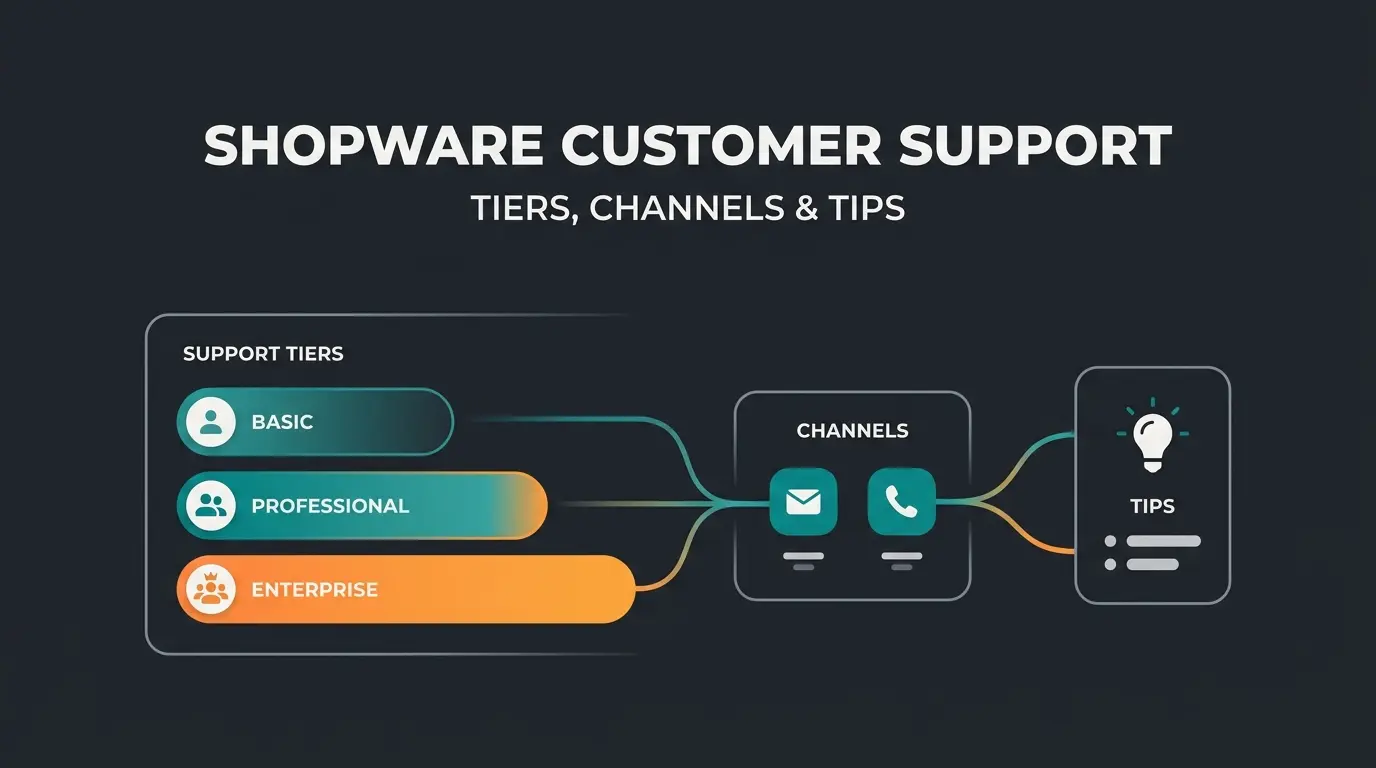
What is Shopware maintenance?
Shopware maintenance is the ongoing work of keeping a Shopware store secure, fast, and stable: applying updates, patching security holes, fixing bugs, running backups, monitoring uptime, and tuning performance. It protects revenue by preventing downtime, checkout failures, and security breaches. Maintenance is continuous. It is not a one-time project.
Two terms get mixed up constantly, so let me separate them first. Maintenance is the continuous upkeep of your store. Maintenance mode is a temporary switch that takes the storefront offline while you deploy an update. One is a process, the other is a state. This guide covers both.
The reason maintenance matters is money, not tidiness. According to ITIC survey data reported by Gremlin, 90% of mid-size and large businesses put the cost of a single hour of downtime above 300,000 USD. For a smaller store the absolute number is lower, but the mechanism is identical: an outage during peak traffic converts straight into lost carts. A store that is down does not sell.
Version matters here too. Shopware 5 reached end of life in July 2024 and no longer receives security updates, which turns any remaining Shopware 5 store into a growing liability. Shopware 6 is the current line, with 6.6 and 6.7 releases shipping through 2025 and 2026. If you are still on 5, maintenance means planning a migration, not patching an unsupported system.
How to enable Shopware 6 maintenance mode (step by step)
To enable maintenance mode in Shopware 6, open the Admin, go to Sales Channels, select your channel, and toggle Maintenance under the Status section. Maintenance mode shows visitors a maintenance page and returns an HTTP 503 response, so search engines read the downtime as temporary and keep your pages indexed.
- In the Admin, open Sales Channels and select the channel you want to take offline.
- Scroll to the Status section and switch Maintenance on. The storefront now returns a 503.
- Add your own IP to the maintenance IP whitelist so you can keep testing the live store while visitors see the maintenance page.
- After deploying, switch Maintenance back off. The 503 disappears and the storefront returns a 200.
Shopware's own documentation is blunt about the response code: "When the maintenance mode is active, you will get a 503 http error as response," per the Shopware maintenance mode documentation. The Store API mirrors this. A headless request during maintenance returns status 503 with the code FRAMEWORK__API_SALES_CHANNEL_MAINTENANCE_MODE, so a decoupled frontend can detect the state and render its own maintenance page.
Here is the failure mode nobody warns you about. An update, especially the jump to 6.4.17.2 that filled Stack Overflow in 2022, can leave the store stuck in maintenance mode after the deployment finishes. The Admin toggle sometimes will not respond, because the update process itself set the flag. When that happens, you clear it in the database.
UPDATE sales_channel SET maintenance = 0;One clarification, because half the tutorials get this wrong: Shopware 6 ships no first-party console command that toggles maintenance mode. The supported paths are the Admin UI, the Admin API, or the sales_channel.maintenance flag directly. If a guide promises a single bin/console command, it is describing a custom script, not core Shopware. After clearing the flag, flush the HTTP cache so the storefront reloads.
What Shopware maintenance includes (checklist)
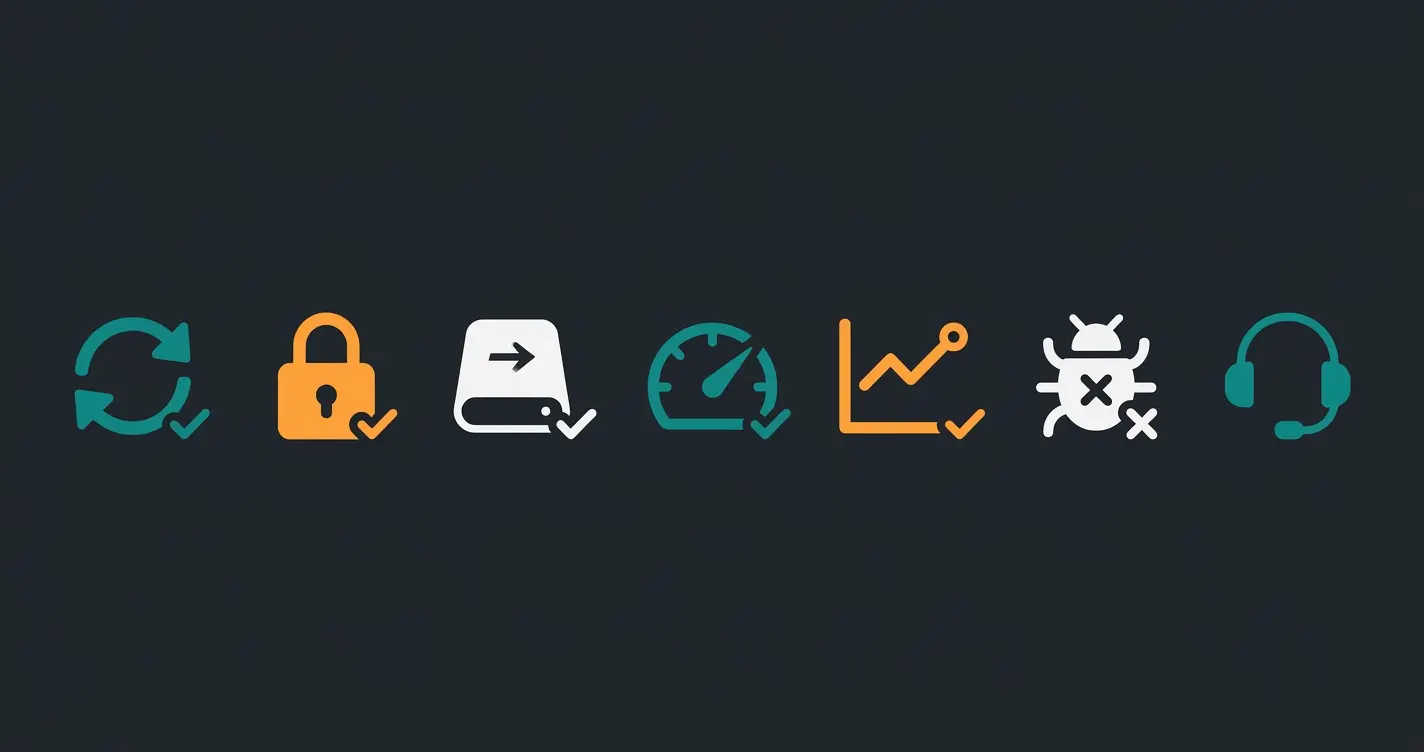
A complete Shopware maintenance plan covers seven areas: version and plugin updates, security patching, backups, performance optimization, uptime monitoring, bug fixing, and technical support. Skip any one of them and you raise the odds of downtime, data loss, or a breach. The table below lists each task, how often it should run, and what breaks if you neglect it.
| Task | Recommended frequency | Risk if skipped |
|---|---|---|
| Core & plugin updates | Monthly, plus security releases as they ship | Incompatibility, exploits, broken checkout |
| Security patching | Within days of release | Breach: 60% of incidents trace to unpatched software |
| Backups | Daily, tested quarterly | Permanent data loss after a failed update |
| Performance optimization | Quarterly | Slow load times, weaker rankings and conversion |
| Uptime monitoring | Continuous | Silent outages you hear about from customers first |
| Bug fixing | As reported | Checkout and display errors that cost sales |
| Technical support | On demand, SLA-bound | Long recovery times during an incident |
Updates are the part owners underestimate. Shopware ships regular releases, and the Shopware update documentation is clear that staying current is what maintains security and performance. Each minor release can touch plugin compatibility, so "just update it" is rarely one click on a store with 20 extensions. Performance work overlaps with search visibility, which is why some stores hand the technical-SEO slice to a dedicated Shopware SEO specialist rather than a general maintenance provider.
Security is the line item you cannot defer. The 2025 Verizon Data Breach Investigations Report found that exploitation of vulnerabilities was the initial access route in roughly 20% of breaches, up sharply year over year, and separate Ponemon research summarized by Automox put 60% of breaches down to a known, unpatched flaw. A patch that sits unapplied for a month is an open door.
How much does Shopware maintenance cost?
Shopware maintenance typically costs between roughly 150 and 3,000 EUR per month, depending on store size, traffic, plugin count, and how fast you need a response. Freelancers sit at the lower end. Full-service agencies sit at the top, with SLAs, monitoring, and emergency cover included. Ad hoc work outside a retainer runs 90 to 160 EUR per hour.
| Option | Typical monthly cost | What you get |
|---|---|---|
| Basic package | 150 - 400 EUR | Updates, backups, a few support hours |
| Premium retainer | 500 - 1,200 EUR | Response-time SLA, monitoring, minor fixes |
| Enterprise support | 1,500 - 3,000+ EUR | Priority SLA, redundancy, proactive work |
| Hourly, ad hoc | 90 - 160 EUR / hour | Pay per task, no guarantees |
Four things move the number: store complexity, plugin count, SLA tightness, and update frequency. A store with 5 plugins and a 24-hour response window is cheap to keep alive. A store with 30 plugins, custom code, and a one-hour SLA is not. Market retainer data from webiprog puts mid-size stores in the 500 to 1,200 EUR band, which matches what I see in practice.
One cost sits outside maintenance entirely. A major version jump, Shopware 5 to 6 for example, is a migration project, not upkeep, and commonly lands between 15,000 and 70,000 EUR depending on customization. Do not let anyone bundle that into a monthly retainer. It is a separate line, and treating it as maintenance is how budgets get blown.
In-house vs agency vs freelancer: choosing a maintenance partner
In-house maintenance gives you the most control but needs a full-time Shopware developer on payroll. A Shopware freelancer is the cheapest and most flexible option, though a single person is a single point of failure. A Shopware agency costs more and provides SLAs, redundancy, and broader expertise. Most owner-led stores start with a freelancer and move to an agency once uptime drives revenue.
| Criterion | In-house | Freelancer | Agency |
|---|---|---|---|
| Control | Full | High | Medium |
| Monthly cost | Highest (salary) | Lowest | Medium to high |
| Reliability / cover | Depends on one hire | Single point of failure | Redundant team |
| Response speed | Fast if available | Varies with availability | SLA-bound |
| Breadth of expertise | Narrow | Narrow to medium | Broad |
| Best for | Large stores with a team | Small stores, tight budget | Revenue-critical stores |
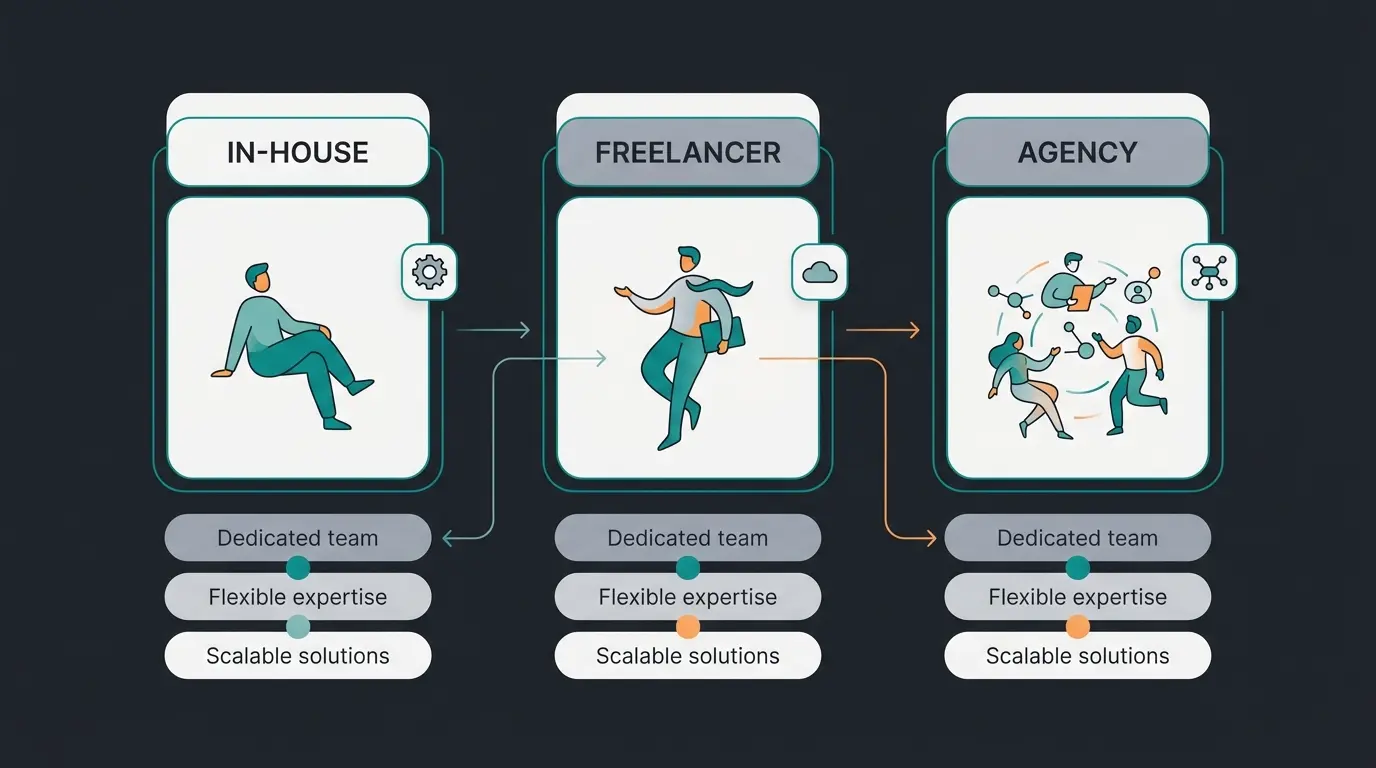
The honest tradeoff: a freelancer who knows your store is often faster and cheaper than an agency for day-to-day work. The risk shows up when that freelancer is on holiday during a checkout outage. An agency charges for redundancy you hope you never need. Once your store's revenue depends on it staying online, that redundancy stops being optional. For the advisory layer, scoping and roadmap rather than hands-on fixes, a Shopware consulting engagement is a different service again.
How to choose a maintenance partner
Choose a Shopware maintenance partner by checking five things: Shopware partner certification, a written response-time SLA, a documented backup and rollback process, references from stores like yours, and transparent pricing. Certified partners and specialized agencies cut the risk of a botched update far more than a low hourly rate does.
- Certification: is the provider a listed Shopware partner, or a specialized Shopware 6 agency? Certification is not everything, but it filters out guesswork.
- SLA in writing: response and resolution times, not verbal promises. A four-hour response reads very differently from four business days.
- Backup and rollback: ask exactly how they restore your store after a failed deploy, and how often they test that restore.
- References in your vertical: a partner who has maintained stores of your size and plugin depth will hit fewer surprises.
- Transparent pricing: a fixed retainer plus a clear hourly rate for extras. Vague pricing hides scope creep.
- Local presence, if you need it: proximity helps for on-site workshops and audits, but it matters far less for remote maintenance, where response time counts more than postcode.
One filter beats all the others. Ask for the name and date of the last store they pulled out of a failed update. A partner who has done it will answer in one sentence. A partner who has not will change the subject.
Reduce support load while you maintain: AI for customer service
Maintenance keeps a Shopware store running, but it does not answer customer questions during updates or peak load. An AI employee handles order, shipping, return, and product questions around the clock, cutting support volume so your team can focus on the store instead of the inbox. Uptime and customer experience are two different jobs.
Here is the gap. A perfectly maintained store still generates a flood of the same questions: where is my order, does this part fit, what is your return window. Human support answers them one at a time. That is exactly the work an AI customer service employee absorbs, resolving a large share of routine inquiries without a ticket and staying available during the exact peak windows when your maintenance risk is highest.
A concrete example: the Elektroheizung-Direkt case study documents an AI heating expert that now runs around 1,000 conversations a month across chat, WhatsApp, and voice, with an average response time of 11 seconds. For every euro of cost, the store attributes 15 euros back, split between saved phone-support hours and tracked chat revenue. That is support that pays for itself while the maintenance retainer keeps the platform stable.
Across chat, WhatsApp, and voice
For live chat inquiries
The point is not to replace your agency. Maintenance and customer service are complementary: one keeps the platform healthy, the other keeps the buyer moving. Run both, and a traffic spike becomes revenue instead of a support backlog.
Frequently asked questions
Shopware 6 has no built-in console command for maintenance mode. Enable it in the Admin under Sales Channels, then Status, then Maintenance, or set the sales_channel.maintenance flag through the Admin API or database. Any "console command" you find online is a custom script, not core functionality.
Run UPDATE sales_channel SET maintenance = 0; in your database to clear the flag, then flush the HTTP cache and reload the storefront. This is the common fix for the 6.4.17.2 update issue, where the update process leaves the store in a 503 state.
No, as long as it stays temporary. Maintenance mode returns an HTTP 503, which tells search engines the outage is short-term, so they do not deindex your pages. A 503 that persists for days is the problem, not the mode itself.
Apply security patches within days of release, run backups daily, and install core plus plugin updates monthly. Performance and compatibility checks fit a quarterly cadence. The exact rhythm scales with your plugin count and traffic.
Shopware 5 reached end of life in July 2024 and no longer gets security updates, so maintaining a 5 store really means planning a migration. Shopware 6 receives active releases, so maintenance there is ongoing patching, updates, and monitoring on a supported platform.
Small stores typically pay 150 to 400 EUR, mid-size stores 500 to 1,200 EUR, and large or complex stores 1,500 to 3,000 EUR or more. Ad hoc hourly work runs 90 to 160 EUR. The main cost drivers are plugin count, SLA speed, and store complexity.
Maintenance keeps your Shopware store online. A Qualimero AI employee answers your customers around the clock, cutting routine support tickets and lifting conversion on your own product data.
Book a demo
Kevin is CTO and co-founder of Qualimero. As an AI architect with over 15 years of experience as CTO and CPO in the tech industry, he designs the AI systems that automate tens of thousands of customer interactions daily for Qualimero's clients — reliably, securely, and at scale.