Introduction: The Brain of Your Online Shop
E-commerce has evolved. Simply making products available is no longer enough. Today's customers expect a shopping experience that thinks alongside them. This is precisely where the often underestimated power of the Shopware Rule Builder comes into play.
Many shop owners use this powerful tool only for the basics: calculating shipping costs or simple discounts. But the Rule Builder is far more than a simple "if-then" calculator for logistics. It's the central nervous system of your Shopware 6 shop. When used correctly, it forms the foundation for personalized customer experiences. However, it has limitations—and that's exactly where the era of AI-driven product consultation begins.
In this comprehensive guide, we'll dive deep into the mechanics of the Shopware Rule Builder. We'll reveal how you can implement complex logic without a single line of code, where classic rules hit their limits, and how integrating AI product consultation solutions enables you to make the leap from mere seller to intelligent advisor.
Why the Rule Builder Is Underestimated
Most shop owners only scratch the surface. They set up one rule: "If cart > €50, then free shipping". That's important, but it's reactive. The true potential unfolds when you use the Rule Builder proactively to guide purchasing behavior.
According to rhiem-intermedia.de, the no-code approach enables merchants to define business logic without requiring a developer. This democratization of shop management opens tremendous opportunities—but also creates challenges when complexity grows.
The Problem with Complexity
The more you want to personalize, the more complex your ruleset becomes. Anyone attempting to map out differentiated product consultation ("Show winter tires only if the customer owns a car AND it's winter") solely with static rules quickly finds themselves in an impenetrable jungle of conditions. We'll show you in this article how to avoid this "Rule Explosion" effect and when it's time to switch to dynamic, AI-powered solutions.
What You'll Learn in This Article
- The Basics: How to technically set up the Rule Builder correctly and cleanly
- Best Practices: Naming conventions and prioritization logic that professionals use
- Concrete Use Cases: From blocking Packstation delivery to VIP discounts
- The Evolution: How to transition from static rules to intelligent, AI-based consultation
The Essentials: How the Shopware Rule Builder Works
Before we dive into complex strategies, we need to understand the foundation. The Shopware Rule Builder is based on a no-code approach that allows merchants to define business logic without needing a developer.
Definition and Location
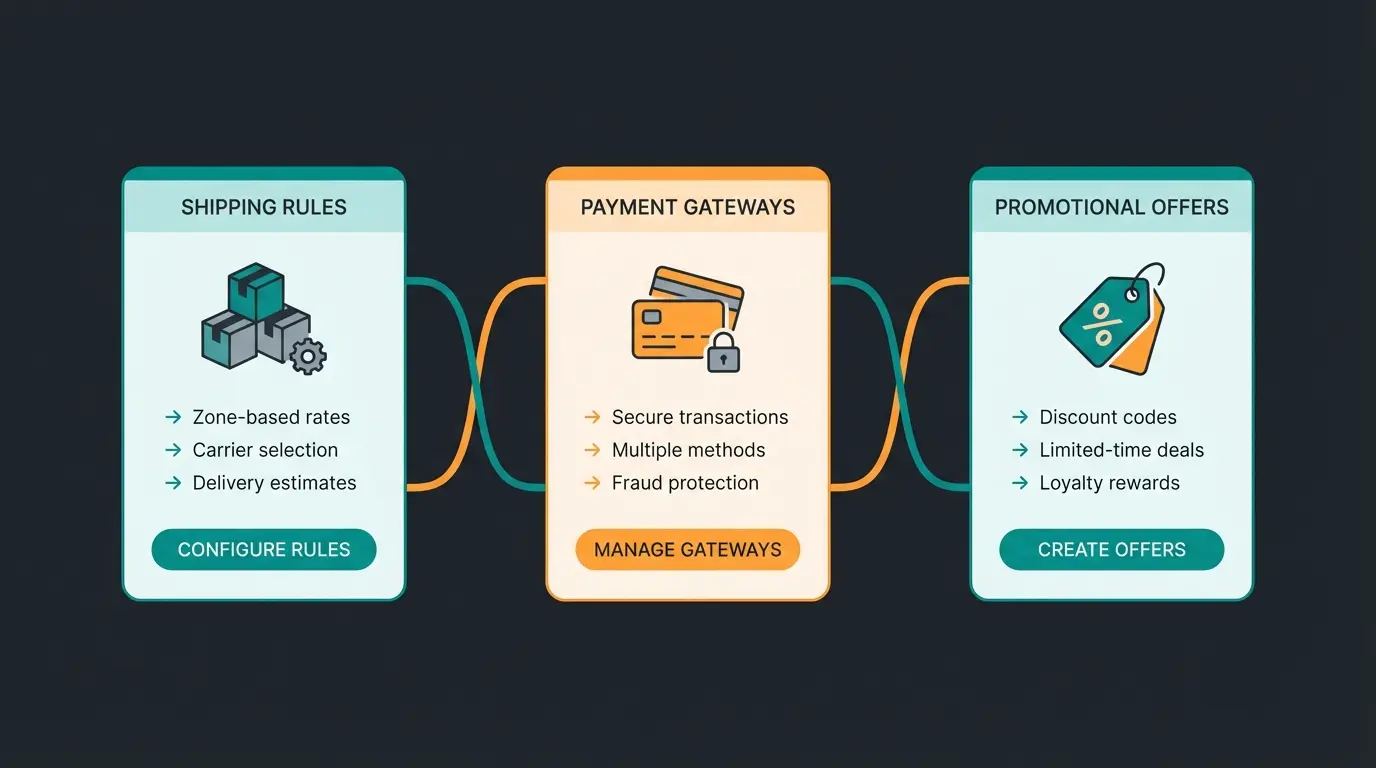
The Shopware Rule Builder is a central module in the Shopware 6 administration. It enables the creation of rules based on conditions that can be either "true" or "false." These rules are then made globally available in the shop and can be assigned to various areas (shipping, payment, promotions, content). As documented on Shopware.com, this creates a flexible framework for managing your entire shop logic.
The Anatomy of a Rule
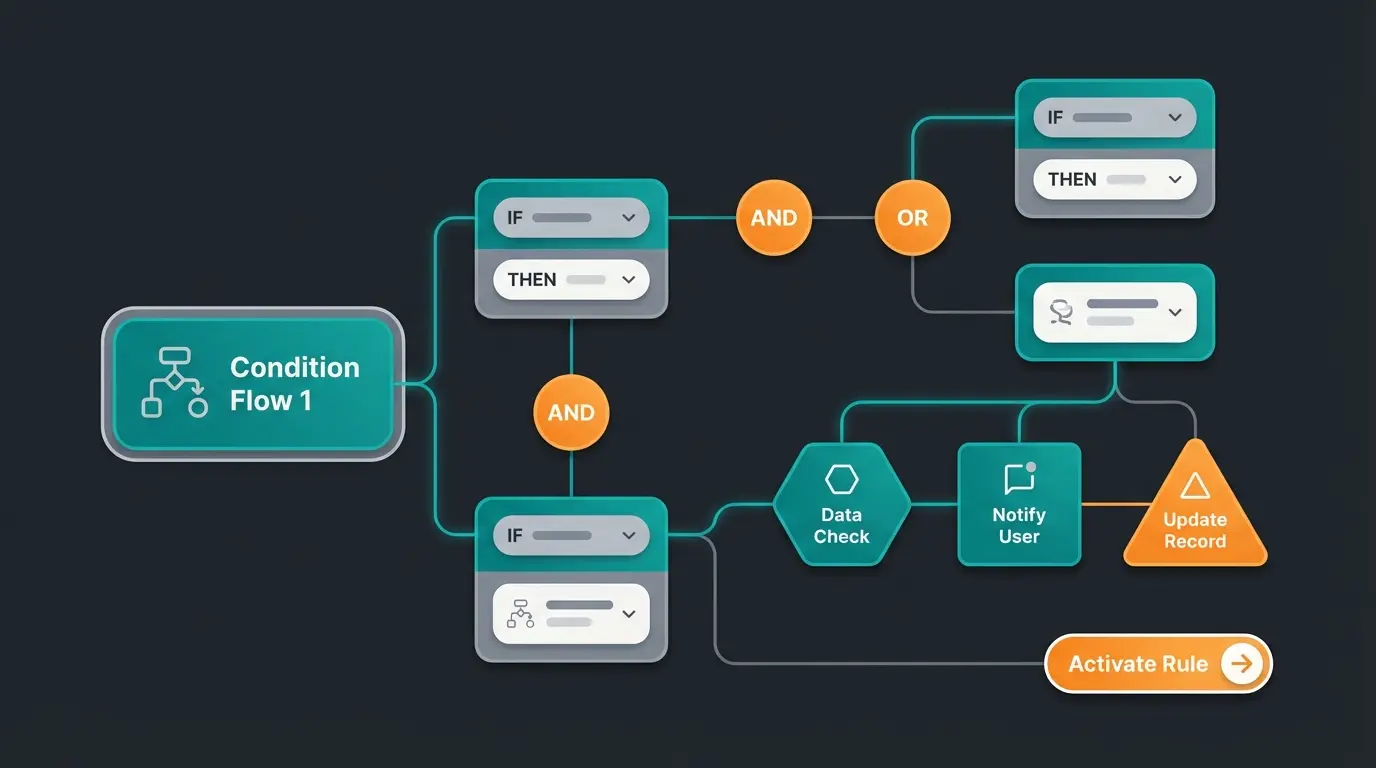
Every rule in the Shopware Rule Builder consists of three core components, as explained by Kenner Soft:
- General Information: Name, priority, description
- Conditions: The trigger (e.g., "Customer is from Germany")
- Operators: The connection (e.g., "Is equal to," "Is greater than," "Is one of")
Step-by-Step: Your First Rule in 3 Minutes
Let's create a basic rule: "Free shipping for cart value over €100".
Click 'Create Rule' in the Rule Builder section
Name: 'Cart >= 100 EUR (Free Shipping)', Priority: 100
Select Cart Items > Total Sum, Operator: Is greater/equal, Value: 100
The rule is now in the system but still inactive
Go to Settings > Shop > Shipping and apply the rule to set price to €0
This process is documented in detail on both Shopware's official documentation and Firebear Studio's comprehensive guide.
Pro Strategies: Priority and Naming Conventions
A common mistake that makes shops unscalable is backend chaos. When you have 50 rules all named "Discount" or "Shipping," you lose track quickly. Understanding Shopware AI automation principles can help you build more maintainable systems from the start.
The Naming Convention for Scalability
Name your rules not by their purpose (e.g., "Free Shipping"), but by their condition. The purpose can change; the condition remains.
Bad Example: `Free Shipping`
Good Example: `Cart >= 100 EUR | Customer Group: B2C`
A proven structure for names is: `[Object] [Operator] [Value] | [Context]`
- `Address: Country = DE | Payment`
- `LineItem: Count > 5 | Promotion`
This makes searching for and reusing rules in other modules like the Flow Builder significantly easier.
The Secret of Priorities
The priority is a numerical value that determines which rule "wins" when multiple rules could apply. According to Kenner-Soft, understanding this logic is crucial for complex shop setups.
- Logic: The higher the number, the higher the priority
- Example: Rule A (Priority 1): Shipping €5.90 for everyone. Rule B (Priority 10): Shipping €0 for VIPs. A VIP customer triggers both rules. Since Rule B has higher priority (10 > 1), it wins. The customer pays nothing.
Top 3 Standard Use Cases (The Classic Approach)
To be relevant for ranking on "Shopware Rule Builder" and cover basic needs, we must examine the most common use cases. These are essential for every shop, particularly in markets with specific requirements like Packstation delivery or invoice payment options.
Use Case 1: The Packstation Challenge (Shipping)
In Germany, shipping to Packstations (automated parcel stations) is extremely popular, but certain shipping methods (e.g., freight or express) don't work there. This is a perfect example where the Rule Builder shines.
The Solution with the Rule Builder:
- Create a rule: `Address is Packstation`
- Condition: `Shipping Address: Street` contains "Packstation" OR `Shipping Address: Street` contains "Post Office"
- Go to the shipping method "Express"
- Use the "Availability Rule": Select a rule that states `Address is NOT Packstation` (for this you need a negative rule or use the "Does not apply" operator)
As detailed on Shopware's shipping documentation, this prevents checkout errors and improves customer experience.
Use Case 2: Risk Management for Payment Methods
Invoice payment is popular but risky. You might only want to offer it to existing customers.
The Rule:
- Name: `Existing Customer (at least 1 order)`
- Condition: `Customer: Number of Orders` >= `1`
- Assignment: Add to the payment method "Invoice" under "Availability." New customers (0 orders) won't see this option at checkout.
This approach is documented in both Shopware's payment configuration and Mageplaza's technical tutorial.
Use Case 3: Dynamic Promotions
You want to run a "Buy 3, Pay for 2" promotion for socks.
The Rule:
- Name: `Cart contains 3+ Socks`
- Condition: `Cart Item` > `Product is one of` [Socks selection] AND `Quantity` >= `3`
- Assignment: Use in the "Discounts & Promotions" module to trigger the discount.
According to Shopware's promotions documentation, these promotional rules can significantly boost average order values.
The Limitation: When the Rule Builder Hits a Wall
Up to this point, the Shopware Rule Builder is an excellent tool for operational logic. But what happens when you want to use it for strategic consultation? This is where understanding Shopware chatbot solutions becomes crucial.
The Rule Explosion Problem
Imagine you sell running shoes. You want to recommend the perfect shoe to each customer.
- If surface = asphalt AND weight > 80kg -> Shoe A
- If surface = forest AND weight < 70kg -> Shoe B
- If surface = asphalt AND customer has knee problems -> Shoe C
To map this in the Rule Builder, you would need to create a separate rule for each individual combination. With a complex product range, you quickly end up with hundreds of rules. The system becomes slow, confusing, and unmaintainable.
Typical count for complex product consultation via Rule Builder
Weekly hours spent managing rule conflicts
Checkout failures due to conflicting rule logic
The Static Trap
The Rule Builder is binary. It only knows "True" or "False." It doesn't understand context or nuances.
- Rule Builder: "Cart contains Product X." (Fact)
- Customer Intention: "I'm looking for a gift for my wife who likes jogging but has knee problems." (Context)
The Rule Builder cannot respond to intention because it only queries hard data points (cart, address, customer group). This creates a massive gap in user experience (UX). Modern AI guided selling approaches address exactly this limitation.
The Future: Intelligent Rules & Product Consultation
Here we differentiate ourselves from the competition. While other tutorials stop at shipping cost calculation, we go one step further: AI-Driven Commerce.
From Restriction to Consultation
The classic Rule Builder is mostly used for restrictions (block payment method, hide shipping option). The future, however, lies in consultation (show the most suitable product).
Shopware has taken first steps in this direction with the AI Copilot, as reported by Brainstream Technolabs and IT Delight. But for true product consultation, we need a combination of Rule Builder and AI logic. For a deeper understanding of this technology, explore our Shopware AI product consultation guide.
The Concept: Dynamic Rule Generation
Instead of manually hardcoding rules, an AI analyzes user behavior in real-time and forms "ephemeral rules" (session-based rules).
| Feature | Classic Shopware Rule Builder | AI-Powered Consultation |
|---|---|---|
| Logic | Static (If A, then B) | Dynamic (Probability for B is high) |
| Setup | Manual, time-consuming | Automated, learning |
| Data Basis | Historical data (orders) | Real-time behavior & context |
| Maintenance | High (every change manual) | Low (self-optimizing) |
| Goal | Process control (Admin focus) | Conversion optimization (Customer focus) |
Practical Example: The AI Product Advisor
Instead of building 50 rules for a "Laptop Finder," you use an AI integration (e.g., via Shopware AI Copilot or external tools) that accesses product attributes.
- The Trigger: The customer uses search or a chatbot
- The Analysis: The AI recognizes "Gaming" and "Budget under €1000"
- The Dynamic Rule: A logic is temporarily applied in the background that filters products meeting these criteria—without you ever having created this rule in the Rule Builder
- The Result: The customer sees a curated list that feels like personal consultation
According to Envive.ai and Feedcast.ai, personalization can increase conversion rates by 10-15%. The Rule Builder is your skeleton; AI is the brain. Learn more about chatbot AI comparison options to find the right solution for your shop.
Discover how AI-powered product consultation can boost your conversion rates by 10-15% while reducing rule maintenance overhead by 80%.
Start Your Free TrialImplementation Guide: The Hybrid Approach
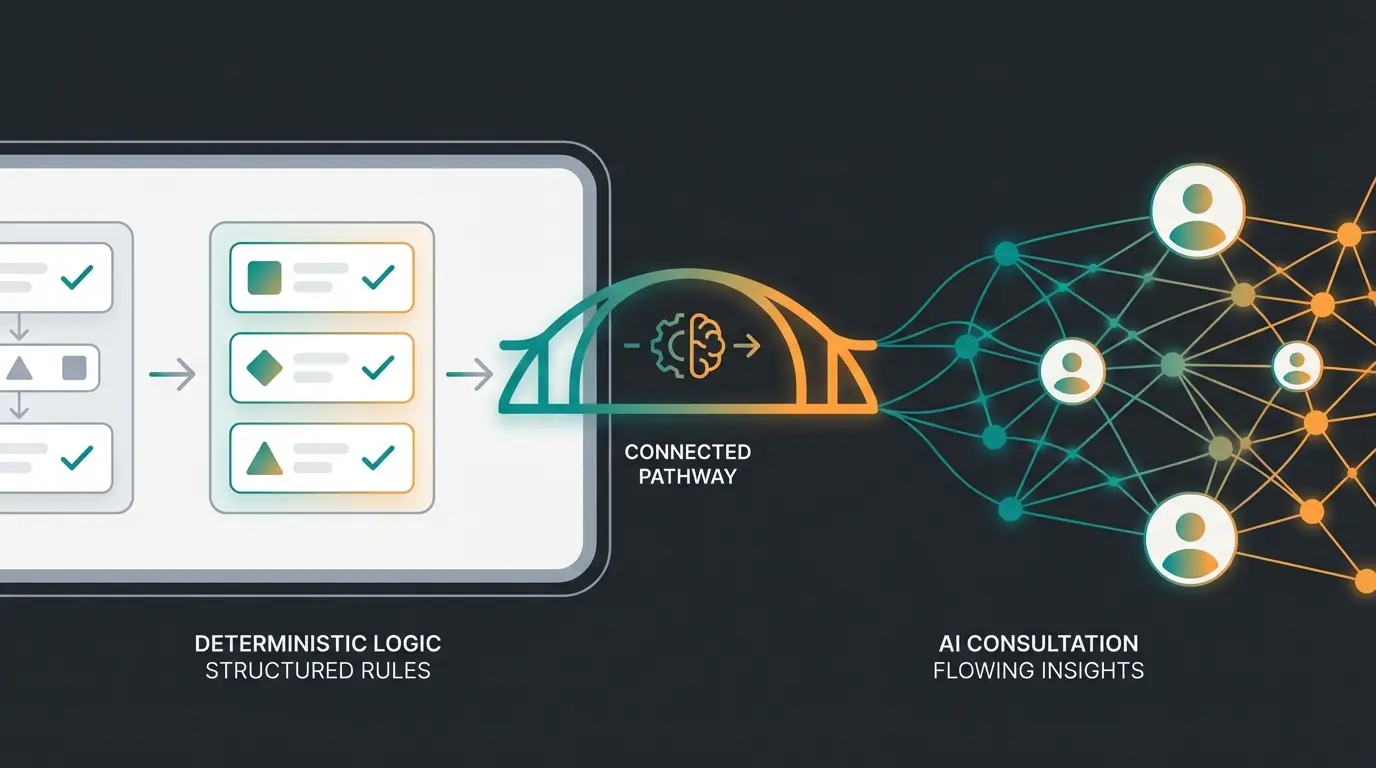
You don't have to choose between Rule Builder and AI. The best strategy for 2025 is hybrid. For comprehensive Shopware 6 support, this combined approach delivers the best results.
What Stays in the Standard Rule Builder?
Continue using the Rule Builder for everything that is legally, logistically, or operationally mandatory. These rules must be 100% deterministic. An AI must not "guess" whether a tax is calculated.
- ✅ Tax Rules
- ✅ Shipping Restrictions (Island surcharges, Packstations)
- ✅ B2B/B2C Separation
- ✅ Basic Discounts (Cart thresholds)
What Do You Outsource to AI/Dynamic Tools?
Use AI for everything that is revenue-increasing, advisory, and soft. This is where AI chatbots for customer service excel at creating personalized experiences.
- 🚀 Cross-Selling ("Customers who bought this also...")
- 🚀 Dynamic Product Streams (Personalized Feeds)
- 🚀 Intelligent Search & Filtering
- 🚀 Churn Prevention (Identifying at-risk customers)
Integration with the Flow Builder
The [Shopware Flow Builder](/blog/shopware-flow-builder) is the Rule Builder's best friend. While the Rule Builder defines the "state" (Is the customer VIP?), the Flow Builder defines the "event" (Order has been placed). This is explained in detail by rhiem-intermedia.de.
Workflow Example:
- Trigger (Flow Builder): Order placed
- Condition (Rule Builder): Is it a VIP customer? (Rule check)
- Action (Flow Builder): If Yes: Send "Thank you" email with 20% coupon + Slack notification to Key Account Manager. If No: Send standard confirmation.
This combination enables automation that goes far beyond simple "if-then" logic. For a deeper dive into Shopware automation possibilities, explore our integration guides. Shopware's Flow Builder documentation provides additional technical details.
Making the Right Technology Choice
Understanding the different chatbot types guide available helps you make informed decisions about which technology best complements your Rule Builder setup. Not every shop needs the same level of AI sophistication, and Shopware customer support requirements vary significantly across industries.
The key is matching your technology choice to your business complexity. A shop with 50 products might thrive with well-organized rules alone, while a shop with 5,000 SKUs and complex variants absolutely needs AI assistance. For the most demanding setups, our Shopware service with AI product consultation offers enterprise-grade solutions.
Measuring Success: The AI Product Finder Impact
Implementing an AI product finder alongside your Rule Builder creates measurable business impact. Track these key metrics to understand your ROI:
- Conversion Rate Lift: Compare before/after AI implementation
- Average Order Value: AI consultation typically increases AOV through smart cross-sells
- Time to Purchase: Measure how quickly customers find what they need
- Support Ticket Reduction: AI handles routine product questions automatically
FAQ: Common Questions from E-Commerce Markets
Here we answer specific questions that frequently arise, particularly around compliance, technical implementation, and best practices.
Indirectly. The Rule Builder controls backend logic. For the frontend (cookie consent), you should use specialized consent managers. However, you can create rules that only fire certain tracking pixels in the Tag Manager (via GTM Plugin) when the customer has consented. Shopware itself offers basic functions for this, but the Rule Builder is primarily designed for business logic, not data protection compliance. As noted on Shopware.com and Profihost.com, proper consent management requires dedicated tools.
This is the most common confusion. The Rule Builder defines the WHO and WHAT (state). Example: 'Cart is over €50.' It is passive. The Flow Builder defines the WHEN and HOW (action). Example: 'When order comes in -> Send email.' It is active and uses the Rule Builder's rules as switches. Bay20.com provides an excellent detailed comparison of both systems.
Yes, this is possible. Every time the cart is calculated (e.g., when adding an item), Shopware checks all relevant rules (Cart Rules). If you have 500 complex rules that require database queries, this can slow down the checkout. Tip: Use 'Nested Rules' sparingly and regularly delete inactive rules. Outsource complex logic that isn't time-critical to asynchronous processes (Flow Builder).
Create a rule called 'Is Company'. Condition: 'Customer: Company' is not empty (or 'Customer: Is Business Customer' = Yes). Assignment: Payment method 'Invoice' -> Availability -> Select 'Is Company' rule. This ensures only verified business accounts see invoice payment options.
AI-powered product consultation can be implemented in a GDPR-compliant manner when properly configured. The key is ensuring that personalization occurs within session boundaries and that any stored preference data follows consent requirements. Most modern AI consultation tools, including Shopware's AI Copilot, are designed with European data protection regulations in mind.
Conclusion: The Evolution of Rules
The Shopware Rule Builder is a powerful tool that should be part of every Shopware 6 project. It gives you the freedom to implement business models without programmers. But anyone who wants to remain competitive in 2025 cannot stop here.
The key to success lies in combination: Use the Rule Builder for the stable, operational foundation of your shop. But rely on the new generation of AI tools that Shopware (e.g., via AI Copilot) and the ecosystem offer for customer experience and product consultation.
Your Action Plan: Start Today
- Clean up your Rule Builder (Naming Conventions!)
- Automate manual processes with the Flow Builder
- Experiment with AI-powered rules for better conversion
The Rule Builder is your foundation—AI is your architect for the next level. Whether you're just getting started or ready to scale, the combination of deterministic rules and intelligent consultation will define e-commerce success in the coming years.
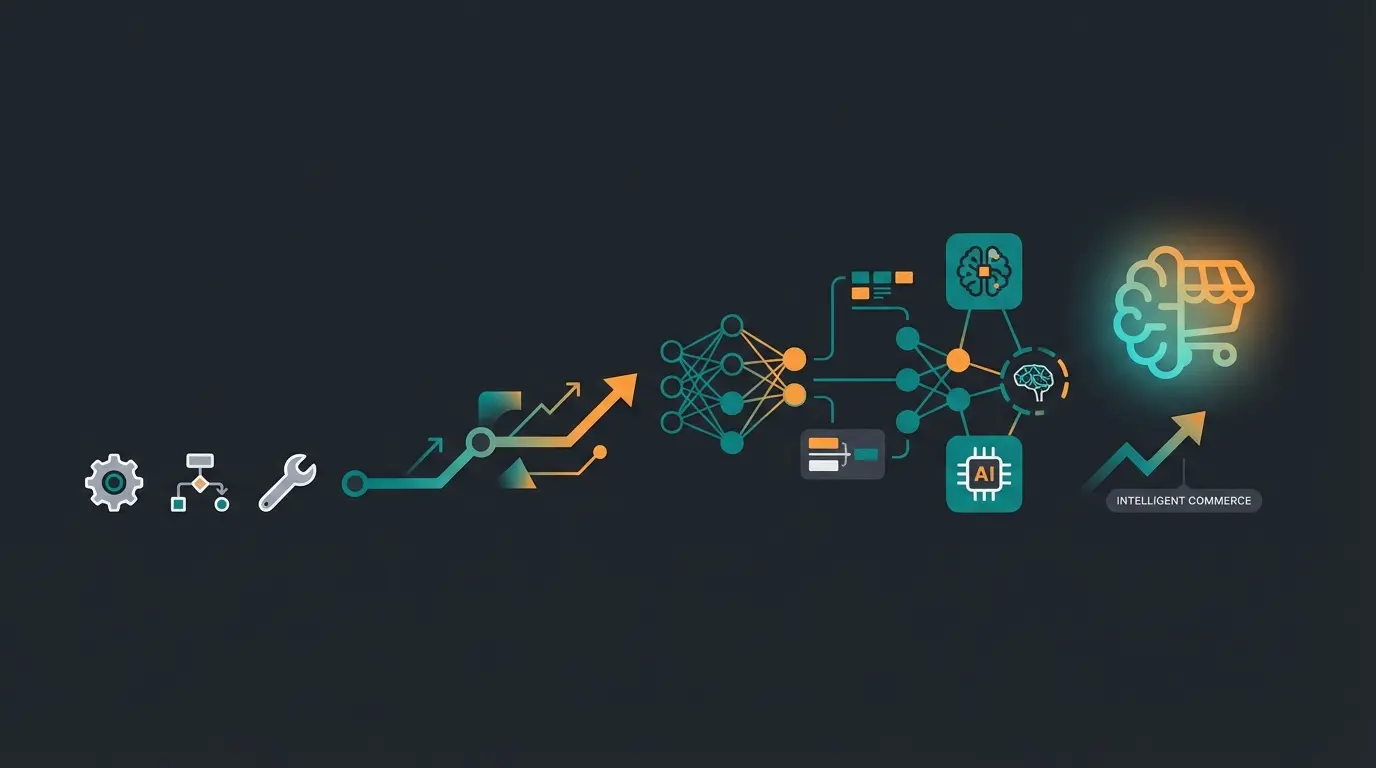
Stop managing hundreds of static rules. Let AI handle complex product consultation while you focus on growth. Join leading e-commerce brands already using intelligent automation.
Get Started Free
Lasse is CEO and co-founder of Qualimero. After completing his MBA at WHU and scaling a company to seven-figure revenue, he founded Qualimero to build AI-powered digital employees for e-commerce. His focus: helping businesses measurably improve customer interaction through intelligent automation.