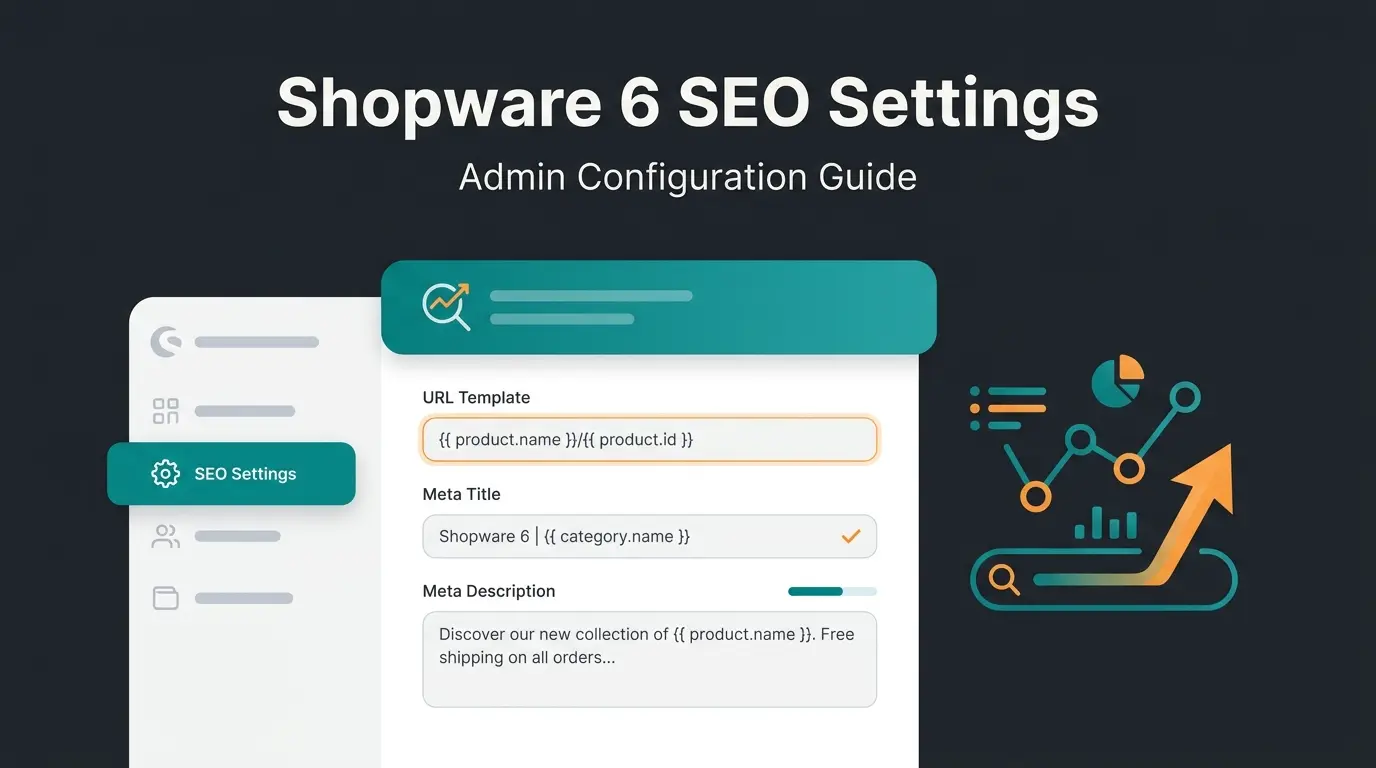
Shopware SEO optimization: the complete guide to ranking your store
Learn how to optimize your Shopware 6 store for search engines. Covers technical SEO, on-page optimization, structured data, content strategy, and monitoring.

What is Shopware SEO optimization?
Shopware SEO optimization is the process of configuring your Shopware 6 store so that search engines can crawl, understand, and rank your pages effectively. It covers three pillars: technical SEO (how your store communicates with crawlers), on-page SEO (how your content targets search intent), and content SEO (how you build topical authority over time).
Why does this matter specifically for Shopware? Because Shopware is the leading e-commerce platform in Germany for the fourth consecutive year, powering 11.5% of the top 1,000 highest-revenue B2C online shops. That means fierce competition in DACH search results. A generic SEO checklist will not cut it.
According to Reboot Online, 43% of all e-commerce website traffic comes from organic Google Search. For a Shopware store doing EUR 500,000 in annual revenue, that is roughly EUR 215,000 worth of traffic you either capture through SEO or pay for through ads. The gap between a well-optimized and a poorly optimized Shopware store is not marginal. It is the difference between sustainable growth and permanent ad dependency.
This guide covers the full Shopware SEO lifecycle. From the technical foundation through on-page details to long-term content strategy and monitoring. Each section links to deeper guides where you need them. If you are still weighing up the platform itself, the Shopware overview covers editions, pricing, and architecture.
Technical SEO optimization in Shopware 6
Technical SEO is the foundation. If search engines cannot crawl your store efficiently, no amount of keyword optimization will help. Shopware 6 ships with reasonable defaults, but several settings need manual adjustment. Here are the areas that matter most.
URL structure and SEO URLs
Shopware 6 generates SEO-friendly URLs using Twig templates. The default product URL pattern includes the category path plus the product name, which is solid for most stores. One critical setting: make sure "Remove Category ID from URL" is set to Yes. Shopware ships with this set to No, which produces URLs like `/electronics/123/wireless-headphones` instead of the cleaner `/electronics/wireless-headphones`.
For a deeper walkthrough of URL configuration, including per-sales-channel URL templates and how to handle product variants without creating duplicate content, see the guide on how to optimize URL structure.
Sitemaps and robots.txt
Shopware 6 generates XML sitemaps automatically and splits them into parts (products, categories, landing pages). Submit your sitemap to Google Search Console and verify it updates when you add new products. The default cache time is 86,400 seconds (one day), which works for most stores.
Your robots.txt should block crawler access to internal search result pages, filter URLs with query parameters, and checkout paths. For stores with more than 10,000 products, crawl budget management becomes critical. Disallow parameters like `sInquiry` and `search` to prevent crawlers from wasting time on duplicate or low-value pages. Learn more about how to configure sitemap settings.
Core Web Vitals and page speed
Google uses Core Web Vitals as a ranking signal. The current thresholds for a "good" score: LCP (Largest Contentful Paint) under 2.5 seconds, INP (Interaction to Next Paint) under 200ms, and CLS (Cumulative Layout Shift) under 0.1. Only 47% of websites meet all three thresholds as of 2026.
For Shopware stores, the most common speed killers are uncompressed product images, too many third-party scripts (tracking, social embeds, the WhatsApp Business widget bolted onto every page), and missing browser caching headers. Shopware 6 supports WebP image conversion natively, so enable it. Use lazy loading for images below the fold. Consider a CDN if you serve customers across multiple countries.
For specific optimization steps, check the guide on how to optimize page speed in Shopware 6.
Shopware 6 SEO settings
Beyond URL structure and sitemaps, Shopware 6 has dedicated SEO settings that control canonical URLs, redirect behavior, and index management. These settings are found under Settings > SEO in the admin panel. Get the full walkthrough in the SEO settings in Shopware 6 guide.
| Setting | Default | Recommended | Impact |
|---|---|---|---|
| Remove Category ID from URL | No | Yes | Cleaner URLs, no ID clutter |
| Canonical URLs | Enabled | Keep enabled | Prevents duplicate content |
| 301 Redirects on URL change | Enabled | Keep enabled | Preserves link equity |
| XML Sitemap | Auto-generated | Verify in Search Console | Ensures crawl coverage |
| Robots.txt | Default | Block /search, filter params | Saves crawl budget |
| WebP Image Conversion | Disabled | Enable | Faster load times, better LCP |
| HTTP Caching | Varies | Enable with CDN | Reduces server response time |
On-page SEO: optimizing pages and products
On-page SEO is where most Shopware stores leave the biggest gains on the table. The technical foundation gets your pages crawled. On-page optimization gets them ranked.
Meta titles and descriptions
Every product page, category page, and CMS page needs a unique meta title (50-60 characters) and meta description (140-155 characters). Shopware 6 lets you set these per page, but for stores with hundreds or thousands of products, manual entry is not realistic.
Use Shopware's template system to generate default meta tags from product data: product name, price, key attributes. Then manually optimize the top 20% of pages that drive the most traffic. This is the 80/20 approach that actually scales. For template patterns and automation options, see how to automate meta tags in Shopware.
Heading hierarchy
Your Shopware theme controls the heading structure. The product name should be H1, always. Category names should be H1 on their respective pages. A common mistake: themes that wrap navigation items or sidebar widgets in H2 or H3 tags, diluting the heading hierarchy. Check your theme's HTML output and fix this if needed.
Product and category page optimization
Product pages need more than a title and price to rank. Include a unique product description (not the manufacturer's boilerplate), technical specifications in a structured format, customer reviews, and relevant internal links to related products and categories. Detailed guidance is available in the guide on how to optimize product pages.
Category pages are often underestimated. In Shopware 6, use the Shopping Experiences (Erlebniswelten) feature to add descriptive content above or below product listings. A well-written category introduction of 150-300 words with the target keyword helps search engines understand the page's topic and rank it for broader category terms. See the full category page SEO guide.
Image optimization
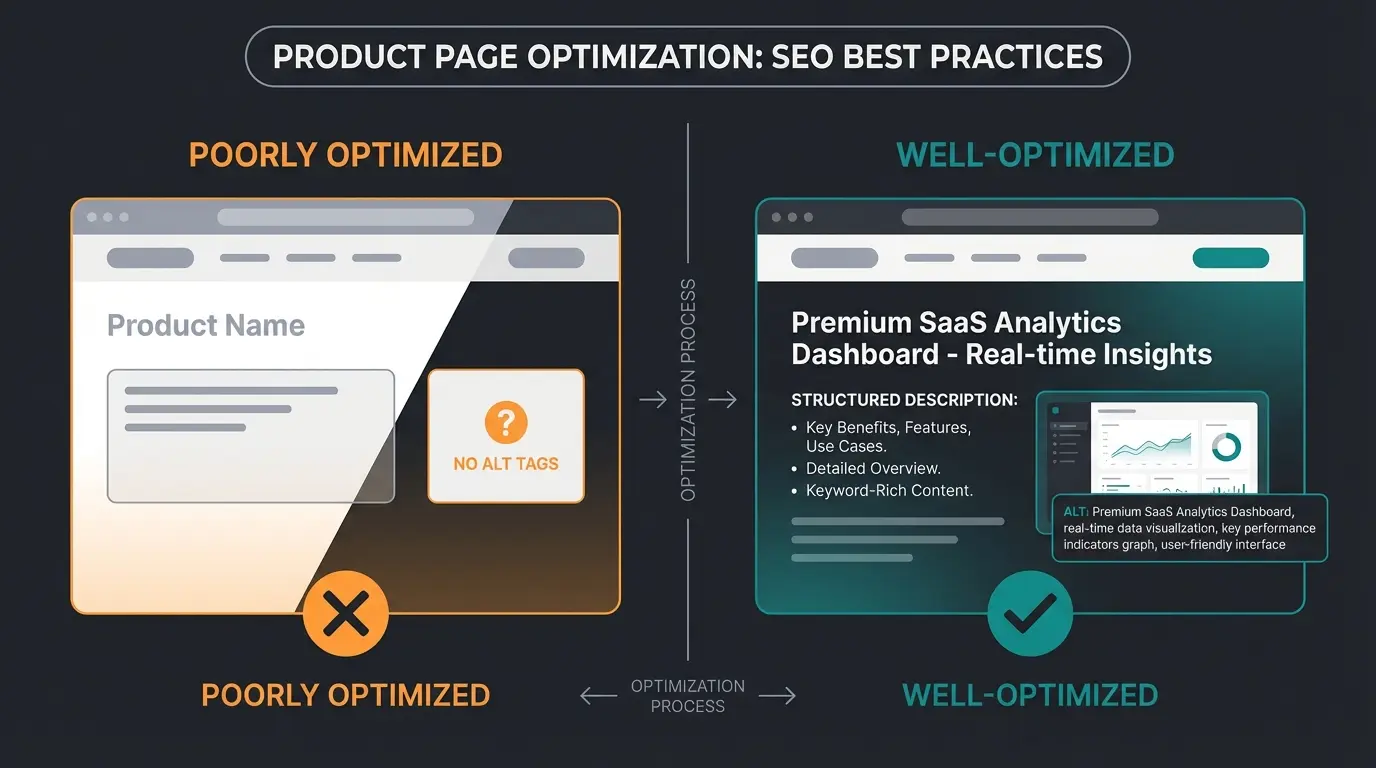
Every product image needs a descriptive alt tag. "Blue wireless headphones with noise cancellation" beats "IMG_4823.jpg" for both accessibility and SEO. Use Shopware's Media Manager to add alt text in bulk. Compress images before upload, enable WebP conversion, and use descriptive filenames.
for established e-commerce stores (2026 benchmarks)
globally, making every organic visitor count
of Germany's top 1,000 online shops (EHI 2025)
Structured data for Shopware stores
Structured data tells search engines exactly what your page contains. Product schema, FAQ schema, and breadcrumb schema are the three types that matter most for Shopware stores. When implemented correctly, they enable rich snippets in search results: star ratings, price ranges, availability badges, and FAQ dropdowns.
Shopware 6 generates basic Product schema automatically, but it often misses fields like `ShippingDetails` and `ReturnPolicy` that Google recommends for e-commerce. You will need to extend this either through a plugin or custom theme modifications. Validate your implementation using Google's Rich Results Test.
{
  "@context": "https://schema.org",
  "@type": "Product",
  "name": "Wireless Noise-Cancelling Headphones",
  "description": "Premium wireless headphones with active noise cancellation and 30h battery life.",
  "sku": "WH-1000XM5",
  "brand": {
    "@type": "Brand",
    "name": "Your Brand"
  },
  "offers": {
    "@type": "Offer",
    "price": "299.00",
    "priceCurrency": "EUR",
    "availability": "https://schema.org/InStock",
    "shippingDetails": {
      "@type": "OfferShippingDetails",
      "shippingRate": {
        "@type": "MonetaryAmount",
        "value": "0.00",
        "currency": "EUR"
      },
      "deliveryTime": {
        "@type": "ShippingDeliveryTime",
        "handlingTime": { "@type": "QuantitativeValue", "minValue": 0, "maxValue": 1, "unitCode": "DAY" },
        "transitTime": { "@type": "QuantitativeValue", "minValue": 1, "maxValue": 3, "unitCode": "DAY" }
      }
    }
  },
  "aggregateRating": {
    "@type": "AggregateRating",
    "ratingValue": "4.7",
    "reviewCount": "312"
  }
}
For FAQ schema, add it to category pages and landing pages where you include an FAQ section. Breadcrumb schema is critical for product pages to show the full category path in search results. Both improve click-through rates. For the complete implementation guide, see how to set up structured data in Shopware.
Content SEO strategy for Shopware
Product and category pages target transactional keywords. But the majority of search volume in most e-commerce niches sits in informational queries: "how to choose the right garden hose," "best fertilizer for sandy soil," "what size drill bit for M8 screws." This is where content strategy comes in.
Shopware 6 includes a built-in blog feature. Use it to build content clusters around your product categories. Each cluster starts with a pillar page targeting a broad keyword, supported by cluster articles targeting specific long-tail queries. The internal links between them build topical authority that lifts your entire domain.
A home and garden store we worked with built 15 articles around their core product categories over three months. Organic traffic to their category pages increased by 40% as a result, not because the category pages changed, but because the surrounding content signaled topical depth to Google.
- Identify keyword clusters around your top product categories using tools like Ahrefs or Google Keyword Planner
- Create a pillar page for each major category (e.g., "Complete Guide to Garden Irrigation")
- Write 5-10 cluster articles targeting specific questions your customers ask
- Interlink everything: pillar links to clusters, clusters link back to pillar and to product pages
- Update regularly: refresh statistics, add new products, respond to seasonal trends
Content brings the visitor once. An email address brings them back. Add a Shopware Newsletter signup to your blog templates, then connect it to a real Shopware Email Marketing sequence instead of the monthly blast nobody opens.
SEO plugins and tools for Shopware
Shopware's built-in SEO features handle the basics. For stores that want to go further, the plugin ecosystem offers specialized tools. The most important categories: bulk meta tag generation, advanced sitemap control, structured data extensions, and redirect management.
| Capability | Built-in (free) | Plugin/Tool (paid) |
|---|---|---|
| SEO URL Templates | Twig-based templates per entity type | Advanced rules with conditional logic |
| Meta Tags | Manual per page + basic templates | AI-generated bulk meta tags, A/B testing |
| XML Sitemap | Auto-generated, basic config | Priority rules, image sitemaps, video sitemaps |
| Structured Data | Basic Product schema | Full schema coverage (FAQ, Review, Breadcrumb, Shipping) |
| Redirects | Auto 301 on URL change | Bulk redirect import, regex patterns, monitoring |
| SEO Audit | None | Automated audits with actionable fix lists |
For a detailed comparison of the top plugins, including pricing and real-world performance data, check the guide on the best SEO plugins for Shopware.
One trend worth noting: AI-powered SEO tools are closing the gap between what agencies deliver and what store owners can do themselves. Automated meta tag generation, content optimization suggestions, and even real-time product advisory that keeps visitors on-site longer. The technology is not futuristic anymore. It is production-ready.
Just be careful what you are buying. A large part of this market is sold as Chatbot as a Service: a scripted widget with a monthly fee and no knowledge of your catalogue. That is a different product from an AI employee that reads your product data and actually advises the customer.
SEO brings visitors to your store. A KI-Mitarbeiter turns them into buyers. Qualimero's AI employees provide real-time product advice, answer customer questions 24/7, and increase cart value by up to 35%. Our clients see a 7x higher conversion rate on average.
Book a free demoSEO monitoring and continuous optimization
SEO is not a one-time project. Google's algorithm updates hit e-commerce sites hard. The December 2025 core update caused 30-50% drops in organic visibility for some retailers. The stores that recovered fastest were those already monitoring their performance and ready to adapt.
Setting up Google Search Console
If you have not set up Google Search Console for your Shopware store, do it today. It is free and shows you exactly which queries bring traffic, which pages have indexing issues, and whether your Core Web Vitals pass. Verify your domain, submit your sitemap, and check the Coverage report weekly.
Key KPIs to track
- Organic traffic: total sessions from organic search (Google Analytics or Shopware analytics)
- Keyword rankings: positions for your target keywords (Ahrefs, Sistrix, or Search Console)
- Click-through rate (CTR): percentage of impressions that result in clicks (Search Console)
- Core Web Vitals: LCP, INP, CLS scores (Search Console or PageSpeed Insights)
- Indexing status: number of indexed vs. excluded pages (Search Console Coverage report)
- Conversion rate from organic traffic: the metric that connects SEO to revenue
Common Shopware SEO mistakes to avoid
After optimizing dozens of Shopware stores, these are the mistakes I see most often. Each one is fixable, but only if you know to look for it.
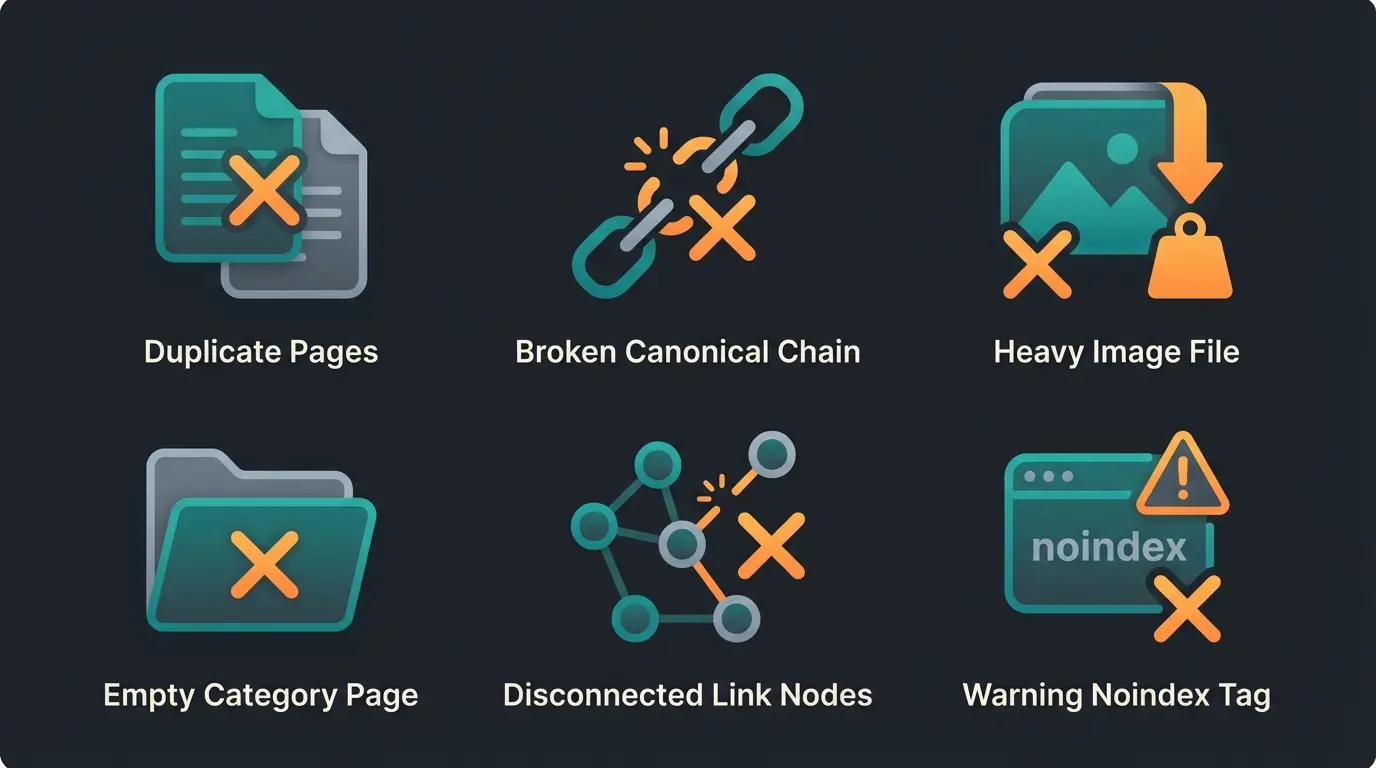
- Duplicate content from filter URLs: When customers filter by color, size, or price, Shopware generates new URLs with query parameters. Without proper canonical tags or robots.txt rules, search engines index thousands of near-identical pages. Block filter parameters in robots.txt or use the canonical URL setting.
- Missing canonical tags on product variants: A product available in five colors should not create five competing pages. Set canonical URLs to point all variants to the main product page unless each variant targets a genuinely different keyword.
- Uncompressed images killing load times: A single 5MB product image can push your LCP score past the 2.5-second threshold. Compress before upload, enable WebP, and use lazy loading.
- No content on category pages: A category page with only a product grid and no descriptive text gives search engines nothing to rank. Use Shopping Experiences to add 150-300 words of keyword-optimized content.
- Ignoring internal linking: Products link to categories, but categories rarely link to related categories or guides. Build a deliberate internal linking structure. It is free and one of the highest-impact SEO tactics.
- Carrying over noindex from staging: Shopware stores built on staging environments sometimes launch with noindex meta tags still active. Check this immediately after going live.
Frequently asked questions (FAQ)
If you handle it in-house, the cost is your time plus optional plugin licenses (EUR 50-300 per year for premium SEO plugins). Hiring an agency typically costs EUR 1,000-5,000 per month depending on scope. The built-in Shopware 6 SEO features cover the fundamentals at no additional cost.
Technical fixes like URL structure changes and sitemap submissions can show results within 2-4 weeks. Content-driven improvements, such as new blog articles and category page optimization, typically take 2-6 months to impact rankings meaningfully. Consistency matters more than speed.
Yes. Shopware 6 offers native SEO URL templates with Twig syntax, automatic canonical URLs, built-in structured data, and a modern tech stack that delivers better Core Web Vitals scores out of the box. Shopware 5's SEO capabilities required more plugins and manual configuration.
The most impactful categories are bulk meta tag generators, advanced redirect managers, and structured data extensions. See the full comparison of Shopware SEO plugins for specific recommendations with pricing.
Absolutely. The technical setup covered in this guide can be completed in a few days. Content creation requires ongoing effort, but tools like AI-powered meta tag generators and content optimization suggestions make it feasible for small teams. Start with the highest-impact items: URL structure, meta tags, and product page content.
AI search engines like Google's AI Overviews, ChatGPT, and Perplexity prioritize well-structured content with clear entity naming, sourced claims, and comprehensive structured data. Use consistent product and brand naming, implement full schema markup, and write extractable opening paragraphs for each section. Pages with complete schema are referenced up to 3x more frequently in AI-generated answers.
Start optimizing today
Shopware SEO optimization is not complicated, but it is comprehensive. The stores that rank well are the ones that treat SEO as an ongoing process, not a one-time setup task. Start with the technical foundation, then move to on-page optimization, build your content strategy, and monitor continuously.
If you want to go deeper on any section, the Shopware SEO pillar guide links to every specialized topic. And if you want to see how AI can automate parts of this process, from real-time product advisory that keeps visitors engaged to automated customer service that reduces bounce rates, that is exactly what Qualimero builds.
The best time to start was six months ago. The second best time is now.
Qualimero's AI employees advise your customers in real time, answer product questions 24/7, and increase conversion rates by up to 7x. Our clients, like Rasendoktor, achieve a 16x ROI. See what an AI employee can do for your Shopware store.
Book a demo
Lasse is CEO and co-founder of Qualimero. After completing his MBA at WHU and scaling a company to seven-figure revenue, he founded Qualimero to build AI-powered digital employees for e-commerce. His focus: helping businesses measurably improve customer interaction through intelligent automation.