Why a WhatsApp Catalog Is Essential for Your Business
Imagine walking into a store, seeing products on the shelves, but no salesperson is available to answer your questions. That's exactly how many customers feel in digital storefronts today.
A WhatsApp catalog is the first step to solving this problem. It transforms your WhatsApp Business profile from a simple chat channel into a full-fledged mobile store. However, in 2025, simply uploading images is no longer enough. The true winners in conversational commerce don't just use their catalog as a static display—they leverage it as the database for intelligent AI sales agents.
In this comprehensive guide, you'll learn not only how to technically create a WhatsApp catalog, but also how to strategically use it to convert visitors into buyers. As detailed in our WhatsApp Business Guide, understanding the platform's full potential is crucial for e-commerce success.
The Strategic Value of Your WhatsApp Business Catalog
Before diving into the technical implementation, it's crucial to understand why the catalog forms the heart of your WhatsApp strategy. Many businesses still use WhatsApp only for customer support. But the real revenue lies in sales.
1. Frictionless Shopping Experience
Customers hate switching apps. When you send a customer a link to your web shop in a chat, you often lose them. According to Respond.io, with a native catalog, the customer stays in their familiar environment. They see the product, tap on it, and can order directly in the chat without ever leaving WhatsApp.
2. Professional Brand Presentation
A well-maintained catalog signals professionalism. Instead of blurry photos hastily sent from your gallery, you present your products with prices, descriptions, and item numbers in a unified layout. This builds trust and increases conversion rates significantly.
3. The Fuel for Your AI (The Game Changer)
Here lies your biggest competitive advantage: A well-maintained catalog becomes the database that modern AI agents access. As noted by BotSailor, the integration of AI with product catalogs creates entirely new possibilities for automated sales conversations.
- Without Catalog: A chatbot can only respond to pre-programmed keywords
- With Catalog & AI: When a customer asks: "Do you have anything vegan under $50?", the AI scans your catalog in real-time, filters by the attributes "Vegan" and "Price < $50" and proactively suggests the matching product
This capability transforms your static product list into an AI product finder that actively assists customers in their purchase decisions.
WhatsApp's global reach for business
Customers message businesses on WhatsApp
Compared to traditional email marketing
Maximum items in Business App catalog
Step-by-Step: How to Create a WhatsApp Catalog
Depending on your business size, there are two paths: Manual creation through the WhatsApp Business App (for small businesses) or automated upload via the Commerce Manager (for API users and larger shops).
Option A: In the WhatsApp Business App (Android & iOS)
This method is ideal if you have fewer than 50 products and want to manage them manually. According to Webmaxy, it's completely free and immediately available to all WhatsApp Business users.
Step 1: Access Business Tools
- Open the WhatsApp Business App
- Android: Tap the three dots (⋮) in the top right corner and select Business Tools > Catalog
- iOS: Tap Settings at the bottom right > Business Tools > Catalog
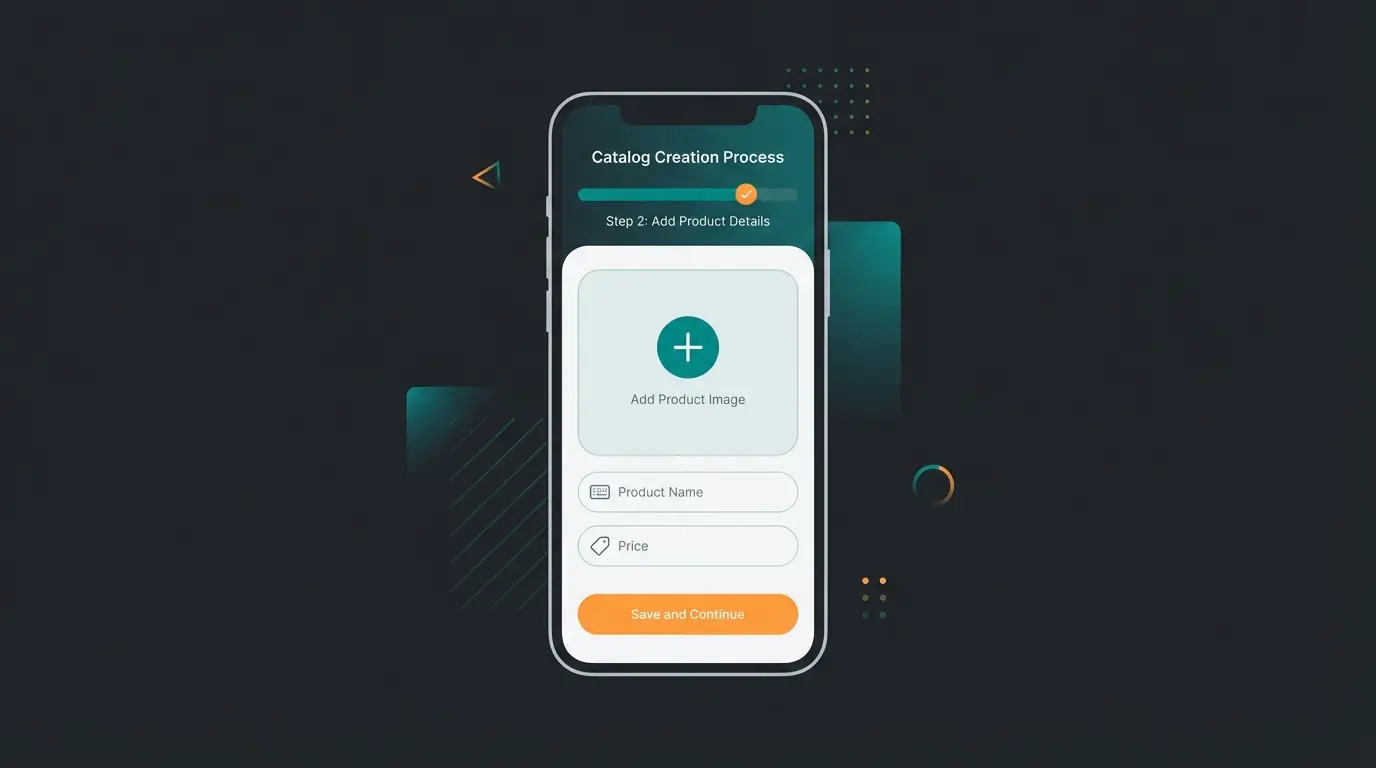
Step 2: Add Products
- Tap the Add New Item button (or the plus symbol)
- Images: Tap Add Images. You can upload up to 10 images per product. Use this option to show different angles or usage examples
- Product Name: Choose a clear, concise name (e.g., "Running Shoe Speed 500" instead of just "Shoe")
- Price: Enter the price (optional but strongly recommended for conversion)
- Description: This often determines the purchase. Describe not just features but benefits (more on this in Best Practices)
Step 3: Use Optional Fields
Tap More Fields to add important details:
- Link: Direct link to the product in your web shop (for checkout)
- Item Code (SKU): Important for your internal inventory management and AI recognition
Step 4: Save and Review
Tap Save. As WhatsApp's official documentation confirms, your item won't be immediately visible. It will be reviewed by Meta to ensure compliance with commerce policies. This usually takes only a few minutes but can take up to 24 hours.
Option B: Via Facebook Commerce Manager (For API & Pros)
If you have hundreds of products or use the WhatsApp Business API, manual entry isn't an option. Here you connect your catalog from the Meta ecosystem. According to Interakt, this method provides significantly more flexibility for larger operations.
- Open Commerce Manager: Go to Commerce Manager in Meta Business Suite
- Create Catalog: Select "Add Catalog" then "E-Commerce"
- Upload Method: Upload a CSV/XML file or connect your shop (Shopify, WooCommerce, Magento) directly via data feed. As Zoko explains, you can also use the Meta Pixel to automatically update products from your website
- Connect: Go to your WhatsApp Business API account settings (or to your BSP like Interakt, 360dialog, etc.) and select the newly created catalog as default
Best Practices for Product Images and Descriptions
Your catalog must convince two audiences: The human customer and the artificial intelligence that advises them. Implementing AI-powered product recommendations requires properly structured product data.
Image Requirements & Optimization
Poor images are the main reason for purchase abandonment. According to CampaignHQ and TimelinesAI, following these guidelines is essential:
- Format: Square (1:1) is mandatory
- Resolution: 1080 x 1080 pixels recommended. Minimum is 640 x 640 pixels
- Background: Use a white or light gray background for the main image. Lifestyle images (product in use) belong in positions 2-10 of the gallery
- File Size: Keep images under 5 MB to minimize loading times on mobile networks
Writing Descriptions for AI (SEO for Bots)
When you use an AI solution, it "reads" your descriptions to answer customer questions. This approach aligns with professional AI consultation best practices.
- Bad: "Great t-shirt, 100% cotton."
- Good (AI-Optimized): "Soft men's t-shirt made from 100% organic cotton. Breathable, ideal for sports and leisure. Fit: Regular Fit. Care instructions: Machine wash at 30 degrees. Available in Blue, Red, Black."
Why does this matter? When a customer asks: "Can I wear this shirt while jogging?", the AI recognizes the words "sports" or "breathable" and responds with "Yes, absolutely! This model is breathable and ideal for sports."
WhatsApp Business App vs. API: What Do You Need?
Many businesses start with the app and quickly hit limitations. This table, based on data from Serri.ai and Go4WhatsUp, helps you decide:
| Feature | WhatsApp Business App | WhatsApp Business API (with AI) |
|---|---|---|
| Cost | Free | Pay per conversation |
| Setup | Simple (App Store download) | Complex (via partner/BSP) |
| Item Limit | Max. 500 items | Unlimited (via feed sync) |
| Inventory Management | Manual (tedious for price changes) | Automatic (sync with shop system) |
| Automation | Basic greeting/away messages | Full AI chatbots & flows |
| Multi-User | Limited (max 4 devices) | Unlimited (many agents simultaneously) |
| Target Audience | Local shops, solopreneurs | E-Commerce, SMB, Enterprise |
Bottom Line: If you have more than 50 products or receive more than 20 customer inquiries daily, switching to the API (and thus the possibility of AI Chatbot Integration) is almost inevitable.
Customer sees link → Scrolls catalog → Gets overwhelmed → Leaves without buying
Customer asks "I need a gift for my mom" → AI scans catalog → Suggests 3 specific items with personalized reasons
Higher engagement, faster decisions, increased sales through intelligent recommendations
Stop losing customers to decision paralysis. Let AI guide them through your products 24/7.
Start Free TrialHow to Automate Your Catalog (The Game Changer)
This is where the wheat is separated from the chaff. Most businesses use their catalog passively: They wait until a customer opens it. Successful businesses use the catalog actively. This is where Conversational AI truly shines.
The Problem: The "Dead End" Trap
A customer sees your catalog, finds three similar products, and is unsure which to choose:
- Customer: "Which of these oils is better for dry skin?"
- Standard Bot: "Hello! We're currently unavailable." or simply sends the catalog link again
- Result: The customer doesn't buy
The Solution: The "Active Catalog" with AI
By connecting your catalog with an AI solution (like ChatGPT-based sales bots), the following happens. As demonstrated in our AI Employee success story, this transformation drives measurable results:
- Understanding: The AI analyzes the question ("dry skin")
- Matching: It compares this with the product descriptions in your catalog
- Consultation: It responds: *"For dry skin, I recommend our Argan Oil Gold. It contains extra vitamin E, which locks in moisture. The lighter Jojoba Oil is better suited for combination skin. Should I add the Argan Oil to your cart?"*
This transforms your catalog from a static display into a dynamic AI product consultation experience that actively guides customers to the right purchase.
WhatsApp Flows: Interactive Forms
Recently, WhatsApp Flows have become available. According to Rasayel and 360dialog, these allow you to map complex processes directly in chat that are linked to your catalog.
- Use Case: A product configurator. The customer selects "Size," "Color," and "Material" in the flow, and the flow displays exactly the matching product from your catalog at the end—without them having to search
This level of automation requires what we call an AI chatbot for e-commerce that understands context and can navigate complex product catalogs intelligently.

Sharing and Promoting Your Catalog
A catalog without traffic generates no revenue. Here's how to get eyes on your products:
1. Share the Catalog Link
Every catalog and every product has its own link. Go to the catalog, tap the chain link symbol (link), and share it on social media, in your email signature, or on your website. According to Interakt's sharing guide, this direct link method drives significant traffic.
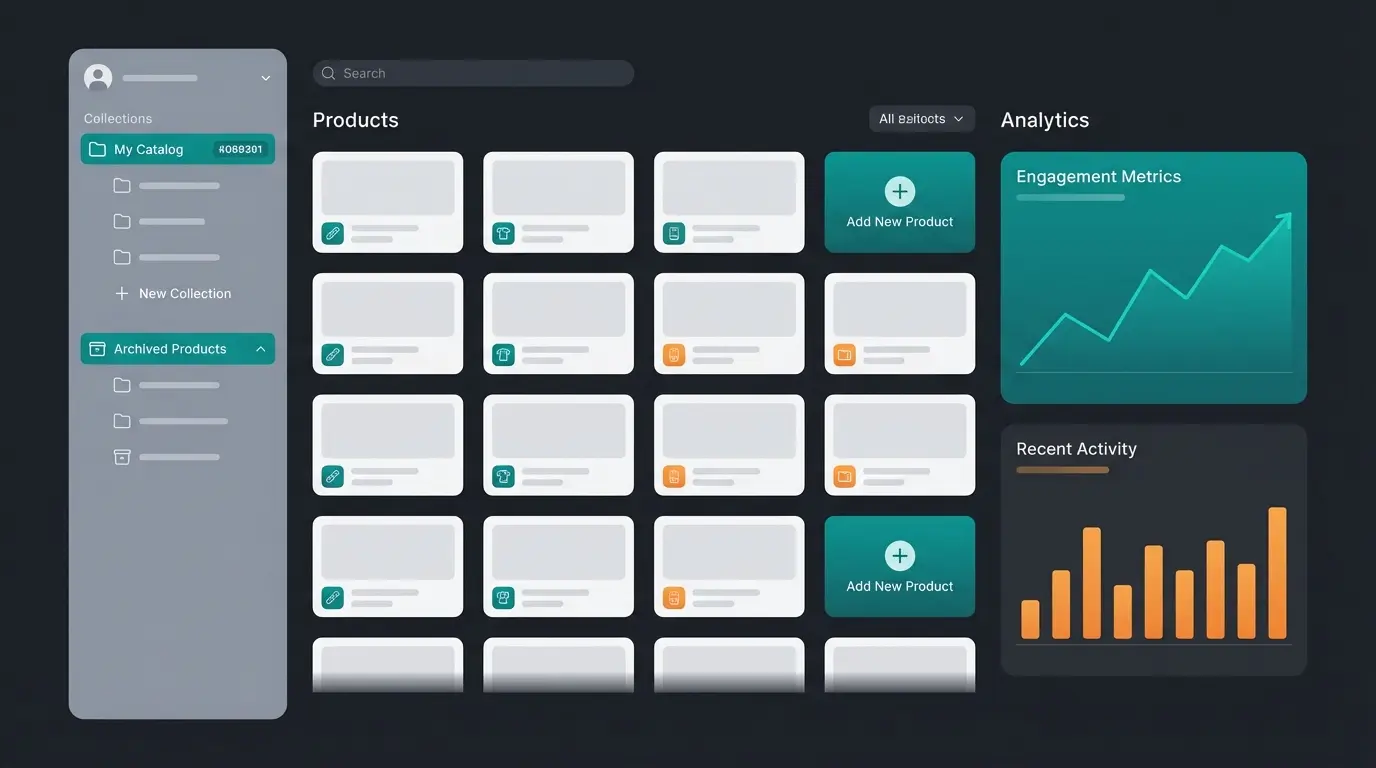
2. Use Collections
Instead of an endless list, you should create Collections (e.g., "Summer Collection," "Bestsellers," "Under $20"). As TheHour and BotBuz recommend, this makes browsing easier and increases clarity.
- How-to: Go to "Add New Collection" in the catalog manager, give it a name, and select the matching products
3. QR Codes In-Store
Print a QR code that leads directly to your WhatsApp catalog and place it in your storefront window or on flyers. "Scan & order directly."
Troubleshooting: Why Was My Item Rejected?
It's frustrating: You upload a product, and a red exclamation mark appears next to the image. Meta has strict commerce policies.
Solution: If you're certain your product is legal, you can request a re-review through the catalog manager. Often it's an error in the automated review process.
Compliance Considerations for AI-Enhanced Catalogs
When implementing AI solutions for your WhatsApp catalog, it's important to consider regulatory requirements. The EU AI Act establishes guidelines for AI systems that interact with customers, ensuring transparency and data protection in automated conversations.
Working with AI employees in customer service requires proper disclosure to customers that they're interacting with an automated system. This builds trust and ensures compliance with consumer protection regulations.
Frequently Asked Questions (FAQ)
Yes, creating and using the catalog in the WhatsApp Business App is completely free. Costs only arise when you use the WhatsApp Business API (charged per conversation). The catalog feature itself remains free regardless of which version you use.
In the Business App, the limit is 500 products. Through the API, the number is technically unlimited since the catalog is hosted externally via data feeds. However, a maximum of 30 products can be displayed in a single multi-product message sent to customers.
Yes. If an item is sold out, you can "hide" it in edit mode. It remains saved but isn't visible to customers until you reactivate it. This is better than deleting and re-adding products.
In some countries (like India or Brazil), direct payment in WhatsApp is already fully integrated. In the US and Europe, the catalog usually functions as a shopping cart: The customer sends the cart as a message to you, and you send back a payment link (e.g., PayPal, Stripe, or Shopify checkout) or redirect them to checkout. According to MyAlice, full payment integration for more regions is expected in future updates.
The Business App is free, easy to set up, but limited to 500 items, manual updates, and basic automation. The Business API costs per conversation but offers unlimited products via feed sync, automatic inventory updates, full AI chatbot integration, and unlimited team members. Choose based on your product count and automation needs.
Conclusion: From Digital Storefront to AI Sales Floor
Creating a WhatsApp catalog is no longer a technical hurdle in 2025—it's a strategic necessity. It bridges the gap between social media and e-commerce, meeting customers where they already spend their time.
But remember: The catalog is just the tool. Your communication is the craftsman.
- Level 1: You have a catalog and send links manually
- Level 2: You use collections and actively share the catalog
- Level 3 (Pro): You connect your catalog with an AI solution. Your catalog becomes a knowledge database, and your customers receive advice around the clock—not just service
The businesses that thrive in conversational commerce understand that a catalog alone doesn't answer questions. By combining your product data with intelligent AI, you create an always-available sales consultant that understands customer needs, navigates complex product questions, and guides shoppers to confident purchase decisions.
Are you ready to automate your WhatsApp channel? Start creating your catalog today and lay the foundation for the sales of the future.
Transform your WhatsApp catalog into an AI-powered sales engine that advises customers 24/7 and drives conversions automatically.
Try AI Catalog Assistant Free
Lasse is CEO and co-founder of Qualimero. After completing his MBA at WHU and scaling a company to seven-figure revenue, he founded Qualimero to build AI-powered digital employees for e-commerce. His focus: helping businesses measurably improve customer interaction through intelligent automation.