
Why Most WhatsApp Shops Fail (And How Yours Wins)
Imagine walking into a store. The shop is full of products, but there's no salesperson. Just a silent shelf and a sign: "Help yourself." Frustrating, isn't it? That's exactly how 90% of current WhatsApp shops feel to customers.
When you search for WhatsApp shop setup today, you'll mostly find guides showing you how to upload a digital catalog. That's the 2022 approach. In 2026, that's no longer enough. Customers don't want to scroll through 500 products in a tiny chat window. They want answers. They want consultation.
Conversational Commerce has transformed. It's no longer just about displaying products (Show), but about selling them (Consult). As AI Chatbots are transforming customer interactions, the expectation for intelligent product recommendations has never been higher.
In this comprehensive guide, I'll show you not only the technical steps to set up your WhatsApp Business shop professionally. We'll take a crucial step further: We'll transform your shop from a passive catalog into an active AI sales consultant that answers questions 24/7, recommends products, and increases revenue.
What You'll Learn in This Article
- The difference between the free app and the professional API (and why the app is dead for serious e-commerce)
- Step-by-step guide to technical setup via Meta Commerce Manager
- The Secret Weapon: How to use AI (Artificial Intelligence) to automate real sales conversations
- Legal compliance: How to operate your shop 100% GDPR-compliant in Europe
The Basics: Two Ways to Build a WhatsApp Shop
Before we connect any cables, we need to clarify the strategy. There are two fundamentally different ways to operate WhatsApp e-commerce. Choosing the wrong path is the most common mistake businesses make.
Option A: The WhatsApp Business App (The Bakery Solution)
This is the free app you can download from the App Store. It's designed for local small businesses like hairdressers, bakeries, and kiosks. You manually create a catalog on your phone.
The Problem: It's not scalable and poses high GDPR risks in Europe (more on that in the GDPR chapter). There's no automation. If 100 customers write, you have to type 100 times. Understanding the history of chatbots shows why manual responses simply can't compete with automated solutions in today's market.
Verdict: Unsuitable for e-commerce.
Option B: The WhatsApp Business API (The E-Commerce Solution)
This isn't an app on your phone but an interface you operate through software (a so-called Business Solution Provider, or BSP). The target audience is online shops, brands, and mid-sized companies. Your catalog comes automatically from your shop system (Shopify, WooCommerce, Magento).
The Advantage: Only here is automation and AI possible. Multiple employees can respond simultaneously. For those using Shopify alternatives, our guide on Shopware 6 chatbots covers platform-specific integration strategies.
Costs: The API itself has variable costs (based on conversations), plus the software fee from your provider.
Business App offers zero automation potential
API supports unlimited team members simultaneously
API enables round-the-clock AI consultation
AI responds in under 3 seconds vs. minutes for humans
Step-by-Step Guide: Building the Technical Foundation
To set up a WhatsApp shop that functions professionally, we need to lay the foundation in the Meta ecosystem.
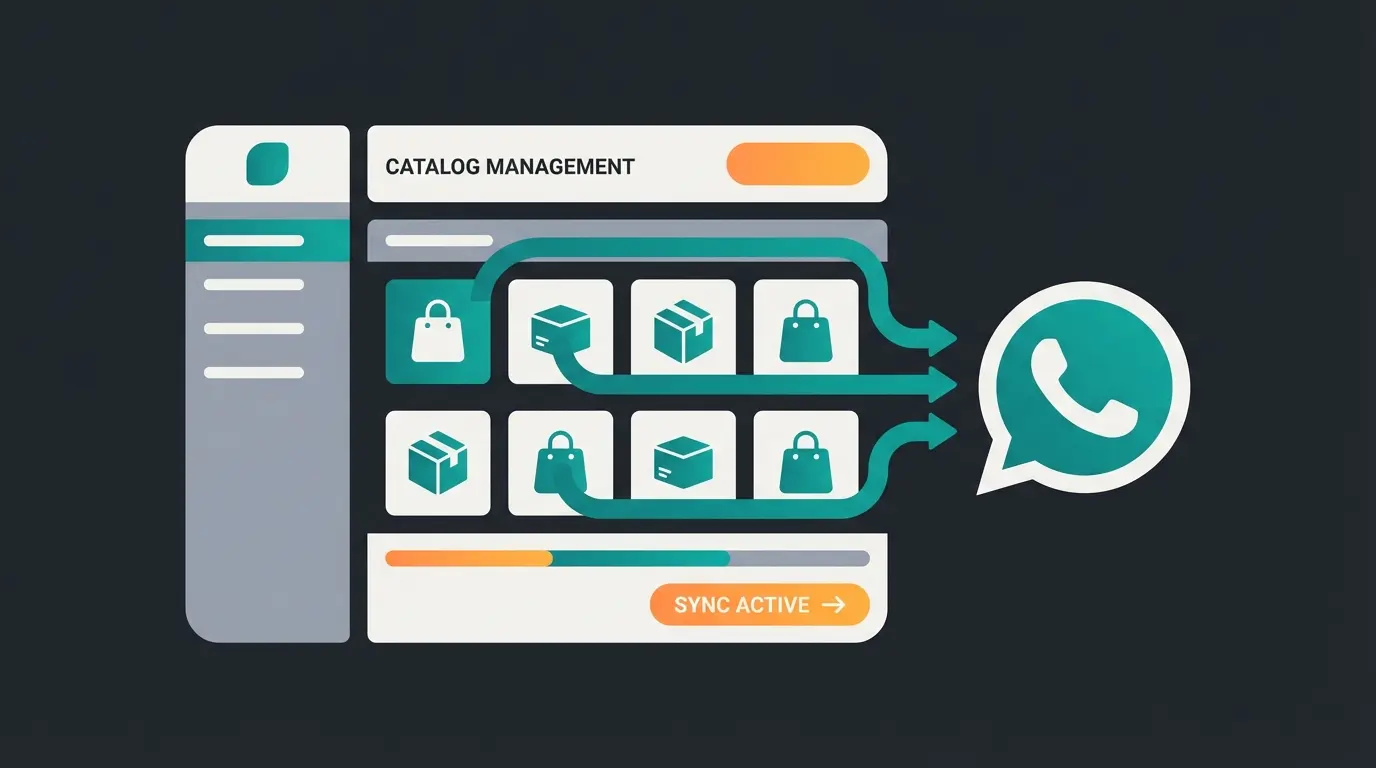
Step 1: The Meta Commerce Manager
The Commerce Manager is the heart of your inventory on Facebook, Instagram, and WhatsApp.
- Go to the Meta Business Suite
- Navigate to "Commerce Manager"
- Click "Add Catalog" and select "E-Commerce"
Step 2: Connect the Product Catalog (Feed vs. Manual)
A static catalog is deadly for accuracy. Use Data Feeds instead.
- Shopify/WooCommerce: Use plugins (e.g., Flexify or official Meta integrations) that generate an XML/CSV file
- Upload: Store the URL of this feed in Commerce Manager under "Data Sources"
- Interval: Set synchronization to "Hourly" so prices and inventory levels in your WhatsApp shop are always current
Step 3: Link to WhatsApp Business Account (WABA)
Now the catalog must be linked to the phone number.
- Open your WhatsApp Manager in the Meta Business Account
- Go to "Catalog" in the left sidebar
- Connect the newly created catalog with your WABA
The Game Changer: From Catalog to AI Sales Consultant
Here's where the wheat separates from the chaff. Most guides end at this point. But a catalog alone doesn't sell anything. Customers are lazy. They don't want to search; they want to find.
The Problem: Catalog Fatigue
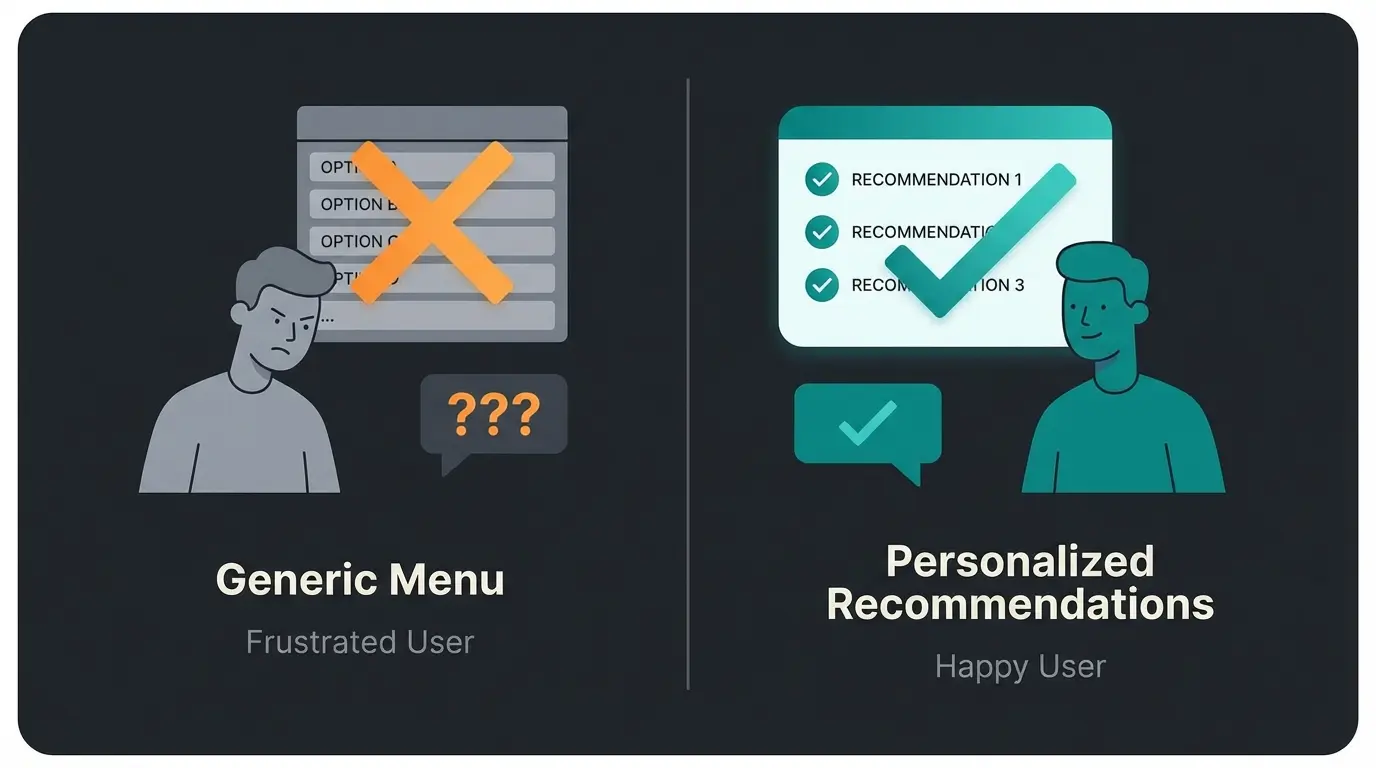
Imagine a customer writes: "I'm looking for a winter jacket that's waterproof but doesn't look like sportswear."
- Without AI: The customer gets a "Hello, check out our catalog" menu. They have to click through. Bounce rate: High.
- With AI: The bot understands the context and suggests 3 specific products.
This is where an AI Chatbot for E-Commerce fundamentally changes the game. The difference between passive catalogs and active consultation determines whether customers convert or abandon.
The Solution: RAG (Retrieval-Augmented Generation)
This sounds technical, but it's the secret behind successful WhatsApp shops in 2026.
How it works: You feed an AI (like ChatGPT-4o or Claude via API) not just with standard answers, but give it access to your product feed and FAQs. The AI Chatbot integration process involves connecting your product database to the conversational AI layer.
User sends a natural language question about products
AI searches your catalog for matching attributes (color, material, style)
AI formulates natural response with curated product suggestions
Clickable product cards sent directly in chat
One-click path to purchase completion
Practical Example: The Dialog Comparison
Understanding AI Customer Service fundamentals helps illustrate why intelligent responses dramatically outperform scripted menus.
| The "Dumb" Bot (Standard) | The AI Sales Agent (2026 Standard) |
|---|---|
| Customer: "Do you have anything for dry skin?" | Customer: "Do you have anything for dry skin?" |
| Bot: "Please select from the menu: 1. Opening hours, 2. Shipping, 3. Go to catalog." | AI: "For dry skin, I recommend our Hydra-Boost Series. Are you looking for a day cream or a night serum?" |
| Customer: (Annoyed) Clicks on catalog, searches themselves. | Customer: "More of a day cream." |
| Result: High friction loss. | AI: "Then the Hydra-Day is perfect. It absorbs quickly and has SPF 30. Here's the link:" [Shows product card] |
This comparison demonstrates why AI Product Consultation providers are seeing massive adoption rates among forward-thinking e-commerce brands.
Conversational Design: Sales Psychology in Chat
An AI bot shouldn't just react—it should lead. Program your AI's "System Prompt" so it always ends with a counter-question (Call-to-Action).
- Bad: "Here is the product."
- Good: "Here is the product. Should I show you the matching cleanser to make it work better?"
The AI chatbots in marketing are increasingly using these psychological principles to guide customers through the sales funnel naturally.
Stop losing customers to catalog fatigue. Our AI sales consultant engages, advises, and converts—automatically.
Start Free Trial NowBest Practices for High Conversion Rates
When you set up your WhatsApp shop, pay attention to these details that massively influence revenue.
1. Optimize Images for Chat
WhatsApp compresses images. A high-resolution photo with lots of white space looks good on desktop but often appears small and lost in chat.
2. The Checkout Flow (The Last Mile)
As of 2025/2026, WhatsApp Pay is not yet widely available as native in-app payment in Europe like it is in Brazil or India.
The Workaround: Use the "Send Cart to Business" function. The Automation: As soon as the cart arrives, your software should automatically generate and send a pre-filled checkout link (e.g., to Shopify). The customer clicks, lands in the checkout area, address is often already there (via Apple Pay/Google Pay), done.
3. Response Time is Currency
In e-commerce, the rule is: whoever answers first gets the business. An AI product finder responds in under 3 seconds, while humans often need minutes or hours.
- An AI responds in < 3 seconds
- A human often needs minutes or hours
- Use AI for initial consultation and qualification
- Escalate to a human only for complex complaints
The AI Chatbots transform customer service by handling the volume while humans focus on cases that truly need personal attention.
Legal Safety: WhatsApp Shop & GDPR Compliance
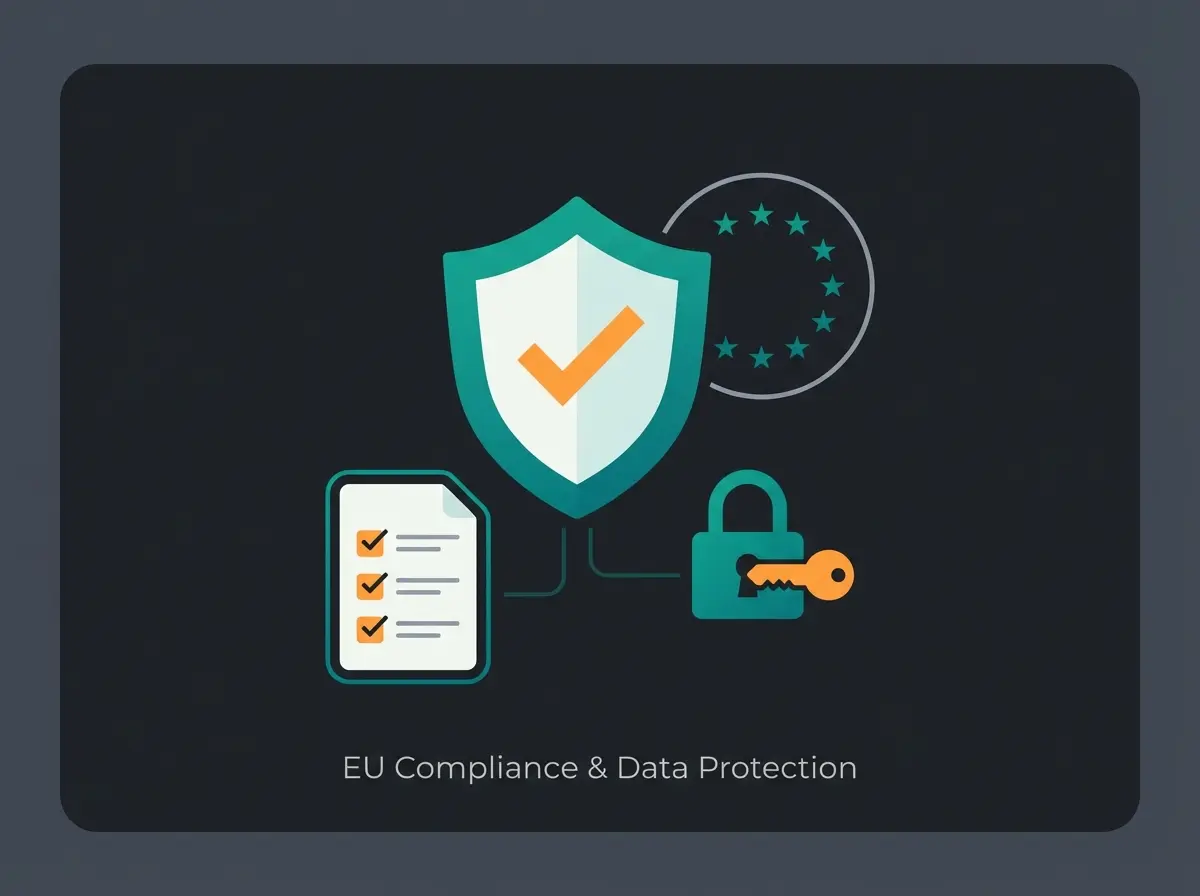
This is the most important section for European merchants. A violation can be expensive.
The Address Book Problem
The normal WhatsApp Business App pulls the entire address book from the phone and sends it to US servers (Meta). Without consent from all contacts (including those who don't have WhatsApp), this is a GDPR violation.
Solution: The WhatsApp Business API. It has no access to your phone's address book. It only processes data from people who write to you (Inbound) or who have consented (Outbound). For comprehensive compliance guidance, review our WhatsApp Business GDPR guide.
Server Location & Data Processing Agreement
Use a German or European Business Solution Provider (BSP) for API access.
- Ensure the provider offers a DPA (Data Processing Agreement)
- Hosting of conversation data should ideally take place in the EU
- Verify the provider's security certifications and compliance documentation
The Opt-in Procedure
You may not simply contact customers (Outbound Marketing / Newsletter) just because you have their number from an order.
- Required: Explicit opt-in for WhatsApp (e.g., checkbox at checkout: "I want to receive updates via WhatsApp")
- Double Opt-in: Recommended to ensure the number is correct
- Documentation: Keep records of all consent for compliance audits
Cost Update 2025/2026: What to Expect
Meta's pricing model has evolved. Charges are no longer per message but per 24-hour conversation.
Conversation Types and Pricing
| Conversation Type | Description | Approximate Cost (DACH Region) |
|---|---|---|
| Service (User-initiated) | Customer asks a question about products | Free or very low cost within 24h window |
| Marketing (Business-initiated) | Newsletters or cart abandonment messages | ~11-13 cents per conversation |
| Utility | Shipping confirmations or invoices | ~7 cents per conversation |
Key Insight: Inbound sales (customer asks, AI advises) is extremely cost-effective. Outbound sales (newsletters) must convert well to be worthwhile.
Advanced Integration: Creating Your AI Sales System
To truly leverage WhatsApp e-commerce, you need more than basic setup. Here's how to create a WhatsApp bot that functions as a genuine sales consultant.
The Technical Stack Explained Simply
Many articles vaguely mention "use a chatbot provider" without explaining the technology. Here's what makes an AI sales agent different from a basic menu bot:
| Feature | Basic Menu Bot | AI Sales Agent |
|---|---|---|
| Triggers | Keyword matching only | Intent understanding |
| Knowledge Base | Pre-programmed responses only | Full product catalog + FAQs |
| Learning | Static, requires manual updates | Improves with each interaction |
| Goal | Support ticket deflection | Active upselling and consultation |
| Complexity Handling | Fails on nuanced questions | Handles multi-attribute queries |
Understanding this distinction is crucial. When a customer asks "Do you have this sneaker in red, size 42, and is it waterproof?"—a menu bot fails completely while an AI agent answers perfectly and suggests alternatives if the exact match isn't available.
Defining Your AI Sales Persona
The System Prompt you write determines your AI's personality. Consider these elements:
- Tone: Professional but approachable? Casual and friendly? Match your brand
- Expertise Level: How deep should product knowledge go?
- Upselling Approach: Subtle suggestions or active recommendations?
- Handoff Triggers: When should the AI escalate to humans?
Measuring Success: KPIs for Your WhatsApp Shop
Once your system is running, track these metrics to optimize performance:
AI consultation vs. static catalogs
Questions answered without human intervention
With personalized recommendations
For complete product consultations
FAQ: Common Questions About WhatsApp Shop Setup
Creating the catalog is free. Using the professional API costs software fees (starting around €50/month with providers) plus WhatsApp fees per conversation. The free app is not recommended for professional use due to scalability and compliance limitations.
Technically no—you can create products manually. Strategically yes: Without a central system for inventory and order processing, chaos ensues. WhatsApp should be a channel, not your entire backend.
Yes, but with caution. An AI can check the status of a return ("Where is my package?"). For emotional complaints ("The product is broken, I'm angry!"), the AI should recognize sentiment and immediately hand off to a human agent.
As of 2026, native payment directly in chat is still limited or in beta testing in Europe. The standard is the "checkout link" that takes customers to secure payment in your webshop.
No. AI integration requires the WhatsApp Business API. The free Business App does not support automation, webhooks, or third-party integrations necessary for AI-powered consultation.
Conclusion: Start Now Before Your Competition Does
Setting up a WhatsApp shop is no longer rocket science. The technical barrier is low. The real challenge—and the huge opportunity—lies in the quality of interaction.
While your competition is still sending static PDF catalogs, you can deliver a VIP sales consultant right into your customers' pockets with an AI-powered system. That's the future of e-commerce.
Your Launch Checklist
- Verify Meta Business Manager account
- Select API provider (BSP) with EU hosting
- Automate product feed synchronization
- Write AI system prompt (define sales persona)
- Adapt GDPR texts and opt-in flows
- Configure escalation rules for complex cases
- Go Live and monitor initial conversations
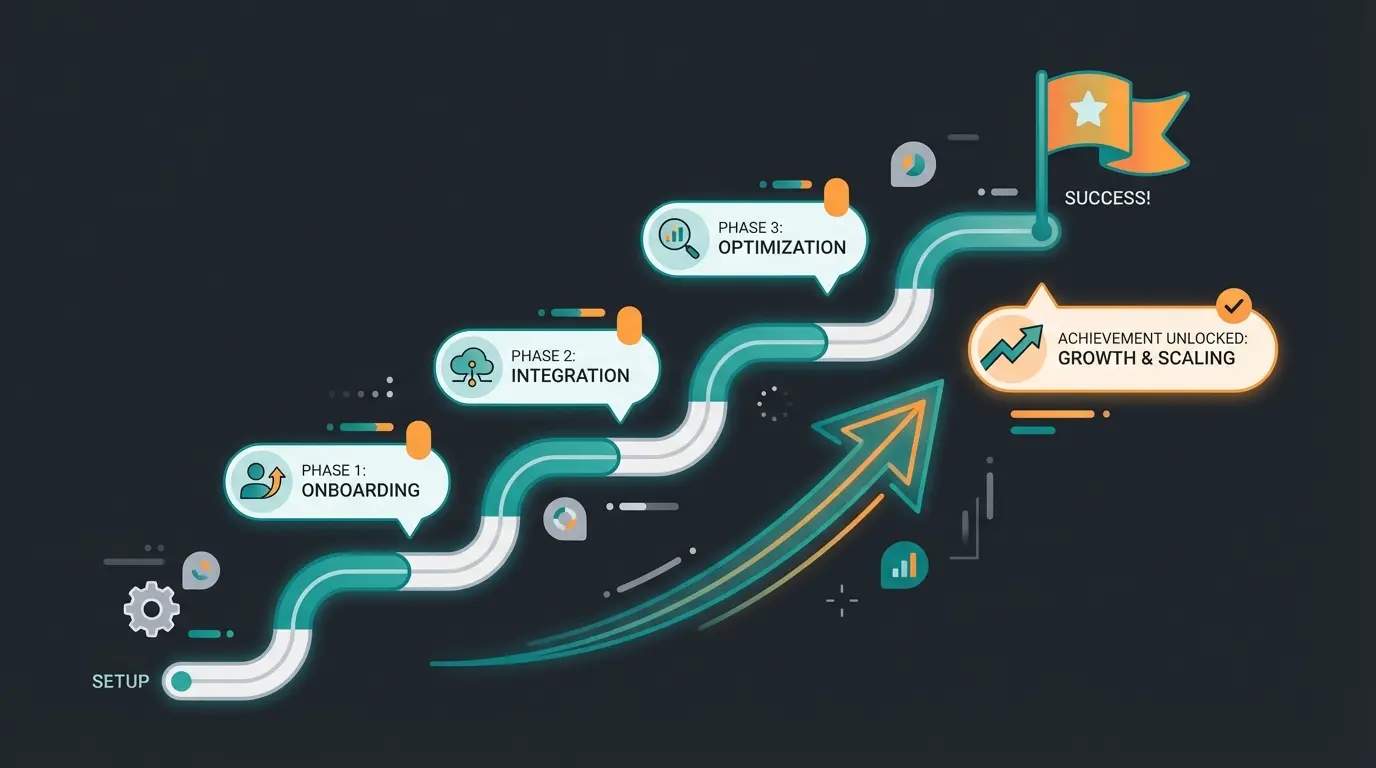
The transformation from passive catalog to active AI consultant isn't just a nice-to-have—it's becoming the baseline expectation. Customers who experience intelligent product consultation won't go back to scrolling through endless product lists.
Join hundreds of e-commerce brands using AI-powered consultation to convert more customers. Setup takes less than a day.
Get Started Free
Lasse is CEO and co-founder of Qualimero. After completing his MBA at WHU and scaling a company to seven-figure revenue, he founded Qualimero to build AI-powered digital employees for e-commerce. His focus: helping businesses measurably improve customer interaction through intelligent automation.
