What is the Shopify Dawn theme
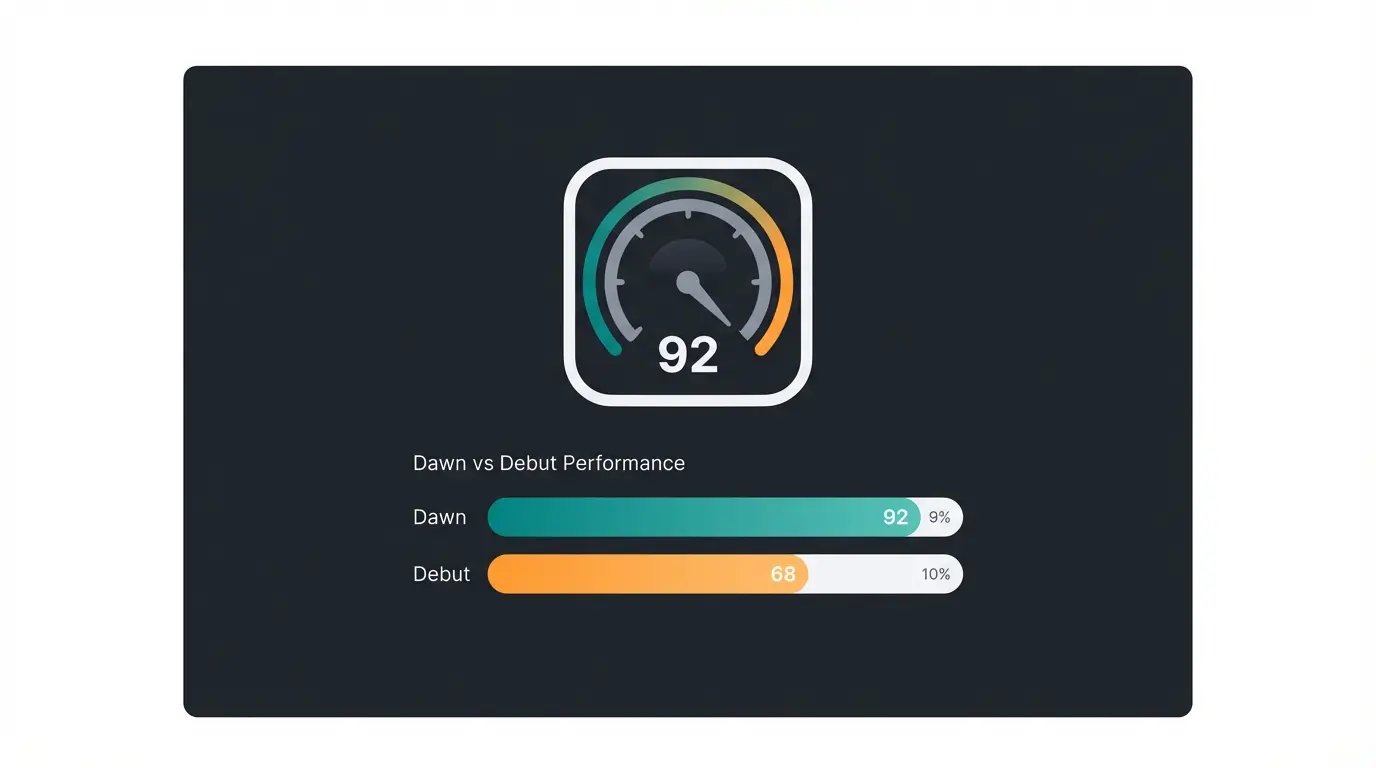
Dawn is Shopify's default theme for every new store. It replaced the Debut theme when Shopify launched Online Store 2.0 and has since become the most widely used theme on the platform, powering over 268,000 active stores as of March 2026.
The philosophy behind Dawn is simple: HTML first, JavaScript only when necessary. That approach makes it fast by default, lightweight in production, and flexible enough for merchants to customize without touching code. Shopify maintains the source code openly on GitHub, which means developers can fork it, study it, and build on top of it.
For merchants, the practical takeaway is this: Dawn gives you a clean, minimal foundation that prioritizes product imagery and page speed. It is not the flashiest theme. It is the most reliable starting point. If you are exploring other options, our guide to Shopify templates covers the full landscape, and the Shopify Theme Store is where you browse all available themes.
Dawn is listed in the official Shopify Theme Store with version 15.4.1 (as of December 2025). It is free, always has been, and Shopify has confirmed it will remain that way.
Key features and benefits
Dawn ships with a feature set that covers the core needs of most small to mid-sized stores. It is not trying to do everything. It is trying to do the essentials well. Here is what you actually get.
| Category | Features included | What it means for you |
|---|---|---|
| Performance | HTML-first architecture, lazy loading, minimal JavaScript | 92 PageSpeed score on demo stores, 35% faster than Debut |
| Sections & blocks | Drag-and-drop sections on every page, app blocks, JSON templates | Customize any page without code, add apps anywhere |
| Navigation | Mega menu, sticky header, enhanced search, product filtering | Customers find products faster, especially in larger catalogs |
| Merchandising | Color swatches, image zoom/rollover, product videos, size charts, galleries | Products look professional without third-party apps |
| Marketing | Blog support, promo banners, cross-selling, FAQ pages, press coverage sections | Built-in content marketing and social proof tools |
| Mobile | Mobile-first responsive design, touch-optimized interactions | Consistent experience across all devices |
| Accessibility | WCAG 2.0 compliance, semantic HTML, keyboard navigation | Inclusive shopping experience, also an SEO signal |
The feature I find most underappreciated is app blocks. Before Online Store 2.0, installing a Shopify app often meant it injected code directly into your theme files. With Dawn, apps drop into designated blocks that you can move, reorder, or remove without ever opening a code editor. That alone saves hours of cleanup when you swap apps.
The Shopify theme documentation is worth bookmarking. It explains how sections, blocks, and JSON templates work under the hood, which helps even non-developers make smarter customization decisions.
Customizing Dawn without code
One question I hear constantly from store owners: how much can I actually change without hiring a developer? With Dawn, the answer is: more than you would expect.
Shopify's Theme Editor is where all no-code customization happens. You access it through Online Store > Themes > Customize in your Shopify admin. From there, everything works with drag-and-drop sections and blocks. No terminal, no file editing, no FTP. If you are weighing layout and branding decisions more broadly, our guide to Shopify website design covers the principles behind them.
Go to Online Store > Themes > Customize in your Shopify admin panel.
Select which page type to customize: homepage, product page, collection, blog, or any custom template.
Use the left sidebar to add sections (hero banners, featured collections, testimonials) and drag them into your preferred order.
Each section contains blocks (text, images, buttons, app blocks) that you can add, remove, and reorder.
Set your brand colors, typography, logo, favicon, social media links, and checkout appearance in Theme Settings.
Preview on desktop and mobile, then hit Publish when satisfied.
What you can customize without code
- Brand identity: Colors, fonts (from Shopify's font library), logo placement, and favicon
- Header: Sticky or static, mega menu with dropdown categories, announcement bar
- Homepage layout: Hero banners, featured collections, testimonial sections, image galleries, video sections
- Product pages: Image gallery layout, variant selectors with color swatches, size charts, related products
- Collection pages: Grid or list view, filtering by availability/price/vendor, sorting options
- Footer: Link columns, newsletter signup, social media icons, payment badges
- App integrations: Add app blocks to any section without code injection
Where Dawn hits its limits
Dawn's customization is broad but not bottomless. You cannot change the fundamental grid layout without code. Advanced product filtering (multi-select, color-based filters with visual swatches) requires either custom Liquid code or a third-party app. And if you want features like quick-view modals, countdown timers, or built-in upsell popups, you will need apps or a developer.
That said, for most stores with fewer than 200 products and a straightforward catalog structure, Dawn's native customization covers 80-90% of what you need. The remaining 10% is where apps or a Shopify developer come in.
Real-world Dawn theme examples
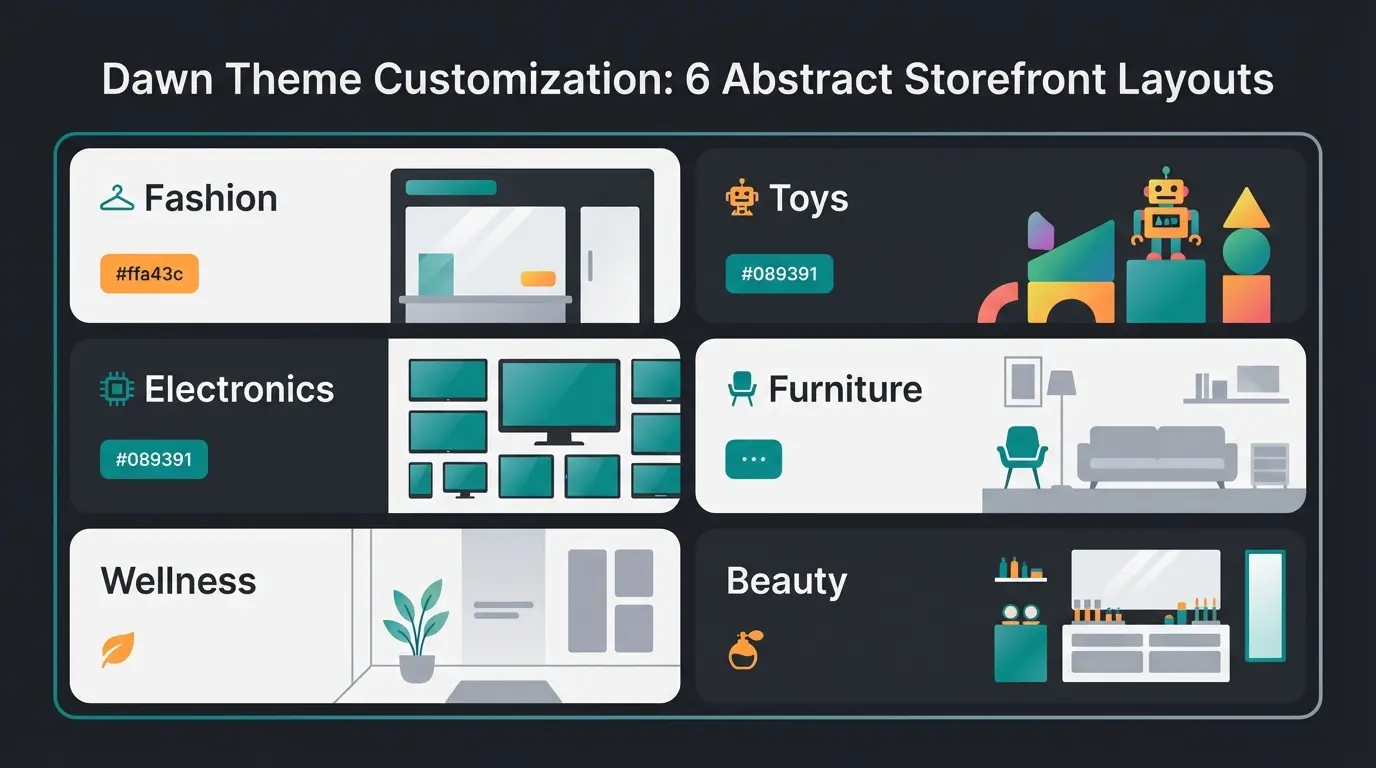
Numbers and feature lists only tell part of the story. What actually matters is how stores use Dawn in production. I looked at dozens of live stores running Dawn and picked seven that show the range of what this theme can do.
| Store | Industry | What makes it work |
|---|---|---|
| Runners Athletics | Sports apparel | Clean navigation, product education focus, minimal distractions. Proof that Dawn excels when products need explaining. |
| Plunge | Wellness equipment | Selling cold plunge tubs at premium prices. Uses Dawn's large image sections and video to build trust for high-ticket items. |
| Headphones.com | Consumer electronics | Large catalog of audio equipment with buying guides. Shows Dawn can handle content-heavy merchandising. |
| MegaFood | Health supplements | Certified B Corporation with a complex product range. Clean grid layout lets nutritional details and certifications shine. |
| Wood Wood Toys | Children's toys | Warm, inviting customization of Dawn's minimal base. Proves the theme adapts to friendly, non-corporate aesthetics. |
| Really Well Made | Home furniture | Scandinavian design sensibility. Dawn's minimal framework matches the brand perfectly without fighting the layout. |
| Olivine Atelier | Beauty & perfume | Handcrafted products with strong visual branding. Uses Dawn's image-first philosophy to let product photography carry the story. |
The common thread across all seven: none of these stores look like a default template. Dawn gives you the bones. Your product photography, brand colors, and content decisions give it a personality. A store selling cold plunge tubs and a store selling handcrafted perfume can both run Dawn and look nothing alike.
Dawn vs other free Shopify themes
Shopify offers 13 free themes in its Theme Store. All of them are built on the same Online Store 2.0 architecture as Dawn, and most share significant portions of Dawn's codebase. The differences are mainly in default styling, section presets, and design philosophy.
| Theme | Design philosophy | Best for | PageSpeed score | Key difference from Dawn |
|---|---|---|---|---|
| Dawn | Minimal, product-first | General stores, lean catalogs | 92 | The baseline. Most flexible, fewest opinions. |
| Refresh | Clean, editorial | Brands focused on product clarity | 88 | Adds a slide-out cart drawer. Slightly more opinionated layout. |
| Craft | Visual storytelling | Artisan brands, handmade products | 85 | Emphasizes large imagery. Can slow down on media-heavy pages. |
| Sense | Soft, wellness-oriented | Beauty, health, lifestyle brands | 86 | Warmer color defaults, softer typography presets. |
| Taste | Bold, food-focused | Food & beverage, restaurants | 87 | Designed for food photography and menu-style layouts. |
Here is something most comparison articles will not tell you: because these themes share the same underlying code, you can make Dawn look like Refresh or Craft by changing settings in the Theme Editor. The differences are starting points, not hard boundaries. Dawn is the most neutral starting point, which is exactly why it works for the widest range of stores.
If you want to explore all free Shopify themes in detail, we have a dedicated comparison that breaks down every option.
Dawn vs paid themes: when to upgrade
I have seen stores run Dawn with 500 products and do fine. I have also seen stores with 50 products that genuinely needed a paid theme. The question is not about store size. It is about what features you need that Dawn does not include.
| Scenario | Dawn | Paid theme |
|---|---|---|
| Simple product catalog (< 200 SKUs) | More than enough | Unnecessary expense |
| Advanced product filtering (multi-select, visual swatches) | Requires app or custom code | Often built-in (e.g., Prestige, Impulse) |
| Built-in upsell and cross-sell | Not included natively | Many paid themes include cart upsells |
| Complex mega menus with images and promotions | Basic mega menu only | Themes like Prestige offer rich mega menus |
| Industry-specific layouts (fashion lookbooks, restaurant menus) | Possible with work | Purpose-built sections save time |
| Speed and performance | Best-in-class baseline | Paid themes are often heavier |
| Budget-conscious launch | Free forever | EUR 180-350 one-time cost |
My honest recommendation: start with Dawn. Use it until you hit a specific wall that a paid theme solves. Do not pay EUR 300 for a theme because it looks nicer in the demo. Demo stores are designed to impress. Your store will look like your products, your photography, and your content, regardless of the theme. For a broader comparison, check our guide to the best Shopify themes.
How AI customer service enhances your Dawn store
Dawn gives you a fast, clean storefront. But a storefront alone does not convert visitors into buyers, especially for products that need explanation. Think skincare routines, technical equipment, or anything where customers have questions before they feel confident enough to purchase.
This is where an AI employee changes the equation. At Qualimero, our clients using Shopify stores see an average of +35% higher cart values and +60% higher checkout rates after adding an AI employee that provides real-time product advice. The AI understands the full product catalog, remembers returning customers, and works across channels, including your store chat, WhatsApp, and email.
Dawn's lightweight architecture is actually an advantage here. Because the theme is fast and lean, adding an AI-powered customer service layer does not tank your page speed the way it might on a heavier theme. You get the speed of Dawn plus the conversion power of personalized product advice.
More traffic is only half the equation. An AI employee converts visitors into buyers with real-time product advice. Our clients see +35% cart value and +60% checkout rates.
Book a free demoFAQ
Yes, Dawn is 100% free and always has been. It is available directly from the Shopify Theme Store and comes pre-installed on every new Shopify store. Shopify maintains and updates it regularly, with the latest version being 15.4.1 (December 2025).
Both are free Online Store 2.0 themes that share much of the same codebase. Dawn is more minimal and flexible, designed as a general-purpose starting point. Refresh adds a slide-out cart drawer and has a slightly more editorial layout, making it better for brands focused on product clarity and visual storytelling.
Go to Online Store > Themes > Customize in your Shopify admin. From there, you can add and rearrange sections and blocks on any page, adjust colors, fonts, and logos in Theme Settings, and add app integrations without touching code. For advanced changes like custom filtering or unique layouts, you will need Liquid code or a developer.
Dawn is one of the most SEO-friendly Shopify themes available. It uses semantic HTML, has fast load times (a core Google ranking factor), supports structured data out of the box, and scores high on Core Web Vitals. Its lightweight codebase means crawlers can parse your pages quickly and efficiently.
Dawn works for large catalogs, but with limitations. For stores with 500+ products, you may find the native filtering and navigation insufficient. Paid themes like Prestige or Impulse offer more advanced filtering, visual navigation, and product discovery features. That said, many large stores run Dawn successfully with the help of well-chosen apps.
Only if you have hit a specific limitation that a paid theme solves, such as advanced filtering, built-in upsell features, or industry-specific layouts. Do not switch because a paid theme looks better in its demo. Your store's appearance depends on your product photography and content, not the theme. Start with Dawn, identify real gaps, then upgrade if needed.
A fast theme is the foundation. An AI employee that advises customers in real time is what drives revenue. See how Qualimero works with Shopify stores.
Try it free
Lasse is CEO and co-founder of Qualimero. After completing his MBA at WHU and scaling a company to seven-figure revenue, he founded Qualimero to build AI-powered digital employees for e-commerce. His focus: helping businesses measurably improve customer interaction through intelligent automation.