What is warehouse management in Shopify?
Open the inventory dashboard of any mid-size Shopify store during peak season and you will see the same pattern. Oversold products flagged in red. Stock counts that do not match the warehouse floor. A team scrambling to figure out what shipped from where, and whether the new delivery from the supplier was even logged.
Warehouse management in Shopify covers everything between receiving a product and shipping it to the customer. That includes stock tracking across locations, reorder decisions, transfer orders between warehouses, and fulfillment routing. For small stores with a single location and 50 products, Shopify's built-in tools handle this fine. The problems start when you grow.
There are three levels of warehouse management in the Shopify ecosystem. First: Shopify's native inventory features, covering basic tracking, multi-location support, and manual adjustments. Second: third-party apps that add forecasting, barcode scanning, and advanced reporting. Third: full ERP or WMS integration, connecting Shopify to systems like Katana, Cin7, or a dedicated warehouse management system.
The stakes are real. Stockouts cost the global retail industry over $1 trillion in missed sales annually (IHL Group, 2025). 69% of online shoppers will buy from a competitor if their desired item is out of stock. Good warehouse management is not an operational detail. It is revenue protection.
Shopify warehouse management: native features overview
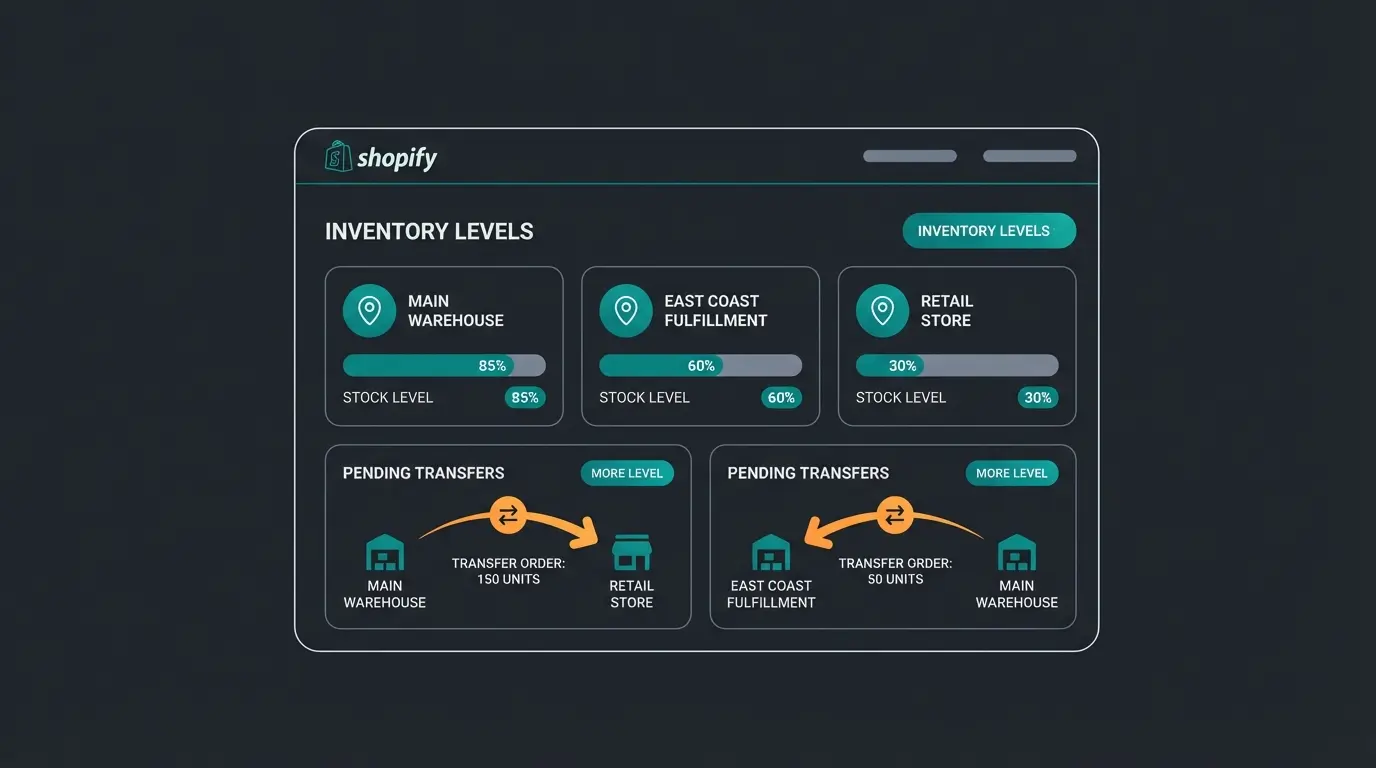
Shopify ships with a set of inventory tools that work well for straightforward operations. Every product variant gets its own inventory count, tracked automatically as orders come in and refunds go out. You can assign inventory to multiple locations, create transfer orders between them, and set up low-stock alerts. For stores on the Basic plan or above, you get up to 10 active locations. Shopify Plus supports up to 200. For the full documentation, see Shopify Help: Managing Inventory.
The real differentiator between plans is not inventory tracking itself, but the operational tools around it. Shopify Flow, available on Advanced and Plus, lets you automate inventory-related workflows: tag products when stock drops below a threshold, notify your purchasing team, or pause ads for out-of-stock items. Without Flow, you are doing all of this manually.
| Feature | Basic | Shopify | Advanced | Plus |
|---|---|---|---|---|
| Inventory tracking per variant | Yes | Yes | Yes | Yes |
| Multi-location support | Up to 10 | Up to 10 | Up to 10 | Up to 200 |
| Transfer orders | Yes | Yes | Yes | Yes |
| Low-stock alerts | Manual | Manual | Manual | Manual |
| Shopify Flow automation | No | No | Yes | Yes |
| Analytics reports | Basic | Standard | Advanced | Custom |
| Third-party app API access | Yes | Yes | Yes | Yes |
Here is the honest take: Shopify's native tools track inventory. They do not manage it. There is no built-in demand forecasting, no automated reorder point calculation, and no dead stock detection. With Stocky officially retiring in August 2026, even the basic purchase order functionality that POS Pro users relied on is disappearing. If your operation needs more than simple stock counting, you need an app.
Best Shopify warehouse management apps compared
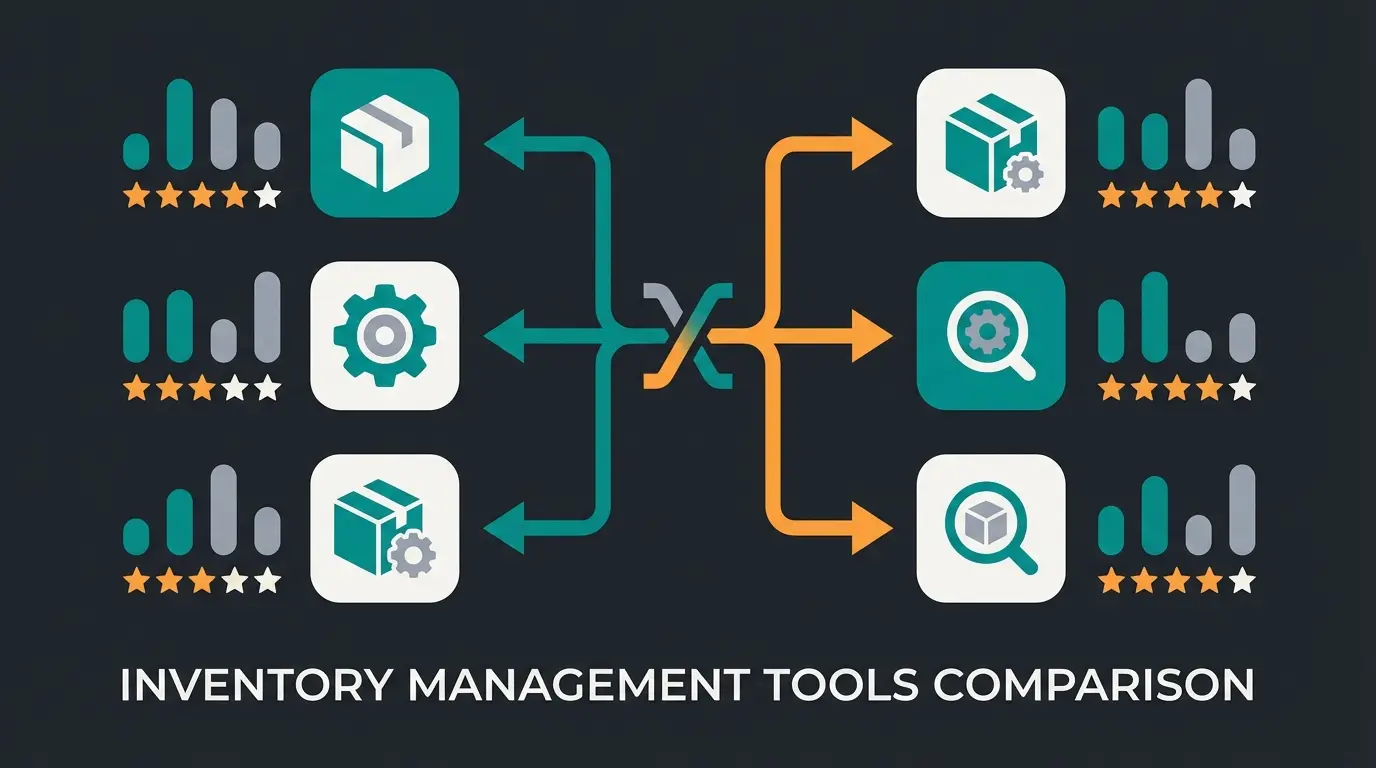
The Shopify app ecosystem for inventory management has matured significantly since Stocky's announced retirement. I have evaluated the leading options with a specific lens: what works for SMEs with 200 to 5,000 SKUs who cannot afford a full ERP system yet but have outgrown spreadsheets. The full category is available on the Shopify App Store: Inventory Management.
Before the comparison, one important distinction. Some of these apps are inventory-first (Prediko, StockMaster Pro). Others are fulfillment-first (ShipBob) or manufacturing-first (Katana). Your pick depends on where your operational bottleneck sits.
| App | Best for | Key feature | Starting price | Rating |
|---|---|---|---|---|
| Prediko | DTC brands needing demand forecasting | AI forecasting trained on 25M+ SKUs | $49/month | 4.8/5 |
| Katana | Manufacturers and assemblers | Bill of materials + production scheduling | $179/month | 4.5/5 |
| ShipBob WMS | Brands outsourcing fulfillment | End-to-end 3PL with real-time Shopify sync | $5/order + storage | 4.1/5 |
| SKULabs | Multi-channel sellers | Barcode scanning + cross-channel inventory sync | $299/month | 4.7/5 |
| StockMaster Pro | Stocky replacement | Purchase orders + AI demand forecasting | $29/month | 4.6/5 |
| Cin7 Core | Growing operations needing ERP-lite | Inventory + manufacturing + automation | $349/month | 4.2/5 |
Top picks by use case
Prediko stands out for pure Shopify merchants. Its AI engine, trained on over 25 million SKUs, generates 12-month demand forecasts at the variant level. The automated purchase order calendar is what Stocky should have been. For stores with $100K to $5M GMV, the pricing scales reasonably from $49 to $349 per month. If demand forecasting is your primary gap, start here.
Katana is the right choice if you manufacture or assemble products. When an order comes in from Shopify, Katana breaks it into component materials using your bill of materials, checks raw material availability, and creates manufacturing orders automatically. At $179 per month for the Essential tier, it is not cheap. But the alternative is a spreadsheet that breaks at scale.
I expected ShipBob's WMS to be overkill for most SMEs. It is not. If you ship between 3,500 and 120,000 orders per month and want to hand off warehousing entirely, their self-serve Shopify integration takes inventory management off your plate. The per-order pricing ($5 per order plus storage fees) means you only pay when you ship. For growing brands that need to focus on product and marketing rather than logistics, that trade-off makes sense.
Setting up multi-location inventory in Shopify
Multi-location inventory is where most Shopify merchants first feel the limits of manual management. The setup itself is straightforward. The operational decisions around it are not.
- Navigate to Settings > Locations in your Shopify admin
- Click Add location and enter the name and address for each warehouse, retail store, or 3PL
- Enable Fulfill online orders from this location for each location that should serve online customers
- Assign products to locations: new products are auto-assigned to all locations with zero quantity
- Set initial inventory quantities per location using the bulk editor (up to 50 products) or CSV import (for larger catalogs)
- Configure fulfillment priority: Shopify routes orders based on location priority, so set your primary warehouse first
The location priority matters more than most merchants realize. Shopify attempts to fulfill from the highest-priority location first. If that location is out of stock, it moves to the next. But it does not split orders across locations by default. A customer ordering two items stocked in different warehouses may experience delayed shipping unless you configure order routing rules explicitly.
For bulk inventory updates across locations, the CSV import method is faster for large catalogs. Export your current inventory, update quantities per location in the spreadsheet, and re-import. The bulk editor in Shopify admin works for smaller adjustments but caps at 50 products per batch. For catalogs above 1,000 SKUs, consider a dedicated app like SKULabs or StockMaster Pro to manage multi-location quantities efficiently.
Automating Shopify inventory with AI
Manual inventory management works until it does not. The moment your catalog passes a few hundred SKUs or your sales patterns become seasonal, spreadsheets and gut feelings stop scaling. This is where AI-powered inventory automation earns its place.
Modern AI inventory tools handle four things that manual processes cannot match. Demand forecasting: predicting what will sell, in what quantity, and when, based on historical data and seasonal signals. Automated reorder points: calculating exactly when to reorder each SKU to avoid both stockouts and overstock. Seasonal adjustment: shifting forecasts and reorder thresholds as buying patterns change. Dead stock detection: flagging products that have stopped moving before they tie up capital for months.
Source: IHL Group (2025). 56% from stockouts, 44% from overstock.
Average improvement across retailers using automated demand forecasting.
Through automated reorder point calculation and seasonal adjustment.
Rising to 10% during promotional periods without automation.
At an 8% out-of-stock rate, a store doing $500,000 in annual revenue loses roughly $40,000 in potential sales every year. AI-driven forecasting brings that rate closer to 2-3%, recovering most of that revenue. The 78% of e-commerce companies planning to invest in inventory automation are not chasing a trend. They are responding to a math problem.
But here is what inventory optimization alone does not solve. Better stock availability brings more visitors to product pages. If those visitors have questions about sizing, compatibility, or use cases, and nobody answers in real time, they leave. Our clients at Qualimero close that gap with AI employees that provide instant product consultation. Rasendoktor, a garden products retailer, saw 16x ROI after deploying an AI employee for product advisory alongside their inventory optimization. The inventory got products on the shelf. The AI employee got them into the cart.
Better stock management brings more visitors to your product pages. An AI employee from Qualimero converts them into buyers, with clients seeing up to 35% higher cart values and 7x conversion rates.
Book a demo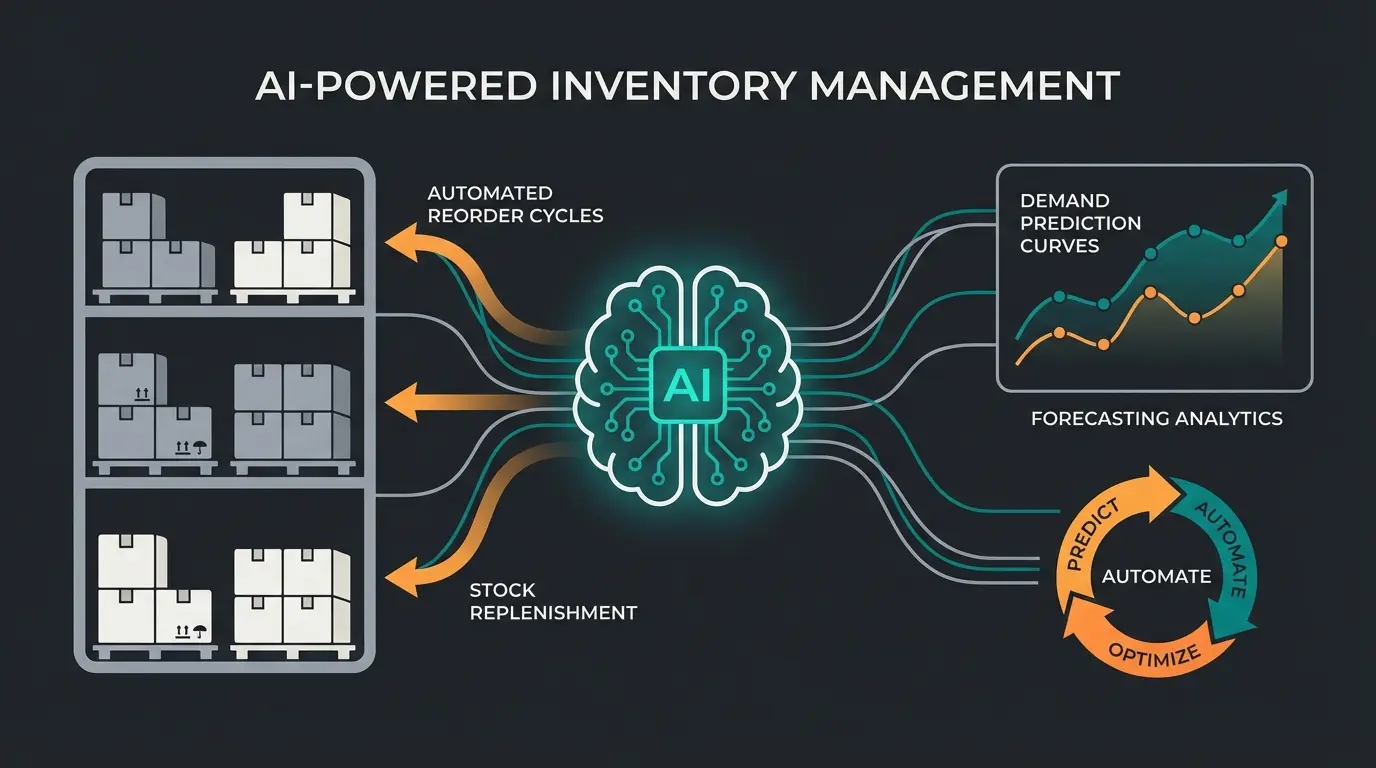
Connecting Shopify warehouse to ERP
There comes a point where Shopify apps are not enough. If you manage more than 500 SKUs, operate three or more locations, or need unified financials across sales channels, connecting Shopify to a dedicated ERP system becomes necessary. Not optional. Necessary.
The integration typically works through Shopify's Admin API or middleware platforms like Celigo and Make. The goal is bidirectional sync: orders flow from Shopify to the ERP, inventory updates flow back, and both systems stay in agreement. For a deeper comparison of all inventory management approaches in the Shopify ecosystem, see the full Shopify Inventory Management guide.
| ERP system | Best for | Integration method | Starting price |
|---|---|---|---|
| Katana | Manufacturers with Shopify stores | Native Shopify app | $179/month |
| Cin7 Core | Multi-channel retailers | Native + API | $349/month |
| Xentral | DACH-region SMEs | API + middleware | EUR 299/month |
| Microsoft Dynamics 365 | Enterprise operations | Middleware (Celigo) | Custom pricing |
| SAP Business One | Large-scale operations | Middleware | Custom pricing |
One common misconception: you do not need to replace Shopify's checkout or storefront to add an ERP. The ERP handles backend operations like purchasing, cross-channel inventory, accounting, and reporting. Shopify remains your selling platform. If you are also looking at connecting your financial workflows, Shopify Accounting covers the accounting integration side in detail.
In the DACH e-commerce space, Xentral has become the default ERP for Shopify-based SMEs. The pricing is transparent, the Shopify integration is maintained actively, and their support speaks German. That matters more than most feature lists would suggest. For international merchants, Cin7 Core offers the broadest multi-channel coverage with native Shopify, Amazon, and eBay integrations in a single system.
Common Shopify warehouse management mistakes
After working with dozens of e-commerce operations, I see the same mistakes repeated. Most are avoidable with a few process changes.
- Not reconciling inventory after returns. Shopify restocks returned items automatically only if you enable this in your refund settings. If disabled, your stock counts drift silently over weeks.
- Ignoring fulfillment priority. Default location priority sends all orders to location one, even if location two has the item and is closer to the customer. Review and adjust routing quarterly.
- Treating Shopify as the source of truth when using apps. If you use a third-party inventory app, that app should own the data. Two-way sync without a clear hierarchy creates ghost stock and phantom availability.
- No safety stock buffer. Running at exact quantities means any supplier delay or demand spike causes a stockout. Set minimum stock levels at 15-20% above your average weekly sales volume.
- Waiting too long to connect an ERP. The transition from apps to ERP is easier at 500 SKUs than at 2,000. The longer you wait, the more data migration and process retraining you face.
Fix the restock-on-return setting first. It takes 30 seconds and prevents the single most common inventory drift issue in Shopify.
FAQ
It depends on your operation. For demand forecasting and purchase orders, Prediko leads with AI-powered SKU-level predictions starting at $49 per month. For manufacturers, Katana handles bill of materials and production scheduling. For outsourced fulfillment, ShipBob's WMS integrates directly with Shopify.
Yes. Shopify supports up to 10 active locations on Basic through Advanced plans and up to 200 on Plus. Each location tracks inventory independently, and fulfillment routing determines which warehouse ships each order.
Shopify's native admin tools cover basic inventory tracking, but Stocky's demand forecasting and purchase order features need a third-party replacement. StockMaster Pro ($29/month), Prediko ($49/month), and Assisty are the leading alternatives.
Consider ERP integration when you exceed 500 SKUs, manage three or more warehouse locations, or need unified reporting across multiple sales channels. Evaluate before you outgrow app-level solutions, as migration gets harder with scale.
AI-powered tools analyze historical sales data, seasonal patterns, and trend signals to forecast demand at the SKU level. This enables automated reorder calculations, reduces stockouts by approximately 15%, and cuts excess carrying costs by around 20% compared to manual management.
Optimized inventory gets products in stock. An AI employee from Qualimero turns browsers into buyers with real-time product advice, no code required. Clients see 7x higher conversion rates.
Try it free
Lasse is CEO and co-founder of Qualimero. After completing his MBA at WHU and scaling a company to seven-figure revenue, he founded Qualimero to build AI-powered digital employees for e-commerce. His focus: helping businesses measurably improve customer interaction through intelligent automation.