Why 'Closing Time' Is Your Biggest Revenue Risk
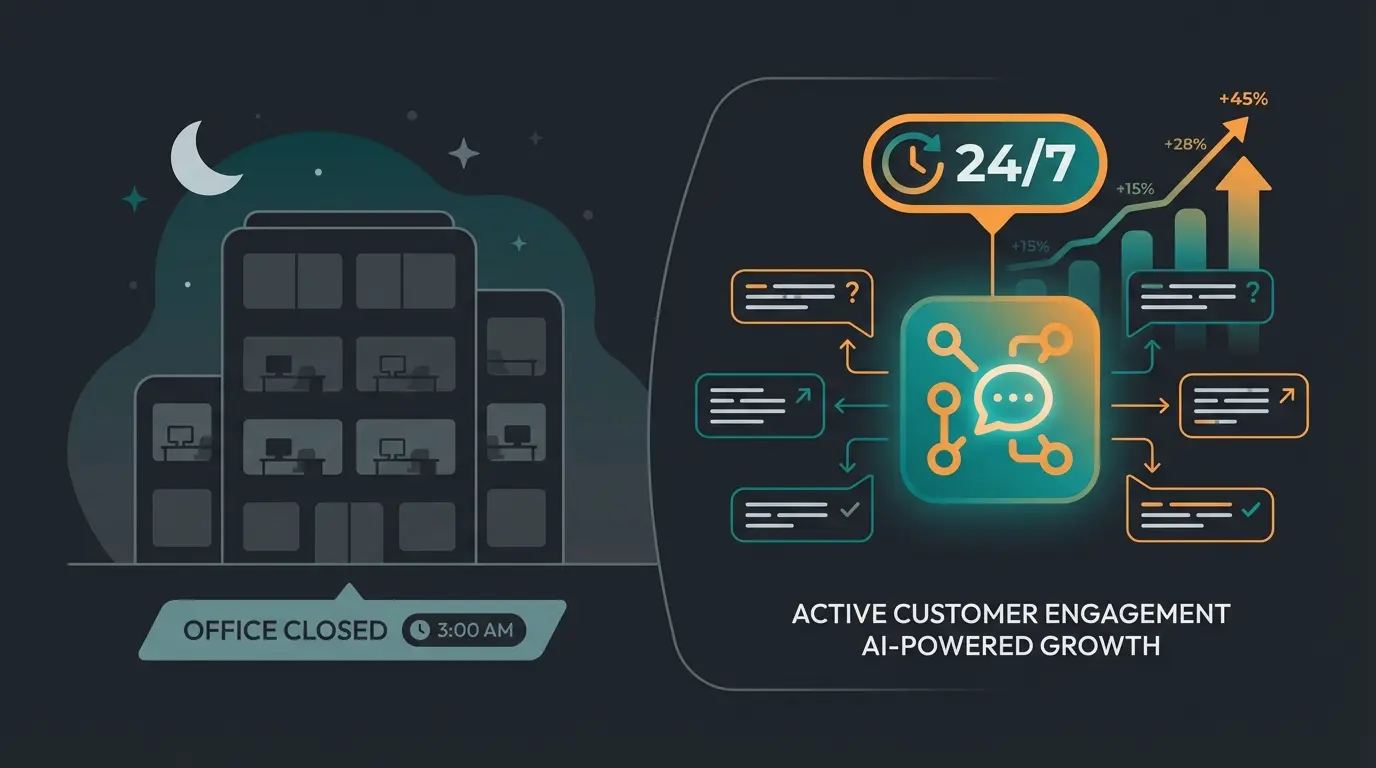
It's 6:00 PM. You close your laptop, set aside your work phone, and look forward to a well-deserved evening off. But at exactly this moment, your customers' 'prime time' begins. Between 7:00 PM and 10:00 PM, most online purchases are made and most services are researched.
When a potential customer now clicks your WhatsApp button and asks a question about a product, one of two things happens in 99% of cases:
- They receive no response at all (the worst scenario)
- They receive a standard WhatsApp Business away message: 'We are currently unavailable. We'll get back to you tomorrow.'
This sounds polite but is economically fatal. In today's 'instant gratification' economy, nobody waits until 'tomorrow' anymore. The customer switches browser tabs and buys from the competitor who responds immediately—or whose AI chatbot for customer service answers their question right away.
In this comprehensive guide, you'll learn not only how to technically set up the WhatsApp Business away message and formulate it professionally. We'll go a crucial step further: We'll show you how to transform this feature from a mere 'answering machine' into a 24/7 sales assistant that qualifies leads and sells products while you sleep.
The Basics: Setting Up WhatsApp Business Away Message
Before we optimize the strategy, we need to create the technical foundation. Setting up an automatic reply in the free WhatsApp Business App is relatively simple but essential to at least simulate a response time. For businesses wondering what is WhatsApp Business, it's the professional version of the messaging app designed specifically for business communication.
Why Is Setup So Important?
Without any response, customers feel ignored. An immediate confirmation—even if automated—signals: 'Your message has been received.' That's the minimum standard for good customer service. According to SmallBizTrends, 82% of customers expect an immediate response to sales questions.
Step-by-Step Guide (Android & iOS)
The menu navigation differs slightly between operating systems, but the core process is identical according to the official WhatsApp documentation.
1. Open the Menu
Open your WhatsApp Business App.
- Android: Tap the three dots (⁝) at the top right and select Business Tools
- iOS: Tap the gear icon Settings at the bottom right, then tap Business Tools
2. Select Away Message
Tap the menu item Away Message.
3. Activate the Feature
Toggle the switch for Send Away Message so it turns green.
4. Compose Your Message
Tap the text field (often marked with a pencil icon). Here you can enter your text. (You'll find templates further down in this article). Confirm with OK or Save.
5. Set the Schedule
This is the most important technical step. You have three options:
- Always Send: The message is sent every time someone messages you. Use this only when you're on vacation or the business is completely closed (company holidays).
- Custom Schedule: You define start and end date/time. Ideal for holidays or short bridge days.
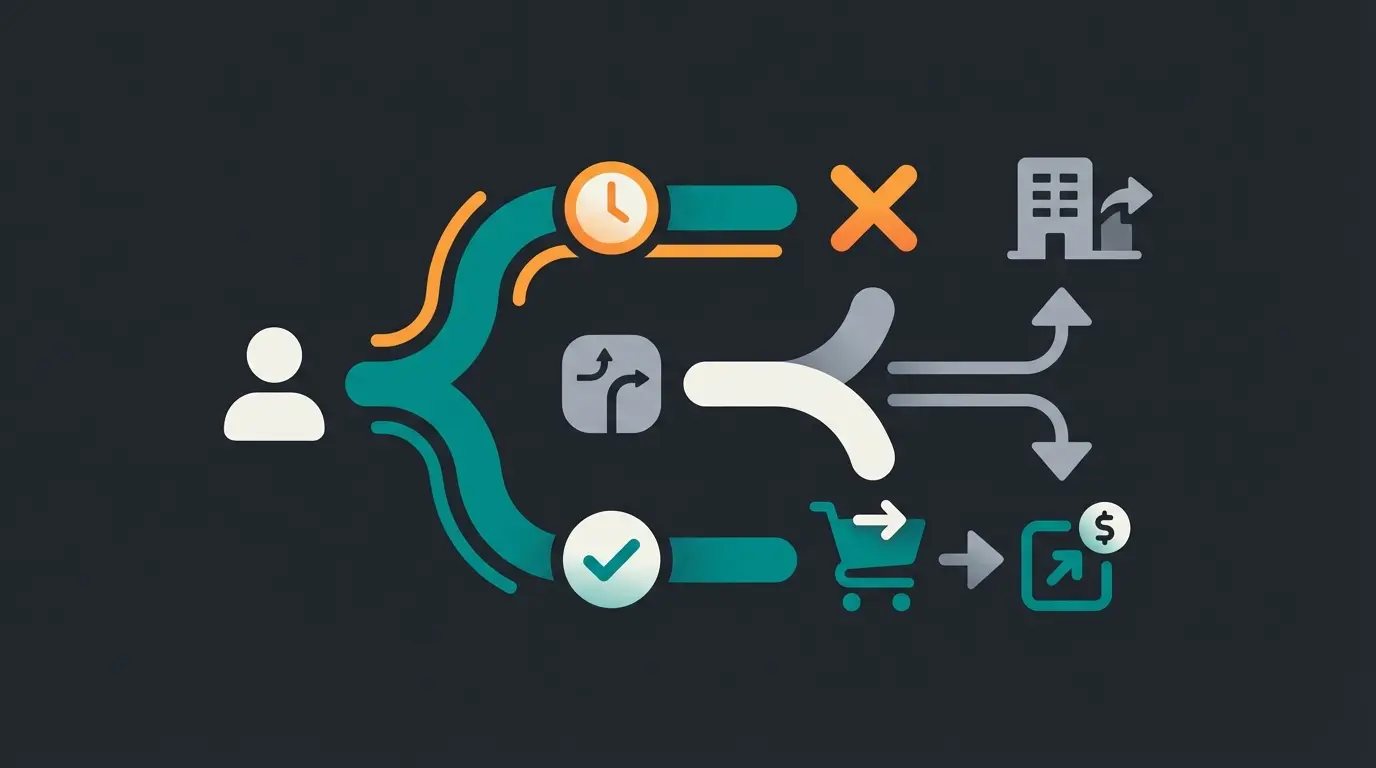
- Outside of Business Hours: The smartest option for everyday use. WhatsApp compares incoming messages with the business hours you've set in your company profile.
6. Select Recipients
You can control who receives the message:
- Everyone: Everyone gets the notification
- Everyone not in address book: Ideal for not annoying existing customers (whose numbers you've saved) with auto-replies while still capturing new leads
- Everyone except...: Exceptions for VIP customers
- Only send to...: Very specific restriction (rarely used)
7. Save
Don't forget to click Save at the top right.
The Problem with Standard Away Messages
Most companies use templates like this:
Why is this problematic?
The 'Speed to Lead' Trap
Data from Rework and Harvard Business Review reveals a brutal reality in digital sales:
Companies responding within 5 minutes are 21x more likely to qualify leads than those responding after 30 minutes
Of customers expect an immediate answer to sales questions
After 24 hours, the probability of successful contact drops drastically
A standard away message essentially tells the customer: 'Please wait 15 hours until we're back.' During this time, the lead cools down completely. Research from Website-Files confirms that timing is everything in lead conversion.
No Interaction Possible
The standard app only allows text and emojis. You cannot incorporate buttons ('Book appointment now'), product lists, or interactive flows. The customer must wait passively. This is where conversational AI is revolutionizing how businesses interact with customers.
Support Focus Instead of Sales Focus
Most templates sound like support tickets ('We will take care of your concern'). But if the customer wants to buy, bureaucratic 'ticket language' is off-putting. They don't want to take a number; they want to be advised.
15 Professional WhatsApp Away Message Templates
So you can get started immediately, we've created 15 templates. We've divided these into three categories: Classic, Situational, and Conversion-Optimized (our recommendation).
Category A: Classic & Professional (Focus: Expectation)
These templates are suitable for conservative industries (law firms, B2B service providers) where professionalism takes precedence over speed.
1. The Standard
2. Short & Sweet
3. With FAQ Reference (Self-Service Light)
4. Personal Touch (Solo Entrepreneurs)
5. B2B / Agency
Category B: Vacation, Holidays & Emergencies
Special situations require specific messages to avoid frustration.
6. Company Vacation / Holiday
7. Christmas / New Year
8. Bridge Day
9. Technical Issue (Emergency)
10. High Volume (Honesty)
Category C: Conversion-Optimized & Sales Focus
These templates use psychological triggers and call-to-actions (CTAs) to engage the customer during the waiting period or even lead them to purchase. This approach aligns with modern WhatsApp marketing tool strategies.
11. The 'Shop Saver' (E-Commerce)
12. The Appointment Booking (Service Providers)
13. The Lead Magnet (Content)
14. The 'Soft-AI' Announcement
Note: This only works with appropriate quick reply configuration.
15. The 'Sneak Peek' (Product Launch)
Stop losing leads while you sleep. Discover how AI-powered WhatsApp automation can turn every customer inquiry into a sales opportunity—24/7.
Start Your Free TrialThe Next Level: From Answering Machine to AI Sales Rep
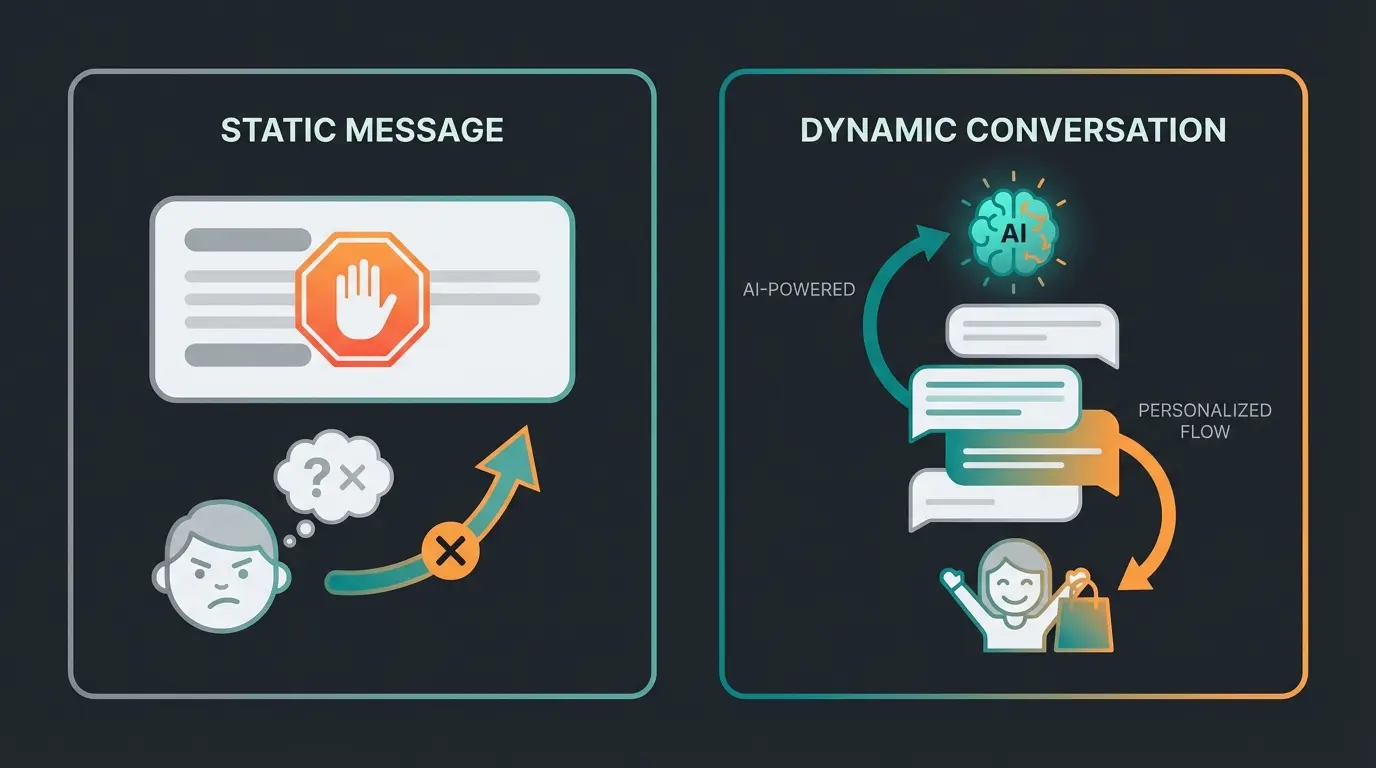
The templates mentioned above are good. But they have a limit: They are static. Imagine a customer writes at 9:00 PM: 'Which surfboard is suitable for beginners?'
Scenario A: Standard Away Message
'We'll be back at 9 AM.'
Result: Customer continues googling, lands on Amazon or a competitor with better shop filters. Customer lost.
Scenario B: AI Solution
'We're off work, but our AI product consultant is online. I can help you find the perfect board. How much do you weigh and where do you want to surf?'
Result: The customer interacts immediately. The AI recommends a product. The customer buys. Revenue generated while you sleep. This is how AI product consultation providers are changing the game.
A potential buyer messages your WhatsApp at 9 PM asking about a product
'We are closed' → Customer waits → Interest cools → Buys from competitor → LOST SALE
AI analyzes need → Recommends product → Answers questions → Customer purchases → REVENUE WHILE SLEEPING
Why AI Makes the Difference
Modern AI solutions (based on Large Language Models like GPT-4, integrated via WhatsApp API) understand context. They are not dumb chatbots that only react to keywords. Understanding the chatbot AI comparison helps clarify why intelligent AI outperforms rule-based bots.
- Instant Gratification: 82% of customers expect an immediate answer to sales questions. AI delivers this in seconds.
- Qualification: The AI can ask: 'Are you looking for a B2B or B2C solution?' or 'What is your budget?' When you arrive at the office in the morning, you have pre-qualified leads in your inbox instead of just vague inquiries.
- No Language Barriers: AI responds fluently in the customer's language, whether English, German, Spanish, or any other supported language.
This transformation represents how conversational AI evolves to meet modern business needs, and how AI employees are evolving to handle customer interactions around the clock.
Comparison: Static Auto-Reply vs. AI Consultant
Is switching to a professional solution worth it? Here's the direct comparison:
| Feature | Standard WhatsApp Business App | Simple Rule-Based Chatbot | AI Product Consultant |
|---|---|---|---|
| Availability | 24/7 (text only) | 24/7 (rigid) | 24/7 (intelligent & dynamic) |
| Response Quality | Static ('We're gone') | Limited (keyword-based) | Context-aware (understands questions) |
| Goal | Information (stalling) | Support (catching FAQs) | Conversion (selling & consulting) |
| Interaction | None (one-way street) | Buttons / Lists | Natural dialogue |
| Setup Effort | Low (5 minutes) | Medium (building flows) | Medium (AI training) |
| Costs | Free | Software fee | Software fee (high ROI) |
| Revenue Potential | Low (risk of loss) | Medium | High (sales while sleeping) |
Table Conclusion: The standard app is sufficient for the small craftsman around the corner. However, for e-commerce, real estate agents, car dealerships, or consulting companies, it's a revenue brake. Implementing AI customer service automation can transform these limitations into opportunities.
Implementation: Switching to an AI Solution
To switch from a static away message to an intelligent system, you need access to the WhatsApp Business API. The standard app on your phone is not sufficient for this. Our comprehensive WhatsApp Business API guide covers everything you need to know.
What Is the WhatsApp Business API?
The API (interface) is the professional version of WhatsApp for businesses. It doesn't have its own app interface but connects to software (like our AI platform or tools like Superchat, Mateo, etc.). This enables AI chatbots for e-commerce to function seamlessly.
Advantages of the API Over the App
- GDPR Compliance: Much easier to implement than on a phone, as noted by HelloMateo
- Team Inbox: Multiple employees can access the same number from different computers (no phone required)
- Automation: This is where chatbots and AI agents can connect
- No 256-Contact Limit: You can send newsletters to thousands of customers (broadcasts), according to VFirst
The Switching Process
You can use your existing landline or mobile number
You need a Business Solution Provider that provides the AI logic
Your company is verified by Meta (Facebook)
Feed the AI with your product data, PDFs, and website info
From now on, the AI takes over when you 'clock out'
Conclusion: Stop Sending Customers Away
The WhatsApp Business away message is one of the most underestimated tools in online marketing. Most companies use it as a polite 'stop sign.'
But in a world where 82% of customers expect immediate responses and leads cool down after just a few minutes, you cannot afford to put customers off until 'tomorrow.'
Your Checklist for Today
- Check your current away message: Does it sound like a government office or like service?
- Use one of our Conversion Templates (Category C) to at least offer a link to your shop or calendar
- Think strategically: Do you just want to inform that you're away, or do you want to sell while you're away?
If you're ready to transform your customer service from a cost center into a revenue machine, switching to an AI-powered WhatsApp solution is the next logical step.
FAQ: WhatsApp Away Message Questions Answered
No, in the standard app (WhatsApp Business App) the feature is completely free. However, if you want to use the API and AI automation, software costs and fees to Meta apply.
In the standard app, away messages are normally not sent in group chats, only in 1:1 chats. This protects against spamming groups with auto-replies.
The most common problem is a missing internet connection. In the standard app, your phone must be online for the auto-reply to go out. With the API solution (cloud-based), it works even when your phone is off.
Away Message is sent automatically when you're not available. Quick Replies are text blocks (shortcuts) that you manually select during a chat (e.g., '/thanks' inserts a long thank-you text), as detailed by WhatsApp-Marketing.info.
In the standard app, the automatic away message is limited to text and emojis. Via the API, you can also send media, documents, or interactive buttons.
Don't let another lead slip away while you're offline. Our AI-powered WhatsApp solution qualifies leads, answers product questions, and drives sales 24/7—so you can finally enjoy your evenings.
Get Started Now
Lasse is CEO and co-founder of Qualimero. After completing his MBA at WHU and scaling a company to seven-figure revenue, he founded Qualimero to build AI-powered digital employees for e-commerce. His focus: helping businesses measurably improve customer interaction through intelligent automation.