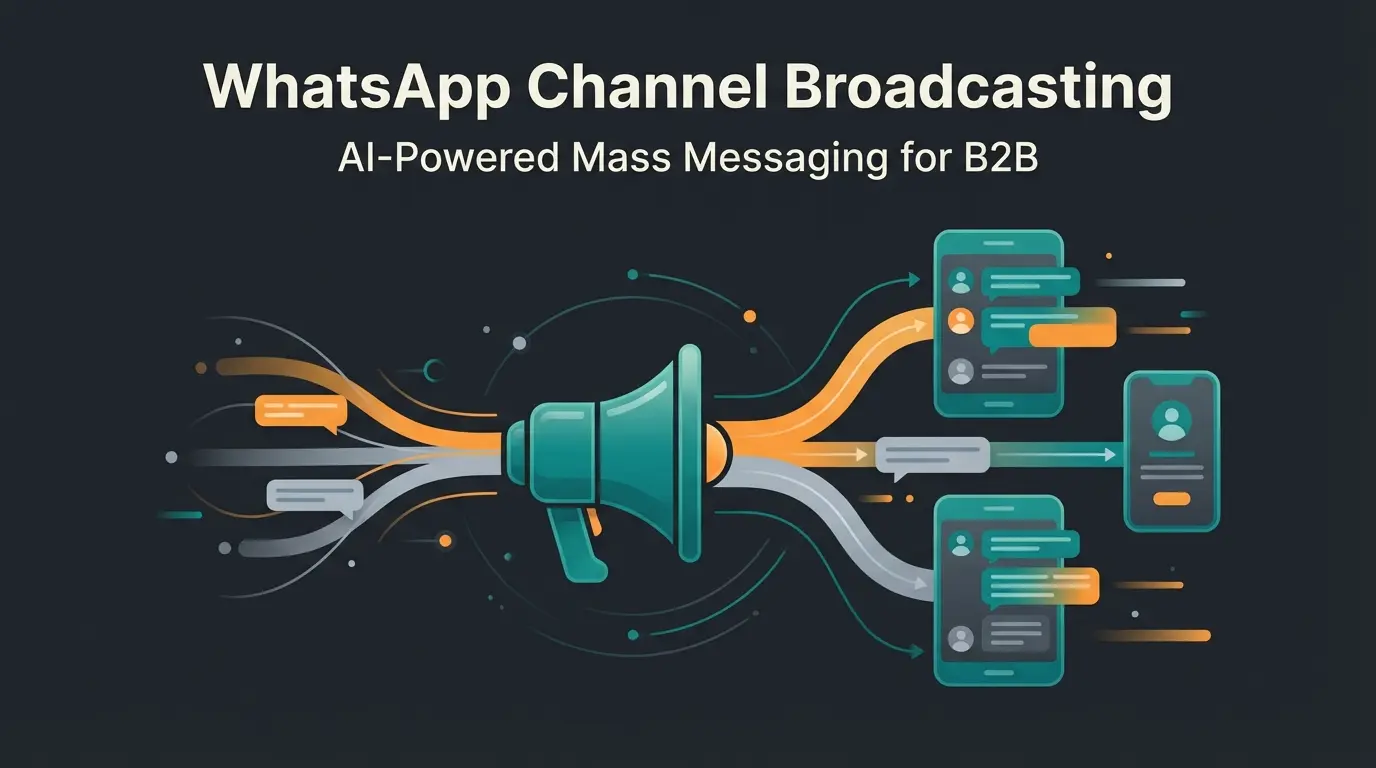
Why WhatsApp Channels Are Essential for Business in 2025
WhatsApp is far more than just a messenger for friends and family. With over 60 million daily users in Germany alone, the app has become the operating system of our digital communication. For businesses, the introduction of WhatsApp Channels has opened a new door: the ability to conduct one-to-many communication, similar to a newsletter, but delivered directly into your target audience's pocket.
However, many businesses fail at implementation. They create a channel, post sporadic updates, and wonder why sales aren't materializing. The reason? A channel alone is not a sales instrument—it's a traffic generator. Understanding this distinction is crucial for leveraging WhatsApp Business channel capabilities effectively.
In this comprehensive guide, you'll learn not only the technical steps to create a WhatsApp channel, but also how to use it strategically. We'll examine the new features for 2025, clarify legal requirements, and show you how to bridge the gap between massive reach and intelligent AI automation.
What Is a WhatsApp Channel? A Quick Overview
A WhatsApp channel is a broadcast function that allows administrators to send messages, images, videos, stickers, and polls to an unlimited number of subscribers. According to Sinch, this one-to-many format fundamentally differs from group chats or private conversations.
Unlike groups or private chats, communication here is one-directional. This means:
- You send: As a business (admin), you provide content to your audience.
- Users react: Subscribers cannot reply with text—they can only react with emojis or participate in polls, as noted by Shopify.
The channels are located in a separate tab called "Updates" (previously "Status"), separated from personal chats. This creates a clean distinction between private communication and business updates, which WhatsApp designed intentionally for better user experience.
Key Updates and New Features for 2025
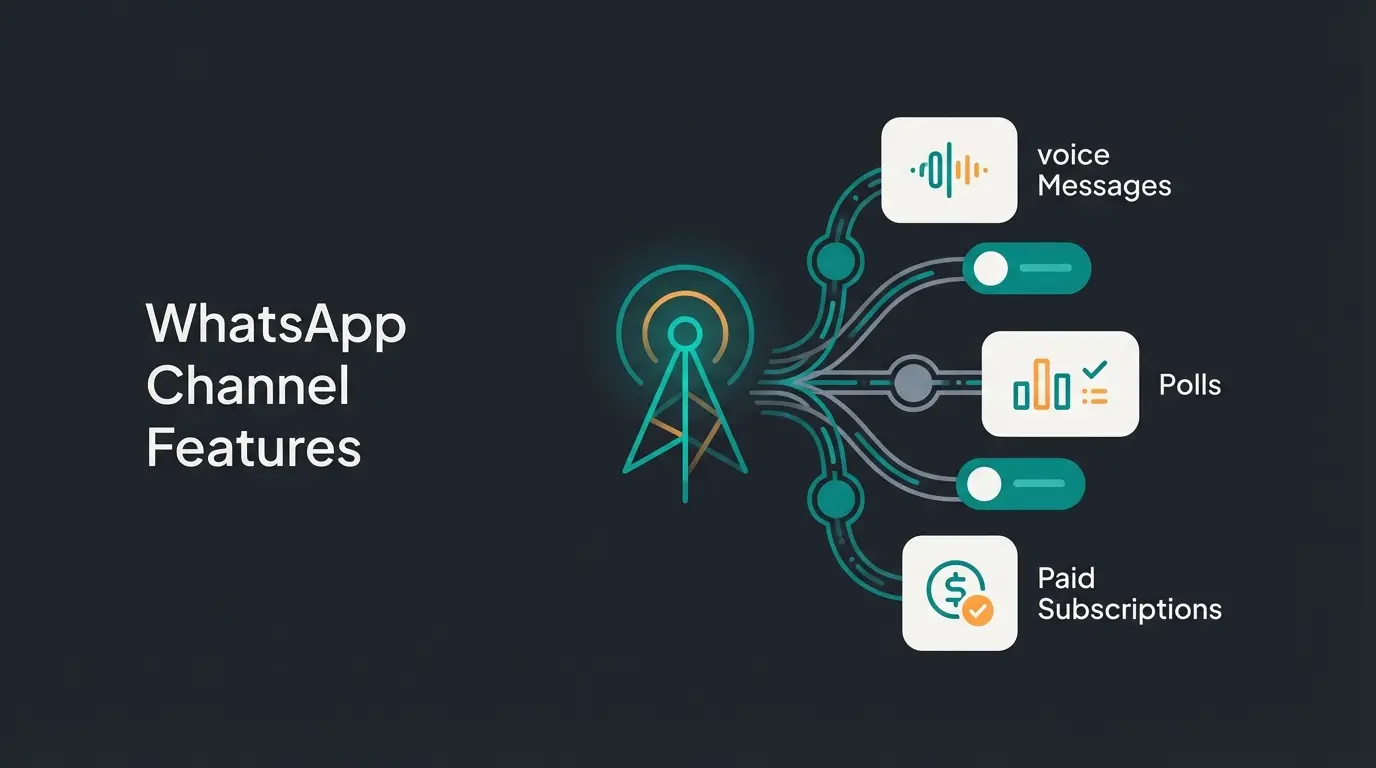
WhatsApp is rapidly developing its channel capabilities. For 2025 and beyond, several features have been announced or are already rolling out that are essential for marketers:
- Voice Messages & Polls: More interactive formats are being introduced to channels, according to WhatsApp's official updates.
- Promoted Channels: Businesses will soon be able to pay for more prominent listing in the channel directory to gain followers faster, as reported by Observer Voice.
- Paid Subscriptions: It will become possible for creators and media outlets to offer exclusive content behind a paywall, according to Galaxy Sols.
How to Create a WhatsApp Channel: Step-by-Step Guide
Creating a channel on WhatsApp is technically simple and takes less than five minutes. The function is now available to almost all users worldwide, both in the regular WhatsApp app and in the WhatsApp Business app, as confirmed by Chatarmin.
Prerequisites Before You Start
- An active WhatsApp account (Personal or Business).
- The latest version of the app (check for updates in App Store/Play Store), according to Bot.space.
- Optional but recommended: A verified Meta Business Manager account (for later scaling and the green verification badge).
Instructions for Android Devices
- Open WhatsApp and tap on the "Updates" tab (bottom or top, depending on version).
- Scroll to the "Channels" section.
- Tap the Plus symbol (+) to the right of the "Channels" heading.
- Select "Create channel" from the menu.
- Tap "Continue" and follow the on-screen instructions.
- Give your channel a name (e.g., your brand name).
- Add a description and a profile picture (can be changed later).
- Confirm by tapping "Create channel".
Instructions for iOS (iPhone) Devices
- Open WhatsApp and go to the "Updates" tab at the bottom left.
- Find the "Channels" section.
- Tap the Plus symbol (+).
- Select "Create channel".
- Confirm the notices by tapping "Continue".
- Enter your channel name.
- Upload a profile picture and write a brief description.
- Finally, tap "Create channel".
Channel Settings & Profile Best Practices
Once the channel is set up, you should optimize the settings to appear professional:
- Profile Picture: Use your company logo in high resolution. Since the image appears very small in the overview, avoid complex graphics or text in the image.
- Description: This is your sales pitch. Why should someone subscribe to this channel? Don't write "News from Company XY"—instead write "Exclusive offers, early access to sales, and expert tips on [topic]."
- Admin Rights: You can add up to 16 additional admins. This is important so your marketing team can work independently from your personal smartphone.
Channel vs. Group vs. Broadcast: The Complete Comparison
Many businesses ask: "Do I need a channel if I already have a group?" or "Isn't this the same as a broadcast list?" The answer is a clear no. The use cases differ fundamentally. Understanding this is key to leveraging your WhatsApp Business key features effectively.
Here's the direct comparison to help you make the right choice for your goals:
| Feature | WhatsApp Channel | WhatsApp Broadcast | WhatsApp Group |
|---|---|---|---|
| Communication | 1-to-Many (Public Feed) | 1-to-Many (Private Message) | Many-to-Many (Community Chat) |
| Visibility | Public (searchable) | Private (invisible to third parties) | Private (invite link only) |
| Privacy | High: Phone numbers hidden | Medium: Recipient sees sender's number | Low: Everyone sees all numbers |
| Reach | Unlimited (millions possible) | Limited (256 per list / higher via API) | Limited (max 1,024 members) |
| Replies | Emojis & polls only (no text) | Direct 1:1 chat as reply | Text & media from everyone |
| Algorithm | Chronological (deleted after 30 days) | Direct to inbox | Push notification for every activity |
| Ideal for... | Brand building, news, traffic generation | Personal offers, VIP customers | Community discussions, workshops |
Conclusion from the comparison: Use groups only for very tight communities (e.g., beta testers), as privacy concerns (visible phone numbers) are problematic in Germany. Use broadcasts for targeted sales actions to existing contacts (note: recipients must have your number saved unless you use the WhatsApp API, as explained by Wati and Botcake). Use channels for maximum reach at the top of your marketing funnel.
The Strategy: How to Actually Sell Through a Channel
This is where most businesses make their mistake: they treat the WhatsApp channel like an RSS feed of their blog articles. The result is declining open rates and muted channels.
The core problem with channels is the lack of interaction. You can send, but you cannot qualify leads, answer individual questions, or conduct purchase consultation, since users cannot reply with text.
Why Broadcasting Alone Isn't Enough
If you only broadcast, you build brand awareness, but you don't close sales. A user who sees a picture of a new product and leaves a "heart" reaction hasn't bought yet. They might be missing information about size, price, or availability. This is where AI product consultation becomes essential.
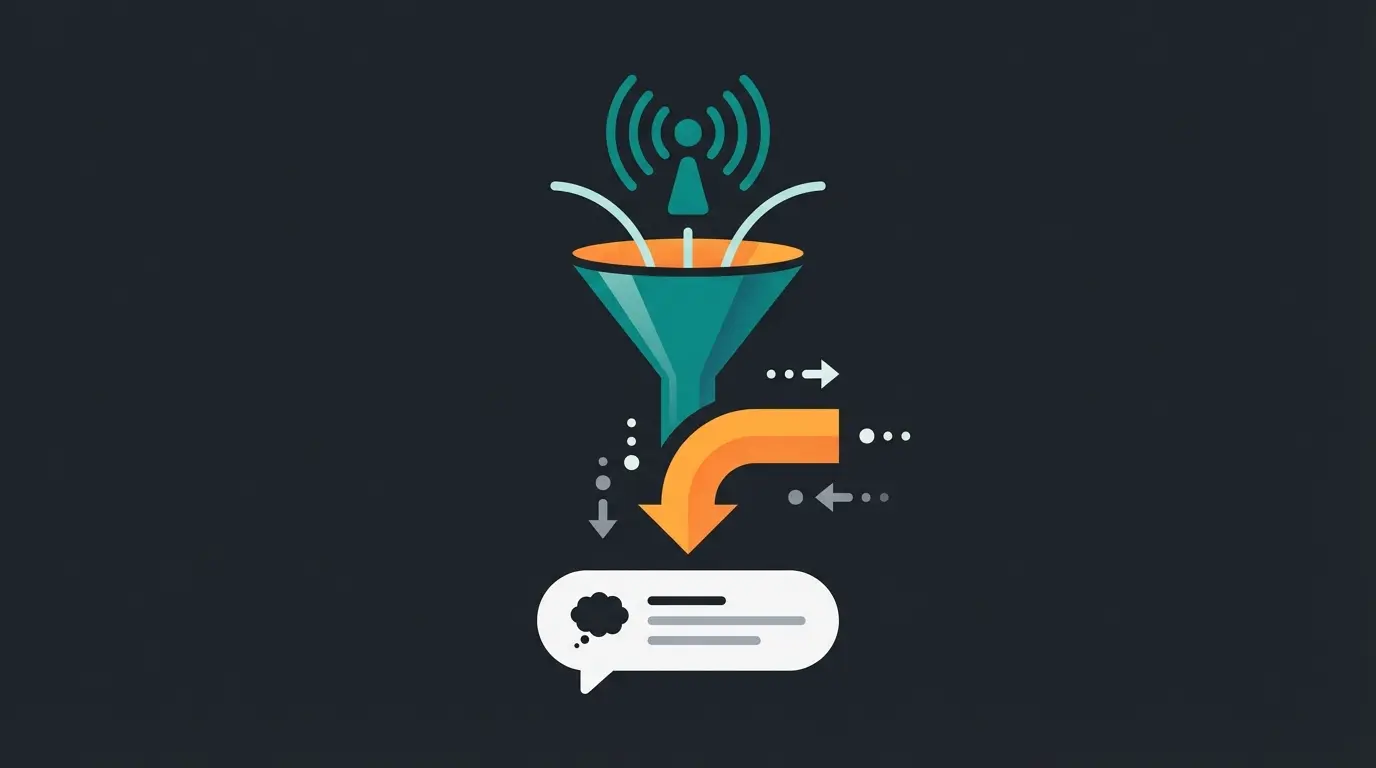
The Consultation Funnel: From Channel to Personal Chat
To solve this problem, you must understand the channel as a bridge. Your strategy should aim to convert the anonymous follower into a personal 1:1 chat.
Post a product image or problem-solution scenario with engaging visuals
Instead of linking only to webshop, offer consultation via wa.me deep link
AI agent qualifies leads, answers questions, and guides toward purchase
The Workflow in Practice:
- The Trigger (In Channel): You post an image of a new product or a problem-solution scenario. Example: "Our new summer set is here! ☀️ Unsure about sizing?"
- The Call-to-Action (The Link): Instead of just linking to your webshop, offer consultation. Use a wa.me link that directly opens a chat with your business. Example: "Click here for instant sizing advice from our assistant: wa.me/YourBusiness?text=SizingAdvice"
- The Conversation (In 1:1 Chat): Here automation takes over (see next section). The user lands in a private chat where they can ask questions and receive active product advice.
Deploy AI-powered consultation that handles the flood of inquiries from your channel posts—24/7, at scale, without burning out your team.
Start Your Free AI ConsultationWhatsApp Channels & AI: Using Automation Intelligently
A widespread myth is: "There are no chatbots in WhatsApp channels." This is technically correct—you cannot place a bot inside the channel that posts or moderates there. But that's not the goal anyway.
Your Unique Selling Point: The combination of channel (reach) and AI (scalable consultation). This is where WhatsApp AI bots become your competitive advantage.
The Problem with Human Consultation for Channel Posts
Imagine you have 10,000 channel subscribers. You post an offer. 500 people immediately have questions. If you direct these people to a 1:1 chat, your support team collapses. Response times increase, customers drop off. This is precisely where digital product consultants shine.
The Solution: Specialized AI Agents
This is where modern AI comes into play. As soon as the user clicks from the channel into the 1:1 chat, a specialized AI sales agent takes over.
Practical Example of AI Deployment:
- Channel Post: "We have 50 spots for our webinar. First come, first served."
- User Action: Clicks on link in channel.
- AI Takeover (in private chat): The AI says: "Hello! Great that you're interested in the webinar. Shall I send you the registration link, or do you have questions about the content?" User: "Is it suitable for beginners too?" AI: "Yes, absolutely! Module 1 is specifically designed for beginners. Would you like to see the schedule?"
Through this approach, you use the channel as a traffic gateway and the AI as a catch basin that qualifies leads before a human even needs to intervene. This creates revenue-generating sales consultants that work around the clock.
AI agents respond instantly at any time
Handle viral post responses without team burnout
Filter serious buyers before human handoff
Compared to channel-only strategies
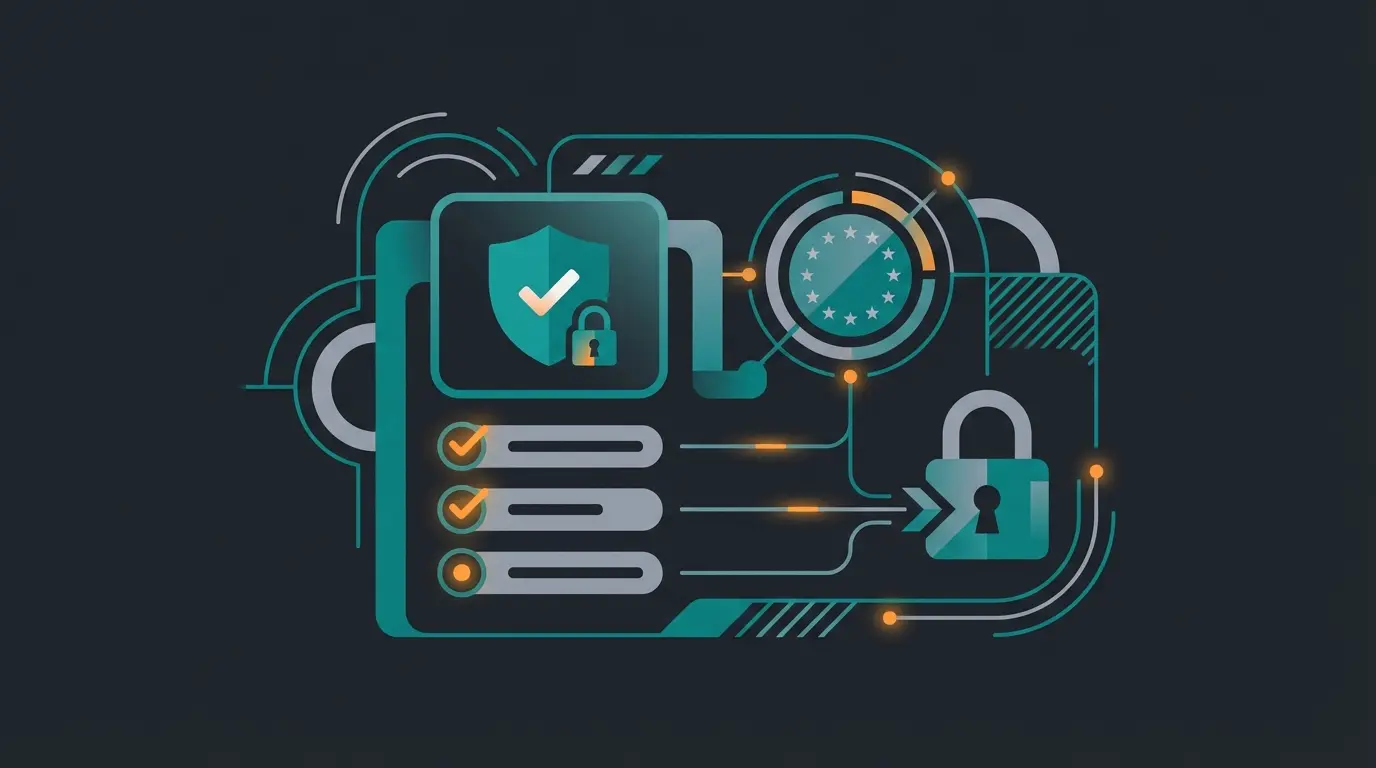
Checklist: Prerequisites & Legal Requirements (GDPR)
Germany is particularly sensitive when it comes to data. WhatsApp channels offer a major advantage over groups in this regard, making them ideal for GDPR compliant AI implementations.
1. Privacy by Design
In channels, subscriber phone numbers are not visible to the admin (unless they are already saved as contacts). Subscribers also cannot see each other's numbers. This makes the channel a very privacy-friendly medium for users.
2. Admin Security
Your number as admin also remains hidden. Users only see the channel name and profile picture. This protects your employees from direct calls or spam on their work phones.
3. Legal Notice Requirement
Since a WhatsApp channel is used commercially and accessible to a broad public, it is subject to legal notice requirements in Germany (Telemedia Act).
- To-Do: You must include a link to your legal notice in the channel description (e.g., "Legal Notice: your-shop.com/imprint").
4. GDPR and AI Integration
When you direct users from the channel to an AI-supported chat, you process personal data.
- Ensure your AI provider uses servers in the EU or offers GDPR-compliant standard contractual clauses.
- Ideally obtain brief consent at the beginning of the 1:1 chat (e.g., through the start button or a note in the welcome message).
Do's and Don'ts for Your WhatsApp Channel
Before diving into common questions, let's establish clear guidelines for channel success. These practices ensure your WhatsApp link converts followers into engaged prospects.
✅ DO: Best Practices for Success
- Regularity: Post 2-3 times per week to stay relevant without being annoying.
- Multimedia: Use images and videos. Pure text walls get overlooked.
- Exclusivity: Offer content not available on Instagram or in your newsletter (e.g., "Flash Sales").
- Deep-Links: Link directly to chat (wa.me links) for questions and consultation.
- Clear CTAs: Every post should tell users what action to take next.
❌ DON'T: Common Mistakes to Avoid
- Spam: Anyone sending 5 messages daily gets muted immediately.
- Boredom: Don't simply copy your Facebook posts.
- Dead Ends: Never post without a Call-to-Action (CTA). Tell people what to do (e.g., "React with ❤️ if you want this").
- Ignoring AI Guidelines: Don't ignore Meta's new AI policies. Use specialized bots instead of generic ChatGPT wrappers.
- One-Way Mentality: Remember the channel feeds the funnel—always provide a path to conversation.
Frequently Asked Questions (FAQ)
Open WhatsApp, go to the Updates tab, find the Channels section, tap the plus symbol, select 'Create channel,' and follow the prompts. Enter your channel name, add a profile picture and description, then confirm. The process takes less than five minutes and is available in both regular WhatsApp and WhatsApp Business apps.
Yes, creating and operating a channel is currently free for both individuals and businesses. However, Meta is planning paid premium features for the future, such as increased visibility through 'Promoted Channels' and subscription-based content access.
Yes, the function has been rolled out globally. If you don't see the feature, update your app. In rare cases with brand new accounts, it may take a few days for the feature to be activated.
The green checkmark (verification) signals trustworthiness but is difficult to obtain. Requirements include: a verified Meta Business Manager account, use of the WhatsApp Business API (often required), and notable brand recognition—Meta typically verifies only brands covered in news media (paid content doesn't count), according to Lime Technologies, Plivo, and Respond.io.
No, for privacy reasons you cannot see a list of subscribers unless those individuals are already saved in your address book. You can only see the total number of followers, which protects user privacy while still providing engagement metrics.
Conclusion: Start Your Channel, But Don't Forget the Dialog
Creating a WhatsApp channel is the simplest step in your messenger marketing strategy. The technical barrier is minimal. The real challenge—and your greatest opportunity—lies in not letting this channel become a one-way street.
The most successful businesses understand that channels serve as traffic generators feeding into AI-powered guided selling systems. This combination of reach and intelligent conversation is what separates market leaders from competitors stuck in broadcast-only mentality.
Strategy Summary for Maximum Impact
- Create: Use the channel for reach and updates—build your subscriber base consistently.
- Activate: Post regularly (1-3x per week) and use polls for engagement.
- Convert: Build bridges (links) into personal 1:1 chat through compelling CTAs.
- Automate: Catch the traffic with specialized AI agents to sell and consult around the clock.
Start your channel today. But remember: the channel is just the loudspeaker—the actual business happens in the conversation. This is where AI sales consultation transforms passive subscribers into digital sales consultants working for your business 24/7.
Stop leaving money on the table with broadcast-only marketing. Deploy AI-powered consultation that converts channel followers into paying customers—automatically.
Launch Your AI Sales Consultant
Lasse is CEO and co-founder of Qualimero. After completing his MBA at WHU and scaling a company to seven-figure revenue, he founded Qualimero to build AI-powered digital employees for e-commerce. His focus: helping businesses measurably improve customer interaction through intelligent automation.