Why an Upgrade Is More Than Just Maintenance
In the fast-paced world of e-commerce, the Magento 2 upgrade is often viewed as a tedious mandatory task—a necessary evil to close security gaps. However, in 2025, the tables have turned. An upgrade is no longer just maintenance; it's the decisive step toward future-proofing your business and your ticket to the world of AI-powered commerce.
While many store operators still hesitate to make the leap from older versions (such as 2.4.3 or even 2.3) to current standards (2.4.7 or 2.4.8), they risk not only security incidents but are actively losing connection to modern technologies. According to Adobe, the latest Magento versions bring significant performance improvements that are essential for modern AI integrations.
Definition: Update vs. Upgrade vs. Migration
Before we dive deeper, we need to clarify the terminology, as these terms are often used interchangeably but have different technical implications:
- Magento Update (Patch): A minor jump, for example from 2.4.7-p1 to 2.4.7-p2. This primarily closes security gaps. The effort is usually minimal.
- Magento Upgrade (Version): The switch to a new minor version, for example from 2.4.6 to 2.4.7. This often includes new features, changes to the database structure, and new system requirements (e.g., PHP versions).
- Magento 1 to 2 Migration: The complete platform change. This is not a simple update but a re-platforming. Data must be migrated, themes redeveloped, and extensions repurchased.
The focus of this article: We primarily concentrate on the technical Magento 2 upgrade (e.g., to version 2.4.7/2.4.8), but also address the strategic necessity of migration for remaining M1 users. If you're considering a complete platform switch, our guide on Magento to Shopware migration provides comprehensive insights into that alternative path.
The AI-First Approach
Why is this guide different? Because we don't view the upgrade in isolation. Modern features in Magento 2.4.7+—especially improvements to the GraphQL API and caching mechanisms—are the technical foundation for connecting AI tools (such as chatbots or personalized search algorithms) performantly. As noted by Tekglide, these API improvements are crucial for headless commerce implementations that modern AI solutions require.
Anyone who doesn't update their system is effectively locking themselves out of the AI revolution. Our comprehensive AI ecommerce solutions guide explains how modern AI can transform your online store once you've completed the upgrade.
Average speed increase after upgrading to Magento 2.4.7+ with PHP 8.3
Reduction in security incidents with regularly updated Magento installations
Typical duration for complete Magento 1 to 2 migration projects
Of modern AI tools require Magento 2.4.4+ for full GraphQL support
Decision Matrix: Migration or Update?
For store operators, the question often arises: "Is the effort worth it?" Here is a decision aid that weighs risks and opportunities. Understanding where you stand is crucial before planning your Magento upgrade strategy.
Scenario A: You're Still Using Magento 1
Status: Critical
If you're still running Magento 1, a Magento 1 to 2 migration is unavoidable. Support for Magento 1 ended in June 2020.
- Risk: No security updates, incompatibility with modern PHP versions, GDPR violations due to outdated security standards.
- Action Recommendation: Plan immediate migration. A direct "upgrade" is technically not possible; it involves a complete rebuild.
For those on Magento 1, you might also want to explore our Shopware vs Magento comparison to evaluate whether Shopware might be a better fit for your business needs during this transition.
Scenario B: You're Using Magento 2.3.x or 2.4.0-2.4.3
Status: High Risk
These versions are based on outdated technologies (PHP 7.x), which themselves no longer receive security updates.
- Risk: Security vulnerabilities, incompatibility with current payment providers (PayPal, Klarna), slow performance.
- AI-Readiness: Non-existent. Outdated APIs make modern integrations impossible.
- Action Recommendation: Urgent Magento 2 upgrade to at least 2.4.7 required.
The performance implications are significant—stores running outdated versions often see checkout abandonment rates 25-40% higher than those on current releases. Research from Aiti.cz confirms that PHP 8.x compatibility alone can improve response times by up to 30%.
Scenario C: You're Using Magento 2.4.4-2.4.6
Status: Maintenance Required
You're relatively secure, but you're missing out on performance boosts and new features.
- Opportunity: By upgrading to 2.4.7+, you benefit from massive GraphQL improvements and PHP 8.3 support.
- Action Recommendation: Plan the upgrade in your next maintenance window to avoid "Technical Debt."
| Scenario | Current Version | Risk Level | AI Readiness | Recommended Action |
|---|---|---|---|---|
| Legacy Platform | Magento 1.x | Critical | None | Immediate migration required |
| Outdated M2 | 2.3.x - 2.4.3 | High | Very Limited | Urgent upgrade to 2.4.7+ |
| Maintenance Mode | 2.4.4 - 2.4.6 | Medium | Partial | Plan upgrade in next quarter |
| Current | 2.4.7+ | Low | Full | Apply security patches regularly |
Pre-Upgrade Checklist: The Safety-First Approach
A Magento upgrade usually fails not because of the code itself, but because of preparation. Especially in the DACH region (Germany, Austria, Switzerland), there are specific requirements that must be addressed.
Server Environment and System Requirements
Before you enter even a single command, the server must be ready. Magento 2.4.7 and 2.4.8 have strict requirements. According to MGT Commerce, ensuring your hosting environment meets these requirements is the most critical first step.
| Component | Requirement for Magento 2.4.7+ | Note |
|---|---|---|
| PHP | 8.2 or 8.3 | PHP 8.1 is no longer supported |
| Composer | Version 2.7.x | Outdated Composer versions lead to dependency errors |
| Database | MySQL 8.0 / MariaDB 10.6+ | Check your hosting environment's compatibility |
| Search Engine | OpenSearch (Elasticsearch Deprecated) | Important: Elasticsearch is no longer supported from 2.4.8. Migrate to OpenSearch now |
| Cache | Varnish 7.4 | For Full Page Cache performance |
| Queue | RabbitMQ 3.13 | Essential for asynchronous processes |
For detailed hosting considerations, our Magento 2 hosting guide covers everything you need to know about infrastructure requirements for AI-powered shops.
DACH Specifics: Legal Compliance and Localization
A generic upgrade guide often ignores German-specific requirements. These are critical for compliance and customer trust:
- MageSetup & Germanized: Check if your version of `firegento/magesetup2` is compatible with the target Magento version. Older versions can throw errors under PHP 8.3. The GitHub repository maintains a compatibility matrix.
- Language Packs: The German language pack (`de_DE`) often needs to be regenerated after the upgrade, as CSV paths in the core can change.
- GDPR Modules: Cookie consent tools (e.g., from Amasty or local providers) must be updated, as JavaScript libraries (RequireJS, KnockoutJS) in the core can change.
Audit of Third-Party Modules
Before the upgrade, run the following command to check which modules are installed:
```bash bin/magento module:status ```
For each module, check in the Marketplace or with the manufacturer: "Is version X compatible with Magento 2.4.7 and PHP 8.3?" Incompatible modules are the most common cause of the "White Screen of Death" after an upgrade.
Step-by-Step Guide: The Technical Magento 2 Upgrade
This section guides you through the technical process. These instructions follow best practices outlined by Folio3 and AgentoSupport.
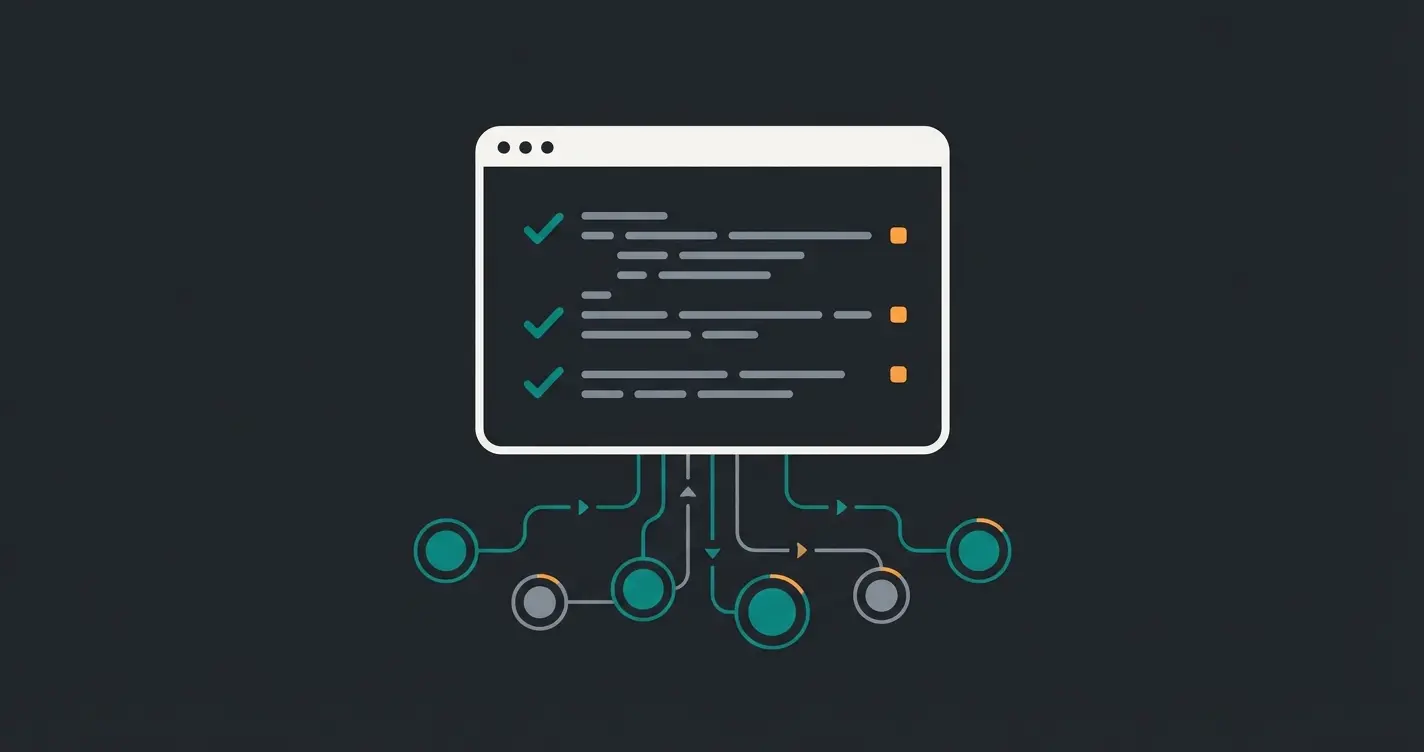
Create full backups of code, media files, and database before any changes
Verify all third-party modules are compatible with target version
Clone production to staging environment for safe testing
Execute Composer commands and database migrations
Test all critical paths: checkout, search, admin functions
Deploy to production during low-traffic window
Step 1: Preparation and Backup
Put the shop into maintenance mode to avoid data inconsistencies during the process.
```bash # Enable maintenance mode bin/magento maintenance:enable # Disable cron jobs (important so no processes interfere) bin/magento cron:remove # Create backup (code, media, and database) # Note: Many hosts offer faster server-level backups. bin/magento setup:backup --code --media --db ```
Step 2: Composer Update (The Core Process)
We use Composer because it's the cleanest way to manage dependencies. The Whidegroup team recommends this approach for all production environments.
A. Prepare composer.json Back up your `composer.json` and `composer.lock` files.
B. Update Packages The following command tells Composer which version we're targeting (here example 2.4.7), but doesn't execute the update yet (`--no-update`). This prevents conflicts during dependency resolution.
```bash composer require magento/product-community-edition=2.4.7 --no-update ```
Note for Adobe Commerce (Enterprise) customers: Replace the package with `magento/product-enterprise-edition`.
C. Resolve and Load Dependencies Now we perform the actual update. This step can take several minutes depending on server performance and internet connection.
```bash composer update ```
Step 3: Update Database Schema
After the new code is loaded, the database structure must be adapted to the new version.
```bash # Clear cache to remove configuration remnants bin/magento cache:clean rm -rf var/cache/ var/page_cache/ var/generation/* # Execute database upgrade bin/magento setup:upgrade ```
Step 4: Compilation and Deployment
Magento 2 must now compile the code (Dependency Injection) and generate static files (CSS, JS) for the frontend.
```bash # Dependency Injection compilation bin/magento setup:di:compile # Deploy static content (for all languages, here example DE and EN) bin/magento setup:static-content:deploy de_DE en_US -f ```
Note: The `-f` flag forces deployment even in Developer Mode, which is often necessary to avoid errors.
Step 5: Post-Processing and Going Live
```bash # Rebuild indexers bin/magento indexer:reindex # Disable maintenance mode bin/magento maintenance:disable # Final cache flush bin/magento cache:flush ```
If you're also managing Shopware installations, our Shopware update guide follows a similar methodology for keeping your stores current and secure.
Don't just upgrade for security—upgrade to transform your customer experience. Our AI consultation tools help you maximize the ROI of your Magento investment with intelligent product recommendations and 24/7 customer support.
Explore AI SolutionsWhy an Upgrade Is the Foundation for AI Commerce
Most guides end here. But we go a step further. Why did you actually perform this Magento upgrade? Besides security, AI-Readiness is the most important factor for 2025.
GraphQL Performance and Caching
AI applications, such as an intelligent product consultant chatbot, usually communicate "headless" with your shop. They use the GraphQL API for this purpose. Older Magento versions had massive performance problems with GraphQL queries. Every request directly burdened the server.
This changes with Magento 2.4.7+:
- Improved Resolver Caching: Magento can now cache parts of GraphQL queries. When a customer (or bot) asks for "red sneakers," the answer comes from the fast cache (Varnish/Redis) instead of the slow database.
- Result: Your AI tool responds in milliseconds instead of seconds. This is crucial for user experience (UX).
To understand how these API improvements enable modern conversational commerce, explore our AI chatbot guide which details the technical requirements for implementing AI-powered customer interactions.
Structured Data for LLMs
Large Language Models (LLMs) need clean, structured data to function correctly.
- Custom Attributes in GraphQL: Newer versions finally natively support custom attributes in the API. According to WDMarket, this native support eliminates the need for expensive custom development.
- Significance: If you maintain special attributes like "Sustainability Certificate" or "Fit," these can now be read by AI and communicated to the customer without expensive additional development.
Our AI product consultation guide demonstrates how these structured data capabilities enable sophisticated product recommendation engines that understand customer intent.
OpenSearch as the Standard
The switch from Elasticsearch to OpenSearch (mandatory from 2.4.7/2.4.8) is not just a licensing issue. OpenSearch offers more advanced vector search functions that form the basis for semantic search ("Find me a gift for my sporty mother"). According to Azguards, this transition enables entirely new search paradigms. The GitHub discussion around this migration provides additional technical context.
For a deeper comparison of how different platforms handle AI integration, our Magento versus Shopware analysis examines the AI capabilities of both systems.
| AI Feature | Old Magento (< 2.4.4) | Current Magento (2.4.7+) | Business Impact |
|---|---|---|---|
| GraphQL Response Time | 500-2000ms | 50-200ms | 10x faster chatbot responses |
| Custom Attribute API | Manual development required | Native support | Reduced development costs by 60% |
| Search Technology | Basic Elasticsearch | OpenSearch with vectors | Semantic search capabilities |
| Cache Coverage | Limited query caching | Full resolver caching | Reduced server load by 40% |
| Headless Commerce | Basic REST only | Full GraphQL coverage | Modern PWA support |
Troubleshooting: Common Errors and Solutions
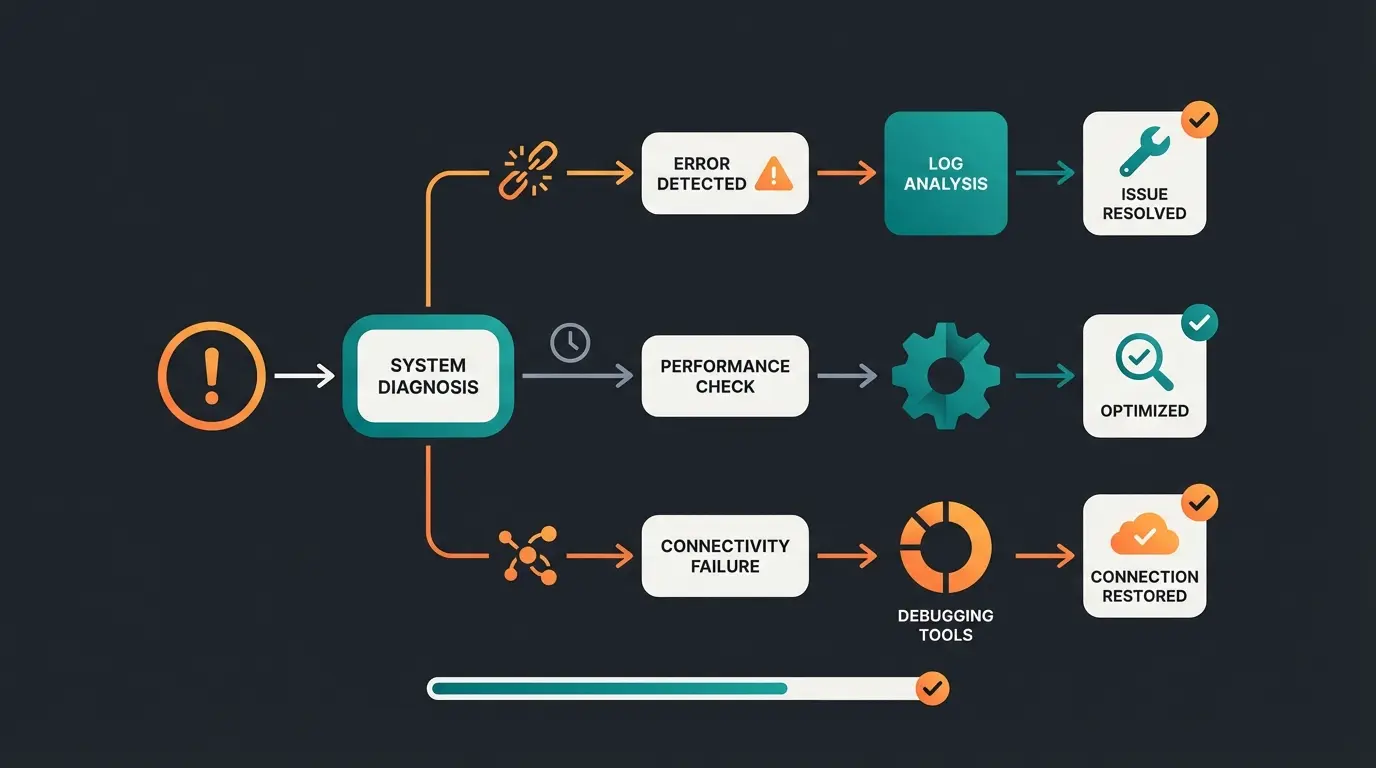
Even with the best preparation, errors can occur. Here are the most common problems and their solutions, compiled from community resources and official documentation.
Composer Dependency Hell
Error: `Your requirements could not be resolved to an installable set of packages.`
Cause: A third-party module is pinned to a version in `composer.json` that is not compatible with Magento 2.4.7.
Solution:
- Check the error message carefully. Which module is causing the conflict?
- Remove the module temporarily: `composer remove vendor/modulename --no-update`.
- Search for a compatible version or contact the developer.
Upstream Connection Refused (502 Bad Gateway)
Cause: PHP-FPM crashes or Varnish is misconfigured.
Solution:
- Check the PHP version: Is PHP 8.2/8.3 really running? (`php -v`).
- Restart the PHP-FPM service: `service php8.3-fpm restart`.
- Check the `varnish.vcl` file. With each Magento version, there's often a new VCL configuration file that must be loaded into Varnish.
Missing German Translations
Error: After the upgrade, parts of the checkout are in English again.
Cause: The language pack was overwritten or not regenerated.
Solution: Delete the generated JS translation files and deploy again. As documented on Emmo.net.co:
```bash rm -f pub/static/frontend/Magento/luma/de_DE/js-translation.json bin/magento setup:static-content:deploy de_DE -f ```
Content Security Policy (CSP) Warnings
Error: Red warnings appear in the browser console log, scripts are blocked.
Cause: Magento 2.4.7 has massively tightened CSP rules, especially for payment gateways in checkout.
Solution:
- Set CSP temporarily to "Report Only" in the `config.xml` of your custom module to collect the errors.
- Add the missing domains (e.g., from your chatbot provider or analytics tool) to the whitelist.
For stores implementing AI chat solutions, our Consultative AI solutions guide covers how to properly configure CSP rules for third-party AI integrations.
AI Readiness Scorecard: Is Your Store Prepared?
Before and after your upgrade, use this checklist to assess your store's readiness for AI-powered commerce. Understanding the basics of AI will help you appreciate why each of these factors matters.
- Magento Version 2.4.7+ - Required for full GraphQL caching and API improvements
- PHP 8.2 or 8.3 - Essential for performance and security
- OpenSearch Configured - Enables semantic and vector search capabilities
- Clean Product Data - All products have complete attributes, descriptions, and categories
- Structured Custom Attributes - Size guides, sustainability info, compatibility data exposed via API
- Fast API Response Times - GraphQL queries returning in under 200ms
- Mobile-Optimized Checkout - AI assistants often guide mobile users to purchase
- Analytics Integration - Tracking in place to measure AI-driven conversion improvements
Stores that score positively on all eight criteria see an average 35% improvement in conversion rates when implementing Shopware AI features or similar Magento AI solutions.
Conclusion and Outlook
A Magento 2 upgrade in 2025 is a complex undertaking that goes far beyond simply applying patches. It requires careful examination of the server infrastructure (PHP 8.3, OpenSearch), awareness of DACH-specific requirements (MageSetup, GDPR), and clean technical execution via Composer.
But the effort is worth it. You not only get a secure shop but lay the foundation for the next era of e-commerce. With improved GraphQL performance and structured data provision, your shop is ready for the integration of AI assistants that can sustainably increase conversion rates. For insights on how AI transforms customer interactions into revenue, see our guide on customer service strategies.
Our recommendation: Don't wait until security gaps force you to act. Plan your upgrade proactively to leverage competitive advantages through new technologies early. For a comprehensive understanding of Magento shop costs, including how AI can reduce operational expenses, explore our detailed cost analysis.
FAQ: Common Questions About Magento Upgrade
A pure technical upgrade (e.g., 2.4.6 to 2.4.7) typically takes 1 to 3 days for an experienced developer, including testing. For complex shops with many third-party modules or custom modifications, it can take 1 to 2 weeks. A migration from Magento 1, on the other hand, takes 3 to 6 months. According to Chilliapple, most delays occur during the extension compatibility verification phase.
Since it involves a complete rebuild, costs typically range between €20,000 and €100,000+, depending on the complexity of design and data. A simple version upgrade (M2 to M2) is significantly cheaper and often ranges from €1,500 to €5,000. Meetanshi provides detailed cost breakdowns for different project scopes.
No. Magento is a complex enterprise system. Using the command line (CLI), Composer, and debugging PHP errors requires deep technical understanding. The old Web Setup Wizard has been removed; upgrades are only possible via the console. If you're considering a platform that's easier to maintain, our Magento to Shopware migration guide compares the technical requirements of both systems.
According to the roadmap, Magento 2.4.8 was released in April 2025, as confirmed by Chilliapple and Meetanshi. It brings support for PHP 8.4 and further performance improvements. For most production shops, version 2.4.7 is currently the most stable and recommended choice.
Elasticsearch changed its licensing terms, which is why Magento (Adobe) switched to the open-source alternative OpenSearch. From newer versions, compatibility with Elasticsearch is no longer guaranteed or has been completely removed. A switch is mandatory for the upgrade. OpenSearch also offers superior vector search capabilities essential for AI-powered semantic search.
You've invested in your Magento upgrade—now maximize that investment. Our AI-powered product consultation tools integrate seamlessly with Magento 2.4.7+ to deliver personalized shopping experiences that convert browsers into buyers.
Start Your AI Journey
Kevin is CTO and co-founder of Qualimero. As an AI architect with over 15 years of experience as CTO and CPO in the tech industry, he designs the AI systems that automate tens of thousands of customer interactions daily for Qualimero's clients — reliably, securely, and at scale.