Installing a language pack is easy. But actually selling to international customers is hard.
Many store operators fall into a classic trap: They translate their product descriptions, set up currencies, and wait for revenue. But the reality of cross-border e-commerce looks different. Studies clearly show: "Can't Read, Won't Buy." According to Slator, approximately 76% of online shoppers prefer products described in their native language, and 40% would never buy from a website that uses a different language.
But language is just the surface. The real problem lies deeper: When a French customer has a specific question about a technical product, a translated product description often doesn't help them. They abandon the purchase because they don't want to—or can't—call German support.
In this guide, we go beyond the standard tutorials. We cover the technical setup of Shopware multilingual (step-by-step), but more importantly, we show you how to close the gap between "translated text" and "real consultation"—using AI technology that makes your internationalization scalable. This is where AI e-commerce transforms the customer experience from static to dynamic.
The Basics: Making Shopware 6 Multilingual (Step-by-Step)
Before we focus on revenue optimization, the technical foundation must be solid. Shopware 6 makes it relatively easy for merchants to enter new markets, as the architecture is designed from the ground up for "cross-border" commerce.
1. Installing and Activating Language Packs
Until recently, the "Shopware Language Pack" was a separate extension. In newer versions (from 6.7.3.0) and with Shopware 6.8 in view, language management is increasingly integrated natively, as noted by Shopware.
The Process:
- Installation: Navigate in the Administration to Extensions > My Extensions. If not already present, download the Shopware Language Pack from the Store. It contains over 25 languages (including French, Dutch, Polish, Italian).
- Activation: After installation, you need to activate the plugin.
- Language Setup: Go to Settings > Shop > Languages. Here you see all available languages. Important: You can set up inheritance here. A "Swiss German" can inherit from "German," so you only need to adjust the differing terms.
2. Configuring Sales Channels and Domains
This is the most important step for your SEO. Shopware strictly separates content (language) from the delivery path (sales channel/domain). Understanding this architecture is crucial for your Shopware SEO guide implementation.
You have two strategies:
- One sales channel, multiple domains: Ideal for country shops that share the same assortment (e.g., `myshop.de` and `myshop.fr`).
- Separate sales channels: Necessary when you want to offer completely different prices, products, or shipping options for France than for Germany, as explained by Rhiem Intermedia.
How to set up domains:
- Select your sales channel in the sidebar.
- Scroll to the Domains section.
- Click "Add domain".
- Enter the URL (e.g., `https://www.myshop.com/fr` or `https://fr.myshop.com`).
- Important: Assign the correct language (French), currency (Euro), and the appropriate snippet set to this domain.
3. Adjusting Currencies and Taxes
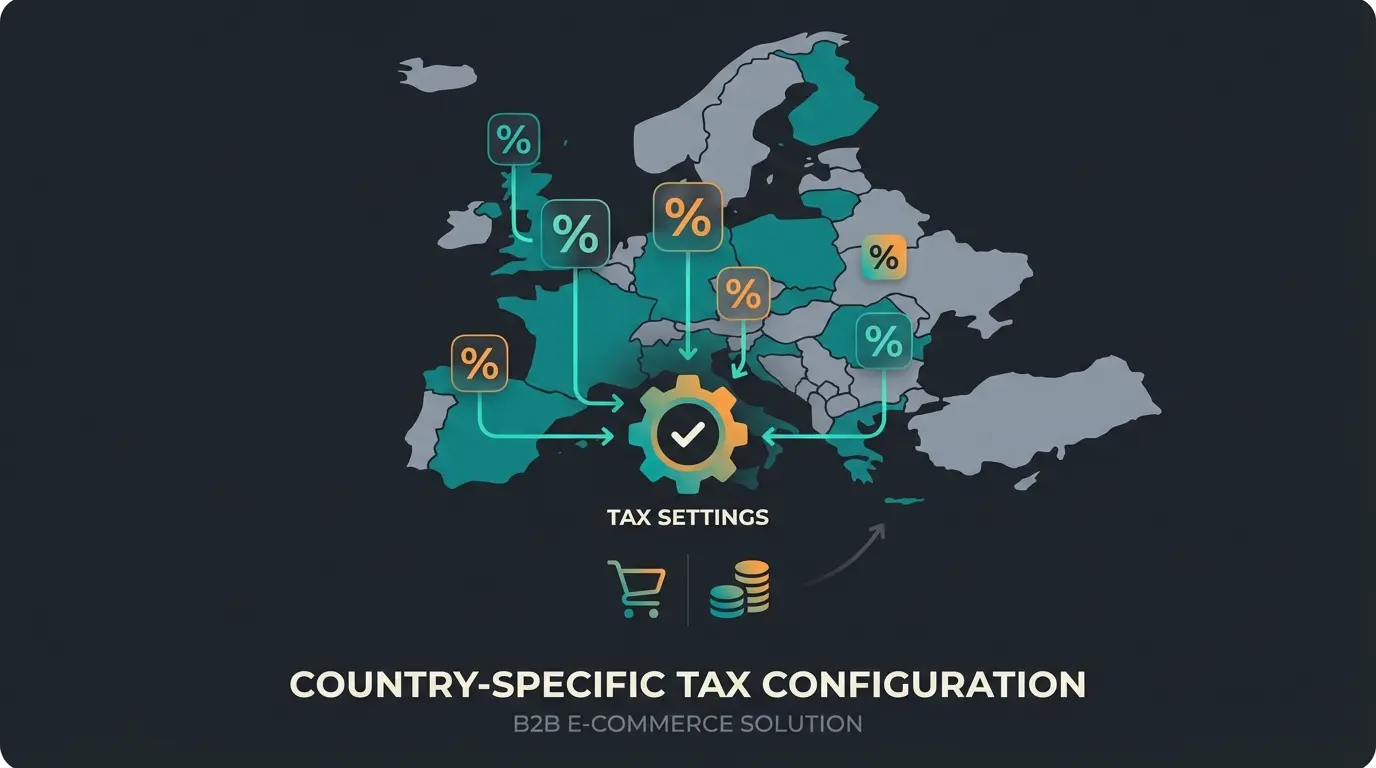
A common mistake in internationalization is assuming that "Euro equals Euro." VAT rates vary massively across the EU.
- Tax rules: Since the introduction of the OSS procedure (One-Stop-Shop), you generally need to calculate the tax rate of the delivery country in B2C when you exceed the delivery threshold of €10,000 (EU-wide), as detailed on YouTube tutorials and SW SimplyWorks.
- Configuration in Shopware: Go to Settings > Regional > Taxes. You can define country rules for each tax rate (e.g., "Standard"). Example: Standard is 19%. Add a rule for "Netherlands" and set the rate to 21%. Shopware then automatically calculates the correct gross price at checkout based on the delivery address (or adjusts the net price, depending on your "Maintain gross price" setting).
The Limits of Traditional Translations: Why Text Isn't Enough
You now have a shop that technically works. The products are in French, the currency is correct, the taxes match. So why do conversion rates abroad often remain behind those of the home market?
The "Interaction Gap"
The classic e-commerce approach is static: Search -> Find -> Read -> Buy. This works well when the customer already knows the product. But what happens with uncertainty?
- Scenario: A customer from Italy is looking for a replacement pump for their garden pond. They find your product. The technical data is translated. But they're unsure whether the connection diameter fits their specific, older pipe system.
- The Problem: In your German shop, they might call or write an email. In the Italian shop, they hesitate. They don't speak German, their English is shaky. They don't want to write an email that they'll only get a response to tomorrow.
- The Consequence: They leave the shop ("bounce") and buy from a local Italian dealer, even if it's more expensive.
Static vs. Dynamic Multilingualism
Most "best practice" guides stop at translating snippets and product descriptions. That's static multilingualism. It covers the information obligation, but not the information need.
According to LanguageLine, 74% of customers are more likely to buy again from a brand that offers support in their language. Even more important: 72% of consumers spend most of their time on websites in their own language. If you only translate the surface but ignore the service layer (consultation, follow-up questions), you lose exactly at the point where the purchase decision is made.
Of online shoppers prefer products described in their native language
Would never buy from a site in a different language
More likely to buy again from brands offering native language support
Of consumers spend most time on websites in their own language
Next Level: Multilingual Product Consultation with AI
Here lies your opportunity to stand out from 90% of the competition. Instead of building expensive native-speaking support teams for each country (which is often unaffordable for SMEs), you can integrate AI agents into Shopware. This approach to conversational commerce transforms your shop from a "translated catalog" into an "active sales room."
The Concept: The "Always-On" Native Speaker
Imagine every visitor to your French shop being greeted by an employee who:
- Speaks fluent French (including cultural nuances).
- Knows your entire assortment (better than any human).
- Is available 24/7, without vacation or sleep.
This isn't science fiction—it's possible today through modern LLMs (Large Language Models) and their integration into Shopware. The power of multilingual AI chatbots extends far beyond simple translation.
Difference: Shopware AI Copilot vs. AI Sales Agent
It's important to distinguish between Shopware's internal tools and a real sales AI. While Shopware AI features focus on backend efficiency, the real revenue opportunity lies in customer-facing automation.
| Feature | Shopware AI Copilot (Standard) | AI Sales Consultant (Your Winning Angle) |
|---|---|---|
| Target Audience | Merchant (Backend User) | End Customer (Frontend User) |
| Main Function | Creates product texts, translates reviews, generates images | Advises customers, answers follow-up questions, recommends products |
| Interaction | Static (text is generated once and saved) | Dynamic (live dialogue with the customer) |
| Value Added | Saves time in data maintenance | Increases conversion rate and cart value |
How the Integration Works
An AI solution for Shopware accesses the data you carefully set up in the first step (Basics). Understanding how Shopware AI features work together is essential for maximizing this potential.
- Data Source: The AI reads product descriptions, properties, and technical data directly from the Shopware catalog.
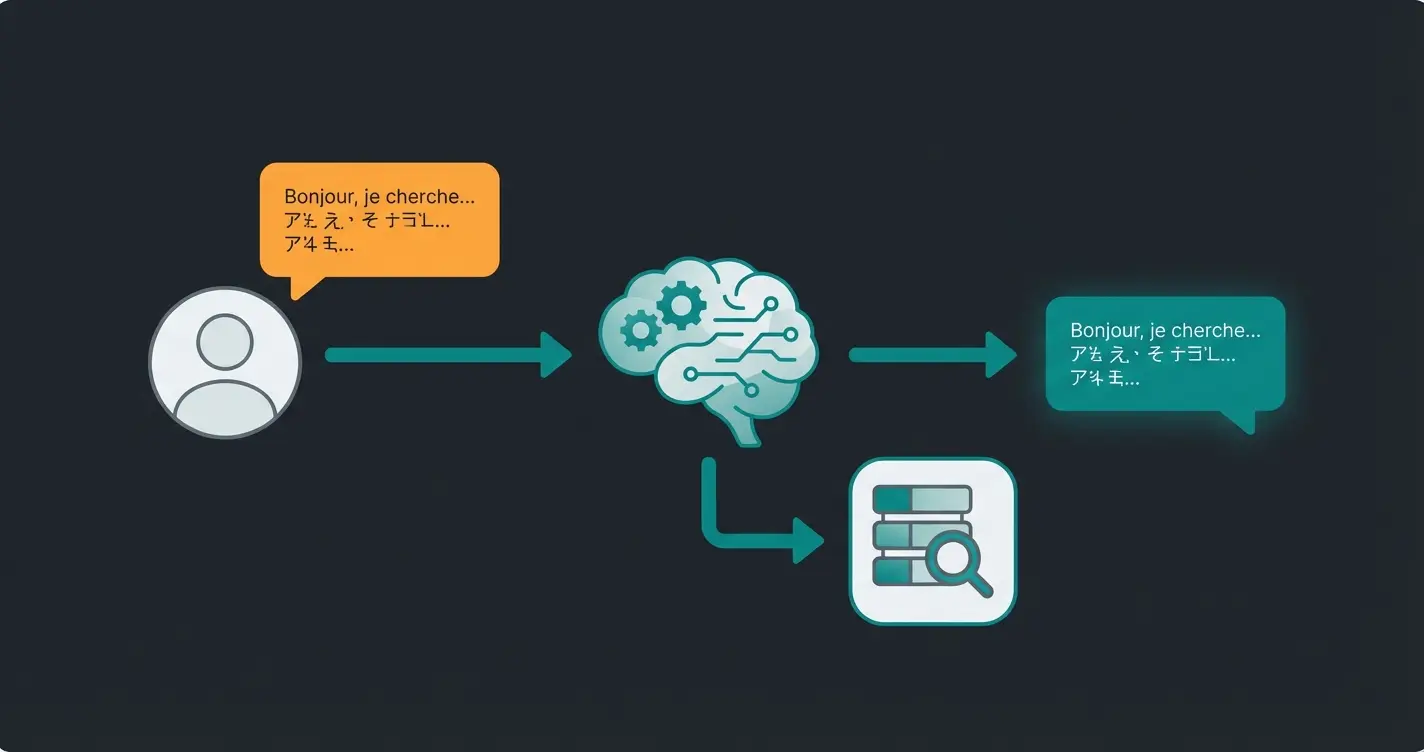
- Language Layer: When a customer asks in French ("Does this case also fit the 2023 model?"), the AI understands the intent and searches for the answer in the German or English product data.
- Response: The AI generates the response in French—not as a literal translation, but as a natural conversation.
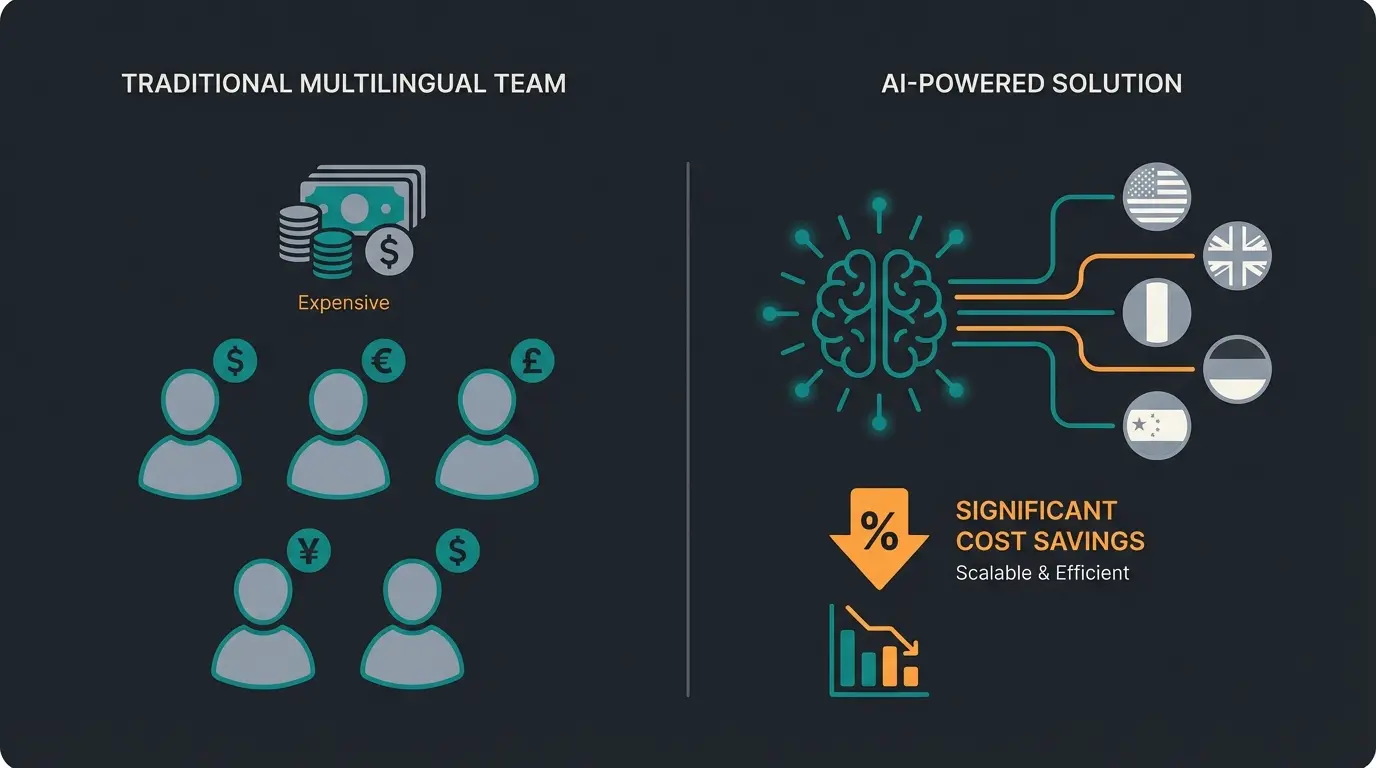
The ROI Factor: A multilingual support team (German, English, French, Italian) quickly costs you €15,000 per month in personnel costs. An AI solution costs a fraction of that and scales infinitely. If you expand to Poland tomorrow, your "salesperson" immediately speaks Polish without having to hire anyone. This is where AI product consultation delivers unmatched value.
Stop losing international customers to language barriers. Our AI sales consultant speaks every language fluently and knows your products inside out—available 24/7.
Start Your Free TrialBest Practices for SEO and User Experience
For your AI consultants to even receive customers, those customers must first find your shop. This is where technical SEO and UX optimization work together.
1. Hreflang: The Signpost for Google
If you operate `shop.de` and `shop.com/fr`, you need to tell Google which page is intended for which region. Otherwise, you risk "duplicate content" or, worse, the French customer landing on the German page.
- Shopware Standard: Shopware often sets hreflang tags automatically when languages are set up as domains within a sales channel, as noted by Ditegra.
- The Trap: With complex setups (e.g., separate sales channels for `.de` and `.at` with almost identical content), the standard often doesn't work across channels.
- Solution: Use plugins like "Hreflang Manager" or check the source code. A correct tag looks like this: `<link rel="alternate" hreflang="fr-FR" href="https://www.shop.com/fr" />`
2. Local Payment Methods (Payment Mix)
Nothing kills conversion faster than a checkout without the familiar payment method. Credit cards and PayPal aren't enough in Europe. For effective Shopware multi channel strategies, payment localization is essential.
- Netherlands: iDEAL is mandatory. It dominates the market massively, according to Asendia and TrueLayer.
- France: Cartes Bancaires (local credit card) is often preferred, wallets are catching up, as reported by PaymentsCMI.
- Poland: BLIK is extremely popular for mobile payments.
- Italy: High affinity for prepaid cards and increasingly digital wallets.
- DACH Region: Invoice payment (often via Klarna or Ratepay) remains strong, according to Mollie.
In Shopware, you can control availability per sales channel under Settings > Payment Methods. Use the "Rule Builder" to display certain payment methods only for customers from specific countries.
3. Legal Compliance: The Imprint
Caution when expanding to France: Stricter rules apply here than the EU's pure "country of origin principle" often suggests, according to e-recht24.
- France: The imprint must include the phone number (not premium rate), email, and often the name of the "Directeur de la publication." New and important: Stating the web host (name, address, phone) is mandatory in France, as confirmed by Shopbetreiber Blog and Trusted Shops.
- Italy: Here, the fully paid-up share capital (for LLCs) often must be stated in the imprint.
Use Shopware snippets to store a legally compliant, localized imprint for each sales channel.
Visitor arrives at your localized shop with translated content
Customer has specific questions about product compatibility or features
Without native language support, 40% of customers abandon the purchase
AI consultant answers in customer's native language using product data
Customer receives personalized advice and completes checkout
Advanced Localization Strategies
Beyond the basics, successful internationalization requires understanding cultural nuances and implementing Shopware personalization strategies that resonate with local audiences.
Understanding Intent vs. Translation
Standard translation plugins focus on converting words from one language to another. But true multilingual success requires understanding user intent in the context of each culture. A French customer asking about "livraison rapide" isn't just asking about "fast shipping"—they may have specific expectations based on local delivery standards.
This is where AI Chatbots transform the customer experience. Unlike simple search bars, AI understands context and can provide nuanced answers that reflect cultural expectations.
Mobile Optimization for International Markets
Different markets have varying mobile usage patterns. Implementing proper mobile optimization becomes even more critical when targeting international audiences who may primarily shop on mobile devices.
Scaling Without Hiring Native Speakers
One of the biggest advantages of AI-powered consultation is the ability to offer expert product advice in 10+ languages without building a multilingual support team. Traditional approaches require:
- Native speakers for each target market (€3,000-5,000/month per language)
- Training on your entire product catalog (weeks to months)
- Coverage for different time zones (additional hiring)
- Ongoing quality assurance and updates
With Shopware 6 chatbots, you deploy once and instantly serve customers in any language, 24/7.
Comparison: Translation vs. Localization vs. AI Consultation
Understanding the differences between these approaches is crucial for making the right investment decision. While considering Shopware alternatives, this comparison applies across platforms.
| Feature | Standard Translation Plugin | Human Support Team | AI Sales Consultant |
|---|---|---|---|
| Initial Cost | €50-200/month | €15,000+/month | €299-999/month |
| Speed of Response | Instant (static) | Minutes to hours | Instant (dynamic) |
| Availability | 24/7 (static content only) | Business hours | 24/7 (live consultation) |
| Depth of Advice | None (text only) | High (but limited capacity) | High (unlimited capacity) |
| Scalability | Easy | Expensive | Unlimited |
| Cultural Nuances | Basic | Excellent | Very Good |
| Product Knowledge | None | Training required | Complete catalog access |
| Conversion Impact | Low | High | High |
Conclusion & Checklist: Internationalization Reimagined
Setting up Shopware multilingual in 2025 is no longer just an IT project—it's a strategy project. The technical foundation (language packs, domains, taxes) is the mandatory exercise. The real differentiator—and actual revenue driver—is the experience.
Those who only translate texts will lose in international competition against local players who offer better service. However, those who use Shopware as a foundation and enhance it with AI-powered consultation can act as a "Global Local": global reach with the consultation quality of a local specialist retailer.
Your Go-Live Checklist
1. Technology:
- Language pack installed (check Shopware 6.7+ native management).
- Sales channels or domains created for target countries.
- Hreflang tags validated in source code.
2. Localization:
- Currencies and country-specific tax rates (OSS) configured.
- Payment method mix adapted per country (iDEAL, BLIK, etc.).
- Legal texts (T&C, imprint) localized (not just translated!).
3. Experience & AI:
- Static translations for navigation and checkout verified.
- AI consultant integrated: Can the customer ask questions in their language?
- Test run: Submit a query in French/English and check the response quality.
Start now. Not with the goal of making your shop just "understandable." But with the goal of making it "sales-strong" in every language.
Frequently Asked Questions
Shopware 6's language pack includes over 25 languages, including French, Dutch, Polish, Italian, Spanish, and many more. From version 6.7.3.0 onwards, language management is increasingly integrated natively, making setup even easier.
A language shop uses one sales channel with multiple domains/languages—ideal when you share the same products, prices, and shipping options across countries. Separate sales channels are necessary when you need completely different pricing, product selections, or shipping methods for different markets.
Automated translation converts static content from one language to another. AI product consultation provides dynamic, real-time conversations where an AI understands customer questions, searches your product data for relevant information, and responds naturally in the customer's language—essentially acting as a native-speaking sales expert.
Not with AI-powered consultation. While traditional approaches require native speakers for each language (costing €3,000-5,000/month per language), AI solutions can instantly serve customers in any language 24/7 at a fraction of the cost, scaling infinitely as you expand to new markets.
Key payment methods vary by country: iDEAL dominates in the Netherlands, Cartes Bancaires is preferred in France, BLIK is popular in Poland, and invoice payment (via Klarna/Ratepay) remains strong in the DACH region. Offering local payment methods is critical for conversion rates.
Your international customers deserve more than translated text—they deserve native-language expertise. Deploy AI consultation that speaks every language and knows your products inside out.
Get Started Free
Lasse is CEO and co-founder of Qualimero. After completing his MBA at WHU and scaling a company to seven-figure revenue, he founded Qualimero to build AI-powered digital employees for e-commerce. His focus: helping businesses measurably improve customer interaction through intelligent automation.