WhatsApp Business Desktop: Ultimate Guide for Sales & Support
Master WhatsApp Business Desktop for PC & Mac. Complete setup guide, keyboard shortcuts, GDPR compliance tips, and AI-powered sales strategies for 2025.

From Thumb-Typing to Sales Cockpit: The Desktop Revolution
Imagine your sales team had to type all emails exclusively on their smartphones. Absurd, right? Yet this is exactly what happens daily in thousands of businesses using WhatsApp Business. While the channel itself is booming—with open rates exceeding 90%—professionalization often fails at the hardware level.
Your smartphone is perfect for quick snapshots or brief voice messages on the go. But for complex consultation conversations, sending quotes, or quickly processing support tickets, the touchscreen becomes a bottleneck. This is where WhatsApp Business Desktop comes into play.
This article is not just an installation guide. It's your strategic roadmap to transform WhatsApp from a simple chat channel into a high-touch sales cockpit. We'll illuminate the technical nuances for Windows and Mac, expose the massive GDPR gaps that others hide, and show you how the right desktop strategy (and AI) can boost your conversion rates. If you're looking for a complete WhatsApp Business setup guide, this article covers everything from basics to advanced strategies.
Quick Setup: WhatsApp Business Download for PC & Mac
Before we dive into strategy, the fundamentals must be solid. There are two main ways to bring WhatsApp Business to your computer: the browser-based version (WhatsApp Web) and the installable application (WhatsApp Business Desktop App). Both options enable efficient WhatsApp Business PC usage for professional communication.
Option A: WhatsApp Web (Quick Access Without Installation)
This option is ideal for temporary access or when you cannot install software on company computers. Simply open your browser (Chrome, Edge, Firefox, or Safari), navigate to web.whatsapp.com, and you'll see a QR code ready for scanning.
Option B: WhatsApp Business App Desktop (Native Solution)
For power users who need keyboard shortcuts and system notifications, the native WhatsApp Business download for PC is the better choice. For Windows: Download the app from the Microsoft Store. For Mac: Use the Mac App Store or the direct download from the WhatsApp website.
Launch the WhatsApp Business app on your smartphone
Android: Tap three dots (⋮) > Linked Devices. iOS: Settings > Linked Devices
Tap 'Link a Device' to activate your phone's camera
Point your phone camera at the QR code on your PC monitor
Your desktop is now connected and ready for business communication
Deep Dive: Windows vs. Mac—What You Need to Know in 2025
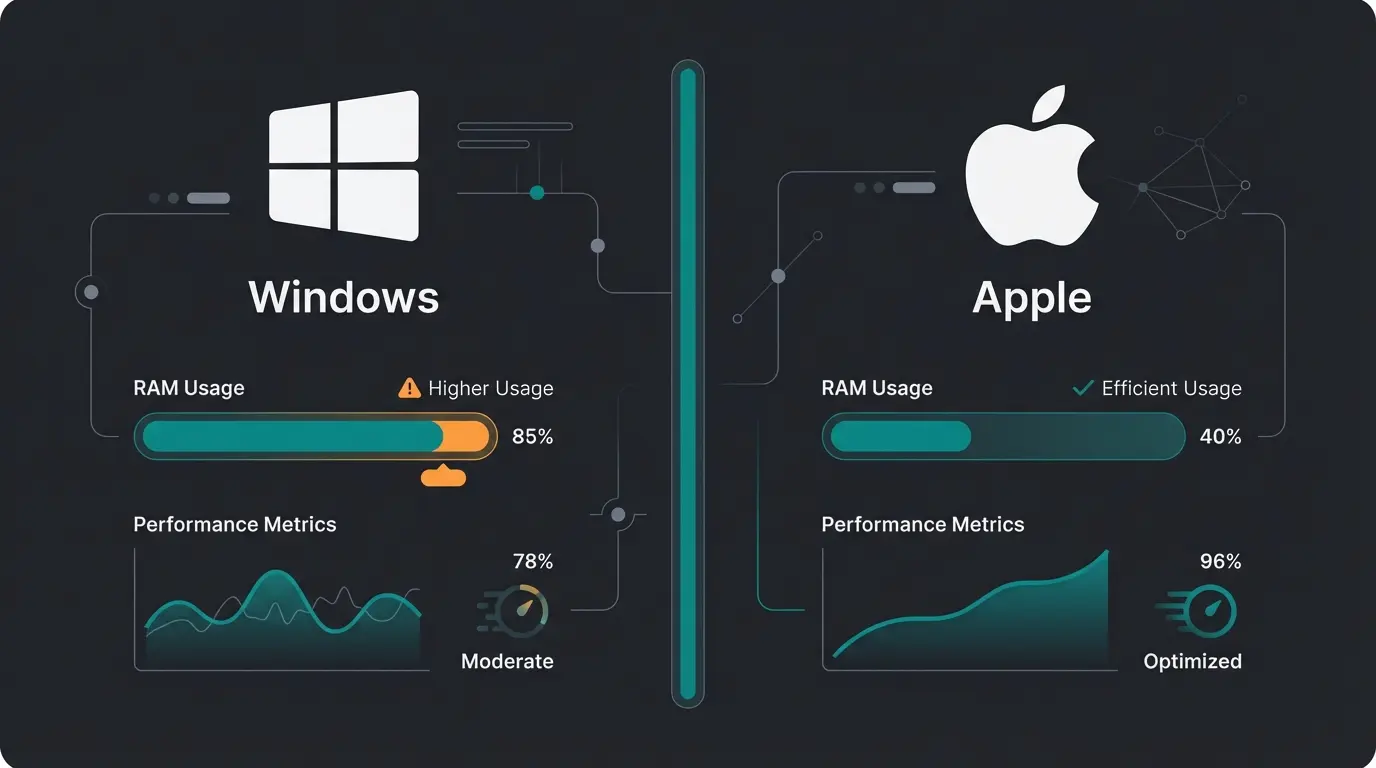
Most guides lump Windows and Mac together. However, recent technical changes have massive performance implications you should know before deciding on a workflow. Understanding these differences is crucial for optimizing your WhatsApp Business PC experience.
Windows: The WebView2 Controversy
Until recently, WhatsApp on Windows used a native UWP app (Universal Windows Platform) that was fast and resource-efficient. The Update: Meta has largely replaced this native app with a WebView2 version.
What this means: The "app" is technically now just a web wrapper (similar to a browser tab) running in a container. The problem, as reported by Windows Forum and Windows Latest, is that RAM usage has increased massively. While the old app often required only ~100 MB, the new version can consume up to 2 GB RAM during intensive use.
Mac: The Jump to Catalyst
On the Apple side, there was also a transition. The old "Electron"-based app has been discontinued. The Update: The new Mac app is based on Mac Catalyst, according to WABetaInfo and 9to5Mac. This means it shares code with the iPhone app but runs natively on macOS.
Advantage: It's significantly faster and more energy-efficient than the old version. Disadvantage: Some features sometimes lag behind the web version since they're based on iOS architecture. Recommendation: Mac users should definitely use the app from the App Store, as it integrates better with the system (e.g., drag & drop files from Finder).
Features That Make the Difference: Your Sales Cockpit
Forget the pure support mindset. When you use WhatsApp Business Desktop, you have a sales instrument in front of you. Here are the features that accelerate your workflow and enable automated sales consultation.
1. Quick Replies with Keyboard Power
Quick replies are useful on the phone—on desktop, they're powerful. The Command: Type `/` in the text field. The Effect: A list of your saved text templates immediately opens (e.g., `/quote`, `/greeting`, `/payment`). Sales Application: An employee can send complex product descriptions or legal disclaimers in seconds without copy-pasting from Word documents.
2. Catalog Management on the Big Screen
Maintaining a catalog on your phone is tedious. On desktop, you can upload images via drag & drop, hide items that are currently out of stock (Hide/Unhide function as noted by Pocketnow), and edit prices and descriptions with a real keyboard. Sales Application: During a chat, you can send products directly from your catalog into the conversation via the "paperclip" icon to conduct visual purchase consultation.
3. File Exchange & Drag-and-Drop
In B2B sales, PDFs, invoices, or technical drawings often need to be sent. Function: Drag a file directly from your desktop into the chat window. Limit: Pay attention to file size limits (often 100 MB for documents, may vary). Sales Application: Send the quote as a PDF while chatting with the customer to clarify questions immediately ("Look at page 2, that's where I've noted the discount").
4. Labels for Pipeline Management
Use labels like a mini-CRM system. Colors: "New Customer" (Blue), "Order Paid" (Purple), "Waiting for Quote" (Yellow). Filters: On desktop, you can filter by labels at the top of the chat list to, for example, process all open quotes on Monday morning. This approach complements broader AI customer service strategies.
Keyboard Shortcuts for Power Users
Time is money. Using the mouse costs seconds. Here are the essential shortcuts to fly through your inbox, compiled from sources including Cashify, GizmoTimes, XDA Developers, and ShortcutGuru.
| Action | Windows Shortcut | Mac Shortcut | Why Important for Sales? |
|---|---|---|---|
| New Chat | Ctrl + N | Cmd + N | Faster start with inbound leads |
| Search in Chat | Ctrl + Shift + F | Cmd + Shift + F | Find order numbers or details |
| Archive Chat | Ctrl + E | Cmd + E | Apply 'Inbox Zero' principle |
| Mark as Unread | Ctrl + Shift + U | Cmd + Shift + U | Flag important to-dos for later |
| Mute | Ctrl + Shift + M | Cmd + Shift + M | Stay focused despite noisy groups |
| Next Chat | Ctrl + Tab | Cmd + Tab (Browser) | Quick list processing |
The Dealbreakers: Why the Free App Is Dangerous for Business
Up to this point, everything sounds great. But now we need to discuss the risks. Many companies use the free WhatsApp Business app on desktop and are walking on extremely thin ice—both legally and operationally.
The GDPR Problem (The Elephant in the Room)
In Europe, using the standard WhatsApp Business app (including on desktop) is highly problematic for businesses. Understanding GDPR-compliant WhatsApp Business practices is essential for any serious business operation.
- Address Book Upload: The app synchronizes contacts. Even if you prevent this on desktop, it happens through the linked primary smartphone. Data from contacts who don't use WhatsApp ends up on Meta's US servers.
- Metadata: Even with end-to-end encryption, metadata is generated (who writes to whom, when, how often, from where).
- Missing DPA: There's no Data Processing Agreement (DPA) with Meta for the free app. Under GDPR Article 28, this is mandatory for businesses processing customer data, as noted by Heydata, Lime Technologies, and Memacon.
No Data Processing Agreement available for free app
All phone contacts uploaded to US servers
Potential penalty for serious data protection violations
Alternative: percentage of annual global turnover
Operational Limitations (Scaling Killers)
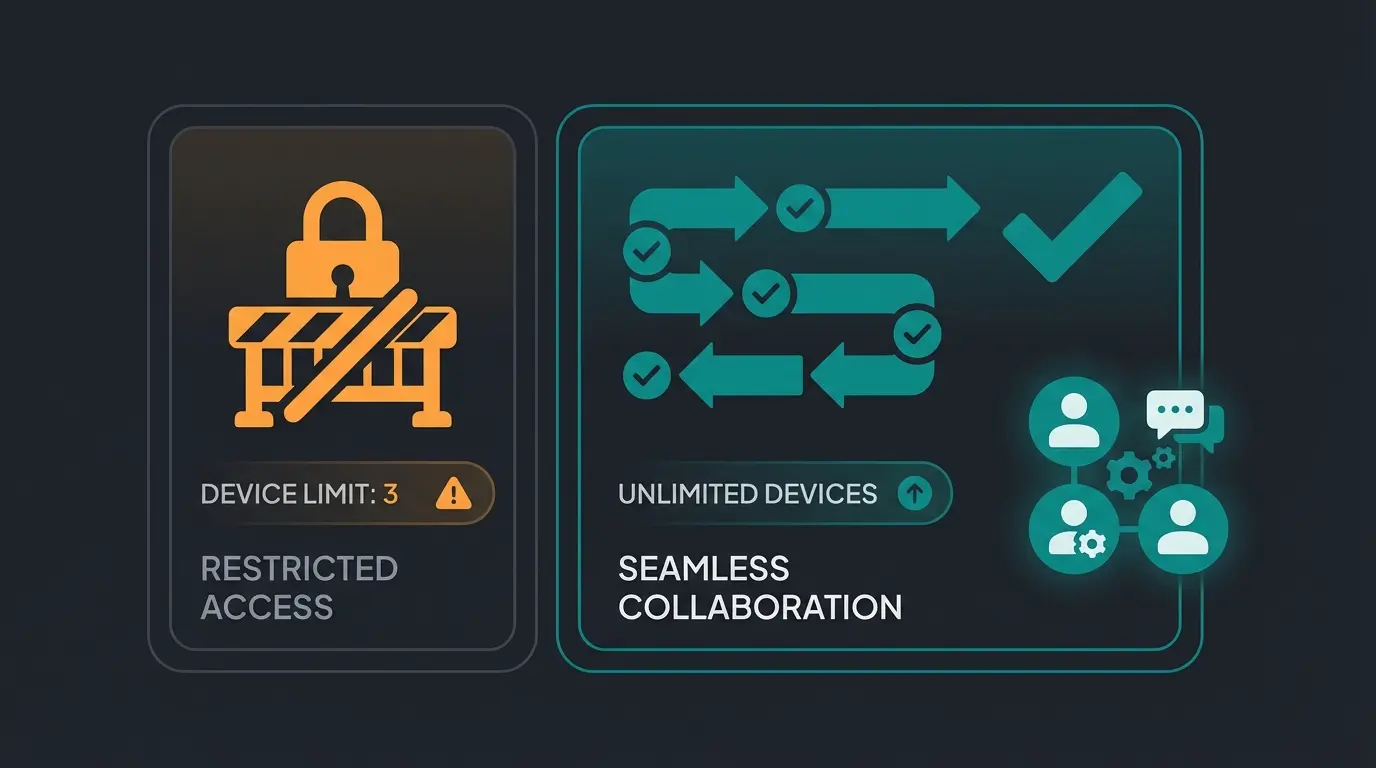
Beyond GDPR concerns, the free app has severe operational constraints. The 4-Device Limit means you can connect a maximum of 4 devices in addition to your phone, as confirmed by WhatsApp and Sinch. Okay for a solopreneur, impossible for a sales team of 5 people.
No User Assignment: When "Device A" reads a message, it appears as read on "Device B." Nobody knows: "Has colleague Smith already handled this?" Chaos ensues. The 14-Day Rule: If the primary smartphone hasn't been online for 14 days (e.g., boss on vacation, phone broken), all desktop connections are severed, as documented by WhatsApp Support. Support grinds to a halt.
Break free from the 4-device limit and GDPR concerns. Discover how AI-powered WhatsApp solutions can transform your customer conversations into conversions.
Start Free TrialThe Professional Solution: API & Hybrid AI
When you hit the limits of the desktop app (GDPR, team size > 2, automation needs), switching to the WhatsApp Business API through a solution provider is the logical step. But the real advantage lies not only in compliance but in Consultative AI. Implementing AI chatbots for business communication opens entirely new possibilities.
Why 'Dumb Bots' Have Had Their Day
The free app offers only simple greeting messages. The API enables chatbots. But beware: nobody likes dumb menu bots ("Press 1 for Support"). The future lies in intelligent, conversational systems that understand context and provide real value.
The New Approach: AI as Co-Pilot in Your Desktop Cockpit
Modern API solutions integrate ChatGPT-like AI directly into the desktop interface. This represents a fundamental shift toward AI-guided selling that transforms customer interactions.
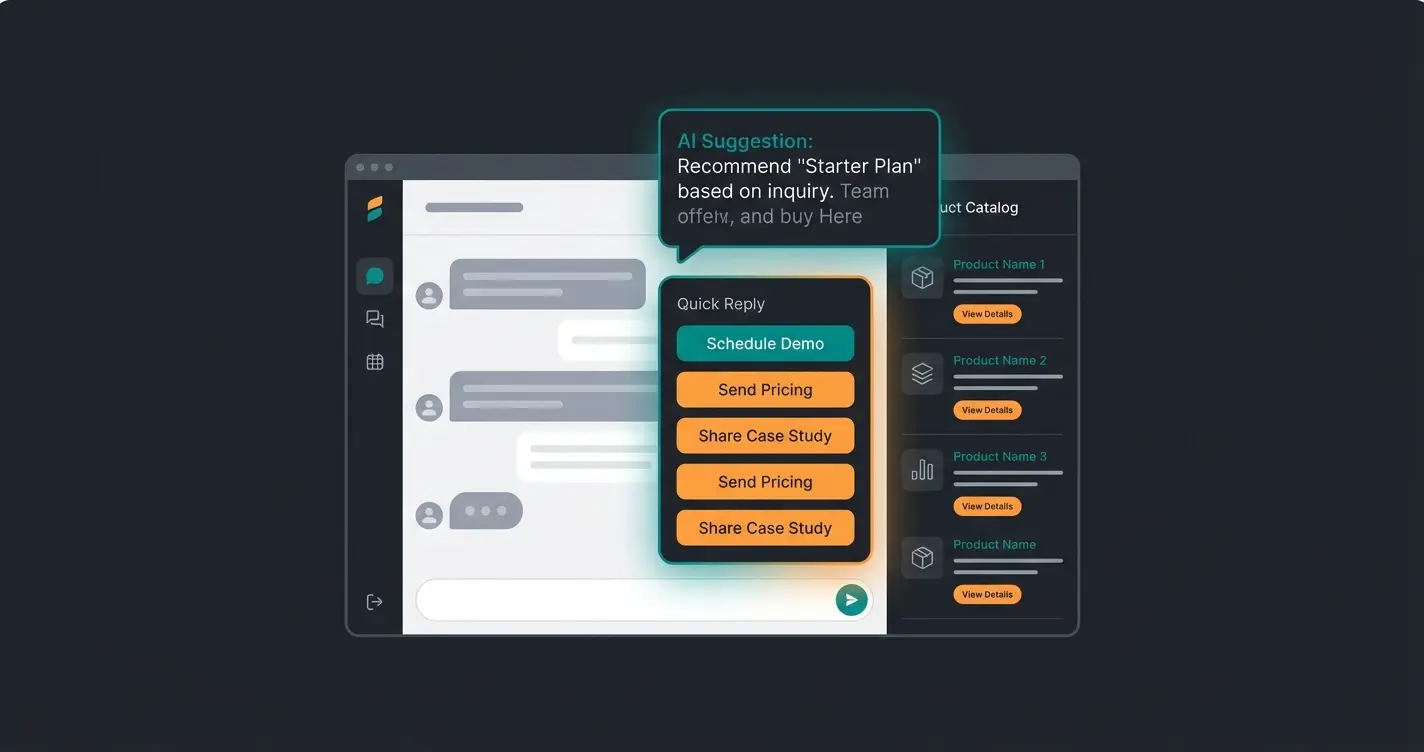
Scenario: A customer asks: "Do you have that shirt in a color that would go with beige chinos?" With the Free App: The employee has to think, search the catalog, type. With API and AI: The AI analyzes the question, knows your catalog, and suggests an answer to the employee on desktop: "Yes, the 'Milano' model in navy blue would match perfectly. Here's the link: ..." The Hybrid Factor: The employee just clicks "Send" or adjusts the text. This is high-touch sales at AI speed.
This approach is what differentiates a basic WhatsApp Business API chatbot from truly intelligent sales automation. When you combine desktop efficiency with AI chatbot consultation, you create a powerful system for consultative selling.
Customer sends complex product question via WhatsApp
System analyzes intent, searches catalog, identifies best matches
AI presents recommended response to human agent on desktop
Agent reviews, personalizes if needed, approves with one click
Professional, accurate response sent within seconds
Comparison: WhatsApp Business App vs. API Solution
Here you can see at a glance why the switch is inevitable for growing companies. This comparison helps you understand when it's time to move beyond the basic WhatsApp Business app desktop solution to professional-grade tools.
| Feature | WhatsApp Business App (Desktop) | WhatsApp Business API (via Partner) |
|---|---|---|
| Cost | Free | Monthly fee + conversation costs |
| Device Limit | Max. 4 devices + 1 phone | Unlimited users & devices |
| GDPR Compliance | ❌ No (Contact sync, no DPA) | ✅ Yes (No sync, DPA available) |
| Multi-User | Chaotic (everyone sees everything) | Professional (ticket assignment, status) |
| Automation | Only greeting/away messages | Chatbots, flows, AI integrations |
| Newsletter | Broadcast (max. 256, high block risk) | Marketing campaigns (unlimited, GDPR-compliant) |
| Integrations | None (isolated solution) | CRM (HubSpot, Salesforce, Shopify, etc.) |
For businesses serious about leveraging WhatsApp as a sales channel, investing in an AI sales consultant solution delivers measurable ROI. The combination of AI consulting for ecommerce with WhatsApp creates powerful customer experiences.
Troubleshooting: Phone Not Connecting?
Connection issues between your phone and desktop are common. Before contacting support, work through this systematic troubleshooting approach that resolves most problems.
Ensure your smartphone has active WiFi or mobile data connection
Battery optimization modes can prevent WhatsApp from syncing
Outdated versions often cause connection failures
Close WhatsApp completely on both phone and desktop, then reopen
If issues persist, unlink and re-scan the QR code
Browser vs. Native App: Performance Comparison
One aspect often glossed over in competitor guides is the actual performance difference between using WhatsApp Web in your browser versus the installed native application. We tested both to give you concrete guidance.
Notification Reliability: The native app delivers more consistent system notifications, especially when the browser is minimized or closed. For sales teams who can't miss leads, this is crucial. Memory Usage: Ironically, since the Windows switch to WebView2, using WhatsApp Web in a well-optimized browser like Edge often uses less RAM than the installed app. Battery Impact (Laptops): The Mac Catalyst app is significantly more battery-friendly than the browser version, while on Windows the difference is minimal.
Understanding how AI digital consultants integrate with these desktop solutions helps you plan your communication infrastructure effectively. For a deeper dive into the technology, our conversational AI guide explains the underlying systems.
When Should You Switch? Decision Framework
Making the right choice between the free desktop app and an API solution depends on your specific business situation. Here's a clear framework for your decision.
Stay with the Free Desktop App If:
- You're a solopreneur or very small team (max. 2 people)
- You understand the GDPR risk and accept it (at your own risk)
- You receive fewer than 20 messages per day
- You don't need CRM integration or advanced automation
- Your primary use is simple customer support, not sales consultation
Switch to an API Solution If:
- You need legal certainty (GDPR is non-negotiable in the EU)
- More than 4 people need account access
- You want to use WhatsApp not just for 'reacting' but for active selling and consulting
- You need CRM data (e.g., 'Customer purchased yesterday') visible directly in chat
- You want to implement intelligent automation beyond simple auto-replies
- You're processing sensitive customer data and need a proper DPA
WhatsApp Business Desktop is a powerful first step away from smartphone chaos. But for professional businesses, it's often just the bridge to true scaling with an API solution.
Frequently Asked Questions (FAQ)
No and Yes. There's no exclusive 'Business' version of the desktop app. You download the normal WhatsApp Desktop app. However, when you log in with your Business account QR code, the interface automatically adapts and displays Business features like quick replies and labels, as confirmed by Heltar.
In the standard version: No. Since the app synchronizes contacts and processes metadata on US servers without a Data Processing Agreement (DPA), data protection officers advise against business use of the free app. Only the API solution is considered safe for business use.
Since the switch to WebView2 technology (web wrapper) in 2024/2025, the app behaves more like a browser tab. This leads to significantly higher RAM usage (up to 2 GB) compared to the old native app. On weaker PCs, using WhatsApp Web directly in a browser is recommended.
Yes. After the initial pairing, your phone can be offline for up to 14 days (e.g., dead battery), and you can still continue working on desktop. After 14 days of primary device inactivity, linked devices are disconnected for security reasons.
Stop letting smartphone limitations hold back your sales team. Get AI-powered consultation, GDPR compliance, and unlimited scaling with our WhatsApp Business solution.
Get Started Today
Marco is Managing Director and co-founder of Qualimero. As a former BCG consultant and WHU graduate with experience at OBI next, he combines strategic consulting expertise with hands-on e-commerce know-how — ensuring AI solutions deliver measurable business impact.