Why "10% Off for Everyone" Kills Your Margins
Every shop owner knows this dilemma: you want more sales and quickly create a WooCommerce coupon. The code "WELCOME10" gets created, sent via newsletter, and shared on social media. Sales spike briefly, but at month's end, you realize your margin has shrunk and customers only buy when there are discounts available.
This is the "old way" of couponing that destroys long-term profitability.
In 2025, it's no longer enough to simply know how to technically create a WooCommerce coupon. The e-commerce market is saturated, and average conversion rates often hover at just 1-2% according to Bloom Agency. To stand out here, we need to transform coupons from an administrative task into a psychological sales strategy that actually drives profitable growth.
This article is different from typical tutorials. We don't just cover the technical basics (which you absolutely need), but dive deep into German legal requirements (single-purpose vs. multi-purpose vouchers – a tax nightmare we'll solve). Most importantly, we'll show you a completely new strategy: AI-Driven Consultation Coupons that reward engagement rather than give away profit.
Learn how to stop giving away discounts and start using them as rewards for meaningful customer interaction. This approach aligns perfectly with modern AI product consultation strategies that prioritize value over volume.
Part 1: The Foundation – Creating WooCommerce Coupons
Before we dive into strategy, we need to cover the fundamentals. WooCommerce has moved the coupon function in newer versions, which often causes confusion. Here's the current path for 2025 that ensures you're working in the right location.
Step 1: Enable Coupons in WooCommerce Settings
Before you can even create a code, the function must be activated in the basic settings. According to Klaviyo and Geld-Online-Blog, this is a commonly missed step.
- Navigate to WooCommerce > Settings in your WordPress dashboard
- Stay on the General tab
- Scroll down to the "Enable coupons" section
- Check the box for "Enable the use of coupon codes"
- Optional: Enable "Calculate coupon discounts sequentially" (Important if you allow multiple coupons but want to prevent discounts being applied to already-discounted prices)
Step 2: Create Your First WooCommerce Coupon
Since newer WooCommerce updates, you'll find the management no longer directly under "WooCommerce" but under the Marketing menu item. As noted by Outfy and WPMet, this change catches many users off guard.
- Go to Marketing > Coupons
- Click the "Add coupon" button
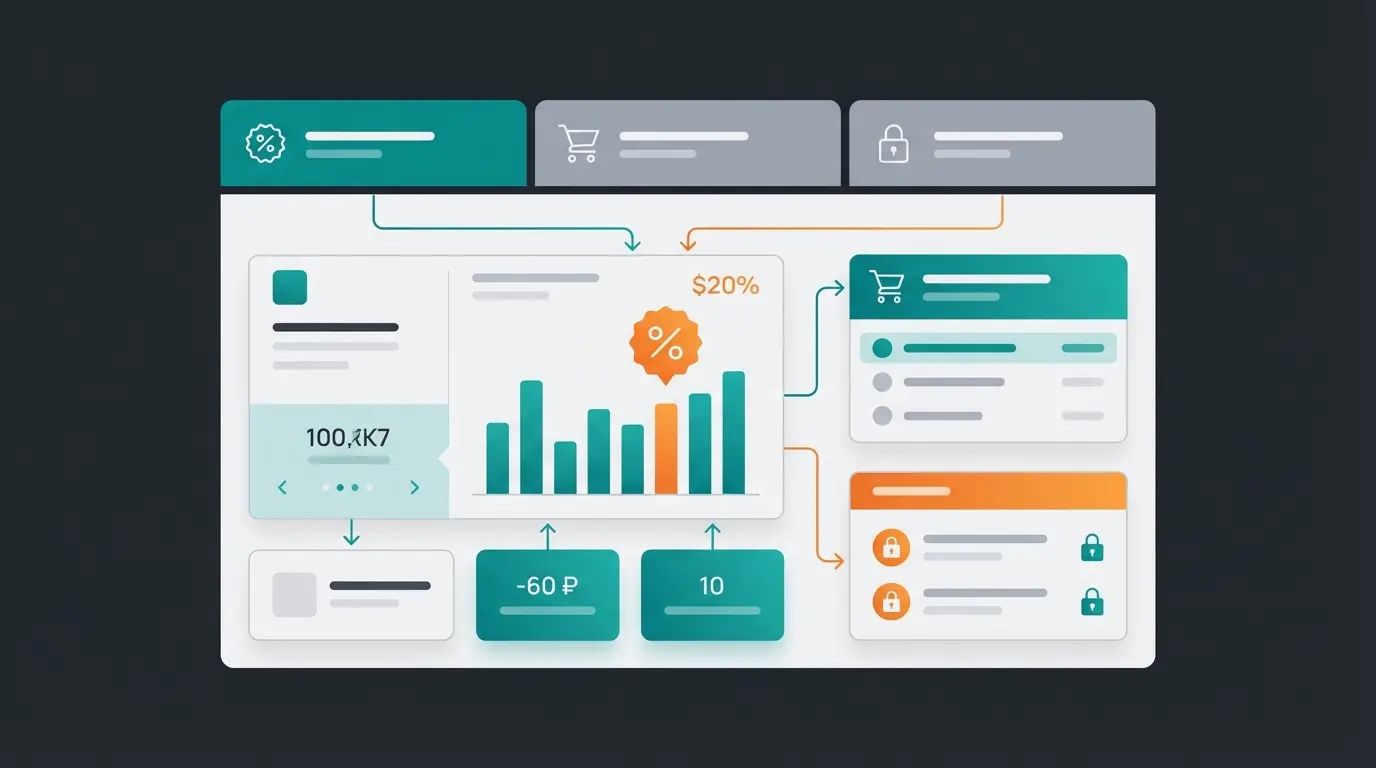
You'll now see three important tabs: General, Usage Restriction, and Usage Limits. Each tab serves a critical purpose in creating effective discount codes.
A. General Tab: Defining Your Coupon Type
Here you define what the coupon actually does. Understanding these options according to Zapier is crucial for effective coupon strategy:
- Coupon code: The code customers enter (e.g., `SUMMER2025`). Pro-Tip: Use descriptive codes for marketing campaigns (e.g., `FB-AD-20`) to later see in analytics where the revenue came from.
- Description: Only visible internally. Note the purpose here (e.g., "Apology for delivery delay").
- Discount type: Percentage discount deducts X% from the cart (good for high cart values). Fixed cart discount deducts a fixed amount (e.g., $10) from the total (good for increasing average order value). Fixed product discount applies only to specific products.
- Coupon amount: The value (without currency symbol or percent sign).
- Allow free shipping: Check this if the code should waive shipping costs. Important: You must have the "Free shipping" method activated in shipping zone settings and configure it to trigger with a "valid coupon".
- Expiration date: Essential for creating scarcity and urgency.
B. Usage Restriction Tab: Protecting Your Margins
This is where you prevent losing money. Many shop owners ignore this tab and wonder about their losses. According to Elsen Media, proper usage restrictions are the difference between profitable and unprofitable promotions.
- Minimum spend: Set that the $10 coupon only applies from $50 purchase value onwards.
- Maximum spend: Prevents someone from buying half your inventory with a 50% discount.
- Individual use only: Activate this so customers cannot combine this code with others.
- Exclude sale items: The most important checkbox! If you already have sale items with low margins, you don't want to give additional discounts on those.
- Products / Categories: Define that the coupon only applies to the "Pants" category or does not apply to the "LuxuryBrand" products.
C. Usage Limits Tab: Maintaining Control
- Usage limit per coupon: How many times can the code be used total by all people worldwide? (e.g., "The first 100 buyers").
- Usage limit per user: How many times can a single person use the code? (Usually "1" to prevent abuse).
Part 2: The German Legal Safety Check (Critical for DACH)
If you're selling in Germany, Austria, or Switzerland, creating the coupon is only half the battle. The tax treatment is a minefield that many shop owners overlook, and getting it wrong can create serious problems during tax audits.
The German VAT law has strictly distinguished between single-purpose vouchers (Einzweckgutscheine) and multi-purpose vouchers (Mehrzweckgutscheine) since 2019. According to legal experts at Eichhorn-Ody-Morgner and Pathway Solutions, incorrect WooCommerce settings can lead to significant problems during business audits.
The Core Problem: When Is Tax Due?
| Feature | Single-Purpose Voucher | Multi-Purpose Voucher |
|---|---|---|
| Definition | Place of delivery and applicable tax are fixed at issuance | Place of delivery or tax rate are NOT fixed at issuance |
| Example | A voucher for a service that always carries 19% VAT (and is only provided in Germany) | A value voucher ($50) redeemable for books (7%) AND DVDs (19%) |
| Taxation | Immediately upon sale of the voucher | Only upon redemption of the voucher |
| WooCommerce Default | Often treats vouchers as discounts (tax reduction upon redemption) | Must often be solved via plugins or workarounds |
This distinction, as explained by Hegener Treuhand and Steuerkanzlei Gera, determines when you must account for VAT – a critical compliance issue for DACH-region e-commerce.
Your Shop Compliance Checklist
1. Check your product range: Do you sell products with different tax rates (e.g., food at 7% and merchandise at 19%)?
- Yes: If you sell a value voucher (e.g., "$50 gift voucher"), it is mandatorily a multi-purpose voucher. The revenue from selling the voucher is not yet taxable (mere exchange of money). Tax is only due when the customer exchanges the voucher for goods.
- No (everything 19%): Then it's usually a single-purpose voucher. You must remit VAT immediately when selling the voucher.
2. Use a plugin solution: Standard WooCommerce is designed for the US market and barely recognizes this distinction.
- Recommendation: Use plugins like Germanized for WooCommerce or German Market. According to Vendidero, these plugins add options to correctly mark voucher products as "multi-purpose vouchers" so that no tax is calculated on purchase, only upon redemption.
3. Legal texts & validity: In Germany, vouchers generally expire after 3 years (at year's end) under statute of limitations rules. Too short an expiration date (e.g., "valid for 1 year") is often legally invalid and can trigger cease-and-desist letters, as noted by eRecht24.
Determine if your shop sells products with different VAT rates (7% vs 19%)
Single-purpose (fixed tax) or multi-purpose (variable tax) based on redeemable products
Install Germanized or German Market plugin for correct VAT handling
Minimum 3-year validity for paid vouchers under German law
Clearly state voucher type and validity in your Terms & Conditions
Part 3: Advanced Strategies – From Discount Code to Revenue Booster
Most shops use coupons reactively ("Here's a code, please buy something"). We want to use them proactively. Here are two strategies you can implement immediately, moving beyond basic Shopware personalization with AI concepts to true conversion optimization.
Strategy A: The Cart Saver (Classic but Effective)
Around 70% of all shopping carts are abandoned according to Advanced Coupons Plugin. An automated coupon is often the final push a customer needs to complete their purchase.
- The Setup: Use a marketing automation tool (like Klaviyo, MailPoet, or AutomateWoo).
- The Trigger: Customer adds product to cart but doesn't buy within 1 hour.
- The Action: Send an email: "Hey, did you forget something? Here's 5% off to complete your order."
- The Key: Create dynamic codes. Instead of a static code for everyone, the system generates a unique code for each abandonment (e.g., `SAVE-X9Y2-Z`) that's only valid for 48 hours. This creates real urgency.
This approach integrates well with AI email marketing strategies that personalize not just the discount but the entire message based on customer behavior.
Strategy B: The Consultation Coupon (The AI Revolution)
This is where you differentiate yourself from 99% of your competition. Instead of distributing discounts randomly (which devalues your brand), you reward customers for engaging with your products through meaningful conversation.
The Concept: A customer arrives at your site but is unsure which product fits their needs.
- An AI chatbot (e.g., WoowBot or an integration via OpenAI API) starts a conversation: "Are you looking for running shoes for asphalt or trails?"
- The customer responds and receives a perfect product recommendation tailored to their specific needs.
- The Magic Moment: The AI generates at that moment an individual discount code that only applies to this recommended product bundle.
The message becomes: "Since this set perfectly matches your running style, I've reserved a 10% Expert Discount for this bundle just for you."
This approach leverages AI-based guided selling to transform the shopping experience from transactional to consultative, similar to what AI chatbots in customer service achieve for support interactions.
Why Consultation Coupons Work
- Reciprocity: The customer received advice and feels obligated to reciprocate.
- Relevance: The discount isn't arbitrary but tied to a specific solution for their problem.
- Margin Protection: You're only discounting customers who are close to purchasing (high intent), not random visitors browsing casually.
Stop giving away margins with spray-and-pray discounts. Our AI consultation tool generates personalized coupons that convert at 15%+ while protecting your profits.
Start Your Free TrialComparison: Standard vs. AI-Driven WooCommerce Coupons
| Feature | Standard WooCommerce Coupon | AI Consultation Coupon |
|---|---|---|
| Trigger | Manually created / Newsletter blast | Successful consultation / Interaction |
| Personalization | "One Size Fits All" | 100% tailored to the specific need |
| Conversion Rate | Low (~1-2%) | High (~15%+) through pre-qualification |
| Margin Risk | High (scatter losses) | Low (targeted deployment) |
| Customer Feeling | "I got a bargain" | "I found the perfect solution" |
Compared to 1-2% for traditional coupon blasts
Industry average that consultation coupons can significantly reduce
Consultation-based customers show stronger brand loyalty
Targeted discounts preserve profitability
Part 4: Best Plugins for Extended WooCommerce Coupon Functions
WooCommerce can do a lot, but not everything. For BOGO (Buy One Get One), URL coupons, or the AI strategies mentioned above, you'll need extensions. These tools complement AI customer service automation by handling the promotional side of customer engagement.
1. Advanced Coupons (The All-Rounder)
If you want to go beyond simple percentage discounts, this is the standard. According to WP All Import and WordPress.com, it's the most comprehensive coupon extension available.
- BOGO Deals: "Buy pants, get the belt free" – something WooCommerce can't do by default.
- Cart Conditions: Complex rules like "Discount only if Product A is in cart AND customer is from Germany".
- URL Coupons: Customers click a link (e.g., in an email) and the coupon is automatically applied in the cart – no typing needed.
2. Smart Coupons (The Classic)
Officially supported by WooCommerce. Strong in the area of "Store Credit" (balance) and gift vouchers that customers can buy and send to friends. Perfect for building customer loyalty programs.
3. WoowBot / ChatBot for WooCommerce (The AI Solution)
For our "Consultation Coupon" strategy, you need a bot. As documented by WooCommerce, QuantumCloud, and CodeCanyon, these solutions enable sophisticated customer interactions.
- Function: These bots can be configured to respond to "Exit Intent" (mouse moving toward close button) and offer a coupon in the chat window.
- AI Integration: Newer versions integrate OpenAI/ChatGPT to conduct natural sales conversations and offer products (and matching discounts) in context.
This technology mirrors what's possible with a WhatsApp AI chatbot for product consultation, extending your reach across multiple channels.
Part 5: Visual Decision Guide – Which Coupon Type When?
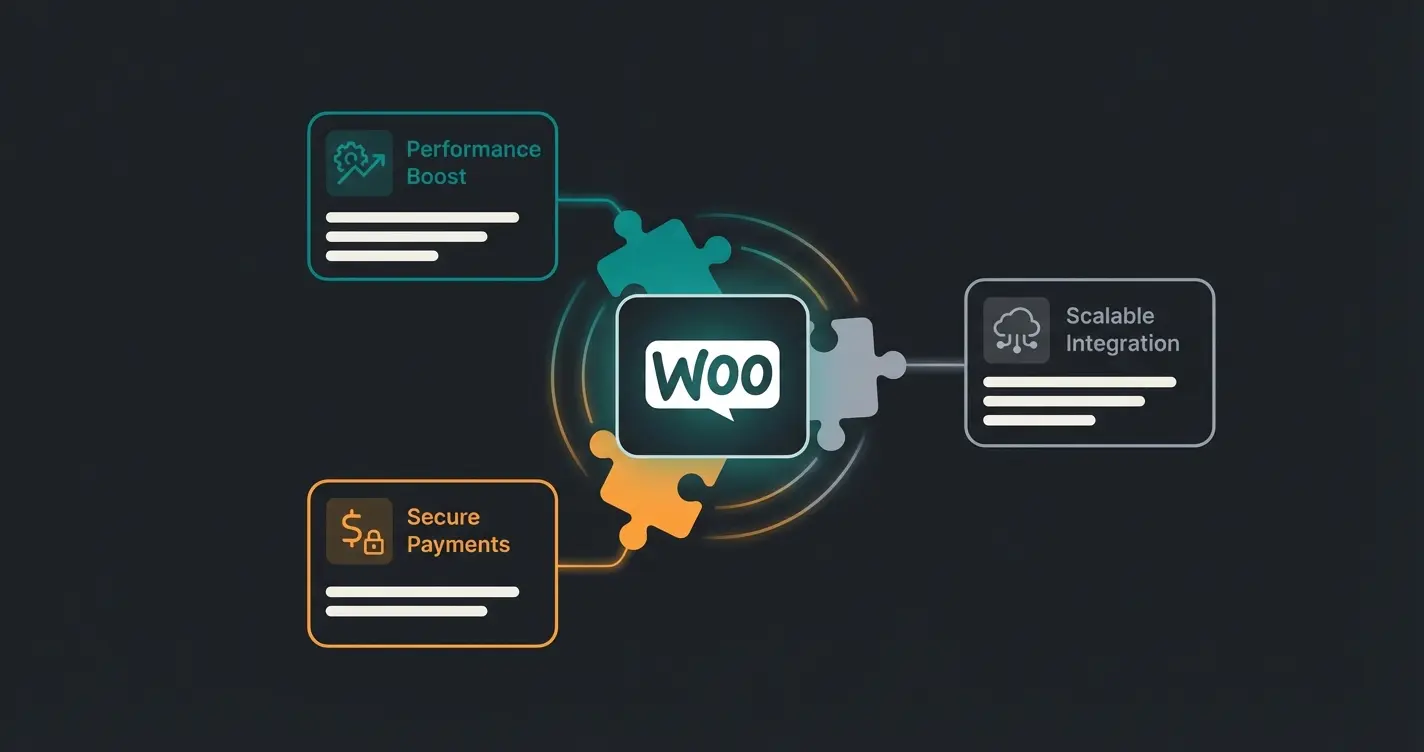
To make it easier to decide which coupon type to use when, follow this decision tree approach. This complements your product page conversion optimization efforts by ensuring the right incentive reaches the right customer.
The Coupon Decision Framework
1. Goal: Acquire new customers?
- Yes → Use a Fixed Cart Discount (e.g., $5 welcome discount). This appears more valuable for small amounts than percentages.
- No → Continue to question 2.
2. Goal: Clear inventory (seasonal items)?
- Yes → Use BOGO (Buy One Get One) via plugin. "Take 2, pay for 1" moves more volume than "50% off".
- No → Continue to question 3.
3. Goal: Increase cart value?
- Yes → Use Tiered Discounts. "10% from $50, 20% from $100" encourages larger purchases.
- No → Use Consultation Coupons for high-ticket items where personalization drives conversion.
New customers, inventory clearance, or cart value increase
Fixed cart for new customers, BOGO for inventory, tiered for cart value
Minimum spend, excluded categories, individual use rules
Create urgency with appropriate expiration dates
Monitor redemption rates and adjust strategy accordingly
Understanding these decision points ties directly into broader AI optimization strategies for 2025 that use data to drive promotional decisions.
Real-World Success: AI Employee Kira in Action
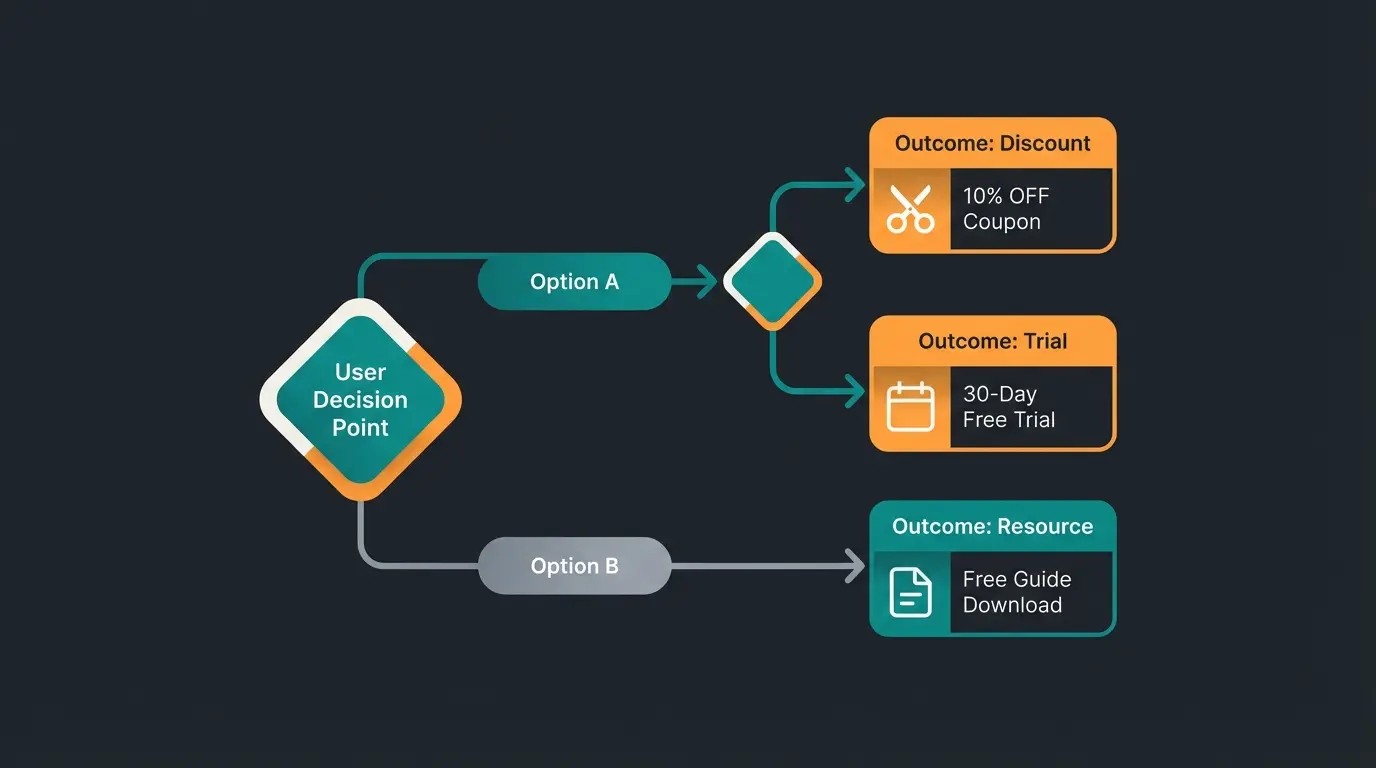
To see how AI-driven consultation coupons work in practice, consider the case study of AI employee Kira, which demonstrates how automated product consultation combined with targeted incentives can transform e-commerce performance. The combination of intelligent recommendations and personalized discounts creates a shopping experience that feels consultative rather than transactional.
This approach also ensures compliance with data protection and AI guidelines while delivering personalized experiences that customers appreciate.
FAQ: Common Questions About WooCommerce Coupons
Usually, someone forgot to activate the function in settings (see Part 1). Sometimes themes or page builders also hide the field for design reasons. Check under WooCommerce > Settings > General whether the checkbox is set. If it is, check your theme's customizer or contact your theme developer about cart template overrides.
With standard tools, this is tedious and time-consuming. Use plugins like "Smart Coupons" or "Bulk Coupon Generator" for this purpose. These allow importing CSV lists or mass creation with one click, making promotional campaigns and influencer partnerships much more manageable.
For paid gift vouchers (value vouchers), Germany generally applies a standard 3-year statute of limitations. For free promotional coupons (discount codes), you may freely determine the expiration date (e.g., "Valid today only"). However, always ensure your terms are clearly communicated to avoid customer service issues.
By default, percentage discounts in WooCommerce only apply to product value, not shipping. However, if you use a "Fixed Cart Discount," this is deducted from the total amount. Ensure the coupon value isn't higher than the product value, or use plugins to explicitly exclude shipping costs from discount calculations.
Usage limit per coupon controls how many times the code can be used globally by anyone (great for "first 100 customers" promotions). Usage limit per user controls how many times a single customer can use it (typically set to 1 to prevent abuse). Use both together for maximum control over your promotional spend.
Conclusion: Launch Your Strategic Coupon Approach
Creating a WooCommerce coupon is technically a matter of two minutes. Using it profitably requires strategy, understanding, and the right tools.
- Secure your compliance: Check your settings for single-purpose/multi-purpose conformity, especially if selling in German-speaking markets.
- Protect your margins: Use "Usage Restrictions" rigorously (no discount on sale items!) and set appropriate limits.
- Innovate your approach: Test using AI chatbots to award discounts as rewards for consultation rather than giving them away indiscriminately.
Start today transforming your coupons from "cost factors" into "revenue drivers." The shift from spray-and-pray discounting to consultation-based rewards isn't just better for your bottom line – it creates better customer experiences that build long-term loyalty.
For Shopware chatbot consultation or other platforms, similar principles apply: the future of e-commerce discounting lies not in who can give away the most margin, but in who can create the most value through personalized, AI-driven customer interactions.
Join forward-thinking e-commerce brands using AI consultation to generate targeted coupons that convert at 15%+ while protecting profit margins.
Get Started Free
Lasse is CEO and co-founder of Qualimero. After completing his MBA at WHU and scaling a company to seven-figure revenue, he founded Qualimero to build AI-powered digital employees for e-commerce. His focus: helping businesses measurably improve customer interaction through intelligent automation.