Introduction: Why Technical Maintenance Is Just Step One
Imagine owning a retail store on the city's best shopping street. You pay rent, decorate the storefront, and fill the shelves with products. But you never lock the door, don't fix the flickering lights, and leave the cash register unattended. In the digital world, this is exactly the reality for many WooCommerce shop operators who neglect WooCommerce maintenance.
For many shop owners, maintenance is a necessary evil—a monthly invoice that "merely" maintains the status quo. However, in 2025, the playing field has fundamentally changed. A technically current shop is no longer an achievement but the absolute baseline requirement to even participate in the market. According to group24.de, the threat landscape has never been more severe for online businesses.
The real challenge—and simultaneously the greatest opportunity—lies in the evolution from passive upkeep to active performance optimization. While traditional agencies limit themselves to ensuring your site doesn't crash, modern "Maintenance 2.0" aims to make your shop sell. In this comprehensive guide, you'll learn not only how to technically secure your shop and make it legally compliant, but also how to increase your revenue through AI automation and strategic care. Similar to how technical maintenance AI revolutionizes Shopware support, WooCommerce shops can benefit from the same innovative approaches.
Why WooCommerce Maintenance Is Essential
The necessity of professional WooCommerce care can no longer be dismissed as "fear-mongering." The data for the German-speaking market is clear and alarming, with implications that extend to all e-commerce markets globally.
The Threat Landscape: Cybercrime at Record Highs
Security is no longer an abstract concept. According to the Allianz Risk Barometer 2024 and projections for 2025, cyber incidents (such as ransomware attacks, data leaks, and IT outages) rank as the #1 business risk worldwide and specifically in Germany. Global Reinsurance and Allianz Trade confirm these findings in their comprehensive risk analyses.
Even more drastic are the figures from the digital association Bitkom. The Economic Protection 2024 study shows that 81 percent of all German companies have fallen victim to data theft, espionage, or sabotage in the past twelve months, according to Bitkom. As reported by AKE Skabe, the damage to the German economy amounts to over 266 billion euros annually.
For WooCommerce shops, this means: You are not "too small" to be hacked. Automated bots permanently scan the internet for outdated plugins and security vulnerabilities. An unpatched plugin is like an open window for these attacks. This reality makes understanding Shopware maintenance costs and applying similar principles to WooCommerce essential for any serious e-commerce operator.
German businesses hit by data theft, espionage, or sabotage in the past 12 months
Total cost to the German economy from cyber incidents
Cyber incidents rank as the top business risk globally according to Allianz
Legal Compliance and GDPR Requirements
In Germany and across the EU, legal certainty is a critical factor. The GDPR (General Data Protection Regulation) mandates that technical systems processing personal data (which every shop does) must be at the "state of the art."
- Outdated Software: A shop that gets hacked due to outdated software and loses customer data risks not only trust loss but also substantial fines that can reach up to 4% of annual global revenue.
- Server Location: Professional maintenance includes backups. It's essential that these backups are stored GDPR-compliant, ideally on servers in Germany or the EU, as emphasized by WP-Wartung24 and U-WP.
Just as ensuring Shopify legally compliant operations requires attention to detail, WooCommerce shops must maintain rigorous compliance standards. The intersection of technical maintenance and legal requirements creates a complex landscape that requires professional guidance.
Performance Equals Revenue
A slow shop doesn't sell. Studies consistently show that every second of loading delay drastically reduces conversion rates—some estimates suggest up to 7% conversion loss per second of delay. Maintenance here means not just "clicking updates" but database cleanup and PHP updates that directly impact load times.
Understanding Shopware hosting costs provides valuable context for infrastructure investments, and similar principles apply to WooCommerce hosting decisions. The correlation between server performance and sales is undeniable in modern e-commerce.
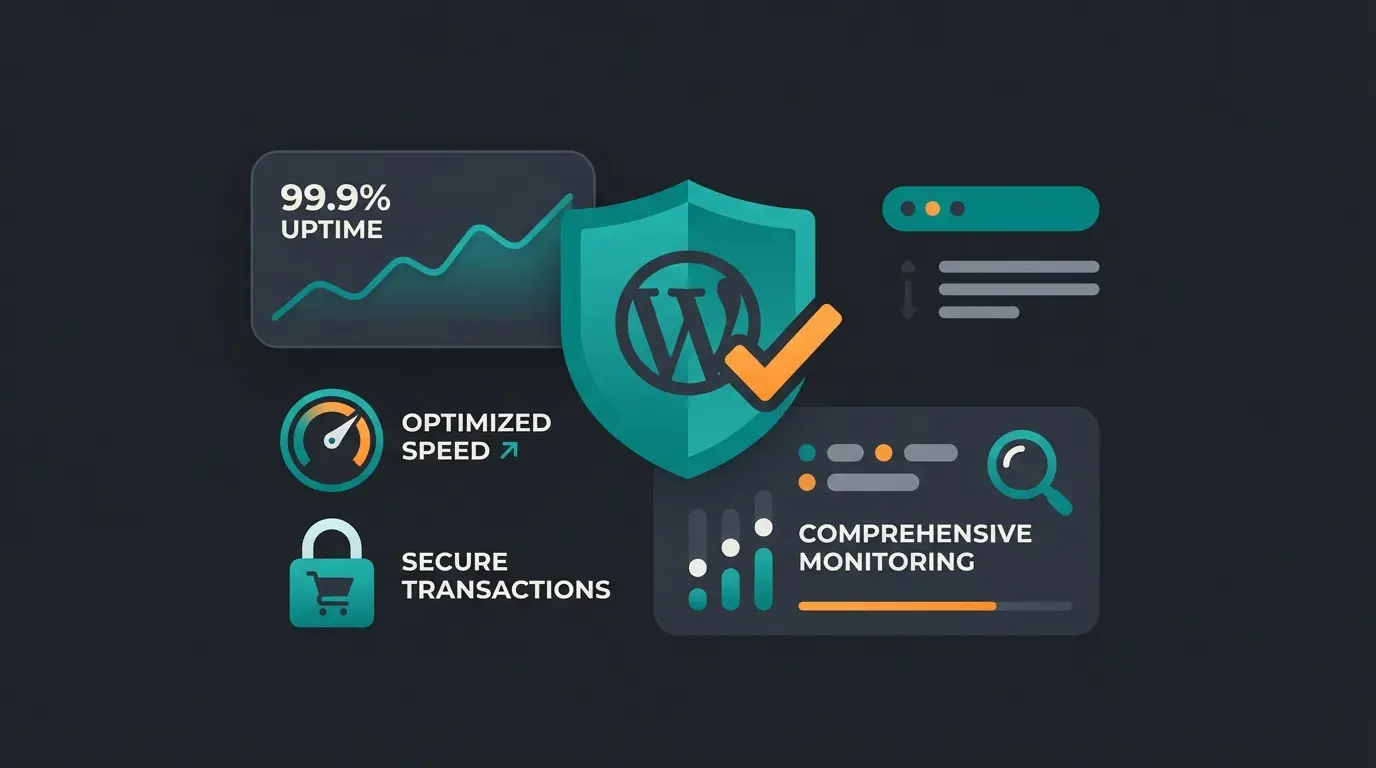
Checklist: What Professional Shop Care Includes
A WooCommerce maintenance contract should cover far more than just updating plugins. To separate the wheat from the chaff, use this detailed checklist for 2025.
The Foundation Level: Non-Negotiable Must-Haves
These tasks are non-negotiable and must be included in every maintenance package:
Updates Management
- WordPress Core: The foundation of the entire system requiring immediate attention for security patches.
- WooCommerce: Critical updates for the checkout process, payment gateways, and order management.
- Plugins & Themes: Closing security gaps across all extensions. Important: Updates should not be applied blindly but tested for compatibility, as noted by Effekt Digital.
Backup Strategy
- Daily database backup with version control and easy restoration options.
- Weekly backup of all files including media, themes, and custom code.
- Off-Site Storage: Backups must not reside on the same server as the shop (protection against total failure).
- Restore Testing: A backup is worthless if the restoration doesn't work—regular testing is essential.
Security Monitoring
- 24/7 uptime monitoring with instant alerts when the shop becomes unreachable.
- Daily malware scans with automated threat detection and quarantine.
- Firewall configuration with Web Application Firewall (WAF) protection.
This foundational approach mirrors the technical basics AI systems use for maintaining optimal shop performance. Following the Shopware update guide principles can also inform best practices for WooCommerce maintenance.
The Expert Level: Performance & Technology 2025
Here's where "hobby maintenance" differs from professional WordPress shop maintenance. Understanding these advanced concepts is what separates high-performing shops from the rest.
High-Performance Order Storage (HPOS)
This is the most important technical topic for WooCommerce in 2024/2025. Traditionally, WooCommerce stored orders in the `wp_posts` and `wp_postmeta` tables—the same tables that also store blog posts. This led to massive performance problems for large shops, as documented by Cloudways and Advanced Custom Fields.
According to InMotion Hosting and WooNinjas, the performance improvements from HPOS are substantial and measurable. The official WooCommerce documentation provides detailed migration guides, but the complexity often requires professional assistance.
Reliable hosting infrastructure with SSL, firewall protection, and malware scanning forms the base layer
Systematic WordPress, WooCommerce, and plugin updates with comprehensive backup strategies
High-Performance Order Storage migration and database cleanup for maximum speed
Automated customer service and intelligent product recommendations for revenue growth
Database Optimization
WooCommerce accumulates data waste (transients, orphaned metadata, revision histories, and expired sessions). Regular cleanup keeps the database lean and response times short. This is similar to how Shopware cloud hosting environments manage database performance through automated optimization routines.
PHP Updates
WordPress and WooCommerce run on PHP. Outdated PHP versions are a security risk and significantly slower—sometimes 2-3x slower than current versions. The switch to current PHP versions (e.g., 8.2/8.3) often requires testing, as older plugins may exhibit incompatibilities. This process requires careful planning and staging environments.
The Costs: Agency vs. Freelancer vs. In-House
One of the most common questions is: "What should WooCommerce maintenance cost?" The price range is enormous, but it strongly correlates with the scope of services and response time. Understanding these costs helps you make informed decisions about your shop's technical care.
Germany Market Overview (Prices 2024/2025)
| Provider Type | Price Range (monthly) | Typical Services | Suitable For |
|---|---|---|---|
| Budget/Freelancer | €29-€60 | Weekly updates, backups (7-30 days retention), email support without guaranteed response time | Small shops, hobby projects, low revenue operations as noted by Sven Hörig and Website-Bereinigung |
| Professional Agency | €100-€250 | Daily backups & updates, staging environment (testing before update), uptime monitoring & security scans, fast response time (<4 hours) | Serious e-commerce businesses that must minimize downtime |
| Premium/Enterprise | €400-€1,000+ | Performance optimization (speed), developer hours included, prioritized emergency support (24/7), strategic consulting | High-revenue shops requiring individual customizations and maximum security |
According to Sven Hörig and Website-Bereinigung, the budget tier represents the market entry point, but comes with significant limitations. When comparing platforms, understanding WooCommerce vs Shopify differences helps contextualize maintenance requirements.
The Hidden Costs of Cheap Maintenance
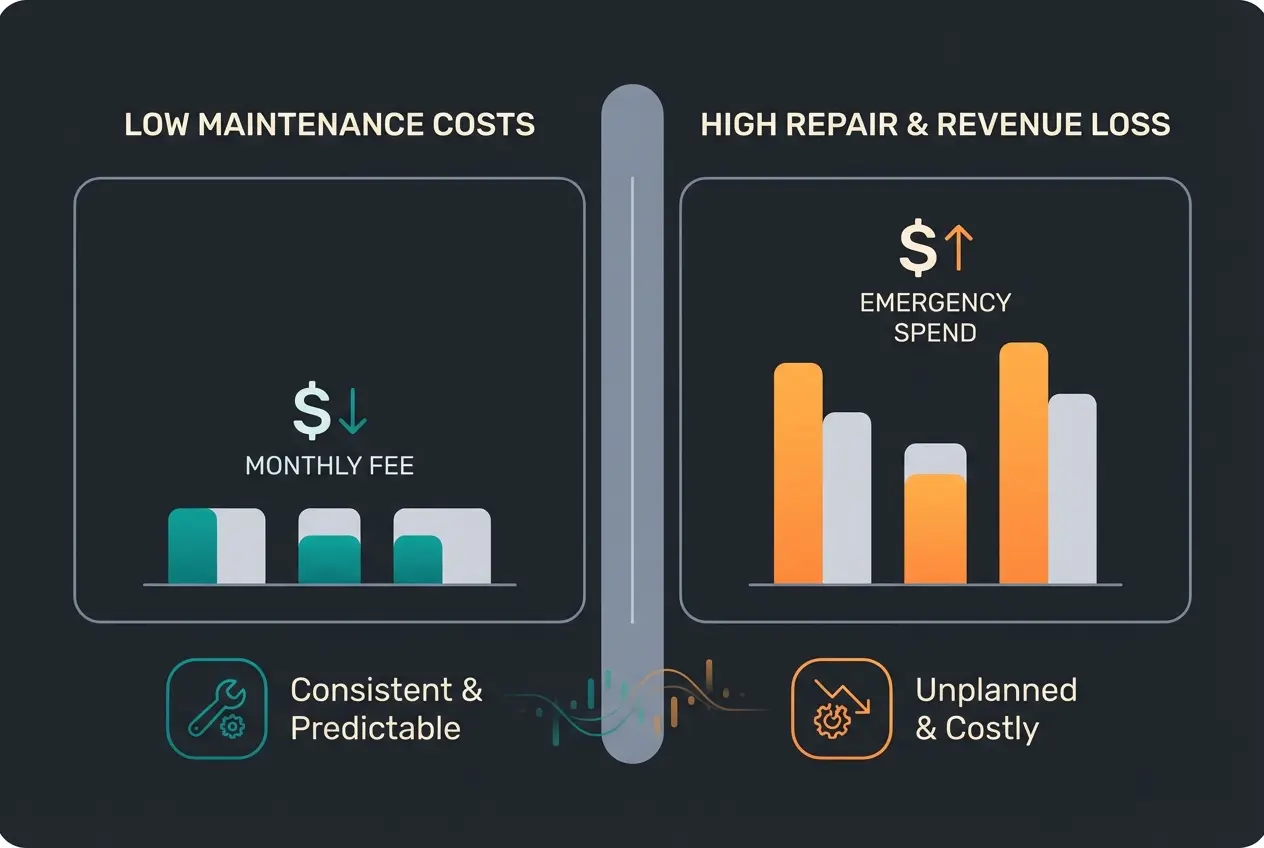
Many shop operators only see the monthly amount. But the real bill comes in an emergency:
- Cost of a Hack: Cleaning up a hacked shop often costs between €500 and €2,000 in emergency hourly rates, not including potential legal fees or customer compensation.
- Revenue Loss: If your shop goes down on the weekend and your "budget freelancer" isn't reachable until Monday, you lose two full days of revenue during potentially peak shopping periods.
- Reputation Damage: A "This site is unsafe" warning in the browser drives customers away permanently—studies suggest up to 90% of users won't return after seeing such a warning.
Cost Conclusion: View maintenance not as an expense but as insurance for your revenue. A maintenance contract for €150 is cheap if it prevents an outage that would cost you €5,000 in lost revenue. The math becomes even clearer when you factor in the cost of customer acquisition—losing existing customers is far more expensive than the maintenance that keeps them satisfied.
Maintenance 2.0: Why Updates Are No Longer Enough
Up to this point, we've discussed the technical obligation. Now we come to the commercial excellence that separates thriving shops from merely surviving ones.
The classic maintenance concept is passive: "We ensure nothing breaks." The problem: A shop can run technically perfectly (green lights on all updates) but still be commercially dead. Customers can't find products, abandon purchases, or have questions that no one answers at night. This is where the traditional maintenance model fails to capture the full potential of your investment.
Here emerges a massive gap in the market. Most agencies offer "support" only in the sense of "bug fixing." What's missing is the "Commercial Care" approach that addresses both technical stability and sales optimization simultaneously.
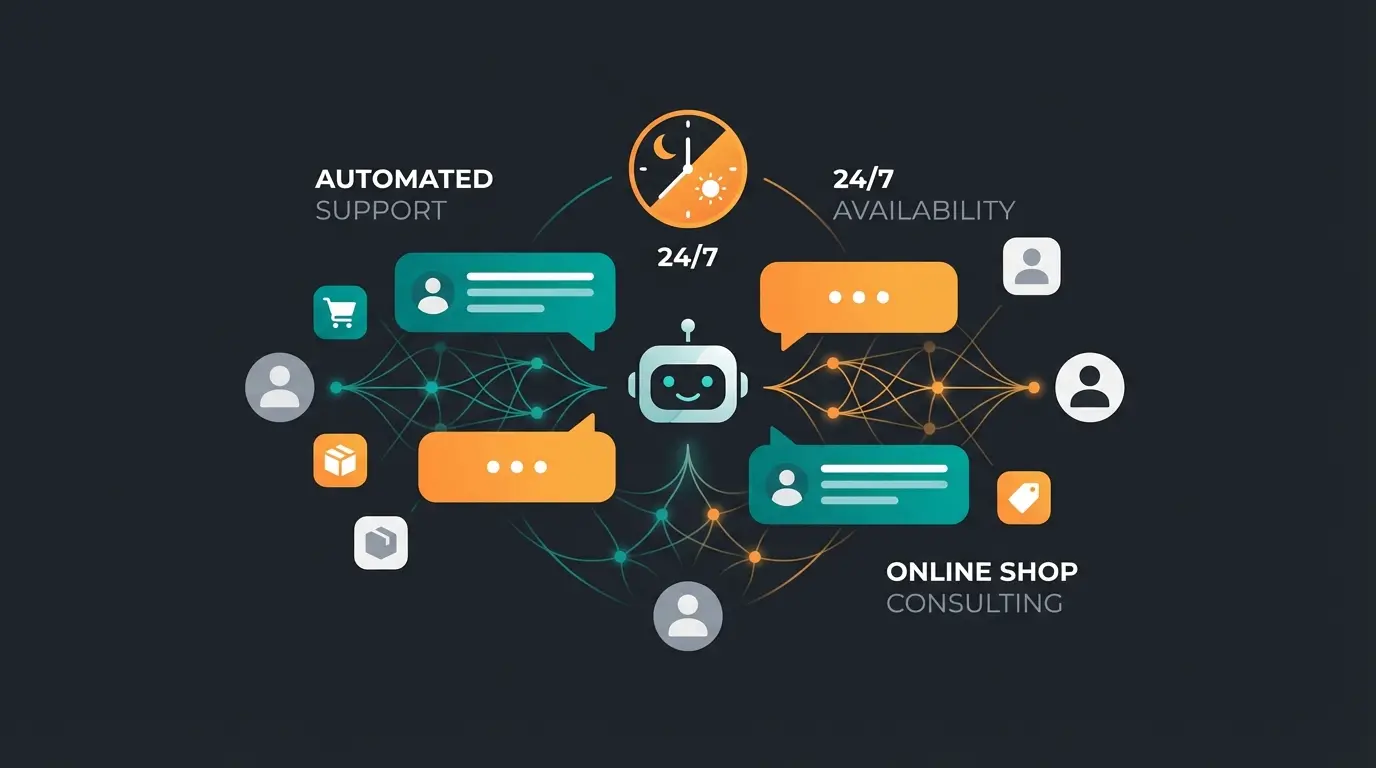
The Paradigm Shift: From Shop Health to Sales Health
Modern maintenance must answer two questions:
- Does the technology work? (Updates, Security, HPOS)
- Does the sales process work? (Conversion, Consultation, User Journey)
This is where Artificial Intelligence (AI) comes into play. While technical updates run automatically in the background, AI opens new possibilities to transform "support" from a cost center into a revenue driver. Understanding how AI customer service functions provides the foundation for this transformation.
Automated Customer Consultation as Part of Maintenance
Imagine your maintenance package wouldn't just guarantee that the server runs, but also that every customer is served immediately—regardless of time zone or staff availability.
- The Problem: Technical support is often reactive, only responding when something breaks. Sales support is often personnel-intensive and not available 24/7, creating gaps in customer service.
- The Solution (AI Optimization): Integration of AI agents that know product data in real-time and can engage customers proactively.
Scenario: A customer visits your shop at 11:00 PM. They're unsure whether spare part A fits machine B, or they need sizing advice for a clothing item.
- Without AI: They write an email (response time 12+ hours) or leave the shop entirely. Purchase probability drops dramatically—studies suggest up to 80% abandonment for unanswered questions.
- With AI: The agent responds immediately, based on the technical data sheets and product specifications in your shop. The purchase is completed, and the customer experience is enhanced.
The concept of a website chatbot product consultation system represents this evolution in action. Real-world success stories like product consultation AI demonstrate the tangible revenue impact of this approach.
Don't just maintain your shop—upgrade it with AI-powered customer consultation that works 24/7. Join forward-thinking e-commerce operators who are already seeing higher conversion rates and reduced support costs.
Start Your AI Upgrade NowCase Study: The Difference Between Maintained and Optimized
To illustrate the added value of this new approach, let's compare two fictional but realistic scenarios for 2025. These examples represent composite experiences from real e-commerce operations.
Shop A: The Standard Maintenance Approach
- Setup: Pays €49/month to a freelancer for basic maintenance.
- Service: Weekly updates, basic backups with standard retention.
- Situation: On Black Friday, traffic spikes significantly. The database is still on the old `wp_postmeta` system (no HPOS), as the freelancer avoided the complex migration. The checkout becomes slow (5+ seconds per page).
- Result: The shop stays online (no crash), but the conversion rate drops by 40% because frustrated customers bounce. Overnight, 50 inquiries come in that won't be processed until Monday morning.
Shop B: Performance Maintenance & AI Integration
- Setup: Pays €199/month for a "Commercial Care" package that includes advanced maintenance and AI tools.
- Service: Updates, HPOS migration completed, AI consultant integrated and trained on product catalog.
- Situation: On Black Friday, the checkout runs lightning-fast thanks to HPOS and database optimization (under 1 second per page).
- The Advantage: While the team sleeps, the AI agent handles initial consultations ("Does size M fit at 5'11"?", "What's the delivery time to my region?", "Is this compatible with my existing system?").
- Result: The shop is not only technically stable but fully exploits its revenue potential. The higher maintenance costs have already paid for themselves on the first night through rescued sales and improved customer satisfaction.
| Aspect | Standard Maintenance | Performance Maintenance + AI |
|---|---|---|
| Plugin Updates | Yes (Weekly) | Yes (Monitored, Staged) |
| Database Backup | Yes (Basic) | Yes (Daily, Off-site, Tested) |
| HPOS Migration | Often Avoided | Completed & Optimized |
| Database Cleanup | Rarely | Regular Automated Process |
| Customer Consultation | No / Manual (Business Hours) | AI-Driven 24/7 Availability |
| Conversion Optimization | Not Included | Active Monitoring & Improvement |
| Black Friday Readiness | Uncertain | Stress-Tested & Prepared |
This comparison demonstrates why the Shopware B2B guide principles of comprehensive care apply equally to WooCommerce environments. The gap between basic maintenance and commercial optimization represents a significant competitive advantage.
The Hidden Cost Analysis: Downtime vs. Poor Consultation
Understanding the true cost of inadequate maintenance requires looking beyond the monthly fee. Let's break down the real financial impact of different maintenance approaches.
Cost of Technical Downtime
- Direct Revenue Loss: For a shop making €10,000/day, every hour of downtime costs approximately €417 in lost sales.
- Emergency Repair Costs: Professional emergency restoration typically ranges from €500-€2,000, often charged at premium weekend/holiday rates.
- SEO Impact: Extended downtime can trigger Google ranking penalties, reducing organic traffic for weeks or months afterward.
- Customer Lifetime Value Loss: Customers who experience a failed transaction often never return, representing significant long-term revenue loss.
Cost of Poor Customer Consultation
- Abandoned Carts: Research indicates that 26% of cart abandonments occur due to unanswered questions about products or shipping.
- Support Staff Costs: A single customer service representative costs €35,000-€50,000 annually but can only handle limited inquiries during business hours.
- Missed Opportunities: Evening and weekend traffic often represents 30-40% of total visits—without AI support, these potential customers receive no assistance.
- Competitive Disadvantage: Shops with 24/7 AI consultation capture sales that your shop loses to delayed responses.
The math is clear: investing in comprehensive maintenance with AI integration isn't an expense—it's a revenue protection and growth strategy. Knowing how to access Shopify support contact channels provides insight into how major platforms approach customer success, and these lessons apply to WooCommerce operations as well.
Implementation Roadmap: Getting Started
Transitioning from basic maintenance to a comprehensive Commercial Care approach doesn't happen overnight. Here's a practical roadmap for upgrading your WooCommerce maintenance strategy.
Evaluate your existing maintenance coverage, identify gaps in updates, backups, and security monitoring
Plan and execute High-Performance Order Storage migration with proper testing and rollback procedures
Deploy 24/7 uptime monitoring, automated security scans, and performance tracking dashboards
Add AI-powered customer service to handle after-hours inquiries and product recommendations
Track conversion rates, response times, and customer satisfaction to continuously improve
Frequently Asked Questions About WooCommerce Maintenance
Professional WooCommerce maintenance ranges from €50-€500 monthly depending on scope. Budget options (€29-€60) cover basic updates and backups. Professional agency packages (€100-€250) include staging environments, 24/7 monitoring, and faster response times. Premium enterprise packages (€400+) add performance optimization, included developer hours, and strategic consulting.
If you have an existing WooCommerce shop (pre-October 2023), HPOS migration is strongly recommended. It provides up to 5x faster order creation and 1.5x faster checkout by using optimized database tables. While new shops have HPOS enabled by default, existing shops require manual migration—ideally handled by a professional to ensure plugin compatibility.
AI customer consultation integrates with your WooCommerce product database to answer customer questions 24/7. The AI agent understands your product specifications, availability, and policies, providing instant responses to inquiries that would otherwise wait for business hours. This reduces cart abandonment from unanswered questions and captures sales during off-hours.
The primary risks include outdated plugins with known vulnerabilities, weak admin passwords, lack of Web Application Firewall (WAF) protection, and unpatched WordPress core files. According to Bitkom research, 81% of German businesses experienced cyberattacks in the past year. Automated bots continuously scan for vulnerable WooCommerce installations.
Critical security updates should be applied within 24-48 hours of release. Non-critical updates should be tested in a staging environment first, then applied weekly. Never apply updates directly to your live shop without testing—incompatibilities between plugins can break checkout functionality or cause data loss.
Conclusion: Securing Your Shop Technically and Commercially
The landscape for WooCommerce maintenance has fundamentally transformed. In 2025, it's no longer sufficient to merely "keep the lights on." Given the massive threat from cybercrime (81% of companies affected according to Bitkom), professional technical protection is an absolute necessity—not an optional expense.
But those who stop here are leaving significant potential unrealized. The separation between "technology" (maintenance) and "sales" (support) is dissolving in modern e-commerce. Forward-thinking operators recognize that their maintenance strategy directly impacts their bottom line.
Your Action Plan
- Secure the Foundation: Ensure GDPR-compliant backups, systematic updates, and migration to High-Performance Order Storage (HPOS). This baseline protects against catastrophic failures.
- Think Beyond Basics: Use your shop's stability as the foundation for AI-powered customer consultation automation. Transform support from a cost center into a revenue driver.
- Measure and Improve: Track not just uptime but conversion rates, response times, and customer satisfaction to continuously optimize your approach.
Your Next Step: Review your current maintenance contract. Does it only list "updates and backups"? Or do you have a partner who proactively improves performance (HPOS) and helps you leverage technological innovations like AI for increased revenue?
Invest in the health of your shop—technically and commercially. Because a maintained shop saves costs, but an optimized shop generates profit. The difference between these two approaches represents the competitive advantage that separates market leaders from the rest.
Stop just maintaining—start optimizing. Discover how AI-powered customer consultation can transform your WooCommerce shop into a 24/7 sales machine while your competition sleeps.
Get Started with AI Consultation
Lasse is CEO and co-founder of Qualimero. After completing his MBA at WHU and scaling a company to seven-figure revenue, he founded Qualimero to build AI-powered digital employees for e-commerce. His focus: helping businesses measurably improve customer interaction through intelligent automation.