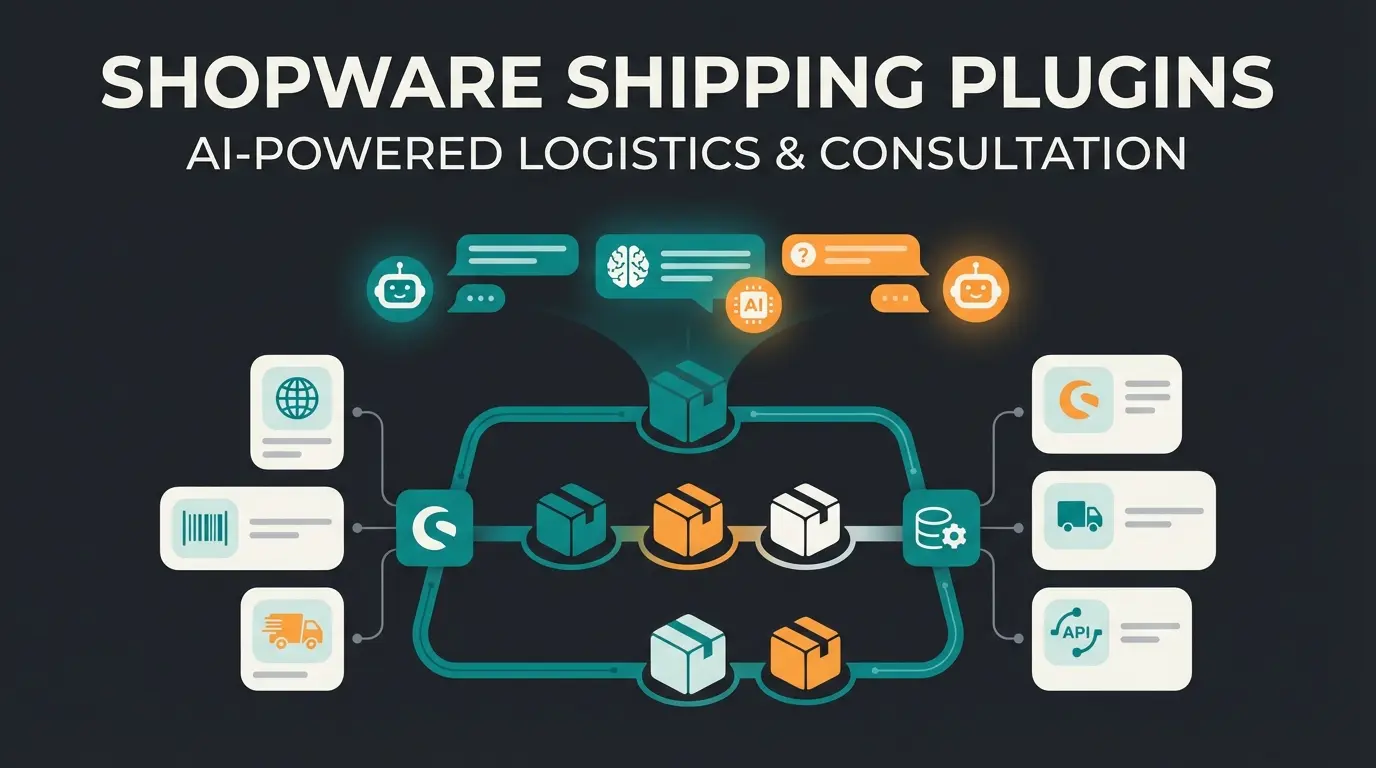
Why Your Shipping Strategy Determines Profit Margins
In 2025, Shopware shipping is no longer just an operational necessity—it's a strategic battlefield. Studies consistently show that unexpected or excessive shipping costs are the primary reason for cart abandonment. Simultaneously, logistics costs for merchants are exploding due to rising carrier prices and alarming return rates.
Many shop operators make the mistake of treating shipping in Shopware 6 as a one-time setup: they configure DHL or UPS, set a flat rate of €4.95, and hope for the best. However, this approach leaves massive potential untapped.
The reality looks like this:
- Conversion killer: Incorrect logic in the Rule Builder can result in customers seeing no shipping options at all
- Margin destroyer: Flat shipping rates for mixed carts (e.g., freight goods + parcel goods) often mean merchants lose money
- Return blindness: Most merchants optimize outbound shipping but ignore that every return effectively doubles shipping costs (plus processing fees)
This article guides you step-by-step through the technical setup in Shopware 6, shows you how to map complex scenarios with the Shopware Rule Builder, and ultimately bridges to the most modern form of cost optimization: AI-powered product consultation for preventive return avoidance.
Due to unexpected shipping costs at checkout
Including shipping, handling, and product depreciation
In fashion and electronics e-commerce sectors
Through AI-guided product consultation
Shopware Shipping Setup: Fundamentals for Shopware 6
Before diving into complex strategies, the technical fundamentals must be solid. Shopware 6 strictly separates logic (rules) from execution (shipping method). This makes the system extremely flexible but often confusing for beginners, according to Shopware's official documentation.
Step-by-Step Guide to Creating Shipping Methods
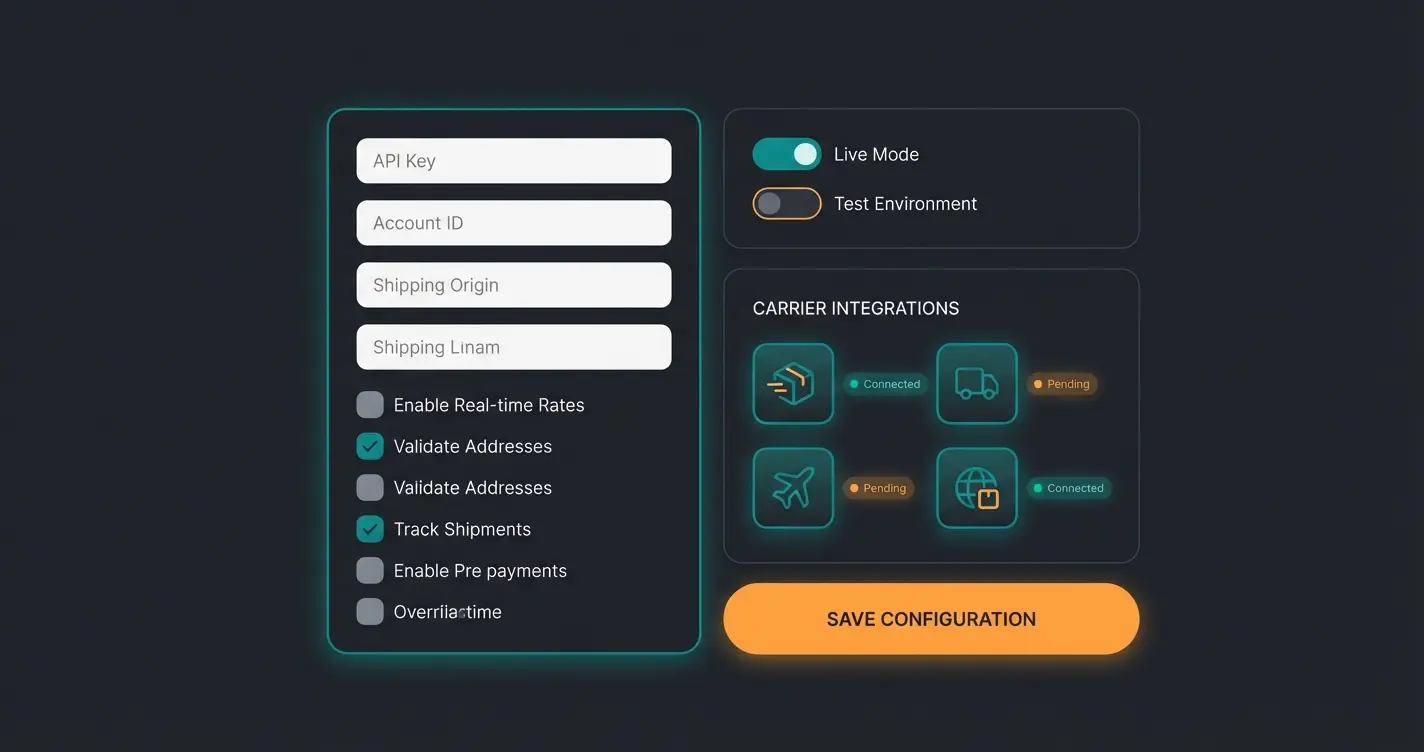
Navigate in your Shopware administration to Settings > Shop > Shipping. Here you'll see a list of all active and inactive shipping methods. Click on "Create shipping method".
1. Basic Information
Here you define the "face" of your shipping method in the frontend:
- Name: Choose a clear name (e.g., "DHL Standard" or "Express Delivery")
- Technical name: This is essential for interfaces and plugins (e.g., `dhl_standard`). Don't change this afterward, as it will break connections to ERP systems, as noted by web-grips.de
- Description: Use this field for marketing psychology. Instead of leaving it empty, write: "Climate-neutral shipping, delivery in 1-3 business days"
- Logo: A visual logo of the service provider (DHL, GLS, UPS) significantly increases trust at checkout, according to 2hatslogic.de
2. Delivery Time Configuration
Shopware requires you to specify a delivery time. This is legally relevant in most jurisdictions.
Best Practice: Create realistic time spans under Settings > Shop > Delivery times (e.g., "1-3 business days" for domestic, "5-10 business days" for EU). Link these here.
3. Tracking URL Setup
An often overlooked feature. You can store the carrier's URL structure here. The placeholder `%s` is automatically replaced with the shipment number from the order later.
Example DHL: `https://www.dhl.de/en/privatkunden/pakete-empfangen/verfolgen.html?piececode=%s`
The Heart of Shipping: Rule Builder & Availability Rules
This is where 80% of Shopware users fail. The availability rule doesn't determine what shipping costs, but whether the shipping method is displayed at all, as explained by Shopware and rhiem-intermedia.de.
Understanding the Concept
Think of the availability rule as a bouncer at a club:
- Customer arrives at checkout
- Bouncer (Rule Builder) checks: "Do you live in Germany? Is your cart heavier than 0 kg?"
- If YES: The shipping method is displayed
- If NO: The shipping method remains invisible
Essential Standard Rules for Shipping
You should create specific rules for your logistics in the Rule Builder (Settings > Shop > Rule Builder). Avoid using the default "All Customers" rule for specific shipping methods like "Express".
Example scenarios for availability rules:
1. Standard Domestic Shipping
- Condition: `Shipping address: Country` IS `Germany`
- AND `Cart: Weight` GREATER THAN `0`
2. Express Shipping (Only Until 2 PM)
This gets more complex. You can create rules based on time of day so that Express is only displayed when same-day processing is possible. (Note: This often requires extended conditions or plugins).
3. Freight Shipping (Heavy Items Only)
- Condition: `Cart: Weight` GREATER THAN `31.5 kg`
- OR `Item with tag` IS ONE OF `Bulky goods`
Shopping cart is finalized and customer proceeds to shipping selection
Rule Builder evaluates all conditions (country, weight, tags, customer group)
If NO: Shipping method stays hidden. If YES: Proceed to price calculation
System checks cart value, weight, or item count against defined tiers
Method appears with calculated price based on matching matrix tier
Deep Dive: The Price Matrix for Strategic Cost Calculation
After the availability rule determines that delivery is permitted, the price matrix determines how much it costs. Shopware 6 offers enormous flexibility here that you should use strategically, as detailed in Shopware's documentation.
Comparison of Calculation Methods
| Method | How It Works | Strategic Use (Best Practice) | Example |
|---|---|---|---|
| Cart Value | Price based on cart sum (gross/net) | Marketing focus: Ideal for increasing Average Order Value (AOV). "Free shipping over €X" | 0-50€ = €4.95 | 50€+ = €0.00 |
| Weight | Price based on total weight of all items | Logistics focus: Essential for shops with highly varying product weights (e.g., dumbbells vs. t-shirts) | 0-5kg = €5.90 | 5-31kg = €9.90 |
| Item Count | Price per item or quantity | Volume focus: Useful for B2B or dropshipping where each item ships separately | 1-5 pcs = €3.90 | 6+ pcs = €6.90 |
| Volume | Price by cubic meters (L x W x H) | Freight focus: Important for furniture or light but bulky goods (e.g., insulation) | Requires maintained dimensions in product data! |
| AI-Optimized | Consultation-led purchasing decisions | Return prevention: Guide customers to right product first time | Reduces return-related shipping waste |
How to Configure the Price Matrix
- Select the Price matrix section at the bottom of the shipping method
- Click "Add price matrix"
- Restriction (Optional): You can make a matrix apply only to certain rules (e.g., "Only for customers from Austria")
- Tiers: Define your pricing brackets carefully
When setting up tiers, ensure they're seamless. For example:
- From 0 to 5: Price A
- From 5 to infinity: Price B
- Make sure the tiers are gap-free! (Not 0-5 and then 6-10—what happens with 5.5?). Shopware usually handles this via "up to and including," but test it, as shown in YouTube tutorials and confirmed by Shopware.
Advanced Strategies: Mixed Carts, Bulky Goods & Surcharges
This is where the wheat separates from the chaff. A standard shop often fails when faced with complex cart realities.
The "Mixed Cart" Dilemma
A customer buys a vase (parcel shipping) and a sofa (freight shipping).
- Problem: Shopware by default might show both shipping methods or block one
- Goal: Only "Freight" should be displayed, but the price must potentially include the vase
Solution via Rule Builder:
- Create a rule "Contains freight items" (Condition: `Item with tag` = `Freight`)
- In the "DHL Parcel" shipping method: Add the rule "Contains NO freight items" to availability. This hides DHL as soon as the sofa is in the cart
- In the "Freight" shipping method: Set availability to "Contains freight items"
Tax Calculation in Mixed Carts (Reduced vs. Standard VAT)
A tedious topic in many countries. Shipping costs are an ancillary service and share the tax fate of the main service.
- Scenario: Cart has 80% food items (reduced rate) and 20% non-food (standard rate). What tax rate applies to shipping?
- Shopware Standard: Offers "Automatic," "Highest tax rate," or "Fixed tax rate," as explained in Shopware documentation
- Problem: "Automatic" often calculates proportionally, which is accounting-correct but can be problematic in some ERP systems. "Highest tax rate" is the safest option for merchants to avoid underpayments to tax authorities but makes shipping more expensive for customers
- Solution: Check exactly how your ERP system (e.g., Pickware, Weclapp) expects tax transfer. A plugin is often necessary to accurately reflect local tax law when "Automatic" leads to rounding differences

The Hidden Costs: Why Returns Kill Your Shipping Margin
So far, we've focused on how to calculate shipping costs. Now let's talk about how to save shipping costs.
Most merchants calculate like this:
Customer shipping price (€4.95) - Actual postage costs (€5.50) = -€0.55 loss (marketing costs).
This calculation is wrong as soon as a return comes into play. The real calculation for a return looks like this:
*Outbound shipping (€5.50) + Return shipping (€5.50) + Handling/inspection (€5.00) + Product depreciation = ~€16.00 costs.*
According to EHI Retail Institute, as reported by Spiegel and FashionUnited, a single return costs merchants an average of €5 to €10, and in complex cases (fashion/tech) up to €20. If your return rate is at 30%, that devours all profit from shipping calculations.
The Classic Approach: RMA Management
Shopware offers a native returns module from the "Rise" version onward. For the Community Edition (CE), you need plugins like the "Shopware 6 Product Return RMA" from Webkul or solutions from Pickware, as noted in Qualimero's analysis. You can also prevent returns through AI by implementing smart consultation before purchase.
These tools help process returns more efficiently (print labels, track status). But they don't prevent the return.
Discover how AI-powered product consultation helps your customers choose the right product the first time—reducing shipping costs and increasing customer satisfaction.
Start Free TrialThe Game Changer: Shipping Cost Reduction Through AI-Guided Selling
This is your biggest lever for 2025. Instead of just optimizing return logistics, leading Shopware merchants rely on prevention through Artificial Intelligence. Implementing AI-powered product consultation is becoming the new standard for forward-thinking e-commerce businesses.
The Concept: "Consultation Beats Logistics"
Why do customers return products?
- Wrong size (fashion)
- Technical incompatibility (spare parts/electronics)
- Product doesn't meet expectations (feel/color)
An AI Product Consultant (or Guided Selling plugin) takes on the role of an experienced salesperson in a brick-and-mortar store. Through AI-driven consultation, customers receive personalized recommendations that match their actual needs.
How AI Reduces Shipping Costs (Example Calculation)
Imagine you sell bicycle parts. A customer is looking for a derailleur.
Without AI: Customer is unsure, orders two variants ("I'll send back the wrong one").
- Result: High cart value, but guaranteed return. Double shipping burden.
With AI Consultant: A chatbot or interactive guide asks: "What bike model do you have? How many gears?" and recommends exactly the one matching part. To automate Shopware support, many merchants are now integrating AI assistants that handle these consultations 24/7.
- Result: Customer orders only one part. No return. You effectively save €10-15 in process costs.
Integration into Shopware 6
There are now powerful solutions that integrate with Shopware:
- Guided Selling Plugins: Guide customers through a question tree (funnel). Plugins like "Guided Selling" in the Shopware Store enable this based on Dynamic Product Groups, as shown in the Shopware marketplace. With AI-powered consultation, you can create sophisticated decision trees that learn from customer interactions.
- AI Copilots & Chatbots: Tools like the "AI Product Advisor" use OpenAI interfaces to answer customer questions in real-time and prevent wrong purchases, as featured in Shopware's app store. Learn how AI-powered product consultation can transform your conversion rates.
- Size Advisor AI: Specifically for fashion shops, there are plugins that drastically reduce return rates based on customer measurements, as listed in the Shopware extension marketplace
The impact extends beyond just shipping. When AI transforms your checkout experience, you'll see improvements across multiple metrics including conversion rate, average order value, and customer lifetime value.
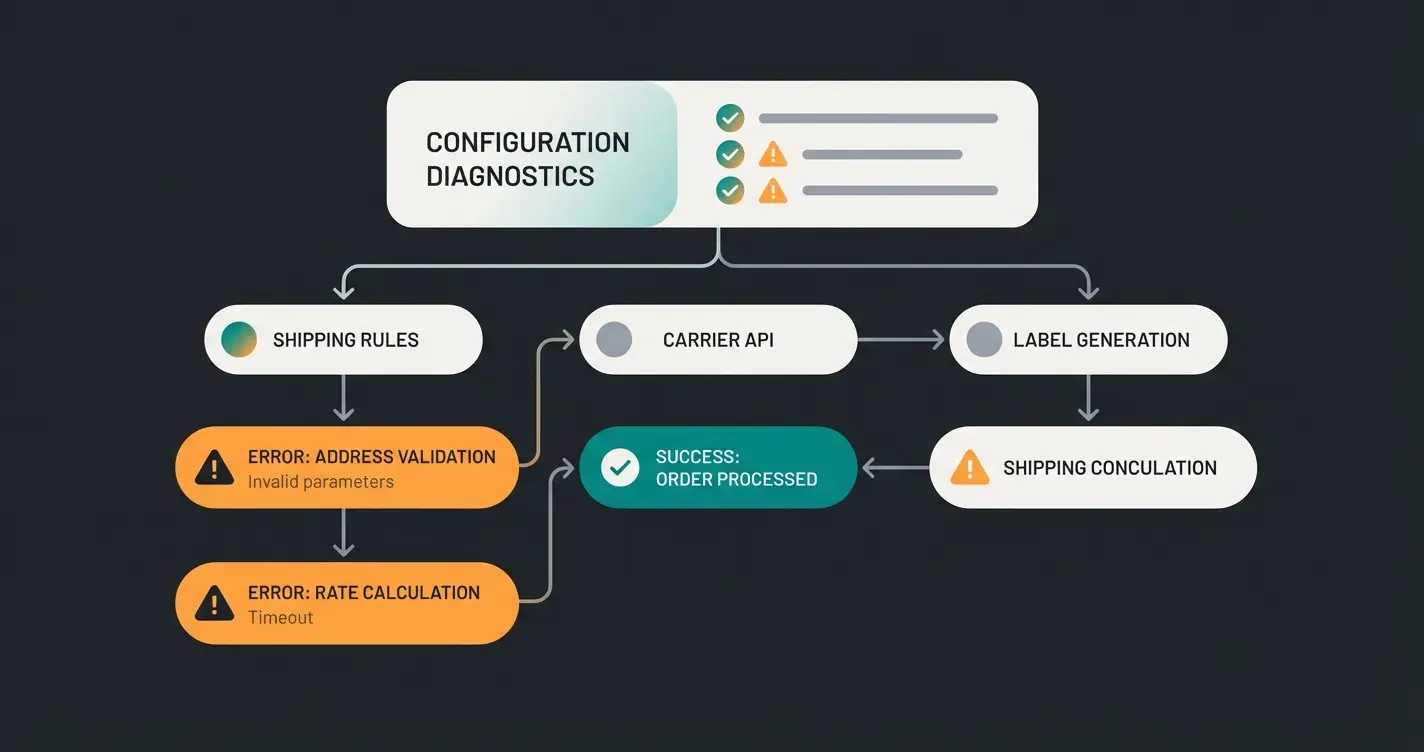
Troubleshooting: Why Your Shipping Method Is Missing
This is the most common problem in Shopware forums. If your newly created shipping method doesn't appear, it's almost always due to one of these three issues:
1. The "OR" vs. "AND" Trap in Rule Builder
Have you written multiple conditions underneath each other in the Rule Builder?
- By default, these are often AND-linked
- Example error: `Country is Germany` AND `Country is Austria`. That's impossible. A customer can't live in both countries simultaneously
- Solution: Use containers with OR links for country lists
2. Missing Assignment in Sales Channel
A shipping method can be "Active" but if it's not assigned to the Sales Channel, it doesn't exist for the customer.
- Check: Go to Sales Channels > [Your Shop] > General > Shipping methods. Make sure the method is activated there AND (optionally) set as default, as explained by konvis.de and lenz-ebusiness.de
3. Price Matrix Gaps
If the cart is worth €55, but your price matrix only has rules for "0-50€" and "60-100€," no rule applies. Shopware then hides the shipping method as a safety measure.
- Check: Verify that your matrix covers "to infinity"
4. Blocking by Other Rules
Do you have a rule "Block standard shipping for bulky goods"? Check in the Rule Builder whether this rule is perhaps always "True" (e.g., due to a misconfigured tag).
Recommended Plugins and Extensions for 2025
The Shopware standard is powerful, but often not enough for professional logistics. Here are the top recommendations for 2025. Learn how AI consultation boosts conversions when combined with the right shipping infrastructure.
For Logistics Processing (Label Printing)
- Pickware ERP: The gold standard for Shopware. Integrates warehouse management and shipping directly into the backend. Ideal for merchants with their own warehouse, as featured on YouTube and Pickware.com. For comprehensive logistics solutions, explore our AI product consultation guide.
- Sendcloud: Perfect for multi-carrier strategies. If you want to flexibly switch between DHL, DPD, and UPS to optimize prices. Also offers a strong returns portal, as listed in the Shopware marketplace
- DHL Adapter (Official): If you ship exclusively with DHL, this is the most cost-effective and stable solution, according to Emizentech. Check our guide on AI optimization strategies for DHL integration.
- Shipping Costs by ZIP / ShippingCosts: Enables complex calculations like island surcharges or volumetric weight that the standard can't handle, as shown in the Shopware extension store
- Zeo Visible Shipping Costs: Shows shipping costs before checkout transparently, which reduces abandonment rates, as featured in the Shopware marketplace
For Return Prevention (AI)
- AI Product Advisor: Uses LLMs (like GPT) to advise customers in the shop
- Guided Selling: Builds question-answer paths for complex products
To maximize your AI-powered product consultation effectiveness, consider integrating it with your email marketing for a seamless customer journey.
Frequently Asked Questions About Shopware Shipping
This is almost always caused by one of three issues: 1) AND/OR logic errors in your Rule Builder conditions, 2) the shipping method isn't assigned to your Sales Channel, or 3) gaps in your price matrix tiers. Check that country conditions use OR links, verify the method is activated in Sales Channels > Shipping methods, and ensure your price matrix covers all possible cart values up to infinity.
Create specific tags for freight items in your product data. Then set up two rules: one that identifies carts containing freight items, and another for carts without freight items. Apply these as availability rules to your shipping methods so that parcel shipping is hidden when freight items are present, ensuring customers only see the appropriate option.
Yes, significantly. AI-powered product consultation reduces returns by helping customers choose the right product the first time. Since each return costs €10-20 in shipping, handling, and depreciation, preventing even 10% of returns through better pre-purchase guidance can save thousands annually. The ROI typically exceeds traditional shipping optimization measures.
Availability rules determine IF a shipping method appears at all—they're the gatekeeper. Price matrix rules determine HOW MUCH shipping costs once the method is shown. Think of availability as the bouncer deciding who enters, while the price matrix is the cashier calculating the bill for those who get in.
In your price matrix, create tiers based on cart value. For example: €0-49.99 = €4.95 shipping, €50+ = €0.00. Ensure there are no gaps between tiers. This strategy increases Average Order Value as customers add items to qualify for free shipping—a proven e-commerce margin optimization technique.
Conclusion: Your Profitable Shipping Checklist
Profitable shipping management in Shopware 6 is built on three pillars:
- Clean technical foundation: Correct Rule Builder logic and gap-free price matrices
- Strategic pricing: Using free shipping thresholds to increase AOV and correctly mapping mixed carts
- Prevention over reaction: Deploying AI tools for consultation to eliminate the most expensive component of shipping—returns
Your To-Do List for Today:
- Check your "Availability rules" for logical errors (AND/OR)
- Analyze your return rate: At >10%, you should immediately evaluate a Guided Selling / AI plugin
- Test your checkout with a "mixed cart" (light + heavy) to ensure you're not losing money on freight costs
Shipping is the last touchpoint before purchase—and often the decisive factor for your margin. Optimize it wisely.
Join hundreds of Shopware merchants who've reduced return-related shipping costs by up to 40% with AI-powered product consultation. Start your free trial and see results within weeks.
Get Started Free