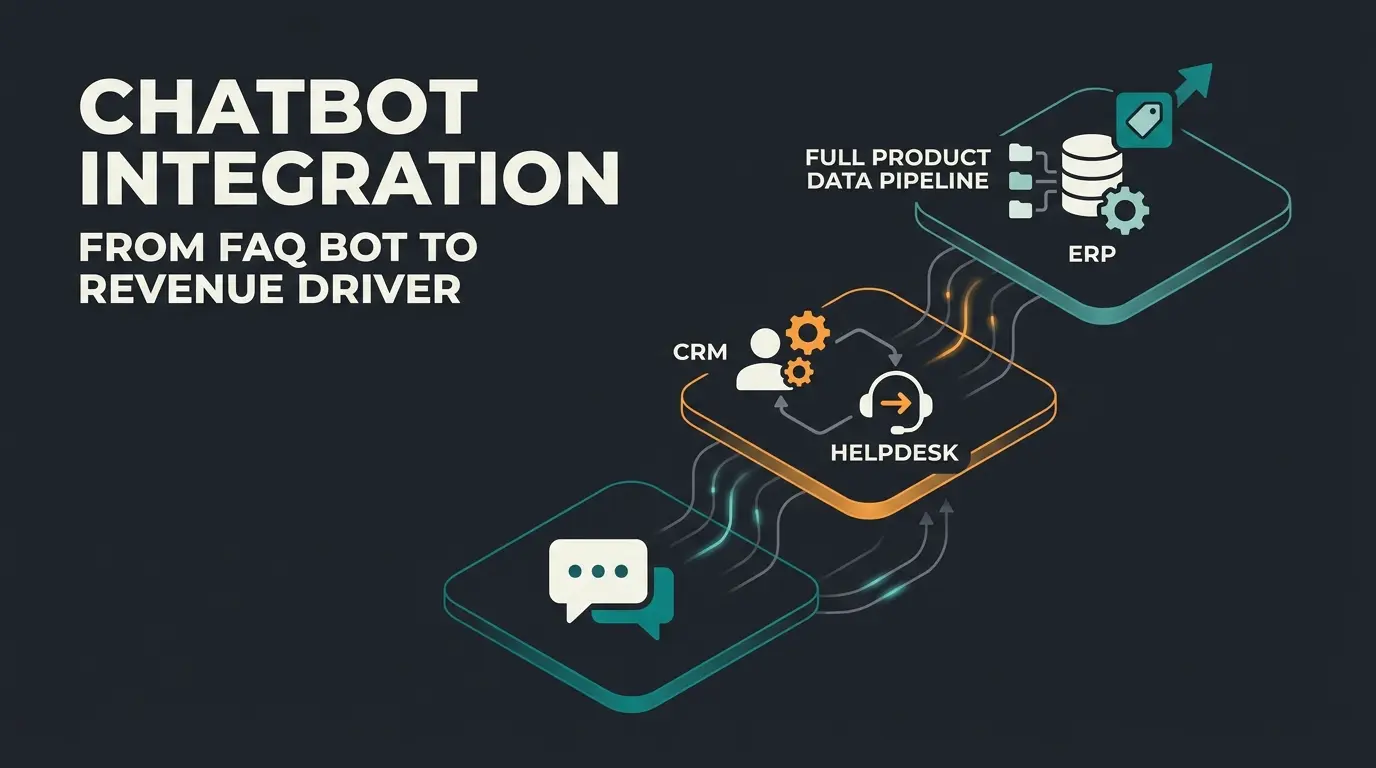
Why your WordPress store needs a chatbot in 2026
A WordPress chatbot automates customer support, qualifies leads, and increases conversions by engaging visitors around the clock. For SMEs running WooCommerce stores, the right chatbot reduces support volume by up to 80% while increasing average order value through intelligent product recommendations.
The numbers back this up. Mordor Intelligence projects the global chatbot market at $11.45 billion in 2026, growing to $32.45 billion by 2031. WordPress powers 43.5% of all websites globally. That intersection creates a massive demand for chat solutions that work natively with WordPress and WooCommerce.
But most listicles ranking WordPress chatbot plugins miss the point for SMEs. They compare 13 tools without testing any of them, list enterprise solutions nobody with under 50 employees would buy, and skip the questions that actually matter: What does it cost when you factor in API usage? Does it integrate with your product catalog? Can you run it without a developer?
As Gartner projects, conversational AI will cut contact center agent labor costs by $80 billion globally in 2026. That prediction is already playing out in e-commerce, where stores using AI-powered chat see resolution times drop from 38 hours average to under 6 minutes.
We tested seven plugins against a real WooCommerce setup with 400+ products. Not feature lists from marketing pages. Actual installations, actual configuration time, actual response quality.
AI product consultation vs traditional chatbots
Traditional chatbots follow scripted decision trees and can only answer pre-programmed questions. AI-powered product consultants understand context, remember past interactions, and actively recommend products based on customer needs, converting browsers into buyers rather than deflecting support tickets.
| Capability | Rule-Based Chatbot | AI Product Consultant |
|---|---|---|
| Response logic | Fixed decision trees | Natural language understanding |
| Product knowledge | Pre-configured FAQ answers | Reads entire product catalog in real time |
| Customer memory | None, every session starts fresh | Recognizes returning visitors, remembers preferences |
| Handling complex queries | Fails or escalates immediately | Resolves 80%+ of inquiries autonomously |
| Revenue impact | Reduces support tickets | Actively increases cart value and conversion |
| Setup effort | Hours of flow building | Catalog sync, then self-learning |
According to Forrester, companies deploying AI agents with real product knowledge see 3x higher customer satisfaction compared to rule-based alternatives. The difference is not the technology. The difference is whether the system understands what it is selling.
This distinction matters for your plugin choice. If your store sells commodity products with no consultation need, a rule-based plugin like WPBot handles FAQ traffic fine. If your products require explanation, comparison, or expert guidance, you need AI product consultation, not a scripted flow.
The 7 best WordPress chatbot plugins compared
The best WordPress chatbot plugins for SMEs in 2026 are Tidio, ChatBot.com, WPBot, Smartsupp, HubSpot Chat, Botpress, and Qualimero, each optimized for different use cases from basic FAQ automation to AI-powered product consultation.
Our testing methodology: Each plugin was installed on the same WooCommerce store (WordPress 6.7, PHP 8.2, 412 products). We measured setup time, AI response accuracy against 50 standardized customer questions, WooCommerce data access depth, and total monthly cost including API fees. See chatbot examples in action for real-world implementations.
Tidio - best for small shops getting started
Tidio combines live chat with AI chatbot capabilities and offers a free plan, making it the easiest entry point for small WordPress shops testing chat automation. Its Lyro AI agent achieves a 64% resolution rate on incoming queries according to Tidio, which matches our testing results on standard FAQ questions.
Setup took 12 minutes from plugin installation to first working chatbot. The WooCommerce integration lets agents see cart contents during live chat, a practical feature for closing hesitant buyers. 27 pre-built templates cover common scenarios like cart recovery and lead capture.
The catch: Lyro AI starts at $39/month for just 50 conversations. A store handling 200 daily visitors burns through that in days. Real production cost for a mid-traffic shop lands at $79-129/month once you add the Growth plan ($59/month) and Lyro conversations.
ChatBot.com - best drag-and-drop builder
ChatBot.com provides a visual drag-and-drop builder that lets non-technical store owners create complex conversation flows without coding. The WordPress plugin connects to ChatBot.com's cloud platform, where you design flows in a visual editor.
The builder is genuinely intuitive. We had a product recommendation flow running in 35 minutes. But "no code" has limits. Any flow beyond simple FAQ routing requires careful conditional logic that feels more like programming with boxes than natural conversation design.
Pricing starts at $52/month for the Starter plan (1 active chatbot, 1,000 chats/month). The Team plan at $142/month unlocks 5 chatbots. For SMEs, the per-chat pricing model means costs scale linearly with traffic, which is predictable but not cheap.
WPBot - best native WordPress plugin
WPBot is the most popular native WordPress chatbot plugin with 4.7 stars and 119 reviews on WordPress.org. Everything runs from your WordPress dashboard. No external platform needed.
The free version handles basic FAQ flows and lead collection forms. The Pro version ($39/year or $149 one-time) adds OpenAI and Dialogflow integration, voice input, and multilingual support including right-to-left languages. That pricing model is unusual and cost-effective: a one-time payment instead of monthly SaaS fees.
Honest assessment: the interface looks dated compared to Tidio or ChatBot.com. Response quality with OpenAI integration depends heavily on your API key costs, which WPBot does not include. A store running 100 daily chatbot conversations with GPT-4o burns roughly $15-30/month in OpenAI API fees on top of the plugin license.
Smartsupp - best for visitor recording + chat
Smartsupp uniquely combines chatbot functionality with visitor session recordings, letting you see exactly how customers interact with your store before and after chat conversations. That combination is genuinely useful for diagnosing why customers get stuck.
GDPR compliance is a real strength here. Smartsupp is EU-based (Czech Republic), stores data in the EU, and includes built-in consent tools in the chat widget. For European SMEs, this removes a compliance headache that US-hosted alternatives create.
Pricing starts at EUR 19/month. The "Smarty" bot handles cart recovery and basic FAQ automation, but its AI depth is limited compared to LLM-powered alternatives. If you need sophisticated product recommendations, Smartsupp falls short.
HubSpot Chat - best for CRM integration
HubSpot's free WordPress chat plugin connects directly to its CRM, automatically creating contact records and tracking every conversation for sales follow-up. If your sales process already lives in HubSpot, this is the obvious choice.
The free plan includes live chat, basic lead qualification, and CRM sync. Paid Starter plans begin at $15/seat/month. The chatbot builder is functional but basic: conditional branching works, but the conversation flows feel mechanical compared to AI-native tools.
The limitation that matters: HubSpot Chat works best inside the HubSpot ecosystem. Without paid HubSpot Marketing or Sales Hub, you get a functional live chat with basic bot flows, not an AI chatbot. The learning curve is steep for teams new to HubSpot.
Botpress - best open-source option
Botpress is the leading open-source chatbot platform with WordPress webchat integration, giving developers complete control over chatbot logic and data. The free cloud tier handles basic use cases. Self-hosting eliminates all per-message fees.
For developers, Botpress is the most flexible option in this comparison. You can build custom NLU pipelines, connect to any API, and deploy on your own infrastructure. The visual flow editor has improved significantly since V12.
For non-technical SME owners, Botpress is the wrong choice. Setup requires developer time. The free plan works for prototyping, but production-ready bots on the Plus plan cost $150/month plus AI spend (billed separately since May 2026). That cost structure is unpredictable for budget planning.
Qualimero - best AI product consultation for e-commerce
Qualimero goes beyond traditional chatbot plugins by deploying AI employees that understand your entire product catalog, recognize returning customers, and provide expert product consultation. The results speak in data: +35% cart value and 7x higher conversion rate for e-commerce stores.
The core difference: plugins listed above automate conversations. Qualimero automates product expertise. The AI employee reads your catalog, understands product relationships, and makes recommendations the way an experienced sales associate would. It integrates with WordPress/WooCommerce through a JavaScript snippet, not a plugin dependency.
Pricing comparison: what WordPress chatbots actually cost
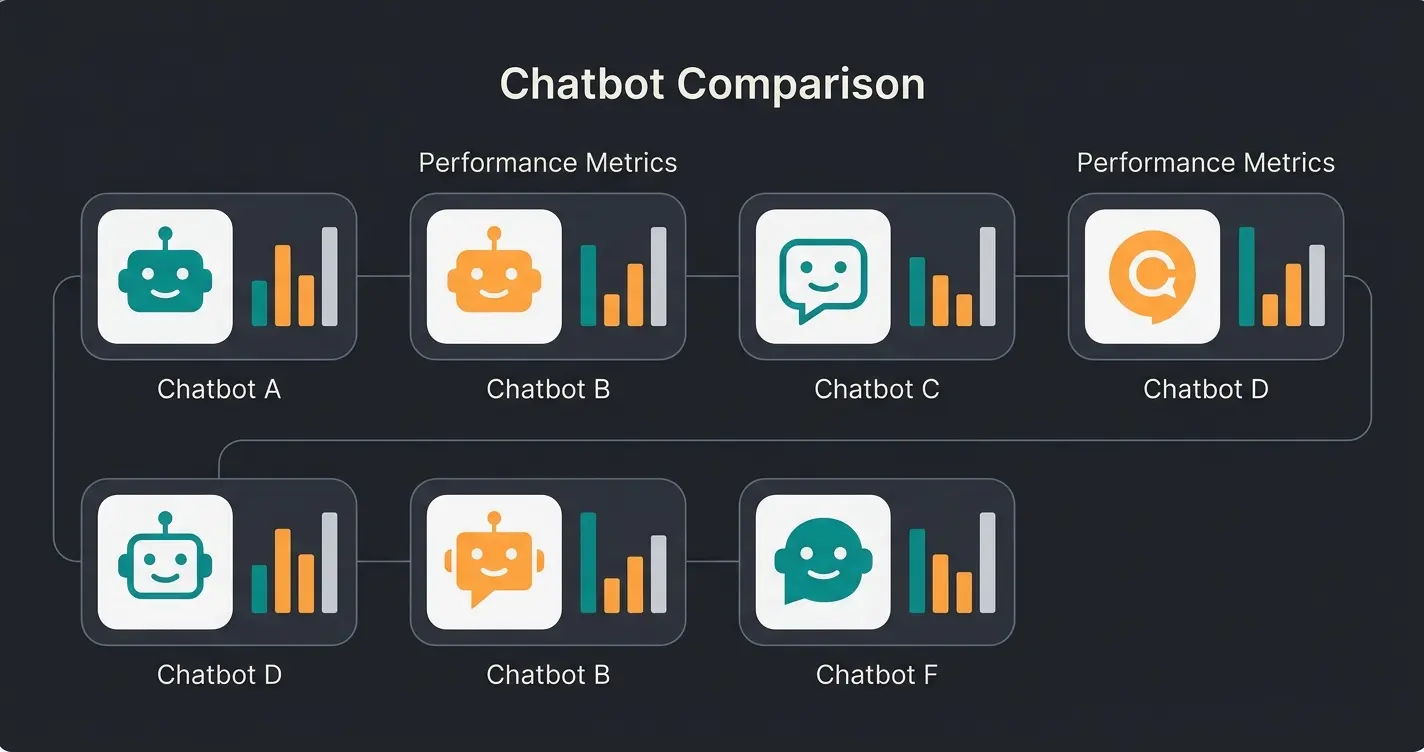
WordPress chatbot plugins range from free (with limited features) to $200+/month for full AI capabilities. Most SMEs spend $20-80/month for a production-ready chatbot, but the real cost calculation must include setup time, API fees, and lost revenue from poor chatbot experiences.
| Plugin | Free Plan | Paid From | AI Add-on Cost | Hidden Costs |
|---|---|---|---|---|
| Tidio | Yes (50 conversations) | $29/month | Lyro AI: $39/month (50 convos) | Conversation overage fees |
| ChatBot.com | 14-day trial only | $52/month | Included in plan | Per-chat pricing scales with traffic |
| WPBot | Yes (basic flows) | $39/year or $149 one-time | OpenAI API: ~$15-30/month | API costs not included in license |
| Smartsupp | Yes (limited) | EUR 19/month | Limited AI (Smarty bot) | Session recording costs extra on higher tiers |
| HubSpot Chat | Yes (basic) | $15/seat/month | Requires paid Marketing Hub | Full chatbot needs $45+/month ecosystem |
| Botpress | Yes (cloud tier) | $150/month (Plus) | AI Spend billed separately | Unpredictable AI usage costs |
| Qualimero | Free trial | Custom pricing | Included | None, flat monthly fee |
The pricing gap between advertised and actual costs is a recurring pattern. Tidio advertises a free plan, but production use with AI costs $79-129/month. Botpress markets an open-source option, but their cloud pricing changed in May 2026 to bill AI spend separately. WPBot is the most transparent: $149 once, plus whatever your OpenAI usage burns.
For a detailed breakdown of chatbot economics across platforms, see our chatbot pricing guide.
How to choose the right WordPress chatbot
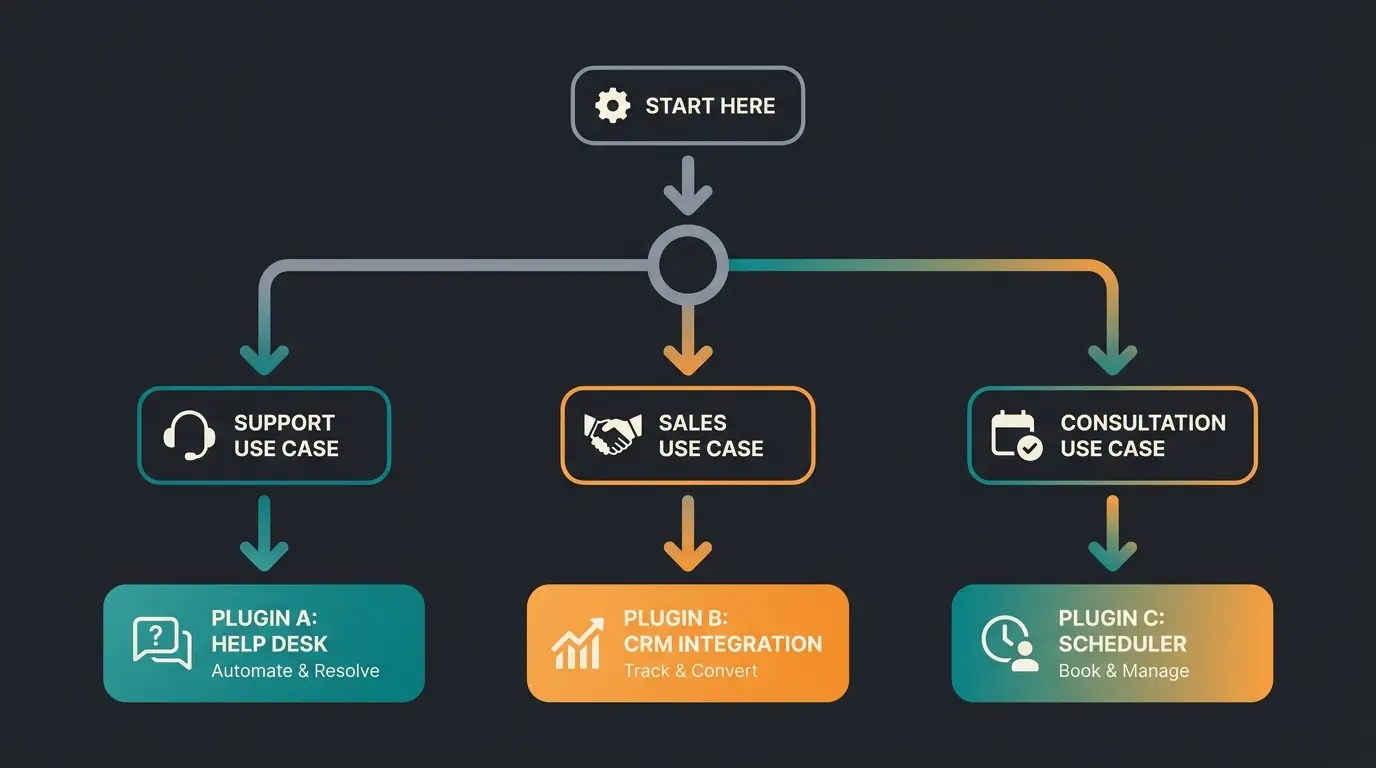
Choose your WordPress chatbot based on three factors: your primary use case (support vs sales vs consultation), your technical resources (no-code vs developer), and your budget. FAQ-only shops need Tidio or WPBot. Stores wanting AI product consultation need Qualimero or Botpress with custom development.
| Your situation | Best choice | Why |
|---|---|---|
| Small shop, first chatbot, tight budget | WPBot or Tidio (free plan) | Lowest barrier to entry, functional free tiers |
| E-commerce with WooCommerce, need cart recovery | Tidio or Smartsupp | WooCommerce integration, cart visibility, recovery flows |
| Sales team using HubSpot CRM | HubSpot Chat | Native CRM sync, lead qualification built in |
| Developer team, need full control | Botpress (self-hosted) | Open source, custom NLU, no vendor lock-in |
| Consultation-heavy products, need expert AI | Qualimero | Product catalog understanding, persistent memory, proven ROI |
| EU-based, GDPR is top priority | Smartsupp or Qualimero | EU-hosted data, built-in compliance tools |
One thing I keep seeing in client conversations: teams choose a chatbot based on features they will never use. A garden supply store with 200 products does not need a platform that supports 40 languages and VOIP integration. Start with the use case. The tool follows.
Real results: how SMEs use WordPress chatbots
SMEs using AI-powered product consultation on their stores see measurable results. Two examples from our client portfolio illustrate what happens when the chatbot actually understands the products it sells.
[Rasendoktor](/success-stories/rasendoktor): The online specialist for professional lawn care handled 2,000-3,000 consultation-intensive inquiries per season. Their AI employee Hektor now achieves a 100% automation rate with 16x return on investment. The key: Hektor understands which lawn seed works for which soil condition, which spreader fits which garden size. That product knowledge is what separates an AI employee from a scripted FAQ bot.
[Gartenfreunde](/success-stories/gartenfreunde-ai-employee): The garden and wellness retailer deployed AI employee Kira to handle up to 50 consultation-intensive inquiries per day during peak season. Result: 7x higher conversion rate and a 45% click-through rate on product recommendations. Kira does not just answer questions, she actively recommends products based on the customer's situation.
AI product consultation for lawn care products
Compared to visitors without AI consultation
Zero manual intervention needed for product advice
Click-through rate on AI-recommended products
GDPR compliance: what to check before installing
Any chatbot on a WordPress site serving EU visitors must comply with GDPR: a data processing agreement (DPA), EU server hosting or adequate safeguards, cookie consent integration, and transparent data retention policies are non-negotiable requirements as of June 2026.
- Data Processing Agreement (DPA) available from the provider
- Server location within EU/EEA or with adequate safeguards (Standard Contractual Clauses)
- Cookie consent integration with your CMP (Cookiebot, Complianz, etc.)
- Data retention policy clearly documented: how long chat logs are stored
- User data export and deletion possible on request (Art. 15, 17 GDPR)
- No third-party data sharing without explicit consent
In our testing, Smartsupp and Qualimero met all six criteria out of the box. Tidio and HubSpot offer DPAs but default to US-based data storage. WPBot stores data locally on your WordPress server (which solves the hosting question if your server is EU-based). Botpress offers self-hosting for full data control. ChatBot.com provides a DPA but processes data outside the EU.
For DACH-region SMEs, this is not optional. A chatbot that sends customer conversation data to US servers without proper safeguards creates a compliance risk that no feature list compensates for.
One question that comes up in every evaluation: does a chatbot slow down my WordPress site? In our testing, cloud-based plugins (Tidio, ChatBot.com, Qualimero) loaded asynchronously and added under 50ms to page load. WPBot runs on your server, so performance depends on your hosting. On shared hosting with 5+ plugins active, we measured a 120ms increase. On managed hosting (Cloudways, Kinsta), the impact was negligible.

FAQ
No. WordPress does not include a native chatbot. You need a plugin like WPBot (4.7 stars, 119 reviews on WordPress.org) or a third-party integration like Tidio or Qualimero. Free options exist, but AI features typically require paid plans or API keys.
Install a chatbot plugin from the WordPress plugin directory, activate it, and configure your conversation flows. Most plugins (Tidio, WPBot, HubSpot) take under 15 minutes to set up. For AI-powered solutions like Qualimero, you add a JavaScript snippet to your theme and connect your product catalog.
WPBot offers the most functional free version with FAQ automation, lead forms, and basic conversational flows. Tidio's free plan includes 50 AI conversations per month. HubSpot Chat is free with basic bot flows if you use their CRM. None of these free tiers include full AI capabilities.
Most cloud-based chatbot plugins (Tidio, ChatBot.com, Qualimero) load asynchronously and add under 50ms to page load time. Native plugins like WPBot run on your server and can impact performance on shared hosting. In our testing, no plugin caused measurable Core Web Vitals degradation on managed hosting.
Production-ready WordPress chatbots cost $20-80/month for most SMEs. WPBot is the cheapest at $39/year plus OpenAI API fees (~$15-30/month). Tidio with AI costs $79-129/month. Enterprise solutions like Botpress Plus start at $150/month. See our chatbot pricing guide for detailed comparisons.
Not automatically. GDPR compliance depends on the provider's data hosting location, DPA availability, and cookie consent integration. Smartsupp (EU-hosted) and WPBot (data stays on your server) are the most straightforward options for EU compliance. Always verify the provider's DPA and server location before installing.
WordPress chatbot plugins deflect support tickets. An AI employee converts visitors into buyers. Our clients see 7x higher conversion rates and 16x ROI through intelligent product consultation. See it in your own store.
Book a free demo
Kevin is CTO and co-founder of Qualimero. As an AI architect with over 15 years of experience as CTO and CPO in the tech industry, he designs the AI systems that automate tens of thousands of customer interactions daily for Qualimero's clients — reliably, securely, and at scale.