Why Simply Installing Magento Is No Longer Enough
When you search for "Magento installation," you typically find guides showing you how to copy files to a server. While technically correct, this approach is strategically dangerous. In 2026, it's no longer sufficient for your shop to merely run—it needs to sprint, navigating a legally complex environment while competing against technologically advanced competitors.
The installation of Magento 2 (Adobe Commerce) has evolved from a simple setup process into an architectural decision. Anyone still relying on outdated stacks (like the legacy Luma theme) or ignoring legal developments such as the European Accessibility Act accumulates technical debt before selling their first product. According to mgt-commerce.com, proper planning of your tech stack is essential for long-term success.
This guide is different. We won't just walk you through the technical commands for Magento installation—we'll show you how to set up a system that is technically robust (PHP 8.3, Varnish, Elasticsearch), legally compliant for European markets (MageSetup, EAA compliance), and future-proof through modern frontends (Hyvä) and AI integration. If you're considering alternatives, our Shopware installation guide provides a comprehensive comparison.
Preparation: The Modern Tech Stack (2026 Edition)
Before typing a single line of code, we need to lay the foundation. Magento 2 is resource-hungry—a shared hosting package for $5 won't cut it. Proper infrastructure planning separates successful installations from those plagued by performance issues.
Server Requirements & Checklist
Based on current requirements for Magento 2.4.7 and higher (as of 2025/2026), you absolutely need the following environment as documented by perspectiveteam.com:
- Operating System: Linux x86-64 (Recommended: Ubuntu 22.04 or 24.04 LTS, RHEL, Debian). Windows is not supported in production environments according to bsscommerce.com and 5ms.co.uk
- Web Server: Nginx 1.18+ (preferred for performance) or Apache 2.4
- PHP Version: PHP 8.2 or 8.3. This is critical—older versions are no longer supported, and PHP 8.3 brings significant performance improvements
- Database: MariaDB 10.6+ or MySQL 8.0 (MariaDB is often preferred for better performance)
- Search Engine: Elasticsearch 8.11+ or OpenSearch 2.12+. Important: Magento no longer supports MySQL search. Without a configured search engine, Magento cannot be installed
- Composer: Version 2.7.x. Composer 1.x is obsolete
- Cache: Varnish 7.4+ (for Full Page Cache) and Redis 7.2 (for Session/Backend Cache)
Cloud/Dedicated Server running Ubuntu with Nginx web server
MariaDB for data storage, Elasticsearch for search, Redis for caching
Magento 2.4.7+ handling all business logic and transactions
Hyvä Theme replacing Luma for superior Core Web Vitals performance
AI Consultation replacing simple search with contextual understanding
European Accessibility Act 2025: A Critical Consideration
A point that almost all installation guides ignore: Starting June 28, 2025, the European Accessibility Act (EAA) applies across EU member states, including the German Barrierefreiheitsstärkungsgesetz (BFSG) as noted by inception-media.de.
What does this mean? B2C online shops must be accessible according to WCAG 2.1 Level AA standards as outlined by digital-art.de. Who is affected? Nearly every online retailer (exception: micro-enterprises under 10 employees and under €2 million revenue that don't sell third-party products—however, interpretation is strict, so compliance is recommended) according to ihk.de. For a comprehensive overview of accessibility requirements and modern solutions, explore our guide on digital accessibility.
Understanding EU AI Act compliance is also essential when implementing AI features in your shop, as regulations now require transparency about automated decision-making systems.
Step-by-Step: Magento Setup Via Composer
Forget "one-click installers" or ZIP downloads. The only professional method to set up Magento is via Composer. Only this approach keeps your shop updatable and secure according to envisagedigital.co.uk and 7span.com.
Step 1: Obtain Adobe Commerce Keys
Magento is open source, but downloads run through secured repositories. Navigate to the Adobe Commerce Marketplace, log in, and go to My Profile > Access Keys. Create a new key pair where your Public Key serves as your username and your Private Key as your password.
Step 2: Create the Project
Log in via SSH to your server. Navigate to the directory where your web server (Nginx/Apache) expects data (e.g., `/var/www/html/`). Execute the following command to download the files (replace `install-directory-name` with your folder name):
```bash composer create-project --repository-url=https://repo.magento.com/ magento/project-community-edition install-directory-name ```
Note: You'll be prompted for Username (Public Key) and Password (Private Key).
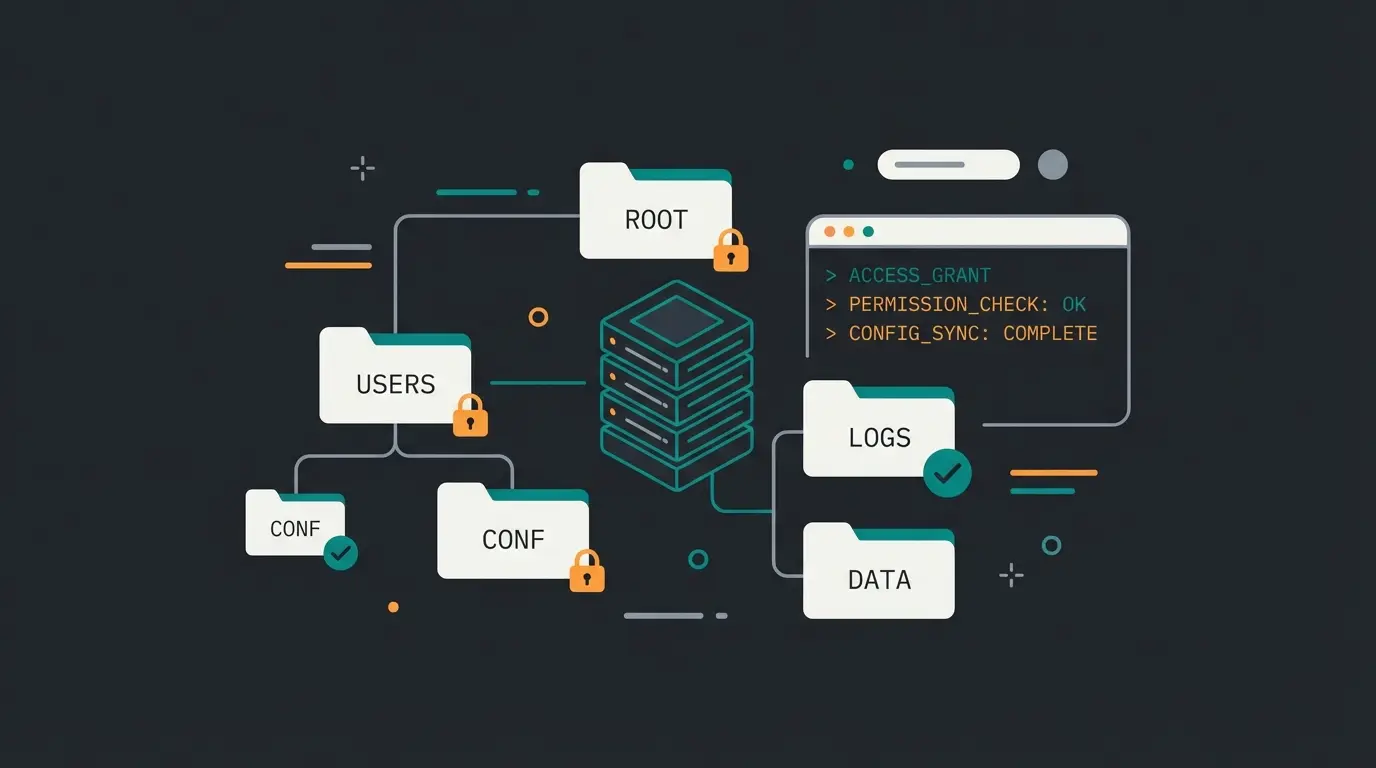
Step 3: File Permissions (The Most Common Error)
90% of all installation problems ("500 Internal Server Error") stem from incorrect permissions. Set permissions strictly according to Magento specifications as documented by cloudways.com:
```bash cd install-directory-name find var generated vendor pub/static pub/media app/etc -type f -exec chmod g+w {} + find var generated vendor pub/static pub/media app/etc -type d -exec chmod g+ws {} + chmod u+x bin/magento ```
Step 4: Create the Database
Before starting the setup, create an empty database in MySQL/MariaDB:
```sql CREATE DATABASE magento_db; CREATE USER 'magento_user'@'localhost' IDENTIFIED BY 'YourSecurePassword123!'; GRANT ALL PRIVILEGES ON magento_db.* TO 'magento_user'@'localhost'; FLUSH PRIVILEGES; ```
Step 5: The Installation Command
Now we execute the actual Magento setup. This command configures the database, sets admin credentials, and installs the system. Adjust the values in brackets `<...>` to your specific data:
```bash bin/magento setup:install \ --base-url=https://your-shop.com/ \ --db-host=localhost \ --db-name=magento_db \ --db-user=magento_user \ --db-password="YourSecurePassword123!" \ --admin-firstname="FirstName" \ --admin-lastname="LastName" \ --admin-email="admin@your-shop.com" \ --admin-user="admin" \ --admin-password="AdminPassword123!" \ --language=en_US \ --currency=EUR \ --timezone=Europe/Berlin \ --use-rewrites=1 \ --backend-frontname=admin_secure \ --elasticsearch-host=localhost \ --elasticsearch-port=9200 ```
The Localization Phase: Legal Compliance & Setup
A fresh Magento installation is oriented toward the US market. For European markets, especially Germany, it is not legally compliant in this state. We need to localize it properly, which is crucial whether you're using Magento or considering modern Shopware hosting alternatives.
Installing Language Packs
Community translations are excellent. The package from Mageplaza or Splendid Internet is standard according to mageplaza.com and stackexchange.com:
```bash composer require mageplaza/magento-2-german-language-pack php bin/magento setup:upgrade php bin/magento setup:static-content:deploy de_DE ```
Afterward, go to the Admin Panel under Stores > Configuration > General > Locale Options and ensure the appropriate locale is selected.
FireGento MageSetup: The Essential Module
The `FireGento_MageSetup` module is essential for European markets. It automatically configures tax classes (19% / 7% for Germany), tax rules for the EU, and email templates for the German market according to firegento.com, their documentation, and their GitHub repository.
Installation: ```bash composer require firegento/magesetup2 php bin/magento module:enable FireGento_MageSetup php bin/magento setup:upgrade ```
Configuration: After installation, run the setup command for Germany: ```bash bin/magento magesetup:setup:run de ``` This command automatically creates the correct tax rules and CMS page placeholders (Imprint, Terms & Conditions) that you'll later fill with content.
Default tax rate for most products in Germany
Applicable to food, books, and certain services
European Accessibility Act enforcement begins
Required compliance level for B2C online shops
European Legal Compliance Checklist
| Requirement | Status | Notes |
|---|---|---|
| Language Pack Installed | Required | Enable appropriate locale in admin |
| MageSetup Executed | Required | Tax rules for DE/EU correctly configured |
| Imprint, T&C, Privacy Policy, Cancellation Policy | Required | Texts from lawyer or merchant association |
| Price Indication Regulation (PAngV) | Required | Base prices, "incl. VAT" display |
| Cookie Consent Tool | Required | Integrate via extension |
| Accessibility Declaration | New 2025 | Required under EAA/BFSG |
Frontend Strategy: Hyvä Instead of Luma
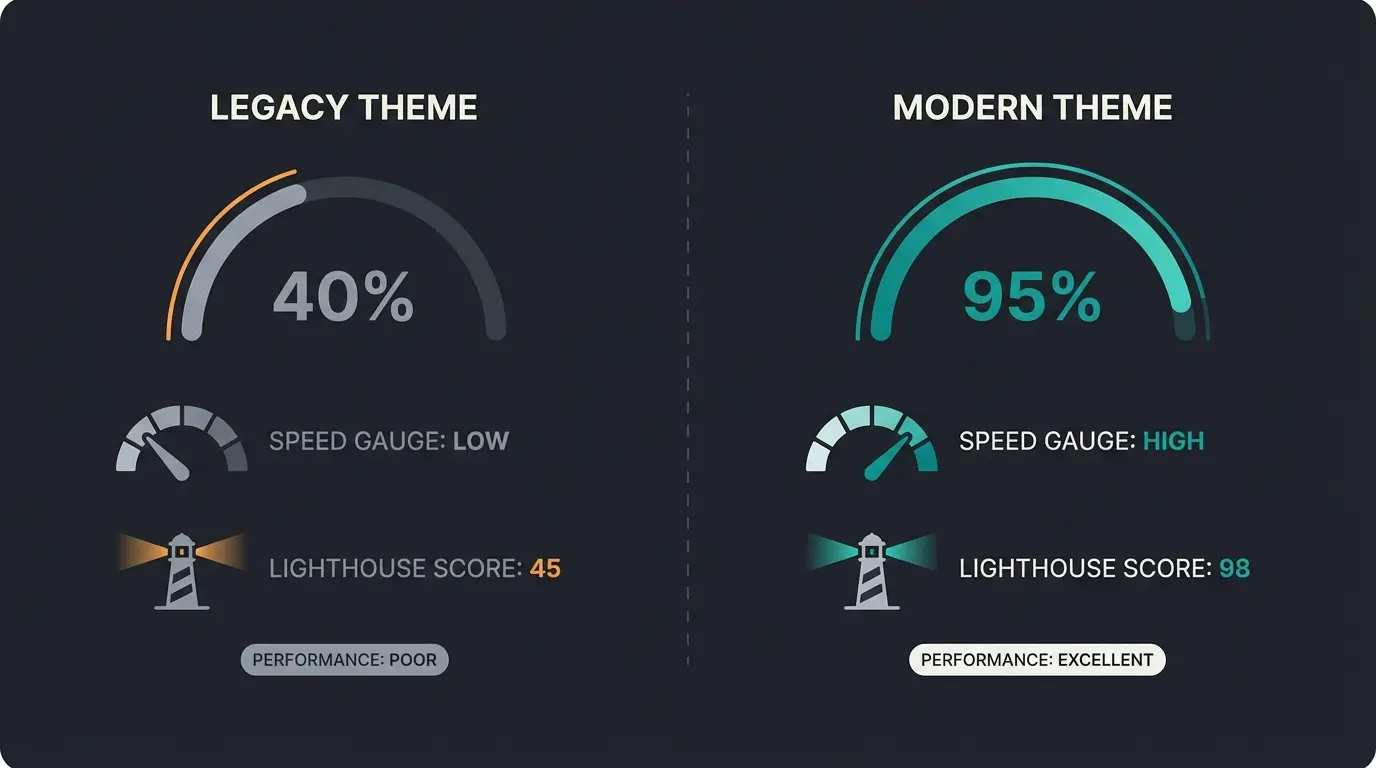
This is where a professional setup differs from a hobby project. Magento's standard theme ("Luma") is outdated, loads far too much JavaScript, and rarely achieves good Google PageSpeed scores. For 2026, we strongly recommend Hyvä Themes.
Why Choose Hyvä?
Performance: Hyvä removes the "RequireJS/KnockoutJS" bloat and uses modern Alpine.js and Tailwind CSS. The result is often 90-100 points in Google PageSpeed according to magecomp.com and dolphinwebsolution.com.
EAA Compliance: Hyvä offers better prerequisites for accessibility than Luma because the code is leaner and more semantic. Cost: The license costs approximately €1,000 one-time but saves hundreds of development hours according to mgt-commerce.com.
Hyvä Installation Overview
Since Hyvä requires a license, installation runs through Private Packagist as documented by amasty.com and webkul.com:
- Purchase license and obtain Packagist key
- Add repository: `composer config repositories.hyva-themes/magento2-theme-module git git@gitlab.hyva.io:hyva-themes/magento2-theme-module.git`
- Install: `composer require hyva-themes/magento2-default-theme`
- Run: `php bin/magento setup:upgrade`
Transform your Magento installation into a conversion machine with AI-powered product consultation. See how leading retailers are increasing conversions by understanding customer intent.
Start Your Free TrialPost-Installation: From Shop to Intelligent Advisor
Your shop is installed, legally compliant, and fast. But it's still "dumb." It waits for customers to know exactly what they want, which is increasingly rare in today's complex product landscapes.
The Problem with Traditional Search
Standard search (even with Elasticsearch) is keyword-based. Consider these scenarios:
- Customer searches: "red running shoes cheap" → Result: Red running shoes, sorted by price ✓
- Customer searches: "Which shoes do I need for a sub-4-hour marathon in rainy conditions?" → Result: 0 matches or irrelevant products ✗
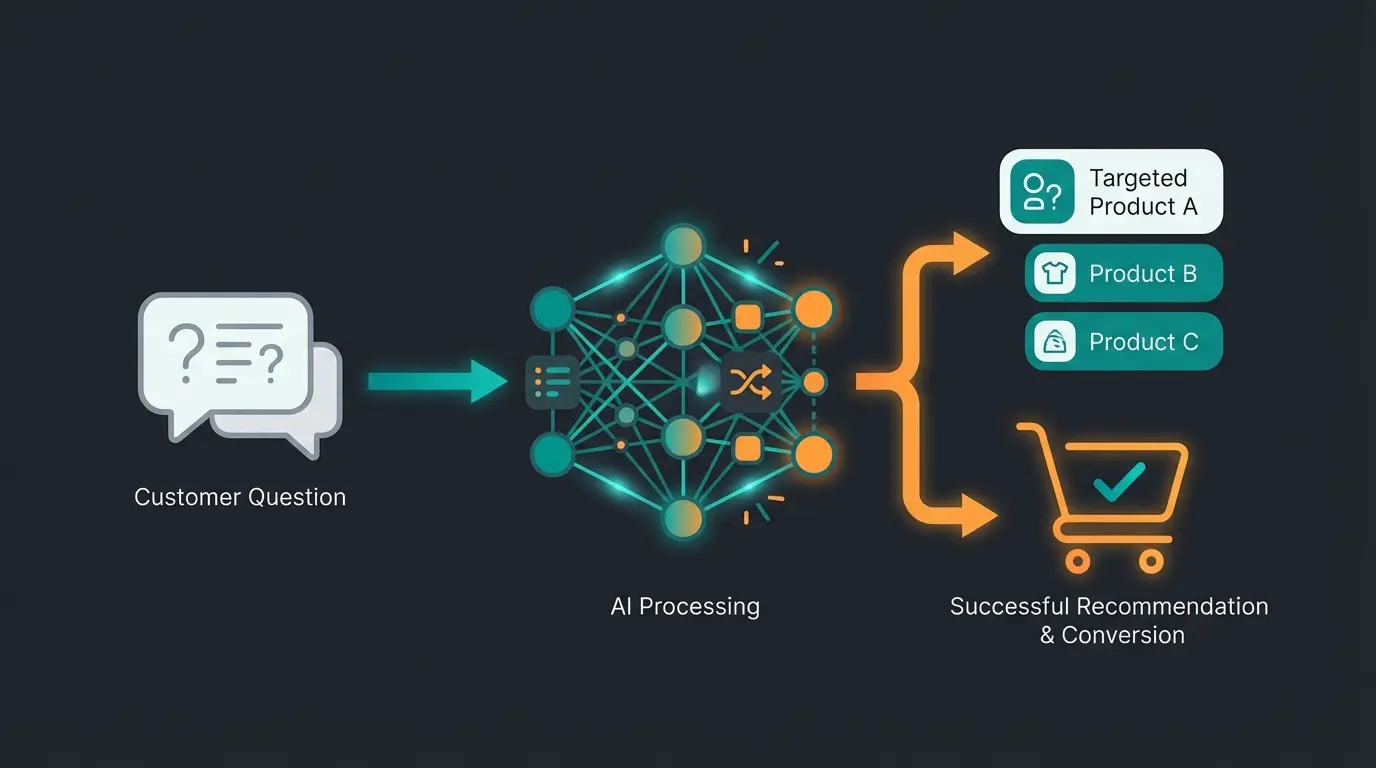
This is where Conversational AI transforms the shopping experience. Instead of forcing customers to know exact product names, AI understands context and intent. Learn more about how AI Chatbots are revolutionizing customer interactions.
The Solution: AI Product Consultation
In 2026, customers expect consultation, not just filters. Instead of merely installing a search bar, you should integrate an AI Consultation layer as part of your post-installation steps. This aligns with best practices in AI Customer Service implementation.
| Feature | Standard Magento Search | AI Consultant Layer |
|---|---|---|
| Understanding | Keywords ("Red", "Shoe") | Context & Intent ("Marathon", "Rain") |
| Interaction | Passive (Waits for input) | Proactive (Asks clarifying questions) |
| Knowledge | Only product database | Product data + Expert knowledge (e.g., material science) |
| Result | List of products | Specific recommendation with reasoning |
| 24/7 Availability | Yes | Yes |
For businesses looking to maximize this approach, explore our comprehensive guide on AI Product Consultation providers and implementation strategies. Understanding AI-powered product consultation can also help reduce returns by ensuring customers find the right products initially.
Implementation Approach
Use Magento's API interfaces (REST/GraphQL) to connect your product catalog with an AI solution. This should be part of your setup now, not in two years. A shop that "understands" its customers converts significantly better than one that merely "lists." If you're exploring different platforms, our guide on KI-Produktberatung compares various solutions for revenue optimization.
For merchants considering platform transitions, our Magento to Shopware migration guide provides a complete roadmap, while understanding Shopware marketplace connections shows how to maximize your multi-channel strategy regardless of platform choice.
Troubleshooting & Common Issues
Even with the best preparation, errors occur. Here are solutions for the top 3 problems during Magento installation:
1. Memory Limit Exhausted
Symptom: Installation aborts with an error message about insufficient memory.
Solution: Magento requires substantial RAM for the setup process. Temporarily increase the limit in your CLI command: ```bash php -d memory_limit=-1 bin/magento setup:install ... ``` Or adjust the `php.ini` (minimum 2G recommended).
2. Elasticsearch Connection Refused
Symptom: Error during `setup:install` that Elasticsearch is unreachable.
Solution: Check if the service is running: ```bash curl -X GET "localhost:9200/" ``` If no response: `sudo systemctl start elasticsearch`. Ensure you specify the correct version (Elasticsearch 7/8 or OpenSearch) in your Magento installation.
3. Permission Errors After Installation
Symptom: Images missing, CSS not loading, "Access Denied" errors.
Solution: Re-run the permission commands from Step 3. After every deployment or update, these often need to be renewed. This is one of the most common issues encountered during Magento setup.
Frequently Asked Questions
Magento 2.4.7+ requires PHP 8.2 or 8.3, MariaDB 10.6+ or MySQL 8.0, Elasticsearch 8.11+ or OpenSearch 2.12+, Composer 2.7.x, and a Linux-based operating system (Ubuntu 22.04/24.04 LTS recommended). Windows is not supported for production environments. You'll also need Varnish 7.4+ for full page cache and Redis 7.2 for session/backend cache for optimal performance.
Composer is the only professional installation method because it maintains proper dependency management, enables seamless updates, and ensures security patches can be applied correctly. One-click installers often create issues with future updates, lack proper version control, and can introduce security vulnerabilities. Professional Magento developers universally recommend the Composer approach.
For EAA compliance, you should: 1) Choose an accessible theme like Hyvä instead of Luma, 2) Ensure keyboard navigation support, 3) Implement proper screen reader compatibility, 4) Maintain WCAG 2.1 Level AA color contrast standards, 5) Publish an accessibility declaration, and 6) Regularly audit your site for accessibility issues. The deadline for compliance is June 28, 2025.
Standard Magento search is keyword-based—it matches product attributes to search terms. AI product consultation understands context, intent, and can engage in conversational interactions. While search returns a list of products matching keywords, AI consultation provides specific recommendations with reasoning, asks clarifying questions, and leverages expert knowledge beyond basic product data.
The most common cause is incorrect file permissions. Run the permission commands: `find var generated vendor pub/static pub/media app/etc -type f -exec chmod g+w {} +` and the directory equivalent with `g+ws`. Also check PHP memory limits (increase to at least 2G), verify Elasticsearch is running, and ensure your database credentials are correct.
Conclusion: Building Your 2026 E-Commerce Foundation
Installing Magento 2 today is far more than a technical procedure—it's the foundation for your digital business. By choosing a clean tech stack (Composer, PHP 8.3, Elasticsearch), considering European legal compliance (MageSetup, EAA) from day one, investing in performance (Hyvä), and making your shop intelligent through AI integration, you're not building yesterday's online shop—you're creating a platform for 2026 and beyond.
The competitive landscape has shifted. Shops that merely list products are losing to those that understand and advise customers. Your Magento installation is now live. The next step is making it intelligent—transforming it from a product catalog into a consultative sales experience that converts browsers into buyers.
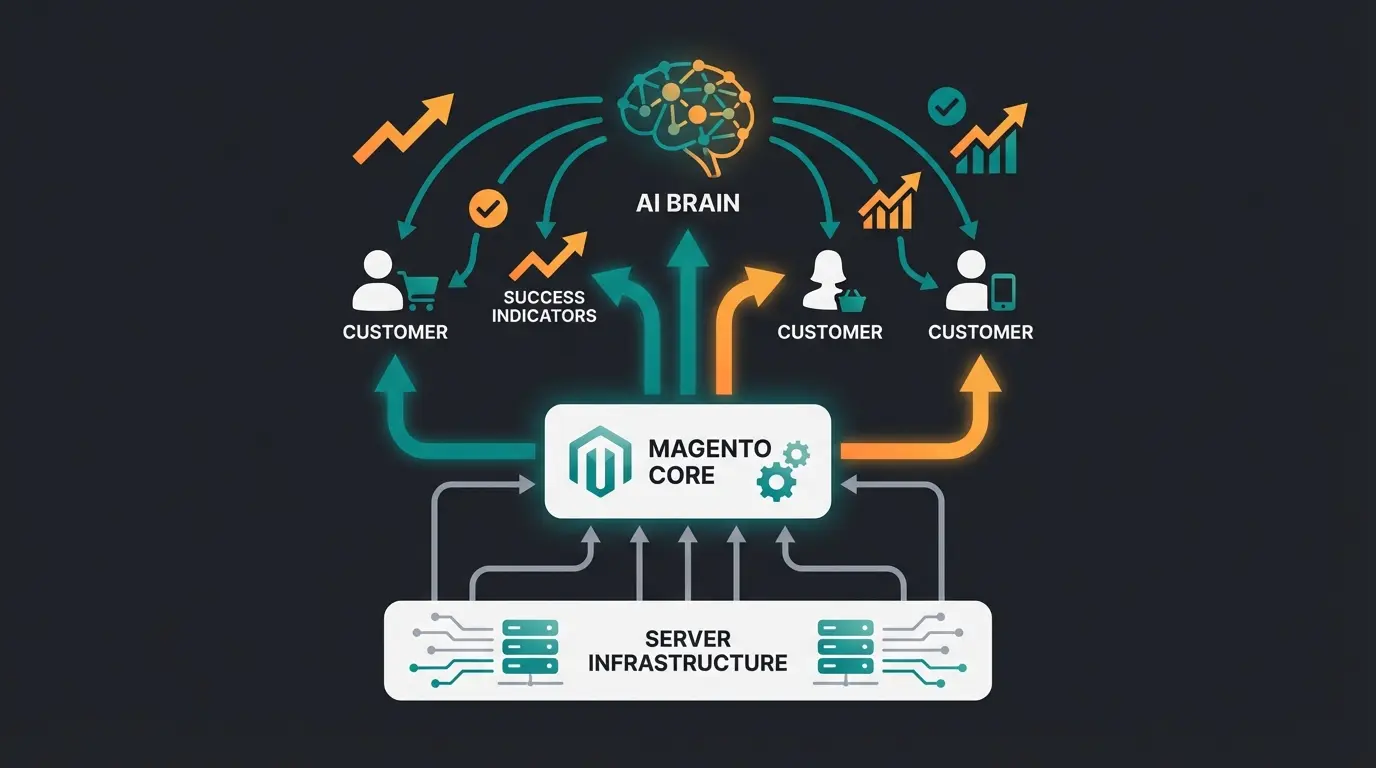
See how AI product consultation transforms your new Magento installation into a revenue-generating powerhouse. Join leading e-commerce brands using conversational AI to increase conversions and customer satisfaction.
Schedule Your Demo
Kevin is CTO and co-founder of Qualimero. As an AI architect with over 15 years of experience as CTO and CPO in the tech industry, he designs the AI systems that automate tens of thousands of customer interactions daily for Qualimero's clients — reliably, securely, and at scale.