Why Your Accounting Determines Your Business Success
Picture this scenario: Your Shopware 6 shop is running fantastically. Orders are pouring in, and inventory is flying off the shelves. But at the end of the month, reality hits hard. Your tax consultant calls because invoices are missing, PayPal transactions can't be matched, and the OSS declaration for EU countries contains errors. Instead of scaling your business, you spend the weekend buried in Excel spreadsheets and searching for receipts.
This is the reality for many online retailers who view Shopware accounting as merely an "administrative task." But in 2025, accounting is more than just compliance – it's the foundation for scaling. Understanding Shopware workflow automation can help you build systems that work for you rather than against you.
In this comprehensive guide, you'll learn not only how to make your Shopware shop GoBD-compliant and automate DATEV exports. We'll show you how to transform accounting from a time drain into an invisible, automated process – so you can focus on what truly matters: your customers and your growth. According to Google's insights, modern e-commerce businesses that automate their back-office operations see significant competitive advantages.
The Basics: How Shopware Handles Accounting
Before we dive into the tools, we need to clear up a fundamental misconception: Shopware is a sales system, not an accounting system.
While Shopware 6 offers features that look like accounting – it generates invoice numbers, calculates taxes, and creates PDFs – it lacks the bookkeeping logic of a financial accounting system (FiBu). The DHPG tax advisory firm emphasizes this distinction as critical for compliance.
The Difference Between Document and Booking
- Shopware (The Document Creator): Shopware creates the document (the invoice or credit note). It knows that customer Max Mustermann purchased items for €119.
- Accounting Software (The Bookkeeper): This software must translate the transaction into debit and credit. It needs to know: "€100 revenue to income account 8400 (SKR03) and €19 to VAT account."
The Danger of Manual Transfer
Many beginners make the mistake of downloading PDF invoices from Shopware and manually sending them to their tax consultant or uploading them to tools like Lexware. This approach creates significant risks that can come back to haunt you during an audit.
- Risk 1: Typos during data transfer that create discrepancies.
- Risk 2: Missing payment matching (Which PayPal transaction belongs to which invoice?).
- Risk 3: GoBD violations because the immutability of the data chain is broken.
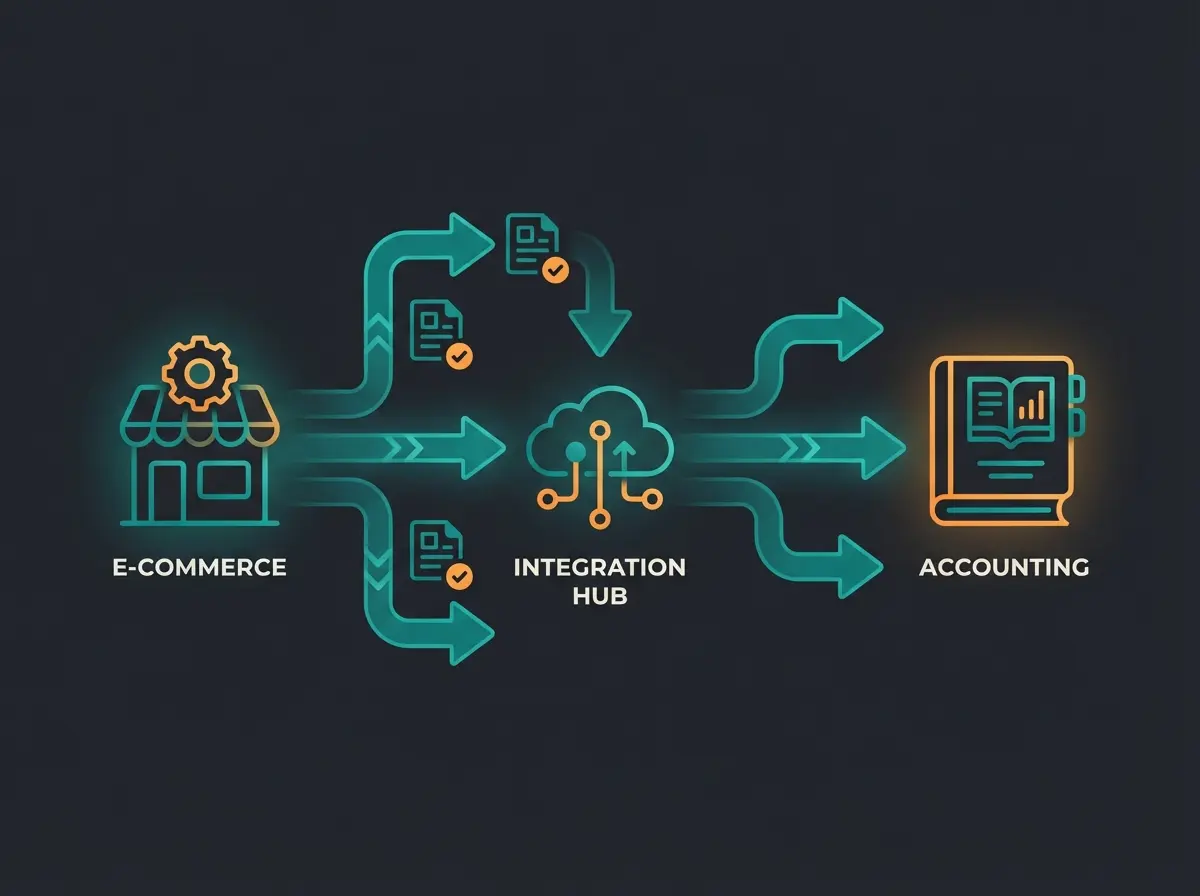
3 Strategies for Shopware Accounting Compared
There isn't one "best" tool for everyone. The right solution depends on your phase (startup, scale-up, enterprise) and your complexity (multichannel, internationalization). Here are the three proven strategies that successful Shopware merchants use.
Strategy A: The Starter (Direct Cloud Connection)
Ideal for: Small shops, mono-brand shops, focus on DACH region.
This approach connects Shopware directly to cloud accounting software via a plugin. According to the Shopware Store, there are numerous certified plugins available for this purpose.
- Popular Tools: Lexware Office (formerly lexoffice), sevDesk
- How it Works: A plugin (e.g., from interface partners in the Shopware Store) pushes orders immediately upon receipt as draft or final invoices to the accounting tool
Advantages: Affordable (software often < €30/month + plugin costs), simple setup (plug & play), and intuitive user interface for non-accountants.
Disadvantages: Often hits limits with high order volumes (e.g., > 500 orders/month), complex tax situations (OSS, delivery thresholds, warehouses abroad) are often difficult to map, and frequently no true "batch processing" for tax consultants – just individual bookings.
Strategy B: The Scaler (Middleware & Aggregators)
Ideal for: Growing shops, multichannel (Amazon + Shopware), EU sales (OSS).
This is the most professional solution for pure e-commerce players. Middleware sits between Shopware and accounting (usually DATEV with the tax consultant). As Sommerpartner explains, this approach separates concerns effectively.
- Popular Tools: AccountOne, Taxdoo, Billbee (with limitations)
- How it Works: The middleware pulls data from Shopware (and Amazon, eBay, Stripe, PayPal), evaluates each transaction for correct tax treatment (which country? which tax rate?) and creates a ready-to-use DATEV export
Advantages: Perfect OSS processing with automatic recognition of delivery thresholds and correct tax rates in EU countries (as noted by AccountOne), automatic payment matching between PayPal receipts and invoices, and independence from the shop system – you can switch systems while the accounting logic stays in the middleware. Understanding Shopware API automation can enhance these integrations significantly.
Disadvantages: Costs are often transaction-based (can become more expensive with many small orders) and no "all-in-one" inventory management (but often more specialized).
Strategy C: The Pro (ERP Integrated)
Ideal for: Merchants with complex warehousing, POS (retail store), and Shopware focus.
Here, accounting preparation happens directly in Shopware's backend, extended by an ERP system. Pickware is the leading solution in this space.
- The Tool: Pickware ERP
- How it Works: Pickware is directly integrated into Shopware. It uses the Shopware database for inventory, purchasing, and DATEV export according to Pickware's documentation
Advantages: Single source of truth with no data synchronization needed (everything happens in Shopware), POS integration where retail and online sales land in the same DATEV export (as highlighted by Pickware and Zendesk), and high usability since you never leave the Shopware interface.
Disadvantages: Higher fixed costs (license fees for ERP + DATEV plugin) and strong focus on the Shopware ecosystem (less flexible for marketplace connections without additional tools).
The Accounting Matrix: Direct Tool Comparison
To make your decision easier, we've compared the leading solutions based on current market data. This comparison helps you understand which solution fits your business stage and requirements. For shops comparing platforms, our analysis of Shopware vs Shopify provides additional context on ecosystem differences. If you are evaluating Shopify instead, our dedicated Shopify Accounting guide covers the equivalent tools and workflows for that platform.
| Feature | Lexware Office / sevDesk (via Plugin) | AccountOne (Middleware) | Pickware ERP (Native Integration) |
|---|---|---|---|
| Type | Cloud Accounting (All-in-One) | E-Commerce Middleware | ERP System in Shopware |
| Target Group | Beginners & Small Businesses | Pure E-Commerce & Multichannel | Shopware Power Users & Omnichannel (POS) |
| DATEV Export | Yes (often limited / via consultant access) | Excellent (Booking Stack + Document Image) | Excellent (Certified Plugin) |
| OSS Procedure | Basic functions available | Specialty (VAT Matrix) | Integrated (via Shopware Tax Rules) |
| Amazon/eBay | Via additional plugins possible | Natively integrated (Strength!) | Via connectors possible |
| Costs (approx.) | ~€30 Software + ~€20 Plugin / month | From ~€24 (Basic) to revenue-based | From €99 (Starter) + DATEV Plugin / month |
| Setup | Easy (Self-Service) | Medium (Onboarding often recommended) | Medium to Complex (ERP Setup) |
Note on costs: Prices may vary and often depend on transaction volume or feature scope according to OMR Reviews.
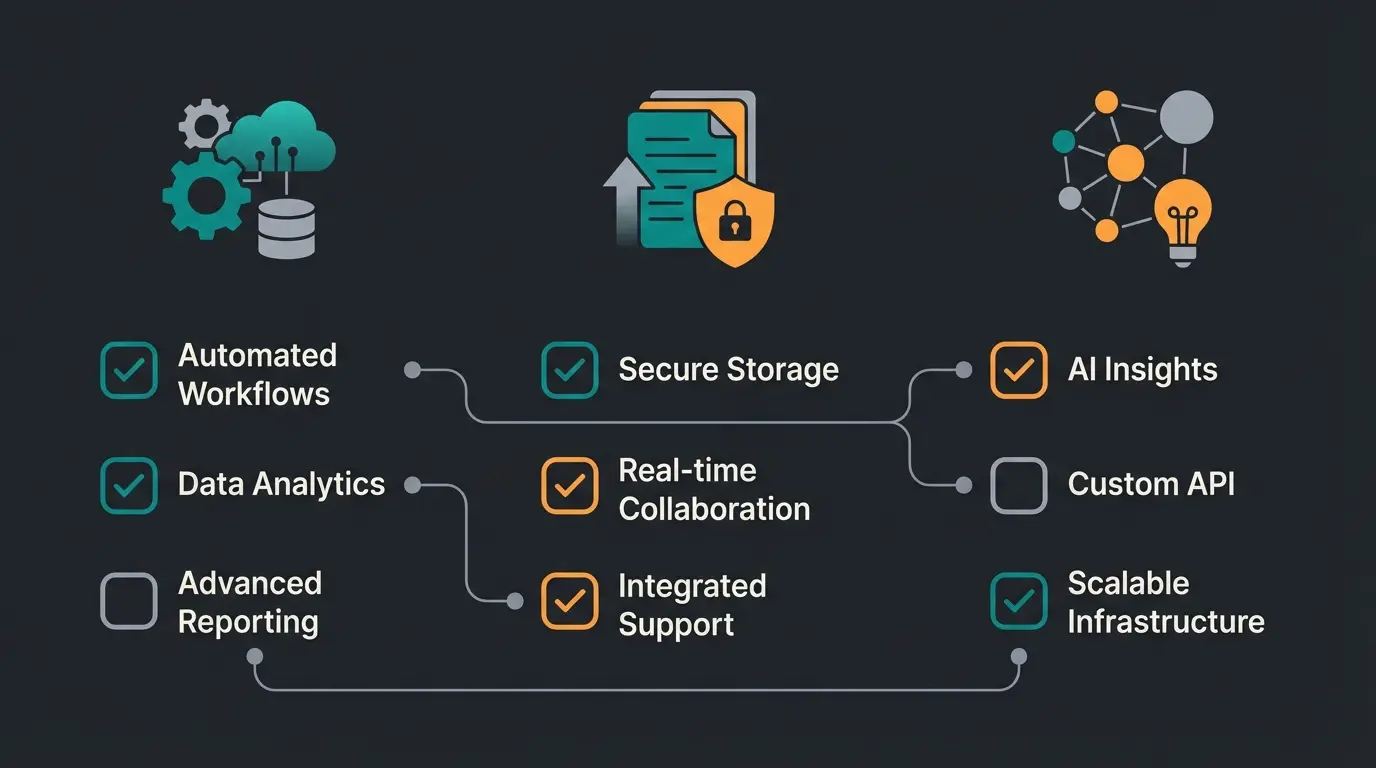
Deep Dive: DATEV, OSS, and GoBD Explained
Regardless of which tool you choose, three terms will keep appearing. Here's what they mean for your Shopware shop and why understanding them is crucial for compliance and efficiency.
The DATEV Export: Speaking Your Tax Consultant's Language
In Germany, most tax firms use DATEV. If you give your tax consultant "a shoebox full of invoices" (or a folder full of PDFs), they must type everything manually. That costs you hundreds of euros per month in unnecessary fees.
The Goal: An automated DATEV export consisting of two parts:
- Booking Stack (CSV): A file containing all booking entries (invoice number, date, amount, account, counter-account).
- Document Images (PDF): The visual invoices, linked to the booking entry (via "document link").
OSS (One Stop Shop): The EU Tax Trap
Since July 2021, the rule is: If you sell more than €10,000 (net) per year to private customers in other EU countries, you must charge the VAT of the recipient country (e.g., 20% for Austria, 21% for Spain). This is detailed in the Shopware documentation and guidance from Für Gründer.
In Shopware 6: Shopware can handle this natively. You need to configure country-specific tax rates in the tax settings. Navigate to `Settings` > `Taxes` > Select tax rate > Add country-specific rates. The SW SimplyWorks guide provides detailed instructions, and YouTube tutorials offer visual walkthroughs.
GoBD: Non-Compliance Is Not an Option
The "Principles for Proper Maintenance and Storage of Books..." (GoBD) require that your bookkeeping is traceable, complete, correct, timely, orderly, and immutable. This framework is fundamental to German tax compliance.
Critical Point in Shopware: Once an invoice has been sent to the customer, it must not be changed. Shopware 6 offers the "Lock Documents" function for this purpose. Based on Shopware's official documentation and YouTube tutorials, proper configuration is essential.
- Ensure your plugin or workflow locks invoices as soon as they're transferred to accounting.
- Use number ranges in Shopware (`Settings` > `Number Ranges`) to guarantee consecutive invoice numbers.
Step-by-Step: The Ideal Automated Workflow
What does the perfect process look like where you never touch an invoice again? Here's the blueprint for a modern Shopware shop (example with middleware approach). This process aligns with best practices in Shopware AI automation.
Customer orders in Shopware 6 and pays via PayPal, Stripe, or other payment method
Shopware automatically generates the invoice (PDF) and sends it via email to the customer
Middleware (e.g., AccountOne) pulls order data from Shopware AND payment data from PayPal
System recognizes: "Order #1001 for €119 matches PayPal payment #TX123 for €119" and verifies correct VAT rates
System creates booking entry in background: Debtor to Sales Revenue (AT)
At month end, a complete stack is transferred to DATEV Unternehmen online with one click or automatically
Tax consultant only reviews instead of manually booking – saving hours of billable time
The Hidden Costs of Manual Accounting
Many merchants shy away from the monthly costs of €50-100 for automation tools. Let's do a quick calculation to show why this thinking is backwards.
Scenario: A shop with 300 orders per month.
- Manual Work: Download invoice, verify, match payments.
- Time Required: Approx. 2 minutes per order = 600 minutes = 10 hours.
- Tax Consultant Costs: Manual booking of 300 documents (if not pre-sorted).
- Additional Costs: Often €0.50 - €1.00 per booking entry for manual entry.
Own labor (10hrs × €50) + Tax consultant fees (~€300) + No software costs
Zero labor hours + Reduced tax consultant fees (~€100) + Software (~€50)
Plus 10 hours of productive time returned to focus on growth
Reinvest in marketing, products, or AI-powered customer consultation
Result: You not only save €650 per month but also gain back 10 hours of your life. That's time you could spend on improving Shopware customer service or implementing new sales strategies.
From Managed to Self-Driving: The Evolution
Now it gets exciting. We've established that automation in accounting (back-office) is mandatory to stay competitive. But why do most merchants stop here?
The Thinking Error: "I automate my taxes so I have more time to manually answer customer emails."
That makes no sense. If you've put your back-office on autopilot with tools like AccountOne or Pickware, you should apply the same logic to your front-office. This is where AI e-commerce transforms how you can think about your entire operation.
The Next Level of Evolution: AI Product Consultation
While your accounting software matches invoices in the background, many merchants leave their customers alone in the shop. Customers must click through filters and read static descriptions. This is a massive missed opportunity for conversion optimization.
Imagine using the time gained (those 10 hours from our calculation above) to implement AI-powered product consultation. Just as accounting software intelligently links data (invoices), AI links customer needs with your products. The result: higher conversion rates and fewer support inquiries ("Does this part fit my car?"). Implementing Shopware 6 chatbots can dramatically improve customer engagement.
Our Philosophy: We help you not only understand accounting but make your entire shop "smart." Automate the obligation (accounting) so you can revolutionize the performance (sales). Learn more about how AI Customer Service can complement your back-office automation.
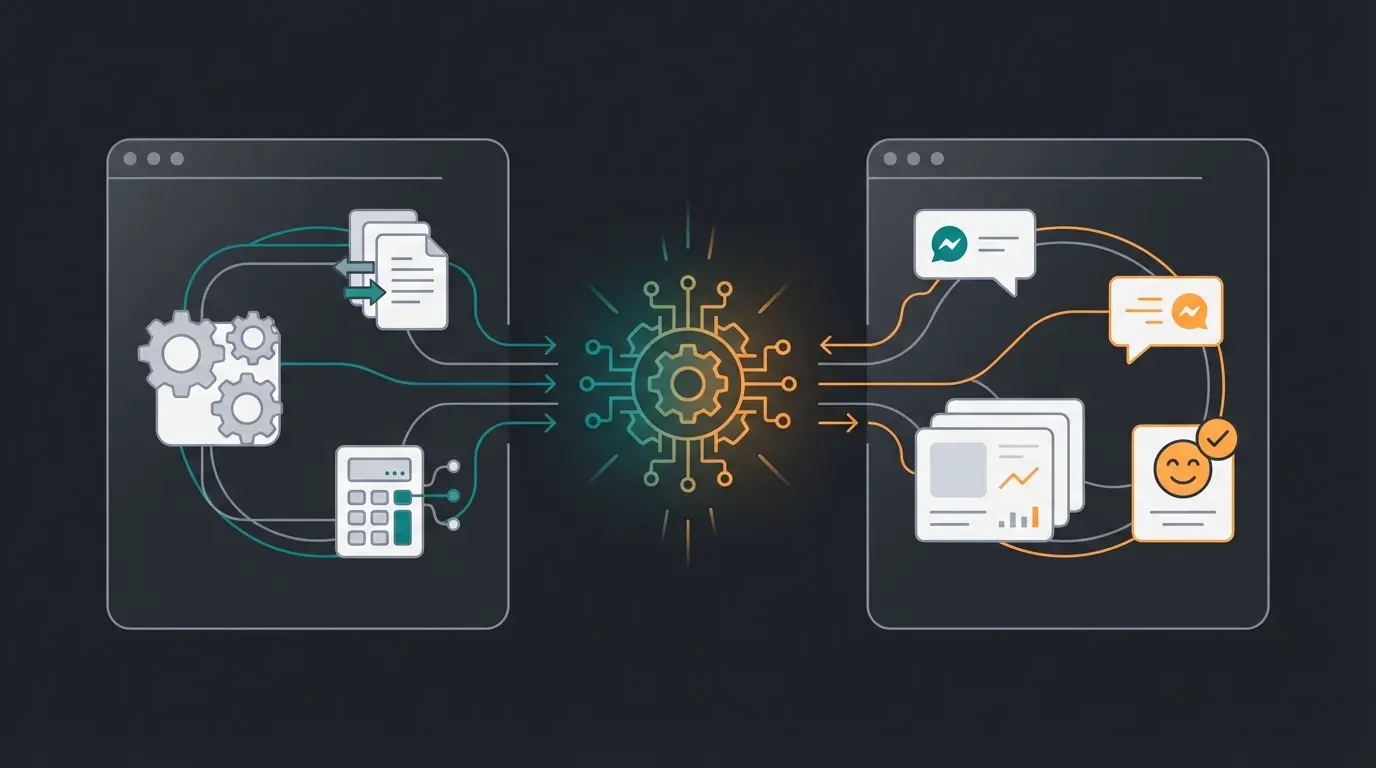
You've automated your accounting. Now automate your customer consultation with AI that converts browsers into buyers. See how our AI solution delivers the same efficiency gains for your sales as modern accounting tools do for your books.
Start Your Free TrialChecklist: Is Your Shop Ready for the Tax Office?
Before you take the next step, check your current status. This checklist covers the essential requirements for German tax compliance and efficient operations.
- Number Ranges: Are consecutive number ranges for invoices and credit notes set up in Shopware 6?
- Tax Settings: Are all EU countries and third countries (Switzerland/UK) correctly configured in Shopware tax rules?
- Document Archive: Are invoices stored immutably (locked)?
- Interface: Do you have a direct connection to your tax consultant (DATEV XML/CSV) or are you still sending paper/PDFs?
- OSS Check: Are you monitoring your delivery thresholds (€10,000 EU-wide)?
- Payment Matching: Are PayPal/Stripe fees automatically booked and not ignored as "differences"?
If you answered "no" to any of these questions, it's time to upgrade your accounting infrastructure. Having proper modern Shopware hosting is also essential for running these automated systems reliably.
Common Pitfalls to Avoid
Based on our experience working with Shopware merchants, here are the most common mistakes that cause accounting headaches and tax compliance issues:
- Ignoring Shopware 6 vs. 5 Differences: Tax settings and number ranges work differently between versions. Migration isn't automatic – verify your configuration.
- Underestimating OSS Complexity: The €10,000 threshold applies to ALL EU sales combined, not per country. Many merchants miss this until they face penalties.
- Manual Payment Fee Handling: PayPal and Stripe fees must be booked correctly. Ignoring them creates discrepancies your tax consultant will notice.
- Delayed Document Locking: Lock invoices immediately after sending. Delayed locking opens you to GoBD violation claims.
- Choosing the Wrong Tool for Your Growth Stage: What works at 100 orders/month fails at 1,000. Plan for where you'll be in 18 months, not where you are today.
Understanding these pitfalls helps you implement Shopware AI features and automation tools more effectively. The same attention to detail that prevents accounting errors also improves your overall e-commerce operations.
Integrating Accounting with Your Overall Strategy
Your accounting automation shouldn't exist in isolation. It's part of a larger digital transformation strategy that includes customer service, product consultation, and sales optimization. Our Shopware SEO guide shows how technical foundations enable growth.
Consider how AI Product Consultation providers can complement your automated back-office. When your accounting runs smoothly, you have the mental bandwidth and resources to invest in revenue-generating improvements. This holistic approach to automation is what separates thriving e-commerce businesses from those constantly firefighting operational issues.
Frequently Asked Questions
No. Shopware is a sales system that creates documents (invoices, credit notes), but it lacks the bookkeeping logic required for proper financial accounting. You need external software or middleware for GoBD-compliant booking entries, DATEV exports, and tax filings. Think of Shopware as the document generator and accounting software as the interpreter that translates transactions into proper bookkeeping.
For EU-wide sales, middleware solutions like AccountOne or Taxdoo are typically the best choice. They specialize in OSS (One Stop Shop) procedures, automatically applying correct VAT rates for each destination country, and creating clean DATEV exports. Direct cloud connections like Lexware or sevDesk often struggle with the complexity of multi-country tax requirements and delivery threshold monitoring.
Expect to invest €50-150/month for a professional setup. This typically includes accounting software (€20-30), a Shopware plugin (€10-25), and potentially middleware fees (€24-50+ depending on volume). However, this investment typically saves €500-800/month compared to manual processing when you factor in your own time and reduced tax consultant fees for manual booking.
The DATEV Booking Data Service (Buchungsdatenservice) is the modern standard for transferring accounting data to German tax consultants. It includes both the booking stack (CSV with all transactions) and linked document images (PDF invoices). Using this standard dramatically reduces your tax consultant's workload since they receive pre-formatted data they can import directly instead of manually entering each transaction.
GoBD compliance requires: consecutive number ranges for invoices, immutable document storage (using Shopware's lock function), complete audit trails, and proper archiving for 10 years. Ensure your accounting interface maintains the data chain without breaks, and lock all documents immediately after they're sent to customers. Many merchants fail compliance by allowing document edits after invoice creation or having gaps in their numbering sequences.
Conclusion: Take Action Today
The question in 2025 is no longer whether you automate your Shopware accounting, but how.
- For beginners, plugins for Lexware Office or sevDesk are the fastest path to basic automation.
- For growing shops, there's no way around middleware like AccountOne to cleanly handle DATEV and OSS requirements.
- For Shopware purists, Pickware is the most powerful integrated solution that keeps everything in one ecosystem.
Stop seeing accounting as a necessary evil. View it as the first step toward complete digitalization of your business. When the foundation (the numbers) is solid, you can build the house of the future (AI-powered sales) on top of it.
Want to know how to turn the time saved through automation into more revenue? Let's talk – not about taxes, but about how our AI solution makes your customer consultation as efficient as your new accounting system.
Your accounting is now running smoothly. It's time to apply the same automation philosophy to your customer interactions. Our AI Product Consultation delivers the same efficiency gains for your front-office that modern accounting tools provide for your back-office.
Schedule a Demo
Lasse is CEO and co-founder of Qualimero. After completing his MBA at WHU and scaling a company to seven-figure revenue, he founded Qualimero to build AI-powered digital employees for e-commerce. His focus: helping businesses measurably improve customer interaction through intelligent automation.