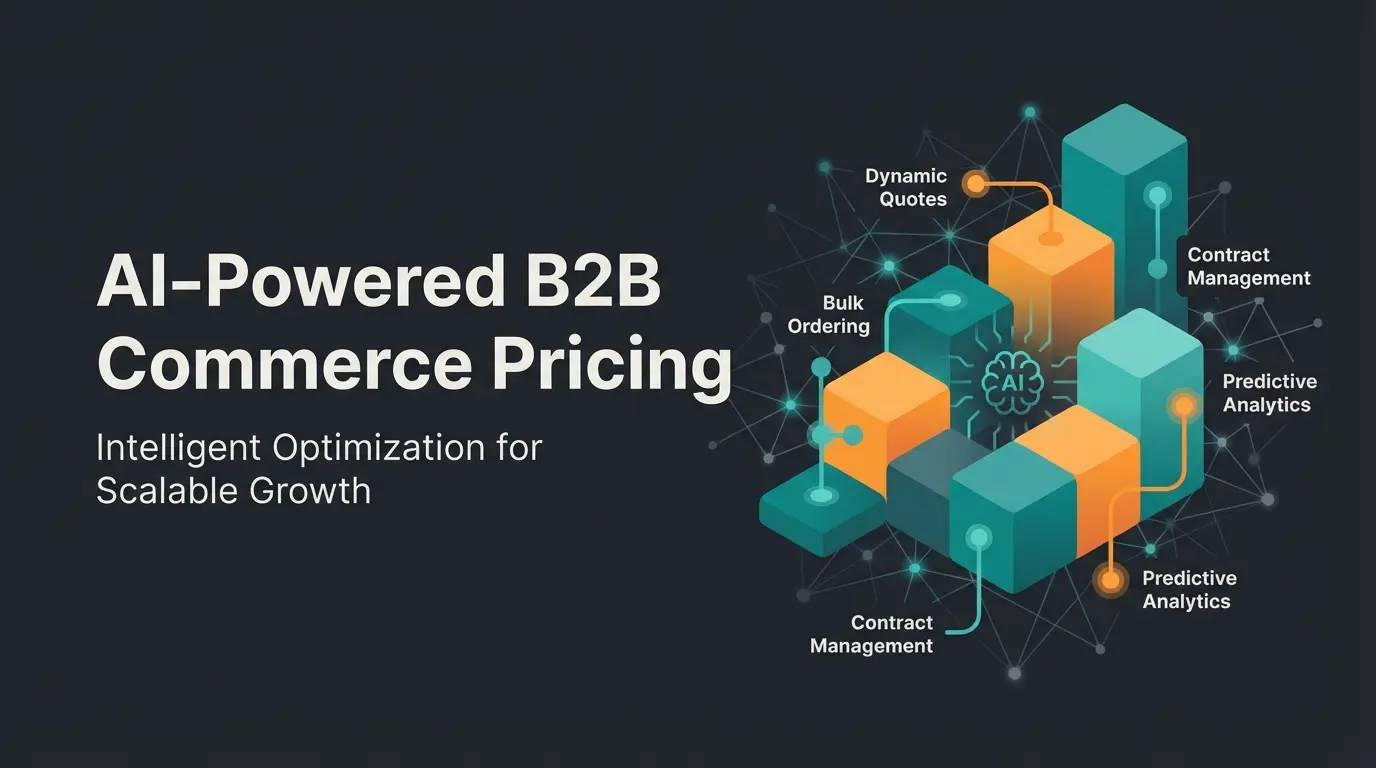
The Field Sales Crossroads: A New Era Begins
The classic field sales representative, armed with a thick paper catalog and a carbon copy pad for orders, is a relic of the past. But even the digital equivalent—the salesperson with a laptop simply typing orders into a form—is no longer competitive today.
Why? Because your B2B customers have long wanted to handle simple reorders themselves. Self-service portals are booming. When a customer schedules an appointment with your Shopware field sales team today, they don't expect administrative help filling out a form. They expect consultation, problem-solving, and technical expertise.
Here lies the problem with many current e-commerce setups: They excel at processing transactions but are often inadequate at supporting complex sales conversations. According to Shopware, this gap between transaction processing and sales enablement represents the biggest opportunity for B2B differentiation.
In this article, we'll show you how to transform Shopware 6 from a pure administrative tool into an intelligent sales platform. We'll analyze the standard features, uncover the gaps, and outline an architecture that combines AI, offline capability, and guided selling. Understanding how AI e-commerce transforms the entire customer journey is essential to grasping these concepts.
Standard Shopware Features: What You Get Out of the Box
To understand where the journey is heading, we must first examine the foundation. When you search for "Shopware field sales" today, you'll usually land on features of the Shopware B2B Suite (or the newer B2B Components). This is the baseline that Google and your system integrator expect from you.
The Sales Representative Role in the B2B Suite
Shopware offers a dedicated role for sales representatives in its B2B extension. This function is essential for administration but doesn't yet solve the consultation problem.
The core functions include, as documented by Shopware:
- Login as Customer (Impersonation): The most important technical aspect. A field sales representative can log into the frontend as an assigned customer's account. They see exactly what the customer sees: individual prices and discounts, specific product assortments, and order histories.
- Rights and Role Management: Through the B2B Suite, you can precisely control what a salesperson is allowed to do. Can they place orders directly, or must these first be approved? Do they have access to all invoices or only current order lists?
- Quick Orders and Lists: For classic "order taking," there are functions to upload CSV files or quickly enter item numbers into a form.
The Shopware customer account configuration plays a crucial role in how effectively your field sales team can operate within these parameters.
Critical Strategy Note: B2B Suite vs. B2B Components
Here we must pause briefly, because there's a critical development in the Shopware ecosystem you need to know about.
The classic B2B Suite is no longer being actively developed, and support will end with version 6.8 (planned for 2027), according to burgdigital.de. The future belongs to B2B Components.
What does this mean for your field sales strategy? As atlantisdx.de explains, the modularity means you can adopt only what you need. Since the Components are more deeply anchored in the Shopware Core, they're more performant—a decisive factor when your sales rep is working on a tablet at the customer's location.
The Shopware standard covers administrative requirements (Who is allowed to do what? Who buys at what price?) excellently. But it doesn't answer the question: Which product solves the customer's problem?
The Gap: Why Standard Solutions Fall Short
Imagine the following scenario: Your sales representative is sitting with a machine builder. The customer says: "We need a drive solution for our new conveyor system, but it must be heat-resistant up to 200 degrees and fit into this tight installation space."
If your sales rep only has the standard Shopware interface, they face significant problems:
- The Catalog Dilemma: They must click through categories or use search. If they don't know exactly what the heat-resistant module is called, they won't find it.
- The Knowledge Gap: A new employee may not know all 50,000 SKUs (Stock Keeping Units) and their technical specifications by heart.
- Missed Opportunities: The system might suggest accessories (cross-selling), but based on statistical purchases ("Others also bought"), not based on the technical necessity of the specific customer application.
The result? The sales rep notes everything down, drives back to the office, asks the technical department, and sends a quote three days later. In that time, the competitor may have already delivered.

The Dead Zone Problem: Offline Capability Challenges
Another often underestimated problem in mid-sized businesses: reception. Warehouses are often made of reinforced concrete, and industrial areas are located in dead zones.
A browser-based Shopware instance requires internet. If the connection drops, the shopping cart is lost or the page won't load. In a sales conversation, this is the absolute worst-case scenario. As 2hatslogic.com notes, this connectivity issue is one of the top reasons why field sales digital transformation projects fail.
The Solution: Enhancing Shopware with Intelligence
To close the gap between administration and consultation, we need to enrich Shopware with modern technologies. We're moving away from the standard toward a "best-of-breed" solution that leverages the AI Selling revolution transforming B2B commerce.
Digital Sales Rooms (DSR): Native Guided Selling
Shopware has recognized the problem and delivered a powerful answer with Digital Sales Rooms. This is the first step away from pure lists toward interaction.
What DSR delivers for field sales:
- Curated Experiences: Instead of showing the customer the entire catalog, the sales rep (or marketing) prepares a specific presentation. It's like a PowerPoint, but interactive and directly connected to the shop checkout, as Shopware documentation explains.
- Co-Browsing & Guided Selling: The sales rep can take control. They guide the customer through the products, highlight features, and add items directly to the cart.
- Instant Listing: If the sales rep realizes during the conversation that a different product fits better, they can pull it live from the database into the presentation.
Why this is SEO-relevant: DSR is a trending topic ("Hybrid Selling"). It enables the field sales representative to sell just as effectively remotely (via video call directly in the shop) as on-site, according to insights from tlminsidesales.com and bay20.com.
The Super-Seller Through AI: Shopware AI Copilot
Here's where you differentiate yourself from the competition. Use AI not just for marketing texts, but as a sales assistant. Exploring Shopware AI features reveals the full potential of this approach.
Use cases for field sales:
- Preparation through Customer Classification: Before the sales rep enters the customer's premises, they use the AI Copilot to analyze the customer. The AI clusters customers based on order history ("Customer at risk of churning," "Potential major customer"), as detailed by shop-studio.io. The sales rep enters the conversation with a clear strategy.
- Review Summaries: For technical products, experience values are gold. The AI Copilot summarizes hundreds of reviews into a short synopsis ("Customers praise durability but criticize complicated assembly"), as communicode.com explains. The sales rep can immediately use this knowledge in the conversation to preempt objections.
- Personalized Checkout Messages: After closing on-site, the AI generates a personal message based on purchased products, strengthening customer loyalty, according to brainstreamtechnolabs.com.
The concept of AI Product Consultation takes this even further, enabling truly personalized product recommendations based on complex customer requirements.
Sales rep enters customer requirements and problem description into tablet interface with AI layer
AI matches customer needs with Shopware catalog data, technical specifications, and compatibility requirements
System generates optimal product configuration with alternatives and cross-sell opportunities
Selected products flow directly to Shopware cart for standard checkout and ERP fulfillment
Technical Architecture: Headless & PWA for Offline Power
To solve the "dead zone problem," the headless approach is decisive.
- Backend: Shopware 6 serves as the "engine." This is where prices, inventory, and logic reside.
- Frontend: For field sales, you use a Progressive Web App (PWA).
The advantage of PWA: A PWA feels like a native app on the iPad. It can cache data (catalogs, images, prices) locally. According to Shopware and github.com documentation on Composable Frontends:
- The sales rep synchronizes their tablet in the morning via WiFi.
- At the customer's location in a basement without reception, the entire catalog including search and shopping cart is available.
- As soon as they have network again, the PWA synchronizes the order back to Shopware.
This architecture enables AI sales agents to function seamlessly even in challenging connectivity environments. The Shopware automation flow capabilities further enhance this setup.
Stop losing sales to knowledge gaps and connectivity issues. Our AI-powered consultation tools integrate seamlessly with Shopware to make every sales rep perform like a senior expert.
Start Your Free TrialStrategic Comparison: Standard vs. Modern Solutions
To clarify the added value for your management or IT leadership, this direct comparison helps illustrate the transformation. Understanding how AI Chatbots transform customer interactions provides additional context for this evolution.
| Feature | Standard Shopware B2B (Admin Focus) | Shopware + AI & DSR (Consulting Focus) |
|---|---|---|
| Primary Goal | Efficient order processing | Revenue growth through consultation |
| Product Discovery | Search & categories (Manual) | Guided selling & needs analysis |
| Knowledge Transfer | Dependent on sales rep memory | AI-powered summaries & recommendations |
| Offline Capability | No (browser-based) | Yes (through PWA/caching) |
| Customer Approach | "Here's our catalog" | "I've curated a solution for your problem" |
| New Rep Onboarding | Lengthy (must learn product knowledge) | Fast (system guides through the sale) |
| Technology Stack | B2B Suite / Components | B2B Components + Digital Sales Rooms + AI Copilot |
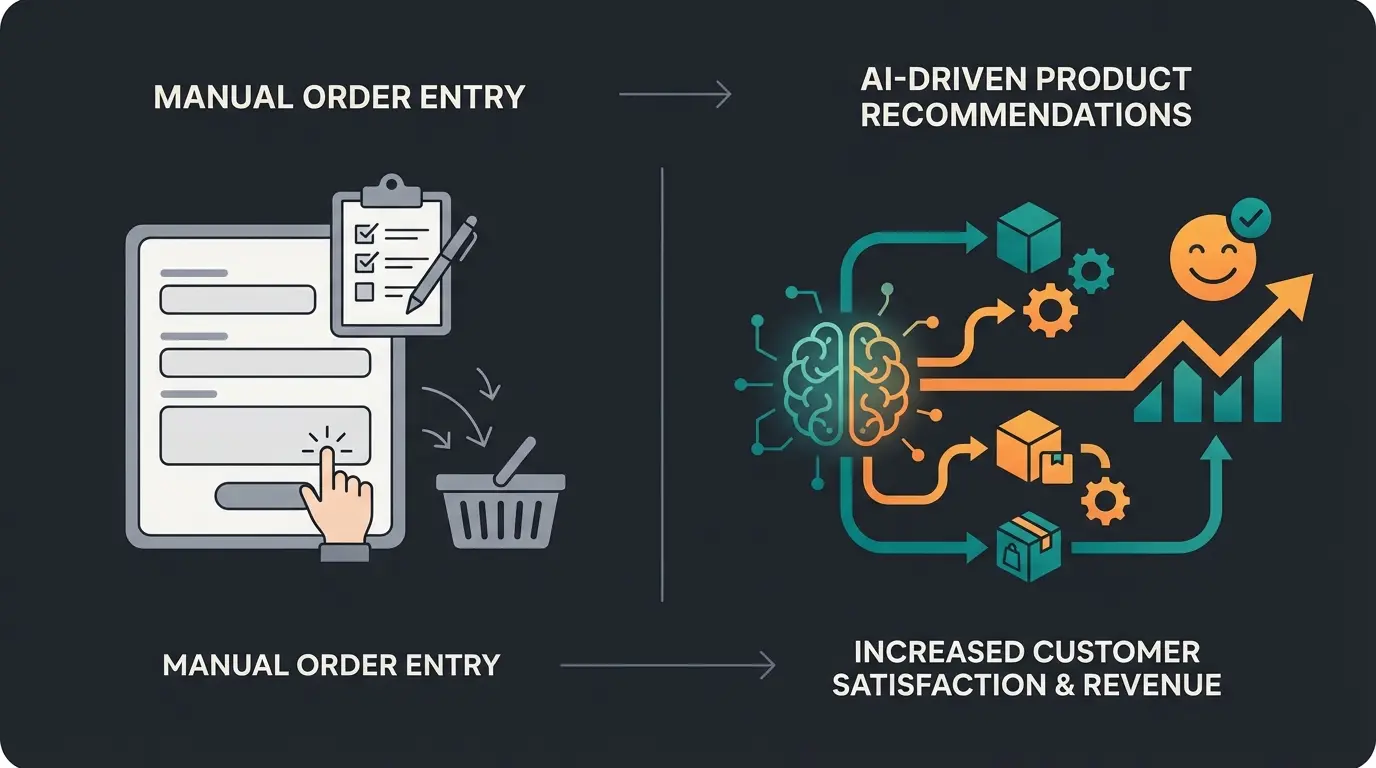
The Modern Workflow: A Practical Example
What does the ideal process look like now? Let's outline the workflow you can implement in your organization. The principles of AI Customer Service apply directly to field sales scenarios.
Step 1: Intelligent Preparation (Office/Home Office)
The sales rep opens their dashboard. The AI Copilot has already prioritized their customer list: "Customer Müller GmbH hasn't ordered any wear parts in 6 months—churn risk."
Simultaneously, they prepare a presentation in the Digital Sales Room that contains exactly these wear parts and the matching new machine models. Using Shopware 6 chatbots can further enhance this preparation phase by providing instant answers to customer queries.
Step 2: On-Site Consultation (At the Customer)
The sales rep uses their tablet (PWA). Even in the customer's low-reception warehouse, the app runs smoothly.
They launch the Digital Sales Room. Instead of scrolling through 10,000 items, they guide the customer visually through the curated solution.
The customer has an unexpected question about a competitor's product. The sales rep uses the AI search, which searches not just by keywords but by context ("Show me alternatives to Product X with higher heat resistance"). This is where having an AI product finder integrated into your system becomes invaluable.
Step 3: The Close (Hybrid)
The customer is convinced but wants to get approval from their boss first.
The sales rep sends the Digital Sales Room link via email. The customer can review the offer later with their boss (self-service).
As soon as the boss clicks and has questions, the sales rep can be connected via video call (directly in the Shopware window) to clear up any final doubts and click the "Buy" button together.
New sales reps reach productivity in weeks instead of months with AI-guided selling
AI-powered product recommendations increase close rates compared to manual catalog browsing
Offline-capable PWA eliminates downtime from connectivity issues during field visits
AI validation reduces incorrect orders and returns in complex technical configurations
Readiness Checklist: Is Your Shopware Prepared?
Before you start, check these points. If you answer more than two points with "No," you have action items to address.
- Migration Planned? Do you have a plan for switching from the B2B Suite to B2B Components before 2027?
- Data Quality: Is your product data granularly maintained (attributes, properties) so that an AI or guided selling plugin can filter meaningfully?
- Role Concept: Are your "field sales representative" roles cleanly defined in Shopware (budgets, approval processes)?
- Offline Strategy: Do you have a solution for areas without internet (PWA or native app)?
- Content: Do you have content (videos, whitepapers) that can be used in Digital Sales Rooms, or just pure product images?
- ERP Connection: Is your ERP system (SAP, Microsoft Dynamics, etc.) connected in real-time so the field sales representative sees reliable inventory levels?
Frequently Asked Questions
The B2B Suite is a monolithic plugin that bundles all B2B features together and will reach end-of-support with Shopware 6.8 (planned for 2027). B2B Components are the modern, API-first replacement that allows you to select and implement only the specific features you need, such as field sales functionality, without installing unnecessary modules. They offer better performance and more flexibility for headless architectures.
Standard browser-based Shopware requires an internet connection. However, by implementing a Progressive Web App (PWA) using Shopware Composable Frontends, you can enable offline capability. The PWA caches product catalogs, images, and prices locally, allowing sales reps to work in dead zones and synchronize orders when connectivity returns.
AI enhances field sales through customer classification before visits, product recommendation based on complex requirements, review summarization for quick product knowledge, and personalized checkout messaging. The AI Copilot can analyze customer history to identify churn risks or upselling opportunities, making every sales rep perform like a senior expert.
Digital Sales Rooms are Shopware's native guided selling feature that allows sales representatives to create curated, interactive product presentations connected directly to the shop checkout. They enable co-browsing with customers, instant product additions, and work both for in-person meetings and remote video calls, bridging online and offline sales.
With AI-powered systems and guided selling features, new sales representatives can become productive in weeks rather than months. The AI provides instant access to product knowledge, customer insights, and recommendation logic that would otherwise take years of experience to develop, dramatically reducing the learning curve for complex technical products.
Conclusion: Digitize Expert Knowledge, Not Just Orders
The search for "Shopware field sales" often leads to technical instructions for the B2B Suite. That's important, but it's only half the battle. Those who want to be successful in B2B sales in 2025 and beyond must use technology to turn their employees into super-sellers.
The combination of Shopware 6 as a solid foundation, B2B Components for administration, Digital Sales Rooms for presentation, and AI tools for knowledge is the key to success.
Don't waste the time of your expensive sales experts typing in item numbers. Give them tools that enable them to do what they're paid for: solve customer problems and sell.
As the Shopware documentation makes clear, the platform provides the transaction infrastructure—but the competitive advantage comes from how you enhance it with intelligent consultation capabilities. The resources from Shopware on Digital Sales Rooms and the AI Copilot features documentation provide excellent starting points for implementation.
Join leading B2B companies using AI-powered consultation to transform their field sales performance. Get started with intelligent product recommendations that make every rep an expert.
Book Your Demo Now