Why Shopware Hermes Integration Confuses So Many Merchants
Have you ever wondered why it seems so complicated to simply connect Hermes to your Shopware store? You're not alone.
While DHL is often considered the default option, Hermes is the economically smarter choice for many German online retailers—especially when shipping to private customers (B2C) or handling bulky goods. However, anyone searching for "Shopware Hermes" in 2025 often ends up in a dead end of outdated forum posts, discontinued plugins, and confusing technical documentation.
The landscape has changed dramatically. The former standard plugin from Fatchip is no longer being developed. New middleware solutions are pushing into the market. And while everyone talks about how to print the label, hardly anyone discusses how to reduce costs afterwards.
This guide is different. We'll clarify not just the technical question ("How do I get the label out of the printer?") but also the strategic one ("How do I protect my margin?"). We analyze the current integration options for Shopware 6, compare costs, and show you why optimizing your return rate through AI is the real lever for profitable shipping. Understanding Shopware AI features is essential for modern e-commerce success.
The Basic Requirement: Hermes Business Contract
Before we dive into plugins, we need to clear up a technical misunderstanding that often leads to frustration: There is no plugin that works without a direct contract with Hermes.
Unlike some aggregators that "resell" shipping labels to you, professional Shopware integrations are based on your own negotiated rates and conditions.
Understanding the HSI (Hermes Shipping Interface)
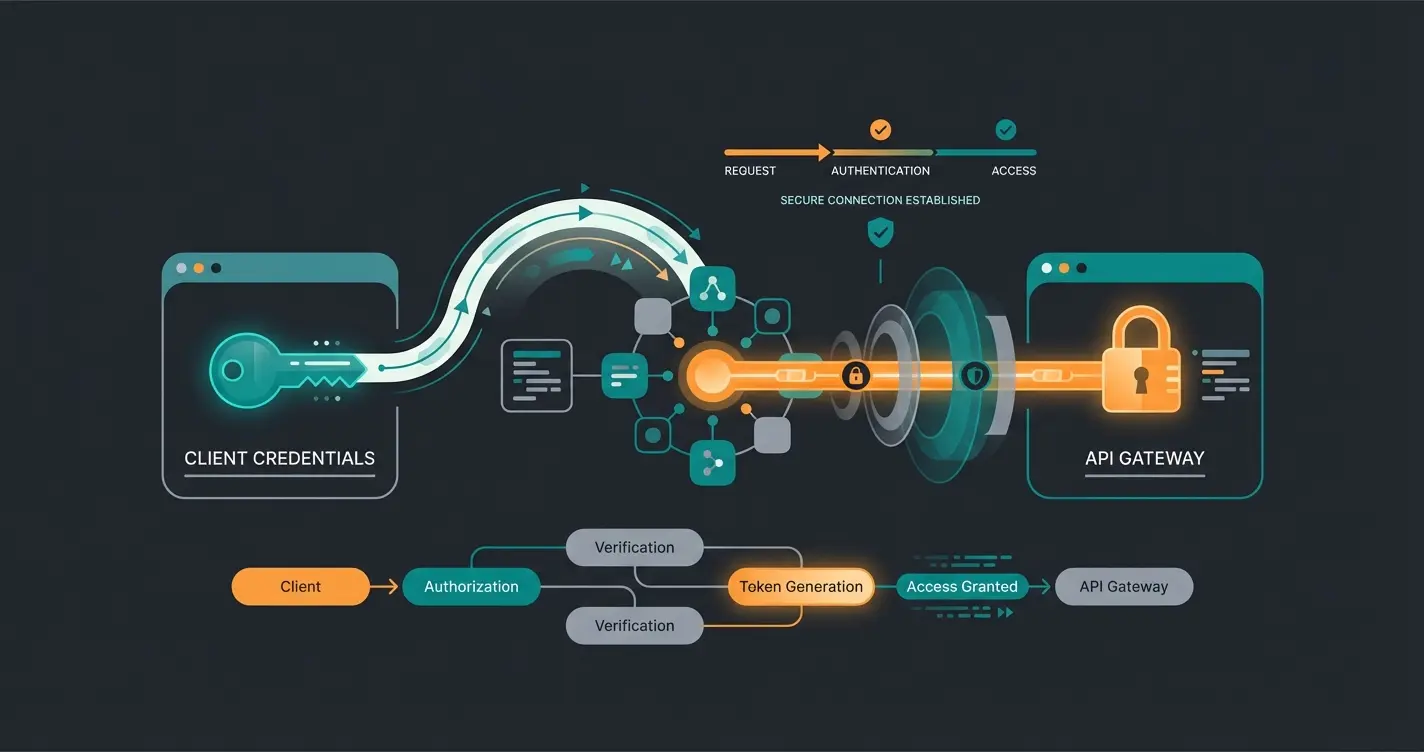
To make Shopware communicate with Hermes, you need credentials for the Hermes Shipping Interface (HSI). This is Hermes's modern API interface that has replaced outdated data exchange procedures. According to barcodeshipping.de, HSI provides the technical foundation for all professional shipping integrations.
- Business Customer Contract: You need an active contract with Hermes Germany
- HSI Credentials: These are provided by your Hermes sales representative, typically consisting of an API user, password, and customer number
- Test Environment (Sandbox): Explicitly request sandbox data to test the connection in Shopware without generating real labels that incur charges
The 3 Ways to Connect Hermes to Shopware 6
Analysis of the current market situation shows that in 2025, there are essentially three valid ways to integrate Hermes. The "old way" (Fatchip) is dead—more on that later. Here's a direct comparison of your current options:
Comparison Table: Shopware Hermes Integrations
| Feature | Option A: Middleware (Sendcloud, SimpleSell) | Option B: Native Plugin (Codeenterprise) | Option C: ERP Integration (Pickware) |
|---|---|---|---|
| Type | External SaaS Platform | Direct Shopware Extension | Warehouse Management Module |
| Cost Model | Monthly base fee + label fees | One-time or subscription (~€23/month) | Part of ERP license costs |
| Setup Difficulty | Very Easy (Plug & Play) | Medium (API configuration in backend) | Complex (Part of ERP setup) |
| Multi-Carrier Support | Yes (DHL, DPD, UPS, Hermes in parallel) | No (Hermes only) | Yes (via shipping profiles) |
| Returns Portal | Often included | Basic return labels | Integrated in WMS |
| Ideal For | Merchants using multiple carriers | Merchants exclusively using Hermes | Merchants using Pickware as ERP |
Option A: Middleware (The Flexible Solution)
Providers like Sendcloud or SimpleSell have become firmly established in recent years. You install a small connector plugin in Shopware, but the actual work happens on the provider's platform. According to Sendcloud, their platform handles millions of shipments across multiple carriers.
- Advantages: If Hermes goes down or there's a strike, you can switch to DHL or DPD with one click. These tools often offer better bulk processing (bulk printing) than the Shopware backend itself. SimpleSell explicitly advertises intelligent shipping rule logic for Hermes
- Disadvantages: You pay a monthly "rental" for the software in addition to your shipping costs
- Cost Check: According to Shopware, Sendcloud offers a free tier, but Hermes is often only fully integrable in paid packages (e.g., Lite from approx. €23) when using your own contracts
Option B: Native Plugin (The Codeenterprise Solution)
For merchants who don't want to deal with third-party dashboards and want to handle everything directly in Shopware 6, the Hermes Shipping Adapter from codeenterprise GmbH has established itself as the new standard. As documented on the Shopware Store, this is a Premium Extension recommended by Shopware.
- How It Works: The plugin communicates directly from the Shopware Admin with the Hermes HSI interface. You mark orders in the overview and click "Create Labels." The PDF comes back directly
- Advantages: No data leaves your server toward third parties (except to Hermes). It feels "native"
- Cost: Approximately €23.25 per month in the rental model
Option C: Pickware (The Warehouse Solution)
If you use Pickware ERP, Hermes integration is part of your warehouse process. Pickware often uses adapters for shipping. Important to know: Pickware has native integrations for DHL, DPD, GLS, and UPS. For Hermes, integration is often handled via CSV export or using the Codeenterprise adapter mentioned above in combination with Pickware WMS, or generic shipping profiles are used. This is confirmed by Solution25 and the official Shopware marketplace.
Warning: The Fatchip Mistake (The Old Way Is Dead)
If you research in forums, you'll keep coming across the name Fatchip. For years, the Fatchip plugin was the gold standard for Hermes in Shopware 5.
The Status Quo in 2025
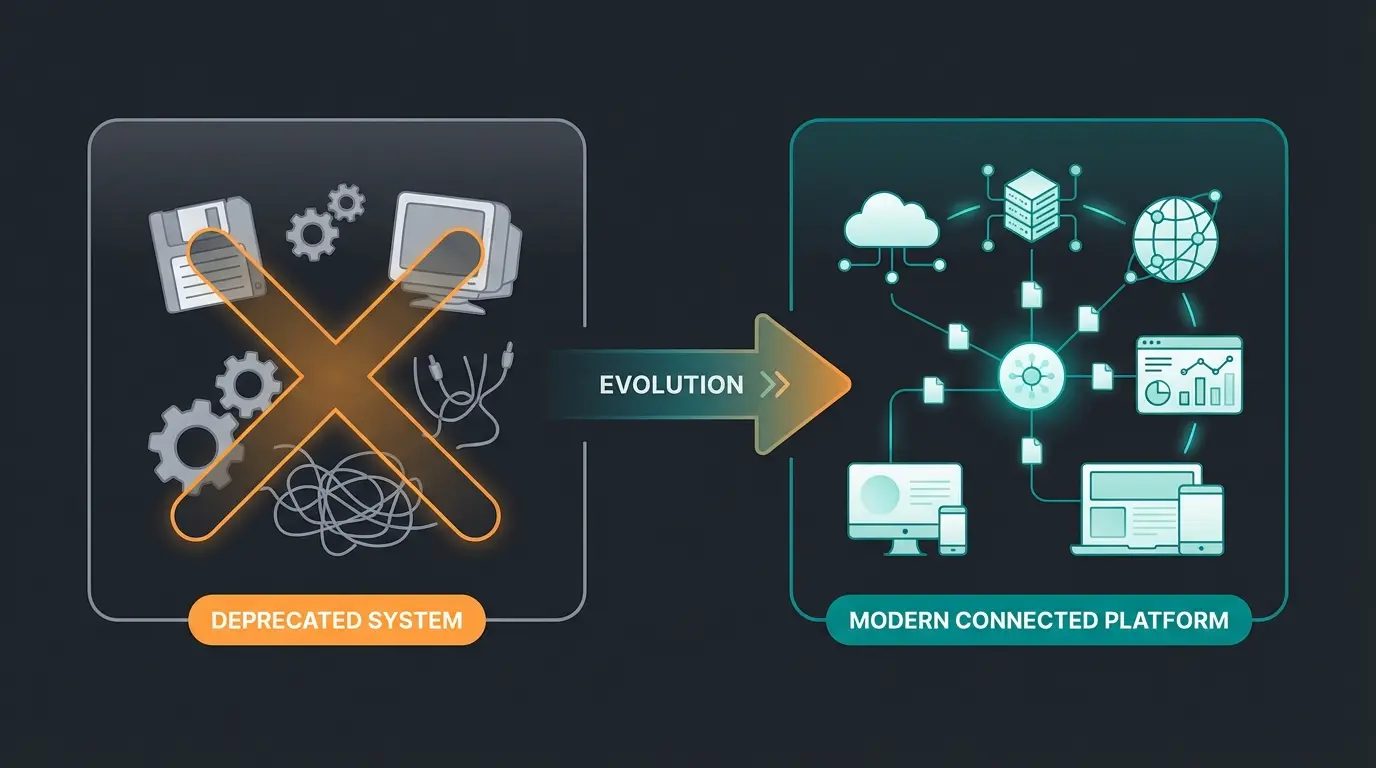
The Fatchip Hermes Plugin has been discontinued. On Fatchip's official wiki page, it states unequivocally: "Note: We have discontinued the distribution and development of this plugin."
Why is this important for you?
- Security Risk: Don't install old versions of this plugin that you might still find somewhere as a download. They're not compatible with current Shopware 6 versions and don't receive security updates
- Wasted Time: Don't try to follow instructions from 2019 that describe this plugin. Some API endpoints have changed, and without support, you're on your own with problems
If you're migrating from Shopware 5 to 6, this is the moment to switch to Codeenterprise or a middleware solution like Sendcloud/SimpleSell. Working with AI-powered e-commerce solutions can make this transition smoother.
Troubleshooting: When the Label Doesn't Arrive
Even with the right plugin, errors often occur during setup. Based on support tickets and forum analyses, these are the most common pitfalls:
Error 1: Invalid Credentials / Authentication Error
- Cause: Most often, users try to log in with portal credentials (login for myhermes.de)
- Solution: You absolutely need the API credentials (Client ID / Client Secret or User/Password for HSI). These are not identical to your web login. Request these explicitly from Hermes sales. According to Hermesworld, business API credentials are managed separately from consumer accounts
Error 2: Format Chaos (A5 vs A6)
- Symptom: The label comes out of the thermal printer as an A4 page or is tiny
- Cause: The HSI interface often delivers PDFs in A5 format by default (for laser printers). Thermal printers (Zebra, Brother) need A6 or specific ZPL data
- Solution in Plugin: Look for the "Label Format" or "Paper Format" setting. Explicitly set this to 100x150mm or A6
- With Middleware: Tools like SimpleSell often have better drivers that automatically crop the PDF to the correct format before sending it to the printer
Error 3: House Number Separation
- Problem: Hermes is very strict about separating street and house number. Shopware 6 stores this in one field by default but separates it internally
- Solution: If labels are rejected, check whether the customer entered the house number in the additional field or directly after the street name. Good plugins have "regex logic" that tries to extract the house number automatically
Beyond Logistics: How to Really Lower Your Hermes Costs
Up to this point, we've talked about technology. Now let's talk about money.
Many merchants switch to Hermes because the base package price is often 20-50 cents cheaper than the competition. But this savings is microscopically small compared to the cost block that really eats into your margin: Returns.
The Hard Reality of Return Costs
A widely cited study by the University of Bamberg put the cost of a single return at an average of €19.51. Even more conservative estimates assume at least €10 in direct costs (shipping out, shipping back, handling, refurbishment). This data from Uni-Bamberg has been confirmed by FashionUnited reporting.
Per return including all handling and shipping
Every second package comes back in apparel
Outbound + return shipping + handling costs
Let's do the math for a typical Shopware store:
- You save €0.50 per package by switching to Hermes
- With 1,000 packages, you save €500
- But if you avoid just 25 returns (at €20 cost each), you achieve the same financial effect
The problem: Most "Hermes guides" stop once the label is printed. But the label is just the beginning of the cost chain. As reported by Spiegel, German e-commerce faces billions in return-related losses annually.
Why Hermes Shops Often Have Higher Return Rates
Hermes is traditionally strong in the B2C sector for fashion and furniture (Otto Group history). Especially in the fashion sector, return rates are often at 50%. That means: Every second Hermes label you print is pure money burning.
The Pivot: Return Prevention Instead of Shipping Optimization
The classic solution has been: "Let's make returns easier" (returns portal). That's good for the customer but bad for your profit.
The modern solution for 2025 is: "We prevent the return before it happens."
This is where Artificial Intelligence comes into play—not as hype, but as a tool for margin protection. Understanding how AI consultation boosts conversions is crucial for modern merchants.
Using AI Product Consultation to Prevent Returns
Imagine you could clone your store's most experienced salesperson and place them in your Shopware store. Someone who doesn't just operate filters but actually advises customers. This is exactly what AI-powered product consultation delivers.
Scenario Without AI
Customer searches for "running shoes." They order three pairs in different sizes (size 42, 43, 44) because they're unsure.
- Result: 1 sale, 2 returns
- Costs: 1x outbound shipping, 2x return shipping, 2x refurbishment
- Margin = Destroyed
Scenario With AI Product Consultant
The customer is asked by an AI assistant on the product page: "What surface are you looking for shoes for? How do your current Nike shoes fit?"
The AI analyzes the data and recommends: "Take the Asics in 43.5, it runs smaller."
- Result: 1 sale, 0 returns
- Costs: 1x outbound shipping only
- Margin = Protected
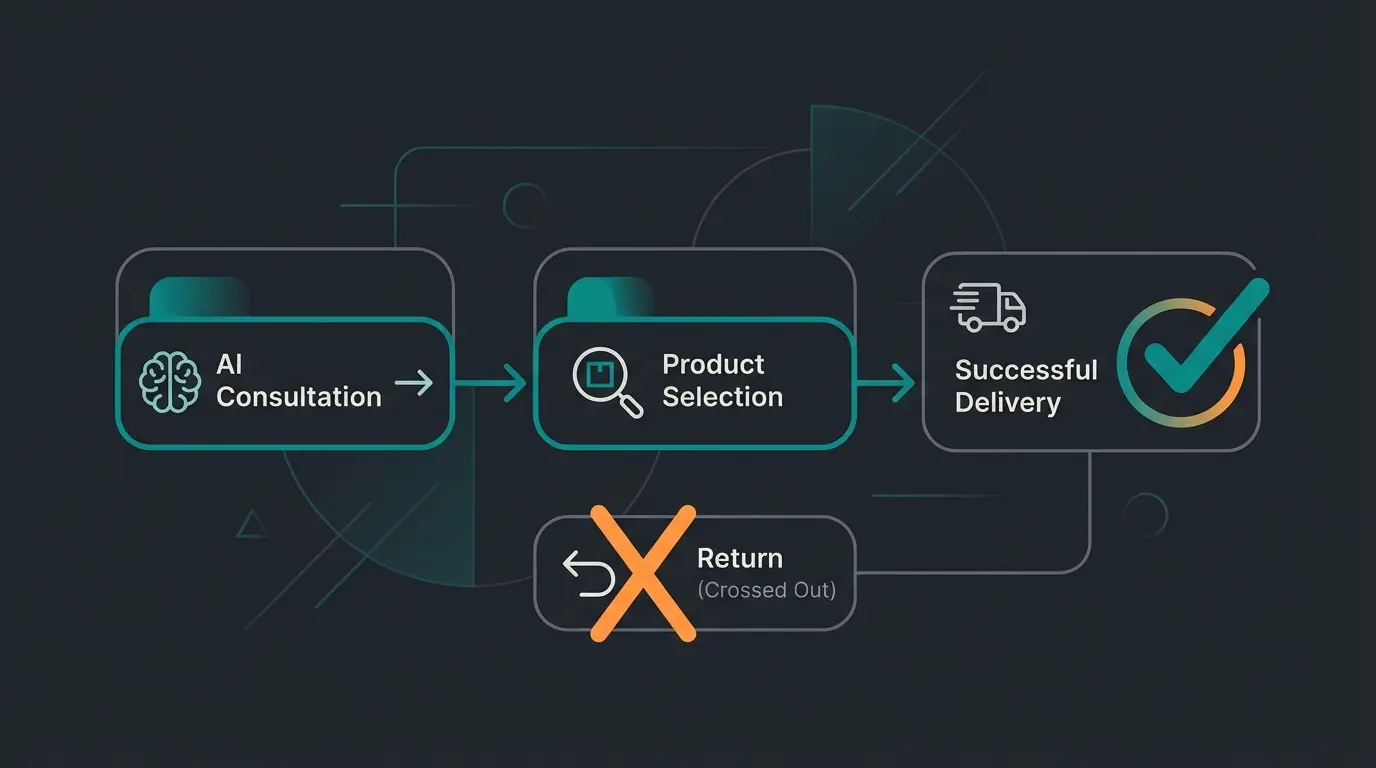
Intelligent product consultation identifies needs and preferences
AI recommends the perfect match based on requirements
Confident purchase with reduced sizing uncertainty
Standard shipping workflow proceeds normally
Customer receives exactly what they needed
How to Implement This in Shopware
This isn't about simple chatbots that answer "Where is my package?" It's about pre-sales consultation. Many merchants have seen success with AI-powered sales consultants that guide customers before purchase.
- Data Foundation: Use the product data in Shopware 6 (properties, custom fields)
- Integration: Connect an AI consultant (like our solution) that has access to these attributes
- The Effect: You reduce "selection orders" (bracket shopping), which are especially expensive in the Hermes network since Hermes often charges by volume/size (S, M, L packages)
Instead of answering "Do you ship with Hermes?", our AI asks "What size room is this furniture for?"—ensuring the customer buys the item that fits, so it never comes back. This approach turns customer service from a cost center into revenue-generating product consultants.
For B2B merchants, the stakes are even higher. Large orders with wrong specifications can be devastating. Learn how AI consultation for B2B streamlines complex ordering processes and prevents costly mistakes.
Discover how AI product consultation can reduce your return rate by up to 30% while improving customer satisfaction. Our solution integrates seamlessly with Shopware 6.
Start Your Free TrialReal Cost Savings: The Return Prevention Calculator
Let's visualize the real impact of return prevention versus pure shipping optimization:
Average savings switching to Hermes from competitors
True cost including all handling and shipping
Preventing one return equals 40 packages of shipping savings
The math is clear: Printing the label is cheap. Using it for a return is expensive. Prevent it with [AI Product Consultation](/blog/ai-product-consultation-providers-2025). You can also see real results from AI Product Consultation in action at successful Shopware stores.
For managing returns that do occur, learn more about AI-powered product consultation strategies that minimize losses and maximize customer retention.
Summary & Strategic Recommendations
Integrating Hermes into Shopware 6 is no longer rocket science in 2025—if you keep your hands off outdated plugins.
Your Roadmap for the Next 48 Hours
- Clean Up: Check if remnants of the old Fatchip plugin are still in your system and remove them
- Decide: Using only Hermes? → Go with the Codeenterprise Adapter. Using Hermes, DHL, and DPD mixed? → Use Sendcloud or SimpleSell
- Connect: Request your HSI credentials and set up your printer to 100x150mm
- Optimize: Don't accept that returns are a "law of nature." If you save shipping costs by switching to Hermes, invest part of those savings in intelligent AI consulting tools
The goal isn't to become the world champion in label printing. The goal is to pay for as few return labels as possible.
FAQ: Common Questions About Shopware Hermes Integration
Through middleware providers like Sendcloud, this is possible (via their bulk customer contracts). Natively in Shopware, you usually need your own HSI credentials from a direct Hermes business relationship.
Yes, both the Codeenterprise adapter and middleware solutions automatically write the tracking number (shipment number) back to the Shopware order and trigger the "Shipped" status update.
Using the interface itself is generally free for Hermes business customers. You only pay for the generated packages and possibly for the plugin/software that uses the interface.
For high-volume stores shipping 500+ packages daily, middleware solutions like Sendcloud or SimpleSell offer better bulk processing, multi-carrier flexibility, and often include analytics. The native Codeenterprise plugin works well for mid-volume stores focused exclusively on Hermes.
Implement AI product consultation that asks customers qualifying questions before purchase—such as fit preferences, intended use, and comparison to items they already own. This reduces 'bracket shopping' where customers order multiple sizes with intent to return most items.
Take the Next Step Toward Profitable Shipping
You've learned how to properly integrate Hermes into Shopware 6 and, more importantly, how to protect your margins through intelligent return prevention. The technology exists—now it's about implementation.
Want to know how much margin you're currently losing through preventable returns? Get a personalized analysis and see how AI product consultation can transform your Shopware store's profitability.
Get Your Free Analysis