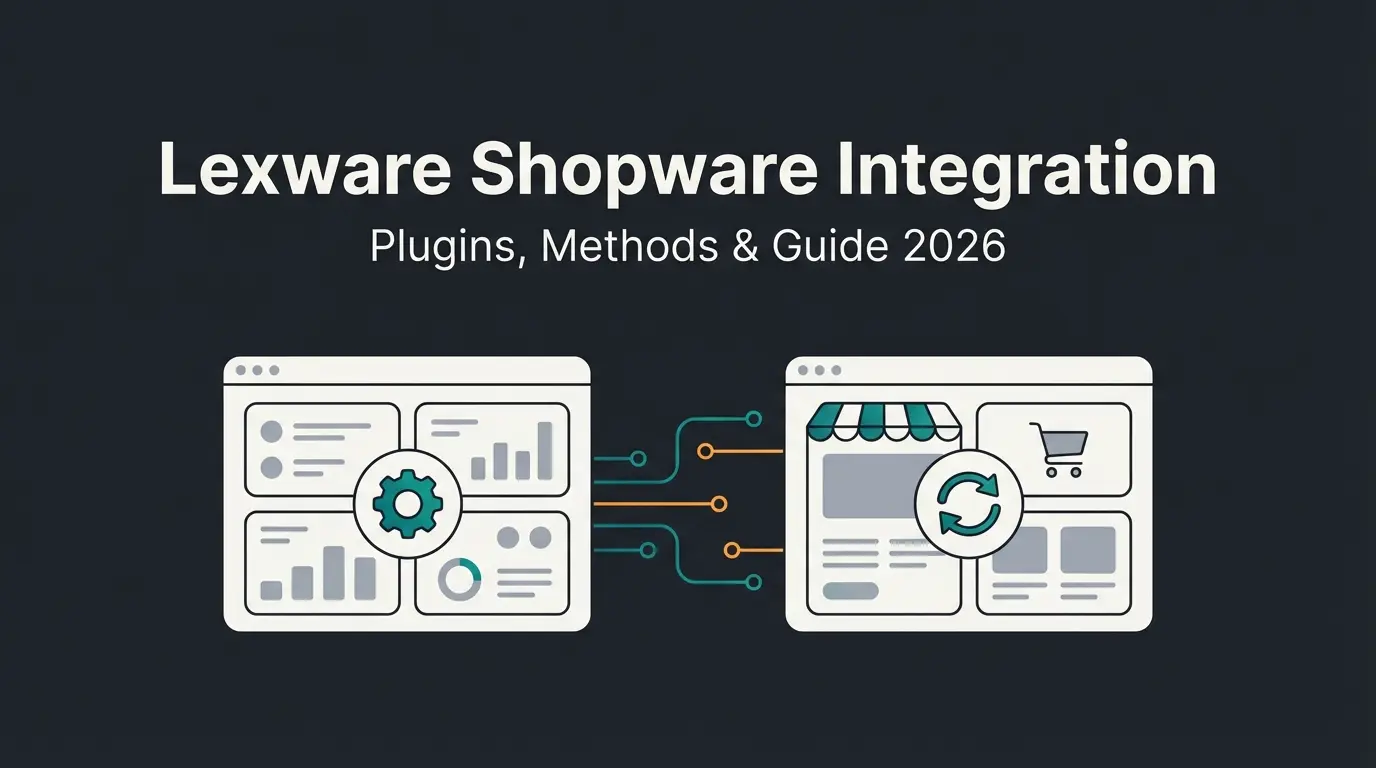
What is Microsoft Dynamics 365 Business Central?
Microsoft Dynamics 365 Business Central is Microsoft's cloud-based ERP for small and mid-sized businesses. It covers finance, supply chain, sales, and operations in a single platform, deeply embedded in the Microsoft 365 ecosystem. Unlike Dynamics 365 Finance (built for enterprises with 250+ users), Business Central targets companies with 1 to 50 employees who need ERP and CRM without dedicated IT departments.
The numbers back the positioning. At Directions EMEA 2025, Microsoft confirmed that Business Central now powers more than 50,000 organisations worldwide, surpassing NetSuite's 43,000. Growth from 30,000 customers in late 2023 to 50,000 in under two years. That pace makes it the fastest-growing cloud ERP in the SME segment.
Key modules for e-commerce merchants: inventory management with warehouse locations, sales order processing with multi-currency support, financial management including automated invoicing, and built-in CRM for customer records with credit terms and purchase history. All accessible via a well-documented REST API.
One thing I want to flag: Business Central pricing changed in November 2025. Essentials moved from $70 to $80 per user per month, Premium from $100 to $110. Factor that into your total cost calculation before choosing your connector.
Why integrate Shopware with Microsoft Dynamics 365?
Integrating Shopware with Dynamics 365 eliminates manual data entry between your online shop and ERP. Orders, inventory, customers, and invoices sync in real time, reducing errors and speeding up fulfilment. The alternative is what most SMEs still do: export CSV files, re-key data, reconcile discrepancies by hand.
The Sana Commerce B2B Buyer Report 2025 surveyed 750 professional buyers across six countries. 33% of all online B2B orders contained errors. Up from 28% in 2019, despite advances in automation. The consequence: 68% of buyers stopped using online ordering entirely because of those errors. Manual data transfer between shop and ERP is the root cause in most cases.
For Shopware merchants running Dynamics 365, the integration addresses four pain points. Inventory discrepancies: a customer orders a product that shows as available in Shopware but is sold out in Business Central. Delayed invoicing: orders sit in the shop until someone manually creates the sales order in the ERP. Inconsistent customer records: address changes in one system never reach the other. And no financial visibility: online revenue only appears in the ERP after someone does the monthly reconciliation.
If your shop processes more than 20 orders per day, the manual approach costs you roughly one full-time employee's worth of data entry. That makes the integration a straightforward ROI calculation. For the bigger picture on Shopware ERP integration, see our pillar guide.
What data syncs between Shopware and Dynamics 365?
A Shopware-Dynamics 365 integration typically syncs five core data types bidirectionally. Products and pricing flow from the ERP to the shop. Orders and customer data flow from the shop to the ERP. Inventory updates travel both ways in real time.
| Data type | Direction | What syncs | Sync frequency |
|---|---|---|---|
| Products | ERP → Shop | SKUs, descriptions, pricing, variants, categories | Scheduled (hourly/daily) |
| Inventory | Bidirectional | Stock levels, warehouse locations, reserved quantities | Real-time or near-real-time |
| Customers | Bidirectional | Addresses, payment terms, credit limits, customer groups | On change |
| Orders | Shop → ERP | Sales orders, returns, shipping details, payment status | Real-time |
| Invoices | ERP → Shop | Invoice numbers, payment status, credit notes | On creation |
The invoice sync deserves a closer look. Business Central generates invoices from sales orders pushed by Shopware. Those invoices sync back so customers can view payment status in their shop account. For details on how Shopware handles invoicing, we have a dedicated breakdown.
Integration methods compared
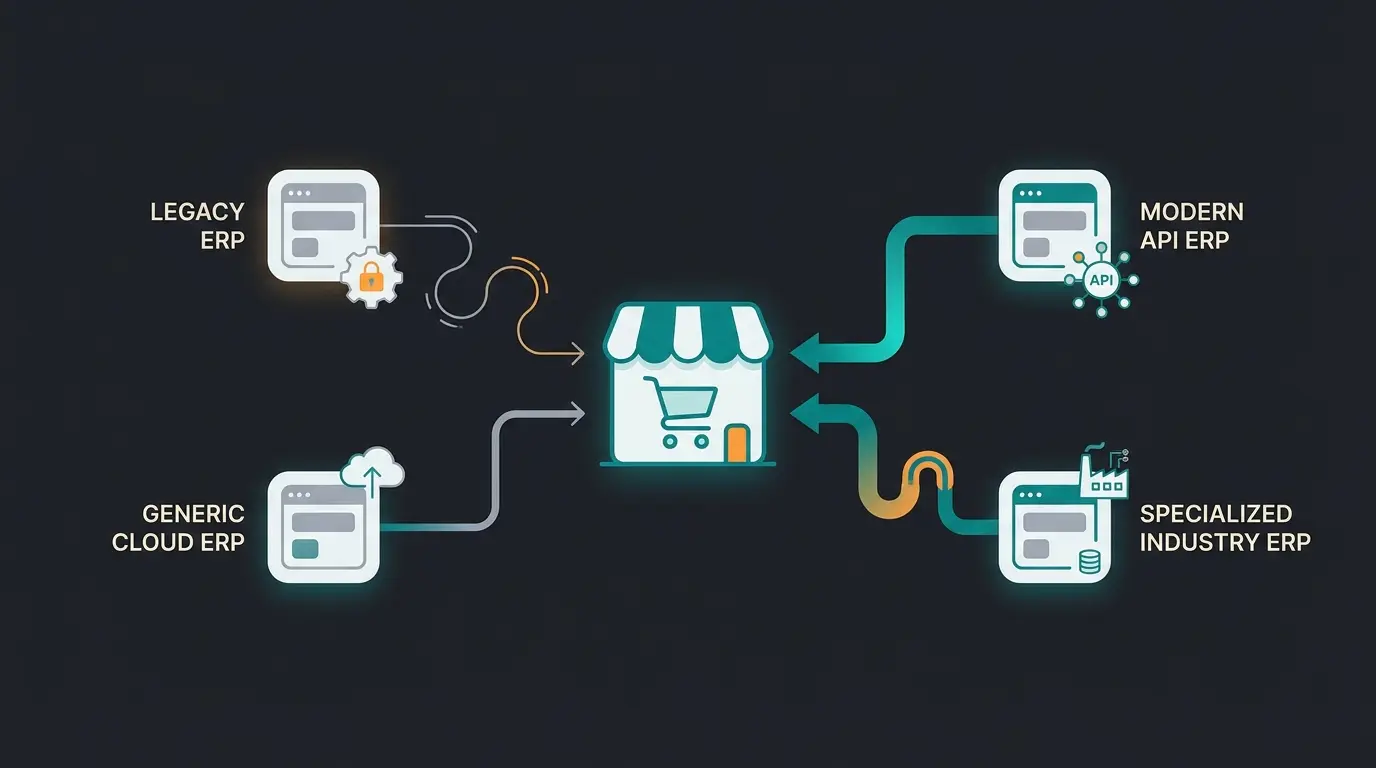
There are three ways to connect Shopware with Microsoft Dynamics 365: native Shopware extensions, middleware platforms like Alumio or elastic.io, and custom API development. Each comes with different cost, complexity, and flexibility trade-offs.
| Method | Setup cost | Monthly cost | Setup time | Customisation | Best for |
|---|---|---|---|---|---|
| Native connector | EUR 0-500 | EUR 50-100/month | 1-2 days | Limited (pre-defined mappings) | Standard B2C shops, <500 products |
| Middleware (Alumio, elastic.io) | EUR 2,000-5,000 | EUR 500-1,500/month | 1-3 weeks | High (visual mapping, custom logic) | B2B, multi-channel, complex pricing |
| Custom API | EUR 25,000-60,000 | EUR 500-2,000/month | 2-4 months | Full control | Enterprise with unique workflows |
The Shopware Store lists several native connectors for Business Central. They handle the basics well: product sync, order push, customer matching. For a standard B2C shop with straightforward product data, that is enough. Setup takes a day, maybe two.
Native connectors fall short with complex field mapping, conditional sync rules, multi-warehouse inventory, and B2B pricing tiers. Middleware steps in here. Platforms like Alumio provide a visual interface for mapping Shopware fields to Dynamics 365 entities, with error handling, retry logic, and audit logs built in. The trade-off: budget at least EUR 500 per month for the subscription, plus EUR 2,000 to 5,000 for initial setup.
Custom API development? Only if your workflows genuinely require it. Proprietary pricing algorithms, custom approval chains, or real-time inventory sync across more than four warehouses. According to AccelerationCloud's analysis, enterprise-grade custom integrations run $50,000 to $150,000 annually including maintenance. For most SMEs, that is overkill.
For a broader view of all Shopware ERP connector options, including JTL and Xentral connectors, see our dedicated comparison.
Standard product catalog with fixed pricing? A native connector handles this. Customer-specific pricing, multi-warehouse stock, or conditional discounts? You need middleware or custom.
Under 50 orders per day works with scheduled sync (hourly). Over 50 orders per day requires real-time sync, which narrows your options to middleware or API.
Native: ~EUR 1,200-1,700/year. Middleware: ~EUR 8,000-23,000/year. Custom: EUR 30,000-80,000 in year one. Match the cost to the complexity you actually have, not what you might need later.
Most connectors offer trial periods. Test with your actual product data, not sample data. The edge cases in your catalog will expose the connector's limitations faster than any feature list.
Shopware Microsoft Dynamics vs other ERP integrations
Dynamics 365 Business Central suits Shopware shops already embedded in the Microsoft ecosystem. If your team runs Outlook, Teams, Excel, and SharePoint daily, the ERP slots in without friction. SAP Business One targets larger operations with deeper manufacturing needs. JTL-Wawi and Xentral offer lighter, cheaper alternatives purpose-built for German-market e-commerce.
The deciding factors are rarely features alone. Every modern ERP syncs products and orders. The real questions: does your accounting team already use Business Central? Does your warehouse run on Microsoft tools? If the answer is "Microsoft across the board", Dynamics 365 BC cuts training time and integration complexity significantly compared to introducing SAP or a non-Microsoft ERP.
SAP Business One costs roughly 2x more in licensing and 3x more in implementation for comparable scope. Worth it for manufacturers with complex production planning. Probably not for a 20-person online retailer. Our Shopware SAP integration guide covers the differences in detail.
Leveraging Dynamics 365 data with AI
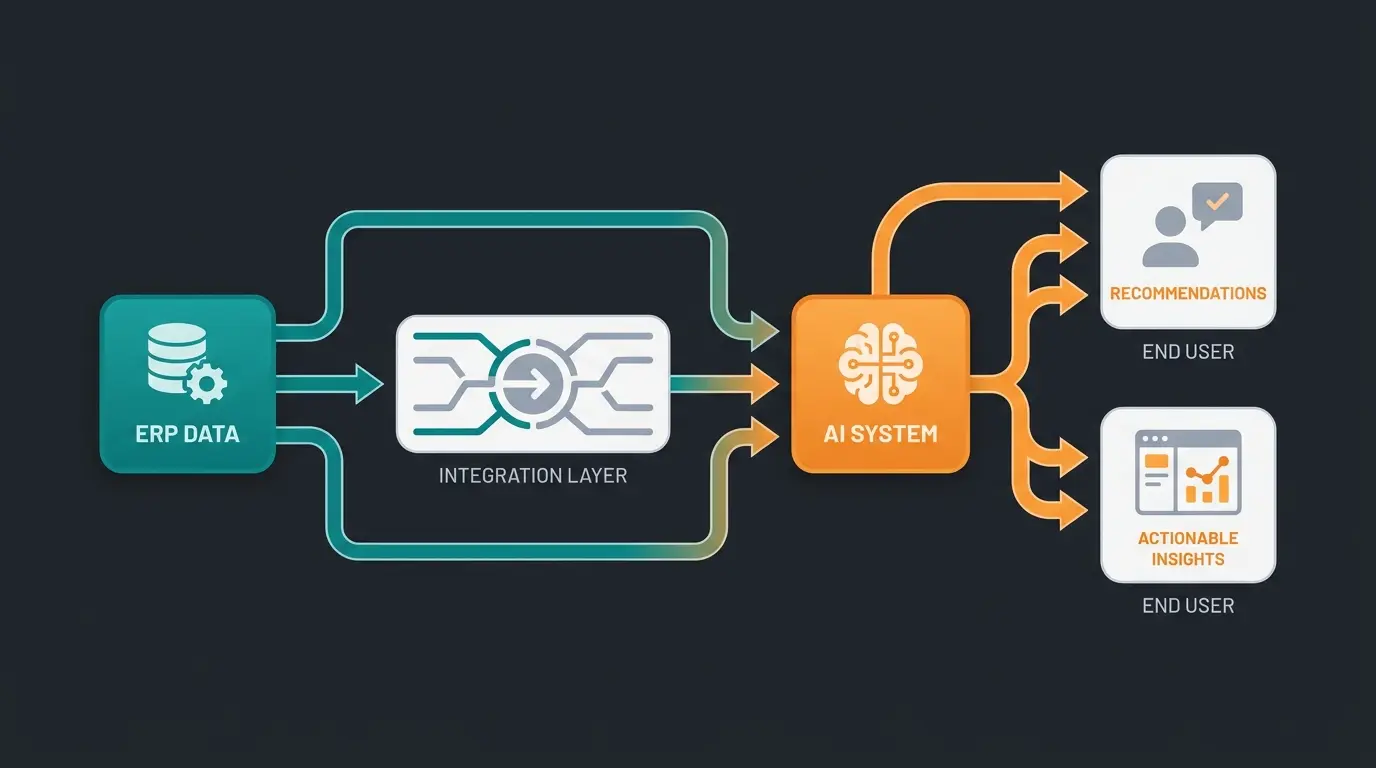
Once Dynamics 365 data flows into Shopware, an AI employee can use real-time inventory, customer purchase history, and pricing rules to deliver personalised product recommendations and automate service responses. That is where the integration moves beyond operational efficiency.
Neudorff, a leading garden supplies manufacturer, implemented Qualimero's AI employee Flora to handle product consultation. Flora accesses real-time product data and regulatory compliance information. The result: 97% accuracy in product recommendations, 99% cost savings compared to manual support, and response times under 5 seconds. Clean ERP data made that possible.
Across our client base, shops using AI employees alongside ERP integration report +35% higher cart values and a +60% increase in checkout completion rates. The AI does not replace the ERP integration. It makes the investment compound. More details on our AI product consultation page.
The honest caveat: an AI employee is only as good as the data it receives. If your Dynamics 365 setup has inconsistent product attributes or outdated stock levels, the AI will reflect those gaps. Get the ERP data clean first. Then add the AI layer. That sequence matters.
In our integration projects, we see a recurring pattern. Merchants who connect ERP first and add AI second get measurable results within 4-6 weeks. Those who try to do both simultaneously spend 3x longer in configuration because every data quality issue surfaces twice, once in the sync layer and once in the AI responses. Sequential beats parallel here.
FAQ
Not in core, but through third-party extensions in the Shopware Store. These connectors handle product sync, order processing, and customer data exchange out of the box. Setup typically takes 1-2 days for standard use cases.
Native connectors run EUR 50-100 per month with minimal setup fees. Middleware solutions cost EUR 500-1,500 per month plus EUR 2,000-5,000 for initial configuration. Custom API integrations start at EUR 25,000 for development. Add Dynamics 365 BC licensing at $80-110 per user per month (since November 2025).
A native connector installs in 1-2 days. Middleware integrations need 1-3 weeks for field mapping, testing, and go-live. Custom API projects run 2-4 months depending on the number of sync endpoints and custom business logic required.
Yes. Once the ERP-to-Shopware sync runs, the AI employee reads product availability, pricing, and customer data in real time. Neudorff's AI employee Flora achieves 97% recommendation accuracy using exactly this data pipeline. Response times stay under 5 seconds.
An AI employee turns your Shopware visitors into buyers, using real-time ERP data for personalised product consultation. Our clients report 7x higher conversion rates.
Book a demo
Kevin is CTO and co-founder of Qualimero. As an AI architect with over 15 years of experience as CTO and CPO in the tech industry, he designs the AI systems that automate tens of thousands of customer interactions daily for Qualimero's clients — reliably, securely, and at scale.