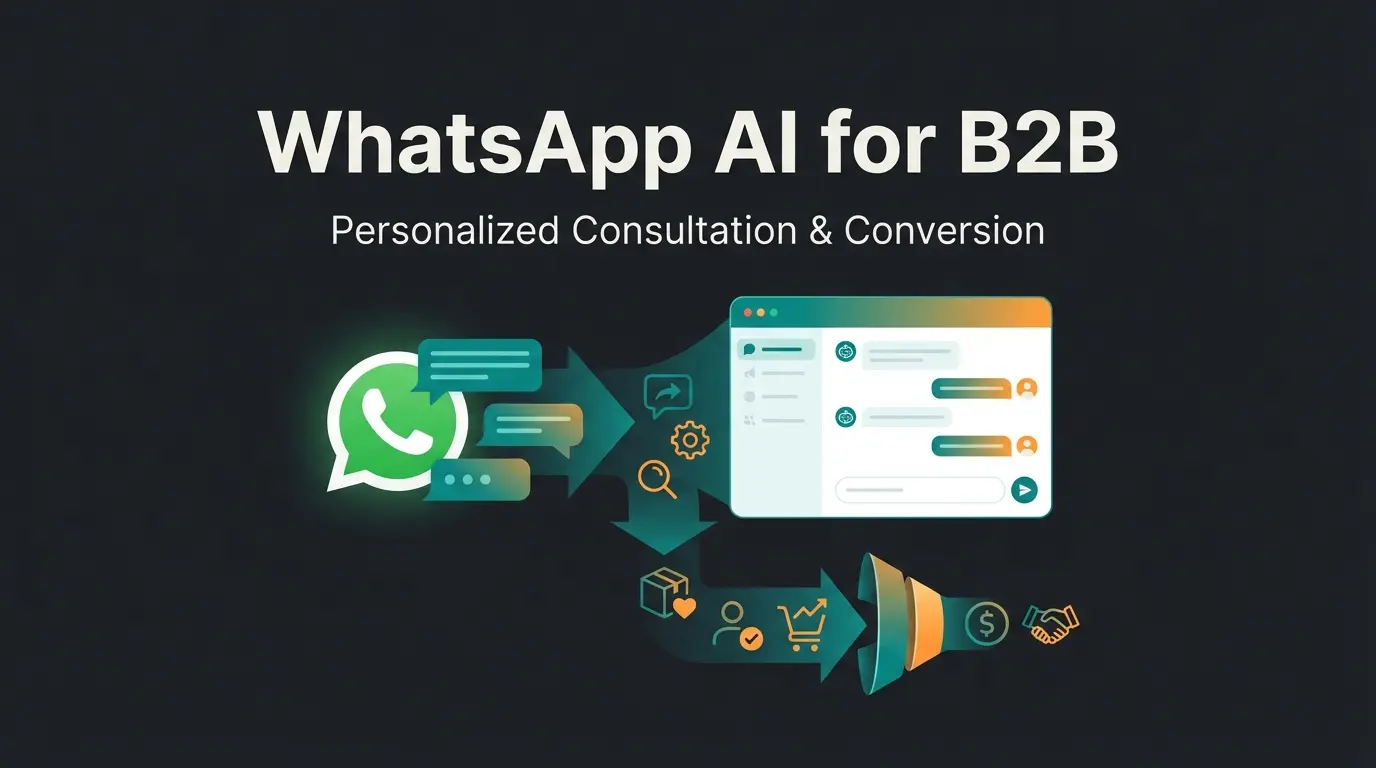
Introduction: Why 98% Open Rate Is Just the Beginning
Imagine having a sales representative who works 24 hours a day, never calls in sick, knows every nuance of your product catalog by heart, and responds to customer inquiries within seconds. And all of this on the channel your customers already use hourly.
WhatsApp dominates communication in Germany and across Europe with over 60 million daily users and market penetration exceeding 80%, according to data from Superchat. But the statistic that truly matters for businesses is the 98% open rate, as highlighted by Chatarmin. Compared to this, email newsletters with their average 20% open rates seem almost antiquated.
Yet many companies still use the WhatsApp Business API far below its potential—often only as a glorified ticketing system for "Where is my package?" inquiries. That's like driving a Ferrari only in first gear. Understanding the full WhatsApp Business costs and capabilities is essential for maximizing your ROI.
This article is your comprehensive guide for 2025. We'll show you not only how to implement the API technically and legally (GDPR-compliant), but above all, how to turn support cost centers into genuine revenue sources through AI-powered product consultation. We bridge the gap between technical integration and real sales psychology, leveraging insights from AI sales consultation strategies.
Compared to 20% average for email marketing
Over 80% market penetration across demographics
For approved marketing templates vs. 2-3% for email
Service conversations within 24 hours cost nothing
What Is the WhatsApp Business API?
To unlock WhatsApp's full potential for your business, we first need to clarify the terminology. Many entrepreneurs confuse the free app with the professional interface.
The WhatsApp Business API (Application Programming Interface) is not an app you install on a smartphone. It's an interface that enables connecting WhatsApp with professional business software (such as CRM systems, customer support tools, or AI bots). It was developed for medium to large enterprises that need to handle high message volumes and automate processes, as explained by Peppercloud and Seimo. Setting up a proper WhatsApp Business Account is the foundation for leveraging these capabilities.
Comparison: WhatsApp Business App vs. WhatsApp Business API
Here's the crucial difference that determines scalability and legal compliance:
| Feature | WhatsApp Business App | WhatsApp Business API |
|---|---|---|
| Target Audience | Small business owners, local shops (bakery, salon) | Mid-market, Enterprise, E-Commerce |
| Access | 1 smartphone (max 4 linked devices) | Unlimited users & devices (via software) |
| Data Privacy (GDPR) | Critical: Accesses phone contacts, US servers | Compliant: No contact sync, EU servers possible |
| Automation | Very limited (greeting, away messages) | Full automation (chatbots, AI, ERP integration) |
| Mass Messaging | Broadcast lists (max 256 contacts, risky) | Scalable newsletters to thousands (opt-in required) |
| Cost | Free | Paid (software + Meta fees) |
Bottom line: If you plan to use WhatsApp API for business professionally, generate leads, or have more than one employee in support, the app is not an option. It's a dead end for growth. The full potential of the WhatsApp Business API only becomes apparent with proper implementation.
Why the API Is Essential for Businesses (GDPR Compliance)
In Europe, and particularly in Germany, data protection isn't a "nice-to-have"—it's an existential risk if ignored. Using the regular WhatsApp Business App on a company phone is a GDPR violation in 99% of cases.
The Problem with the App
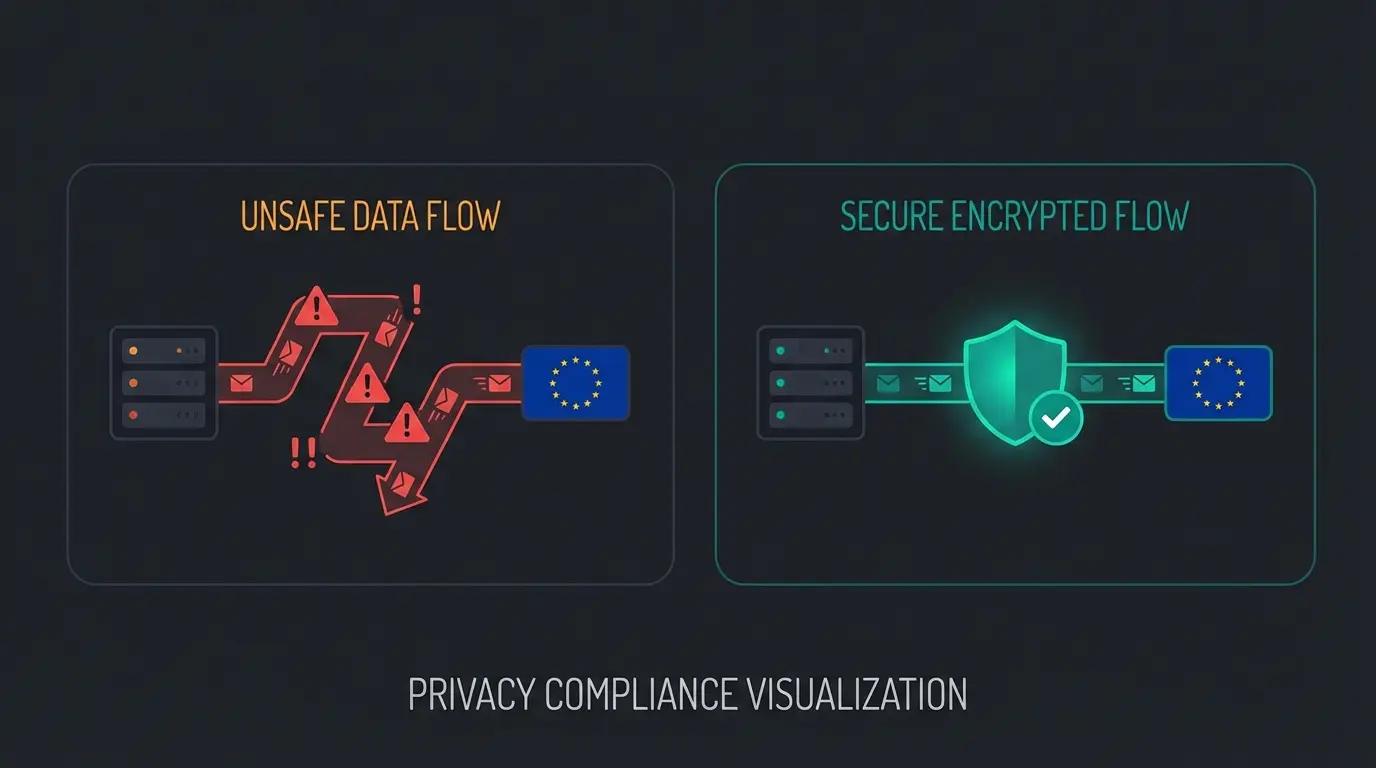
The standard app automatically reads all contacts from the smartphone's address book and syncs them with Meta's servers (in the USA). This transfers data of people who may not even use WhatsApp and never consented to this. This constitutes a clear legal violation, as documented by Sofortdatenschutz and Superchat.
The Solution Through the API
The WhatsApp Business API solves this problem architecturally:
- No Contact Access: The API has no access to any device's phone book. It only communicates with contacts who actively message you (inbound) or who have given opt-in consent (outbound).
- Data Processing Agreement (DPA): When you use the API through a Business Solution Provider (BSP) like Superchat, Mateo, or Chatarmin, you sign a DPA with them. Data is often hosted on EU servers before being encrypted and passed to WhatsApp, as noted by Chatarmin.
- Data Separation: Private and business communication are strictly separated.
Beyond FAQ Bots: The Era of AI Product Consultation
Here lies the biggest opportunity for 2025, which most "Ultimate Guides" overlook. Most companies implement "chatbots" of the old generation. These are based on decision trees:
Customer: "I'm looking for a bicycle." Bot: "Choose a category: A) E-Bike, B) Road Bike, C) Kids Bike."
This isn't service—it's an interactive form. It frustrates users and abandons complex purchase processes. Understanding how AI Chatbots are evolving helps explain why this old approach fails.
The Paradigm Shift: From Support to Sales Consultant
With the integration of Large Language Models (LLMs) via the WhatsApp API, we can build bots that act like experienced salespeople. They understand context, nuances, and unstructured inputs. This is where WhatsApp AI bots truly shine.
Scenario: The Bicycle Purchase
Let's compare the old approach with the new AI solution:
Scenario A: The Classic Rule-Based Bot (2020)
> Customer: "I need a bike that I can use to commute to work, but also ride through the forest on weekends." > Bot: "I'm sorry, I didn't understand that. Please type 'Menu' to see our categories." > (Result: Customer leaves the chat)
Scenario B: The AI Product Consultant (2025)
> Customer: "I need a bike that I can use to commute to work, but also ride through the forest on weekends." > AI Agent: "That sounds like an exciting mix! For this combination of asphalt and light terrain, a Gravel Bike is often the best choice. It's fast on roads but sturdy enough for forest trails. Do you prefer a sporty seating position, or should it be more comfortable for longer tours?" > (Result: Customer feels understood, consultation process begins)
Simple pattern matching, frustrating dead ends, high abandonment rates
Button-based navigation, limited paths, no context understanding
Natural language processing, simple queries, predefined responses
Context-aware LLMs, personalized recommendations, revenue-generating conversations
Why This Works
This type of API WhatsApp integration uses your product data (feeds, PDFs, manuals) as a knowledge base. The AI doesn't "hallucinate"—it accesses your actual inventory and recommends products that are available. This transforms the channel from a cost factor (support) into a revenue driver (consultation). Implementing an AI sales consultant strategy is how forward-thinking companies gain competitive advantage.
Key Features of the WhatsApp Business API
To implement this strategy, the API offers specific technical features that go beyond the regular app.
1. Shared Team Inbox (The Central Hub)
Since the API has no native interface, you use your provider's software. This offers a "Shared Inbox" as described by Tryowbot:
- Advantage: Multiple employees (sales, support, marketing) can access the same number simultaneously.
- Feature: Chats can be assigned, commented on, and tagged with labels (e.g., "Hot Lead", "Complaint").
2. Templates & Newsletters (Marketing)
WhatsApp rigorously prevents spam. After a 24-hour window expires, companies cannot simply message customers "freely." They must use Templates (pre-approved message formats) approved by Meta.
- Use Cases: Newsletters, order confirmations, "Back-in-Stock" alerts.
- Performance: With click-through rates up to 60%, these templates are the most powerful marketing tool in the mix.
3. Interactive Elements
Instead of just text, you can send buttons ("Quick Replies"), list menus, and product catalogs directly in the chat via the API.
- Call-to-Action: A "Buy Now" button converts significantly better than a bare link.
- Flows: Recently, Meta even enables small forms directly in WhatsApp (e.g., for appointment booking) without the user leaving the app.
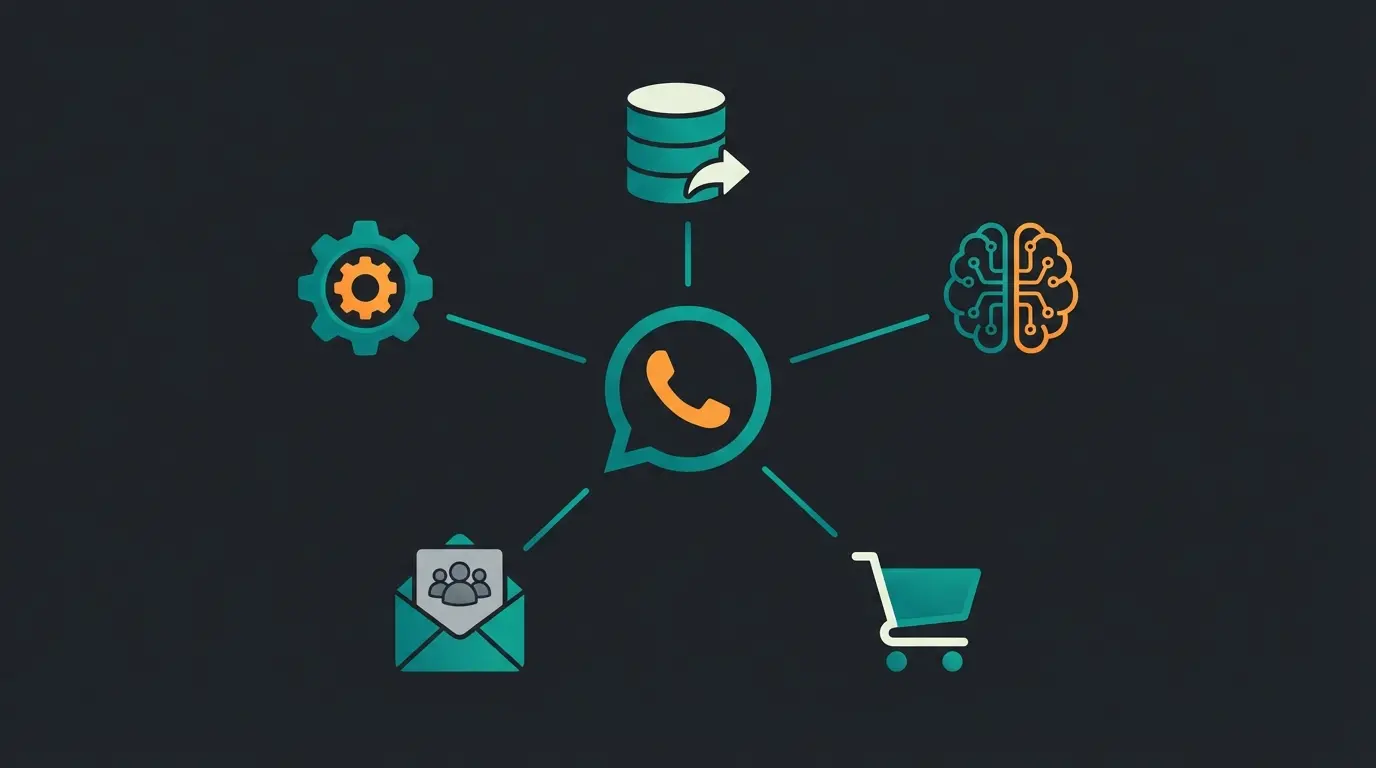
4. Automation & Integration
The API is the "connector" to your world. This is where AI chatbots for business truly demonstrate their value.
- CRM: When a customer messages, the agent immediately sees their purchase history from Shopify or Salesforce.
- Triggers: A purchase in the webshop can automatically trigger a WhatsApp message with the tracking number.
See how AI-powered WhatsApp consultation handles complex product queries in real-time. Our demo shows you exactly how to turn support costs into revenue.
Start Free Trial NowWhatsApp Business API Pricing in Germany (2025)
Meta's pricing model is complex and changing fundamentally in 2025. Understanding this is crucial for budget planning.
The New Model (Effective April/July 2025)
Meta is transitioning from a pure "conversation-based" model to a more differentiated model that partially charges per template, as detailed by Heltar and LinkMobility.
There are four categories of conversations/messages:
1. Marketing (Most Expensive Category)
- What: Offers, newsletters, product recommendations.
- Cost: Approximately €0.11 to €0.13 per message/conversation in Germany.
- Note: This category doesn't qualify for volume discounts in the same way as Utility.
2. Utility (Transactional)
- What: Transactional updates (shipping confirmation, invoice).
- Cost: Approximately €0.045 (significantly cheaper).
- New in 2025: When sent within an open 24h service window, these can be free under certain conditions; otherwise, fees apply.
3. Authentication
- What: One-time passwords (OTP), account verification.
- Cost: Approximately €0.064.
4. Service (Free - with Restrictions)
- What: When a customer messages you.
- Cost: Responding within 24 hours is free, as confirmed by ControlHippo.
- Change: There's no longer a flat "service conversation fee," but the window closes strictly after 24h. To respond afterward, you need a paid template.
Example Calculation for a Mid-Sized Business (Monthly)
Let's assume you have an active customer base:
Scenario:
- 2,000 newsletters to customers (Marketing)
- 500 shipping confirmations (Utility)
- 300 incoming support inquiries (Service)
Calculation (Estimate):
- Marketing: 2,000 x €0.11 = €220.00
- Utility: 500 x €0.045 = €22.50
- Service: 300 x €0.00 = €0.00
- Total to Meta: approx. €242.50
Additionally, there are monthly software fees from your provider (BSP), typically ranging between €49 and €199.
| Conversation Type | Use Case Examples | Cost per Message (Germany) | Volume Discount |
|---|---|---|---|
| Marketing | Newsletters, promotions, product recommendations | €0.11 - €0.13 | Limited |
| Utility | Order confirmations, shipping updates, invoices | €0.045 | Yes, with volume |
| Authentication | OTP codes, account verification | €0.064 | Yes |
| Service | Customer-initiated support within 24h | Free | N/A |
Setting Up the API for Product Consultation: Step-by-Step
How do you get from theory to practice? Since you can't "download" the API, the path is somewhat different.
Step 1: Choose a Business Solution Provider (BSP)
You need software that operates the API. For the European market, providers that use EU servers and offer local support are recommended.
- Popular Providers: Superchat, Chatarmin, Mateo, Userlike, as discussed on Reddit community forums.
- Criterion: Ensure the provider has an open interface for AI integrations if you want to pursue the "Consultant" approach.
Step 2: Verification in Meta Business Manager
To fully use the API (unlimited messages), your company must be verified, as outlined by Wapilot.
- You'll need: Business registration documents, proof of address, and phone number.
- This process is usually guided by your BSP and takes a few days.
Step 3: The 'Brain' Integration (Your USP)
This is where the wheat separates from the chaff, and where AI product consultation becomes your competitive advantage.
- Standard Setup: You connect the API and manually type responses.
- Pro Setup: You upload your product catalog (XML/CSV) or knowledge bases (PDFs) into your provider's AI module.
- The Goal: The AI must know that "Mountain Bike X" is only available in size L to advise correctly.
Choose a GDPR-compliant provider with AI integration capabilities and EU server hosting
Submit business documents, verify phone number, complete identity verification (3-5 days)
Upload product catalogs, PDFs, manuals to train your AI consultation system
Set up conversation flows, fallback rules, and human handoff triggers
Run pilot with select customers, refine responses, scale gradually
Success Stories & Use Cases
To illustrate the value of WhatsApp API for business, let's look at two concrete use cases that go beyond standard support. These examples show how AI product consultants create measurable business impact.
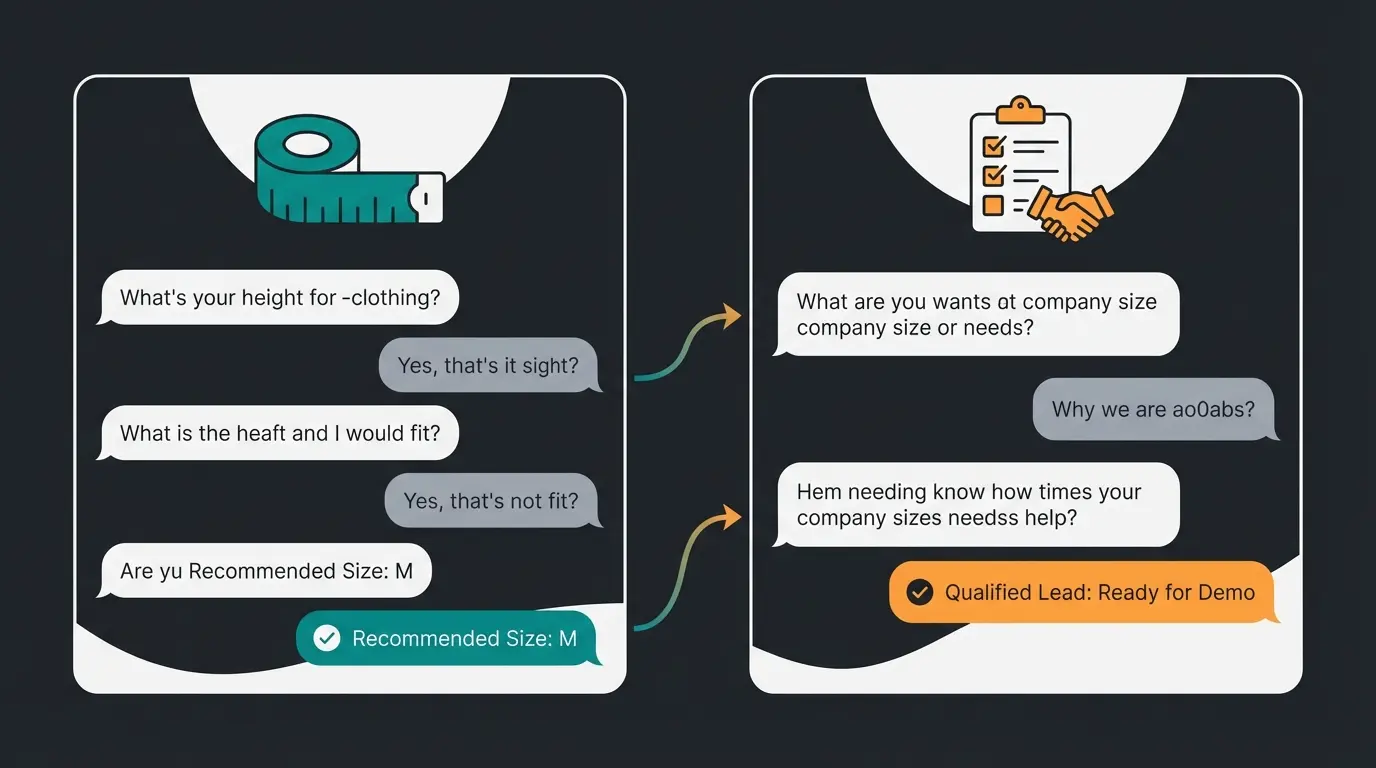
Case A: E-Commerce (Automated Sizing Advice)
A fashion e-commerce store has high return rates due to sizing issues.
- Solution: A WhatsApp bot proactively asks for height and weight when the customer is unsure.
- Process: Customer scans QR code on product page -> WhatsApp opens -> AI asks for measurements -> AI compares with size chart -> Recommends "Size M".
- Result: Reduction in return rate and building a marketing list for future collections.
Case B: B2B Service (Lead Qualification)
A machinery manufacturer receives many inquiries that don't fit technically. Having an intelligent sales consultant system transforms their process.
- Solution: A WhatsApp entry point on the website ("Ask a Technical Question").
- Process: Prospect asks about specifications. The AI answers initial technical questions (based on manuals) and asks about budget and timeline.
- Result: Only qualified leads ("Budget > $50k", "Project start immediately") are handed to human sales. Sales saves hours of time on unsuitable calls.
These cases demonstrate how AI sales representatives are transforming business communication across industries.
Decision Tree Bots vs. AI Consultants: A Comparison
To fully understand why the shift to AI-powered consultation matters, let's compare the two approaches directly:
| Aspect | Decision Tree Bot | AI Product Consultant |
|---|---|---|
| Setup Time | 2-4 weeks to map all paths | Minutes to ingest knowledge base |
| User Experience | Frustrating, limited options | Natural conversation flow |
| Complex Queries | Fails, sends to human | Handles nuanced questions |
| Product Knowledge | Static, manually updated | Dynamic, learns from catalog |
| Sales Conversion | Low (form-like interaction) | High (personalized guidance) |
| Maintenance | Constant path updates needed | Self-updating from data sources |
| Scalability | Each new product = new paths | Automatic adaptation |
Is the API Right for You? Quick Assessment
Before investing in the WhatsApp Business API, consider these key questions:
- Do you need GDPR compliance? If you're in Europe or serve European customers, the answer is yes.
- Do you handle more than 50 messages per day? The app becomes unmanageable at scale.
- Do you sell complex products? Simple FAQ bots won't cut it for considered purchases.
- Do you have multiple team members handling customer communication? The shared inbox becomes essential.
- Do you want to automate marketing and follow-ups? Templates and automation are API-only features.
Conclusion & Checklist
The WhatsApp Business API in 2025 is far more than a technical upgrade from the regular app. It's the key to regaining direct customer access in a market where emails are ignored.
However, the true competitive advantage lies not in simply using the API, but in how you use it: moving away from reactively processing tickets toward proactive, AI-powered consultation.
Your Checklist for Getting Started:
- Check Current Status: Are you still using the app on a company phone? (If yes: GDPR alert!)
- Choose Provider: Compare European BSPs (e.g., Superchat, Chatarmin) regarding AI features and pricing models.
- Plan Budget: Consider the new 2025 pricing model for marketing templates.
- Prepare Data: Do you have your product information digitally available to feed an AI?
- Start Small: Begin with a clear use case (e.g., consultation for one product category) before automating everything.
Frequently Asked Questions About WhatsApp Business API
The API itself has no license fee, but you pay for two things: Meta's per-message fees (ranging from free for service conversations to €0.13 for marketing messages in Germany) and your Business Solution Provider's software subscription (typically €49-199/month). The free WhatsApp Business App is an alternative for very small businesses, but it lacks scalability and GDPR compliance.
Yes, when implemented correctly through a European BSP. Unlike the free app, the API doesn't access phone contacts or sync data to US servers without consent. You'll sign a Data Processing Agreement with your provider, and data can be hosted on EU servers. This architectural separation makes it the only legally compliant option for professional business use in Europe.
Yes, this is one of the API's most powerful features. You can send marketing templates to thousands of opted-in subscribers with open rates around 98% and click-through rates up to 60%. However, all marketing messages must use Meta-approved templates and recipients must have explicitly opted in. The 2025 pricing charges approximately €0.11-0.13 per marketing message in Germany.
Not necessarily. Modern Business Solution Providers (BSPs) offer no-code platforms that handle the technical integration. You'll need to complete Meta's business verification process and configure your provider's software, but this typically requires no coding. For advanced AI integrations with your product catalog, some technical setup may be needed, though many providers offer guided onboarding.
The timeline varies but typically takes 1-2 weeks. You'll need to submit business verification documents (registration, address proof, phone number) through Meta Business Manager. Your BSP usually guides this process. Once verified, you can start with limited messaging capacity, which increases as you build a positive sending reputation over several weeks.
Don't just read about it—experience how our AI Consultant handles complex product queries in real-time. Watch your support channel transform into a revenue generator.
Book Your Live Demo
Lasse is CEO and co-founder of Qualimero. After completing his MBA at WHU and scaling a company to seven-figure revenue, he founded Qualimero to build AI-powered digital employees for e-commerce. His focus: helping businesses measurably improve customer interaction through intelligent automation.