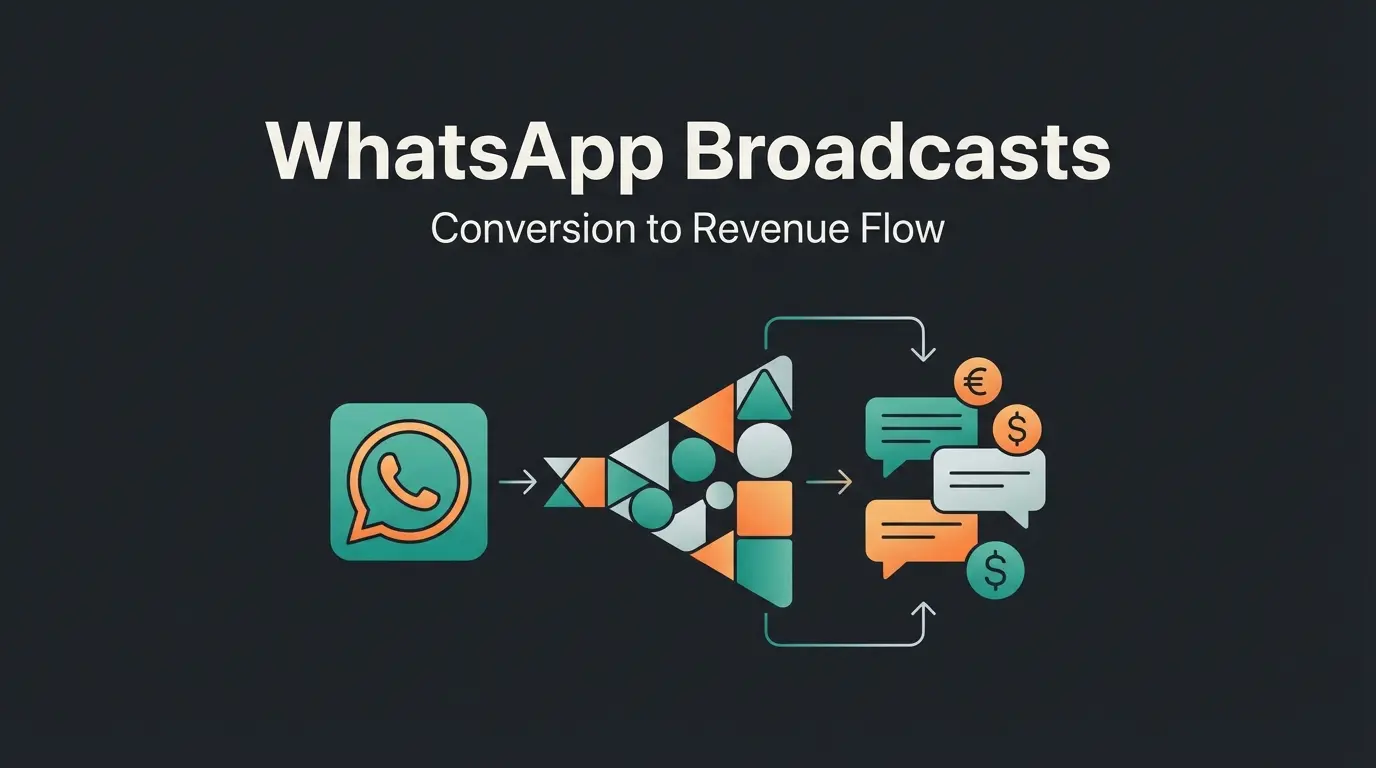
Why Fast Responses Decide Your Revenue's Fate
Before diving into technical settings, we need to clarify the 'why.' Many entrepreneurs view WhatsApp Business auto reply as a courtesy phrase—similar to an answering machine on a landline. This is a fatal misconception.
In today's 'instant-everything' economy, speed is the hardest currency. Studies show that 35% to 50% of all sales go to the vendor who responds first, according to research from Flowlu and Lift AI. When a customer messages you on WhatsApp, they don't expect email speed (24 hours)—they expect chat speed (under 5 minutes).
The 5-Minute Rule That Changes Everything
Data from 2024 proves it: The probability of qualifying a lead drops by 400% if you respond after 10 minutes instead of within 5 minutes, as documented by Albacross. Even more dramatic: 82% of consumers expect a response to sales inquiries within 10 minutes, according to Rep.ai.
WhatsApp has an open rate of 98% (compared to approximately 20% for emails), as reported by Retner.ai. The medium is extremely direct. When you send an automatic reply that only says 'We'll be back tomorrow,' here's what happens:
- The customer has an acute need (purchase impulse)
- They get stopped by your message (impulse interruption)
- They switch to Google and message your next competitor
Your goal must be to use WhatsApp Business auto reply not as a 'pause button' but as a 'start button' for the customer relationship. Understanding AI customer service basics can help you transform these moments into opportunities.
WhatsApp messages vs. 20% for emails
Expect response within 10 minutes
Qualification drops after 10-minute delay
Sales go to whoever responds first
Level 1: The Basics – Setting Up WhatsApp Auto Reply
For solopreneurs and small local businesses, the integrated function of the free WhatsApp Business App is the first step. Here we distinguish between two main types of messages:
- Away Message: Sent when you're not available
- Greeting Message: Sent when a customer writes for the first time (or after 14 days of inactivity)
If you're new to the platform, our comprehensive WhatsApp Business Guide covers all the fundamentals you need to know.
Setup Instructions for Android Devices
Here's how to set up automatic reply WhatsApp on Android devices, as documented by Krauss GmbH and BotPenguin:
- Open the WhatsApp Business App
- Tap the three dots (⋮) in the top right corner and select Business Tools
- Select Away Message
- Enable the toggle for Send Away Message
- Tap the message to edit the text (use our templates below)
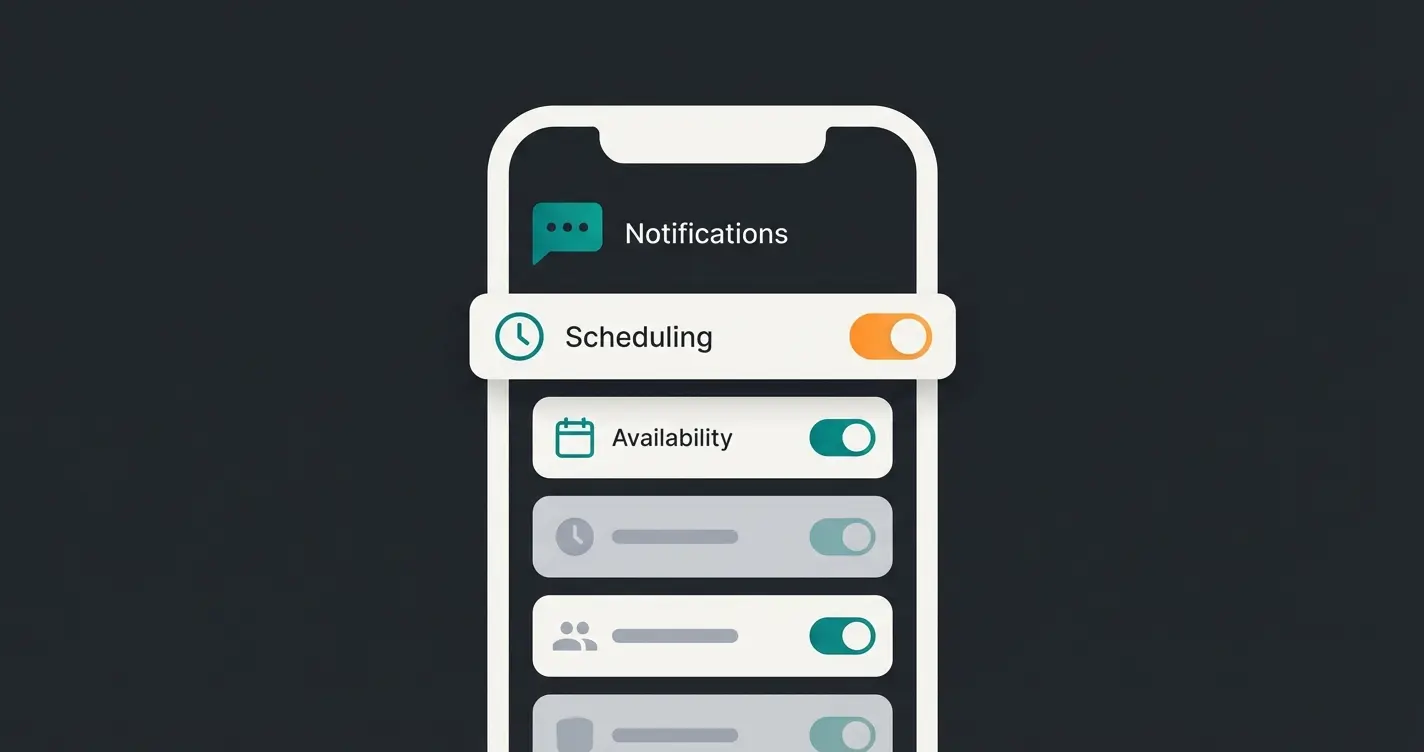
- Choose Schedule: Always send (good for vacations), Custom schedule (for specific time windows), or Outside of business hours (the smartest option—based on your profile's opening hours)
- Choose Recipients: Usually 'Everyone,' but you can exclude specific contacts
- Tap Save
Setup Instructions for iOS (iPhone)
The process for Apple users is very similar but differs in menu navigation, as explained by ClickUp:
- Open the WhatsApp Business App
- Tap Settings (gear icon) in the bottom right
- Go to Business Tools
- Select Away Message
- Enable the toggle Send Away Message
- Edit the text under 'Message'
- Set under Schedule when the message should be sent (e.g., 'Outside of business hours')
- Set under Recipients who should receive the message
Auto Reply vs. Quick Replies: The Key Difference
A common misconception when optimizing WhatsApp auto reply strategies is confusing them with Quick Replies. To understand the ranking for keywords like 'WhatsApp quick replies,' we need to differentiate:
| Feature | Auto Reply (Automatic) | Quick Replies (Manual) |
|---|---|---|
| Trigger | Automatic (schedule or first contact) | Manual (by typing a shortcut) |
| Action | App sends without your input | You select a template and send it |
| Shortcut | None | Starts with `/` (e.g., `/thanks`, `/price`) |
| Purpose | Simulate availability, retain customers | Save typing effort, maintain consistency |
| Limit | 1 message per trigger | Up to 50 templates storable |
Quick Replies are not automation in the true sense, as explained by Trengo and Engrana. They are text modules. When you're sleeping, quick replies cannot work for you. You need to have your phone in hand, type `/`, and send.
Conclusion: Use quick replies for recurring questions during work hours (e.g., 'What's your IBAN?'), but rely on auto reply for 24/7 service. For more sophisticated automation, explore how AI chatbots transform customer service operations.
The Copy-Paste Library: 10 Templates for Success
Most businesses write: 'We're not here. Will get back to you later.' That's polite but damaging to revenue. Here are optimized templates, divided by strategy.
Category 1: The Polite Delayer (Standard)
Suitable for: Medical practices, tradespeople, pure service providers without online shops.
Category 2: The FAQ Deflector (Efficiency Focus)
Suitable for: Restaurants, event venues, support teams.
Category 3: The Engagement Starter (Revenue Focus)
Suitable for: E-commerce, car dealerships, real estate, high-end retail. Here we try to keep the dialogue open instead of ending it. This approach aligns with AI product consultation best practices.
The Dead End Problem: Why Standard Bots Lose Customers
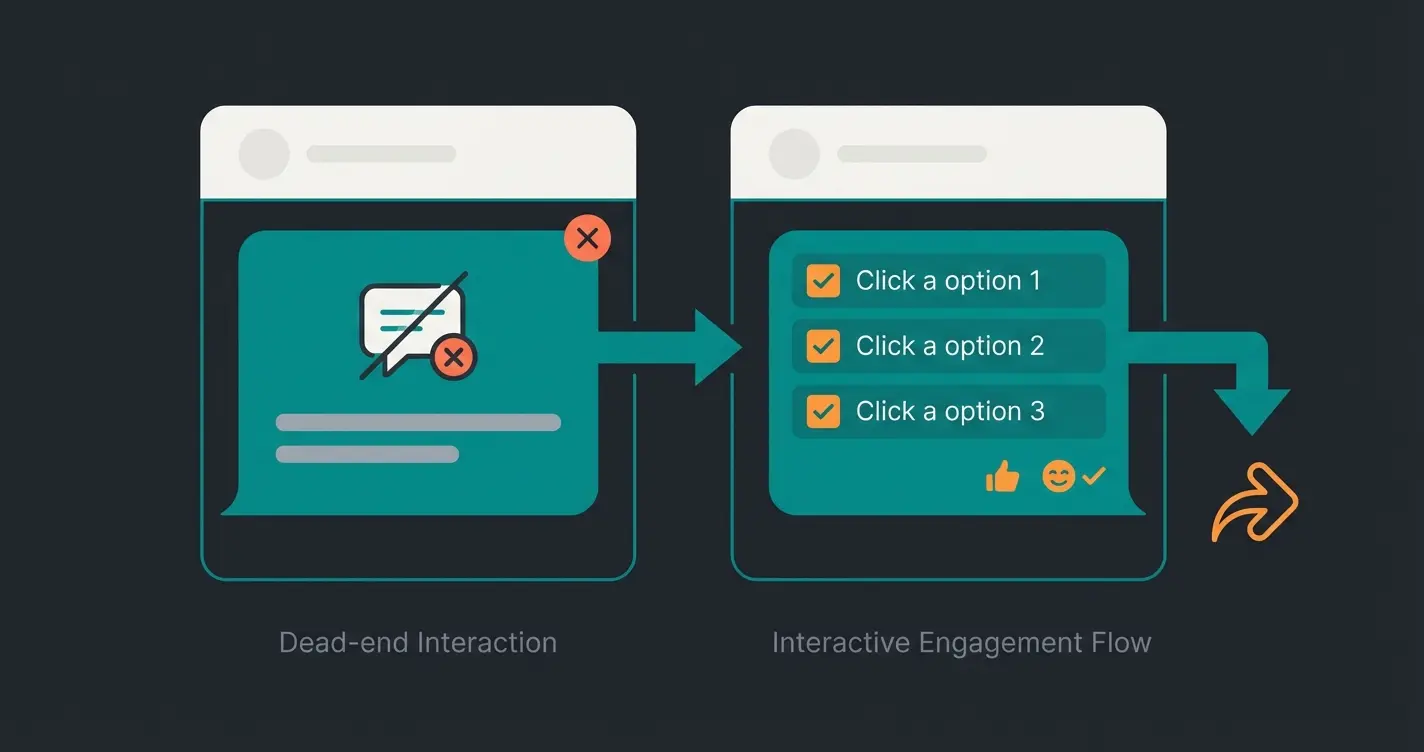
When you use the templates mentioned above in the free WhatsApp Business App, you quickly hit a glass ceiling. We call this the 'Dead End Effect.'
Problem 1: The Conversation Killer
Imagine a customer standing in your store asking: 'Do you have these running shoes in size 10?' Your automatic reply is: 'We're closed. Come back tomorrow.' The customer turns around and goes to the sports store next door that's still open (or has a better online shop). The standard app cannot answer content-wise. It can only block time-wise.
Problem 2: Context Blindness
The standard app treats everyone the same:
- A VIP customer who orders $5,000 monthly gets: 'We're away.'
- An angry customer who wants to complain gets: 'We're away.'
- A new lead who wants to buy gets: 'We're away.'
This lack of differentiation is dangerous. An angry customer feels ignored, a ready-to-buy customer feels blocked. Understanding different types of chatbots helps you see why one-size-fits-all solutions fail.
Problem 3: Broadcast and Label Limitations
The free app allows broadcast lists only up to 256 contacts, as documented by Botcake and Wasender. Additionally, customers must have saved your number to receive broadcasts. If you want to grow, manually managing 'quick replies' and 'labels' (max 20 labels in the app, according to Zixflow and Trengo) becomes an administrative nightmare.
Understanding WhatsApp Business costs helps you evaluate when it's time to upgrade to a more robust solution.
Customer sends inquiry at 9:30 PM
'We are closed, back at 9 AM'
Impulse fades, competitor searched
Customer buys elsewhere overnight
See how AI-powered WhatsApp automation converts leads 24/7 instead of just saying 'we're away.' Book a demo and experience the difference.
Try AI Consultant LiveLevel 2: AI-Powered Product Consultation
Here we pivot from 'managing absence' to 'automating sales.' To be truly competitive with WhatsApp Business auto reply in 2024/2025, businesses need the leap from rule-based (static) to intent-based (AI) systems.
What Is an 'Instant Service Agent'?
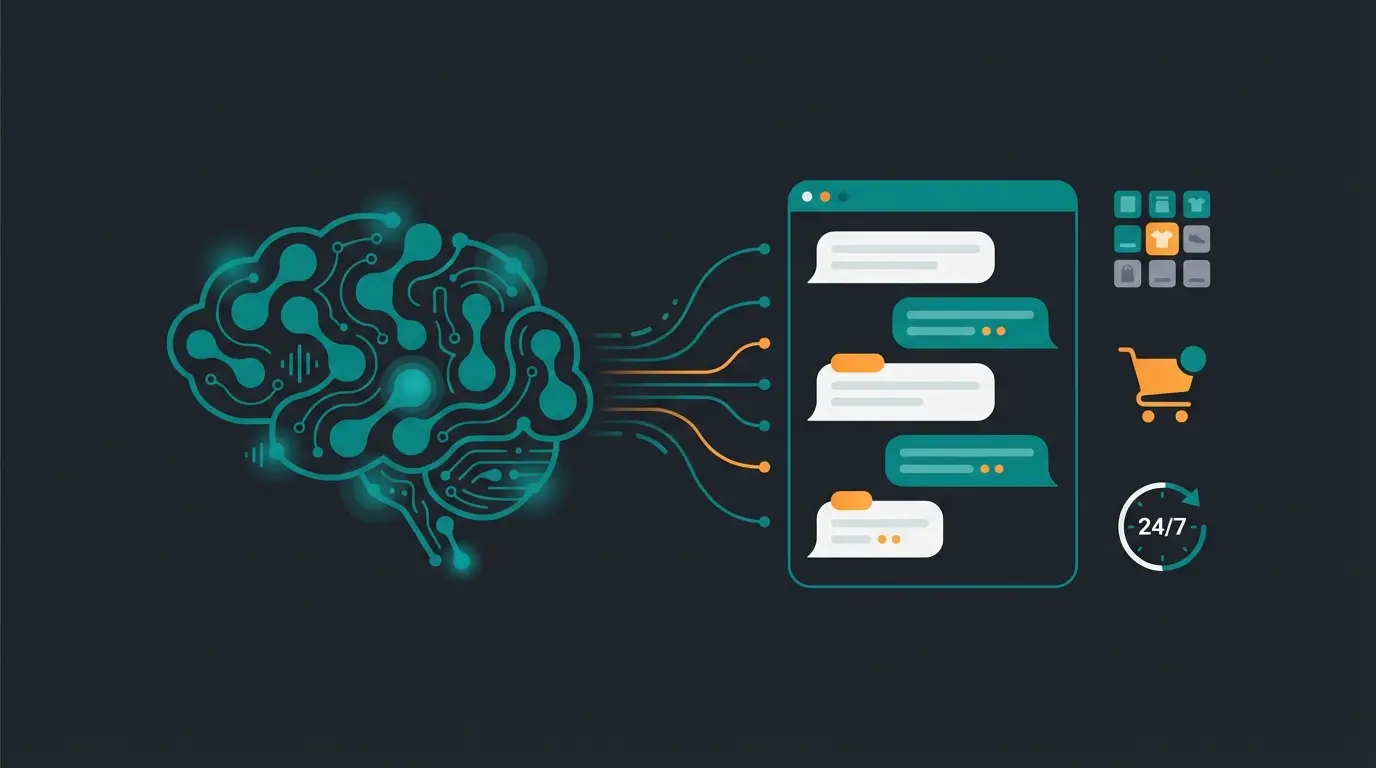
Instead of just playing a text message, an AI (via the WhatsApp Business API) analyzes the content of the incoming message. It understands the intent of the customer. This is where AI chatbot e-commerce solutions shine.
Scenario: The Difference in Direct Comparison
Let's take the example of a sports store:
Scenario A: The Standard WhatsApp Business App
- Customer (9:30 PM): 'Do you have the Nike Pegasus 40 in red in stock?'
- Auto-Reply: 'Thanks for your message. Our business hours are 9-6. We'll get back to you tomorrow.'
- Result: The customer googles the shoe, finds it on Amazon or Zappos, and orders there. Revenue: $0.
Scenario B: The AI Solution
- Customer (9:30 PM): 'Do you have the Nike Pegasus 40 in red in stock?'
- AI Agent: 'Hello! 👋 Yes, we still have 3 Pegasus 40s in red in stock. What size do you need?'
- Customer: '10.'
- AI Agent: 'Perfect, size 10 is available. Here's the link to purchase directly: [Link]. Should I add some matching running socks?'
- Result: The customer feels immediately served. The purchase is completed that evening. Revenue: $140 + Cross-Sell.
This transformation is at the core of how AI chatbots are revolutionizing conversational commerce. The difference between a dead-end message and an intelligent response can mean thousands in recovered revenue.
Why AI Converts Better Than Static Messages
Studies show that companies using chatbots and AI reduce their response times by an average of 35% and significantly increase customer satisfaction, according to D7 Networks. AI can:
- Conduct product consultation: 'What size fits me?'
- Check availability: Connection to your inventory management system
- Book appointments: Without ping-pong emails
- Sell around the clock: While your team sleeps
For businesses looking to implement these capabilities, exploring WhatsApp AI chatbots for product consultation provides a comprehensive roadmap. Additionally, understanding how chatbot AI compares across different solutions helps you make informed decisions.
| Feature | Standard Auto-Reply | Quick Replies | AI Product Consultant |
|---|---|---|---|
| 24/7 Availability | Yes (static message) | No (manual) | Yes (interactive dialogs) |
| Personalization | None | Limited templates | Dynamic, context-aware |
| Setup Time | 5 minutes | 30 minutes | Professional setup required |
| Goal | Information/Delay | Efficiency | Sales & Conversion |
| Manual Effort | None | High (still typing) | None after setup |
| Scalability | Limited (1 phone) | Limited | Unlimited agents/bots |
Decision Guide: App or AI Solution?
To make your decision easier, we've developed this decision framework. Find out which solution fits your current business phase. Consider how AI product consultation providers can address your specific needs.
Comprehensive Feature Comparison
| Feature | WhatsApp Business App (Free) | AI Solution (API-based) |
|---|---|---|
| Cost | Free | Monthly fee + conversation costs |
| Setup | 5 minutes (phone) | Requires setup (software partner) |
| 24/7 Availability | Yes (but only static message) | Yes (interactive dialogs) |
| Content | 'We're away' | 'Here's your solution' |
| Goal | Information / Delay | Sales & Closure |
| Scalability | Low (1 phone, 1 user) | Unlimited (multiple agents/bots) |
| Broadcast Limit | 256 contacts | Unlimited (depending on tier level) |
When Should You Upgrade?
You should switch from the standard app to a professional AI solution when:
- You receive more than 50 messages per day and lose track
- Your customers often ask the same 5 questions (prices, opening hours, stock)
- You want to sell products or services directly in chat
- You notice leads are bouncing because response time is too long
Understanding RAG technology and compliance is essential when implementing AI solutions that handle customer data. For a deeper dive into the business case, explore how AI transforms e-commerce operations.
Customer inquiry arrives at any hour
Understanding what customer really wants
Product recommendation with availability check
Purchase made while team sleeps
Conclusion: From Pause Button to Sales Machine
WhatsApp Business auto reply is one of the most powerful tools in modern customer service—when used correctly.
Level 1: Use the free app to at least signal availability and not leave customers hanging. Use our templates to be friendly and informative.
Level 2: When you realize that 'being friendly' is no longer enough and you're losing revenue because you can't answer at night, it's time for an upgrade.
A static away message is like a closed store with a sign on the door. An AI agent is like a salesperson standing in the window 24/7, serving customers.
Frequently Asked Questions (FAQ)
No, the automatic reply (auto-reply) function is exclusive to the WhatsApp Business App and the WhatsApp Business API. Private accounts do not have this feature, as confirmed by official WhatsApp documentation and Wappbiz.
In the WhatsApp Business App, sending automatic replies is free. However, if you use the WhatsApp Business API for AI bots, costs per conversation apply, which are charged by Meta, as detailed by Zepic.
No, in the standard app, automatic replies (both greeting and away messages) are only sent to individual chats, not to group chats, according to official WhatsApp documentation.
AI chatbots can analyze customer intent, provide personalized product recommendations, check inventory in real-time, and complete sales—all while your team is offline. This turns passive away messages into active revenue generators.
Test our AI demo. Send our bot a message and experience what a real automatic reply feels like—one that sells instead of stalls.
Try AI Consultant Now
Lasse is CEO and co-founder of Qualimero. After completing his MBA at WHU and scaling a company to seven-figure revenue, he founded Qualimero to build AI-powered digital employees for e-commerce. His focus: helping businesses measurably improve customer interaction through intelligent automation.