Introduction: Why Your Cart Is More Than Just a List
Imagine running a physical store. A customer places five items on the counter. They hesitate. They wonder: "Does this cable really fit my camera?" or "Do I have the right accessories?" In a real store, a salesperson would step in, provide advice, and eliminate uncertainty.
In e-commerce, usually—nothing happens. The cart remains silent.
The result is devastating: Over 70% of filled shopping carts are abandoned. In Germany, the abandonment rate in the first half of 2024 was an alarming 71.41% according to digital-magazin.de and internetworld.at.
Most guides on WooCommerce cart customization focus on superficial elements: How do I change the button color? How do I make the font bigger? These are important, but they don't solve the core problem.
In this comprehensive guide, we go three steps further. We transform your cart from a passive "warehouse" into an active "sales consultant." This approach aligns perfectly with modern AI e-commerce strategies that prioritize customer experience over simple transactions.
What You'll Learn in This Article
- The Basics: How to optimize design with and without code (CSS/Page Builders)
- The German Factor: Why the Button Solution and legal disclosure requirements determine the life or death of your shop
- The Strategic Gap (AI): How to use Artificial Intelligence not only to sell more but to actively prevent returns before the order is even submitted
Average abandonment rate in German e-commerce (H1 2024)
Even higher abandonment rates on mobile devices
Average cost of processing a single product return
1. The Basics: Visual Customization (Quick Wins & Techniques)
Before diving into strategy, we need to clarify the technical fundamentals. WooCommerce has changed significantly. Since version 8.3, Gutenberg Blocks for cart and checkout have become the standard according to wpexperts.io and wordpress.org. This means many old tutorials based solely on shortcodes (`[woocommerce_cart]`) no longer fully apply.
Method A: No-Code & Page Builders (Elementor, Divi & Co.)
For users who don't want to code, page builders are the fastest way to customize your WooCommerce cart effectively.
- Elementor Pro / Divi: These tools now offer dedicated "Cart Widgets." You can use drag-and-drop to decide where the total appears or how the product list looks.
- The Downside: These builders often focus purely on aesthetics. They make the cart "pretty" but not necessarily "intelligent." Additionally, they often load heavy scripts that negatively impact page speed—a conversion killer on mobile devices, where abandonment rates reach up to 74%.
When comparing platforms, it's worth understanding the fundamental differences between Shopware vs WooCommerce to make informed decisions about your e-commerce stack.
Method B: The Modern Approach (WooCommerce Blocks)
If you have a fresh WooCommerce installation, you're probably using the Cart Block.
- Advantage: Extremely fast and directly integrated into the WordPress editor.
- Customization: You can click individual elements (like images or prices) and disable or move them in the sidebar.
- Caution: CSS customizations are more difficult here since classes are dynamically generated (`.wc-block-cart...`).
Method C: CSS Snippets for Immediate Results
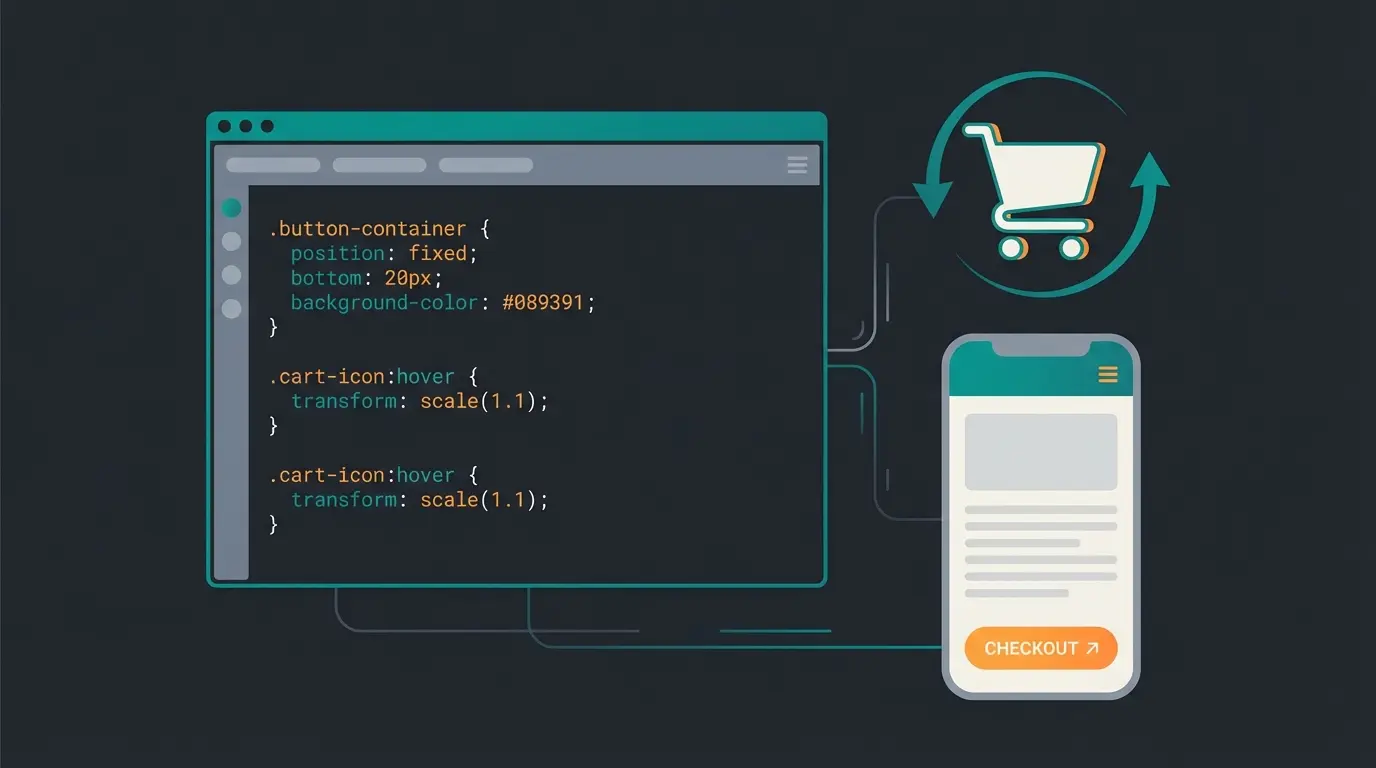
Often it's small things that cause friction. Here are three tested CSS snippets you can add to your Customizer (`Appearance > Customize > Additional CSS`) for immediate improvements.
1. Hide the Coupon Field (Conversion Booster)
Why? An open coupon field screams: "Google for a discount code!" The customer leaves the shop, finds no code, and never returns. The solution is to hide it by default or make it less prominent, as suggested by solutionhippo.com and stackoverflow.com.
```css / Hide coupon field in cart / .woocommerce-cart .coupon { display: none !important; } ```
2. Highlight the Update Cart Button
Often the "Update Cart" button is grayed out or inconspicuous. When customers change quantities and forget to click, the total at checkout doesn't match—frustration is inevitable.
```css / Make Update Cart button more visible / button[name="update_cart"] { background-color: #f0f0f0; / Light gray instead of white / color: #333; font-weight: bold; border: 1px solid #ccc; } ```
3. Sticky Checkout Button (Mobile Only)
On smartphones, users often have to scroll endlessly to reach the checkout button. A fixed button at the bottom of the screen helps tremendously.
```css @media (max-width: 768px) { .wc-proceed-to-checkout { position: fixed; bottom: 0; left: 0; width: 100%; z-index: 9999; background: #fff; padding: 10px; box-shadow: 0 -2px 10px rgba(0,0,0,0.1); } } ```
For even more advanced checkout optimization strategies, check out our guide on Shopify checkout optimization which covers principles applicable across platforms.
2. The German Factor: Legal Compliance Is Your Most Important Feature
If you sell in the DACH region (Germany, Austria, Switzerland), WooCommerce cart customization isn't just a design topic. It's a legal minefield. A beautiful cart is worthless if you get hit with legal warnings.
The Button Solution (§ 312j BGB)
Since 2012, Germany has enforced the so-called Button Solution. The law requires that consumers explicitly confirm they are entering into a payment obligation. This is clearly explained by e-recht24.de and cr-online.de.
The text on the buy button is critical. Many US themes use "Place Order" or simply "Order" by default. In Germany, this is often insufficient and can result in legal warnings.
Permitted Formulations
- ✅ "Order with payment obligation" (Zahlungspflichtig bestellen)
- ✅ "Buy" (Kaufen)
- ✅ "Order with costs" (Kostenpflichtig bestellen)
Prohibited / Risky Formulations
- ❌ "Order" (too vague)
- ❌ "Continue"
- ❌ "Sign up"
How to Change the Button Text
Since WooCommerce Blocks and Shortcodes work differently, there are two approaches:
Method 1: Via Plugin (Loco Translate) This is the safest approach as it directly translates the language file. Search for the string "Place order" and permanently translate it to the legally required text. For German shops, resources like youtube.com provide helpful tutorials.
Method 2: Via PHP Snippet (for Classic Checkout) Add this to your `functions.php` (Caution: Often doesn't work with new Block themes!):
```php add_filter( 'woocommerce_order_button_text', 'custom_german_button_text' ); function custom_german_button_text( $button_text ) { return 'Order with payment obligation'; } ```
VAT and Shipping Costs
In Germany, the cart must display: 1. "incl. VAT" (with amount or percentage) 2. "plus shipping costs" (as a clickable link to shipping information)
A common mistake when customizing the WooCommerce cart: The design theme hides these lines for aesthetic reasons. Check this thoroughly. The notice must be in immediate proximity to the final price.
Essential characteristics of the goods must be visible (description, size, color)
Gross sum clearly displayed
"incl. 19% VAT", "plus shipping" with clickable link
No newsletter signups or ads between price and button
"Order with payment obligation" as the final clickable element
A non-compliant cart destroys trust faster than bad design. For comprehensive guidance on building trust with German customers, our Shopware conversion optimization guide covers additional trust-building strategies.
3. The Strategic Gap: From Storage Room to Consultant
Now that the basics and legal requirements are covered, let's discuss your competitive advantage. Most shops use the cart only as a "storage room": Products sit there until they're paid for.
The Problem: Customers are often uncertain in the cart. - "Do I have everything?" - "Does Part A fit Part B?" - "Do I still need batteries?"
The Old Solution: Static cross-sells ("Customers also bought..."). These are often unintelligent. Someone buying a refrigerator doesn't need a second refrigerator—they need a cleaner.
The New Solution: The AI Consultant Cart. This approach represents the cutting edge of AI-powered selling in modern e-commerce.
Why You Need Return Rate Optimization (RRO)
Everyone talks about Conversion Rate Optimization (CRO). But what good is a sale if the product comes back? According to emixa.com and forbes.com:
- Returns cost an average of €12.50 to €20 per case (handling, depreciation, shipping)
- Most common reasons for returns: Wrong size, incompatibility, or wrong expectations
This is your opportunity to intelligently customize the cart. Implementing AI to prevent returns can transform your entire business model.
| Feature | Standard Cart (Status Quo) | AI Consultant Cart (The Future) |
|---|---|---|
| Function | Lists products & shows total | Checks products for logic & compatibility |
| Upselling | Static ("Others also bought") | Context-aware ("You have Camera X, you're missing Memory Card Y") |
| Interaction | Passive (waits for click) | Active (warns about errors) |
| Goal | Fast checkout | Correct checkout (return prevention) |
| User Experience | "Hopefully this fits." | "The shop thinks for me." |
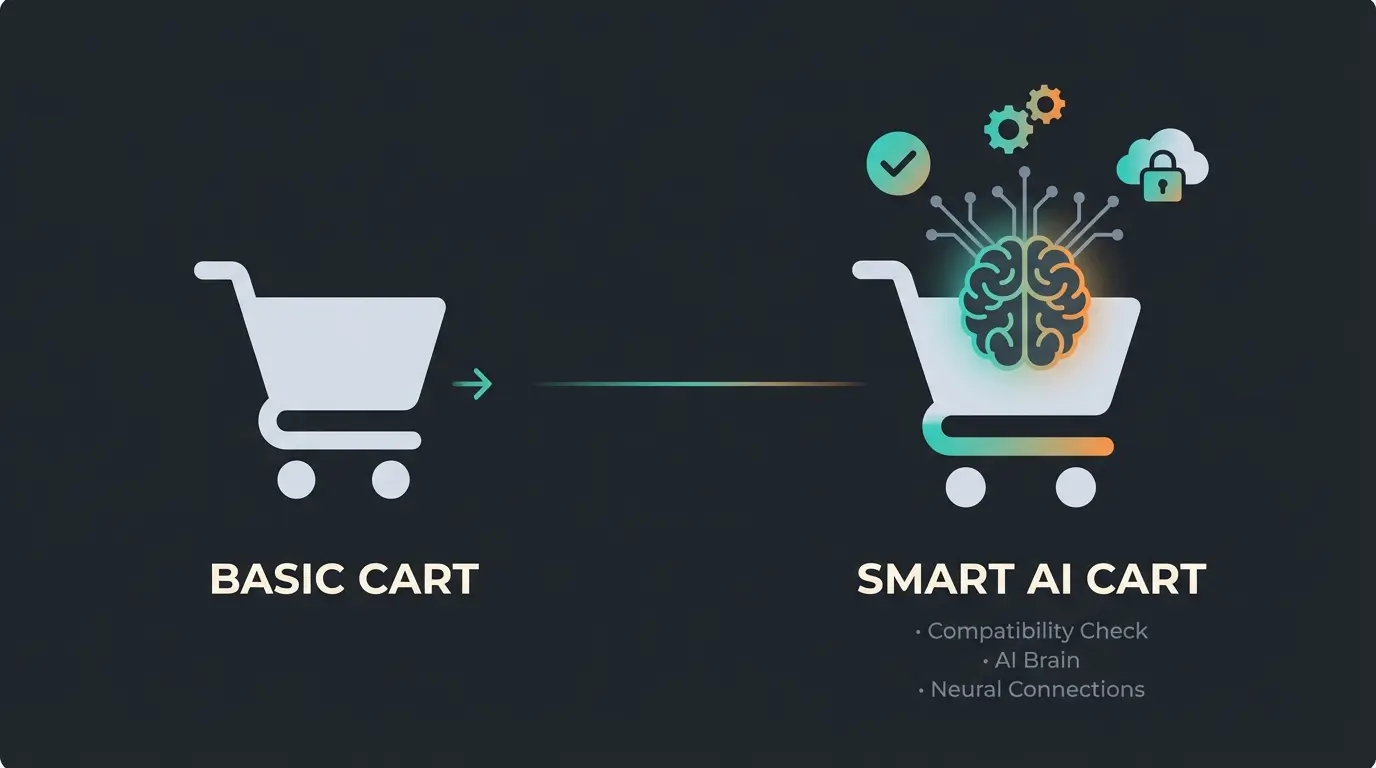
Discover how AI-powered product consultation can reduce cart abandonment, prevent returns, and boost customer satisfaction. See the difference intelligent recommendations make.
Start Free Trial4. Step-by-Step: How to Integrate Smart Customizations
How do you technically implement the concept of the "thinking cart"? Here's the roadmap.
Step 1: Clean Up the Layout (Distraction-Free Cart)
Before adding intelligence, remove distractions.
- Remove Header: In the cart, the main menu should be hidden. The customer should buy, not continue browsing.
- Set Trust Signals: Place the "Trusted Shops" or "EHI" seal directly next to the total (not in the footer!). In Germany, security is a purchase argument.
This approach is similar to how leading AI product consultation providers design their interfaces—focused and conversion-oriented.
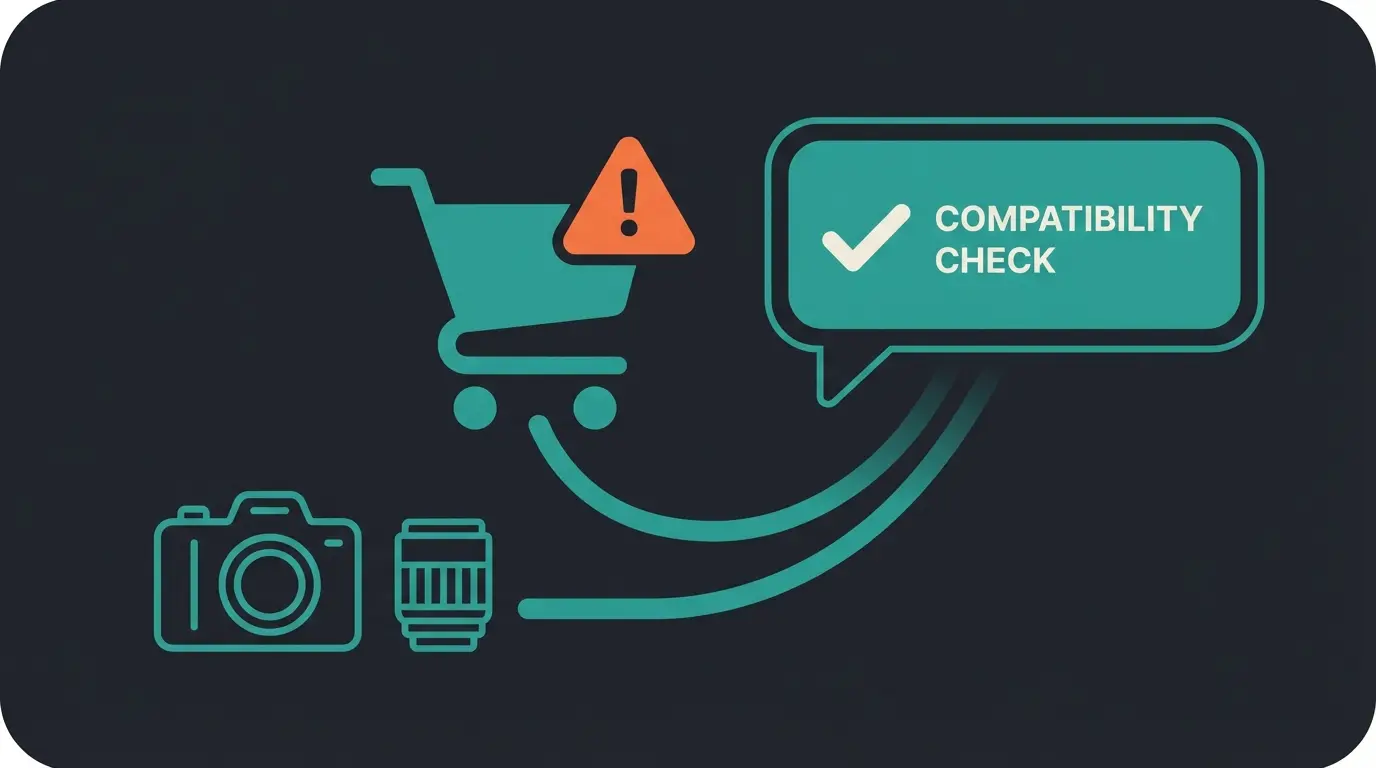
Step 2: Integrate Compatibility Checking
This is the core of "consultation." You can solve this manually or with AI.
Manual Logic (Cross-Sell Plugins): Use plugins like Iconic Sales Booster or YITH Frequently Bought Together. - Rule: IF "Flashlight" is in cart AND NO "Batteries" -> THEN Popup: "Forgot batteries?" - Advantage: Easy to set up. - Disadvantage: Becomes very complex with many products.
AI Solution (The Game Changer): Modern plugins use OpenAI or specific e-commerce algorithms to scan the cart, as detailed by mobiplus.co and yourgpt.ai.
Step 3: The Last Question Agent
Instead of an annoying chatbot that pops up on every page, integrate a Cart Agent. This approach is fundamentally different from generic types of chatbots and represents a more sophisticated consultative AI approach.
- This agent knows only the contents of the cart.
- Prompt for the agent: "You are a technical reviewer. Analyze the products in the cart for compatibility. If everything fits, stay silent. If accessories are missing (cables, batteries), politely point this out."
There are now plugins like AI Product Recommendations for WooCommerce or interfaces to GPT assistants that perform exactly this analysis based on product descriptions, as noted by sharkthemes.com and woocommerce.com.
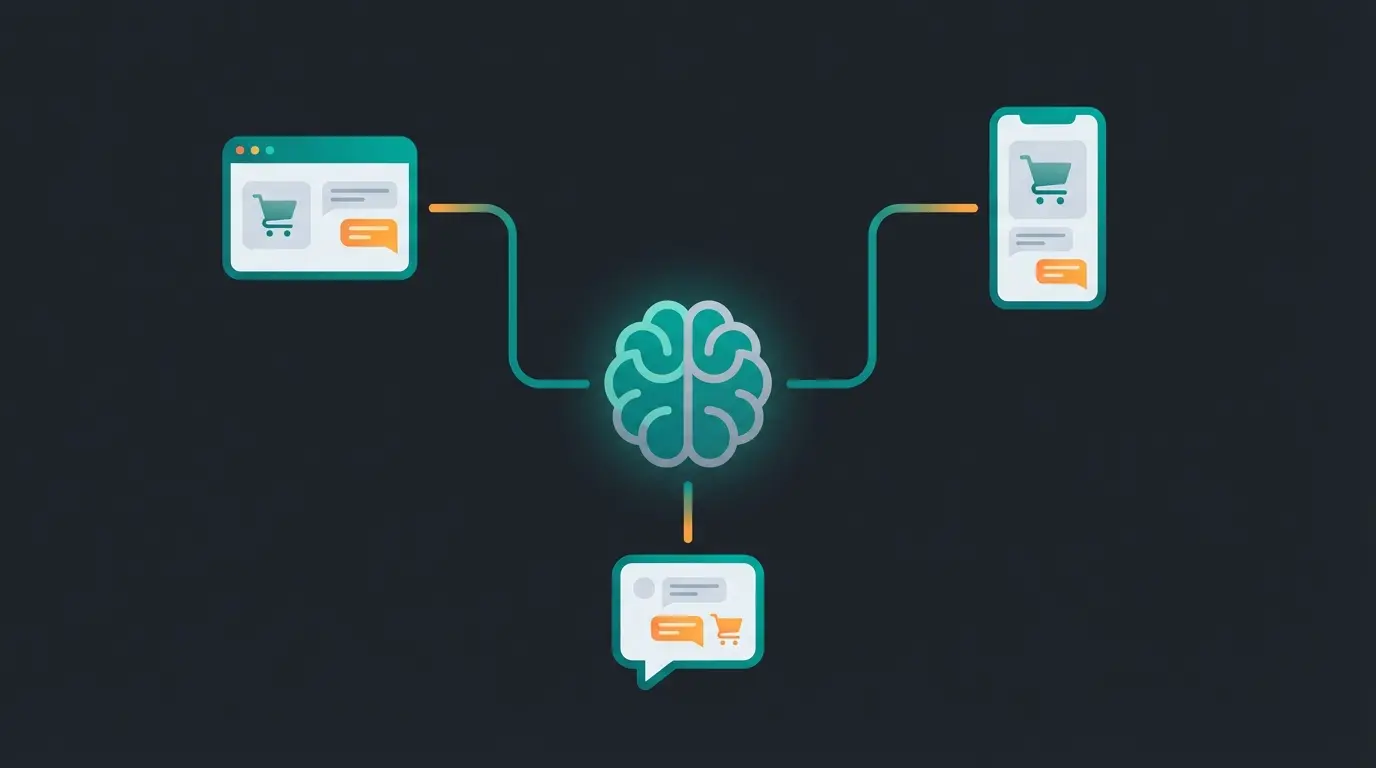
For businesses already using messaging platforms, integrating an AI chatbot for e-commerce can extend this consultation capability across channels.
5. Cart Page vs Mini-Cart: What Should You Use?
Understanding the difference between these two cart types is crucial for optimal customization.
Mini-Cart (Slide-in)
- Perfect for quick feedback ("Product added")
- Increases usability significantly
- Does NOT replace the legal relevance of the checkout page
- Ideal for impulse acknowledgment
Cart Page
- This is where "consultation" happens
- Use the mini-cart for speed and the cart page for upselling and trust
- Legal requirements must be fully met here
- Opportunity for AI-powered recommendations
The combination of both approaches mirrors successful strategies used in AI chatbots for conversational commerce, where quick interactions lead to deeper engagement.
6. Preventing Update Overwrites
A common frustration: You spend hours customizing your cart, then a plugin update erases everything. Here's how to protect your work:
Never Modify Core Files!
- Use a Child Theme for `functions.php` changes
- Use plugins like Code Snippets for PHP/CSS customizations
- For WooCommerce Blocks: Use the Site Editor (Full Site Editing), as these changes are stored in the database, not in files
7. Complete Cart Customization Checklist
Use this checklist before launching your customized cart:
Legal Requirements
- ☐ Button text checked ("Order with payment obligation" or equivalent)?
- ☐ VAT and shipping notices visible?
- ☐ No separating elements between price and button?
- ☐ Essential product characteristics displayed?
Design Optimizations
- ☐ Coupon field minimized/hidden?
- ☐ Distracting header/footer removed in checkout?
- ☐ Trust signals placed near total?
- ☐ Update cart button clearly visible?
Intelligence Layer
- ☐ Cross-sells checked for logic (not just random products)?
- ☐ Compatibility checking implemented?
- ☐ AI consultation layer considered?
Mobile Optimization
- ☐ "Proceed to Checkout" button reachable without scrolling (Sticky)?
- ☐ Touch targets appropriately sized?
- ☐ Page speed optimized?
This systematic approach to cart optimization complements broader strategies for preventing cart abandonment with AI.
8. Advanced AI Integration Strategies
For businesses ready to take cart intelligence to the next level, consider these advanced approaches:
WhatsApp Integration for Post-Cart Support
Implementing automated sales consultation via WhatsApp allows customers who abandon carts to receive personalized follow-up with product recommendations and answers to lingering questions.
Cross-Platform AI Consultation
If you're also running a Shopify store, implementing Shopify AI product consultation ensures consistent customer experience across platforms.
Frequently Asked Questions
The Button Solution (§ 312j BGB) requires that German online shops use a specific button text like "Zahlungspflichtig bestellen" (Order with payment obligation) to clearly indicate that clicking creates a binding payment obligation. Generic terms like "Order" or "Continue" are not legally compliant and can result in warnings or invalid contracts.
You can use page builders like Elementor Pro or Divi that offer dedicated cart widgets with drag-and-drop functionality. Alternatively, the native WooCommerce Blocks editor allows basic customization through the WordPress Site Editor. For more advanced changes, consider plugins designed specifically for cart customization.
An open coupon field prompts customers to leave your site and search for discount codes. Many won't find one and never return. By hiding or minimizing the coupon field (while still allowing code entry via a discrete link), you keep customers focused on completing their purchase rather than hunting for discounts.
AI can analyze cart contents for product compatibility, missing accessories, or mismatched items before checkout. For example, if a customer adds a camera lens that doesn't fit their selected camera body, the AI can alert them and suggest alternatives. This proactive consultation ensures customers order the right products, significantly reducing return rates.
The Mini-Cart is a slide-in or dropdown element that provides quick feedback when items are added, enhancing user experience without page reloads. The Cart Page is the full dedicated cart view where customers review their complete order. Legal requirements, trust signals, and AI consultation features are typically implemented on the Cart Page, while the Mini-Cart serves for quick interactions.
Conclusion: The Future Belongs to the Consulting Cart
WooCommerce cart customization today means more than just swapping colors. It's a balancing act across three disciplines:
- Design: For a smooth user experience (UX)
- Legal Compliance: For protection against legal warnings (Button Solution)
- Intelligence: For higher cart values and fewer returns
While your competition is still busy coloring the background gray, you can achieve a real competitive advantage through AI-powered compatibility checks and legally compliant trust elements.
Start today with the CSS quick-wins and then plan the integration of intelligent logic. Your revenue—and your return rate—will thank you.
Join thousands of e-commerce businesses using AI-powered consultation to reduce cart abandonment by up to 35% and prevent costly returns. Start your free trial today and see the difference intelligent cart optimization makes.
Get Started Free
Lasse is CEO and co-founder of Qualimero. After completing his MBA at WHU and scaling a company to seven-figure revenue, he founded Qualimero to build AI-powered digital employees for e-commerce. His focus: helping businesses measurably improve customer interaction through intelligent automation.