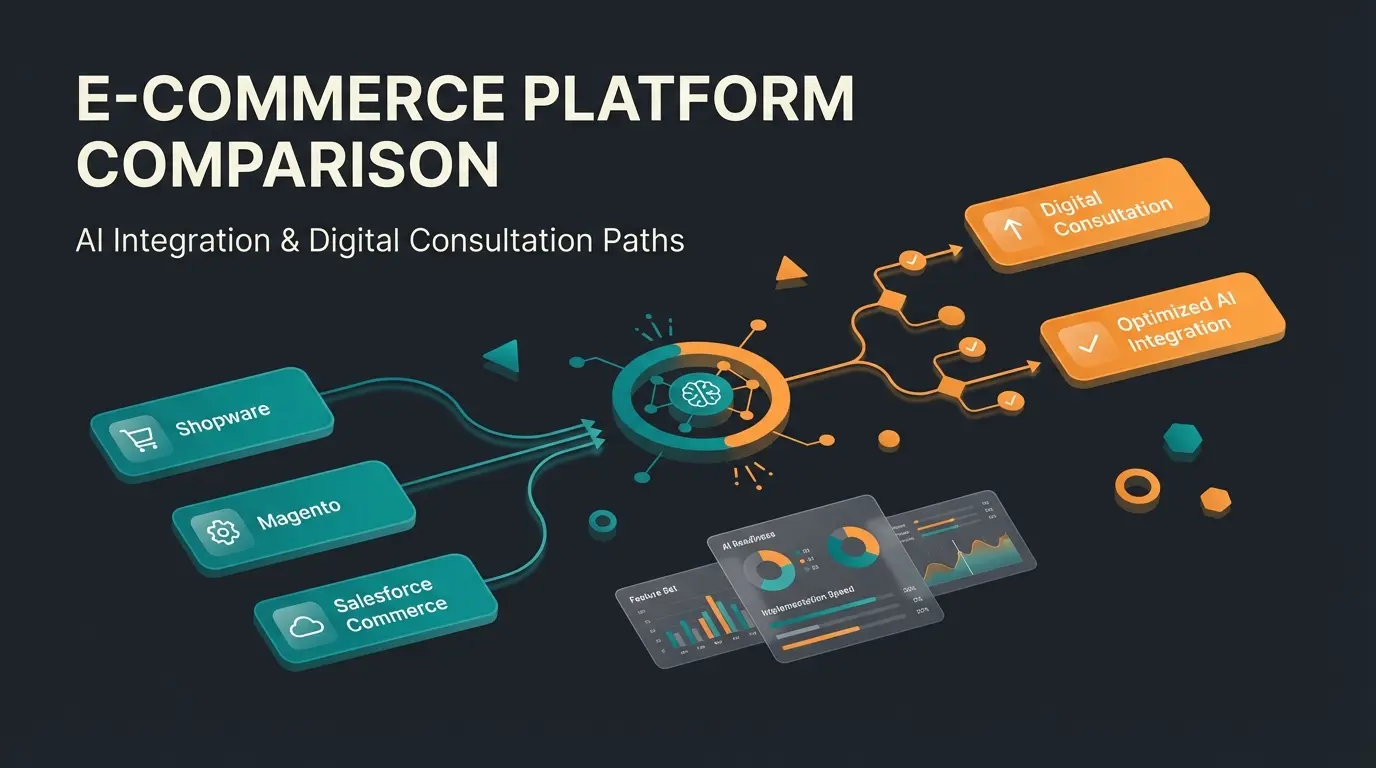
The Decision Beyond Software: Shopify or Wix?
The decision between Shopify and Wix is more than just a software choice – it's a decision about the business model of your future.
When you're faced with the choice of Shopify vs Wix in 2025, search results typically deliver the same standardized answer: "Use Wix for small, beautiful websites and Shopify for large e-commerce stores."
This rule of thumb isn't wrong, but it's outdated.
E-commerce has transformed. It's no longer enough to simply place products on a digital shelf (both platforms can do that). Competition in 2025 is won through intelligence, automation, and consultation. The question is no longer just "Who has the prettier templates?" but rather "Which platform enables me to digitally advise my customers like a salesperson in a physical store?"
In this comprehensive guide, we compare Shopify or Wix specifically for e-commerce merchants. We examine not only prices and features but also analyze legal compliance (GDPR), AI readiness, and the ability to scale complex products through consultation-driven sales approaches. Understanding these nuances is crucial, especially when you're exploring Shopify alternatives Germany or considering a platform switch.
The Quick Comparison: Shopify vs Wix at a Glance
For those in a hurry: here's the direct comparison of hard facts. Pay special attention to the new column "AI & Consultation Readiness," which is crucial for modern stores looking to implement AI product consultation.
| Feature | Wix (E-Commerce) | Shopify | Winner |
|---|---|---|---|
| Target Audience | Creatives, small shops, content focus | E-commerce brands, scalers, hybrid models | Depends on goals |
| Starting Price | ~$30/month (Core) | $27/month (Basic, annual) | Shopify (Entry) |
| Ease of Use | Drag-and-drop (pixel-perfect) | Structured backend (theme-based) | Wix (Design) |
| Legal Compliance (EU) | Good (Button solution integrated) | Very good (via apps like Legal Text Generator) | Tie |
| Product Variants | Limit: 1,000 variants | Limit: 2,000 (2025 rollout) | Shopify |
| Transaction Fees | None (when using Wix Payments) | 0% (with Shopify Payments), otherwise up to 2% | Wix (more flexible) |
| App Ecosystem | ~800 apps (mixed) | 13,000+ apps (e-commerce focus) | Shopify |
| AI & Consultation Readiness | Focus on content creation (text/images) | Focus on sales automation & API depth | Shopify |
Fundamental Orientation: Website Builder vs Commerce Engine
To understand whether Wix vs Shopify is right for you, you need to understand the DNA of both platforms. This fundamental difference affects everything from daily operations to long-term scalability.
Wix: The Visual Artist
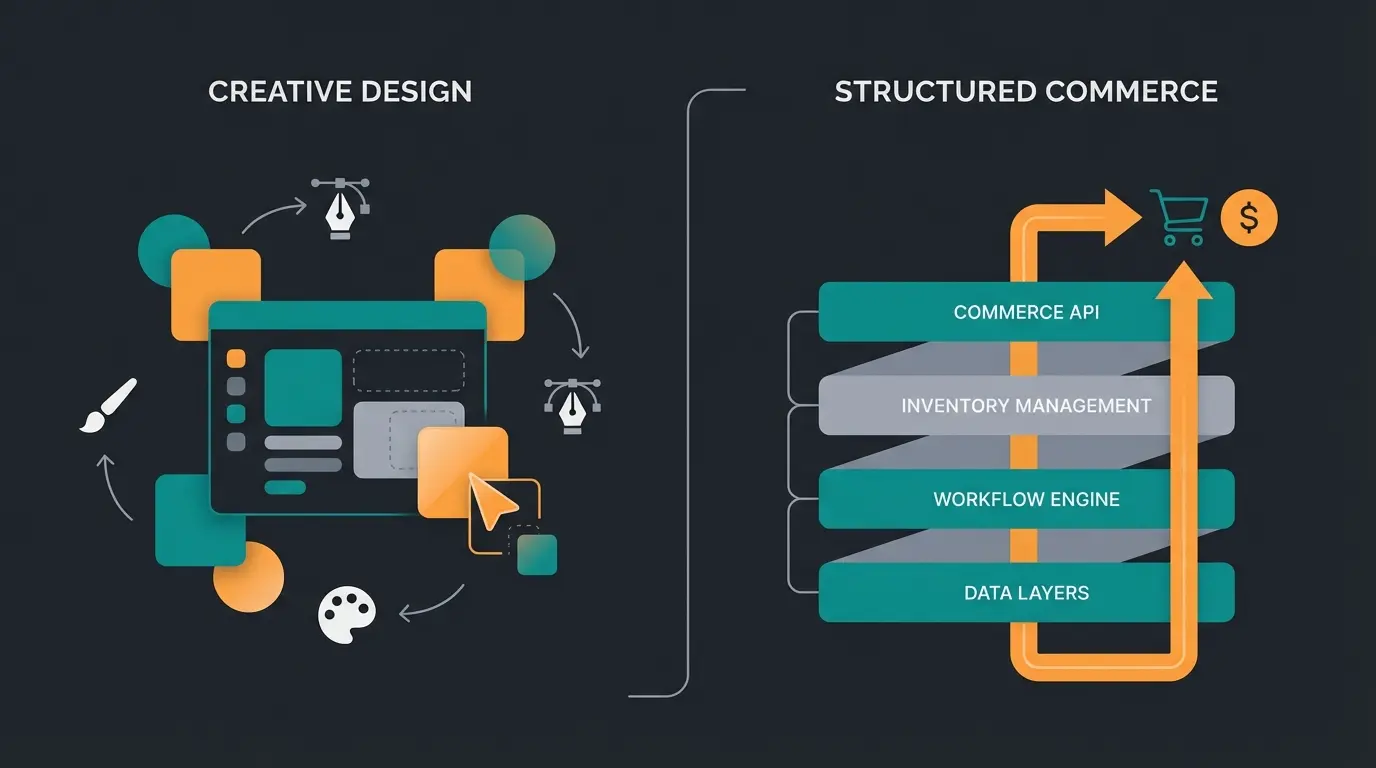
Wix started as a pure website builder. E-commerce functionality was added later. You'll notice this at every turn: the focus is on visual freedom. You can literally drag an image pixel-perfect to any position. This is fantastic for portfolios or restaurants selling merchandise. But for a complex shop, this freedom can become a curse when design elements interfere with checkout or shift on mobile devices.
According to Wix's official documentation, the platform offers extensive customization options that appeal to creative entrepreneurs who prioritize aesthetics over complex e-commerce functionality.
Shopify: The Sales Machine
Shopify was born to sell snowboards. At its core, it's a database for products and orders. The design (frontend) is strictly separated from the data inventory (backend). This often feels "stiffer" to beginners because you can't just move elements around wildly. But this rigidity is intentional: it guarantees that the checkout always works, loading times are fast, and the data structure remains clean – a prerequisite for connecting AI tools later.
For those comparing different platforms, our detailed Shopware vs Shopify analysis provides additional insights into how Shopify stacks up against enterprise-level solutions.
Design & Customer Experience: Static vs Dynamic Shopping
Many comparisons praise Wix for its templates. And yes, Wix offers over 800 templates, while Shopify only has a handful of free themes (and hundreds of paid ones). But quantity isn't quality.
The "Unstructured Editor" Problem with Wix
Wix uses an unstructured editor. When you drag a button to the right, it stays there – no matter what happens.
- Advantage: Absolute creative freedom.
- Disadvantage: You often have to adjust the mobile version separately. If you have 100 product pages and want to change the layout, this can become labor-intensive with Wix since it relies less on global rules than Shopify.
Shopify's Theme System Approach
Shopify themes are responsive out of the box. They're based on "sections" (blocks).
- Advantage: You can't "break" the layout. A Shopify store almost always looks professional on smartphones because the grid system prevents errors.
- Dynamics: Shopify allows displaying content dynamically based on customer data. This is where the first step toward a "consultative experience" begins.
The "Consultation Gap" Most Articles Miss
Most Shopify or Wix articles ignore this point: How do you sell complex products?
Imagine you sell skincare products or technical components. This is where understanding conversational commerce guide becomes essential.
- With Wix: The customer sees an image and text. They must read and decide themselves. It's a "static catalog."
- With Shopify: Through the open Liquid code structure and "Metafields," you can deeply integrate interactive quizzes, product finders, and (crucially for 2025) AI sales advisors into the design. The shop transforms from catalog to consultant.
Sales Features & AI Consultation: The Game Changer
This is where the wheat separates from the chaff. If you plan to sell more than just t-shirts, this section is the most important for your decision.
Product Variants and Platform Limits
An often overlooked detail that drives merchants to despair later:
- Wix: Allows up to 1,000 variants per product according to Wix support documentation. This sounds like a lot but is quickly reached with complex products (Size x Color x Material x Style).
- Shopify: Long had a limit of 100 variants but is currently (2025) rolling out a massive update to 2,000 variants per product as reported by Next-Cart and confirmed by Shopify. This is essential for merchants with large inventories.
AI Readiness: Content Creation vs Sales Automation
Both platforms advertise "AI." But they mean completely different things.
- Wix AI: Focuses on creation. "Create text for me," "Create a logo for me," "Build me a website." This helps you set up the shop.
- Shopify AI (Magic & Sidekick): Focuses on commerce and analysis. But even more important is the ecosystem.
Why Shopify is Better for AI Consultation:
Shopify has an extremely robust API (interface). If you want to use an external tool – for example, an AI product advisor that asks your customers in chat: "Are you looking for a cream for dry or oily skin?" and then adds the appropriate product to the cart – you need structured data access. The Foxecom research confirms Shopify's app store offers over 13,000 specialized solutions that can deeply integrate with the shopping cart.
With Wix, such deep integrations are often more difficult since the system is more closed. This is where implementing AI chatbots e-commerce solutions becomes significantly easier on Shopify.
E-commerce focused integrations available
Mixed-purpose applications
Product variants per item (2025 rollout)
Maximum variants per product
Marketing & SEO: Getting Found Online
Technical SEO Capabilities Compared
For a long time, Wix was considered bad for SEO. This is no longer true in 2025. Wix has massively improved (Server-Side Rendering, SEO Wiz). For local businesses ("flower shop New York"), Wix is perfectly sufficient.
Shopify wins at scaling, however:
- Loading Times: Shopify is extremely optimized for performance. Google loves fast stores (Core Web Vitals). Our Shopify SEO guide covers this in depth.
- International SEO: If you plan to sell from one country to others (e.g., US to Canada or Europe), Shopify Markets offers a native solution for currencies, languages, and local domains that often feels "cobbled together" at Wix according to Tooltester analysis.
Marketing Integrations for Growth
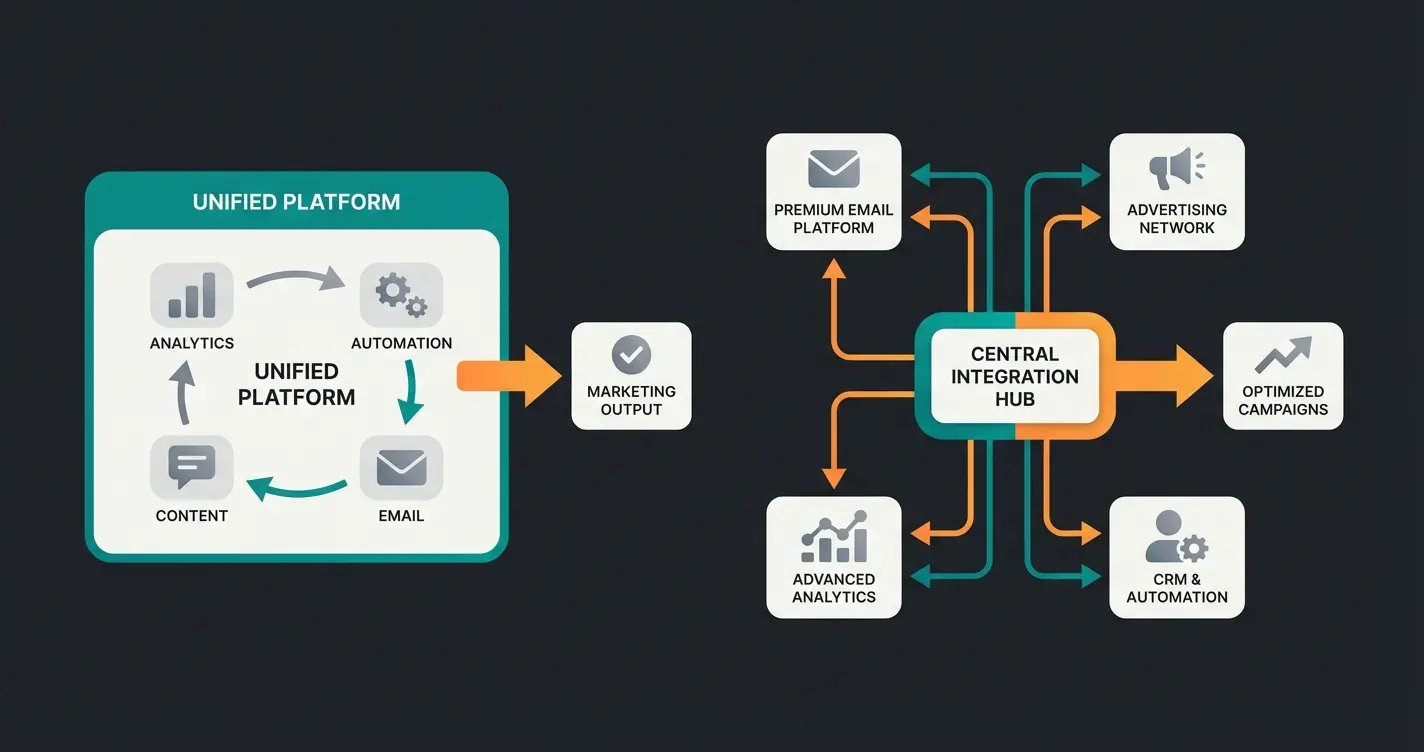
Wix has a nice integrated marketing suite (email, social posts). This is convenient ("all-in-one"). Shopify follows the "best-of-breed" approach. It integrates seamlessly with professional tools: Klaviyo for email, Google Shopping, TikTok Ads, Meta Conversions API.
- Wix vs Shopify: Wix is good for beginners who want everything in one place. Shopify is for professionals who want to use the world's best marketing tools.
For stores looking to optimize Shopify conversion, the platform's flexibility in connecting with advanced marketing and analytics tools provides a significant advantage.
Legal Compliance: GDPR and Regional Requirements
A US-centric comparison won't help you if you need to comply with regional regulations. Here's the deep dive on legal compliance that matters for international merchants.
The Button Solution for EU Compliance
In the European Union, the purchase button must be clearly labeled (e.g., "Order with obligation to pay").
- Wix: Has hardcoded this for EU markets according to Wix compliance documentation. The button in checkout correctly says "Place order with payment obligation" and often cannot be changed – which is good as it prevents errors.
- Shopify: Is also very secure here now but often requires manually checking text in language settings. Most modern themes are however "EU-ready."
Legal Texts: Terms, Imprint, and Cancellation Policy
This is the biggest pain point for international merchants.
- Shopify: There are excellent apps from providers like legal text services as noted by Latori and Bygo. These apps automatically pull legal texts into your store and update them when laws change (API connection). That's worth its weight in gold.
- Wix: Integration is often more manual. While legal services also offer texts for Wix, the seamless API integration for automatic updates is often deeper and more proven with Shopify according to Händlerbund analysis.
Payment Methods: Local Payment Gateways
Customers in different regions have different payment preferences. European customers love PayPal, Klarna, and Sofortüberweisung. US customers expect credit cards and Apple Pay.
- Wix Payments: Offers Klarna, Sofort, and PayPal integrated.
- Shopify Payments: Technically based on Stripe. Also seamlessly offers Klarna Invoice, Sofort, Apple Pay, Google Pay, and credit cards.
- Shopify Advantage: The integration of "Shopify Payments" removes additional transaction fees (see next section).
Select Shopify or Wix based on payment needs
Activate Shopify Payments or Wix Payments
Connect regional payment methods like Klarna
Set up proper VAT/sales tax collection
Verify all payment options work correctly
Stop waiting for customers to find products. Let AI guide them to exactly what they need with personalized consultation that increases conversions by up to 35%.
Start Your Free AI Consultation DemoPricing & Costs: The True Calculation for 2025
Don't be fooled by "starting at" prices. Here's the reality for running an e-commerce store.
Monthly Base Fees Compared
- Wix Core: approximately $30 (with annual payment)
- Wix Business: approximately $40
- Shopify Basic: $27 (with annual payment) or $36 (monthly) as detailed by Rianthis
- Shopify Regular: $79 (annually) / $105 (monthly)
Hidden Transaction Fees Revealed
This is the most important point in pricing:
- Wix: Takes no transaction fee of its own when you use external gateways. You only pay the payment provider's fees (e.g., PayPal fees).
- Shopify: When you use Shopify Payments, you pay 0% transaction fee to Shopify (only credit card fees, e.g., 1.4% + $0.25 for European cards according to Coding9).
Total Cost of Ownership Calculator
What does the store really cost in the first year? (Assumption: Small shop, Shopify Payments/Wix Payments used, including legal text app & cookie banner).
| Cost Item | Wix (Core Plan) | Shopify (Basic Plan) |
|---|---|---|
| Annual Subscription | ~$360 | $324 (at $27/month) |
| Domain (.com) | ~$15 (after 1st year) | ~$15 |
| Legal Texts (App) | ~$120 (Legal service) | ~$120 (Legal app) |
| Cookie Banner | Included (Basic) | ~$60-100 (Good app needed) |
| Email (Google) | ~$72 (via Wix) | ~$72 (external) |
| Total Year 1 | ~$567 | ~$531 - $591 |
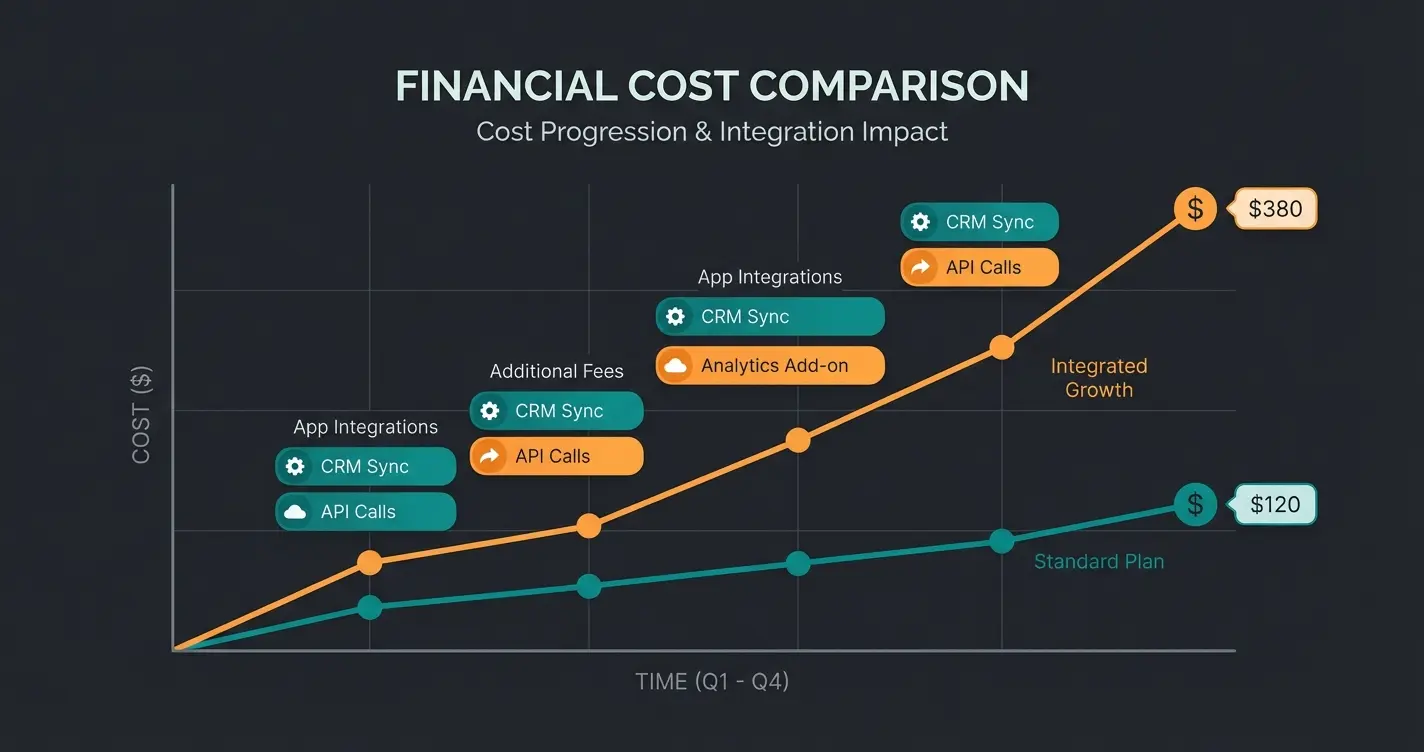
Key Insight: Price-wise, both are nearly identical at entry level. Shopify only becomes more expensive when you use premium themes (one-time ~$200-350) or many paid apps for upselling/marketing. But those apps usually earn you money back. For a deeper comparison with other platforms, check our WooCommerce vs Shopify analysis.
The E-Commerce Maturity Ladder: Find Your Level
To finalize your decision, place yourself on this ladder:
Level 1: The Business Card with a Checkout
- You're an artist, local service provider, or hobby seller
- The shop is an addition, not the main business
- You don't need complex inventory management
- Recommendation: Wix
Level 2: The Standard Online Store
- You're a merchant. Selling products is your main purpose
- You need stable processes for shipping (carrier integrations) and accounting
- Recommendation: Shopify
Level 3: Intelligent Commerce & Consultation
- You sell products that require explanation (supplements, tech, cosmetics)
- You don't just want to "list" but to "advise"
- You plan to use AI sales agents that guide customers through the purchase process
- Recommendation: Shopify (due to API openness and app ecosystem)
Implementing an intelligent sales consultant becomes significantly easier when your platform supports deep integrations. This is where exploring AI product consultants can transform your conversion rates.
Simple website with basic checkout - Wix ideal
Full-featured online store with integrations - Shopify Basic
AI-powered consultation and personalization - Shopify + AI Tools
Full automation with AI sales agents driving conversions
Making the Final Decision: Shopify vs Wix
The battle of Shopify vs Wix in 2025 has no clear winner for everyone, but a clear winner for the ambitious.
Choose Wix If:
- You need absolute design freedom via drag-and-drop
- You have fewer than 50 products and e-commerce is just a "side" channel
- You're afraid of technology and looking for an all-in-one solution without app installations
- Visual presentation matters more than advanced sales features
Choose Shopify If:
- You want to build a scalable business that doesn't buckle under 10,000 visitors a day
- You value a massive ecosystem of integrations (legal, shipping, accounting)
- You want to use the future of selling: Shopify is the platform of choice for Intelligent Sales. If you plan to transform your store from a silent catalog into an interactive sales consultant, Shopify provides the necessary infrastructure
For businesses with complex products requiring AI consulting e-commerce, the platform choice becomes even more critical. Shopify's architecture supports the sophisticated integrations needed for true consultative selling experiences.
FAQ: Common Questions About Shopify and Wix
Yes, there are apps like "Cart2Cart" that migrate products and customer data. However, the design must be completely rebuilt. It's often cheaper to start with the right platform directly.
No. For getting started, the visual editors are completely sufficient. Only when you want deep individual customizations or special AI integrations do you need experts or apps.
Yes, but not "out of the box." You must (just like with Wix) ensure that you complete data processing agreements, use a cookie banner, and keep your legal texts up to date. However, Shopify provides all technical requirements and partner apps for this.
Both platforms have improved significantly. Wix is sufficient for local businesses, while Shopify excels for scaling and international SEO with features like Shopify Markets for multi-currency and multi-language support.
For Shopify, watch out for the 2% transaction fee if you don't use Shopify Payments. For both platforms, factor in costs for premium themes ($200-350), legal compliance apps (~$120/year), and marketing apps. Shopify tends to have more paid apps, but they often generate ROI.
Transform Your Store Into a Sales Advisor
Have you decided on Shopify or are you already running a store? The next step is the transformation from seller to advisor. Standard stores wait for customers to search. Intelligent stores ask what customers need.
Whether you're implementing basic automation or sophisticated AI product consultation, the platform foundation matters. Shopify's robust API ecosystem makes it the preferred choice for merchants ready to embrace intelligent commerce.
Transform your Shopify store with an intelligent product advisor that increases conversion rates through real consultation. See how AI can guide customers to exactly what they need.
Start Your Free Demo Today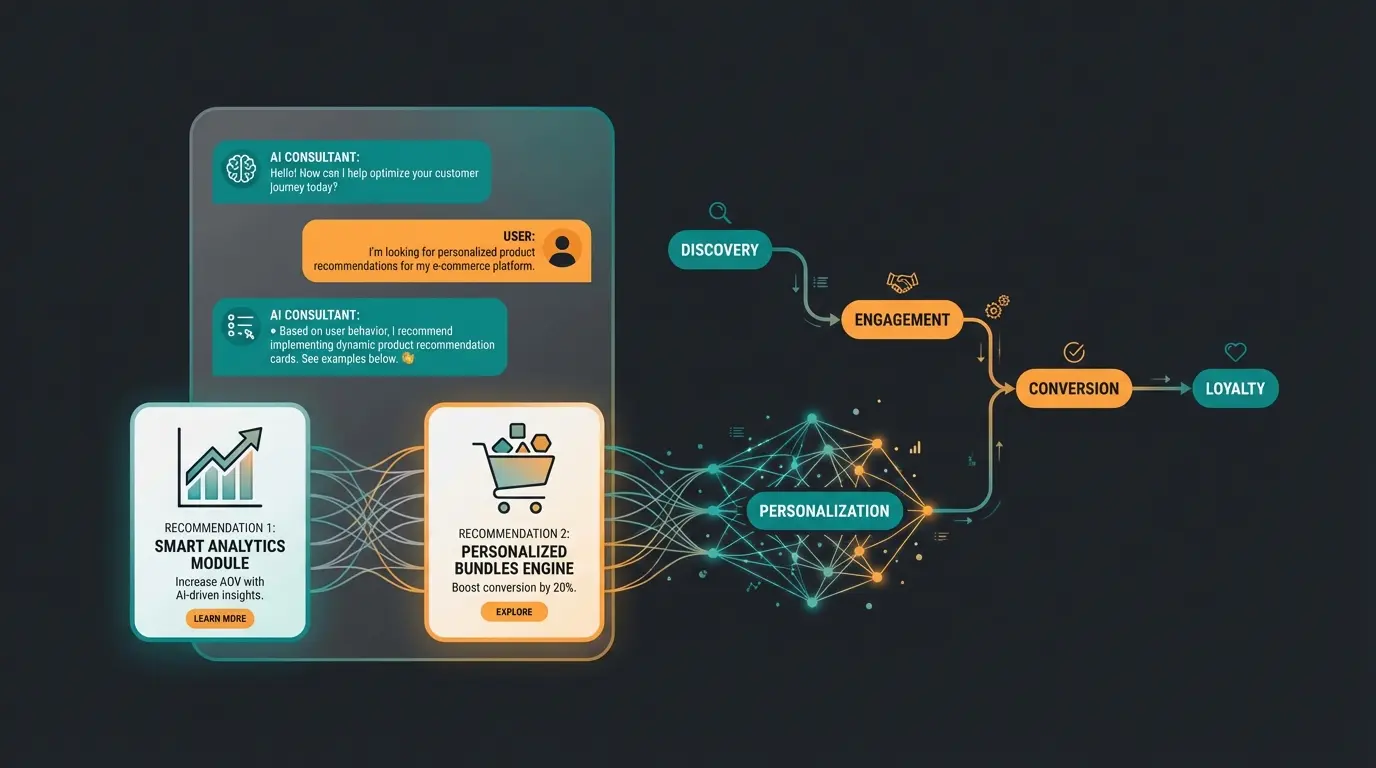

Lasse is CEO and co-founder of Qualimero. After completing his MBA at WHU and scaling a company to seven-figure revenue, he founded Qualimero to build AI-powered digital employees for e-commerce. His focus: helping businesses measurably improve customer interaction through intelligent automation.