Shopware 6 Plugins Comparison: The Best Extensions for 2026 Tested
Shopware 6 plugins compared across SEO, payment, shipping, marketing, analytics, and ERP. With ratings, pricing, and recommended plugin stacks by shop size.

Shopware 6 plugins: finding the right extensions
Open the Shopware Store and you will find over 3,500 extensions. That number sounds impressive until you realize that most shops run well on 15 to 20 carefully selected ones. The rest is noise.
There are three sources for Shopware Plugins Overview: the official Shopware Store (quality-checked, widest selection), third-party marketplaces (sometimes more specialized, less guaranteed compatibility), and custom-built solutions. The Store remains the safest starting point for most merchants. If you are still weighing the platform itself, our Shopware guide covers editions and pricing, and the walkthrough on setting up a Shopware store shows where extensions fit into the build.
Since Shopware 6.5, the platform distinguishes between classic plugins and the newer App system. Plugins run inside the Shopware core, have full server access, and are available only for self-hosted installations. Apps communicate via API and webhooks, run on external servers, and work in both Cloud and self-hosted environments. This distinction shapes every selection decision, especially if you plan to migrate to Shopware Cloud.
How to choose the right Shopware plugins
Before diving into categories, you need a clear evaluation framework. A plugin can look great on paper and still wreck your store performance. I use six criteria in every plugin audit, ranked by weight.
A 100ms delay can cut conversions by 7%. Above 3 seconds total load time, 53% of mobile visitors leave (Akamai).
Shopware version, PHP version, and conflicts with other active plugins. Check the Shopware changelog before every major update.
Quarterly updates minimum signal active maintenance. Last update 6+ months ago is a red flag.
Response times under 48 hours and English-language support are non-negotiable for international shops.
4.0/5 stars with at least 10 reviews as a minimum baseline.
If Cloud migration is on the roadmap, the plugin must be available as an App.
Always test plugins in a staging environment before going live. The how to install Shopware plugins guide covers the documented process: activate, clear cache, verify frontend and admin. Sounds basic, saves hours of debugging.
Best SEO plugins compared
SEO plugins are among the first extensions every shop needs. Shopware 6 ships with basic SEO features, but for structured data, automated meta tags, and technical optimization you need additional tools. Three solutions stand out.
| Criteria | SEO Professional (Dreischild) | SEO Suite | PageSpeed Plugin |
|---|---|---|---|
| AI support | Yes (OpenAI integration) | No | No |
| Structured data | Yes (JSON-LD) | Yes (JSON-LD) | No |
| Meta tag automation | Yes, with templates | Yes, basic templates | No |
| Performance optimization | No | No | Yes (lazy loading, image compression) |
| Price (monthly) | From approx. EUR 29 | From approx. EUR 19 | From approx. EUR 15 |
| Cloud compatible | Partial | Partial | Yes |
SEO Professional by Dreischild is the most complete package, particularly with its AI-powered meta description generation. For shops on a tighter budget, SEO Suite covers the fundamentals well. Find the head-to-head testing results in our Shopware SEO plugins comparison.
Best payment plugins compared
Payment is the most sensitive area in any shop. A clunky checkout or missing payment method costs revenue directly. I have tested the three most-used payment providers for Shopware 6.
| Criteria | Mollie | Stripe | PayPal / Klarna |
|---|---|---|---|
| Store rating | 3.96/5 | Not in Store (API) | 4.1/5 (PayPal) |
| Monthly base fee | None | None | None |
| Transaction fee (EU) | Varies by method | 1.5% + EUR 0.25 | Varies |
| Bundled payment methods | Yes (20+ methods) | No (individual) | PayPal + Klarna separate |
| API quality | Good | Best on the market | Medium |
| Cloud compatible | Yes | Yes (App) | Yes |
Mollie wins as the all-in-one solution: no monthly fees, 20+ payment methods bundled. Stripe has the best API and suits technically advanced teams with custom requirements. My recommended stack: Stripe + Klarna + PayPal. That covers credit cards, buy-now-pay-later, and the most widely used digital wallet.
Best shipping plugins compared
Shipping logistics is where plugins make the biggest operational difference. Manual label creation, missing tracking emails, and inflexible shipping rules cost time and customer satisfaction. Three solutions dominate the market.
| Criteria | DHL Official | Sendcloud | DPD |
|---|---|---|---|
| Price | Free | From approx. EUR 29/month | Free (contract required) |
| Multi-carrier | No (DHL only) | Yes (50+ carriers) | No (DPD only) |
| Label creation | Yes, in admin panel | Yes, rule-based | Yes, basic |
| Tracking page | DHL standard | Branded page | DPD standard |
| Returns management | Basic | Yes, self-service portal | Basic |
| Stability | Very good (official) | Good | Good |
If you ship exclusively with DHL, the official adapter is all you need: free, stable, maintained by Shopware. Once you need multiple carriers, Sendcloud is worth the monthly fee. The multi-carrier management and branded tracking page pay for themselves as order volume grows. Full details in the Shopware shipping plugins guide.

Best marketing plugins compared
Shopware 6 already ships with solid native marketing features. Cross-selling is built in, Shopping Experiences allow flexible landing pages. The gaps show up in newsletter automation and advanced product marketing.
For newsletter marketing, three strong options exist: the Newsletter Business Upgrade extends native Shopware functionality with segmentation and automation. CleverReach offers a standalone platform with strong Shopware integration and GDPR compliance. Klaviyo is the premium choice with deep behavioral tracking, covering not just purchases but also product views, cart additions, and abandoned carts.
Email is not the only direct channel worth building on. WhatsApp Business has become a serious marketing and service channel in the DACH region, and several Shopware extensions connect to the API directly.
Best analytics and tracking plugins
No data, no optimization. Analytics plugins provide the foundation for every other decision. In the Shopware ecosystem there are two main directions: Google Analytics 4 for shops committed to the Google ecosystem, and Matomo for privacy-conscious merchants.
The GA4 plugin with Consent Mode V2 is the current standard. It supports the Consent Mode V2 integration (mandatory since March 2024) and automatically sends e-commerce events like product views, add-to-cart actions, and purchases to Google. Make sure it is compatible with your cookie consent tool, and follow our Shopware Google Analytics setup guide for the full configuration walkthrough.
Matomo is the GDPR-friendly alternative. As a self-hosted solution, all data stays on your own server. No third-party tracking, no cookie banner required with cookieless tracking. The trade-off: you need your own server resources and lose Google Ads integration.
Best ERP and inventory management plugins
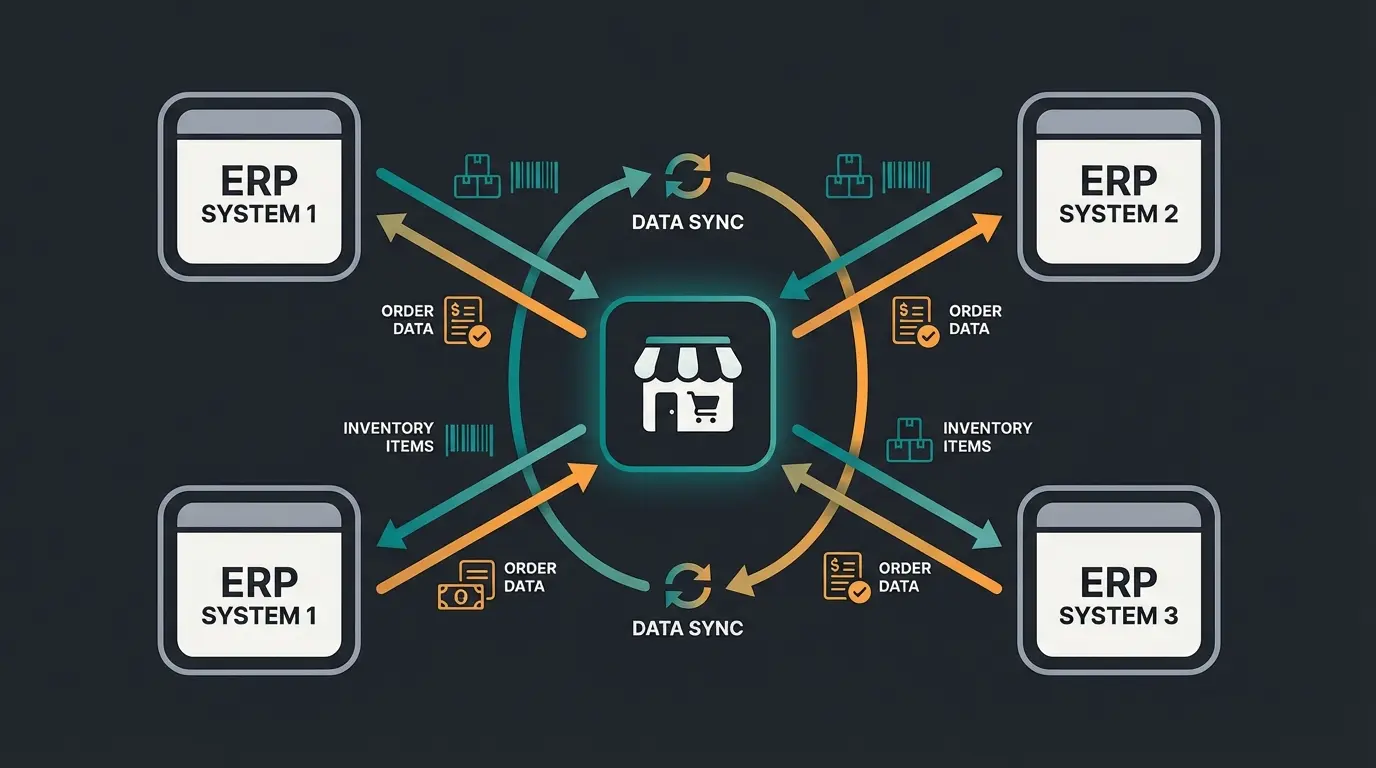
ERP integrations are where plugin decisions carry the most long-term weight. Switching your inventory management system is costly and disruptive. This is the category where careful selection matters most.
| Criteria | Pickware | JTL | Xentral |
|---|---|---|---|
| Integration | Native in Shopware | SaaS connector | Cloud API |
| Real-time sync | Yes | Yes (with connector) | Yes |
| Price | From approx. EUR 99/month | Price increase from April 2026 | From approx. EUR 649/month |
| Target group | SMBs to mid-market | SMBs to enterprise | Mid-market to enterprise |
| Key strength | Seamless integration | Multichannel (Amazon, eBay) | Automation, workflows |
| Cloud compatible | Yes | Yes | Yes |
Pickware is the first choice for shops that want a native solution without middleware. The real-time sync directly in the Shopware admin is a genuine advantage. JTL excels in multichannel: if you sell on Amazon and eBay alongside Shopware, it is hard to beat. Note the announced price increase from April 2026. Xentral is the premium option for mid-market businesses with complex processes, though the entry price of approximately EUR 649 per month reflects that positioning.
Free vs premium plugins: what is worth it?
The question about free alternatives comes up in every consultation. My answer is nuanced: free plugins are not inherently worse, but they have systematic weaknesses. Support is often community-based, updates arrive irregularly, and when problems occur, you are on your own.
The rental-only model since late 2023 changed the pricing landscape. Instead of one-time costs, you now pay monthly or annually. This lowers the entry barrier but increases ongoing expenses. A typical shop with 15-20 active plugins can easily reach EUR 200-500 in monthly plugin costs alone.
My approach: start with the free basics and the official DHL plugin. Invest first in payment and SEO, because the revenue impact is largest there. Analytics and marketing plugins come second. ERP only once you hit approximately 500 orders per month. For fully custom needs, explore custom Shopware plugin development.
Shopware Cloud vs self-hosted: plugin differences
This point gets overlooked in most plugin selection processes. Shopware Cloud and self-hosted use different extension systems. Cloud shops cannot install classic plugins. They are limited to the App system, which runs in isolation with no direct database or server access. The Shopware developer documentation explains the technical differences in detail.
In practice, the Cloud App Store has a significantly smaller selection than the classic Plugin Store. Many specialized solutions, particularly in the ERP and logistics space, are only available as plugins. If you are planning a Cloud migration, verify that all your critical extensions exist as Apps first. And if you are still working through what Shopware is and which edition fits, settle that question before you shortlist extensions.
The upside of Cloud: less maintenance, automatic updates, better scalability. The downside: less flexibility for custom integrations. For shops with standard requirements, Cloud is often the better choice. For shops with complex, individual processes, self-hosted remains the safer option.
Recommended plugin stacks by shop size
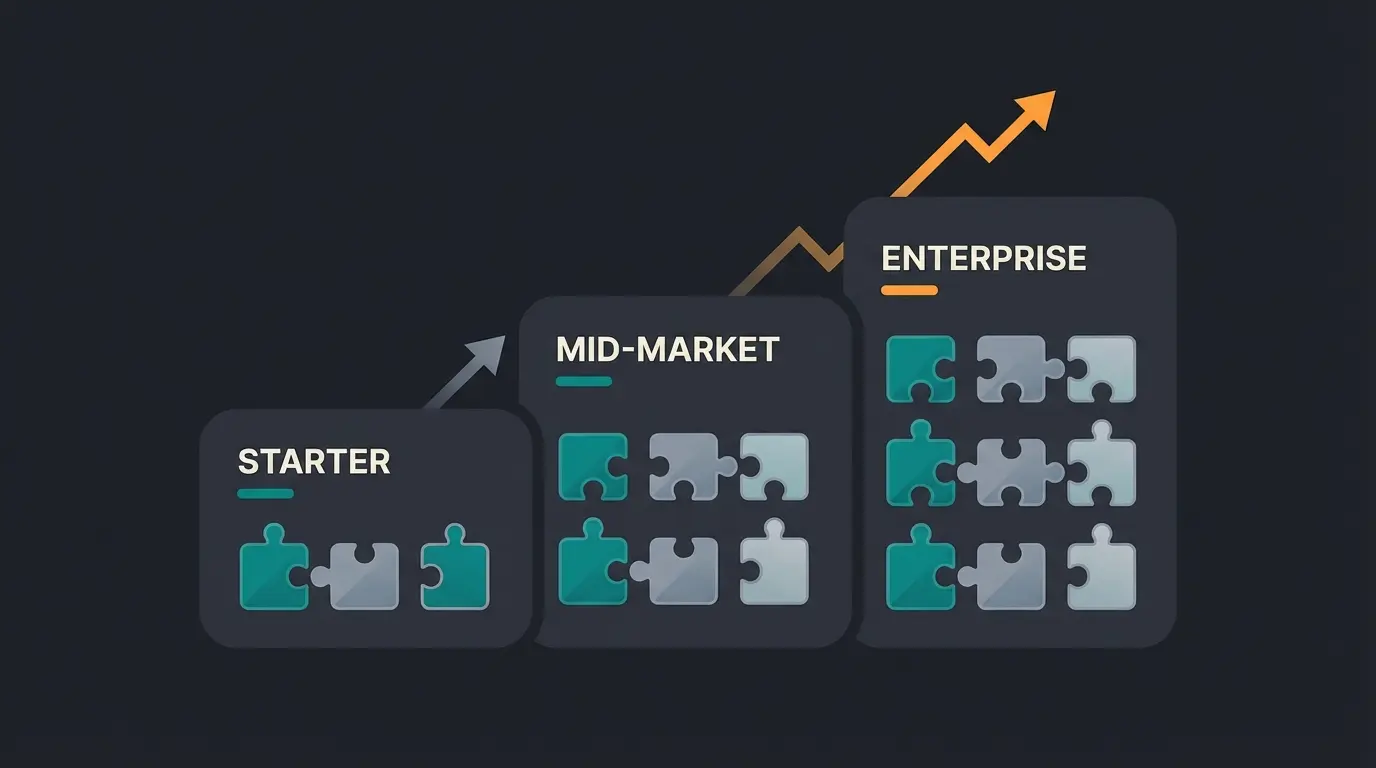
Not every shop needs 20 plugins. I have assembled three plugin stacks tailored to different shop sizes. Each stack covers the essential functions without compromising performance.
Starter stack (up to 100 orders/month)
- Payment: PayPal Commerce Platform (free, covers PayPal + credit cards)
- Shipping: DHL Official Adapter (free, stable)
- SEO: SEO Suite (basic metadata and structured data)
- Analytics: GA4 with Consent Mode V2
- Cost: approx. EUR 20-40/month
Mid-market stack (100-1,000 orders/month)
- Payment: Stripe + Klarna + PayPal (maximum payment method coverage)
- Shipping: Sendcloud (multi-carrier, branded tracking)
- SEO: SEO Professional with AI support
- Marketing: CleverReach or Newsletter Business Upgrade
- ERP: Pickware (native integration, real-time sync)
- Analytics: GA4 + Matomo (dual coverage)
- Cost: approx. EUR 250-450/month
Enterprise stack (1,000+ orders/month)
- Payment: Stripe + Klarna + PayPal + local methods via Mollie
- Shipping: Sendcloud or custom API integration
- SEO: SEO Professional + PageSpeed Plugin + custom Shopware themes
- Marketing: CleverReach + cross-selling extension + A/B testing
- ERP: JTL (multichannel) or Xentral (automation)
- Analytics: GA4 + Matomo + custom dashboards
- Custom: custom Shopware plugin development for individual processes
- Cost: from EUR 800/month
+35% cart value for our clients. Qualimero's AI employee advises your customers in real time, recommends the right products, and increases conversion. Rasendoktor achieved a 16x ROI.
Book a demoAll key plugins at a glance
| Category | Starter recommendation | Mid-market recommendation | Enterprise recommendation |
|---|---|---|---|
| SEO | SEO Suite | SEO Professional (Dreischild) | SEO Professional + PageSpeed |
| Payment | PayPal Commerce | Stripe + Klarna + PayPal | Stripe + Klarna + PayPal + Mollie |
| Shipping | DHL Official | Sendcloud | Sendcloud or custom API |
| Marketing | Native cross-selling | CleverReach | CleverReach + A/B testing |
| Analytics | GA4 | GA4 + Matomo | GA4 + Matomo + custom |
| ERP | Not needed yet | Pickware | JTL or Xentral |
Conclusion: quality over quantity
After working with dozens of Shopware merchants, the pattern is clear: fewer plugins mean fewer problems. Every plugin is a potential failure point, a load time risk, and an ongoing cost. Choose deliberately, test systematically, document every installation reason.
The best-performing shops I have seen run on 10-15 carefully selected plugins, not 30 half-heartedly installed ones. Start with the starter stack, measure results, and expand only where the ROI is measurable. Once the technical stack is stable, the next lever is usually better advice rather than another extension, which is where AI assistants as a service come in.
Gartenfreunde increased conversion 7x with Qualimero's AI employee. Drink&Paint achieved 15x ROI. See what AI-powered product advisory can do for your store.
Start free trial15-20 active plugins are typical and manageable. What matters is not the number but the quality. Each plugin should have a measurable benefit and receive regular updates. Test load time after every installation: above 3 seconds total, 53% of mobile visitors leave.
No. Shopware 6 is built on a completely different architecture (Symfony/Vue.js instead of Enlight/ExtJS). Shopware 5 plugins are not compatible and must be rebuilt or replaced with Shopware 6 alternatives. Check availability of all critical plugins before migrating.
Only with limitations. Shopware Cloud uses the App system instead of classic plugins. Apps run in isolation with no direct database access. The Cloud App Store has a smaller selection than the classic Plugin Store. Verify availability of your required extensions before a Cloud migration.
That depends on shop size. A starter stack with basic payment, shipping, and SEO costs approximately EUR 20-40/month. A mid-market stack with premium plugins runs EUR 250-450/month. Enterprise setups with ERP integration start at EUR 800/month. Since late 2023, all paid plugins use rental-only licensing.
Yes, some of the best plugins are free. The official DHL adapter is stable and free. PayPal Commerce Platform has no base fee. Shopware 6 also includes native cross-selling and basic SEO. Free plugins often have limited support and irregular updates, however.
Measure load time before and after installation using Google PageSpeed Insights or GTmetrix. Test on a staging environment, not the live shop. Watch Time to First Byte (TTFB) and Largest Contentful Paint (LCP). An increase of more than 200ms is a warning sign.

Lasse is CEO and co-founder of Qualimero. After completing his MBA at WHU and scaling a company to seven-figure revenue, he founded Qualimero to build AI-powered digital employees for e-commerce. His focus: helping businesses measurably improve customer interaction through intelligent automation.