Introduction: Why the WooCommerce API Is Your Most Important Employee
When you think about the WooCommerce API, you probably picture data pipelines. You imagine ERP systems pulling orders overnight, or newsletter tools synchronizing email addresses. That's been the status quo for the past decade.
But in 2025, the role of the API has fundamentally transformed. It's no longer just a tool for administration—it's the foundation for automated sales. Understanding this shift is crucial for anyone looking to leverage AI-driven product consultation in their e-commerce strategy.
Imagine a customer walks into your store and asks: "Do you have this shirt in a color that matches my beige chinos, and is it available in size L?" A human sales associate checks their knowledge (attributes) and the inventory (stock status). An AI agent does exactly the same thing—but it needs the WooCommerce REST API to do so.
Most guides online are either dry technical documentation from sources like GitHub or simple tutorials from hosting providers like Kinsta. This guide is different. We cover the technical setup precisely and with current information, then focus on how you can use this interface to make your shop intelligent. If you're curious about how this compares to other platforms, our Shopware API automation guide offers valuable insights.
Why the WooCommerce REST API Matters (Beyond ERP)
The WooCommerce interface (REST API) allows external applications to "talk" to your shop. Technically, it's based on universal HTTP requests (GET, POST, PUT, DELETE) and delivers data in JSON format, as documented on GitHub and explained by Brainspate.
Classic Use Cases for the WooCommerce API
Until now, the API has primarily been used for administrative tasks:
- Inventory Management (ERP): Systems like JTL, Xentral, or Billbee pull orders and update stock levels automatically
- Mobile Apps: Native iOS/Android applications that mirror your shop's product catalog
- Dropshipping: Automatic forwarding of orders to suppliers, as noted in the WordPress plugin documentation
The New Blue Ocean: Real-Time Product Consultation
Here's your opportunity to stand out from the competition. By integrating Large Language Models (LLMs) like GPT-4 or Claude via API, entirely new possibilities emerge. This represents the cutting edge of KI E-Commerce innovation.
- Context-Aware Consultation: An AI can understand what material a product is made of via the `/products/attributes` endpoint and explain to customers why it's suitable for summer weather
- Real-Time Availability: Before the AI recommends a product, it checks the `stock_status` via API to avoid disappointing customers with out-of-stock items, as detailed in the WooCommerce documentation
- Personalization: Through read access to order history (for logged-in customers), the AI can recommend accessories related to previous purchases
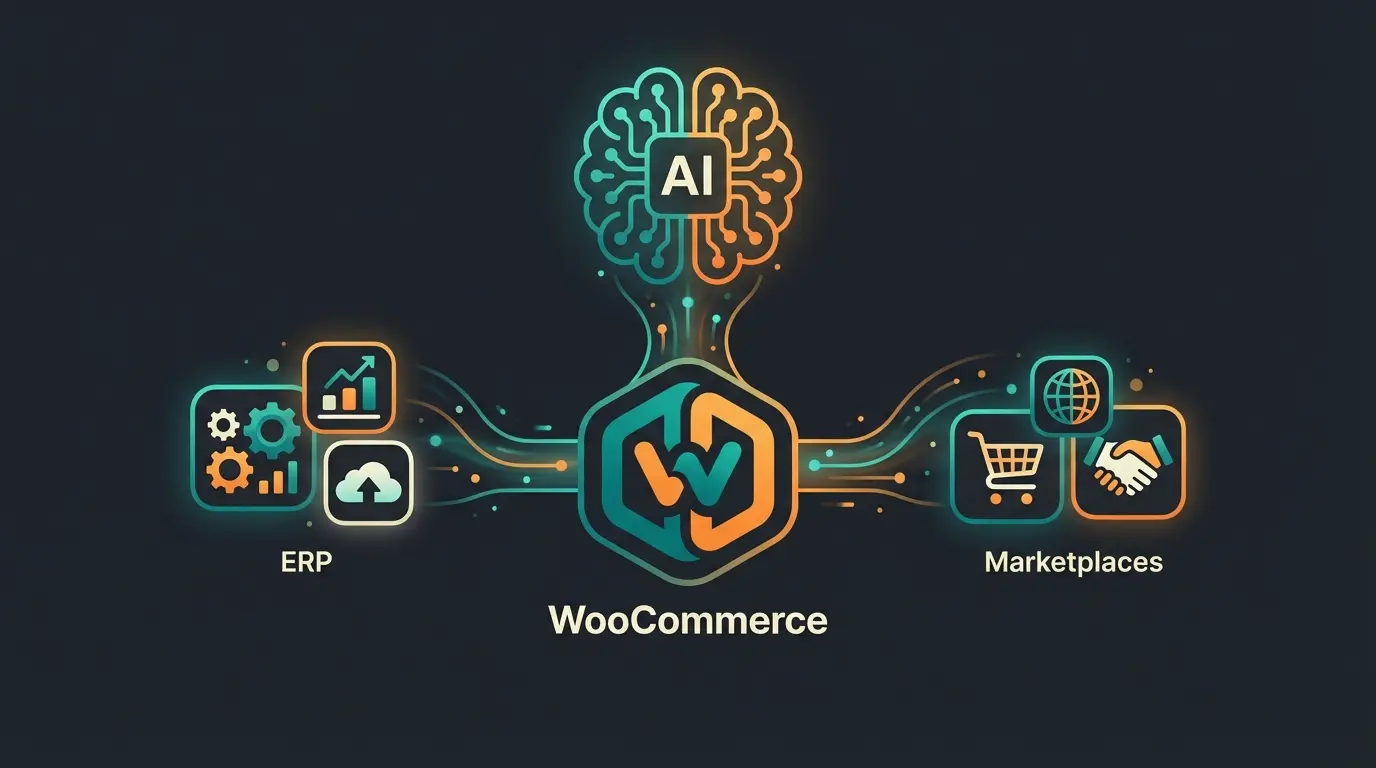
Back Office (ERP), Sales Channels (Marketplaces), AI Intelligence (Chatbots)
Standard latency that requires caching for real-time chat applications
Zero risk of data modification when using read-only access for AI
Tutorial: Setting Up the WooCommerce API Step-by-Step
To allow your AI or external software to access the shop, we need to open the gates—but in a controlled manner. This process is similar to setting up Shopware customer support integrations.
Step 1: Check Prerequisites (Permalinks & SSL)
Before you start, two technical foundations must be in place, otherwise you'll encounter 401 errors later.
- SSL Certificate (HTTPS): The API should absolutely be accessed via HTTPS. Basic Auth over unencrypted HTTP is a security risk and is blocked by many clients, as emphasized by WooCommerce and WisdmLabs
- Permalinks: The API doesn't work with the default "Plain" setting (e.g., `?p=123`). Navigate to: `Settings > Permalinks`, select "Post name" or another custom structure, and save
Step 2: Generate API Keys
This is where your shop's security is often determined. Understanding authentication is fundamental, much like knowing the history of chatbots helps you appreciate modern AI capabilities.
- Navigate in the WordPress dashboard to: WooCommerce > Settings > Advanced > REST API
- Click on "Add key"
- Fill out the form: Description - Give it a clear name, e.g., "AI Chatbot Agent" or "JTL Wawi"; User - Select an administrator account (or a dedicated API user); Permissions - This is the most important point
| Permission | Explanation | Suitable For | Risk Level |
|---|---|---|---|
| Read/Write | Can view AND modify data (delete, change prices) | ERP, Inventory Management | High (shop can be destroyed if leaked) |
| Read (Read Only) | Can only view data | AI Chatbots, Analytics, Dashboards | Low (Safe for external intelligence) |
For an AI Sales Consultant that only advises customers, you should definitely choose "Read". You don't want a "hallucinating" AI accidentally deleting products or setting prices to $0, as warned by WisdmLabs and WooCommerce documentation.
- Click "Generate API key"
- Copy immediately the "Consumer Key" (ck_...) and the "Consumer Secret" (cs_...). The Secret will never be shown to you again
Step 3: Legacy API & HPOS (Watch Out for This Trap!)
WooCommerce is currently rolling out "High-Performance Order Storage" (HPOS) to speed up the database.
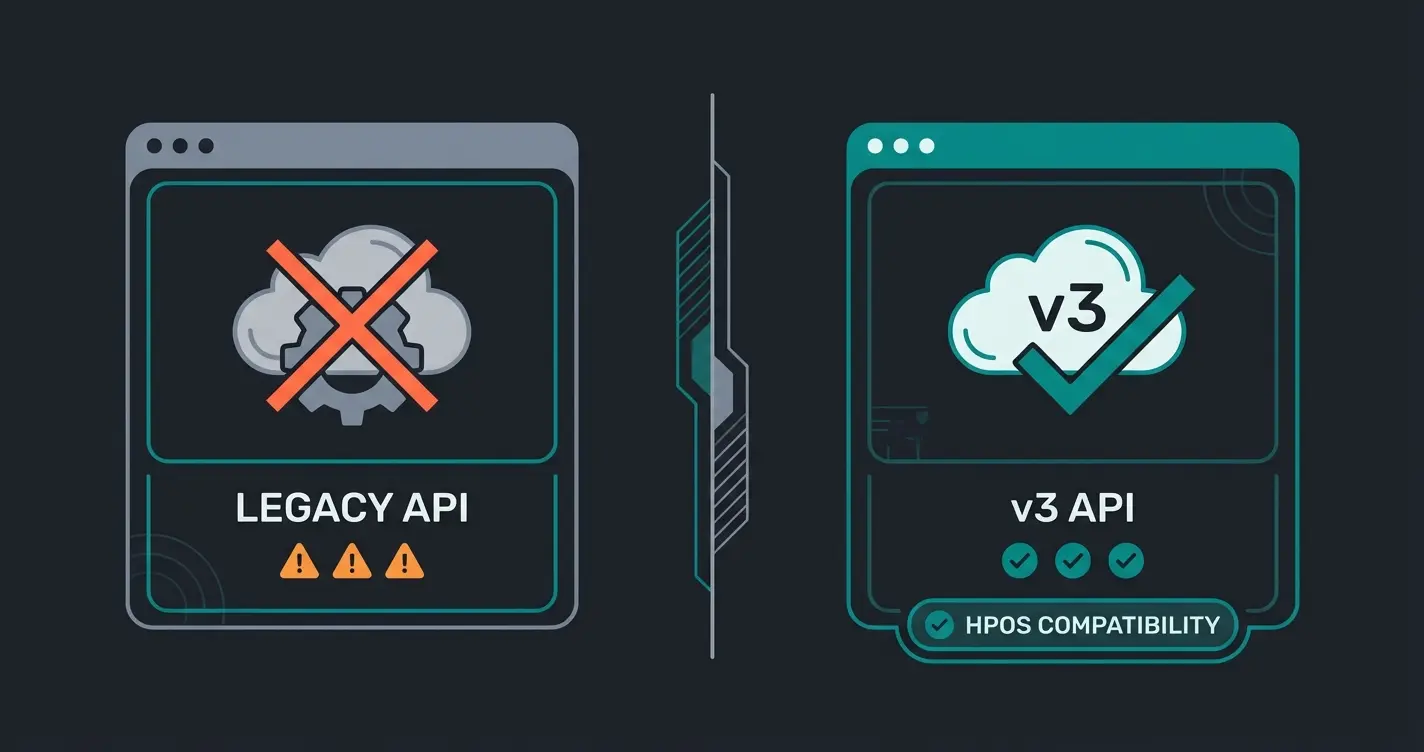
- The Problem: The old "Legacy REST API" is not compatible with HPOS, as noted by Progressus and Business Bloomer
- The Solution: For new projects, always use the current v3 of the REST API. Only enable the Legacy API in settings if you need to connect very old software that hasn't been updated yet. For modern AI integrations, the Legacy API is off-limits
The Most Important Endpoints for Shop Operators & AI Developers
The WooCommerce API documentation is massive. But for deployment as an intelligent sales consultant, you only need a fraction of the endpoints. Here we filter out the noise. This approach aligns with how modern Consultative AI systems operate.
1. The Catalog: `/wp-json/wc/v3/products`
This is the most important endpoint. It delivers all information about your products.
- Why important for AI: The AI needs to know what you sell
- Key parameters: `status=publish` (only retrieve published products), `stock_status=instock` (avoid AI recommending unavailable products), `per_page=100` (minimize request count, but watch pagination)
Example Scenario: A customer asks: "Show me red t-shirts under $30." The AI translates this into an API call (simplified): `GET /products?search=T-Shirt&max_price=30` (Note: Filtering by attributes like color is more complex, see below).
2. The Detailed Knowledge: `/wp-json/wc/v3/products/attributes`
Many shop owners ignore this endpoint, but for a consultation AI, it's gold. This is where AI product consultation gets its intelligence.
- What it delivers: The definitions of your properties (size, color, material, fit)
- The workflow: To filter products by "Color: Red", the AI often first needs to know the ID of the "Color" attribute and the ID of the "Red" term, as explained in the GitHub repository and WooCommerce attribute documentation
- Gap closer: Most tutorials only show simple product lists. A good AI uses this endpoint to understand the structure of your assortment
3. The Status: `/wp-json/wc/v3/system_status`
Before an external app makes complex requests, it's worth checking this endpoint. It shows currency settings, versions, and whether SSL is active, as documented on GitHub.
Customer asks: 'I'm looking for running shoes with good cushioning'
AI Agent identifies the intent as 'Product Search'
Agent queries: GET /products?category=running-shoes&tag=cushioning
WooCommerce returns 5 relevant products as JSON with attributes
AI reads JSON and formulates: 'I found the UltraRun 5000 for $129 with excellent cushioning'
Stop losing sales to unanswered customer questions. Our AI solution connects directly to your WooCommerce API to provide 24/7 intelligent product consultation.
Start Your Free TrialWooCommerce API & AI: Automating Product Consultation
Here we leave the terrain of standard tutorials. How exactly does raw JSON data become charming sales consultation? This is where the power of AI Agents truly shines.
The Problem: Context Windows and Latency
You can't send your entire product catalog (with 10,000 items) into every prompt to ChatGPT. The "context window" would overflow and costs would explode. This challenge is something we address in our guide on proactive Guided Selling.
The Solution: RAG (Retrieval Augmented Generation)
The modern approach connects the API with a vector database or intelligent search logic. This methodology is at the heart of effective AI-powered product consultation.
The Flow Visualized:
- Customer: "I'm looking for running shoes with good cushioning."
- AI Agent (Router): Recognizes the intent "Product Search"
- API Query: The agent queries the WooCommerce API: `GET /products?category=running-shoes&tag=cushioning`
- WooCommerce: Returns 5 relevant products as JSON
- AI Agent (Generator): Reads the JSON and formulates the response: "I found the UltraRun 5000 for $129. It has especially high cushioning, exactly what you were looking for."
Metadata Is the Key
For the AI to answer questions like "Is this vegan?", this data must be maintained in the shop and retrievable via API. When comparing platforms like Shopware vs WooCommerce, metadata handling becomes a critical factor.
- Use Custom Fields or Attributes for everything that's consultation-relevant
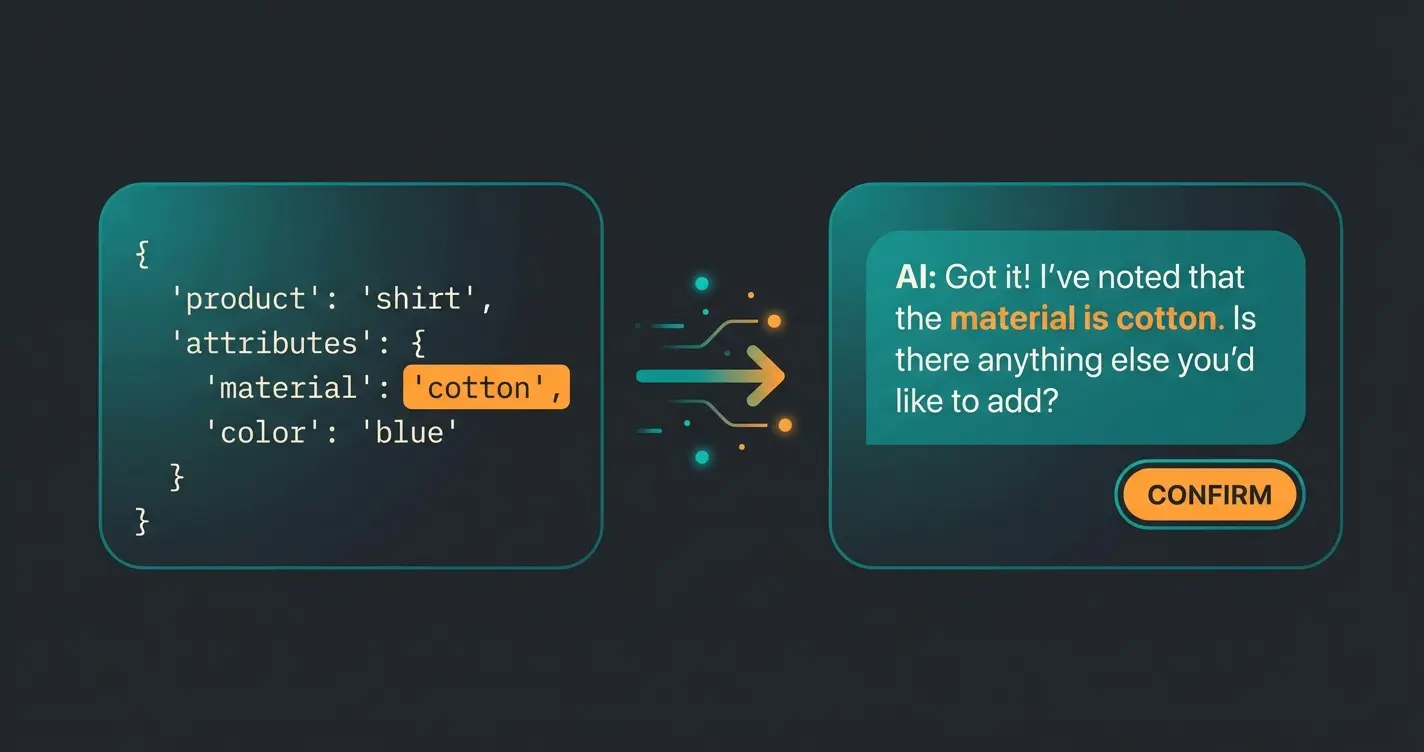
- The API delivers this data in the `meta_data` array or under `attributes`. An AI that only has access to title and price is a poor advisor
Common Problems and Solutions (Troubleshooting)
Even professionals often stumble over the same obstacles with the WooCommerce API. Here are the solutions for the top problems, based on current forum analyses from YouTube tutorials, Stack Overflow, and WordPress support.
1. Error 401: "Unauthorized"
The classic. You have keys, but the server says "No."
- Cause A (SSL): You're using Basic Auth over HTTP. Solution: Make sure your URL starts with `https://`. If you're testing locally (localhost), you may need to disable SSL verification or use OAuth 1.0a
- Cause B (Server Header): Sometimes the server (Apache/Nginx) strips the Authorization header for security reasons. Solution: Check your `.htaccess` file or ask your host to allow the `Authorization` header through
2. Empty Responses (`[]`)
You query products but get an empty list, even though products exist.
- Check: Are the products set to "Published"? Drafts are not output via API by default unless you authenticate with write permissions and explicitly request them, as noted by Mewz.dev
3. Performance & Latency
An API call can take 500ms to 2 seconds on WooCommerce depending on hosting. For a chatbot, that's an eternity.
Comparing WooCommerce API with Other Platforms
Understanding how the WooCommerce REST API stacks up against alternatives helps you make informed platform decisions. If you're evaluating options, our comprehensive WooCommerce vs Shopify comparison provides detailed insights.
| Feature | WooCommerce REST API | Shopify API | Shopware API |
|---|---|---|---|
| Authentication | Basic Auth / OAuth 1.0a | OAuth 2.0 | OAuth 2.0 |
| Rate Limiting | Server-dependent | 40 requests/second | Configurable |
| Real-time Updates | Webhooks available | Webhooks + GraphQL subscriptions | Webhooks available |
| AI Integration Readiness | Good with proper caching | Excellent native support | Very good with extensions |
| Learning Curve | Moderate | Moderate | Steeper |
Conclusion & Outlook: The API as Competitive Advantage
The WooCommerce REST API in 2025 is far more than a technical necessity. It's the bridge that transforms your static product catalog into a dynamic, interactive consultation environment.
While your competition might only use the API to send invoices to accounting software, you can use it to:
- Build a 24/7 sales consultant that knows your assortment in detail
- Answer customer questions in real-time with live inventory data
- Massively improve the user experience through personalized recommendations
The first step: Go to your settings today, generate a "Read-Only" API key, and test the connection. The data is there—you just need to use it. For more insights on implementing AI in your shop, explore resources on Zapier's integration guide and Merge.dev's API documentation.
FAQ: WooCommerce API Common Questions
Yes, the REST API is part of the free WooCommerce Core Plugin. There are no license fees for using the API itself. Your only costs relate to hosting, development time, and any third-party services you connect to it.
The REST API is a "pull" system—you actively request data ("Give me all orders"). Webhooks are a "push" system—WooCommerce automatically notifies you ("A new order just came in"). For AI chatbots, you typically need the API for context; for automations (e.g., Slack notification on purchase), Webhooks are better.
To address the API directly, technical understanding is necessary. However, there are "no-code" tools (like Zapier or Make) and specialized AI plugins that handle the connection for you—you simply enter your API keys in their interface.
Never expose API keys in client-side code or public repositories. Use environment variables to store keys, always use HTTPS, prefer Read-Only permissions for external tools, and regularly rotate keys. Create separate keys for different applications so you can revoke access individually if needed.
HPOS (High-Performance Order Storage) is WooCommerce's new database architecture for faster order processing. The Legacy REST API is not compatible with HPOS, so all new integrations should use API v3. If you're building AI integrations, ensure your code targets v3 endpoints exclusively.
Our AI solution comes pre-integrated with the WooCommerce API. Get intelligent product consultation running in your store within hours, not weeks.
Try Our AI Solution Free
Kevin is CTO and co-founder of Qualimero. As an AI architect with over 15 years of experience as CTO and CPO in the tech industry, he designs the AI systems that automate tens of thousands of customer interactions daily for Qualimero's clients — reliably, securely, and at scale.