Why Shopware Is the Ideal Foundation for Agricultural Trade
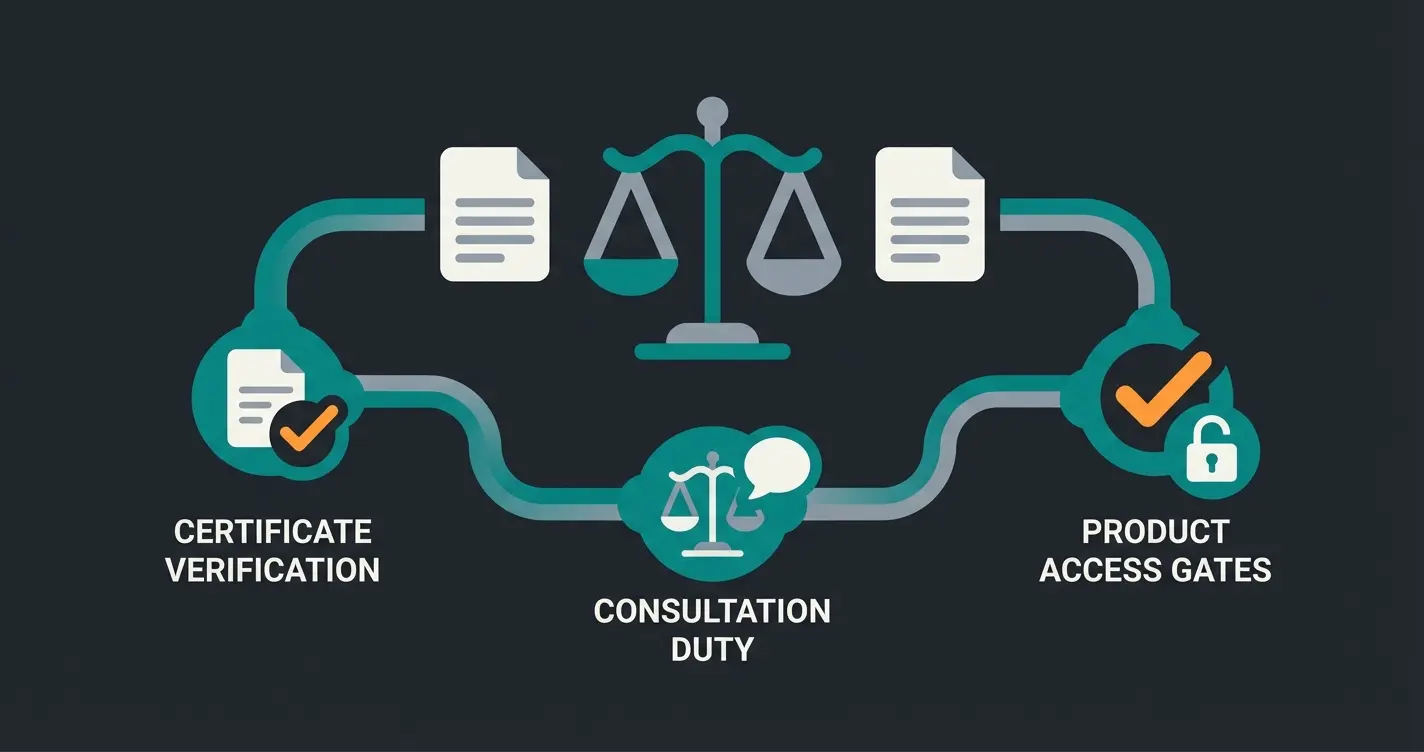
Online commerce for agricultural supplies, particularly plant protection products (PPP), represents one of the most lucrative yet complex niches in e-commerce. While the profit margins are attractive, many merchants shy away from the regulatory minefield that awaits them. According to German federal law, the certificate of competence requirement (Sachkundenachweis), mandatory consultation duty (Beratungspflicht according to §23 PflSchG), and the self-service prohibition present massive hurdles for online retailers.
This comprehensive guide demonstrates how to not only overcome these obstacles with Shopware 6 but also gain a genuine competitive advantage through AI-powered consultation. We'll bridge the gap between dry legal texts and practical technical implementation—something no other resource currently provides in this complete form.
When searching for guidance on Shopware plant protection commerce, merchants typically find only fragmented information: a forum post here, a legal text there. What's missing is a holistic approach that connects legal necessity with technical feasibility in Shopware. The challenge breaks down into three parts:
- Verification: How do I ensure only authorized persons (farmers with certificates of competence) can purchase professional products?
- Information: How do I properly display the complex CLP/REACH labeling requirements?
- Consultation: How do I provide the legally required advisory services without operating a 24/7 call center?
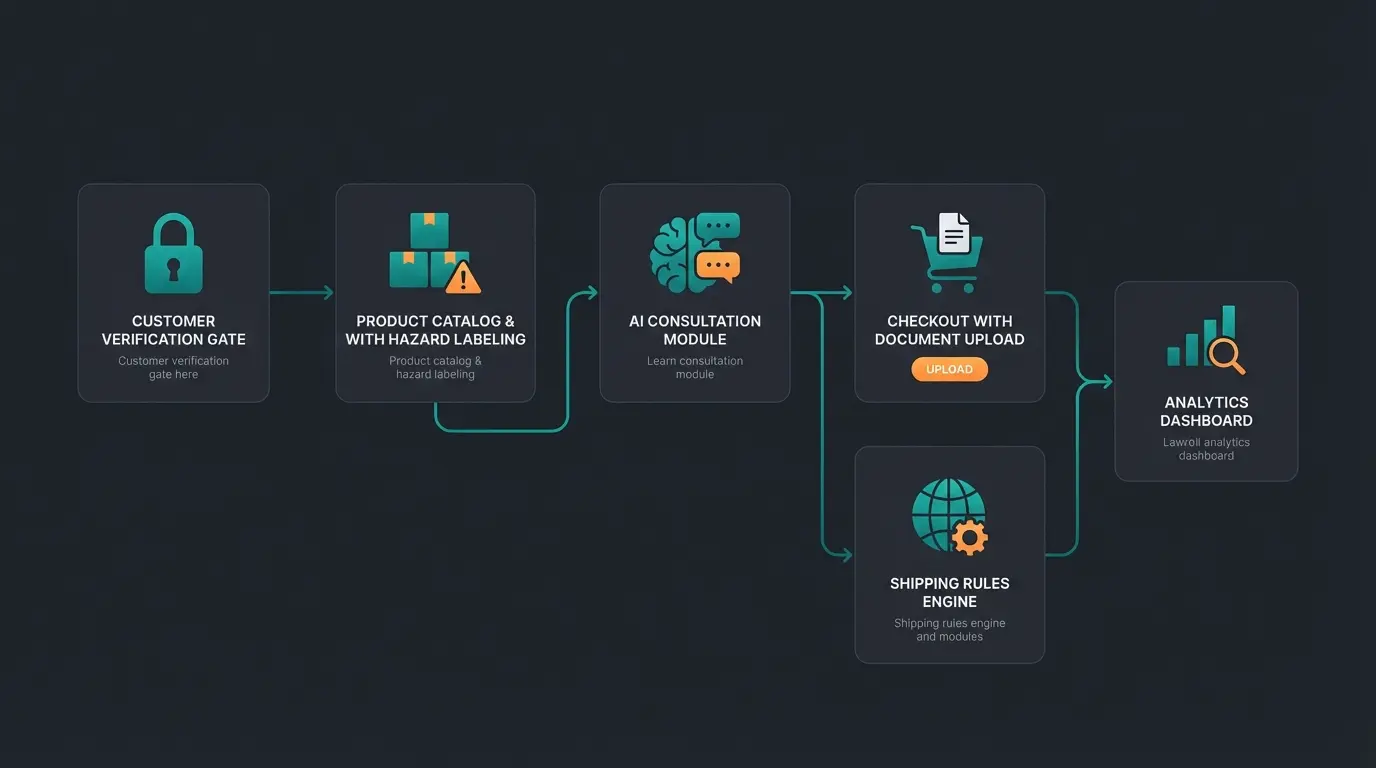
This guide serves as your blueprint. We'll build an architecture that uses compliance not as a brake but as a trust signal—transforming regulatory requirements into conversion-boosting customer confidence.
The Legal Foundation: Simplified for Merchants
Before diving into Shopware's backend, we must understand the rules of the game. Violations of the Plant Protection Act (PflSchG) are not minor offenses—they quickly lead to warnings or substantial fines. Understanding these requirements is essential before implementing any Shopware AI features for your agricultural e-commerce operation.
Who Can Buy What? B2B vs. B2C Distinctions
The legislator strictly distinguishes between two groups of buyers, and your Shopware setup must reflect this distinction:
- Professional Users (Commercial): May purchase nearly all approved products but must present a valid certificate of competence. This requirement is non-negotiable according to German legal requirements.
- Non-Professional Users (Home & Garden): May only purchase products explicitly approved for the 'home and small garden' category (HuK). These products are typically lower concentration or packaged in smaller containers, as noted by the Hessian Regional Authority.
This distinction fundamentally shapes how you structure your customer groups in Shopware and determines which products each group can access. According to ISIP agricultural information services, failure to properly segregate these customer groups exposes merchants to significant legal liability.
The Certificate of Competence (§9 PflSchG)
Since 2015, the new certificate of competence in credit card format has been in effect. As a merchant, you are obligated to have this certificate presented before dispensing professional products. A simple checkbox stating 'I am qualified' is legally insufficient in most cases—actual verification through upload or validation is necessary.
The certificate system is designed to ensure that only properly trained individuals handle potentially hazardous chemicals. This applies equally to traditional retail and e-commerce operations, meaning your Shopware store must implement verification workflows that satisfy regulatory requirements.
The Consultation Duty & Self-Service Prohibition (§23 PflSchG)
This represents the most critical point for online shops—and the area where most merchants fail to achieve full compliance. According to federal regulations:
- Self-Service Prohibition: Plant protection products may not be dispensed through vending machines or pure self-service. In brick-and-mortar retail, this means products are kept in locked display cases.
- Consultation Duty: In mail-order commerce, it must be ensured that customers are informed about risks, proper application, and disposal.
According to the Agricultural Chamber, the advisory requirement represents a significant challenge for e-commerce operations that traditional static content simply cannot address effectively.
Shopware 6 Setup: Technical Compliance Implementation
Now we translate the legal requirements into Shopware configurations. We'll use standard native tools and established plugins to create a fully compliant e-commerce operation that leverages Shopware 6 chatbots for enhanced customer service.
Step 1: Separating Customer Groups (The Digital Glass Cabinet)
To digitally replicate the self-service prohibition, professional products must not be purchasable by regular visitors. According to Shopware's official documentation, here's how to implement this:
- Navigate to Settings > Shop > Customer Groups and create a new group: 'Farmers / Certified Users'
- Utilize the Dynamic Access feature (available in Shopware Evolve Plan or via plugin in Community Edition)
- Create a Rule: In the Rule Builder, establish a rule: 'Is in customer group Farmers'
- Protect Category/Product: Assign this rule to the corresponding professional product categories
The result: A guest visitor may see the product as a catalog entry but cannot add it to the cart or see the price until they're verified and approved. This creates your 'digital glass cabinet' that satisfies the self-service prohibition while maintaining a professional shopping experience.
Step 2: Certificate Upload Workflow Implementation
How does a customer gain access to the protected group? Through uploading their certificate. Standard Shopware doesn't include file upload functionality in checkout or registration—plugins are essential here.
Based on Shopware Store solutions and available registration upload plugins, implement this process:
Customer registers as 'Commercial/Professional' user type
Registration form includes mandatory upload field for certificate scan (credit card format)
Account is NOT automatically activated (Setting: 'Customer activation by admin')
Staff reviews certificate validity and authenticity
Customer moved to 'Farmers' group, unlocking Dynamic Access permissions
'Add to Cart' button now appears for professional products
This workflow ensures compliance while creating a documented verification trail. The Shopware checkout customization options provide the flexibility needed to implement these requirements effectively.
Step 3: Automating Base Price Display
For liquids (herbicides, fungicides), displaying the base price (€ per liter/kg) is mandatory. According to e-commerce pricing expert Marcel Krippendorf and Shopware documentation, here's how to configure this in Shopware:
- Navigate to the product and open Dimensions & Packaging
- Sales Unit: Enter the quantity (e.g., 5 for a 5-liter canister)
- Unit of Measure: Select 'Liter'
- Base Unit: Enter 1 (for price per 1 liter display)
Watch tutorial videos on Shopware pricing configuration for step-by-step visual guidance on implementing these settings correctly.
Step 4: CLP/REACH Hazard Warning Display
Every plant protection product includes safety data sheets with GHS symbols (e.g., 'Corrosive', 'Environmentally Hazardous') and H-/P-statements (hazard and safety phrases). Understanding the AI consulting requirements for e-commerce helps contextualize why proper hazard communication matters.
The Problem: These must be visible on the product detail page, not hidden in a PDF download. Customers must see hazard warnings before making purchase decisions.
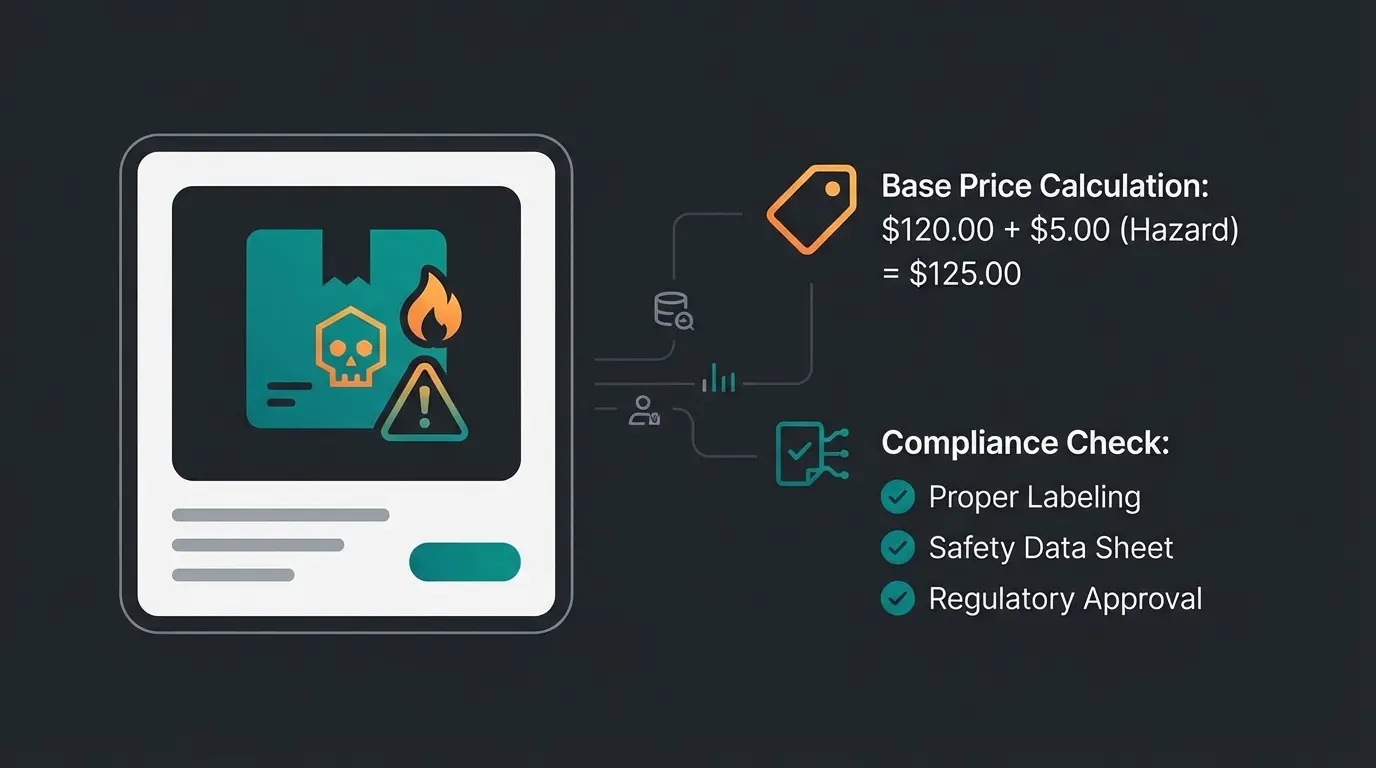
The Solution: Manual maintenance through 'Properties' is tedious and error-prone for large catalogs. Specialized plugins like the CLP/REACH Regulation plugin from Lenz eBusiness import these symbols and statements and display them in a legally compliant format. According to Shopware Store listings, this can save hundreds of hours in data maintenance.
The Consultation Gap: Why Static Shops Fail
Most shops stop at the steps described above. They fulfill the technical requirements but fail at consultation quality. This gap represents both a compliance risk and a massive competitive opportunity for merchants who address it properly.
Consider this common scenario: A customer searches for 'aphid treatment.' The shop displays 50 products. The customer selects the cheapest option—which may not even be approved for their specific crop (e.g., roses). This creates a cascade of problems that impact both the merchant and the customer.
The Consequences:
- Legal Risk: You've sold a product for an unapproved application—a direct violation of the advisory duty
- Returns: The customer only realizes upon reading the label at home that they cannot legally use the product
- Environmental Damage: Improper application of agricultural chemicals can cause lasting harm
The law requires 'instruction on proper application.' A static text block stating 'Please observe the usage instructions' is increasingly viewed by courts as insufficient when no genuine interaction occurs. This is where understanding AI chatbot compliance becomes essential for forward-thinking agricultural e-commerce operations.
Nearly half of customers choose unsuitable products without guidance
Unguided purchases result in triple the returns
Regulatory violations can result in significant penalties
Modern B2B buyers expect around-the-clock support
The Solution: AI-Powered Product Consultation
Here lies your opportunity to leapfrog market leaders. Instead of staffing a telephone hotline, integrate an AI plant protection advisor directly into Shopware. This approach transforms the consultation burden into a competitive advantage while ensuring compliance with advisory requirements.
The Concept Behind AI Advisory Systems
Leverage modern AI interfaces (such as OpenAI/ChatGPT API) that integrate into Shopware through plugins. According to German AI e-commerce specialists and Shopware extension marketplace, train this assistant (via system prompt or RAG—Retrieval Augmented Generation) with your safety data sheets and BVL approval data.
Working with AI Product Consultation providers enables you to build a solution specifically tailored to agricultural product requirements. The key is ensuring the AI has access to current product approval databases and application guidelines.
The In-Shop Workflow Experience
Imagine that on the 'Insecticides' category page, instead of an annoying pop-up, a 'Digital Agricultural Advisor' appears—powered by an AI Employee like Flora. Here's how the interaction flows:
Customer: 'I have whiteflies on my greenhouse tomatoes'
AI queries: Which products are approved for Tomato AND Greenhouse AND Whitefly?
Products approved only for outdoor use are automatically excluded
AI: 'For greenhouse tomatoes, I recommend Product X. Note: 3-day pre-harvest interval. Maximum 2 applications per year.'
Chat history saved (with consent) as proof of consultation fulfillment
This workflow directly addresses the 'Consultation Paradox' identified in market analysis. While competitors rely on static FAQ text or conversion-killing 'Call us' buttons, you provide genuine compliance automation that actually helps customers find the right product.
Competitive Advantages of AI Advisory
The benefits of implementing AI product consultation for plant protection sales extend across multiple dimensions:
- 24/7 Availability: Pests don't observe business hours—farmers need answers when problems arise, often early morning or late evening
- Precision: An AI with proper data doesn't forget waiting periods or indications, eliminating human error in advisory
- Conversion Optimization: Instead of abandoning customers to 50 products, guide them to the correct product for their specific situation
- Documentation: Every consultation creates a record demonstrating advisory duty fulfillment
- Scalability: Handle thousands of consultations simultaneously without staffing costs
Understanding the differences between AI consultation for B2B versus B2C helps optimize the advisory experience for professional agricultural customers who require technical depth and regulatory precision.
Stop treating consultation duty as a burden. Our AI-powered product advisor fulfills regulatory requirements while boosting conversions 24/7. See how agricultural retailers are automating compliance.
Start Free Consultation DemoShipping & Logistics: Handling Dangerous Goods Safely
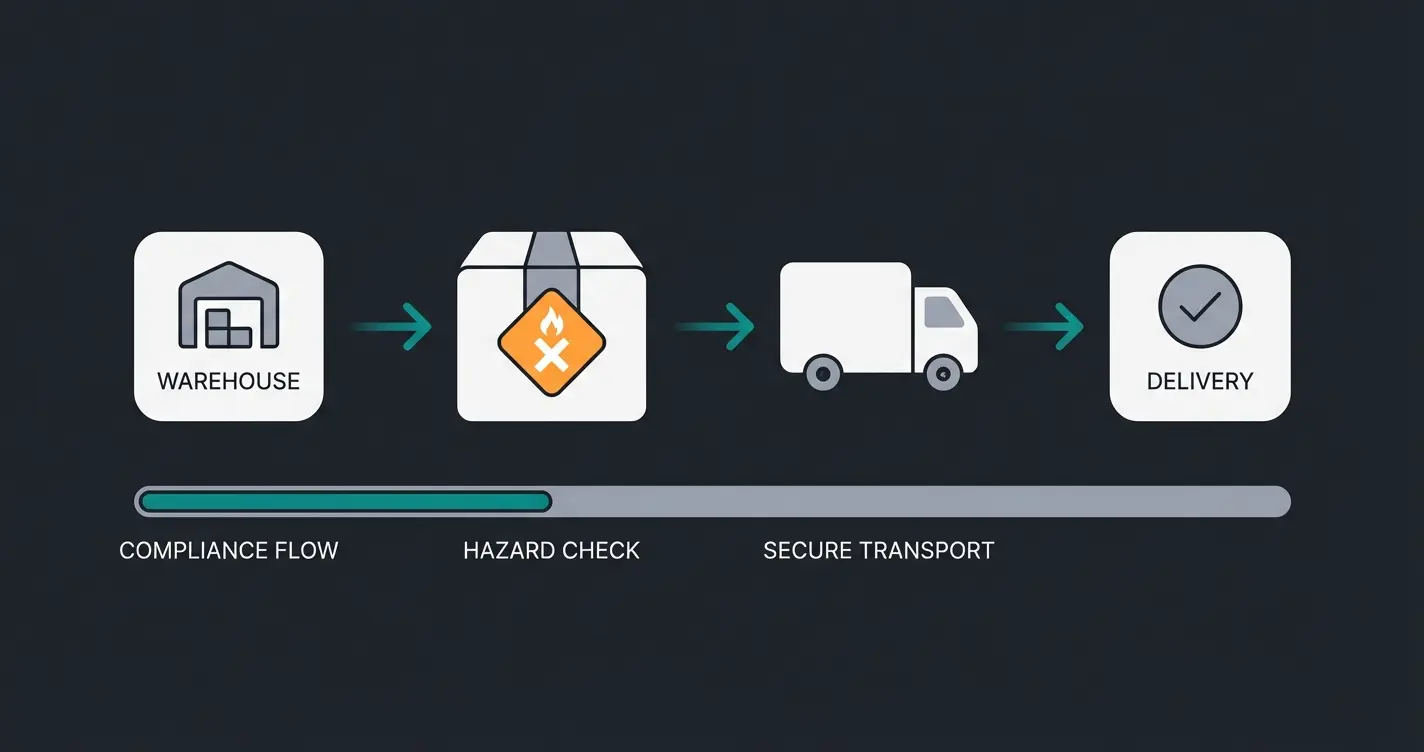
Plant protection products are often classified as dangerous goods (e.g., Class 6.1 Toxic or Class 9 Environmentally Hazardous), according to dangerous goods regulations from DENIOS. Your Shopware configuration must account for these special requirements.
Backend Product Marking for Dangerous Goods
Mark each product in Shopware through 'Custom Fields' or 'Tags' as dangerous goods. This classification is critical for several operational aspects:
- Shipping Cost Calculation: Dangerous goods shipping is more expensive. Use the Rule Builder to automatically apply higher shipping costs or restrict shipping methods (no parcel lockers!) for products tagged 'Dangerous Goods'. Shopware shipping rule documentation provides configuration guidance.
- Document Requirements: Delivery notes and invoices often must display UN numbers. According to Shopware shipping configuration best practices, template customization handles this requirement.
Carrier Considerations for Chemical Products
Not every parcel service transports dangerous goods, and those that do often impose quantity limitations (LQ—Limited Quantities). According to CBC Logistics dangerous goods guidelines and DHL dangerous goods regulations:
- DHL: Has specific regulations for dangerous goods. Domestic packages are often possible, but international shipping is typically excluded
- Verification Required: Ensure your fulfillment plugin (e.g., Pickware or Sendcloud) transmits dangerous goods data to the carrier
- Quantity Limits: LQ regulations specify maximum amounts per package—your Shopware configuration should enforce these limits automatically
Standard Shop vs. Optimized Shop: Complete Comparison
Understanding the difference between a basic Shopware setup and a fully optimized plant protection e-commerce operation reveals why investing in proper compliance infrastructure pays dividends. This comparison illustrates what separates market leaders from struggling competitors.
| Feature | Standard Shopware Shop | Shopware + Compliance & AI |
|---|---|---|
| Legal Security | ⚠️ Risk (self-service possible) | ✅ High (verification before purchase) |
| Certificate Verification | Via email (media break) | ✅ Integrated checkout upload |
| Consultation Quality | Static PDF texts | ✅ Interactive AI advisor |
| Availability | 9:00 AM - 5:00 PM (phone) | ✅ 24/7 (automation) |
| Return Rate | High (wrong purchases) | ⬇️ Low (matching recommendations) |
| Documentation | Manual records | ✅ Automatic chat logs |
| Scalability | Staff-dependent | ✅ Unlimited concurrent consultations |
| Customer Experience | Frustrating self-research | ✅ Guided product discovery |
Building an AI-powered consultation hub transforms your Shopware store from a basic catalog into a trusted advisor that customers return to repeatedly. The investment in proper setup pays returns through reduced support costs, lower returns, and higher customer lifetime value.
Your Launch Checklist: Implementation Roadmap
Selling plant protection products in Shopware isn't a 'plug-and-play' business—it requires clean architecture and thoughtful implementation. However, merchants who master the verification and consultation hurdles find a market with loyal B2B customers and high average order values.
Follow this checklist to ensure your launch covers all compliance requirements while maximizing conversational commerce opportunities:
- Customer Groups Configured: 'Guest' (restricted access) vs. 'Farmer/Certified' (full access) properly established with Dynamic Access rules
- Upload Tool Installed: Plugin for certificate of competence upload in checkout/registration tested and working
- Product Data Complete: Base prices and CLP warnings (hazard symbols) visible on all applicable product listings
- Shipping Rules Active: Rule Builder blocks parcel lockers for dangerous goods and calculates correct surcharges automatically
- Consultation 2.0 Live: AI assistant or exceptionally well-structured product finder handles initial consultation needs
Consider working with specialists who understand both the technical Shopware implementation and the regulatory requirements. Integrating a revenue-generating product consultant requires expertise in both domains to maximize effectiveness.
Frequently Asked Questions
Yes, absolutely. For all products approved for professional users, you must verify the buyer's certificate of competence according to §9 PflSchG. No dispensing may occur without this verification. The certificate must be checked before shipping, not after. This applies equally to B2B platforms and direct-to-farmer sales channels.
The legislator requires instruction on risks and proper application. Technically, you best solve this through a pre-purchase process: The customer must confirm reading the warnings before the 'Add to Cart' button becomes active, or they're guided through a digital assistant that verifies product suitability for their specific use case. AI-powered chatbots provide the most effective solution by offering personalized, documented consultation.
Yes, but with restrictions. Many plant protection products fall under dangerous goods regulations (LQ—Limited Quantities). You must ensure packages are correctly labeled and quantity limits per package are observed. Check your DHL contract for dangerous goods options, and verify that parcel locker delivery is automatically blocked for these products.
Essential plugins include: 1) File upload functionality for certificate of competence verification, 2) CLP/REACH labeling plugin for hazard symbol display, 3) Dynamic Access for customer group-based product restrictions, and optionally 4) AI chatbot integration for automated consultation. The specific plugins depend on your Shopware version and plan level.
AI consultation fulfills the advisory requirement by providing interactive, documented guidance before purchase. Unlike static text, AI systems can ask qualifying questions (Which crop? Which pest? Professional or home use?), filter unsuitable products, and provide specific application instructions. The conversation log serves as documentation that consultation occurred, satisfying regulatory requirements while improving customer experience.
Conclusion: From Compliance Burden to Market Leadership
The German market for plant protection e-commerce presents a unique opportunity for merchants willing to invest in proper compliance infrastructure. While competitors struggle with fragmented solutions and manual verification processes, forward-thinking retailers are implementing integrated systems that transform regulatory requirements into competitive advantages.
The key insight from our analysis: no existing resource connects the dots between 'Legal Requirement' → 'Shopware Configuration' → 'Plugin Solution' → 'AI Enhancement.' By implementing the architecture outlined in this guide, you position your store not just as compliant, but as genuinely helpful—a distinction that drives customer loyalty and repeat purchases.
Remember that the consultation duty isn't just a box to check—it's an opportunity to demonstrate expertise and build trust with professional agricultural customers. When implemented correctly with AI product consultation technology, every customer interaction reinforces your position as a trusted partner rather than just another vendor.
Don't just meet requirements—exceed customer expectations. Our AI consultation platform integrates seamlessly with Shopware to automate advisory duties while boosting conversions. Join agricultural retailers already transforming compliance into competitive advantage.
Schedule Your Demo Today