Introduction: Why Desktop Access Changes Everything
In the German business landscape, WhatsApp has long evolved from a private messenger into a critical communication channel. However, while customers love the speed of the app, sales and support teams often face a logistical nightmare: a single smartphone, hundreds of inquiries, and employees who must type complex product consultations on tiny screens.
This is where WhatsApp Business Web comes into play. It's more than just a mirror of your phone screen; it's the bridge between mobile accessibility and professional desktop workflows. For German SMEs (small and medium-sized enterprises), switching to desktop is often the first step toward professionalizing their conversational commerce approach.
The problem many companies face is that they view WhatsApp Web merely as a "bigger phone." They use it for reactive support ("Where's my package?") but overlook the enormous potential for proactive sales and in-depth product consultation. Additionally, there's often uncertainty regarding strict German data protection laws (GDPR) and legal notice requirements.
This guide is different. We'll show you not only how to set up web WhatsApp business but how to transform it into a sales machine, avoid legal pitfalls in Germany, and how to bridge the gap between manual typing and expensive enterprise solutions through the use of AI copilots. Understanding key WhatsApp Business fundamentals is essential before diving into advanced strategies.
What Exactly Is WhatsApp Business Web?
Before diving into strategies, we need to clarify the terminology. Often, WhatsApp web business, the desktop app, and the API are confused. For a clean strategy, however, the distinction is essential.
The Three Levels of WhatsApp Usage on PC
1. WhatsApp Business Web (Browser): This is the browser-based version, accessible via `web.whatsapp.com`. It requires no installation and works on any operating system (Windows, Mac, Linux). It's ideal for quick access or when employees work at changing workstations. According to hello-charles.com, this flexibility makes it the preferred choice for agile teams.
2. WhatsApp Desktop App (Installed): A standalone application installed on your computer. It offers deeper system integrations, such as better notifications and keyboard shortcuts, and often supports calls more stably than the pure web version. As noted by chip.de, the installed version provides enhanced stability for daily business operations.
3. WhatsApp Business API (Interface): This isn't an app but an interface for third-party software providers (like Userlike, Charles, or Superchat). It's necessary for large teams, GDPR-compliant scaling, and advanced automation, but it costs money. superchat.de provides detailed breakdowns of API pricing structures. For comprehensive implementation, our WhatsApp Business API guide covers everything you need to know.
Comparison Table: Web vs. Desktop App vs. API
To decide whether business WhatsApp web is sufficient for you or whether you need to upgrade, this comparison helps:
| Feature | WhatsApp Business Web | WhatsApp Desktop App | WhatsApp Business API |
|---|---|---|---|
| Access | Browser (Chrome, Firefox, etc.) | Installed Software | Via Third-Party Software |
| Cost | Free | Free | Paid (Message-Based) |
| Device Limit | 1 Phone + 4 Devices | 1 Phone + 4 Devices | Unlimited (Depending on Software) |
| GDPR Status | Critical (Phone Book Sync) | Critical (Phone Book Sync) | Compliant (No Sync Required) |
| Calls | No (Usually) | Yes (Audio & Video) | No (Usually Text-Based) |
| Broadcast Messages | Broadcast (Max 256) | Broadcast (Max 256) | Newsletter (Scalable) |
| Ideal For | Solopreneurs & Small Teams | Stationary Workplaces | Mid-Size & Enterprise |
Setup & Optimization: Building the Foundation
The setup is simple, but the devil is in the details – especially when optimizing the account for professional use in Germany.
Step-by-Step: The Clean Connection Process
To use Business WhatsApp Web, you need to pair your smartphone with your computer. Since the update to multi-device functionality, the phone no longer needs to be permanently online afterward. According to whatsapp.com, the multi-device feature has significantly improved workflow flexibility.
Navigate to web.whatsapp.com on your computer. A QR code will appear on screen.
Open WhatsApp Business App → Menu (three dots on Android) or Settings (iOS) → Linked Devices → Add Device
Point your phone camera at the QR code on your monitor to establish the connection
Allow chats to load. First-time synchronization may take several minutes depending on chat history size
Confirm all chats are visible and notifications are working properly
Profile Optimization for the German Market
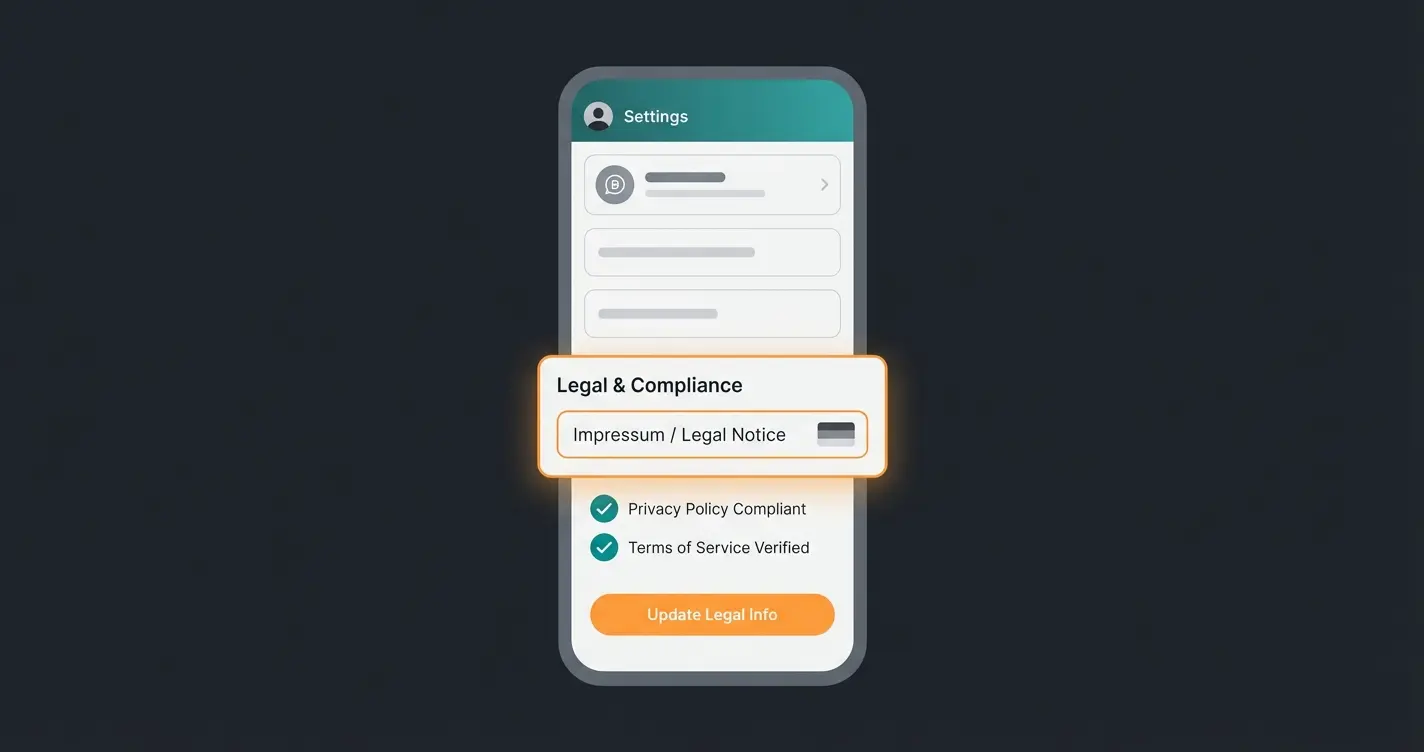
A common reason for legal warnings (Abmahnung) in Germany is a missing or hard-to-find legal notice (Impressum) in business social media accounts. Since WhatsApp Business Web is often used for initial contact, it qualifies as a "commercial telemedia service" under § 5 DDG (Digital Services Act, formerly TMG). As explained by trustedshops.de, this requirement applies to all business communication channels.
How to do it right: Since WhatsApp doesn't have a dedicated "Impressum" field, you need to be creative to remain legally compliant:
- Business Description: Use the description field in your profile. Add a short sentence at the top: "Legal Notice: [Link to your website's legal notice]"
- Clear Links: Don't use shortened links (like bit.ly), but use clear-name links (e.g., `yourcompany.com/legal-notice`) so users know where they're clicking. datenschutzkanzlei.de emphasizes the importance of transparent link practices.
- Website: Enter your website in the designated field.
- Catalog: If you have products in the catalog, also add a note about terms and conditions and cancellation rights in the description.
Pro Tip: Keyboard Shortcuts for Power Users
Anyone who uses WhatsApp Web Business professionally should leave the mouse alone as often as possible. Keyboard shortcuts save seconds in daily support work that add up to hours. Here are the most important shortcuts for German keyboard layouts (QWERTZ), as documented by sleekflow.io and respond.io:
| Action | Windows (Ctrl + ...) | Mac (Cmd + ...) |
|---|---|---|
| New Chat | Ctrl + Alt + N | Cmd + N |
| Next Chat | Ctrl + Alt + Tab | Cmd + Ctrl + ] |
| Previous Chat | Ctrl + Alt + Shift + Tab | Cmd + Ctrl + [ |
| Archive Chat | Ctrl + Alt + E | Cmd + E |
| Mute Chat | Ctrl + Alt + Shift + M | Cmd + Shift + M |
| Mark as Unread | Ctrl + Alt + Shift + U | Cmd + Shift + U |
| Search | Ctrl + Alt + / | Cmd + Shift + F |
Note: Shortcuts may vary slightly depending on browser and operating system version. wondershare.com provides an updated list of browser-specific variations.
Sales-Driving Features: From Support to Consultation
Most blog articles focus on support functions. But WhatsApp Business Web is a powerful sales tool when you use the features correctly. The large screen allows you to work more strategically than on your phone.
The Catalog on Desktop: Visual Consultation
Instead of just sending text messages, you can access your product catalog directly via the "paperclip" symbol. For complete guidance on product consultation setup, explore our dedicated resource.
- Application: A customer asks about "red sneakers." Instead of a link to the online shop, you send the "Product Card" directly from the WhatsApp catalog.
- Advantage: The customer stays in the app. Conversion rates are often higher because there's no media break. On desktop, you can search through and send these catalog items much faster than on your phone.
Labels as CRM Replacement
In the web view, you have an excellent overview of your labels (the colored flags on chats). Use these not only for status (e.g., "Paid") but as a sales pipeline. According to botpenguin.com, this approach transforms basic labeling into a powerful pipeline management system.
Example of a Sales Pipeline with Labels:
- 🔵 Blue Label: "New Lead" (First Contact)
- 🟡 Yellow Label: "Consultation in Progress" (Product Questions)
- 🟠 Orange Label: "Offer Sent" (Waiting for Closure)
- 🟢 Green Label: "Customer / Closed Deal"
Using the filter function in WhatsApp Business Web, you can filter all "Orange" chats in the morning and follow up immediately. This is a simple but effective CRM system for small teams.
Quick Replies vs. Reality
You probably know Quick Replies (`/thanks` for "Thank you for your inquiry..."). These are useful for standard phrases.
- The Problem: In sales, customer questions are often specific ("Does replacement part XY also fit the 2023 model?"). Static quick replies fail here.
- The Solution: This is where the transition to AI-assisted consultation begins (see Section V).
Struggling with complex product questions? Our AI copilot suggests expert answers in real-time while you type on WhatsApp Business Web.
Start Free TrialThe Consultation Gap: Scaling with AI Copilots
Here lies the biggest content gap in most guides. Many companies face a dilemma:
- Manual Typing: High quality but not scalable. An employee might manage 10 complex consultations per hour.
- Chatbots: Scalable but often "dumb." They frustrate customers with standard answers and cannot provide technical consultation.
The Hybrid Approach for WhatsApp Web
For 2025, a hybrid approach that extends WhatsApp Business Web with an AI copilot is recommended. This isn't full automation that replaces humans, but software that "reads along" and makes suggestions. Understanding how AI Chatbots transform customer service helps frame this evolution.
How this works in practice: Imagine you have a browser plugin or accompanying desktop app that's fed with your product database (PDFs, technical data sheets).
Customer asks: "What's the standby power consumption of Model X?"
Human employee would need to search the manual (Duration: 3 minutes)
AI Copilot analyzes the question and searches uploaded PDFs instantly
AI suggests to employee in WhatsApp Web: "Consumption is 0.5 watts."
Employee clicks "Send" or briefly adjusts the answer (Duration: 10 seconds)
Advantages of this approach:
- Quality: Answers are technically correct (based on your data).
- Speed: Response time drops drastically.
- Personality: The employee has final control. It doesn't feel robotic to the customer.
- No API Costs: Such solutions can often run "over-the-top" on the web version without immediately requiring expensive WhatsApp API infrastructure (although API solutions are more stable long-term).
This is where AI sales consultants truly shine – combining human expertise with machine efficiency. The approach of automated sales consultation represents the future of customer interaction.
Comparison: Manual Web vs. AI-Assisted Web
To clearly understand why AI-assisted solutions outperform traditional methods, consider this comparison. Research shows how AI agents drive revenue while maintaining service quality:
| Metric | Manual Typing | Standard Chatbot | AI Consultation Copilot |
|---|---|---|---|
| Response Time | 3-5 minutes | Instant | 10-30 seconds |
| Technical Accuracy | High (if expert available) | Low (predefined responses) | High (knowledge base-driven) |
| Ability to Close Sales | High | Very Low | High |
| Setup Time | None | Weeks | Days |
| Scalability | Limited by headcount | Unlimited but low quality | Unlimited with quality |
| Customer Satisfaction | High | Low (frustrating) | High (feels personal) |
Limitations & German Compliance (GDPR)
Anyone using web WhatsApp business in Germany walks a fine line. It's important to know the technical and legal boundaries to avoid jeopardizing your business.
The Device Limit and the 14-Day Rule
Currently, you can link one smartphone and up to four additional devices (PCs, tablets). According to the official whatsapp.com documentation, these limits are designed for small business use cases.
- The 14-Day Limit: If the main smartphone has no internet connection for longer than 14 days, all linked devices are automatically logged out for security reasons. ycloud.com provides technical details on this security feature.
- Meta Verified: There's a paid subscription ("Meta Verified") that increases this limit to up to 10 devices and unlocks additional features. According to it-daily.net, this is not yet widely available for all accounts in Germany and is being rolled out gradually.
Plus the primary smartphone
Before forced re-authentication
Maximum per broadcast message
Available with paid subscription
GDPR: The Elephant in the Room
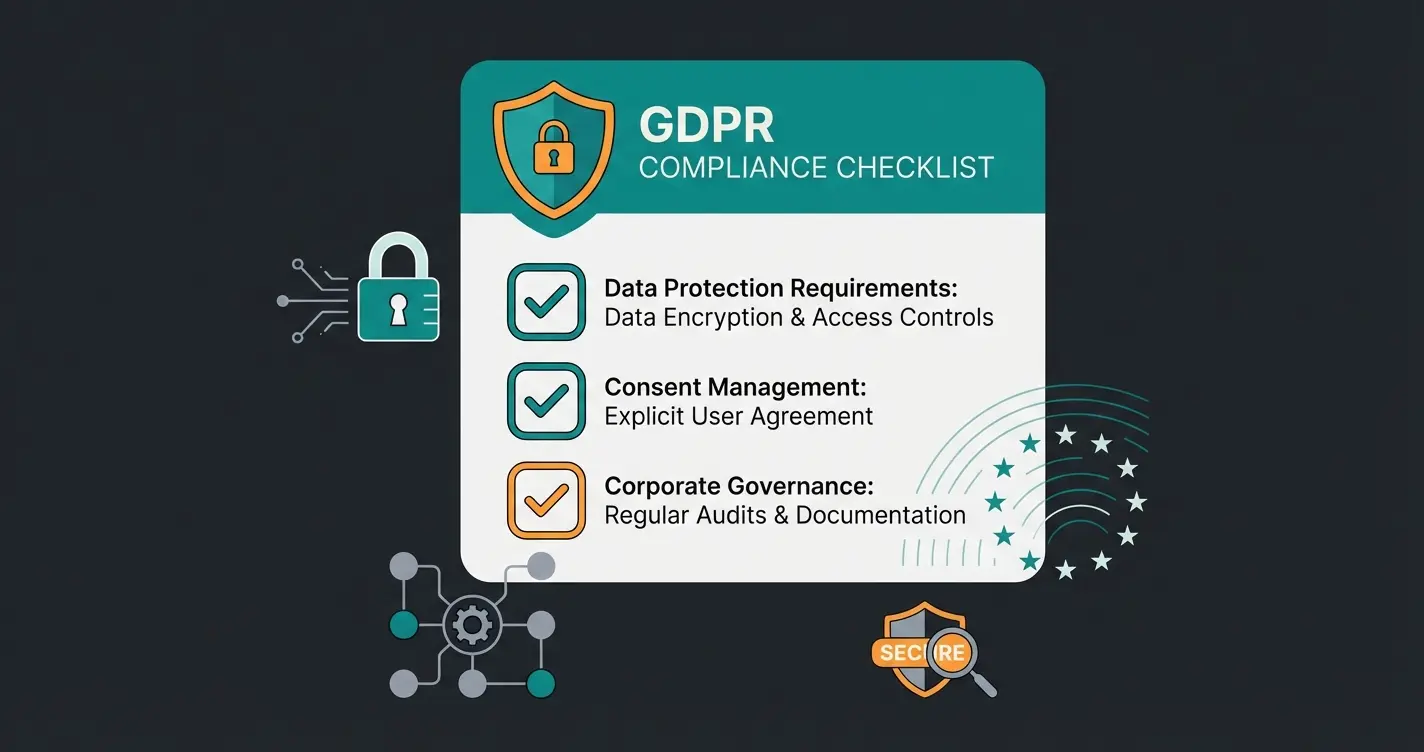
The use of the WhatsApp Business app (and thus the web version) is problematic under EU data protection law. For businesses requiring full compliance, understanding GDPR compliant AI solutions is essential.
- The Problem: WhatsApp accesses the smartphone's address book and uploads contacts to US servers to check who uses WhatsApp. This also happens with contacts who don't have WhatsApp at all. kolb-blickhan-partner.de and e-recht24.de provide detailed legal analyses of this issue.
- The Consequence: Without consent from all contacts in the phone book, this constitutes a GDPR violation.
Solutions for Web Users:
- Company Phone: Use a dedicated company phone where only contacts are stored who you've actively contacted via WhatsApp (and who have consented). Don't store other business contacts there.
- Container Solutions: On the phone (Secure Container) that deny WhatsApp access to the general address book.
- API: The only 100% clean solution is switching to the WhatsApp Business API, as no address book upload takes place there. hellomateo.de confirms this as the recommended enterprise approach.
Employee Privacy & Works Council
When employees use WhatsApp Web on their private laptops or phones, professional and personal data mix.
- Risk: When an employee leaves the company, they take customer chats on their device with them.
- Recommendation: Only use WhatsApp Business Web on company computers and ensure you regularly check via the "Linked Devices" function on the main phone who is still logged in. Log out unknown or old sessions immediately.
Troubleshooting: When Things Don't Work
Even in 2025, WhatsApp Business Web doesn't always run flawlessly. Here are the most common problems and solutions for daily work.
"Phone Not Connected" Error
Although the multi-device function exists, this message can appear.
- Solution: Often the background synchronization has failed. Briefly open the app on the phone to renew the "handshake." Check if the phone's power-saving mode is restricting WhatsApp's background data. whatsapp-marketing.info and whatsapp.com provide detailed troubleshooting guides.
No Browser Notifications
Missed messages are deadly in sales.
- Check: Have you allowed the browser to send notifications?
- Chrome: Click on the lock icon in the address bar -> Site Settings -> Notifications -> "Allow".
- Windows/Mac: Check your operating system's "Focus Mode" or "Do Not Disturb" mode.
QR Code Won't Load
- Cause: Usually a network problem (firewall in company network) or outdated browser.
- Solution: Clear the cache (Ctrl + F5) or try incognito mode. If it works there, a browser extension (e.g., AdBlocker) is blocking the script. vodafone.de offers additional network-specific troubleshooting tips.
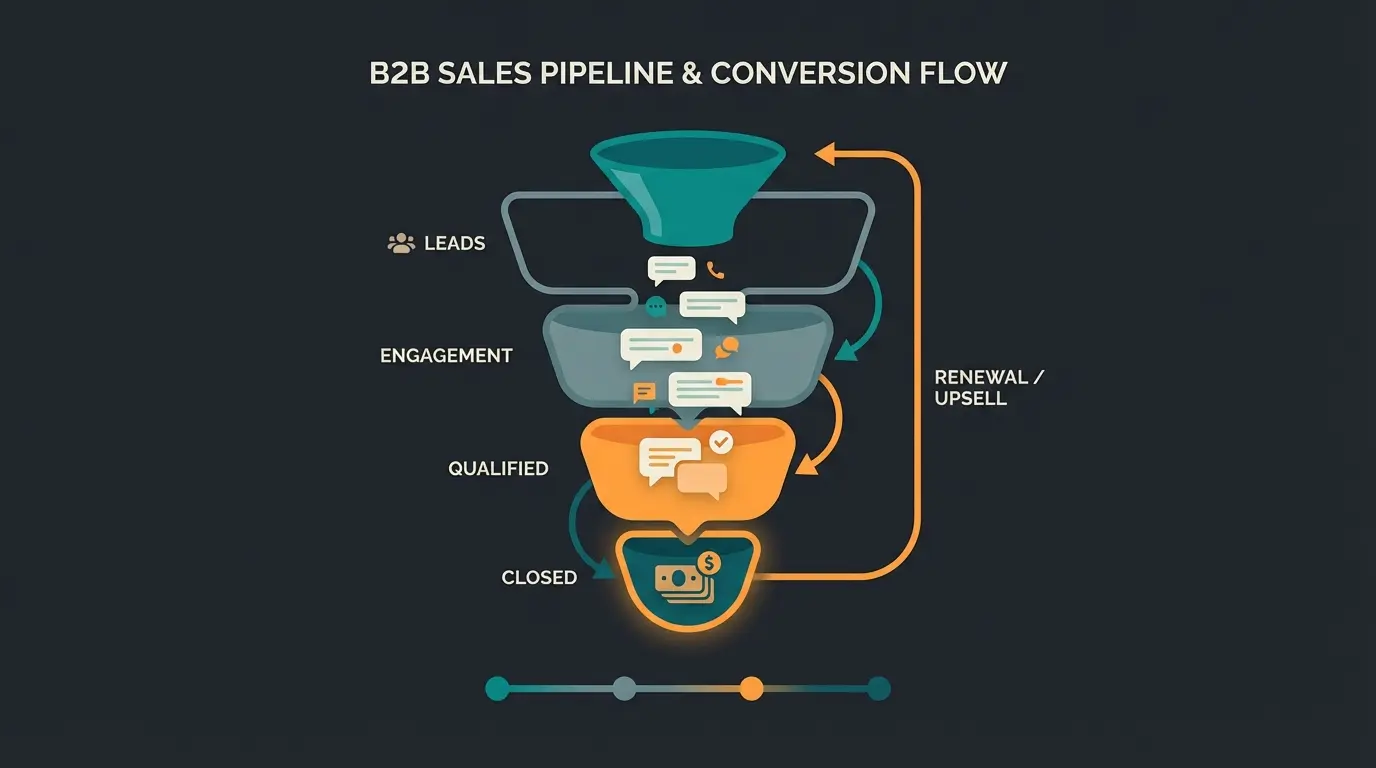
The WhatsApp Sales Funnel on Web
Most competitors only show "Support Ticket" flows. A "Sales" flow is unique and represents how intelligent product consultants should approach customer conversations:
Customer initiates conversation with product question or inquiry
Tag new contacts immediately using blue label system for tracking
Share relevant product cards directly in chat without external links
Copilot provides technical specs and answers complex questions instantly
Confirm order details, update label to green, process transaction
This funnel approach transforms passive support into active selling. The combination of catalog features, smart labeling, and AI assistance creates a seamless conversion path that competitors using generic chatbots simply cannot match. Our intelligent sales consultant guide provides deeper strategic insights.
Conclusion: The First Step to Professionalization
WhatsApp Business Web is the indispensable entry point into conversational commerce for German businesses in 2025. It frees sales from typing work on smartphones, enables more professional responses through keyboard and large screen, and offers initial CRM functions with catalogs and labels. Both chatarmin.com and superchat.de confirm this as the recommended starting point for German businesses.
But it's only the beginning. As soon as your team grows (more than 4 people) or GDPR compliance becomes a priority (which it should), you'll hit the limits of the web version.
The future belongs to hybrid consultation: Companies successfully using WhatsApp Business Web today no longer rely solely on manual work. They integrate intelligent tools that support their employees. For full AI integration capabilities, explore our comprehensive AI integration guide.
Recommended Actions:
- Start: Set up WhatsApp Business Web and link your most important workstations.
- Legal: Check your legal notice and clean up the source smartphone's contact book.
- Optimize: Use labels for your sales pipeline.
- Scale: When you notice your employees are overwhelmed with complex inquiries, look for an "AI Copilot" solution that runs in your browser and pre-formulates technical answers.
FAQ: Common Questions About WhatsApp Business Web
Yes and No. You need a phone for the first setup (QR code scan). After that, you can leave the phone offline for up to 14 days before re-verification is required. The multi-device feature has significantly improved flexibility, but the smartphone remains the primary authentication device.
Yes, using the browser version and desktop app is completely free. Costs only arise when using the API or special premium subscriptions from Meta. The free version includes all basic features like catalogs, labels, and quick replies.
Yes, up to four additional devices can simultaneously access the same account. Everyone sees what others are writing in real-time. For larger teams requiring more concurrent users, you'll need the WhatsApp Business API with a third-party solution provider.
You'll find it in your company profile. Click on your own profile picture at the top left to see how it's displayed to customers. Make sure the link is clickable. According to legalsmart.de, this placement satisfies German legal requirements under § 5 DDG.
WhatsApp Business Web is a free browser interface limited to 4 devices, ideal for small teams. The API is a paid interface for software integration, offering unlimited users, advanced automation, and GDPR-compliant operation without contact sync. Choose Web for starting out; migrate to API when scaling beyond 5 team members.
Stop struggling with complex product questions on WhatsApp. Our AI solution is designed for high-value consultation – not just simple FAQs. Transform every chat into a conversion opportunity.
Get Started Now
Lasse is CEO and co-founder of Qualimero. After completing his MBA at WHU and scaling a company to seven-figure revenue, he founded Qualimero to build AI-powered digital employees for e-commerce. His focus: helping businesses measurably improve customer interaction through intelligent automation.