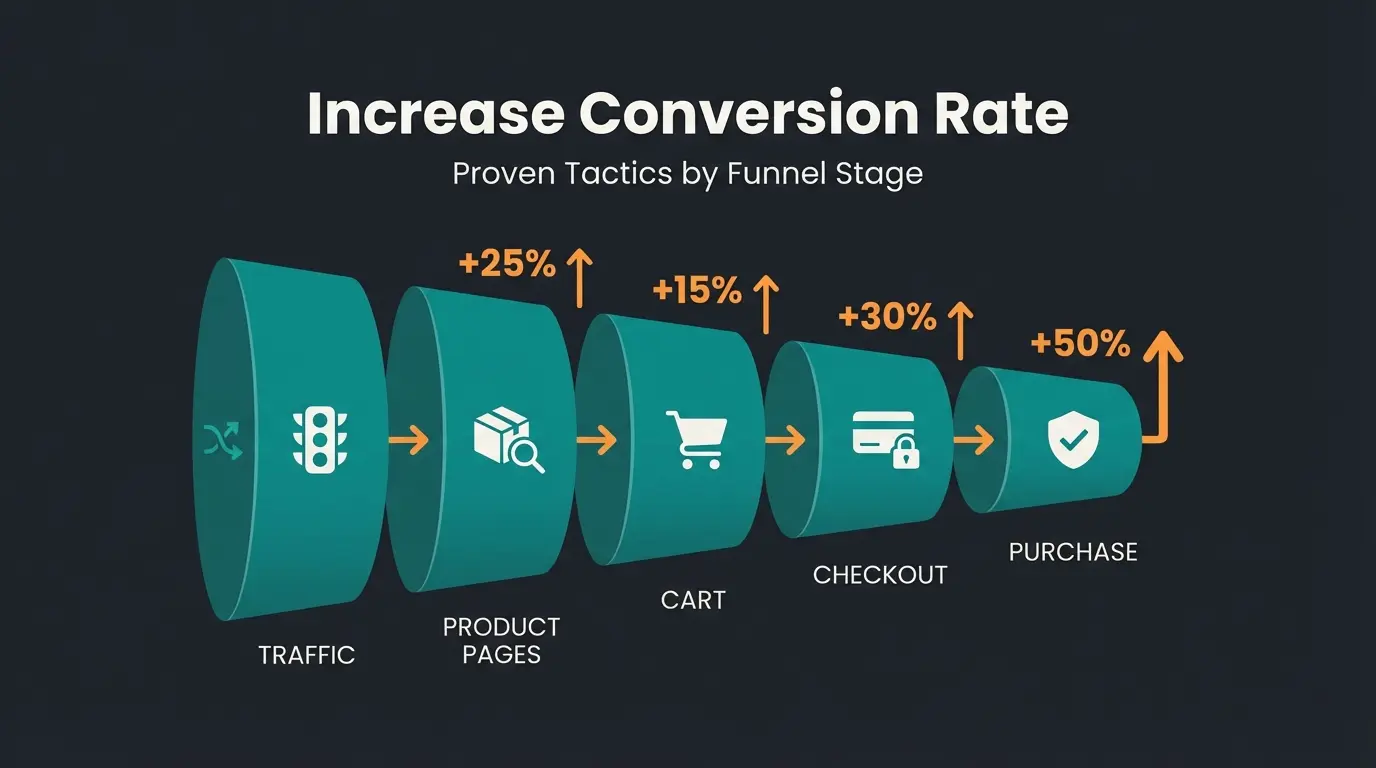
Why Customers Abandon Carts at Checkout
Have you ever wondered why customers add products to their cart but don't complete the purchase? The answer often lies in the checkout process itself.
Statistics paint an alarming picture: On average, 70.19% of all digital shopping carts are abandoned according to Shopify. This means that out of 100 potential buyers who have already shown interest, you lose 70 of them at the final hurdle. The main reason? A complicated, unclear, or untrustworthy checkout area.
When you edit your WooCommerce checkout, it's not just about cosmetics. It's about hard-hitting revenue optimization. While most guides focus solely on how to delete a field or change a button color, this article takes you a crucial step further.
We'll show you not only the technical fundamentals (plugins, code, page builders) and the legal pitfalls in Germany (button solution, GDPR), but also introduce you to the game-changer for 2025: AI-powered consultation directly in the checkout. Transform your checkout from a static form into an active sales advisor. This approach aligns perfectly with modern AI product consultation strategies that are revolutionizing e-commerce.
Why You Must Customize Your WooCommerce Checkout
The default WooCommerce checkout is functional, but it's a "one-size-fits-all" product. It's not optimized for your customers, your products, or the German market. Here are the data-backed reasons why customization is essential:
1. Conversion Rate Optimization (Removing Friction)
Every additional form field is a hurdle. Studies from the Baymard Institute confirm that 26% of users abandon their purchase because the checkout is too complicated or takes too long according to research from Drip.
- The Problem: By default, WooCommerce often asks for information that's irrelevant for digital products or local services (e.g., company name or second address line).
- The Solution: By removing unnecessary fields, you reduce cognitive load and speed up the process. This is fundamental to Shopify checkout optimization principles that apply equally to WooCommerce.
2. Trust and Transparency (Avoiding Hidden Costs)
The most common reason for cart abandonment is unexpected additional costs. 48% of customers abandon their purchase when shipping costs or taxes only become visible at the last step.
An optimized checkout displays shipping costs dynamically and early, or offers a calculator directly in the cart before reaching the checkout. This transparency builds trust and reduces abandonment rates significantly.
3. Legal Compliance in Germany
A US-centric checkout is often at risk of legal warnings in Germany. Without adjustments (such as the "button solution" or checkboxes for terms and conditions), you risk expensive legal consequences. We'll cover this in detail later in this guide.
4. The New Factor: Reducing Uncertainty (Consultation)
This is the point that most shop owners overlook. Customers often don't abandon because the form is too long, but because they're uncertain.
- "Will the package arrive by Friday?"
- "Does this part really fit my model?"
- "Is this product compatible with what I already own?"
A static form cannot answer these questions. A customized, intelligent checkout can. This is where AI-powered product consultation becomes invaluable, helping customers make confident purchasing decisions right at the moment of conversion.
Average percentage of digital shopping carts that are abandoned
Users who abandon due to complex checkout processes
Customers who leave when unexpected costs appear at checkout
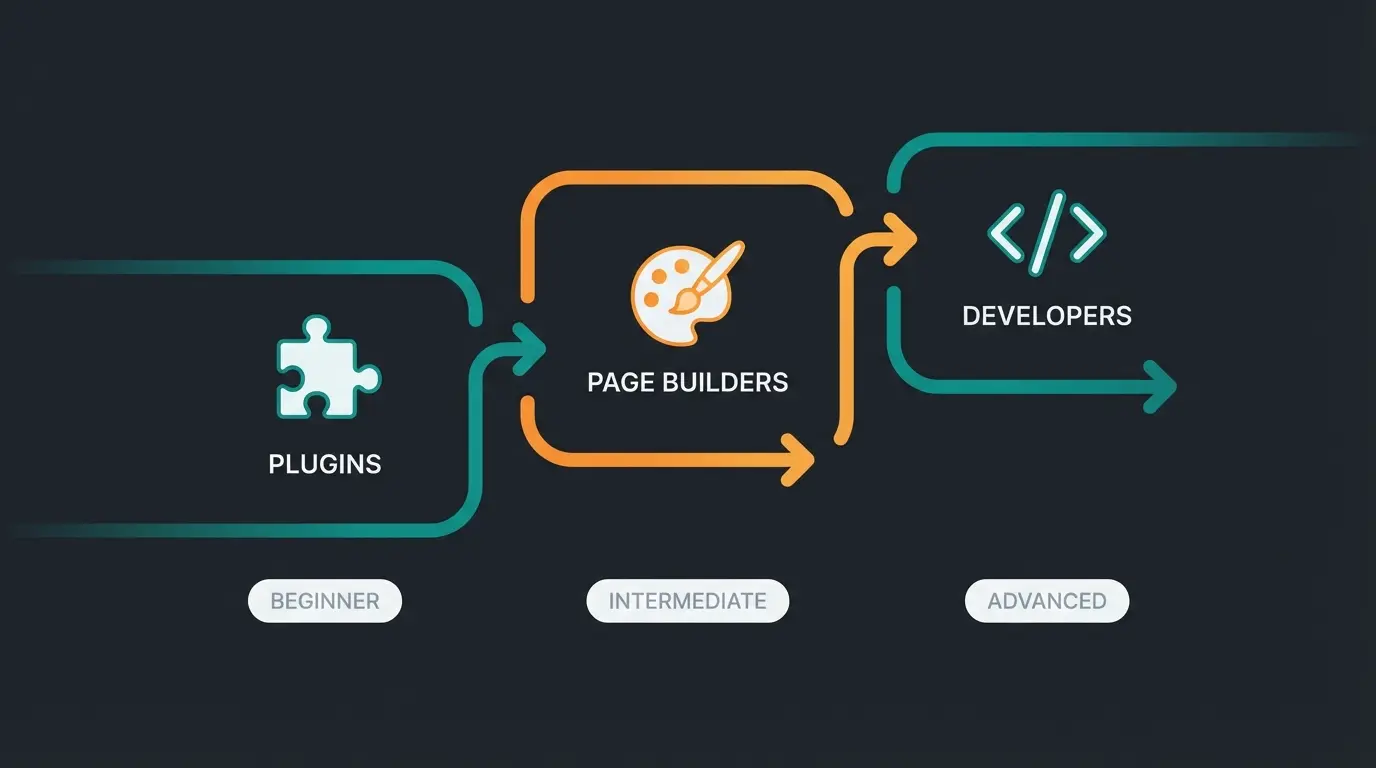
The 3 Methods to Customize WooCommerce Checkout
Before diving into the details, you need to know which tools are available to you. There are three main ways to customize your WooCommerce checkout:
1. Plugins (The Beginner's Path)
For most users, this is the safest and fastest approach. Plugins allow you to drag-and-drop fields, rename them, or hide them without writing a single line of code.
- Advantage: Simple, fast, often visual interface
- Disadvantage: Too many plugins can affect loading times
- Recommendation: Checkout Field Editor for WooCommerce as detailed on YouTube tutorials
2. Customizer & Page Builder (The Design Path)
Tools like Elementor, Divi, or the native WordPress Block Editor (Gutenberg) allow visual adjustments to the layout. This approach is similar to what's covered in Shopware conversion optimization strategies.
- Advantage: Full control over design (colors, columns, fonts)
- Disadvantage: Often more complex to set up; compatibility issues between "Classic Checkout" and "Checkout Blocks" as noted by BusinessBloomer
3. Code / functions.php (The Professional Path)
Through so-called "Hooks" and "Filters" in your child theme's `functions.php`, you can make deep customizations that give you maximum control over every aspect of the checkout process.
- Advantage: Maximum flexibility, no additional plugins needed, performant
- Disadvantage: A coding error can crash your checkout (White Screen of Death)
Legal Compliance in Germany: Essential Requirements
If you operate your shop in Germany or the EU, this section is the most important. A "beautiful" checkout is useless if it's illegal. Understanding these requirements is crucial, similar to considerations in the Shopware B2B comparison guide.
The "Button Solution" (Buttonlösung)
Since 2012, German law requires that consumers must clearly recognize that their order is chargeable immediately before submitting it, as explained on Wikipedia.
- The Requirement: The purchase button cannot simply say "Order" or "Continue"
- Permissible Labels: "Order with payment obligation," "Buy now," "Purchase" as confirmed by Henning Hohmann
- Implementation: The plugin Germanized for WooCommerce handles this adjustment automatically, ensuring the button is correctly labeled and that necessary information (essential product characteristics, total price) is displayed directly above the button according to Vendidero
Checkboxes and Mandatory Information
In Germany, customers must actively agree to the terms and conditions and cancellation policy (or at least be informed about them, depending on legal interpretation).
- Terms & Cancellation: Checkboxes must not be pre-checked (opt-in required)
- Privacy Policy: A reference to the privacy policy is essential
- Tool Tip: Use Germanized or German Market to legally integrate these checkboxes into the checkout, as recommended by Kinsta and WordPress.org
GDPR and Data Minimization
The GDPR requires data minimization. Only request data that you absolutely need for contract fulfillment. According to WooCommerce documentation, if you sell digital products, you don't need a phone number. Removing this field is not only good for conversion but also for privacy compliance.
Tutorial: Edit, Delete, or Move Checkout Fields
Here you'll learn exactly how to customize your WooCommerce checkout. We distinguish between using a plugin (recommended for beginners) and code snippets (for advanced users).
Method A: Using a Plugin (Checkout Field Editor)
The "Checkout Field Editor for WooCommerce" plugin is the standard for this task, as demonstrated on Mollie.
Go to Plugins > Add New, search for 'Checkout Field Editor for WooCommerce' and activate it
Navigate to WooCommerce > Checkout Form in your WordPress dashboard
Mark fields you don't need (e.g., billing_company or billing_phone) and click 'Disable' or 'Remove'
Click 'Edit' to change labels or placeholders for remaining fields
Click 'Save changes' to apply your customizations
Method B: Using Code (functions.php)
Use this method only if you're using a child theme and have access to FTP or the theme editor. This approach requires technical knowledge but offers maximum flexibility. Similar code-based approaches are discussed in WooCommerce B2B AI strategies.
Code Snippet 1: Remove Unnecessary Fields
Add the following code to your child theme's `functions.php` to remove, for example, the company field and the second address line, as documented on GitHub and WeDevs:
```php /** Remove fields from WooCommerce Checkout / add_filter( 'woocommerce_checkout_fields' , 'custom_remove_checkout_fields' ); function custom_remove_checkout_fields( $fields ) { // Remove company field unset($fields['billing']['billing_company']); // Remove address line 2 field unset($fields['billing']['billing_address_2']); // Remove phone field (be careful with shipping carriers!) // unset($fields['billing']['billing_phone']); return $fields; } ```
Code Snippet 2: Make Phone Number Optional
Often the phone number is a required field, which deters customers. Here's how to make it optional, as explained by Tyche Softwares:
```php /** Make phone field optional in checkout / add_filter( 'woocommerce_billing_fields', 'make_phone_optional' ); function make_phone_optional( $fields ) { $fields['billing_phone']['required'] = false; return $fields; } ```
Stop losing 70% of customers at checkout. Our AI-powered consultation tool answers customer questions in real-time, reducing uncertainty and boosting conversions.
Start Free TrialThe Missing Link: AI Consultation in the Checkout
Up to this point, we've "cleaned up" the checkout. Your competitors do this too. To truly stand out in 2025 and drastically reduce your cart abandonment rate, we need to rethink the checkout concept: From form to dialogue.
The Problem: Abandonment Due to Uncertainty
Customers often abandon because a question arises at the last moment that the static form cannot answer. This is where AI guided selling principles become essential.
Example: A customer is buying an expensive replacement part. At checkout, they wonder: "Did I really choose the right model?" The uncertainty leads to abandonment. They might leave to research elsewhere and never return.
The Solution: The AI Checkout Concierge
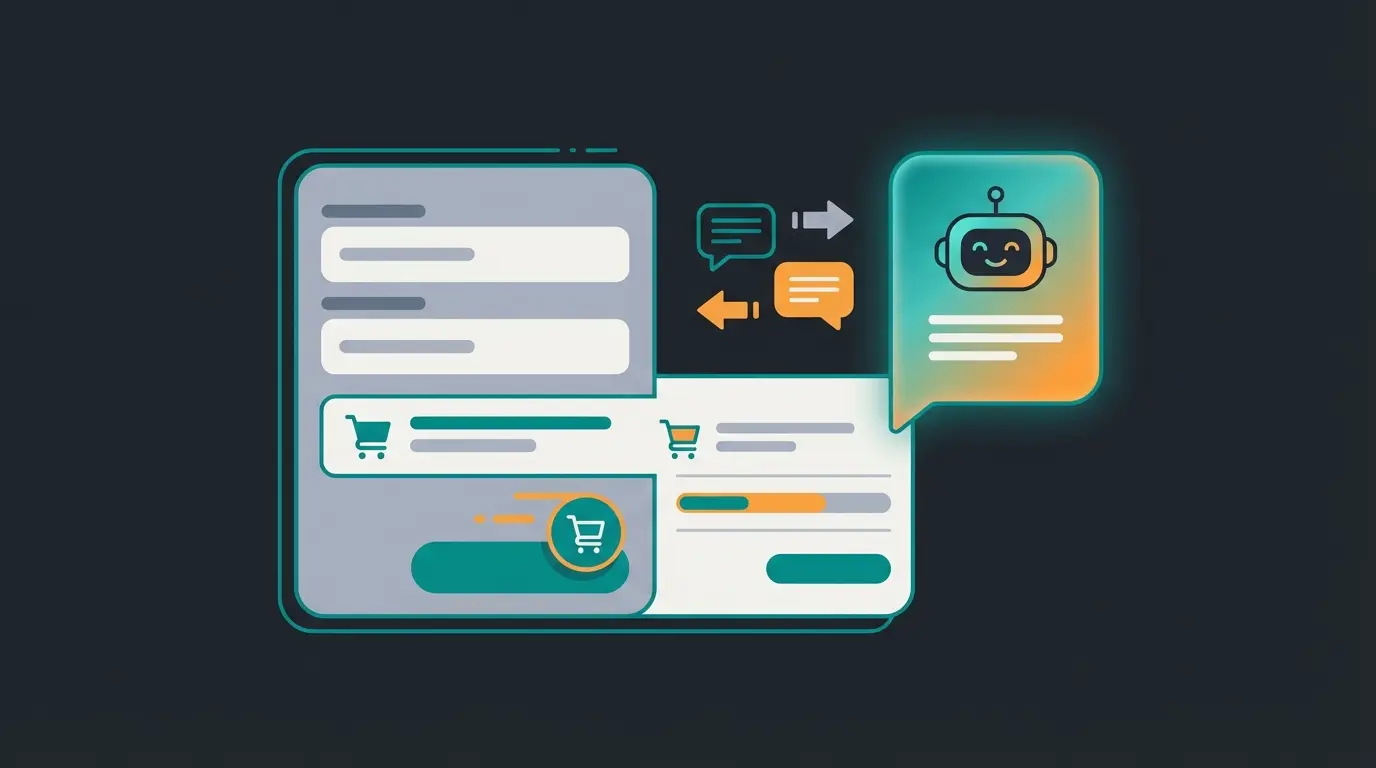
Instead of leaving customers alone with their questions, integrate AI-powered consultation that operates directly in the checkout or cart. This isn't a simple FAQ list, but an intelligent assistant. This approach is detailed in our comprehensive AI sales consultation guide.
How It Works:
- Proactive Help: When a customer dwells in the checkout for more than 30 seconds (an indicator of hesitation), a subtle chat window opens: "Not sure if the part fits? I can quickly check it for you."
- Cart Analysis: The AI (e.g., based on OpenAI/ChatGPT via plugins like WooAI or AI Engine) knows the contents of the cart and can provide contextual assistance.
- Instant Answers: It can answer questions about delivery times, shipping costs, or product compatibility in real-time without the customer having to leave the page, as demonstrated by WooCommerce AI integrations and Anowave.
Case Study: Consultation vs. Form Filling
Imagine a shop selling running shoes. The difference between traditional and AI-enhanced checkout is dramatic. This concept extends beyond checkout to AI-powered cart abandonment prevention throughout the shopping journey.
Scenario A (Standard): The customer sees fields for name, address, credit card. They hesitate: "Are these shoes really waterproof?" They leave the checkout to Google the answer → Cart abandoned.
Scenario B (AI Enhanced): The customer hesitates. The AI bot responds: "Hello! I see you have the Trail-Runner in your cart. A great choice for wet terrain. Do you have any questions about the size?" The customer asks about waterproofing, receives immediate confirmation → Purchase completed.
Tools for Implementation
Several tools can help you implement AI consultation in your checkout. These integrate with broader AI customer service automation strategies:
- WooAI / AI Engine: These plugins connect your shop with ChatGPT. They can be trained to know product data and shop information (shipping, returns) according to AI Bud WP.
- Tidio + Lyro: An AI chatbot specifically developed for e-commerce that automatically resolves common questions, as covered by Minami AI and Visser Labs.
For those exploring similar solutions on other platforms, Shopify chatbot applications offer comparable functionality with platform-specific integrations.
Top 5 Tools for the Perfect Checkout
To make your checkout both legally compliant and conversion-strong, we recommend the following tool combination:
| Tool | Category | Why You Need It |
|---|---|---|
| Germanized for WooCommerce | Legal Compliance | Essential for the German market (button solution, terms & conditions, invoices) |
| Checkout Field Editor | Customization | The standard for easily deleting, adding, or moving fields |
| FunnelKit (formerly WooFunnels) | Sales Funnel | Enables one-page checkouts, order bumps (additional sales in checkout), and A/B tests according to FunnelKit |
| WooAI / AI Engine | AI Support | The 'Checkout Concierge' that answers questions and eliminates uncertainties |
| TrustPulse | Social Proof | Shows small popups ('Max from Berlin just bought') to build trust as detailed by Codexpert |
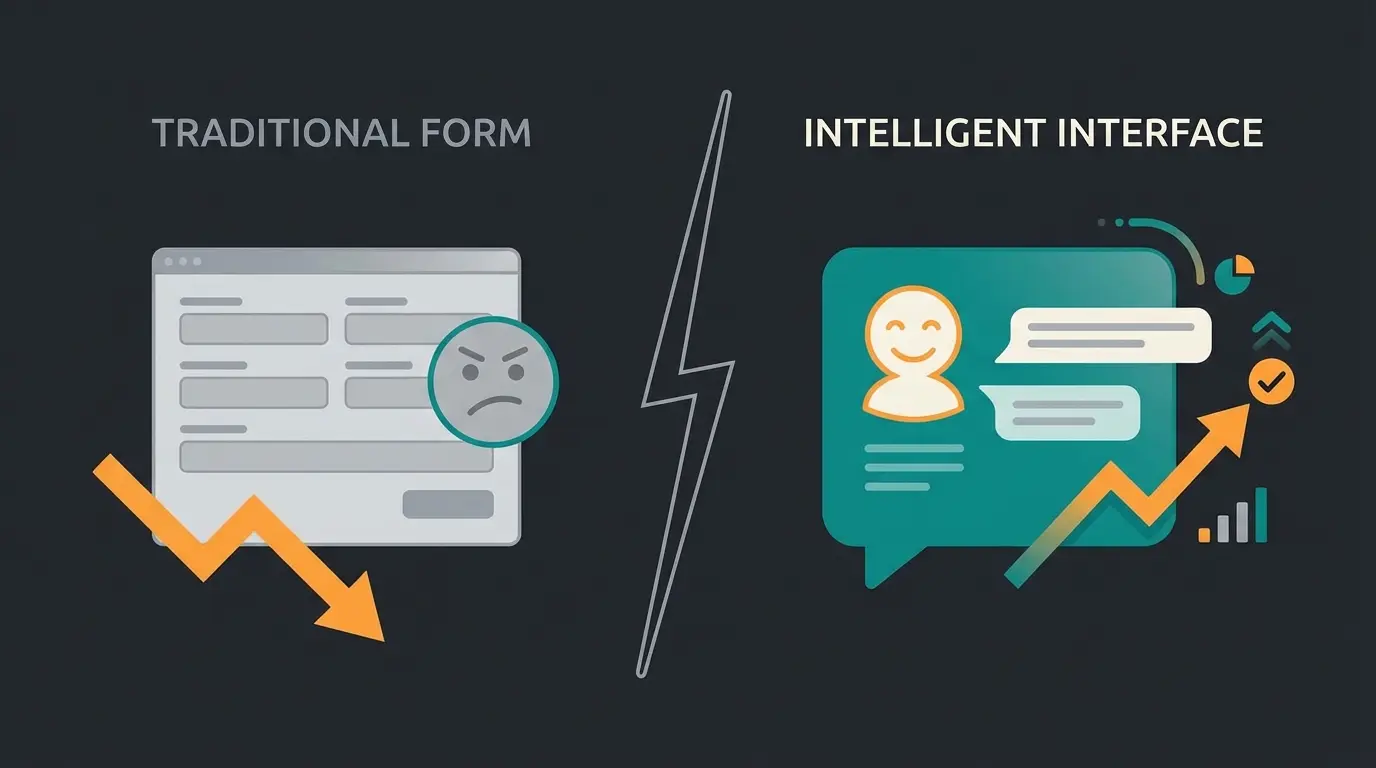
Comparison: Static Checkout vs. AI-Enhanced Checkout
Here you can see at a glance why switching to an intelligent checkout can increase your revenue. Understanding these differences helps inform your approach to digital product consultation across all touchpoints:
| Feature | Standard Checkout (Static) | AI-Enhanced Checkout (Dynamic) |
|---|---|---|
| Error Handling | Red text: 'Field invalid' | Helpful hint: 'It looks like a digit is missing in your postal code.' |
| Upselling | Static 'You might also like' list | Personalized suggestion: 'Customers who bought these shoes often recommend socks X.' |
| Support | Link to contact page (customer leaves checkout) | Instant answer in chat overlay (customer stays in checkout) |
| Abandonment Rate | High (approx. 70%) | Reduced (through real-time question clarification) |
| User Experience | Filling out a form (work) | Guided shopping (service) |
From Checkout to Buying Experience: Your Action Plan
Customizing your WooCommerce checkout in 2025 means more than just deleting the "Company Name" field. Of course, the basics—legal compliance through Germanized and streamlining through field optimization—are the foundation. Without these, you lose customers through frustration or legal risks.
But the real lever for more revenue lies in eliminating customer uncertainty. By using AI tools to offer active consultation directly in the checkout, you bridge the gap between an anonymous online form and a helpful salesperson in the store.
Your Action Plan for Today:
- Install Germanized to ensure legal compliance in German-speaking markets
- Use Checkout Field Editor to remove all non-essential fields and reduce friction
- Test an AI chatbot (like WooAI) so your customers aren't left alone at the decisive moment
- Monitor and iterate - track your abandonment rates and continuously optimize based on data
Make your checkout the strongest sales machine in your shop! The combination of legal compliance, streamlined forms, and intelligent AI consultation creates a checkout experience that converts browsers into buyers.
FAQ: Common Questions About WooCommerce Checkout
Yes, absolutely. Under GDPR (data minimization), it's actually recommended to only collect data necessary for processing. If you don't need a phone number, you shouldn't request one. This approach improves both compliance and conversion rates.
Classic Checkout is based on PHP shortcodes (`[woocommerce_checkout]`) and is very flexible through code customization. Checkout Blocks are the new, modern variant based on the Gutenberg editor. They're faster but currently harder to manipulate through external code. Many traditional PHP hooks don't work with Blocks.
You're likely using the new 'Checkout Block.' Most PHP snippets (like `woocommerce_checkout_fields`) only work with Classic Checkout. For Blocks, you need special plugins or must make settings directly in the editor.
Yes, through `functions.php` (see code examples above). However, this requires programming knowledge and is more error-prone than using established plugins. For most users, plugins offer a safer and more maintainable solution.
AI consultation addresses the root cause of many abandonments: uncertainty. Instead of leaving customers to search elsewhere for answers, an AI concierge can instantly address questions about product fit, shipping times, compatibility, and more—keeping customers in the checkout flow and confident in their purchase decision.
Join thousands of e-commerce businesses using AI-powered consultation to reduce cart abandonment and increase conversions. Start your free trial today and see the difference intelligent checkout assistance can make.
Get Started Now
Kevin is CTO and co-founder of Qualimero. As an AI architect with over 15 years of experience as CTO and CPO in the tech industry, he designs the AI systems that automate tens of thousands of customer interactions daily for Qualimero's clients — reliably, securely, and at scale.