How to access the Shopware 6 demo
You can access a free Shopware 6 demo in two steps: open the official Shopware demo and request your personal demo store. Shopware emails you a storefront link and an admin login within minutes. No installation, no payment details, no sales call required to look around.
There are two things people mean by "the Shopware demo", and they are not the same. One is a public storefront demo, a live shop you can browse without logging in. The other is a personal demo store with admin access, the backend where you configure products, categories, and settings. The official request gives you both.
If you only want to judge the storefront, you do not even need to request anything. Several agencies and theme vendors host open Shopware 6.7 storefronts you can click through immediately, and Shopware's own developer preview runs on a public URL. That is enough to see the shopping flow. It is not enough to see the admin, which is where most buying decisions actually get made, so plan to request the personal store too.
- Open the official Shopware demo page and click the request button.
- Enter a work email and basic store details, such as industry and country.
- Confirm the email Shopware sends to provision your personal demo store.
- Log in to the storefront and the admin backend with the credentials you receive.
A Shopware account speeds this up. Once you are signed in, requesting a demo store skips most of the form, and you can spin up a fresh instance again later without re-entering everything. According to Shopware, the personal demo lets you "put Shopware through its paces" for free, which is an accurate description: you get full read and write access to a working store.
What is included in the Shopware 6 demo
The Shopware 6 demo includes a fully populated storefront, the complete administration backend, and realistic demo data: sample products, categories, customers, and orders. You can test real workflows, from browsing a category to placing a test order, without building anything first. The demo reflects the current Shopware 6.7 release.
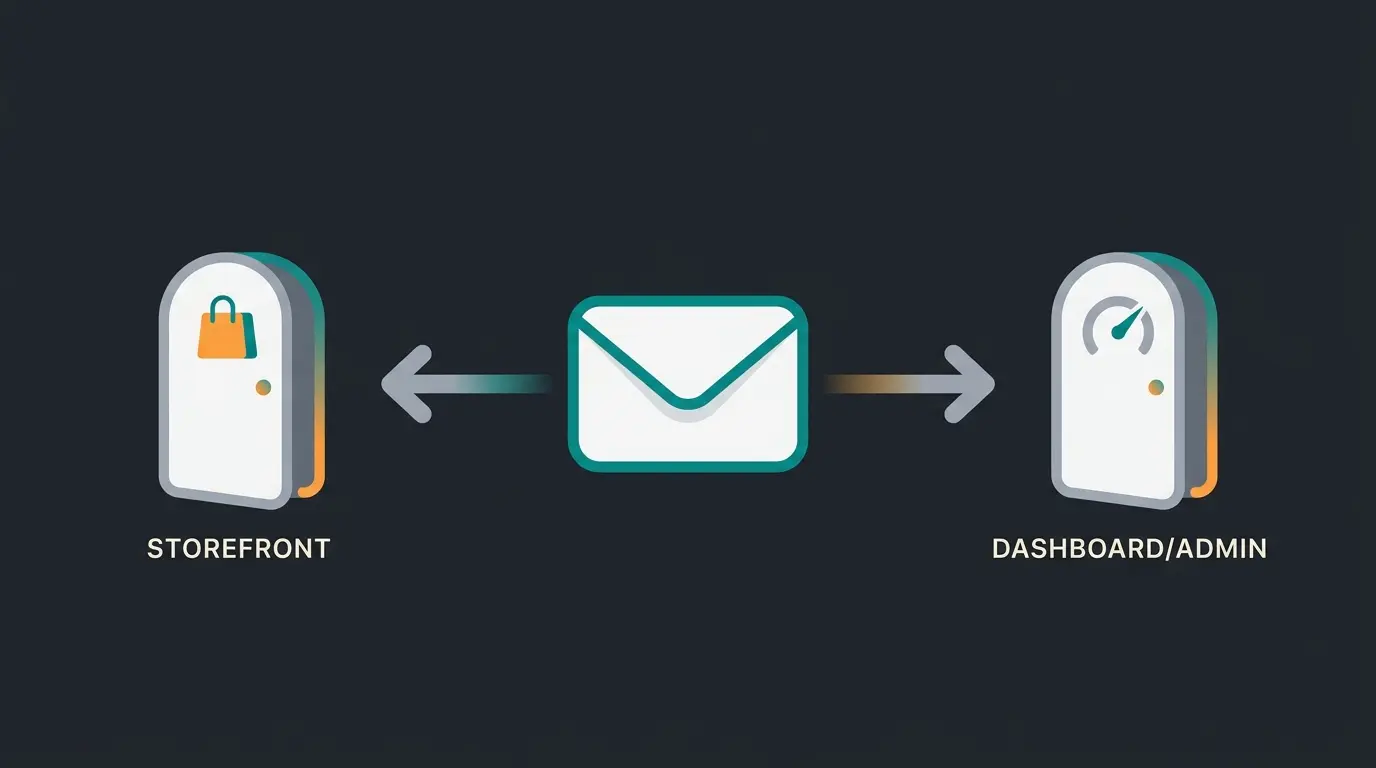
Knowing what Shopware is helps here, because the demo exposes the two halves of the platform at once. The storefront is what a customer sees. The admin is where you work. The demo data sits underneath both, so a product you edit in the admin shows up in the storefront immediately. That feedback loop is the point of the demo.
| Layer | What you see | What you can do |
|---|---|---|
| Storefront | The live shop: category pages, product detail, search, cart, checkout | Run a full purchase as a customer would |
| Admin backend | Dashboard, product and category management, orders, settings | Create, edit, and configure store content |
| Demo data | Seeded products, categories, customers, and orders | Test workflows without entering data yourself |
One detail matters for evaluation. The hosted demo data is generic on purpose, so it shows the mechanics but not your catalog. If you build headless, the demo store template shows how a Shopware Frontends storefront wires up to the same API, which is worth a look before you commit to a decoupled setup.
It is worth being honest about what the demo cannot do. You cannot install paid extensions from the store, you cannot change the hosting or scale it, and a shared demo instance can reset, so do not treat anything you build there as permanent. Think of it as a test bench, not a sandbox you live in. For anything you want to keep, move to a free trial or a self-hosted install, which is the next decision anyway.
Shopware 6 demo vs. free trial vs. self-hosted
There are three ways to test Shopware 6. A hosted demo store is fastest and best for looking around. A personal free trial of the cloud product gives full feature access but is time-limited. A self-hosted Community Edition install is free and unlimited, but you provide the hosting and the setup. Choose the demo to look, the trial to build.
| Route | Setup effort | Duration | Best for | Cost |
|---|---|---|---|---|
| Hosted demo | None, login by email | Open-ended preview | A quick, no-commitment look | Free |
| Free trial (cloud) | Short sign-up form | Time-limited | Building a real test store | Free during the trial |
| Self-hosted Community Edition | Hosting plus install | Unlimited | Full control and production use | Free license, you pay hosting |
The differences are practical, not cosmetic. The hosted demo shows you the software, while the free trial lets you configure your own store. The free Shopware edition, the Community Edition, costs nothing to license and is MIT-licensed, whereas the cloud plans bill monthly once a trial ends. And a self-hosted install gives you more control than the hosted demo, but it asks for server setup the demo skips entirely.
Cost is where people get surprised. The Shopware Community Edition is free to download and run, but since the March 2025 Fair Usage Policy, stores above EUR 1 million in annual GMV must move to a paid plan. Paid cloud tiers start around EUR 600 per month with Shopware Rise. If you are weighing this against other platforms, our ecommerce platform comparison and the detail on Shopware license costs lay out the full picture.
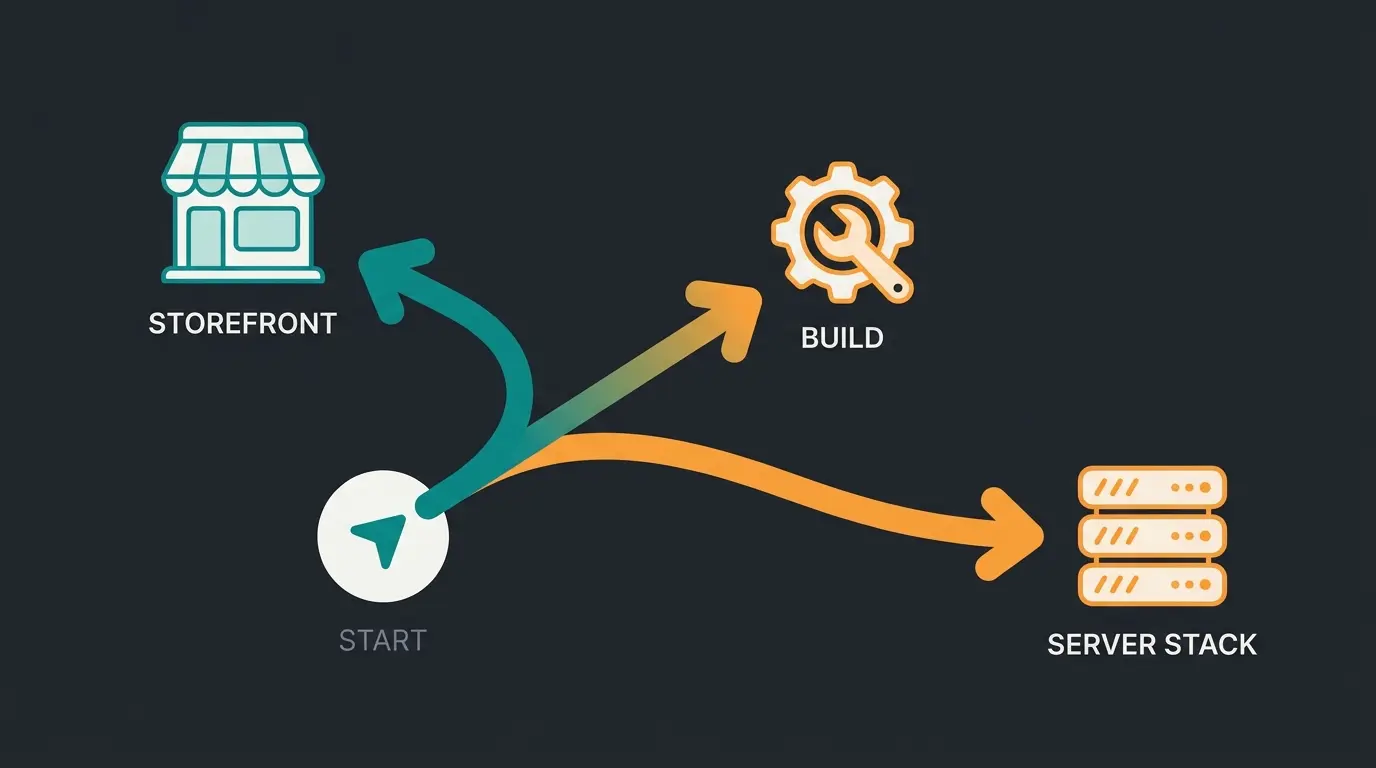
The trial deserves one note, because people overestimate it. A cloud trial gives you the full admin and real configuration, but the clock runs, and at the end it converts into a paid plan or it lapses. So treat the trial like a project: have your test products and questions ready before you start, rather than spending day one just clicking around. The hosted demo is the better place for that first aimless click-through.
What to evaluate in your Shopware 6 demo
When you are inside the demo, evaluate five things: the storefront buying experience, the admin usability, product and category management, multilingual and variant handling, and how well the platform supports product consultation. The last one is where most demos fall short, because a demo store cannot answer a shopper's questions on its own.
Do not just click around. Run concrete tasks and time them, the way you would test any system before buying it. Here is the checklist I use when I walk a merchant through a Shopware demo.
Admin usability is the one most people judge by feel and then regret. Pick the boring, repetitive job you will do a hundred times a month, adding a product with images, price, and stock, and do it once in the demo with a stopwatch. If it takes fourteen clicks and three screens, that is your real daily cost, not the polished marketing video. The same goes for editing an order or building a category tree.
- Storefront: run one full purchase, from a category page through checkout, and note where it felt slow.
- Create a test product in the Shopware admin panel and count how many clicks it takes.
- Build a nested category and check how the storefront renders your category structures.
- Add a product with product variants, such as size and color, and test the selection.
- Switch the storefront to a second language to gauge the multilingual setup.
- Ask the demo a real product question and see whether anything actually answers it.
From demo to live store: your next steps
Once the demo convinces you, the path to a live store is straightforward: pick an edition, set up hosting or a cloud plan, configure your legal pages and cookie consent, then close the consultation gap the demo exposes by adding an AI product advisor that guides shoppers the way a salesperson would. Each step builds on what you just tested.
Start with the edition decision, because everything else follows from it. Our Shopware deep-dive covers the editions in detail, and if you are mapping the build itself, the guides on launching a Shopware online shop and setting up your Shopware store pick up where the demo leaves off.
Then handle compliance early, not at launch week. For a German-facing store that means the legal notice requirements, the right of withdrawal text, and a working cookie consent setup. None of this is hard, but all of it is mandatory, and it is far easier to configure on a quiet test store than under launch pressure.
Now the part the demo could not show you. A storefront sells well when someone is ready to buy and stalls when they are not. The Baymard Institute estimates that USD 260 billion in recoverable sales are lost each year in the US and EU due to poor checkout and on-site experience. An AI product advisor closes that gap by answering real questions in the moment, the same way a good salesperson on the floor would.
This is not theory. Pooldoktor, a pool and pool-equipment retailer, fielded over 1,100 chat conversations a month, half of them deep questions on water chemistry and filtration. Since January 2026, their AI product advisor has answered in about 13 seconds on average and delivered +18.75% higher revenue per user against a control group, at a 33x return on investment. The full numbers are in the Pooldoktor case study. Across our accounts, product advice of this kind lifts cart value by up to 35% and checkout rate by up to 60%.
vs. control group, causally measured
across Qualimero advisory accounts
Frequently asked questions
Yes. The official demo is free and needs no credit card. You request it at shopware.com/en/test-demo and receive storefront and admin logins by email within minutes. It reflects the current Shopware 6.7 release, so what you test is the live software, not an old build.
The hosted demo is a ready-made store you explore without setup, ideal for a quick look. A free trial is your own cloud instance where you configure products and settings, but it is time-limited. Put simply: the demo is for looking, the trial is for building.
The Community Edition is free under an MIT license; you only pay for hosting, roughly USD 20 to 200 per month. Paid cloud plans start around EUR 600 per month with Shopware Rise. Since March 2025, Community Edition stores above EUR 1 million annual GMV must move to a paid plan.
Try both if you are still deciding. Shopware suits consultation-heavy catalogs and gives you open-source control through the Community Edition, while Shopify is faster to launch but less flexible with your data. For complex products, Shopware's self-hosted option is the more extensible base.
A demo shows you the software. It cannot show you the sale you lose when a shopper has a question and no one answers. Book a short demo and we will show you how an AI product advisor guides buyers in real time, the way Pooldoktor reached a 33x return.
Book a demo
Kevin is CTO and co-founder of Qualimero. As an AI architect with over 15 years of experience as CTO and CPO in the tech industry, he designs the AI systems that automate tens of thousands of customer interactions daily for Qualimero's clients — reliably, securely, and at scale.